Category guide548 tools documented

Best AI writing and productivity tools in 2026

These AI productivity tools help you get written and administrative work done faster: meeting notetakers, email assistants, dictation apps, brand voice checkers, email designers and social post schedulers. If you spend your day in calls, inboxes and documents, or you run content for a brand or agency, you will find a tool built for that one job rather than a general chatbot. Workflow automation tools sit here too: Zapier and viaSocket connect apps, Synta builds n8n workflows by chat, and Granola's integrations include Notion, HubSpot and Zapier.

The biggest differences are pricing and scope. Of the 548 tools we track in this category, 361 have a free plan and 373 have a verified starting price. Billing units vary: Granola charges $14 per user per month, Chirpy charges $29 per month per workspace, and Owll Pro is billed at $7.99 per week. Always compare the unit before comparing the number.

Prices, plan names and limits come from each vendor's own US pricing page, recorded as published with the check date; unconfirmed prices are labelled. How we review.

Free tier available: 8Paid only: 210picks
  • Free tier available 8
  • Paid only 2
Jasper$69/mo
Writitude$39/mo
Copy.ai$29/mo
Stamp$20/mo
Podsuite$16/mo
Viora$15/mo
Letro$15/mo
Granola$14/mo
Notion AI$12/mo
Owll.ai$8/mo

Lowest fixed monthly price per pick, USD, as published by the vendor.

Productivity and writing tools grouped by job: marketing copy, meeting notes, email and calendar, dictation, workspace add-ons and podcast content 01 · GROUPMarketing copy and brand voiceJasper · Copy.ai · Writitudebrand voices, agents, style guides 02 · GROUPMeeting and call notesGranola · Owll.ainotes, transcripts, summaries 03 · GROUPEmail and calendarStamp · Letrodrafted replies, designed emails 04 · GROUPDictationVioraspeak to dictate and rewrite 05 · GROUPWorkspace add-onNotion AIfor teams already on Notion 06 · GROUPPodcast contentPodsuiteshow notes, chapters, social copy
Productivity and writing tools grouped by the job they do, with example tools from our shortlist

Our picks, compared

Top tools in this category
#ToolScorePick it forModels / engineStarting priceFree tierPlatforms
1 Granola
Suits professionals in back-to-back meetings who want AI-enhanced notes without a bot joining, with a free Basic plan.
9/10+3 Verified USD price; +2 Lasting free plan; +1 API or integrations documented; +2 Documented limits, setup and FAQ; +1 Checked in the last 30 days Bot-free meeting notes unnamed 'advanced AI thinking models'; model selection on Business/Enterprise $14/mo (Business)
all plans
Yes Desktop, Mobile, API
2 Notion AI
Worth it mainly for teams already on Notion who can justify the Business plan, since Free and Plus only get a limited AI trial.
9/10+3 Verified USD price; +2 Lasting free plan; +1 API or integrations documented; +2 Documented limits, setup and FAQ; +1 Checked in the last 30 days Teams already on Notion Models from Anthropic, OpenAI and others hosted by Notion; Enterprise Search offers OpenA… $12/mo (Plus)
all plans
Yes Web, Desktop, Mobile
3 Stamp
An AI secretary for email and calendar that learns your voice, drafts replies and schedules events across Mac, iOS and Android.
8/10+3 Verified USD price; +2 Lasting free plan; +2 Documented limits, setup and FAQ; +1 Checked in the last 30 days AI email and calendar secretary not stated by vendor $20/mo (Personal)
all plans
Yes Web, Desktop, Mobile
4 Writitude
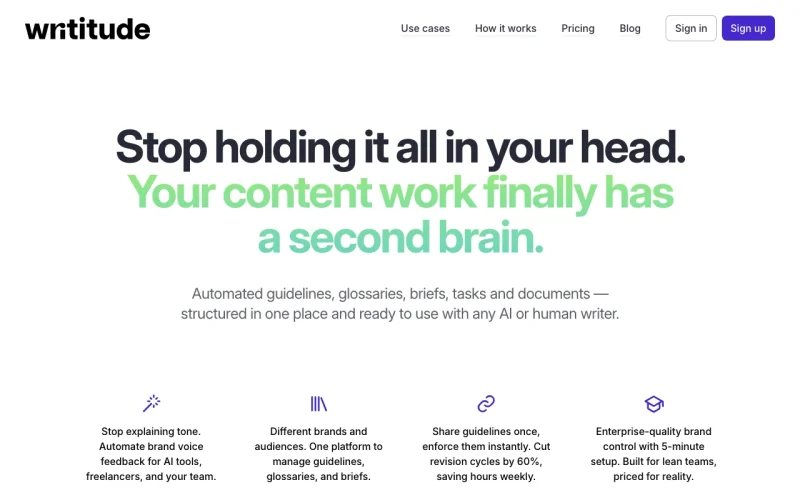
Gives content managers and agencies enforceable brand voice guides and glossaries, with a $0 Basic plan and paid tiers from $39 per month.
8/10+3 Verified USD price; +2 Lasting free plan; +2 Documented limits, setup and FAQ; +1 Checked in the last 30 days Brand voice for agencies not stated by vendor $39/mo (Professional)
all plans
Yes Web
5 Viora
Lets Mac users dictate, rewrite and query by holding a shortcut and speaking, with a free tier and a 30-day trial.
8/10+3 Verified USD price; +2 Lasting free plan; +2 Documented limits, setup and FAQ; +1 Checked in the last 30 days Mac voice dictation Haiku; Sonnet via Google Vertex AI; versions not named $15/mo (Pro)
all plans
Yes Desktop
6 Owll.ai
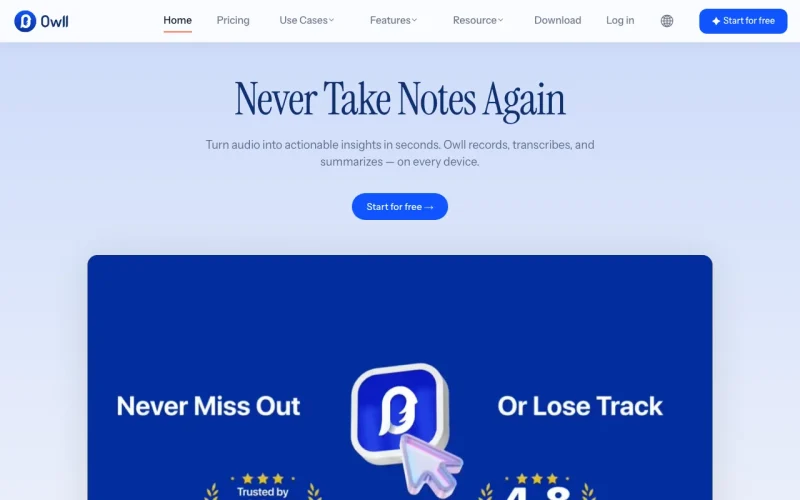
A notetaker for iPhone, Mac or Apple Watch that transcribes in 99+ languages and formats summaries for meetings, lectures or sales calls.
8/10+3 Verified USD price; +2 Lasting free plan; +2 Documented limits, setup and FAQ; +1 Checked in the last 30 days Multilingual lecture and call notes not stated by vendor $7.99 (Owll Pro Weekly)
all plans
Yes Web, Desktop, Mobile
7 Podsuite
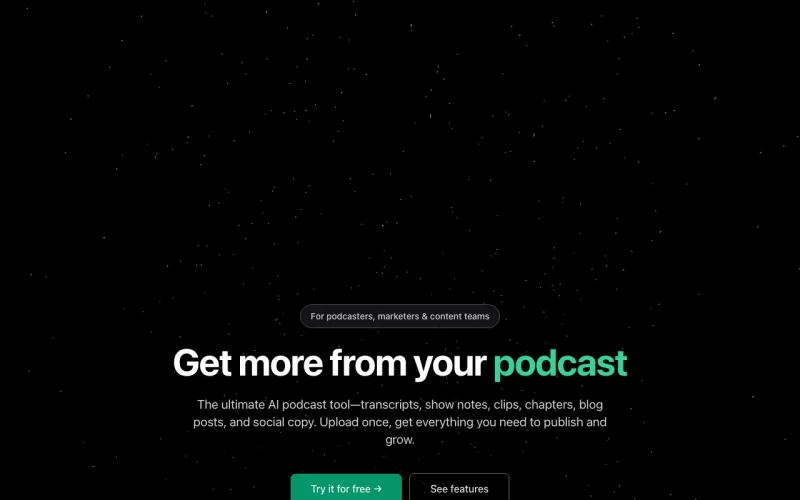
Turns one podcast upload into transcript, show notes, chapters and social copy, from $15.99 per month.
8/10+3 Verified USD price; +2 Lasting free plan; +2 Documented limits, setup and FAQ; +1 Checked in the last 30 days Podcast show notes not stated by vendor $15.99/mo (Creator)
all plans
Yes Web
8 Letro
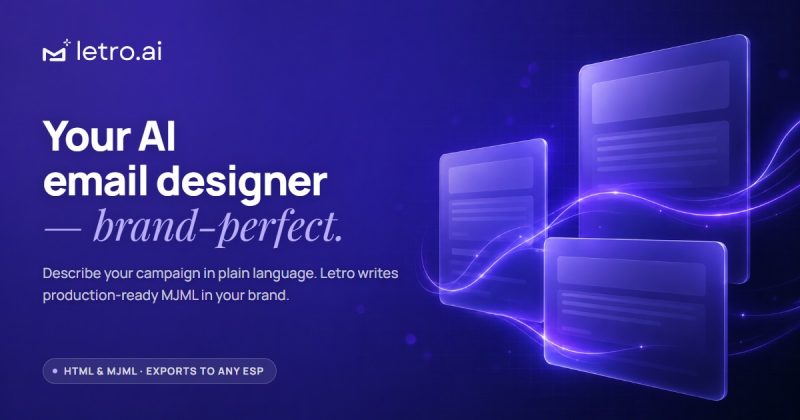
Drafts production-ready MJML or HTML emails from a brief or screenshot and exports to any email service provider.
8/10+3 Verified USD price; +2 Lasting free plan; +2 Documented limits, setup and FAQ; +1 Checked in the last 30 days Marketing email design not stated by vendor $15/mo (Starter)
all plans
Yes Web
9 Jasper
Marketing content with brand voices, purpose-built agents and the Canvas workspace; Pro is $59/seat/mo billed yearly.
6/10+3 Verified USD price; +2 Documented limits, setup and FAQ; +1 Checked in the last 30 days Brand-safe marketing copy LLM-agnostic auto-routing: GPT-4.1, Gemini 2.5 Pro, Llama 4, Claude 3.7; no user choice $59 (Pro)
all plans
No Web, API
10 Copy.ai
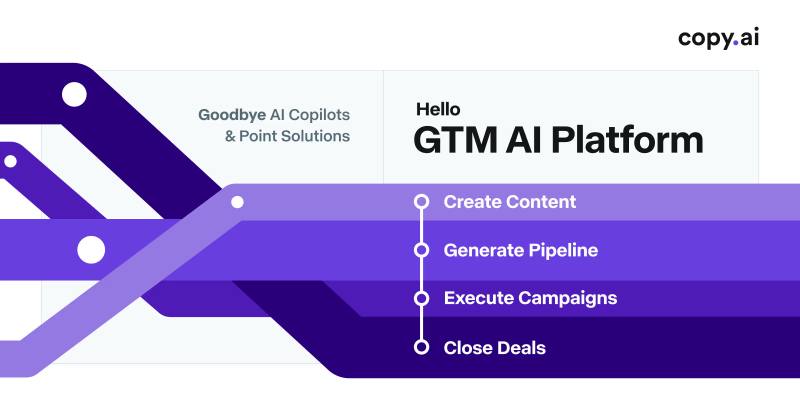
Chat plan at $29/mo for 5 seats with OpenAI, Anthropic and Gemini models and unlimited words in chat.
6/10+3 Verified USD price; +2 Documented limits, setup and FAQ; +1 Checked in the last 30 days Sales and marketing teams OpenAI, Anthropic, Gemini $29/mo (Chat)
all plans
No Web

The picks in detail

Notion AI

Web · Desktop · Mobile

No user reviews yet

AI features built into Notion for writing, searching the workspace, research, meeting notes and agent tasks.

Free stops at: Trial of Notion AI (limited number of complimentary AI responses), Pages & blocks unlimited for individuals, …

Listed Not yet reviewed

Verified notion.com (opens Notion AI website in a new tab)

Free · paid from $12/mo US · checked Sep 30

How to choose

  • Start with the free plan filter: 361 of 548 tools offer one, so test before you pay. Notion AI is the exception to watch, since its Free and Plus plans only get a limited trial of AI responses.
  • Check the billing unit. Per-user pricing (Granola at $14, Stamp at $20) scales with headcount, while per-workspace pricing (Chirpy at $29) suits agencies and small businesses.
  • Match the tool to the job it names: meetings (Granola, Owll.ai), email and calendar (Stamp), dictation (Viora), brand voice (Writitude), email design (Letro).
  • Check the device first. Viora is for Mac users, Owll.ai targets iPhone, Mac and Apple Watch, and Stamp lists Mac, iOS and Android.
  • For teams, compare the paid tiers rather than the entry price. Writitude moves from $39 to $96 per month on Professional to Premium, and Autohive jumps from $20 on Lite to $99 on Starter.
  • If you already work in a suite such as Notion, an add-on may cost less than a separate tool, but confirm which plan includes the AI features before you commit.
Six questions for choosing a productivity or writing tool: free plan, billing unit, job, device, team tiers and suite add-ons 1Is there a free plan?Test the free plan before payingNotion AI: limited AI trial only 2What is the billing unit?Per user: Granola $14, Stamp $20Per workspace: Chirpy $29 per month 3Which job do you need?Meetings: Granola, Owll.aiEmail: Stamp, LetroDictation: Viora · Voice: Writitude 4Which device do you use?Viora: MacOwll.ai: iPhone, Mac, Apple WatchStamp: Mac, iOS, Android 5Buying for a team?Compare paid tiers, not entry priceWrititude: $39 to $96 per monthAutohive: $20 to $99 per month 6Already in a suite?An add-on may cost lessConfirm which plan includes the AI
Six questions to ask before you pick a tool, each with the answer from this guide

Frequently asked questions

How many AI productivity and writing tools have a free plan?

Of the 548 tools in this category, 361 offer a free plan. Examples on our shortlist are Granola (Basic, $0), Viora (Free), Letro (Free) and Writitude (Basic, $0).

How much do AI productivity tools cost?

Podsuite starts at $15.99 per month, Letro at $15 and Granola at $14 per user per month, while Notion AI starts at $12 per member on the Plus plan. Owll Pro is $7.99 per week, which is higher on a monthly basis than it looks.

Are paid AI writing and productivity tools better than free ones?

Not always, so start free: 361 of the 548 tools in this category offer a free plan, including Granola, Viora, Letro and Writitude. Paid plans matter where the free tier is only a trial, as with Notion AI on its Free and Plus plans. For meeting notetakers specifically, see our Best AI meeting assistants guide.

What are the most common types of AI productivity tools?

In our category the main types are meeting notetakers (Granola, Owll.ai), email and calendar assistants (Stamp), dictation apps (Viora), brand voice checkers (Writitude) and email designers (Letro). Pick the type that matches the job you spend most time on, then compare plans.

Is Notion AI worth paying for?

Mainly if your team already uses Notion. Free and Plus plans only get a limited trial of AI responses, so the Business plan ($20 per member per month billed annually) is the one to price out.

Which AI productivity tools work with Zapier or n8n?

Granola lists integrations with Notion, HubSpot and Zapier, Postproxy lists MCP, n8n and Zapier, and Synta is an AI copilot for building n8n workflows by chat. Zapier itself is in this category as a no-code automation tool. For tools aimed at marketing teams, see our Best AI tools for marketing guide.

Best tools by task

Every productivity & writing tool we have documented

Browse all 548 tools with filters

Related: Chat assistants · Research & search

How this list is ranked

Each pick is scored 0–10 from facts in its verified profile, not from popularity or payment. The score is shown in the table; hover it for the breakdown.

  • +3 starting price confirmed on the vendor's US pricing page (+1 if only reported by reviews, −2 if no price is published)
  • +2 a lasting free plan, not a trial
  • +1 API or integrations documented
  • up to +2 plan limits, setup steps and FAQ documented
  • +1 checked in the last 30 days
  • −2 still marked "needs verification"

We have not benchmarked output quality; this ranks what each vendor publishes and how well we could verify it. No paid placements. How we review.