Our take: Pick Streamient if you want one open-source, self-hostable memory library that Claude, Cursor, ChatGPT and your team all read and write through MCP.
Main limitation: Free is capped at one project; Git sync, scoped tokens, white-labeling and unlimited projects need the Unlimited plan, whose $49 monthly price is an intro rate against a regular $99.
By the AI Tool Atlas editors.
Based on the vendor's official documentation; we have not tested this product hands-on. What “documented overview” means
Is Streamient (formerly Kumbukum) right for you?
Pick Streamient if you want one open-source, self-hostable memory library that Claude, Cursor, ChatGPT and your team all read and write through MCP. Based on the vendor's documentation, not on a hands-on test.
Best for: AI-native teams using MCP clients
Also a good fit for
Teams wanting inspectable, self-hostable AI memory
Developers integrating context via API
Consider another tool if free plan limited to one project
Or if
Git sync, scoped tokens, white-labeling and unlimited projects require the $49/mo Unlimited plan
$49/mo is an intro price locked for 3 years; regular price is $99/mo
Streamient (formerly Kumbukum) pricing and usage limits
Prices checked Oct 1, 2026 on the official US pricing page. Official pricing ↗ Prices and limits change often.
Vendor pricing page re-checked automatically 11 days ago: no changes detected.
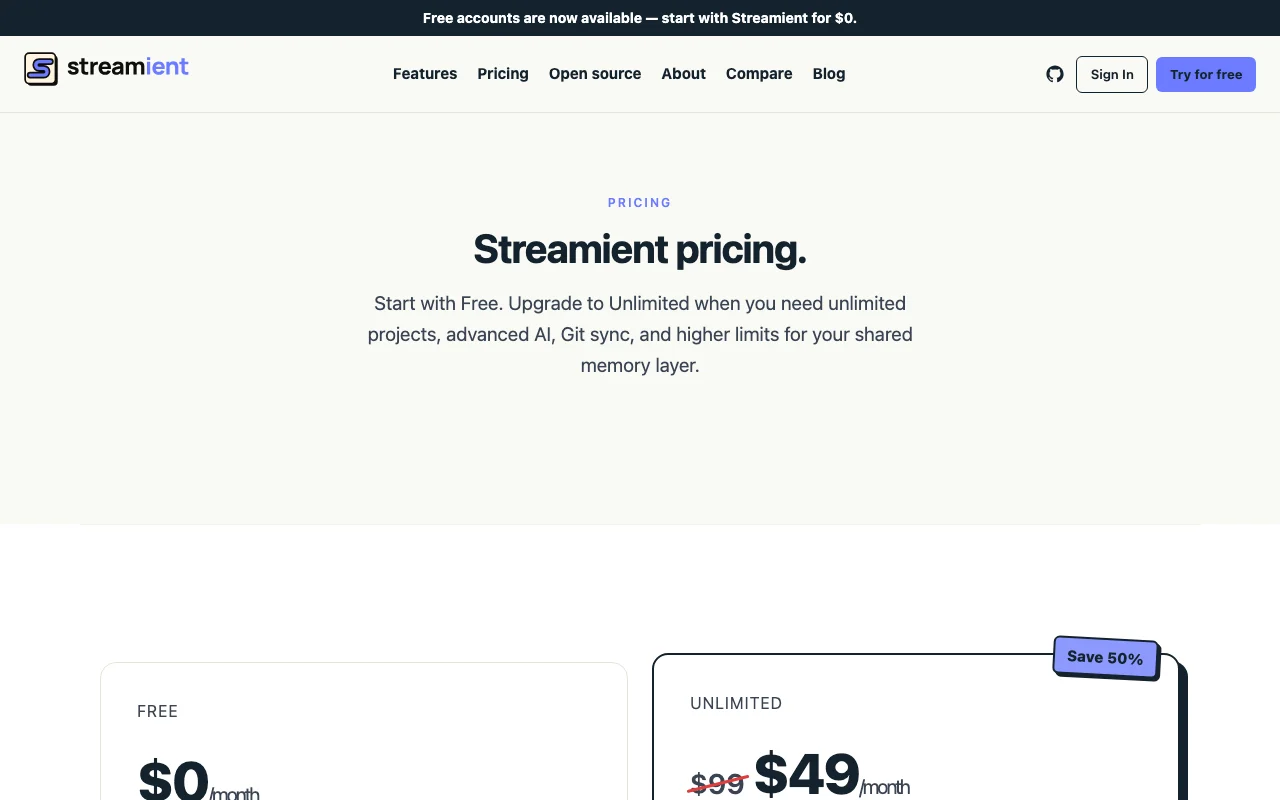
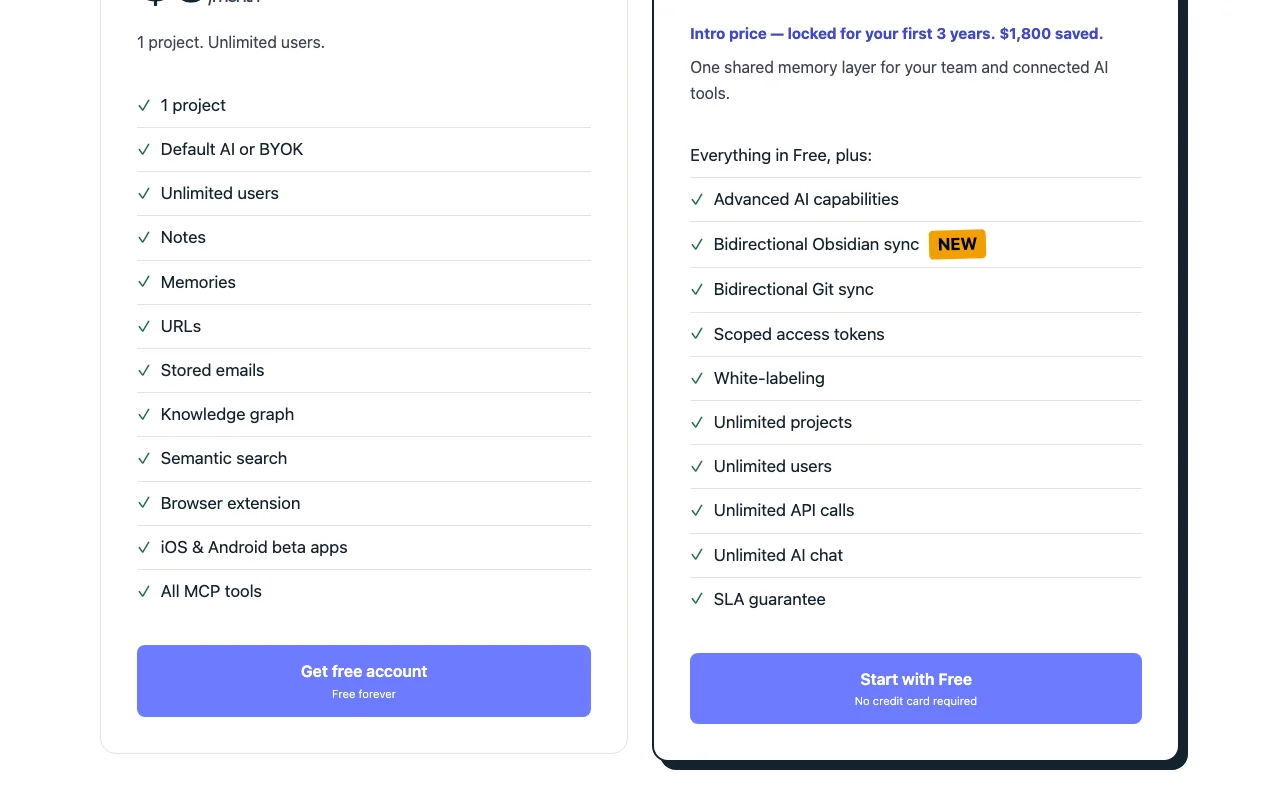
The official Streamient (formerly Kumbukum) pricing page as we saw it. streamient.com, captured Oct 1, 2026
Intro price $49 per month locked for 3 years (regular $99); annual billing option not shown
For: Teams needing Git sync, scoped tokens and many projects
Limits
Unlimited projects, users, API calls and AI chat
Intro price locked for first 3 years, regular $99 per month
Includes
Advanced AI capabilities
Bidirectional Git and Obsidian sync
2 more
Scoped access tokens and white-labeling
SLA guarantee
API included
Usage caps, credits and extra costs
Free users can bring their own OpenAI or Gemini key (provider costs apply separately).
Not stated.
What is Streamient (formerly Kumbukum), and how does it work?
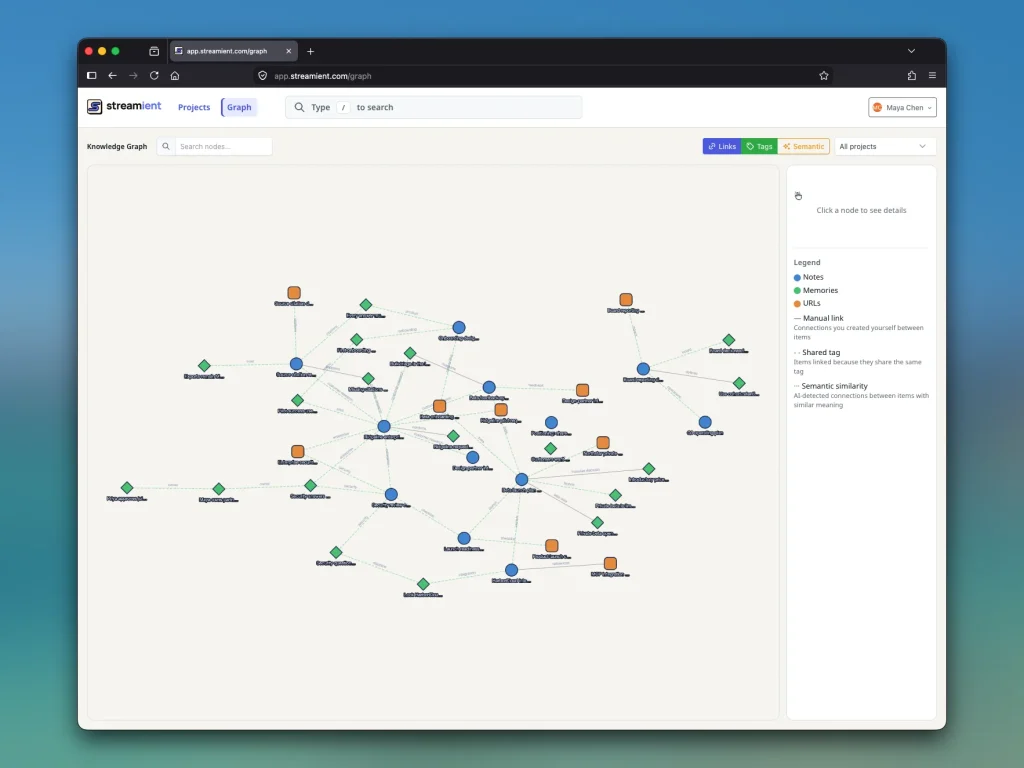
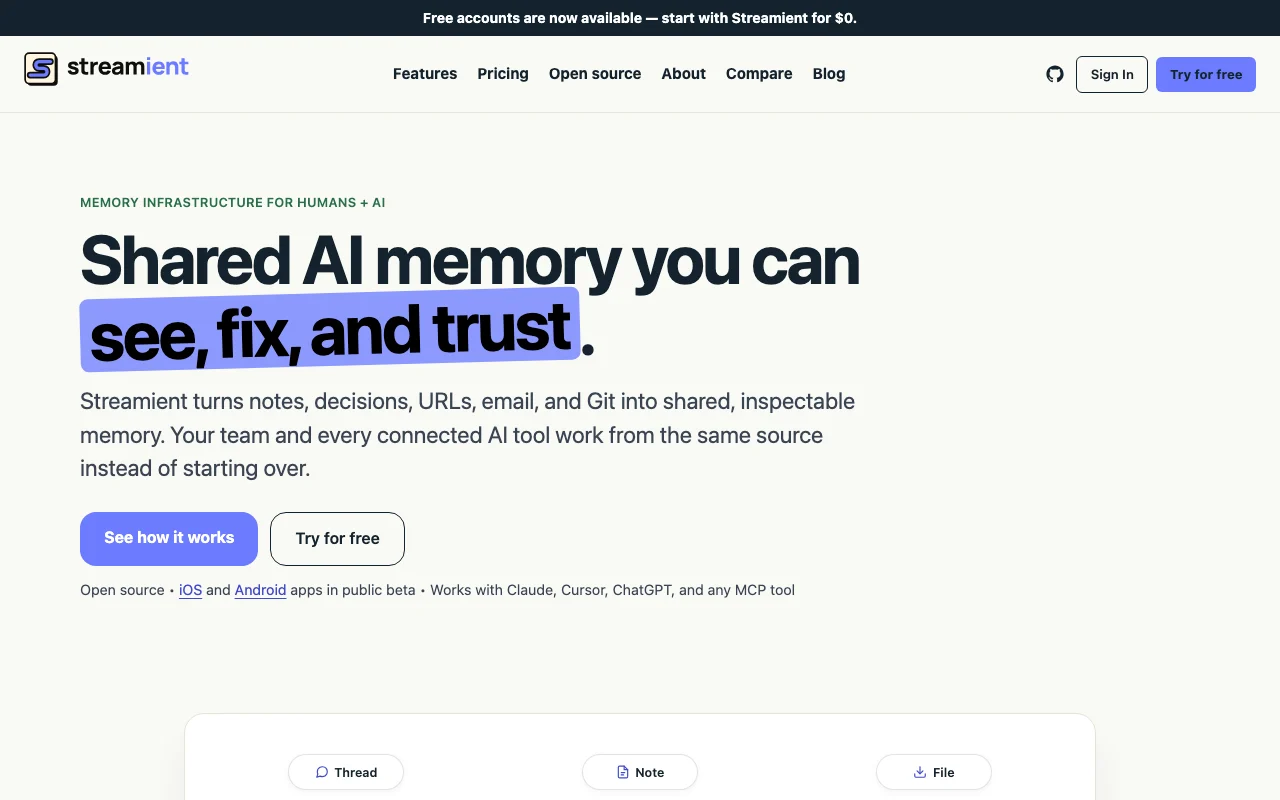
Streamient, formerly Kumbukum, is an open-source (AGPL-3.0) memory layer for teams and MCP-compatible AI tools. It turns notes, durable memories, saved URLs with content, stored email threads, Git repositories and decisions into a searchable, editable knowledge base with a visible knowledge graph.
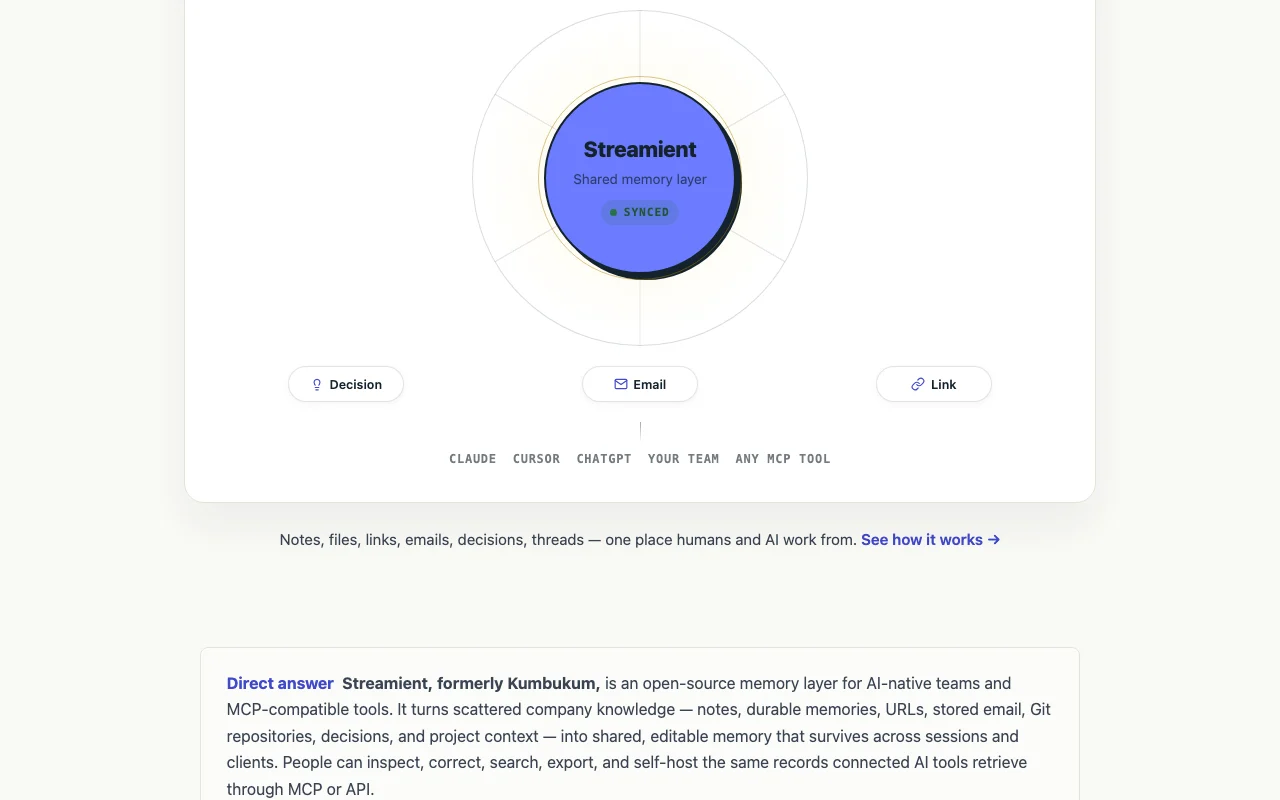
AI clients such as Claude Desktop, Cursor, ChatGPT, Windsurf, Zed and VS Code connect through MCP (44 tools) or the API and read from and write to the same records under user permissions. It offers a web app, browser extension, iOS and Android apps in public beta, Git and Obsidian sync, and can be self-hosted.
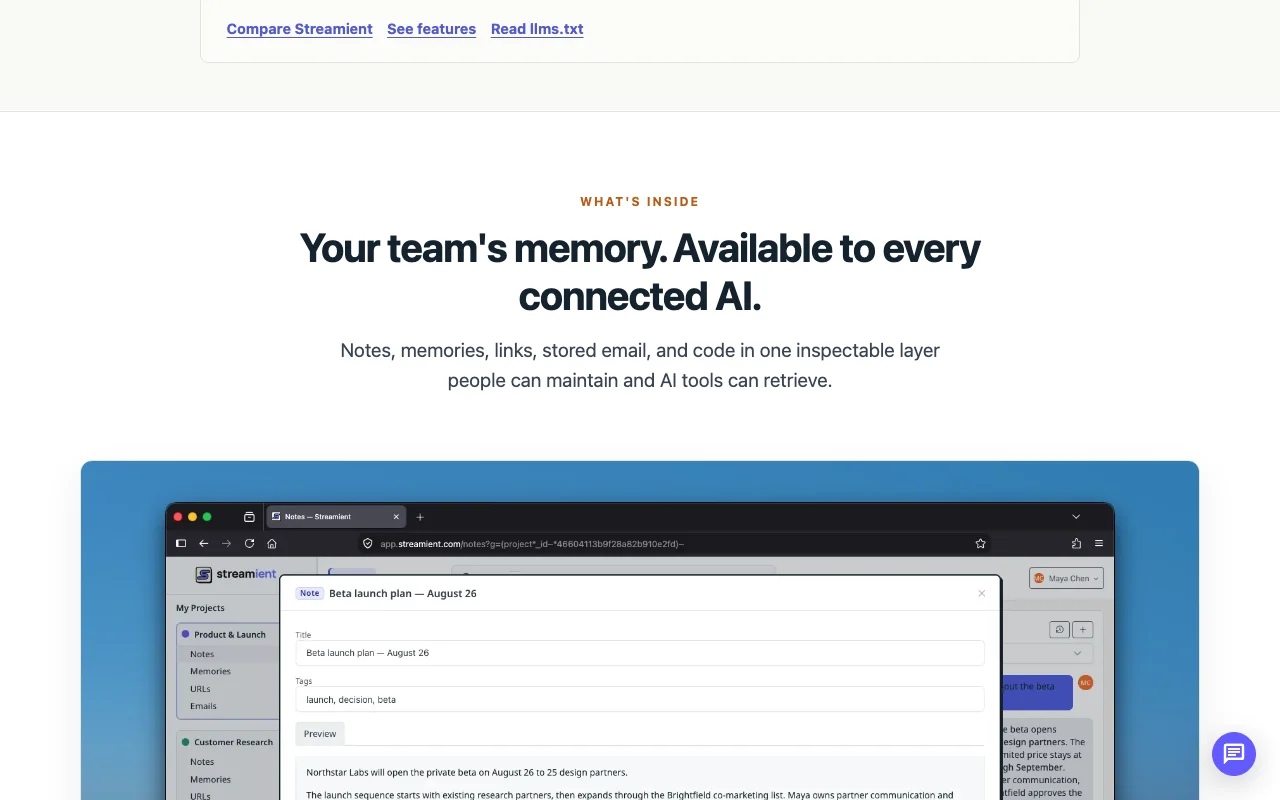
Streamient (formerly Kumbukum)'s official site: how the product presents itself. streamient.com, captured Oct 1, 2026
What you provide and what you get back
What you give Streamient (formerly Kumbukum) and what comes back, from its documentation
You provide
Notes and Markdown
URLs with page content
Stored email threads
Git repositories and Obsidian vaults
You get back
Searchable shared library
Knowledge graph
Context served to MCP clients
Where you can use it
Platforms
Web, Mobile, API
Account
Required
License
AGPL-3.0
MCP tools
44
Mobile
iOS and Android apps in public beta
Sync
Bidirectional Git and Obsidian on Unlimited
Hosting
Cloud or self-hosted
Best use cases for Streamient (formerly Kumbukum)
Scenarios are worked out by our editors from the documentation; the actual result depends on your input and plan.
Giving Claude, Cursor or ChatGPT persistent shared context about a project
Who
Developers using Claude or Cursor
You provide
Project specs and decisions saved as notes plus the MCP connection
Expected result
Each AI session retrieves the same project context without re-pasting
Streamient (formerly Kumbukum): strengths and limits
Reasons to choose Streamient (formerly Kumbukum)
Free plan with unlimited users and all MCP tools Teams of any size can adopt it without per-seat costdocumentedsource (opens in a new tab)
Open source with public repository on GitHub Open-source code lets you audit or self-host to keep data on your infrastructuredocumentedsource (opens in a new tab)
Bring-your-own OpenAI/Gemini key supported on Free Pay nothing for AI if you already own a model keydocumentedsource (opens in a new tab)
iOS and Android beta apps included on all plans Capture from the phone without extra purchasedocumentedsource (opens in a new tab)
Check before paying for Streamient (formerly Kumbukum)
Free plan limited to one project Multi-project teams must upgrade or consolidate everything into one projectdocumentedsource (opens in a new tab)
Git sync, scoped tokens, white-labeling and unlimited projects require the $49/mo Unlimited plan Teams needing syncing with repos or Obsidian face a paid stepdocumentedsource (opens in a new tab)
$49/mo is an intro price locked for 3 years; regular price is $99/mo Budgeting after the intro period is uncertain, since it continues at the then-current pricedocumentedsource (opens in a new tab)
Mobile apps are still in public beta Mobile capture may be buggy or change before general releasedocumentedsource (opens in a new tab)
How to use Streamient (formerly Kumbukum) for sharing project context across AI tools
Set up Streamient (formerly Kumbukum)
Create a free account on streamient.com or self-host the open-source code
Create your first project and add a few notes and memories
Install the browser extension to capture URLs
Add the Streamient MCP server to Claude Desktop or Cursor with your access token
Example: sharing project context across AI tools
Save a spec as a Markdown note and tag it
Capture a reference URL from the browser extension
Ask Claude in Desktop to search Streamient for the spec
Have the AI write a new decision memory back to the project
Review and export the result
Open the knowledge graph and confirm the new records are linked
Run the same question from a second MCP client to verify it retrieves the same memory
Example prompt suggested by our editors (not a recorded output of the product)
Search my Streamient project for decisions about the billing migration and summarize them with sources.
Streamient (formerly Kumbukum) integrations and API
Plan comparison on the official pricing page. streamient.com, captured Oct 1, 2026
Native integrations and export formats
Export: Markdown
API access and separate billing
Streamient (formerly Kumbukum) has no public API in its official documentation. 44 MCP tools plus an API; docs page returned 404
Privacy, data use and commercial rights
Summarized from the vendor's current policies; this is not legal advice and a vendor's badge is not an independent audit.
How your inputs and outputs are handled
Notes, URLs, stored emails and project data are held in the library and served to connected MCP clients.
Not stated (privacy page unavailable).
Commercial use and plan restrictions
Not stated.
Controls for business users
Self-hosting option
Scoped access tokens (Unlimited)
Best Streamient (formerly Kumbukum) alternatives for different needs
"Better suited" is based on documented features and pricing, not on a head-to-head test.
Notion AI: better suited to
Gemini Notebook (formerly NotebookLM): better suited to
What is the difference between Streamient Free and Unlimited?
Free gives one project with unlimited users and all MCP tools; Unlimited adds unlimited projects, advanced AI, Git sync, scoped tokens, white-labeling, unlimited API calls and an SLA. source (opens in a new tab)
Is the $49 Streamient price permanent?
No. It is an intro price locked for your first 3 years versus the regular $99 per month, after which the plan continues at the then-current price. source (opens in a new tab)
Does Streamient still handle email triage and drafting?
No. Mailtwine now owns email triage, drafting and routing; Streamient keeps email only as stored, searchable context. source (opens in a new tab)
Which AI clients connect to Streamient?
Claude Desktop, Cursor, ChatGPT, Windsurf, Zed, VS Code and any MCP client connect through the MCP server with 44 tools. source (opens in a new tab)
Not verified: Privacy and data retention terms (privacy page 404); API documentation URL; Annual billing option; Free plan storage or API limits.
How we documented and maintain this page
Every fact about Streamient (formerly Kumbukum) above comes from the 2 official pages listed here, last compared on Oct 1, 2026; we have not run Streamient (formerly Kumbukum) ourselves, so it has no editorial score. How we check and re-check pages.
Article updated Oct 2, 2026; prices checked Oct 1, 2026. Outbound links to vendors are plain links; we do not earn commissions. How we review · Report an error