Productivity & writingDocumented overviewLast checked Oct 2, 2026

Sup AI: Pricing, Features & Best Use Cases

Sup AI lets a business hire an AI employee with its own phone number, email, computer and voice, billed as a monthly salary.
Who should use Sup AI

Sup AI is aimed at small business owners who want an AI employee with its own phone number, email and computer paid as a monthly salary, but the homepage says Coming soon and the price is not stated. Based on the vendor's documentation, not on a hands-on test.

Best for: Small businesses needing phone coverage

Also a good fit for

  • Owners delegating routine calls and follow-ups

Consider another tool if homepage says Coming soon

Or if

  • Monthly price not stated on pages read
  • Relies on third parties (Twilio, OpenAI, Stripe and others)

Sup AI pricing and usage limits

Prices checked Oct 2, 2026 on the official US pricing page. Official pricing ↗ Prices and limits change often.
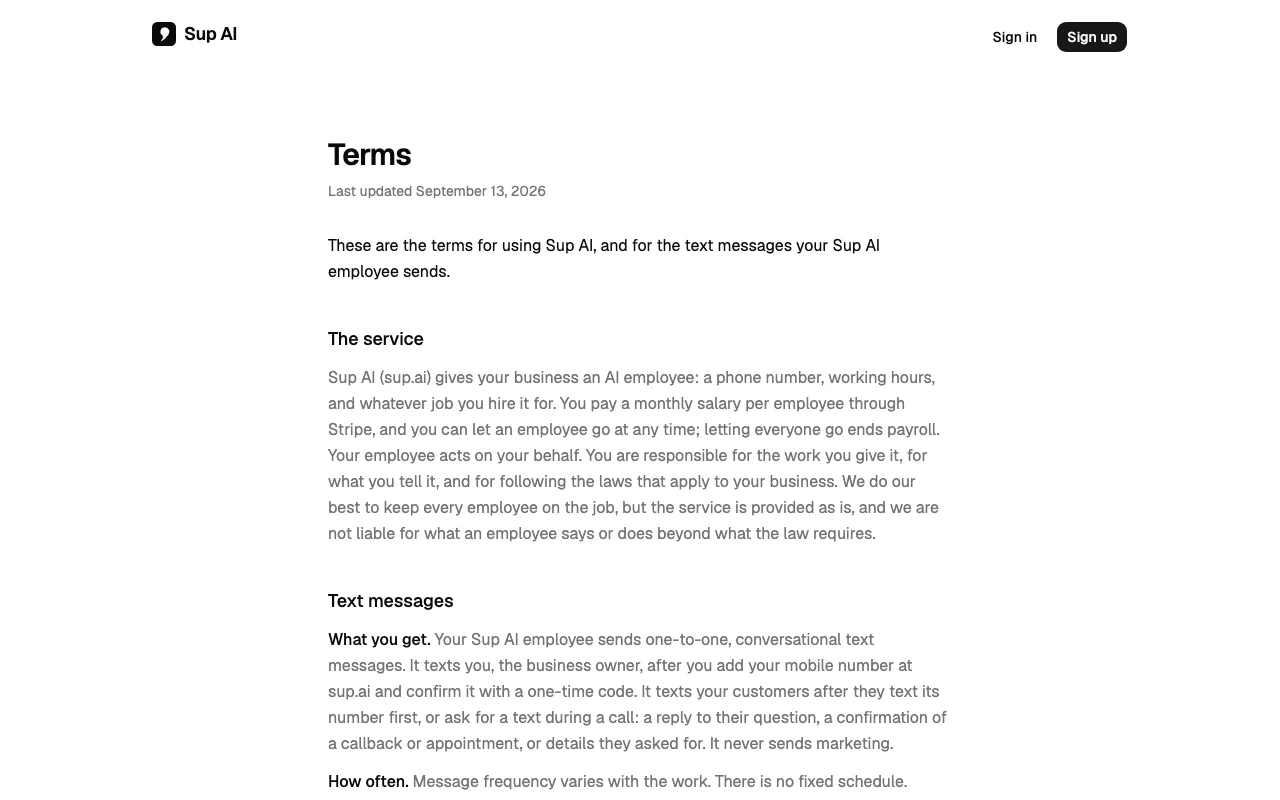
Sup AI pricing page with plans and prices — screenshot of the productivity & writing AI tool, Oct 2, 2026
The official Sup AI pricing page as we saw it. sup.ai, captured Oct 2, 2026

Free access and trial conditions

Not stated

Not stated

Paid plans: what changes as you upgrade

Usage caps, credits and extra costs

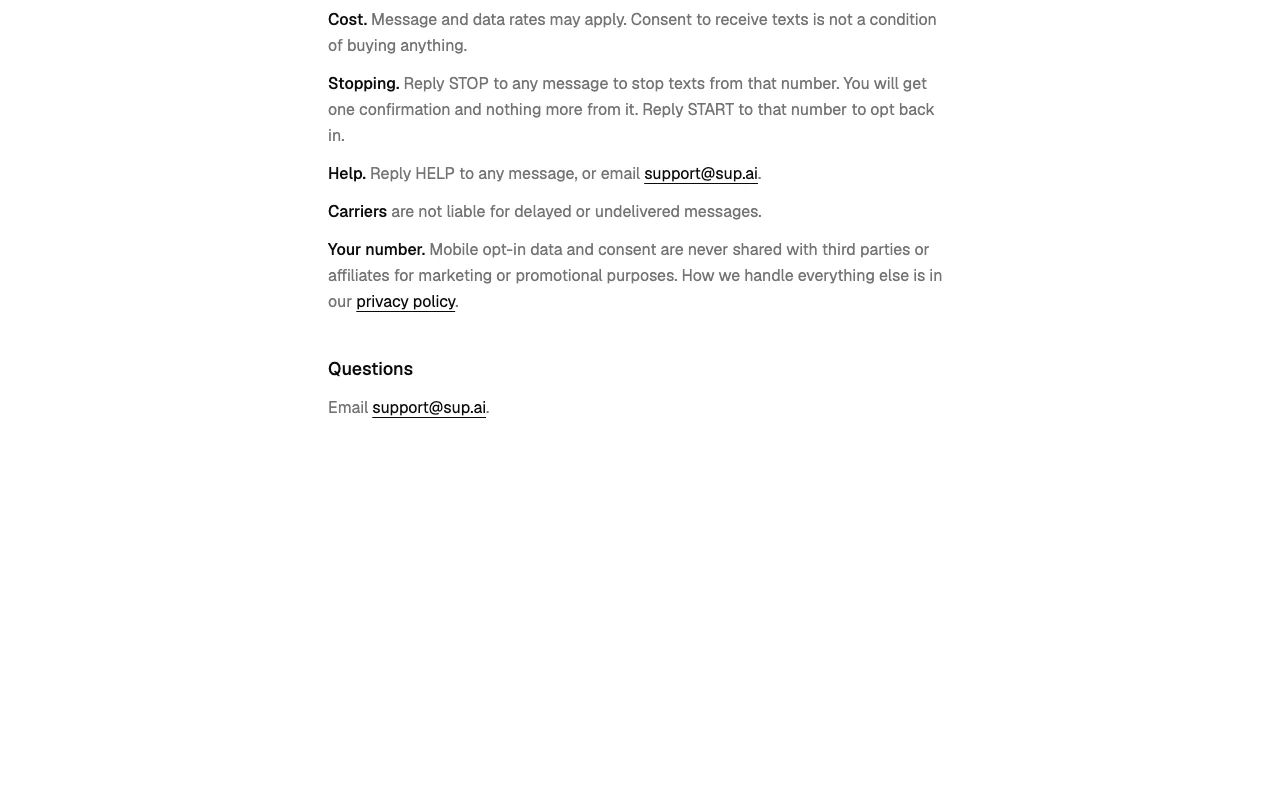
Message and data rates may apply

Not stated

What is Sup AI, and how does it work?

Sup AI describes AI employees with their own computer, cell phone, email, accounts, identity and voice that can be hired in a minute. The terms say each employee gets a phone number and working hours, acts on the business's behalf, and takes calls and sends texts and email for the job it is hired to do. Businesses pay a monthly salary per employee through Stripe and can let an employee go at any time. The homepage currently shows only a Coming soon notice and sign-in, so availability and exact prices are not stated.

What you provide and what you get back

How Sup AI works: what you provide, where it runs and what you get backYOU PROVIDEYour inputCustomer calls and textsJob instructions and working hoursYour mobile number for owner textsPRODUCTIVITY & WRITINGSup AIWebprice not publishedno free tieraccount requiredchecked Oct 2, 2026YOU GET BACKThe resultAnswered calls and textsConfirmations of callbacks and ap…Work done on its own computerinput → Sup AI → output · from the vendor's own pages, no hands-on test unless stated
What you give Sup AI and what comes back, from its documentation

You provide

  • Customer calls and texts
  • Job instructions and working hours
  • Your mobile number for owner texts

You get back

  • Answered calls and texts
  • Confirmations of callbacks and appointments
  • Work done on its own computer

Where you can use it

Platforms
Web
Account
Required
Channels
Phone, text, email, computer
Vendors
Twilio, OpenAI, Vercel, Supabase, Stripe, Daytona, Google Workspace, Exa
Status
Coming soon

Where Sup AI is most useful

Scenarios are worked out by our editors from the documentation; the actual result depends on your input and plan.

Answer customer calls with an AI employee

Who
Small businesses
You provide
Inbound calls
Expected result
Calls answered by an AI employee
Plan needed
Per-employee salary
Limitation
Price not stated source (opens in a new tab)

Confirm callbacks and appointments by text

Who
Owners
You provide
Customer callbacks
Expected result
Callbacks and appointments confirmed by text
Plan needed
Per-employee salary
Limitation
No marketing texts source (opens in a new tab)

Handle email and web work on its own computer

Who
Owners delegating admin
You provide
Instructions
Expected result
Email and web work completed
Plan needed
Per-employee salary
Limitation
Business responsible for assigned work source (opens in a new tab)

Sup AI features and their limits

Dedicated phone number and voice calls

Gives each employee a number that answers and places voice calls. Covers phones outside hours

Access: Per employeeLimit: Relies on Twilio and OpenAI source (opens in a new tab)

One-to-one conversational text messages

Sends conversational texts to the owner and to customers who contact first. Keeps customers informed

Access: Per employeeLimit: Never used for marketing source (opens in a new tab)

Its own mailbox and computer

Provides the employee its own mailbox and a desktop to work on. Allows email and web tasks

Access: Per employeeLimit: Hosted by third parties like Google Workspace and Daytona source (opens in a new tab)

Working hours set per employee

Sets the hours when each employee is on the job. Matches coverage to the business
Access: Per employeeLimit: Details not on page source (opens in a new tab)

Sup AI: strengths and limits

Where Sup AI is strong

Limitations to check before paying

How to use Sup AI for hiring an AI employee to answer business calls

Set up Sup AI

  1. Open sup.ai (currently shows Coming soon)
  2. Sign in with a Google account
  3. Add and confirm your mobile number with a code
  4. Hire an employee and pay through Stripe

Example: hiring an AI employee to answer business calls

  1. Describe the job and working hours
  2. Wait for the number to be assigned
  3. Test by calling the number
  4. Review the call record

Review and export the result

  1. Check transcripts of calls
  2. Confirm opt-out texts work with STOP

Sup AI API

Sup AI pricing page with plans and prices — screenshot of the productivity & writing AI tool, Oct 2, 2026
Plan comparison on the official pricing page. sup.ai, captured Oct 2, 2026

API access and separate billing

Sup AI has no public API in its official documentation. No API documented

Privacy, data use and commercial rights

Summarized from the vendor's current policies; this is not legal advice and a vendor's badge is not an independent audit.

How your inputs and outputs are handled

Calls, texts, email, notes and screen pictures are kept as one record

Record used only to run your employee; not sold or used for advertising

Employee data deleted when released

Controls for business users

  • STOP/START text controls

Policies: sup.ai/privacy sup.ai/terms

Best Sup AI alternatives for different needs

"Better suited" is based on documented features and pricing, not on a head-to-head test.

ChatGPT: better suited to

Alternatives
AlternativeWhen to choose itPricingLimitation
ChatGPT——

Explore Sup AI further

Tools and guides near Sup AI

Sup AI user reviews

No user reviews yet.

Used Sup AI? Be the first to share your experience.

Write a review

Reviews are checked by a moderator before they appear. Your email is never published. Plain text only.

Your rating (required)

Show what you made or what went wrong. Images are published only if the review is approved; location data is removed.

    Sup AI FAQ

    Is Sup AI available yet?

    The homepage says Coming soon. source (opens in a new tab)

    Does Sup AI send marketing texts?

    No, its terms say it never sends marketing. source (opens in a new tab)

    Who handles Sup AI payments?

    Stripe collects and stores cards; Sup AI never sees the number. source (opens in a new tab)

    What does Sup AI record?

    Calls (transcribed), texts, email, notes and pictures of its screen. source (opens in a new tab)

    How do I stop Sup AI texts?

    Reply STOP to any message. source (opens in a new tab)

    Sources and review methodology

    Official sources and verification dates

    Not verified: Price; Launch date; Docs (404).

    How we documented and maintain this page

    Every fact about Sup AI above comes from the 3 official pages listed here, last compared on Oct 2, 2026; we have not run Sup AI ourselves, so it has no editorial score. How we check and re-check pages.

    Article updated Oct 2, 2026; prices checked Oct 2, 2026. Outbound links to vendors are plain links; we do not earn commissions. How we review · Report an error