Supacut web
$39/yr source (opens in a new tab)
Year, annual commitment
Billed annually at $39
For: Interview editors
Limits
- Unlimited projects
- Bring your own API key
Includes
- App updates included

Productivity & writingDocumented overviewLast checked Sep 29, 2026
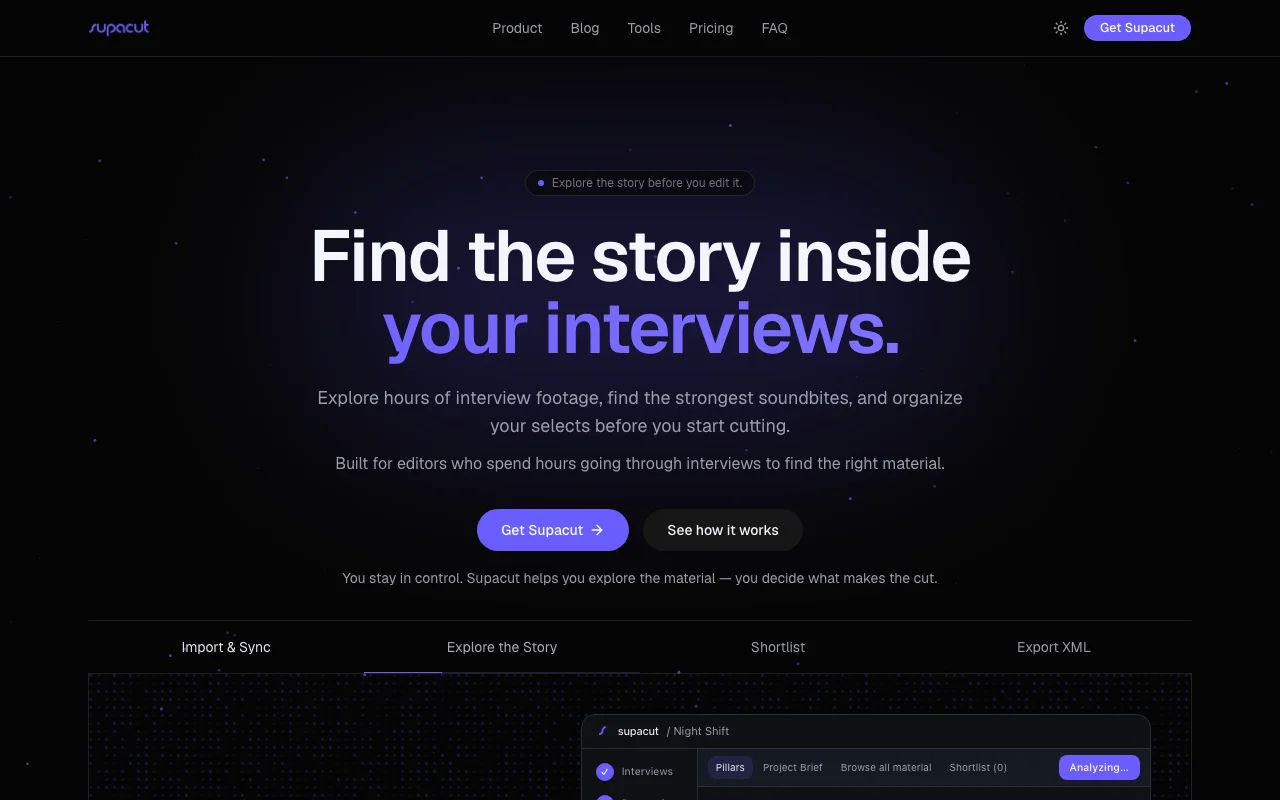
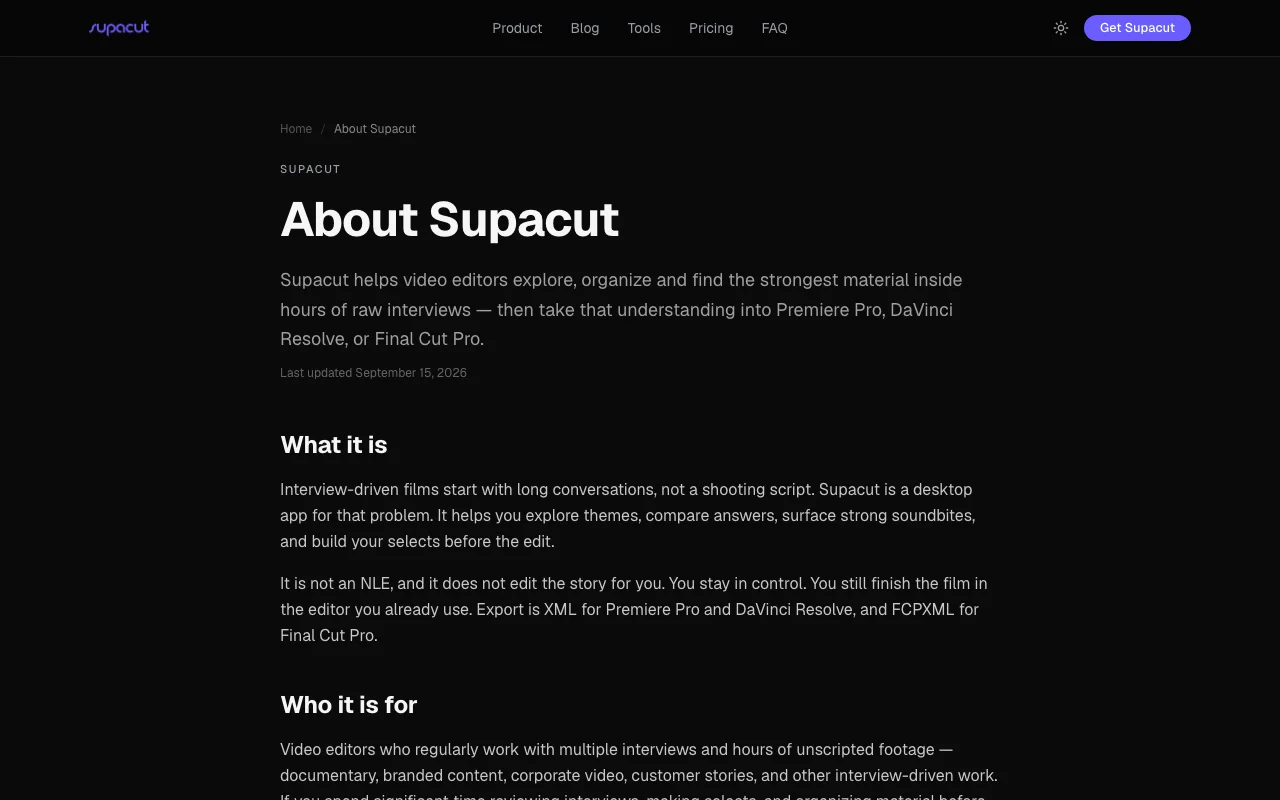
Supacut helps video editors explore interview footage by theme, find soundbites, and export selects as XML to Premiere, Resolve or Final Cut.
 (open full size in a new tab)
 (open full size in a new tab)
 (open full size in a new tab)
 (open full size in a new tab)
 (open full size in a new tab)
Our take: Supacut suits editors of interview-heavy projects who want to explore themes and shortlist soundbites before cutting, for a flat annual price plus their own AI key.
Main limitation: It is billed annually only and AI calls use your own provider key, which you pay separately.
Supacut suits editors of interview-heavy projects who want to explore themes and shortlist soundbites before cutting, for a flat annual price plus their own AI key. Based on the vendor's documentation, not on a hands-on test.
Also a good fit for
Or if
Prices checked Sep 29, 2026 on the official US pricing page. Official pricing ↗ Prices and limits change often.
No free tier stated.
Not stated.
$39/yr source (opens in a new tab)
Year, annual commitment
Billed annually at $39
For: Interview editors
Limits
Includes
Model provider charges for your API key are paid directly to the provider.
Not stated; payment via Stripe.
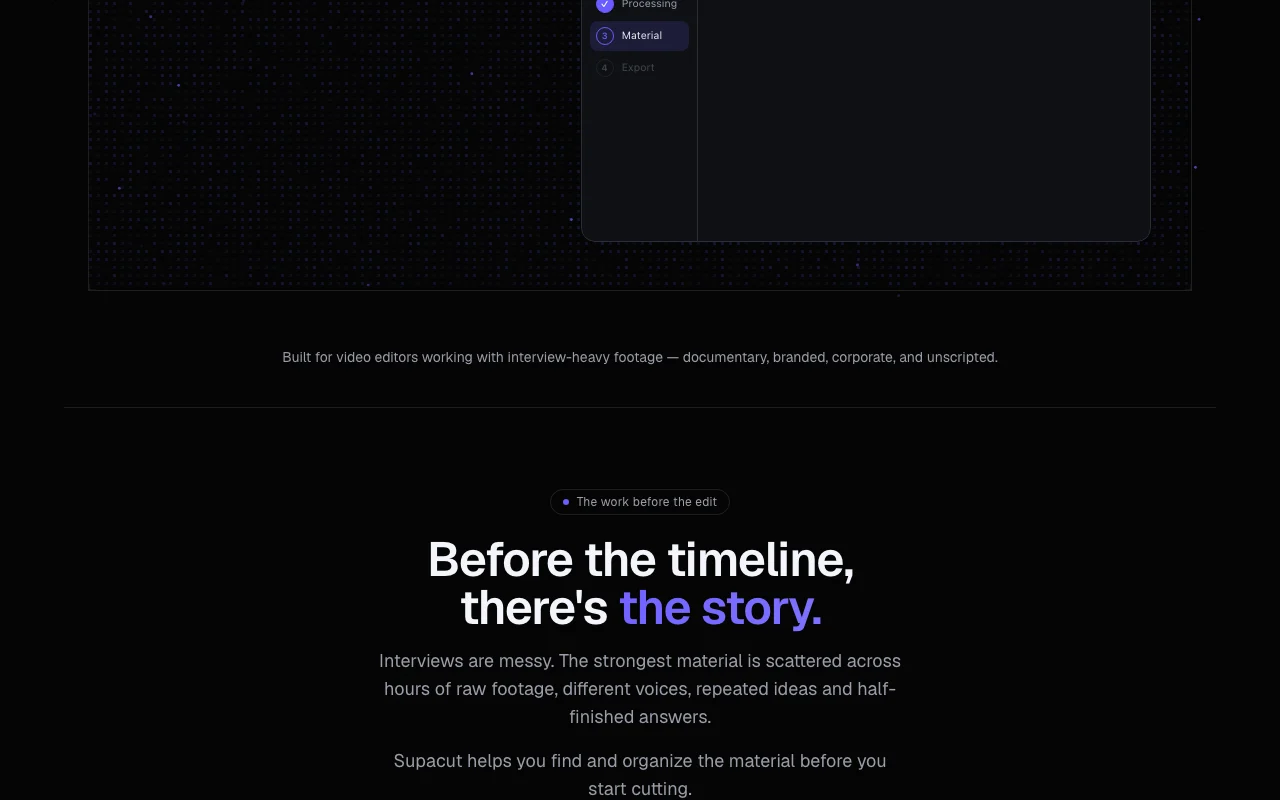
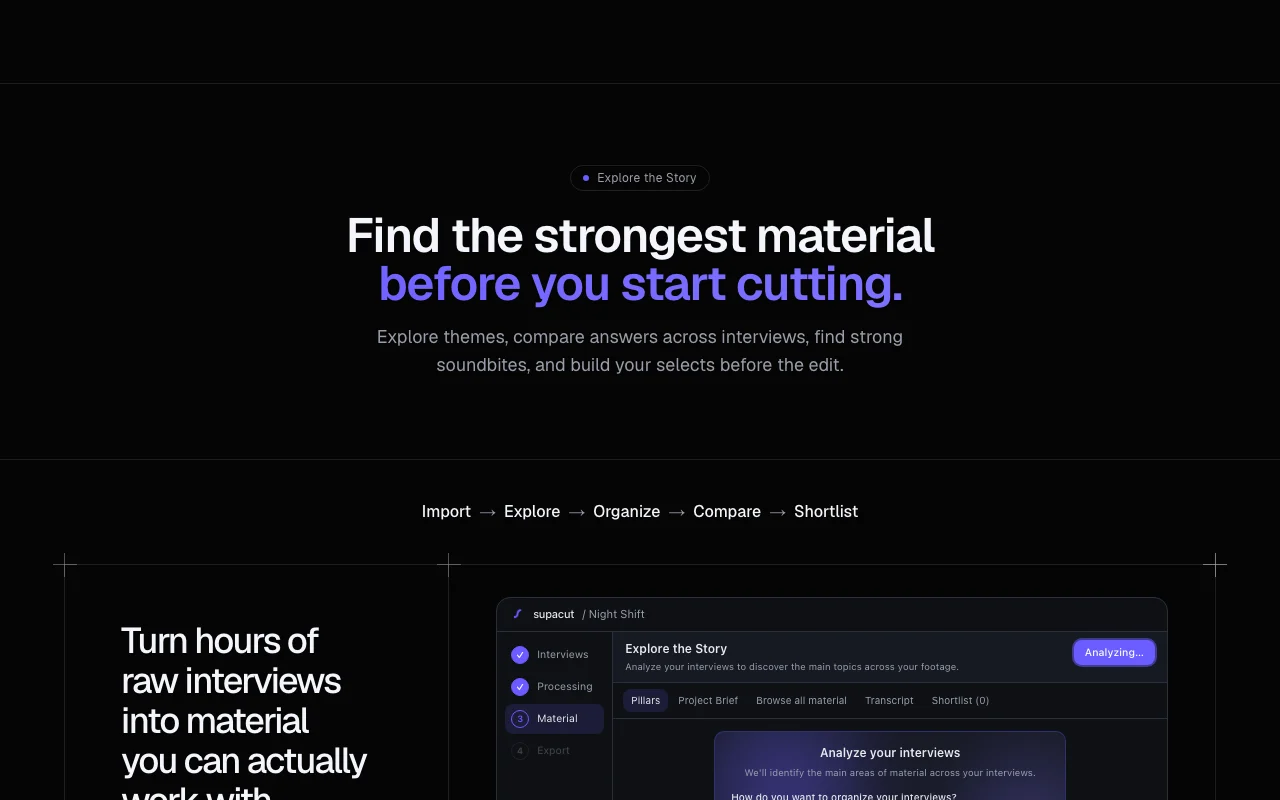
Supacut is a tool for editors working with interview-heavy footage such as documentary, branded, corporate and unscripted projects. It imports transcripts and footage, groups material into thematic pillars and lets editors compare answers across interviews. Editors build a shortlist of selects, review them in a built-in player and export an XML assembly with in/out points. Original files stay where they are, and the user supplies their own API key for the AI model provider.
You provide
You get back
Scenarios are worked out by our editors from the documentation; the actual result depends on your input and plan.
Analyzes interviews to build thematic pillars or sorts material into pillars you define. Gives structure to raw footage.
Shows how different interviewees answer the same theme side by side. Speeds comparison.
Finds strong soundbites with links back to the footage. Reduces scrubbing time.
Collects chosen clips in a shortlist and exports them as XML. Hands selects to an NLE.
Export: XML, FCPXML
Supacut has no public API in its official documentation. No Supacut API; calls go to your own AI provider.
Summarized from the vendor's current policies; this is not legal advice and a vendor's badge is not an independent audit.
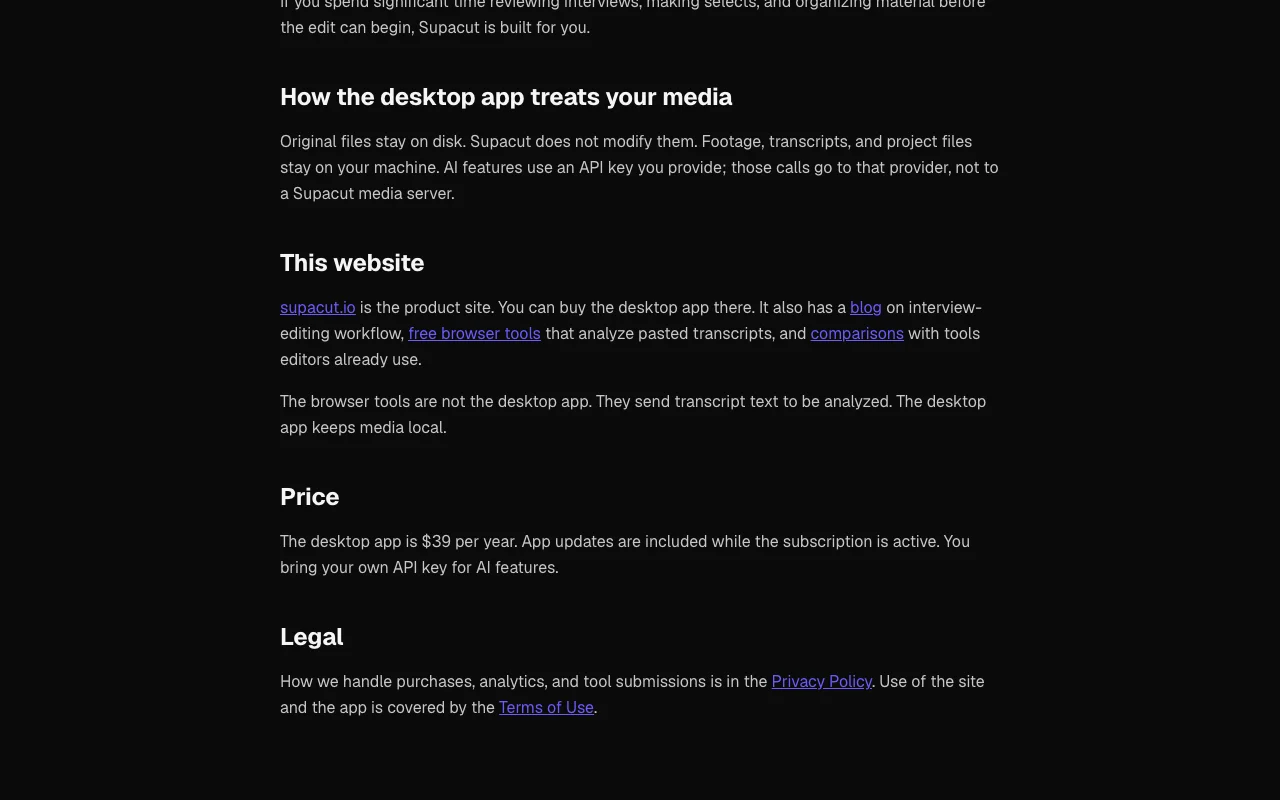
Footage and project files stay on your computer; AI calls go from your computer to your chosen provider.
Policies: supacut.io/privacy/
"Better suited" is based on documented features and pricing, not on a head-to-head test.
No user reviews yet.
Used Supacut? Be the first to share your experience.
$39 per year, with unlimited projects and app updates. source (opens in a new tab)
Yes, you supply a key and pay your AI provider directly. source (opens in a new tab)
An XML or FCPXML sequence with in/out points for Premiere, Resolve or Final Cut. source (opens in a new tab)
No, original files stay where they are and are not modified. source (opens in a new tab)
Not verified: System requirements; Free trial; Supported AI providers.
Every fact about Supacut above comes from the 2 official pages listed here, last compared on Sep 29, 2026; we have not run Supacut ourselves, so it has no editorial score. How we check and re-check pages.
Article updated Oct 10, 2026; prices checked Sep 29, 2026. Outbound links to vendors are plain links; we do not earn commissions. How we review · Report an error
compare>