Free web
Free source (opens in a new tab)
Monthly
For: Trying out
Limits
- 1,000 credits one time

Productivity & writingDocumented overviewLast checked Oct 2, 2026
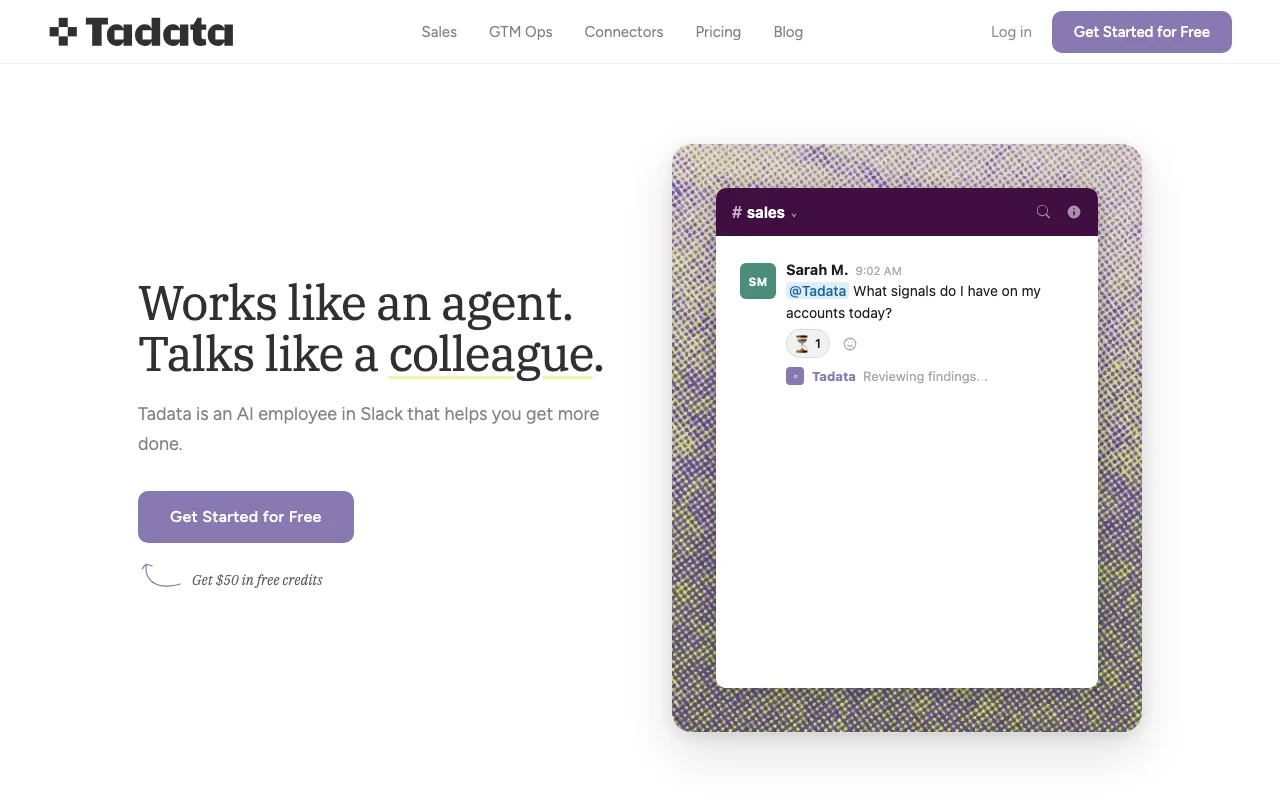
AI employee that works inside Slack, running sales and GTM agents across connected tools like HubSpot, Gmail and Notion.
 (open full size in a new tab)
 (open full size in a new tab)
 (open full size in a new tab)
 (open full size in a new tab)
 (open full size in a new tab)
 (open full size in a new tab)
Our take: Tadata fits Slack-based sales and GTM teams that want an AI colleague to brief them before calls and draft CRM updates, starting free with one-time credits.
Main limitation: Usage is credit-based, and the free credits are one-time rather than monthly.
Tadata fits Slack-based sales and GTM teams that want an AI colleague to brief them before calls and draft CRM updates, starting free with one-time credits. Based on the vendor's documentation, not on a hands-on test.
Also a good fit for
Or if
Prices checked Oct 2, 2026 on the official US pricing page. Official pricing ↗ Prices and limits change often.
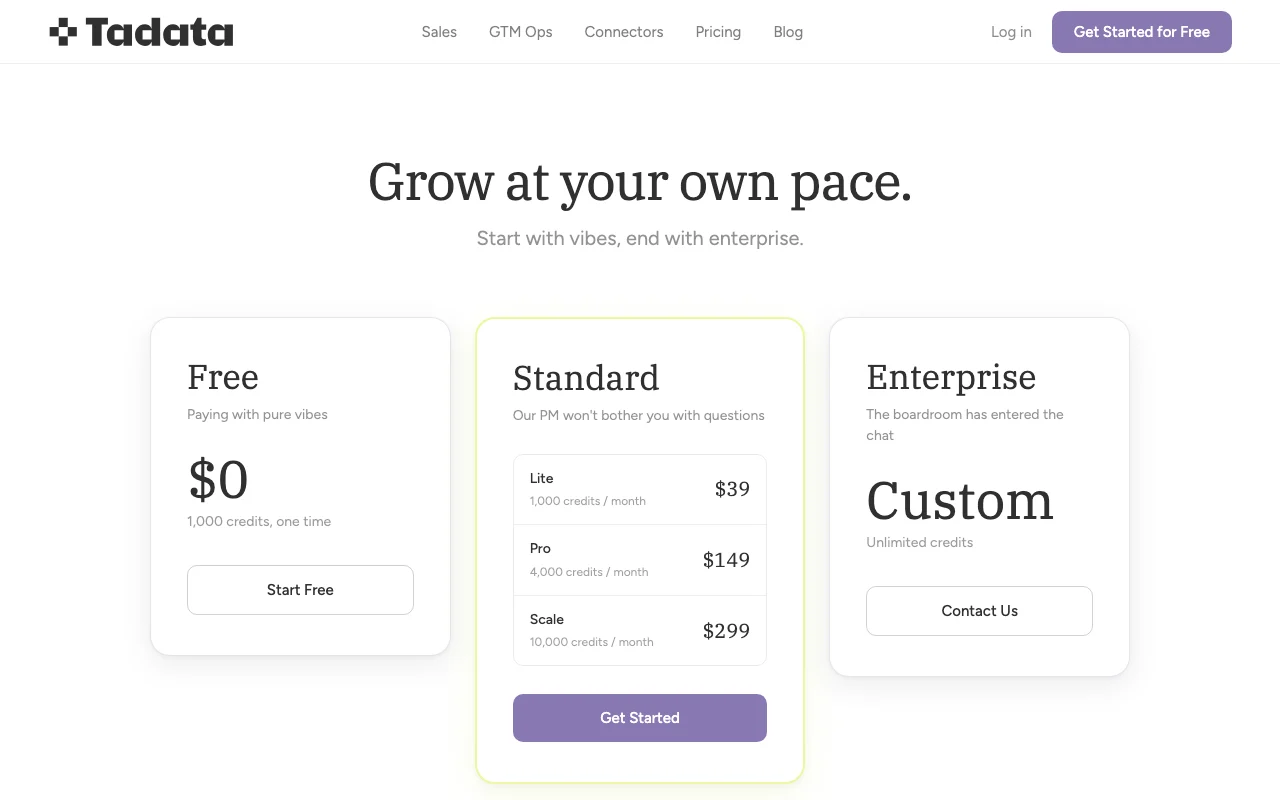
1,000 one-time credits.
None beyond free credits; homepage mentions $50 in free credits.
Free source (opens in a new tab)
Monthly
For: Trying out
Limits
$39 source (opens in a new tab)
Monthly
For: Individual reps
Limits
$149 source (opens in a new tab)
Monthly
For: Active sellers
Limits
$299 source (opens in a new tab)
Monthly
For: Teams
Limits
Custom pricing source (opens in a new tab)
Unknown
For: Large organizations
Limits
Not stated.
Not stated.
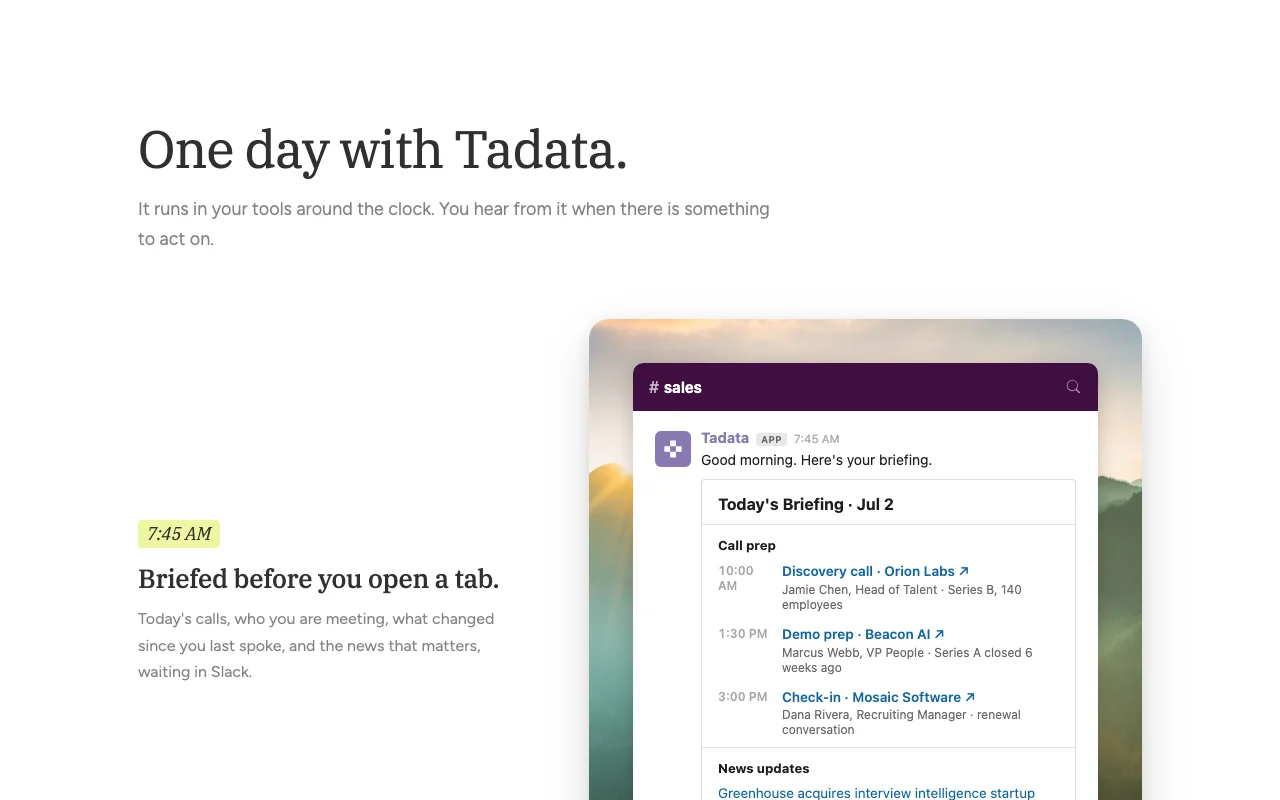
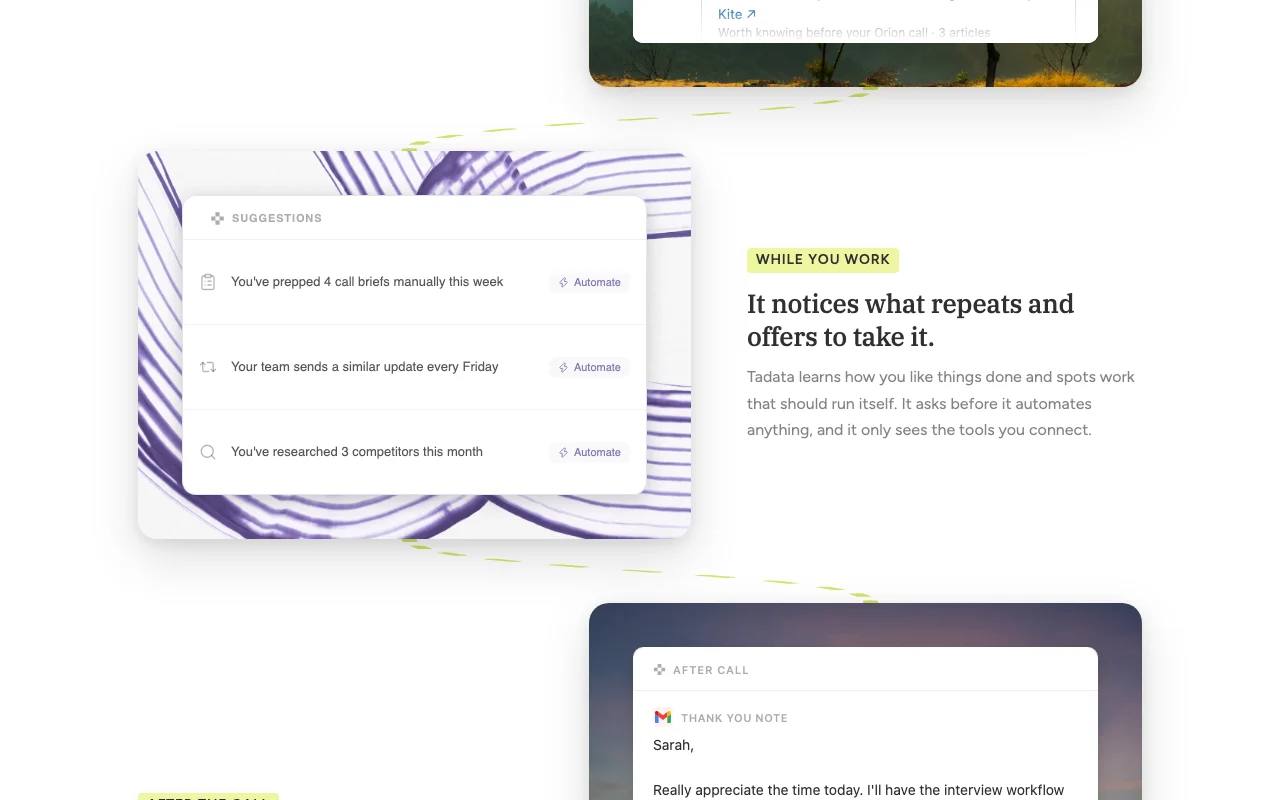
Tadata is an AI agent that lives in Slack and acts like a colleague. It briefs users before meetings, drafts follow-up emails, fills CRM fields after calls, and offers to automate repetitive work, asking for approval before anything goes out. It connects to tools such as HubSpot, Attio, Notion, Gmail, Google Calendar and any MCP or API, and can research public web sources. Pre-built agents cover outreach personalization, warm intro finding, call prep and LinkedIn listening. Usage is billed in credits.
You provide
You get back
Scenarios are worked out by our editors from the documentation; the actual result depends on your input and plan.
Works as an assistant inside Slack that you message like a colleague. Avoids switching apps.
Offers agents like outreach personalization, warm intro finder, call preparation and conference prep. Provides ready starting points.
Connects HubSpot, Attio, Notion, Gmail, Linear, GitHub and more. Pulls context across tools.
Accepts any MCP server or API as an extra source. Extends beyond built-in connectors.
Brief me on my 2pm call and draft a follow-up.
Tadata has no public API in its official documentation. Supports any MCP or API as a source.
Summarized from the vendor's current policies; this is not legal advice and a vendor's badge is not an independent audit.
Reads connected tools and Slack.
Policies: tadata.com/privacy
"Better suited" is based on documented features and pricing, not on a head-to-head test.
No user reviews yet.
Used Tadata? Be the first to share your experience.
Monthly; Lite gives 1,000, Pro 4,000 and Scale 10,000 credits per month.
The site says nothing goes out until you approve.
HubSpot, Attio, Notion, Linear, GitHub, Google Sheets, Gmail, Google Calendar and any MCP or API.
Custom pricing with unlimited credits.
The site says processes and recipes are portable and exportable.
Not verified: Credit cost per action not stated.; Retention terms not summarized.; Page not available: https://www.tadata.com/docs.
Every fact about Tadata above comes from the 3 official pages listed here, last compared on Oct 2, 2026; we have not run Tadata ourselves, so it has no editorial score. How we check and re-check pages.
Article updated Oct 10, 2026; prices checked Oct 2, 2026. Outbound links to vendors are plain links; we do not earn commissions. How we review · Report an error
compare>