Our take: Best for small-to-medium teams and operations that need affordable workflow automation with AI-powered capabilities at scale.
Main limitation: Free plan limited to two-step Zaps and 100 tasks per month; AI agents and chatbots require separate purchases.
By the AI Tool Atlas editors.
Based on the vendor's official documentation; we have not tested this product hands-on. What “documented overview” means
Is Zapier right for you?
Best for small-to-medium teams and operations that need affordable workflow automation with AI-powered capabilities at scale. Based on the vendor's documentation, not on a hands-on test.
Best for: Small businesses
Also a good fit for
Operations teams
Marketers automating workflows
Consider another tool if you need unlimited two-step Zaps without the cost of a paid plan
Or if
You want bundled pricing for agents and chatbots
You prefer flat-rate pricing over usage-based billing
Zapier in the news
Headlines from US outlets, selected automatically — not endorsements. Updated Oct 2, 2026
AI Agents Pro ($400/yr) and Chatbots Pro ($160/yr) purchased separately; additional task tiers available; premium apps on paid plans only
Pricing shown is before applicable sales tax, which is added at checkout
What is Zapier, and how does it work?
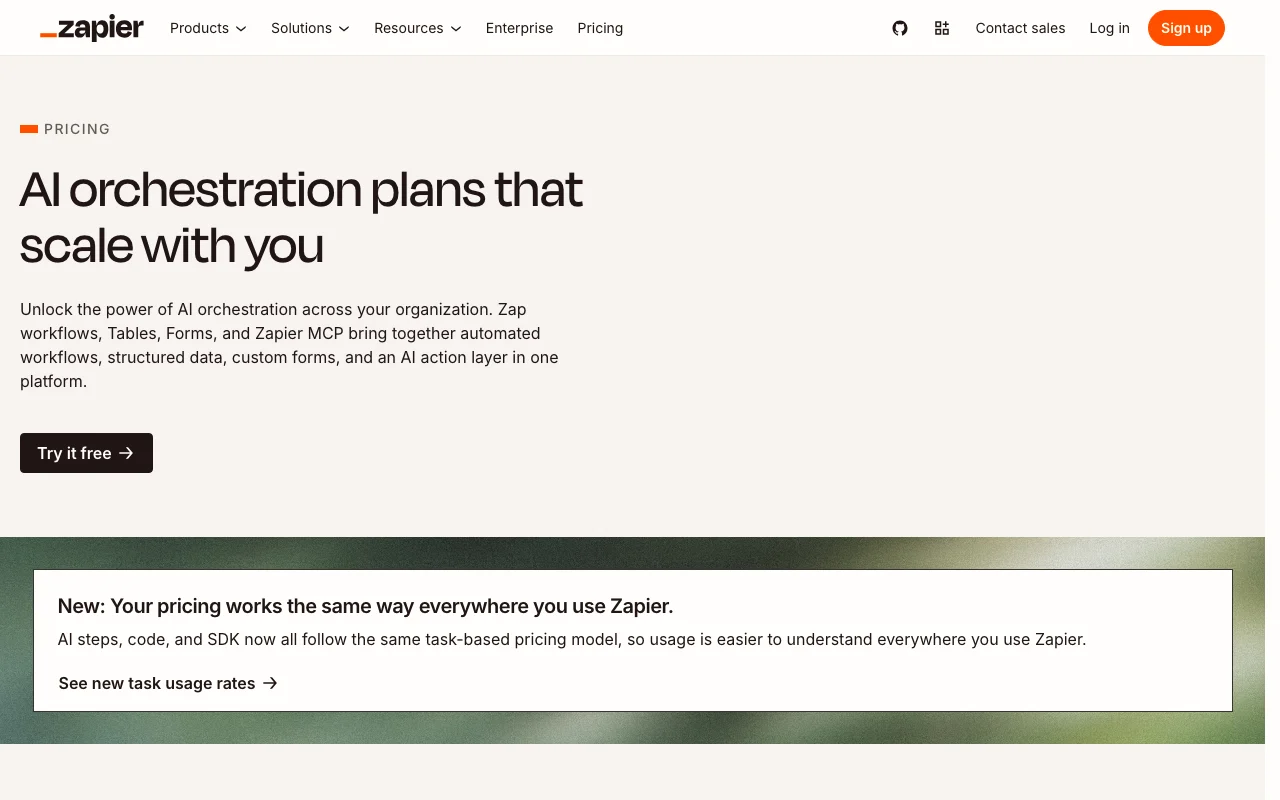
Zapier automates work across 9,000+ apps with no-code workflows called Zaps, plus Tables for storing data, Forms for collecting input, Canvas for mapping processes, AI Agents and Chatbots. For developers and AI tools it provides Zapier MCP (Model Context Protocol), an SDK and CLI, an API reference, and a platform for building or embedding integrations.
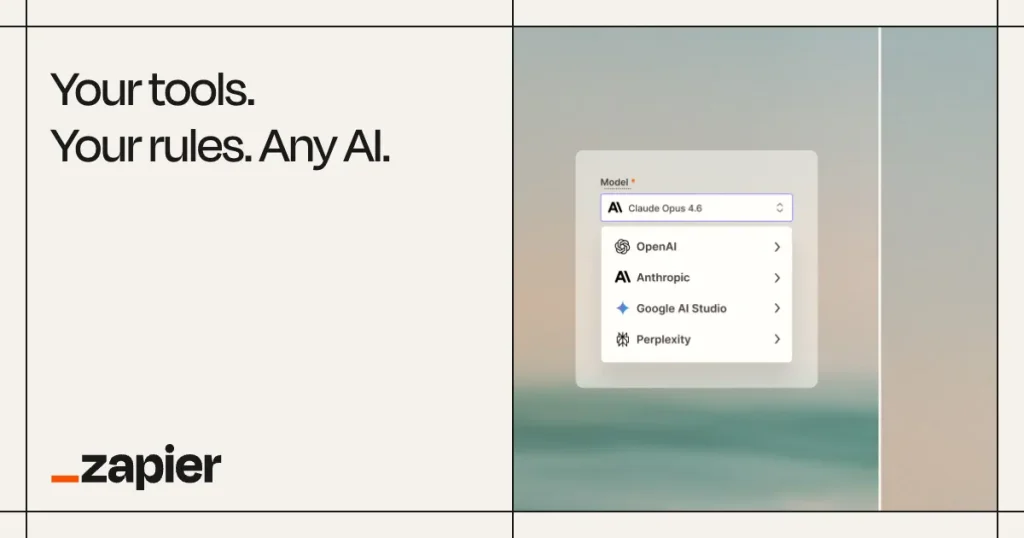
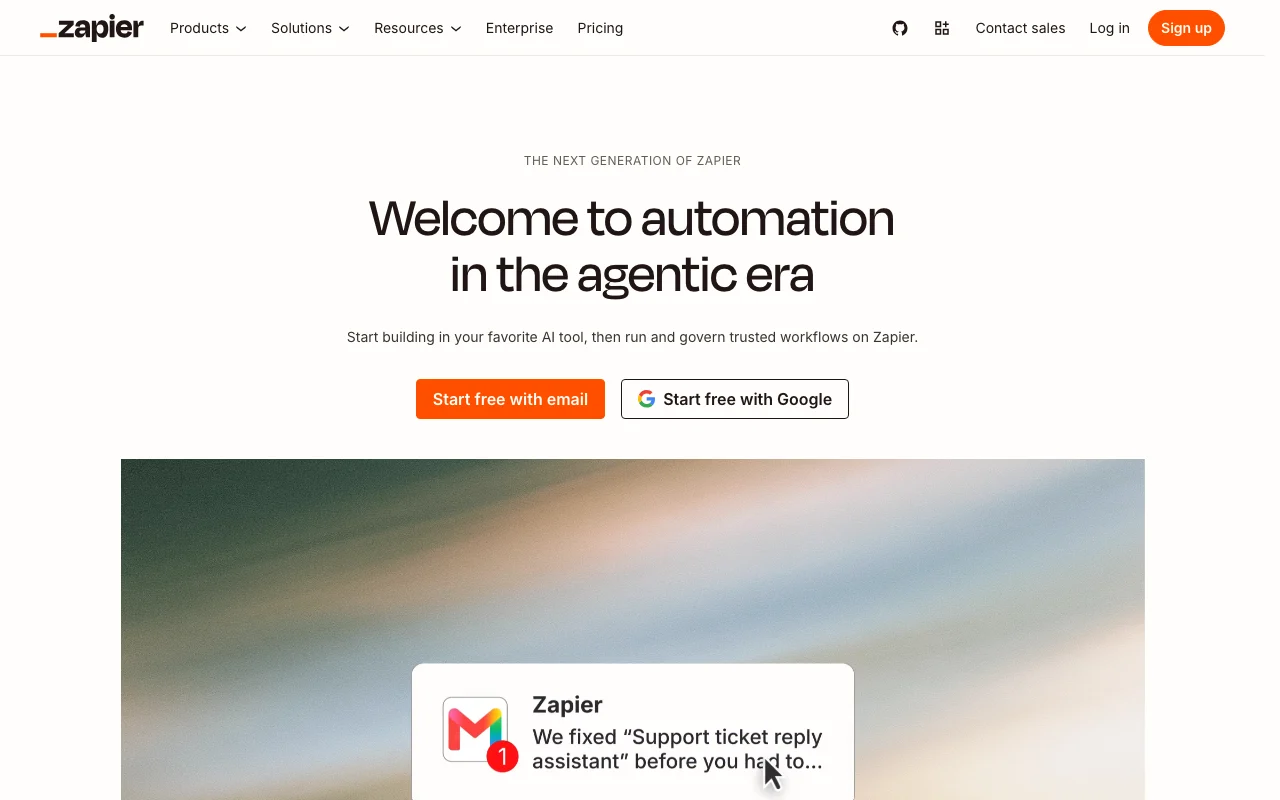
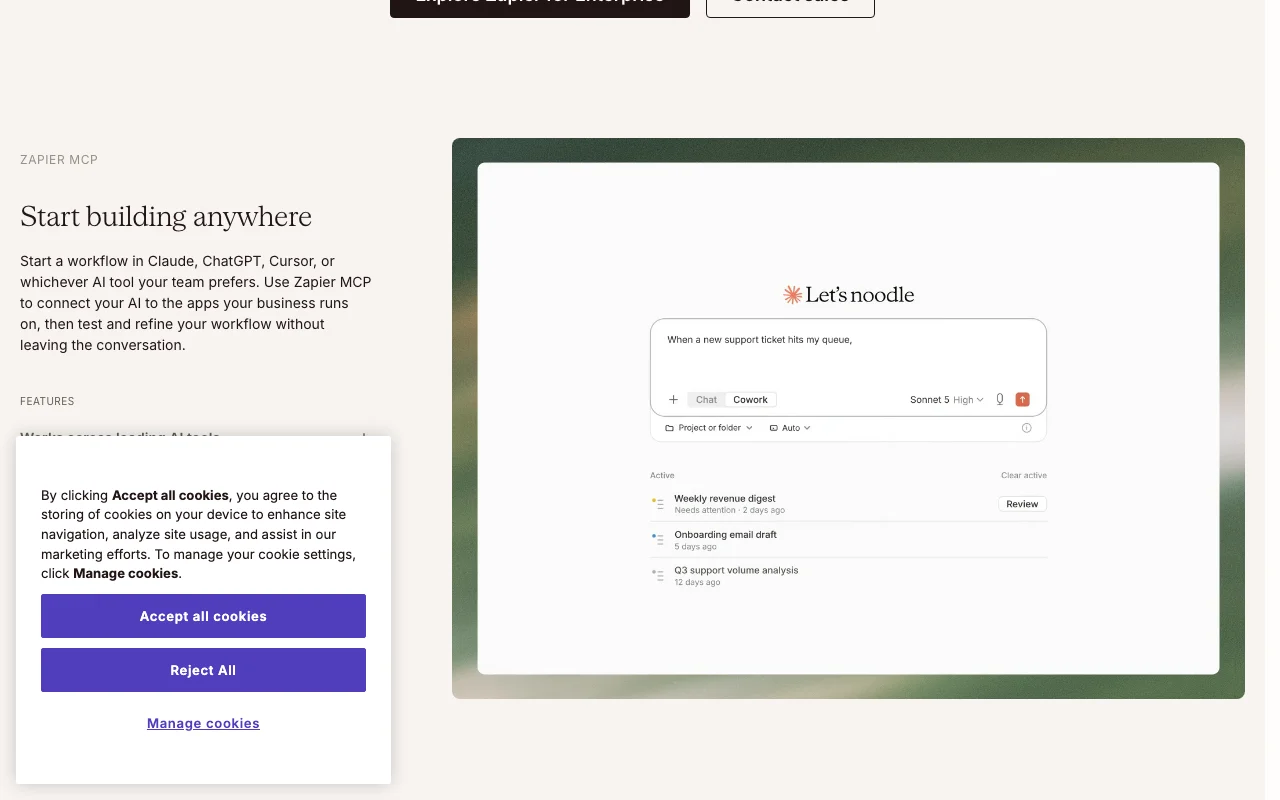
Zapier's official site: how the product presents itself. zapier.com, captured Oct 1, 2026
What you provide and what you get back
What you give Zapier and what comes back, from its documentation
You provide
App events and triggers from 9,000+ integrations
Form submissions and user-entered data
CSV data imports to Tables
Text prompts for AI-powered steps
You get back
Automated actions across integrated apps
Table records and structured data storage
Form responses and collected submissions
AI-generated content and classifications
Where you can use it
Platforms
Web, API
Account
Required
Where Zapier is most useful
Scenarios are worked out by our editors from the documentation; the actual result depends on your input and plan.
Syncing data between SaaS apps
Who
Operations and data teams
You provide
New records in one app (e.g., Google Sheets, Salesforce)
Expected result
Data automatically synced to destination app without manual entry
Plan needed
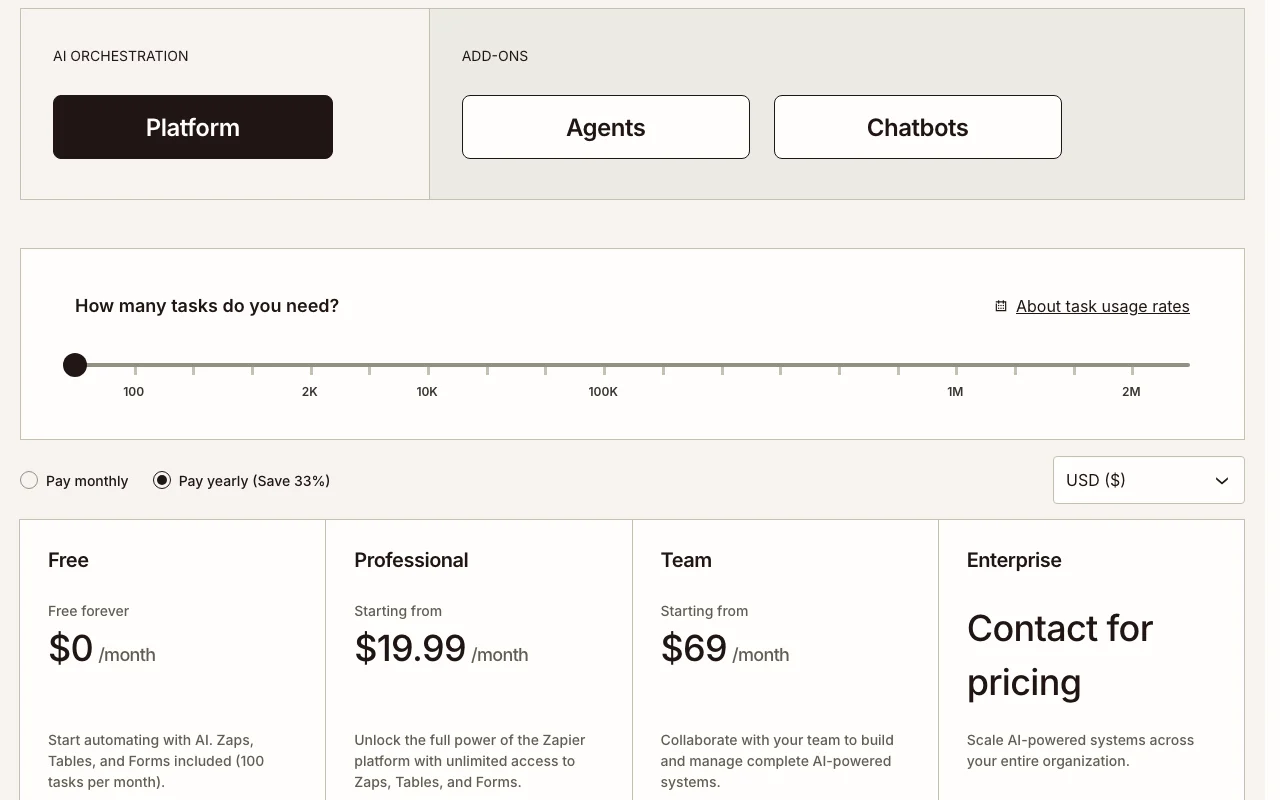
Professional ($19.99/mo) or Team ($69/mo) for unlimited apps
Feature overview on the official site. zapier.com, captured Oct 1, 2026
Zap workflows across 9,000+ apps
Creates automated multi-step workflows connecting any of 9,000+ apps Eliminates manual data transfer and repetitive app-to-app work
Access: Available on all plans; Free plan limited to two-step ZapsLimit: Free plan: 100 tasks/month and two-step limit; pricing scales with task volumesource (opens in a new tab)
Tables and Forms
Stores data in tables and collects input via custom forms Creates structured databases and data collection without code
Access: Unlimited tables and forms on all plansLimit: Free: 2,500 records per account; Professional: 100,000; Team: 500,000source (opens in a new tab)
Canvas for mapping workflows
Visual workflow designer showing process flow and dependencies Simplifies understanding and troubleshooting complex automations
AI takes autonomous actions across apps and handles customer conversations Scales business processes without manual intervention; AI can make decisions
Access: Agents Pro ($400/yr) or Chatbots Pro ($160/yr) purchased separatelyLimit: Agents and Chatbots require separate annual commitments beyond base plansource (opens in a new tab)
Pros, cons and deal-breakers
Where Zapier is strong
Free plan with 100 tasks/month Low barrier to entry for testing and small-scale automationdocumentedsource (opens in a new tab)
9,000+ app integrations Covers most business-critical apps; minimal gaps in integration ecosystemdocumentedsource (opens in a new tab)
Annual billing saves 33% Significant discount for committed customers; lower monthly effective costdocumentedsource (opens in a new tab)
MCP and SDK for AI tools Enables AI assistants like Claude to take action across 9,000+ apps securelydocumentedsource (opens in a new tab)
Limitations to check before paying
Free plan limited to two-step Zaps and 100 tasks Minimal automation possible without paid plan; quickly exhausted for active usersdocumentedsource (opens in a new tab)
Agents and Chatbots are priced separately Additional $400/yr or $160/yr commitments required for AI capabilitiesdocumentedsource (opens in a new tab)
Pricing scales with task volume High-volume automations become expensive; cost unpredictability for growth phasesdocumentedsource (opens in a new tab)
Webhooks require a paid plan Free users cannot accept real-time data from external sourcesdocumentedsource (opens in a new tab)
How to use Zapier for creating and automating a multi-app workflow
Set up Zapier
Sign up for a Zapier account at zapier.com (free plan available)
Choose or create a new Zap from templates or start from scratch
Select a trigger app and event (e.g., new email in Gmail)
Add action(s) and connect destination apps using OAuth
Test the Zap to verify data flows correctly before turning on
Example: creating and automating a multi-app workflow
Create a Zap triggered by new Google Sheet rows
Use Formatter step to process the row data
Create new Salesforce leads with the formatted data
Send confirmation email to your team
Turn on the Zap to automate going forward
Review and export the result
Verify task usage in account dashboard (avoid overages)
Check app connection logs for auth failures or blocked actions
Zapier integrations and API
Plan comparison on the official pricing page. zapier.com, captured Oct 1, 2026
Native integrations and export formats
Export: CSV (via Tables), Webhook POST, API calls via SDK/MCP
API access and separate billing
Zapier has no public API in its official documentation. Zapier MCP available for Claude and other AI assistants; SDK for developers API documentation ↗
Privacy, data use and commercial rights
Summarized from the vendor's current policies; this is not legal advice and a vendor's badge is not an independent audit.
How your inputs and outputs are handled
App data and automation history stored in Zapier account; users control what data flows
Not used for model training (no AI training use disclosed)
Determined by connected app policies; Zapier retains execution history
Commercial use and plan restrictions
Data used to power Zapier platform and improve products
Enterprise plans may include custom data retention
No. Zapier is designed for non-technical users. The visual no-code editor handles most automations. Our Support team is available via email if you need help. source (opens in a new tab)
What are tasks?
Tasks are counted when a Zap successfully moves data or completes an action. For example, creating a new Google Contact uses one task. Checking for data (polling) is free and does not count toward task limits. source (opens in a new tab)
What's the difference between a trigger and an action?
A trigger is the event that starts a Zap (e.g., new email). Actions are events that happen automatically after your Zap is triggered (e.g., create a Salesforce lead). Only actions count as tasks; triggers are free. source (opens in a new tab)
Can I use annual billing to save money?
Yes. Committing to annual payment saves 33% compared to month-to-month billing on Professional and Team plans. source (opens in a new tab)
What happens if I exceed my task limit?
Your account will be switched to pay-as-you-go billing unless you disable this option or upgrade to a higher task tier. You maintain full control over this setting. source (opens in a new tab)
Not verified: Privacy policy details (page blocked during fetch); Complete API documentation (404 error on docs page); Tax handling for specific regions; Detailed SLA terms; Data backup and recovery procedures.
How we documented and maintain this page
Every fact about Zapier above comes from the 2 official pages listed here, last compared on Oct 1, 2026; we have not run Zapier ourselves, so it has no editorial score. How we check and re-check pages.
Article updated Oct 2, 2026; prices checked Oct 1, 2026. Outbound links to vendors are plain links; we do not earn commissions. How we review · Report an error