Productivity & writingDocumented overviewLast checked Oct 2, 2026

Accesstive: Pricing, Features & Best Use Cases

Web accessibility compliance platform with scans, monitoring, widget and remediation for WCAG, ADA and EAA.

Who should use Accesstive

Accesstive suits site owners, agencies and compliance teams that want automated WCAG scanning and monitoring plus optional human fixes on Business and Growth plans. Based on the vendor's documentation, not on a hands-on test.

Best for: Website owners

Also a good fit for

  • Agencies
  • Compliance teams

Consider another tool if prices shown in EUR on the page I loaded

Or if

  • Page limits per plan
  • Human fixes only on Business and above

Accesstive pricing and usage limits

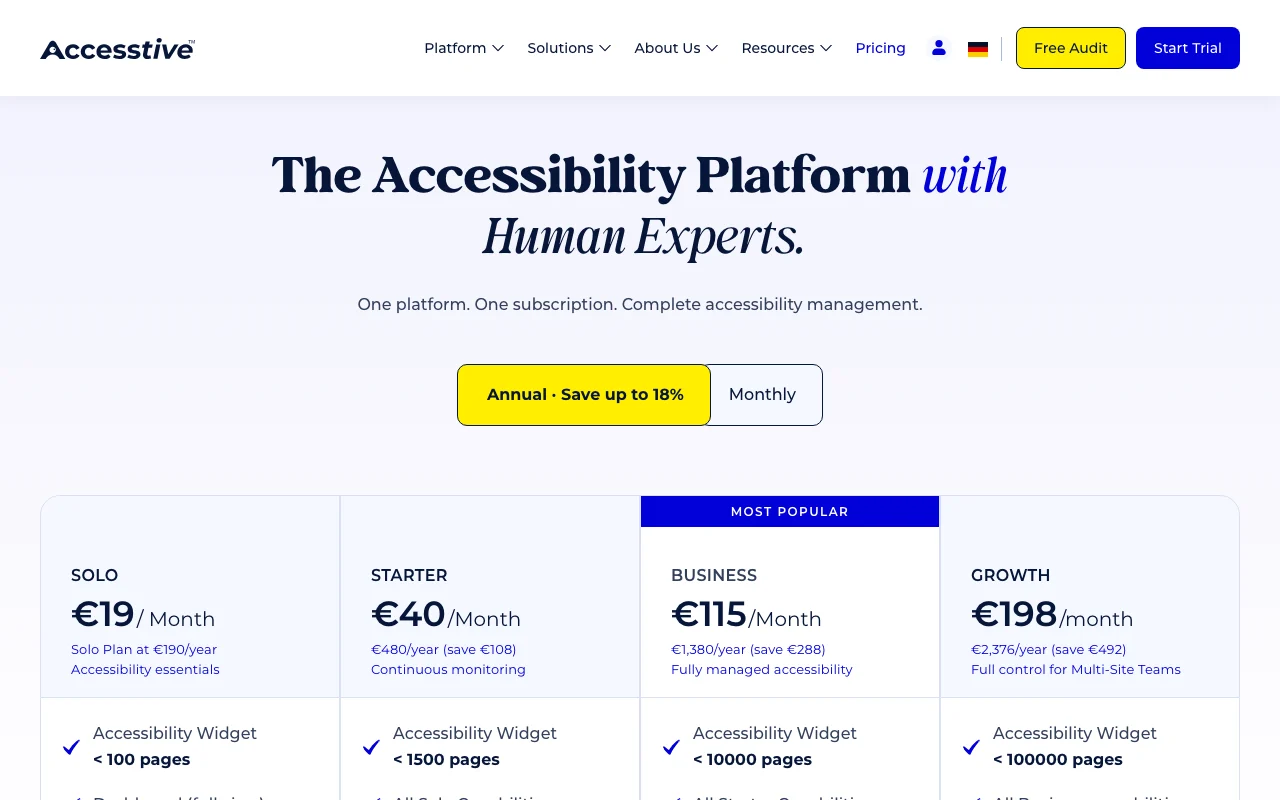
Prices checked Oct 2, 2026 on the official US pricing page. Official pricing ↗ Prices and limits change often.

Accesstive pricing page with plans and prices — screenshot of the productivity & writing AI tool, Oct 2, 2026
The official Accesstive pricing page as we saw it. accesstive.com, captured Oct 2, 2026

Free access and trial conditions

Free accessibility checker tools; paid plans have 14-day trial

14-day trial on all plans (Start 14-day Trial)

Paid plans: what changes as you upgrade

Solo web

See official pricing source (opens in a new tab)

Monthly

Page shows EUR 19 per month; USD not shown

For: Accessibility essentials

Limits

  • Widget under 100 pages
  • Monitor 1 page 24/7

Includes

  • Dashboard
  • Statement Generator
1 more
  • Contrast Checker

Starter web

See official pricing source (opens in a new tab)

Monthly

EUR 40 (annual) or EUR 49; not USD

For: Continuous monitoring

Limits

  • Widget under 1,500 pages
  • Monitor 10 pages

Includes

  • Live Audit AI only
  • Fix Hub + AI fixes

Business web

See official pricing source (opens in a new tab)

Monthly

EUR 115 (annual) or EUR 139; not USD

For: Fully managed accessibility

Limits

  • Widget under 10,000 pages
  • Monitor 50 pages

Includes

  • Live Audit AI + human
  • Human fixes on demand

Growth web

See official pricing source (opens in a new tab)

Monthly

EUR 198 (annual) or EUR 239; not USD

For: Multi-site teams

Limits

  • Widget under 100,000 pages
  • Monitor 100 pages

Includes

  • White-label reporting
  • 5 users + SSO

Usage caps, credits and extra costs

PDF accessibility remediation is pay-as-you-go; VPAT/ACR and litigation support available as services

Not stated

What is Accesstive, and how does it work?

Accesstive is an accessibility compliance platform covering finding issues, fixing them and proving compliance. It offers a free checker, live audits, an accessibility widget, a fix hub and human expert fixes. It lists integrations such as WordPress, Divi, Strapi, Shopware, TYPO3 and Joomla, and pages for ADA, EAA, BFSG and Section 508.

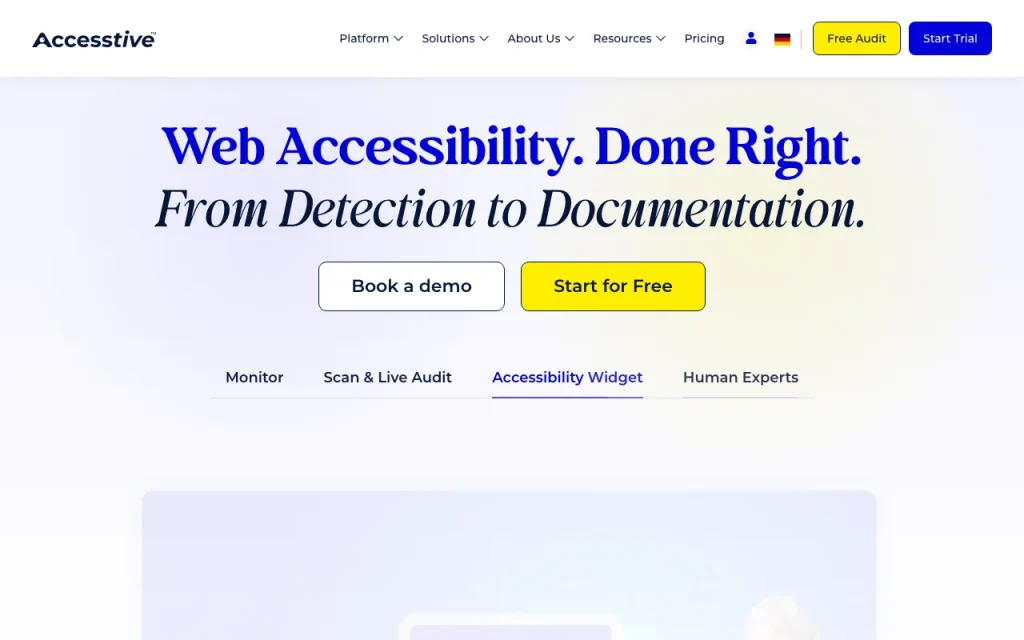
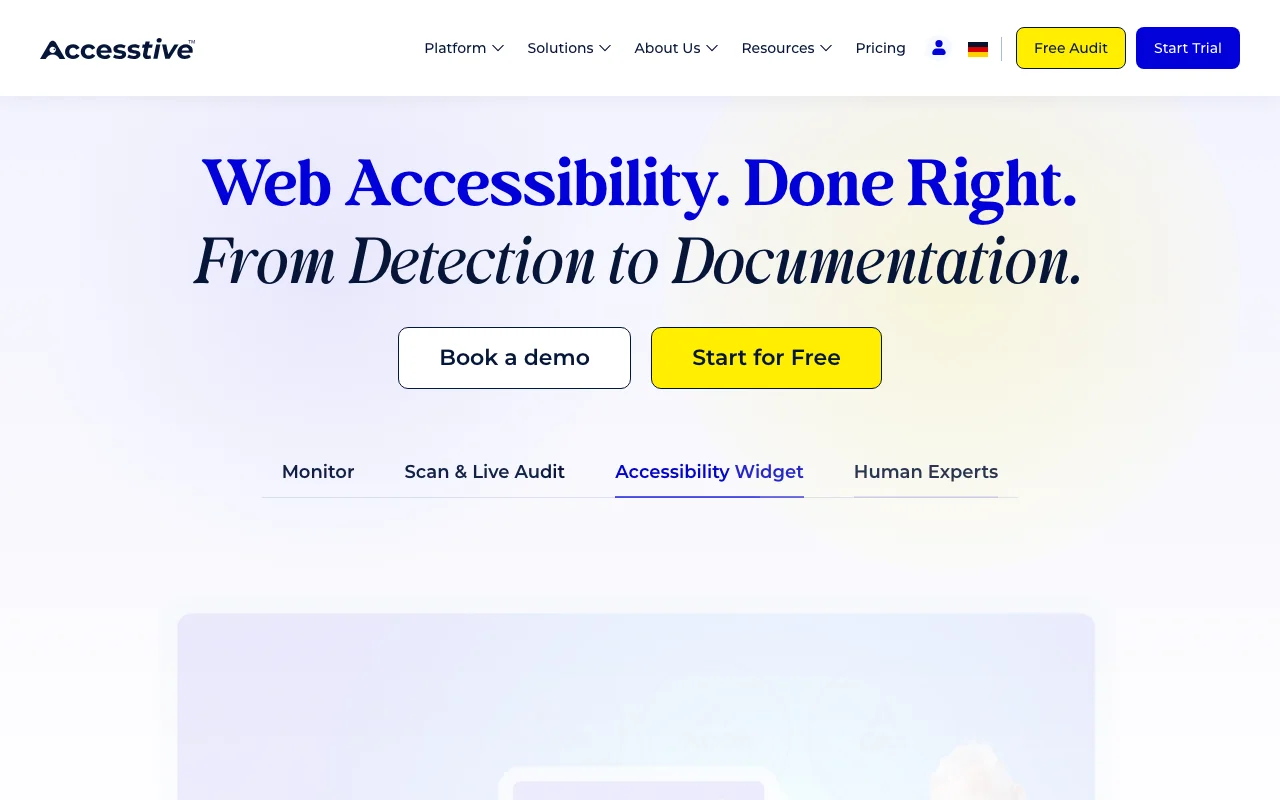
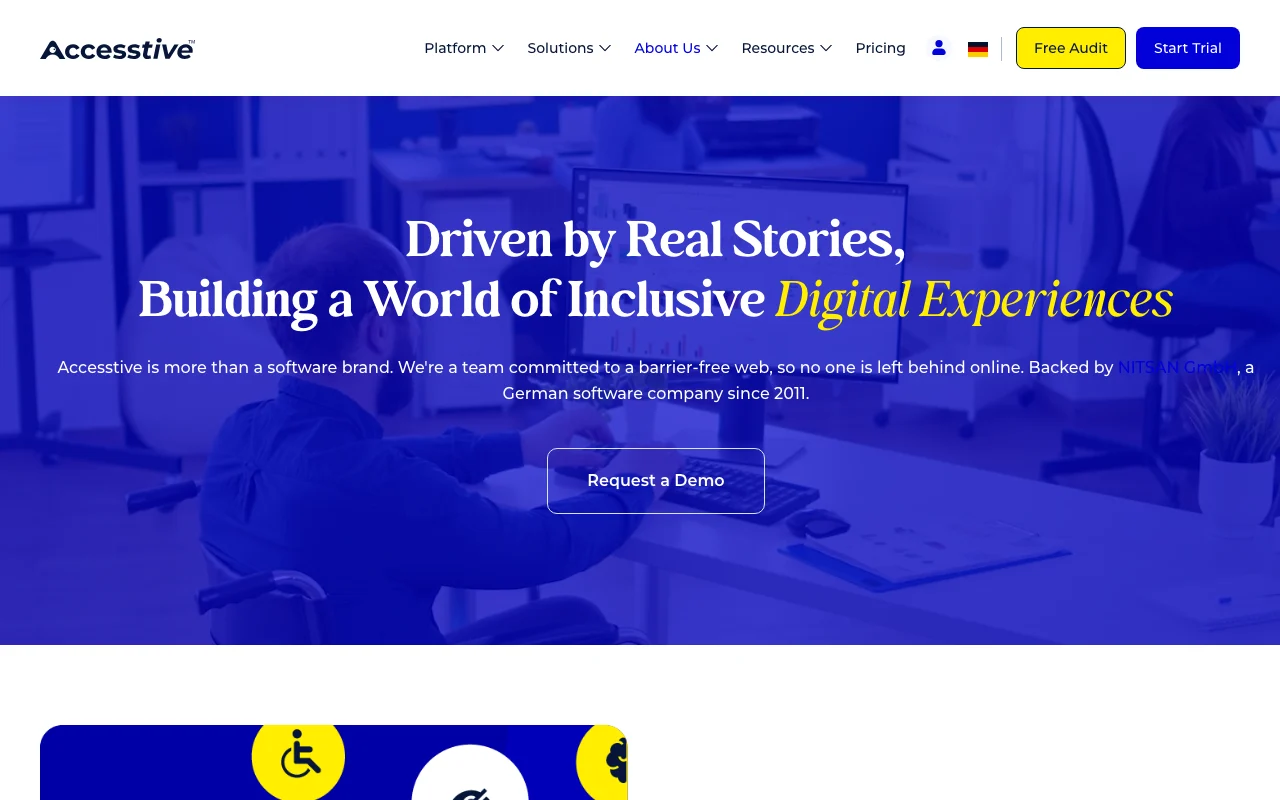
Accesstive homepage — screenshot of the productivity & writing AI tool, Oct 2, 2026
Accesstive's official site: how the product presents itself. accesstive.com, captured Oct 2, 2026

What you provide and what you get back

How Accesstive works: what you provide, where it runs and what you get backYOU PROVIDEYour inputWebsite URLs and pagesAccessibility issues found on sca…Brand and widget settingsPRODUCTIVITY & WRITINGAccesstiveWebfree tier, paid price not publish…free tier availableaccount requiredchecked Oct 2, 2026YOU GET BACKThe resultAccessibility scan results and da…AI fix recommendations and human…Accessibility statement and month…input → Accesstive → output · from the vendor's own pages, no hands-on test unless stated
What you give Accesstive and what comes back, from its documentation

You provide

  • Website URLs and pages
  • Accessibility issues found on scans
  • Brand and widget settings

You get back

  • Accessibility scan results and dashboard
  • AI fix recommendations and human fixes
  • Accessibility statement and monthly audit reports (PDF)

Where you can use it

Platforms
Web
Account
Required
Standards
WCAG 2.2, ADA, EAA
Monitoring
1/10/50/100 pages 24/7 by plan
Users
1 to 5 users plus SSO on Growth
Reports
Monthly PDF audit reports

What people use Accesstive for

Scenarios are worked out by our editors from the documentation; the actual result depends on your input and plan.

WCAG 2.2 scanning

Who
Website owners and developers
You provide
Page URLs
Expected result
Issues listed against WCAG 2.2 criteria
Plan needed
Any paid plan; free checker
Limitation
Page limits per plan source (opens in a new tab)

ADA compliance

Who
Companies facing ADA risk
You provide
Site pages
Expected result
Accessibility fixes and an accessibility statement
Plan needed
Business and above for human help
Limitation
Litigation support is a service, not included source (opens in a new tab)

Continuous page monitoring

Who
Compliance and QA teams
You provide
Monitored pages
Expected result
24/7 monitoring of 1 to 100 pages depending on plan
Plan needed
Solo to Growth
Limitation
Monitored page counts are capped per plan source (opens in a new tab)

Key features and their practical limits

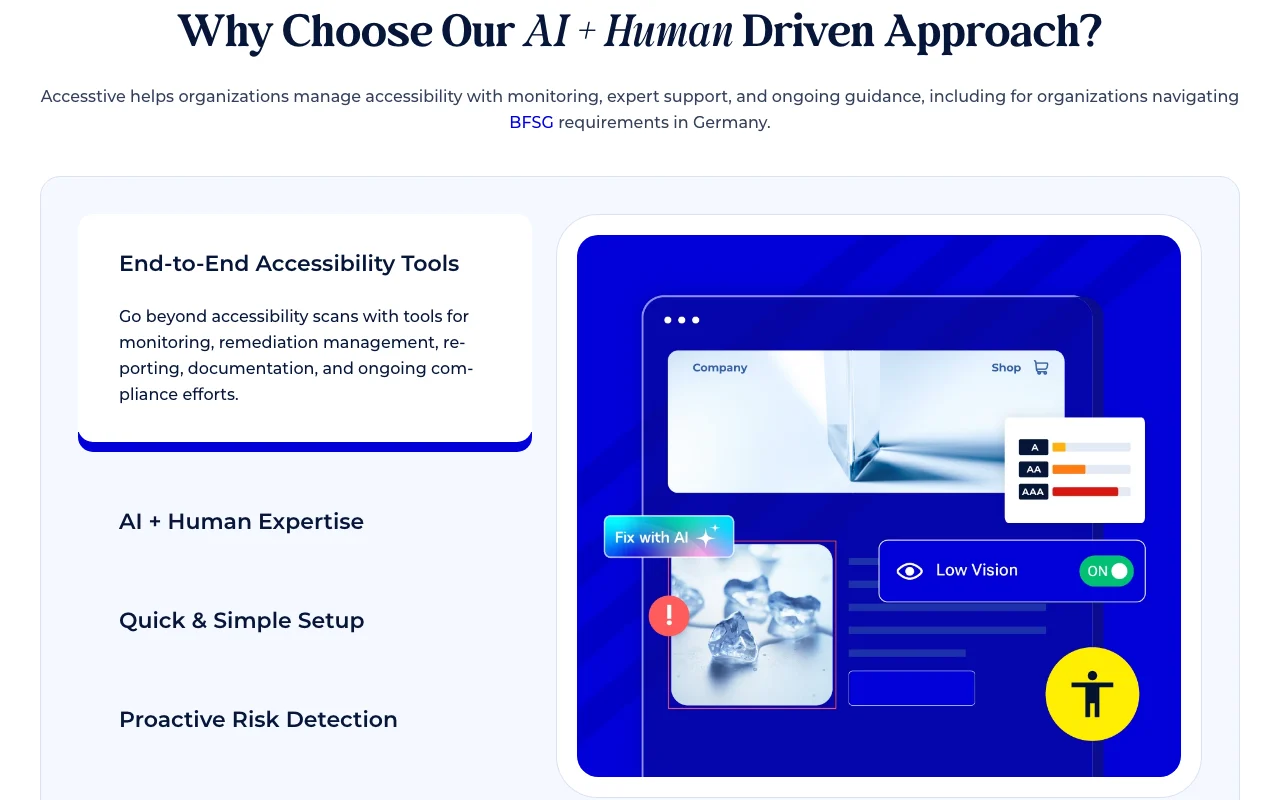
Accesstive homepage — screenshot of the productivity & writing AI tool, Oct 2, 2026
Feature overview on the official site. accesstive.com, captured Oct 2, 2026

Free accessibility checker

Scans a page and reports accessibility barriers without requiring a login. Gives a quick first view of problems

Access: Free toolLimit: Limited to what the free tool covers source (opens in a new tab)

Accessibility widget

Adds an on-page accessibility widget covering from under 100 up to under 100,000 pages depending on plan. Gives visitors adjustable accessibility options

Access: All plansLimit: Page cap rises with plan source (opens in a new tab)

Fix Hub

Central place that lists accessibility fixes and AI-suggested code changes. Moves issues from detection to repair

Access: Starter and aboveLimit: AI fix and audit credits are capped on lower plans source (opens in a new tab)

Live Audit

Runs audits using AI only on Starter, AI plus human reviewers on Business, and a full team on Growth. Lets teams verify fixes against current page state

Access: Starter and aboveLimit: Human audits start at Business source (opens in a new tab)

Accesstive: strengths and limits

Where Accesstive is strong

Limitations to check before paying

How to use Accesstive for scanning and fixing website accessibility issues

Set up Accesstive

  1. Open Accesstive and run the free accessibility checker on a page
  2. Choose a plan on the pricing page and start the 14-day trial
  3. Install the accessibility widget on your site
  4. Add pages for monitoring in the dashboard

Example: scanning and fixing website accessibility issues

  1. Run a scan on your homepage
  2. Open Fix Hub and review AI fix suggestions
  3. Apply fixes in your site code
  4. Re-run Live Audit and export the monthly report

Review and export the result

  1. Confirm the scan no longer lists the fixed issues
  2. Check the accessibility statement is published

Accesstive integrations and API

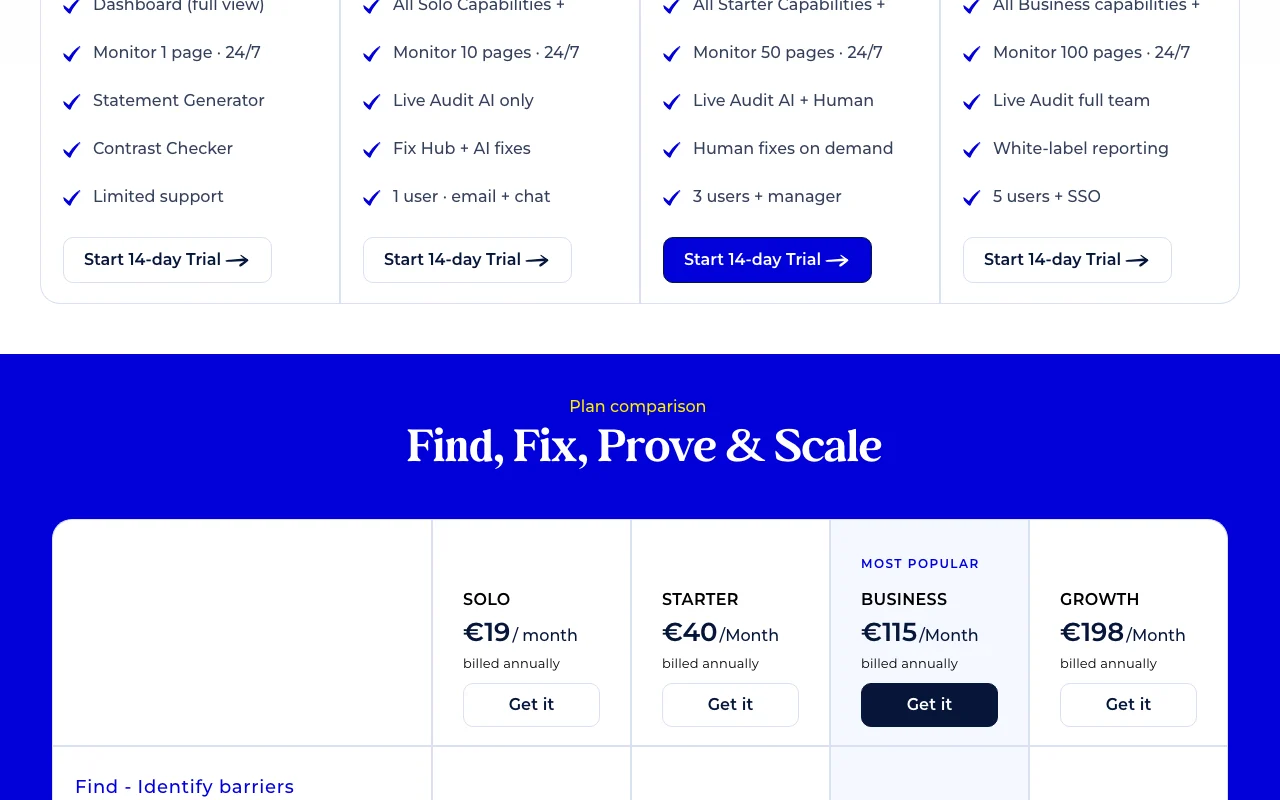
Accesstive pricing page with plans and prices — screenshot of the productivity & writing AI tool, Oct 2, 2026
Plan comparison on the official pricing page. accesstive.com, captured Oct 2, 2026

Native integrations and export formats

Export: PDF report export

API access and separate billing

Accesstive has no public API in its official documentation. No API docs on fetched pages

Privacy, data use and commercial rights

Summarized from the vendor's current policies; this is not legal advice and a vendor's badge is not an independent audit.

How your inputs and outputs are handled

Pricing page lists No Tracking, GDPR-friendly; policy page returned 404

Controls for business users

  • 2FA and SSO on higher plans

Explore Accesstive further

Tools and guides near Accesstive

Accesstive user reviews

No user reviews yet.

Used Accesstive? Be the first to share your experience.

Write a review

Reviews are checked by a moderator before they appear. Your email is never published. Plain text only.

Your rating (required)

Show what you made or what went wrong. Images are published only if the review is approved; location data is removed.

    Accesstive FAQ

    Does Accesstive offer a trial on paid plans?

    Yes, every plan card on the pricing page has Start 14-day Trial. source (opens in a new tab)

    What currency does Accesstive show prices in?

    Euros: Solo EUR 19, Starter EUR 40, Business EUR 115 and Growth EUR 198 per month on annual billing. source (opens in a new tab)

    Which Accesstive plan includes human fixes?

    Business adds human fixes on demand and Live Audit with AI and human reviewers. source (opens in a new tab)

    How many pages does Accesstive monitor?

    Solo monitors 1 page, Starter 10, Business 50 and Growth 100, all 24/7. source (opens in a new tab)

    Does Accesstive provide VPAT documentation?

    VPAT/ACR documentation and litigation support are listed as available services across plans. source (opens in a new tab)

    Sources and review methodology

    Official sources and verification dates

    Not verified: USD prices; Privacy policy content (404); Documentation (404); API access.

    How we documented and maintain this page

    Every fact about Accesstive above comes from the 2 official pages listed here, last compared on Oct 2, 2026; we have not run Accesstive ourselves, so it has no editorial score. How we check and re-check pages.

    Article updated Oct 2, 2026; prices checked Oct 2, 2026. Outbound links to vendors are plain links; we do not earn commissions. How we review · Report an error