Productivity & writingDocumented overviewLast checked Oct 2, 2026

Action Sync: Pricing, Features & Best Use Cases

Enterprise AI assistant that connects workplace apps, understands context and executes tasks across them.
Who should use Action Sync

Action Sync suits mid-sized teams that want one assistant across Slack, Gmail, Drive, Notion, Jira and HubSpot, with a free Starter plan and a privately hosted option. Based on the vendor's documentation, not on a hands-on test.

Best for: Teams of 50-1000+

Also a good fit for

  • IT-governed organizations

Consider another tool if starter: 3 apps, 5 chats/day, basic model

Or if

  • Team and Enterprise prices not shown
  • Enterprise requires a demo

Action Sync in the news

Headlines from US outlets, selected automatically — not endorsements. Updated Oct 2, 2026

Action Sync pricing and usage limits

Prices checked Oct 2, 2026 on the official US pricing page. Official pricing ↗ Prices and limits change often.

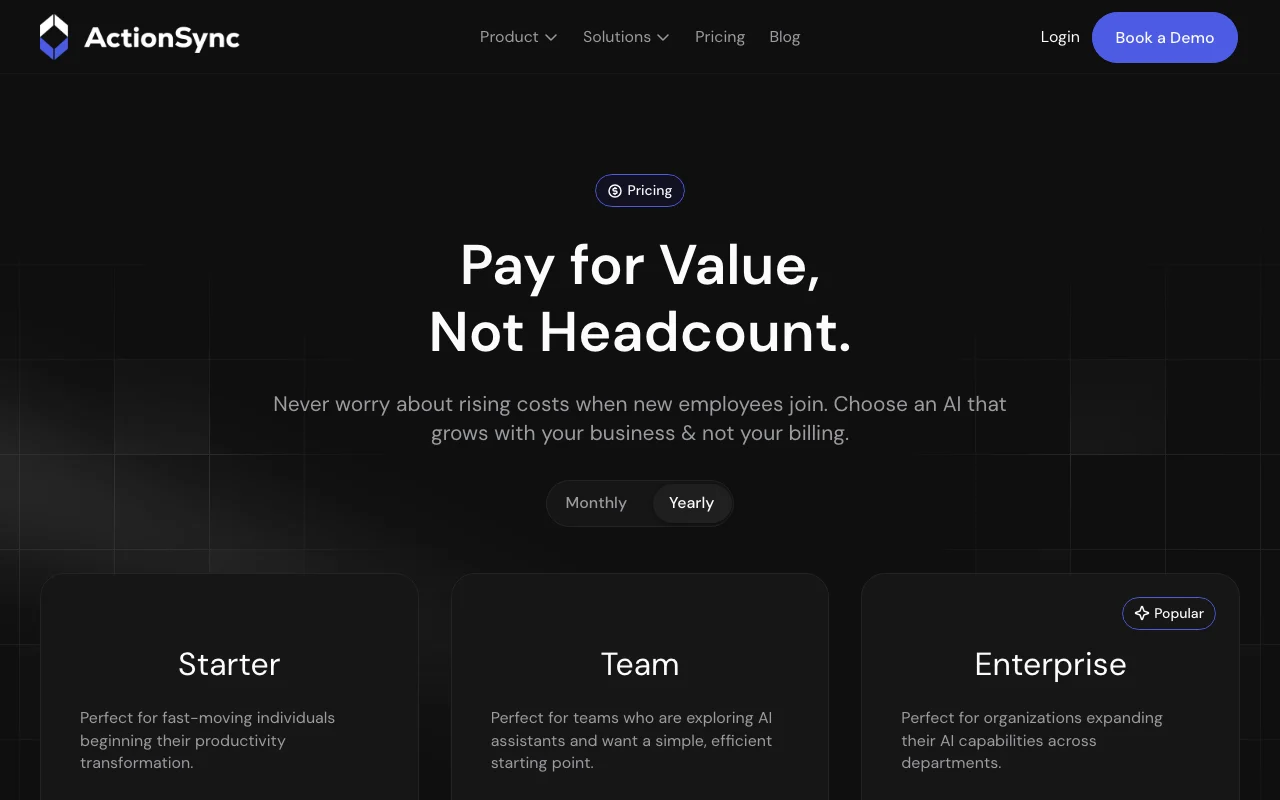
Action Sync pricing page with plans and prices — screenshot of the productivity & writing AI tool, Oct 2, 2026
The official Action Sync pricing page as we saw it. actionsync.ai, captured Oct 2, 2026

Free access and trial conditions

Starter plan is free.

Paid plans: what changes as you upgrade

Starter web

Free source (opens in a new tab)

Monthly

For: Individuals starting out

Limits

  • Up to 3 connected apps
  • Up to 5 chats per day
1 more
  • Basic AI model

Includes

  • Access to all features
  • Email support

Team web

See official pricing source (opens in a new tab)

Monthly

Annual billing discount stated; amount of base price unknown

For: Teams exploring AI assistants

Limits

  • Price not shown
  • 20% off or 2 months free with annual billing

Includes

  • Unrestricted app connections
  • Unlimited chats
2 more
  • Pro AI model
  • Premium support

Enterprise web

Custom pricing source (opens in a new tab)

Monthly

For: Organizations expanding AI across departments

Limits

  • Demo required

Includes

  • Complete data ownership
  • Fixed licensing cost
2 more
  • Usage analytics
  • Custom AI model

Usage caps, credits and extra costs

FAQ asks about connector and agent costs; answers not captured.

What is Action Sync, and how does it work?

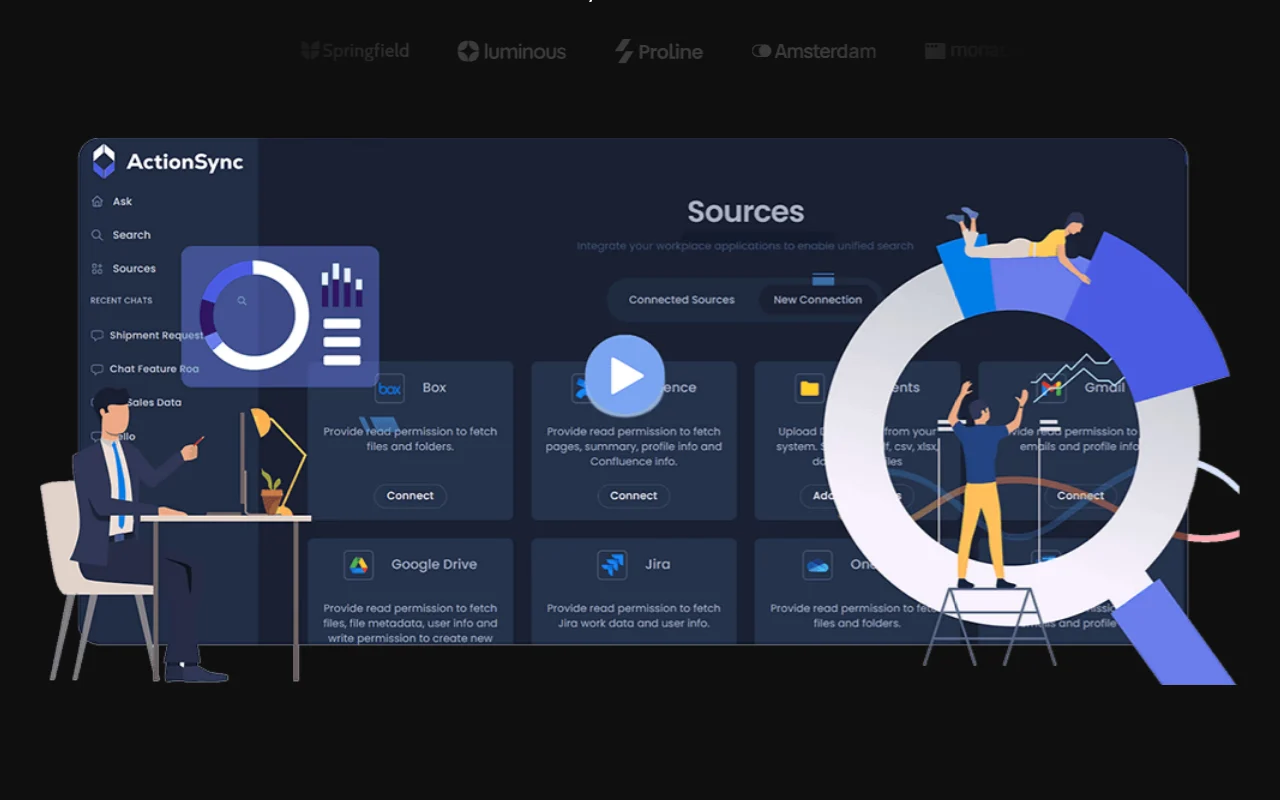
Action Sync connects to tools such as Slack, Gmail, Drive, Notion, Jira and HubSpot to unify company data and act on it. It positions itself as a private, enterprise-focused layer for teams. It offers role-based assistants and proactive agents, with a privately hosted architecture described for data privacy.

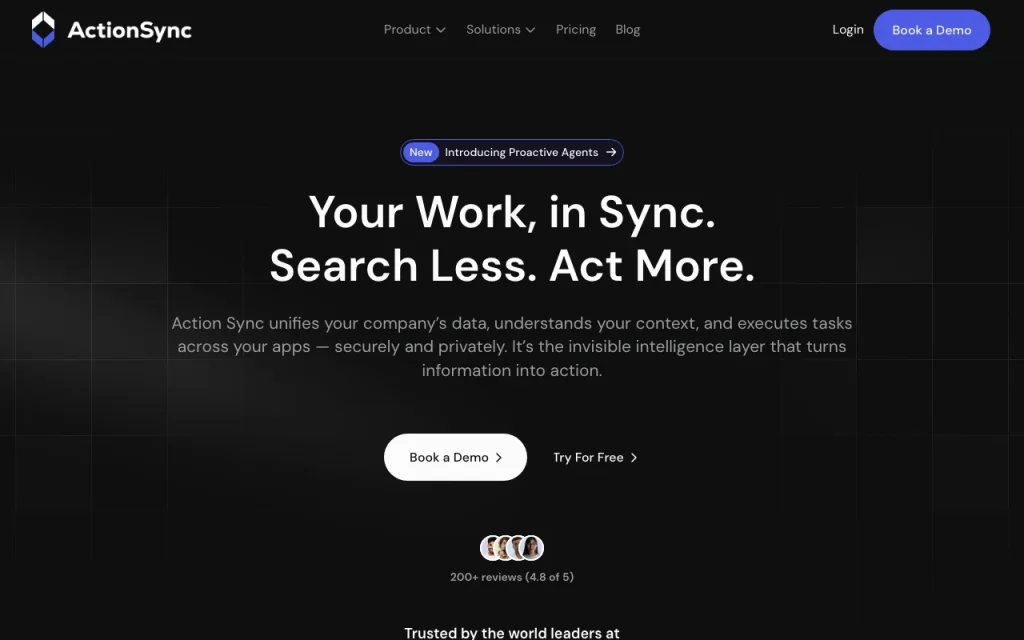
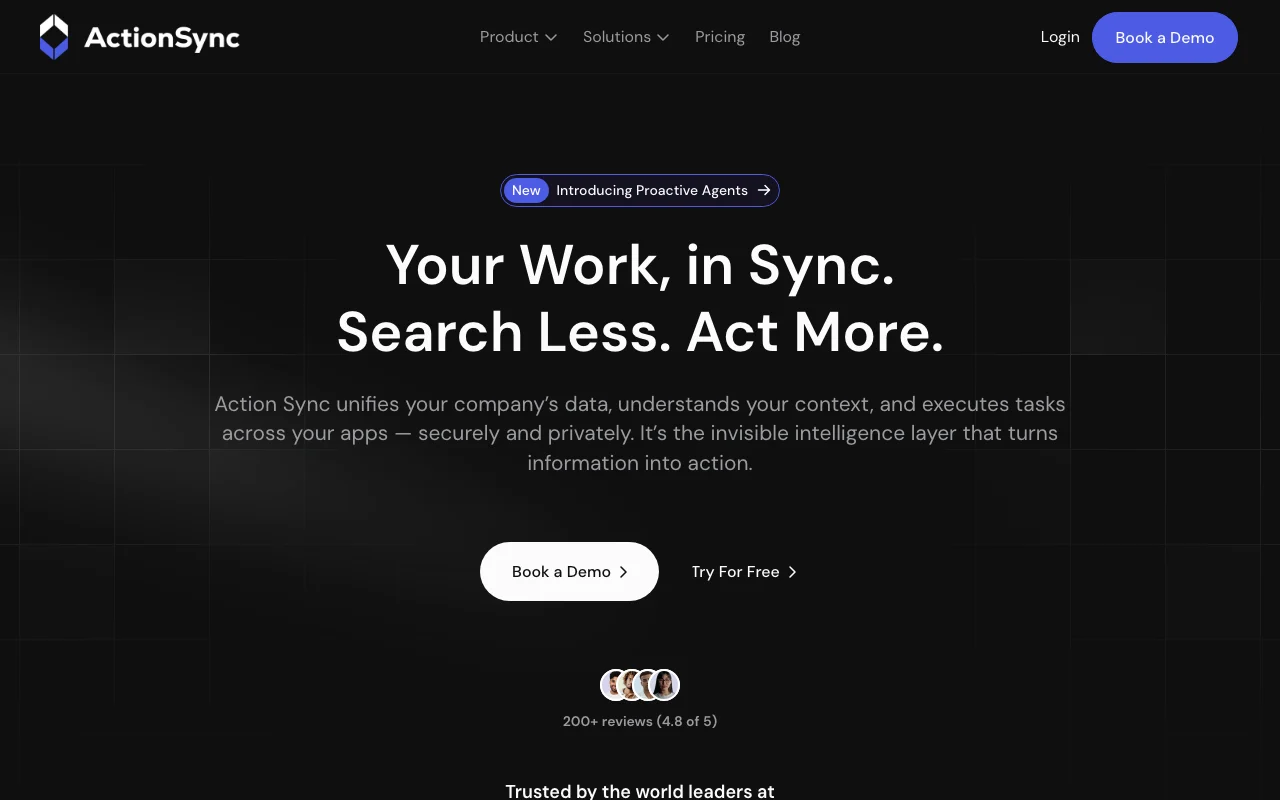
Action Sync homepage — screenshot of the productivity & writing AI tool, Oct 2, 2026
Action Sync's official site: how the product presents itself. actionsync.ai, captured Oct 2, 2026

What you provide and what you get back

How Action Sync works: what you provide, where it runs and what you get backYOU PROVIDEYour inputConnected app data (Slack, Gmail,…Chat questionsDocumentsPRODUCTIVITY & WRITINGAction Syncfree tier, paid price not publish…free tier availableaccount requiredchecked Oct 2, 2026YOU GET BACKThe resultAnswers with workspace contextDrafted follow-ups and updatesAgent-triggered actionsinput → Action Sync → output · from the vendor's own pages, no hands-on test unless stated
What you give Action Sync and what comes back, from its documentation

You provide

  • Connected app data (Slack, Gmail, Drive, Notion, Jira, HubSpot)
  • Chat questions
  • Documents

You get back

  • Answers with workspace context
  • Drafted follow-ups and updates
  • Agent-triggered actions

Where you can use it

Account
Required
Connected apps
Slack, Gmail, Drive, Notion, Jira, HubSpot and more
Team size target
50-1000+
Starter limits
3 apps, 5 chats/day

Best use cases for Action Sync

Scenarios are worked out by our editors from the documentation; the actual result depends on your input and plan.

Search across connected work apps

Who
Employees at 50-1000+ person teams
You provide
Connected Drive, Slack, Jira
Expected result
Search results across apps from one question
Plan needed
Starter or Team
Limitation
Starter limited to 3 apps source (opens in a new tab)

Automate daily updates

Who
Managers and team leads
You provide
Calendar, chat and task signals
Expected result
Daily update drafts
Plan needed
Team
Limitation
Needs app connections source (opens in a new tab)

Role-based assistants for teams

Who
Sales, HR, marketing, engineering and support teams
You provide
Role workflows and documents
Expected result
Role-specific assistants
Plan needed
Team or Enterprise
Limitation
Setup per role source (opens in a new tab)

Key features and their practical limits

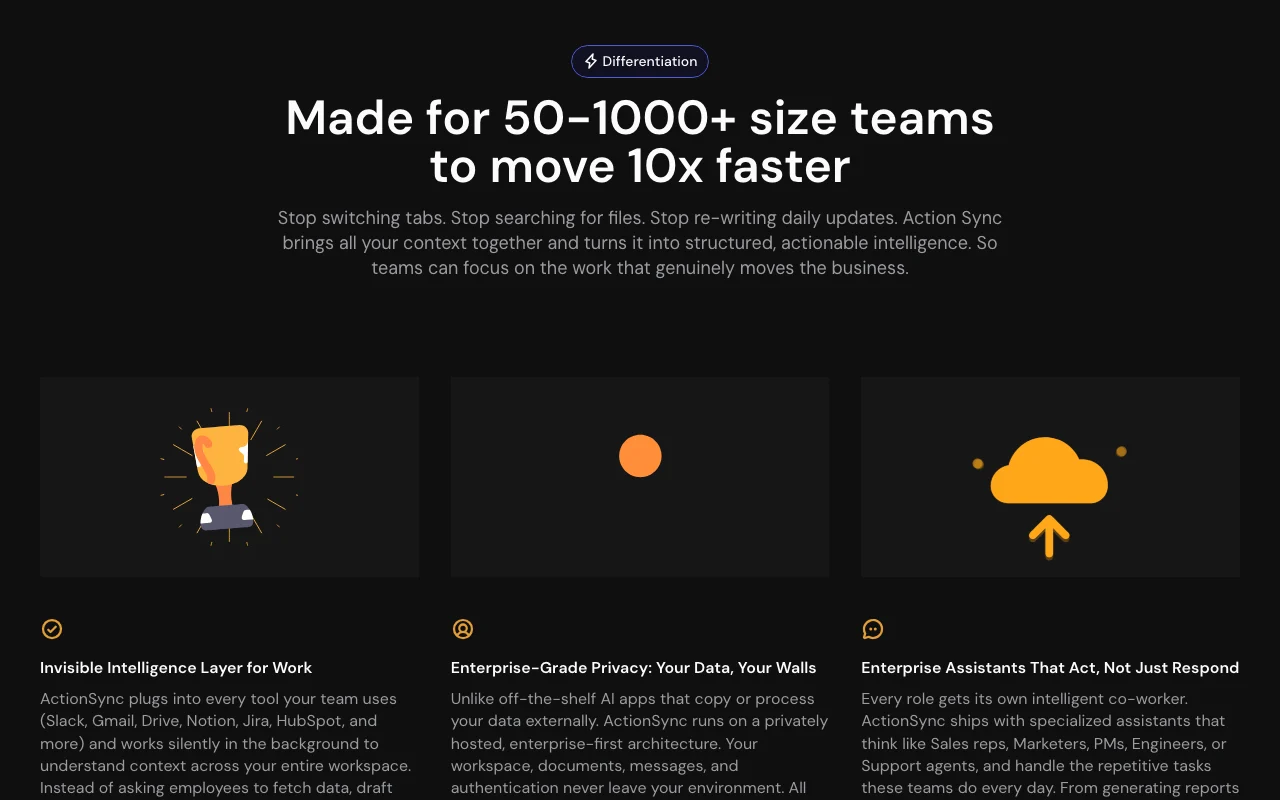
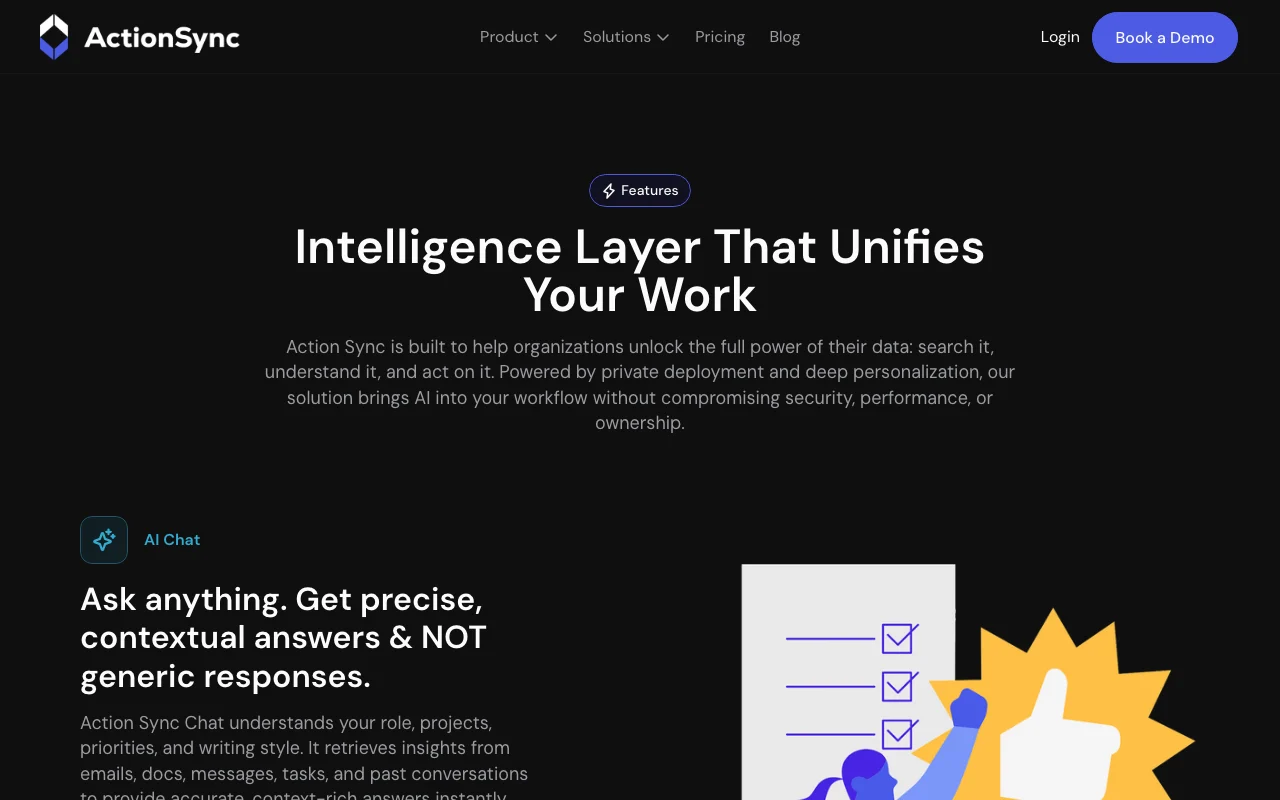
Action Sync homepage — screenshot of the productivity & writing AI tool, Oct 2, 2026
Feature overview on the official site. actionsync.ai, captured Oct 2, 2026

App integrations

Connects to work tools such as Slack, Gmail, Drive, Notion, Jira and HubSpot and reads their content for context. Removes tab switching.

Access: Starter caps at 3 appsLimit: Read access to each account is required source (opens in a new tab)

Context-aware assistants

Builds a per-user memory graph of style, projects and stakeholders to personalise answers. Makes replies sound like you.

Access: All plansLimit: Memory scope is not detailed source (opens in a new tab)

Proactive Agents

Monitors signals, deadlines and blockers and drafts follow-ups or flags risks. Moves from Q&A to action.

Access: Team and Enterprise (per page)Limit: Agent costs are unclear source (opens in a new tab)

Private hosting

Offers a privately hosted deployment keeping documents and messages in your environment. Meets strict data-handling rules.

Access: EnterpriseLimit: Needs a demo and deployment source (opens in a new tab)

Action Sync pros and cons

Reasons to choose Action Sync

Check before paying for Action Sync

How to use Action Sync for searching across connected work apps

Set up Action Sync

  1. Open actionsync.ai and choose Get started on the Starter plan.
  2. Create an account.
  3. Connect up to three apps such as Slack or Google Drive.

Example: searching across connected work apps

  1. Ask a question about a project in the chat.
  2. Review the answer and the sources it used.
  3. Ask for a daily update draft.
  4. Share the sources with your team on Team.

Review and export the result

  1. Open the cited source to confirm the answer.
  2. Check which accounts are connected and disconnect unused ones.
Example prompt suggested by our editors (not a recorded output of the product)
Summarise yesterday's Slack and Jira activity on the billing project and list open blockers.

Action Sync API

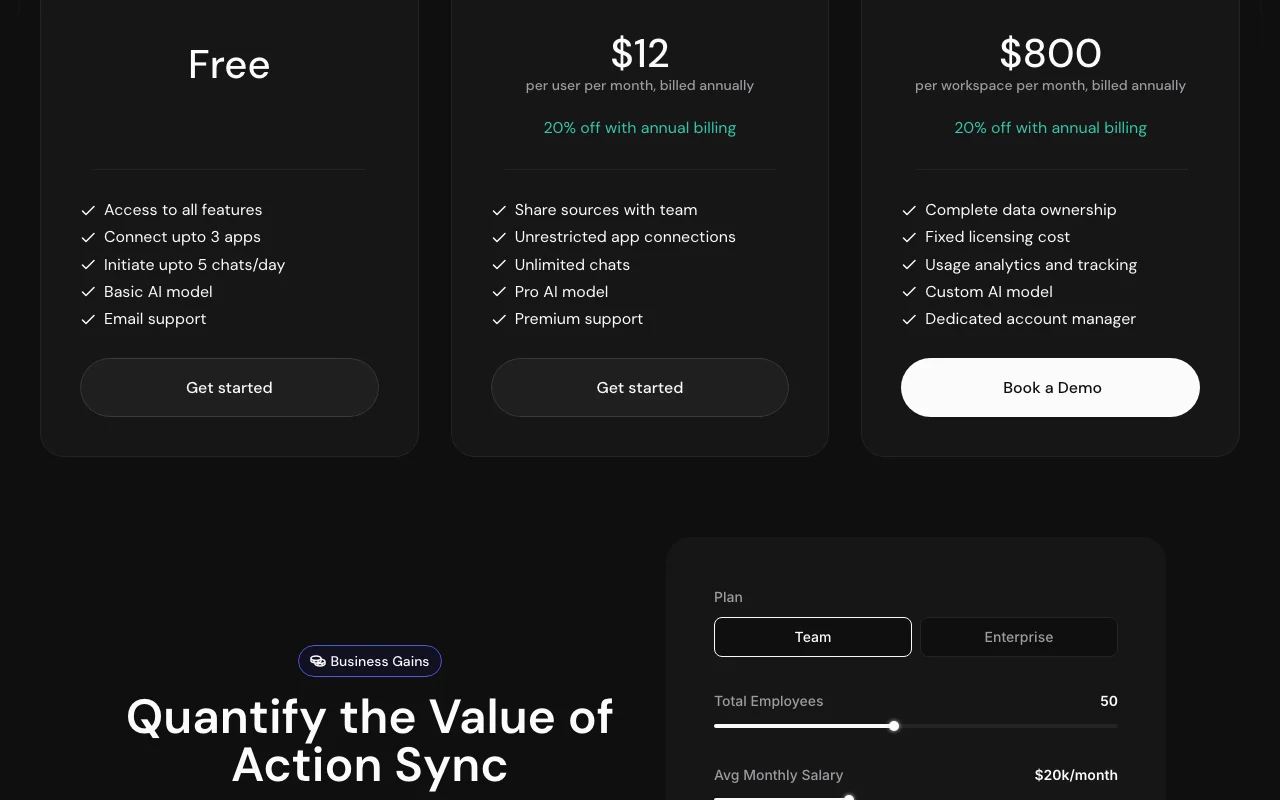
Action Sync pricing page with plans and prices — screenshot of the productivity & writing AI tool, Oct 2, 2026
Plan comparison on the official pricing page. actionsync.ai, captured Oct 2, 2026

API access and separate billing

Action Sync has no public API in its official documentation. Not shown

Privacy, data use and commercial rights

Summarized from the vendor's current policies; this is not legal advice and a vendor's badge is not an independent audit.

How your inputs and outputs are handled

Connected account data is read for indexing and embedding for the current user's search.

Policy says connected account data is not used to train generalized AI or ML models.

Google data is kept while the account is connected and deleted on disconnect.

Commercial use and plan restrictions

Private hosting is described for Enterprise.

Controls for business users

  • Privately hosted architecture
  • Complete data ownership (Enterprise)

Policies: actionsync.ai/privacy-policy

Action Sync alternatives by need

"Better suited" is based on documented features and pricing, not on a head-to-head test.

Microsoft Copilot: better suited to

Notion AI: better suited to

ChatGPT: better suited to

Alternatives
AlternativeWhen to choose itPricingLimitation
Microsoft Copilot——
Notion AI——Compare
ChatGPT——

Explore Action Sync further

Tools and guides near Action Sync

Action Sync user reviews

No user reviews yet.

Used Action Sync? Be the first to share your experience.

Write a review

Reviews are checked by a moderator before they appear. Your email is never published. Plain text only.

Your rating (required)

Show what you made or what went wrong. Images are published only if the review is approved; location data is removed.

    Action Sync FAQ

    What does the Action Sync Starter plan include?

    Starter is free with all features, up to 3 connected apps, 5 chats per day, a basic AI model and email support. source (opens in a new tab)

    Does Action Sync train AI models on my Google data?

    No. Its privacy policy says connected account data is not used to develop or train generalized AI or ML models. source (opens in a new tab)

    What happens to my Google data when I disconnect Action Sync?

    Action Sync deletes the pre-processed data for that account on disconnect, per its policy. source (opens in a new tab)

    Is there an annual discount for Action Sync?

    Yes, Team and Enterprise show 20% off or 2 months free with annual billing, but base prices are not displayed. source (opens in a new tab)

    Sources and review methodology

    Official sources and verification dates

    Not verified: Team and Enterprise prices; Platforms; API.

    How we documented and maintain this page

    Every fact about Action Sync above comes from the 3 official pages listed here, last compared on Oct 2, 2026; we have not run Action Sync ourselves, so it has no editorial score. How we check and re-check pages.

    Article updated Oct 10, 2026; prices checked Oct 2, 2026. Outbound links to vendors are plain links; we do not earn commissions. How we review · Report an error