Chat assistantsDocumented overviewLast checked Oct 1, 2026

Microsoft Copilot: Pricing, Features & Best Use Cases

Microsoft's AI assistant app on web, Windows, Mac, iOS and Android, connected to Word, Excel, PowerPoint, Outlook and Teams.

Is Microsoft Copilot right for you?

Choose it if you already live in Microsoft 365 and want a free assistant that can step up to higher usage through a paid Microsoft 365 plan. Based on the vendor's documentation, not on a hands-on test.

Best for: Existing Microsoft 365 users

Also a good fit for

  • Office document and email productivity
  • Households wanting AI plus Office apps

Consider another tool if file uploads, unlimited voice and memory require signing in

Or if

  • Higher usage limits require a paid Microsoft 365 plan
  • Mac app requires macOS Sonoma 14 or later

Microsoft Copilot in the news

Headlines from US outlets, selected automatically — not endorsements. Updated Oct 12, 2026

Microsoft Copilot pricing and usage limits

Prices checked Oct 1, 2026 on the official US pricing page. Official pricing ↗ Prices and limits change often.

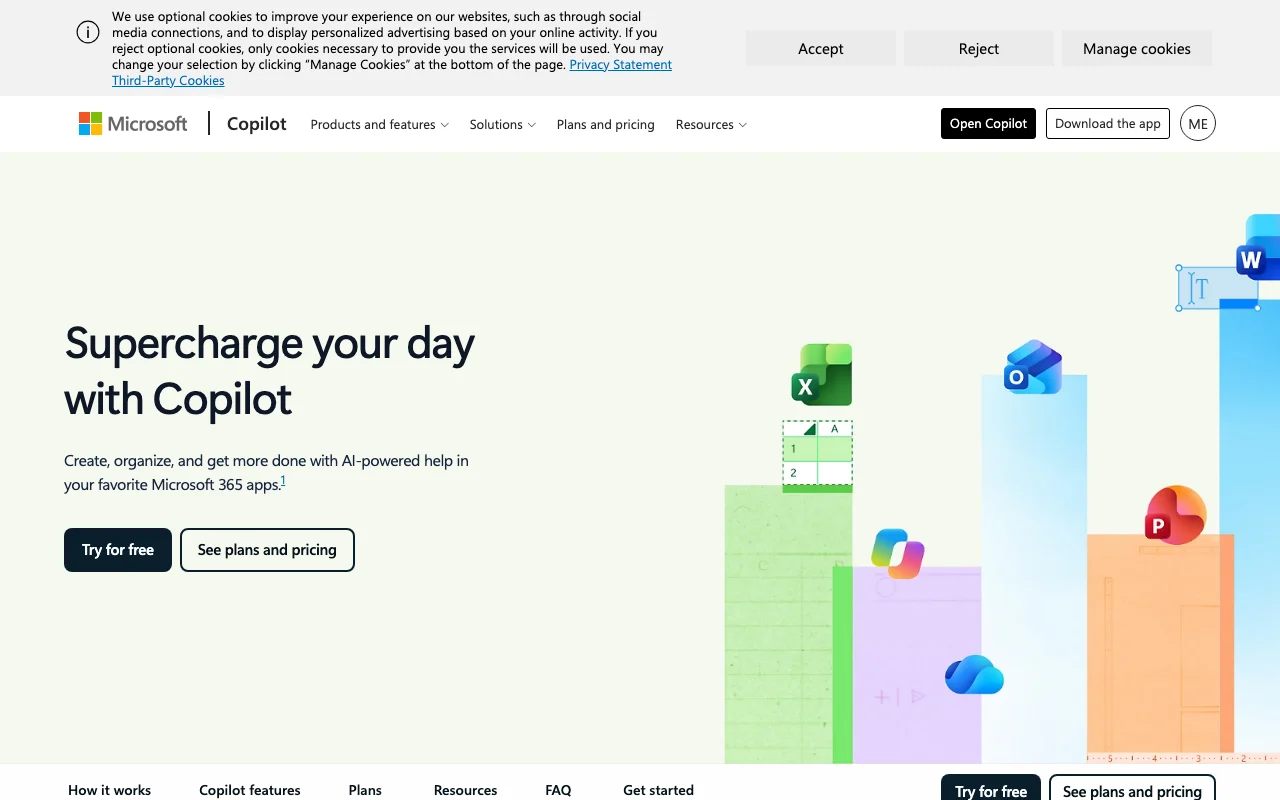
Microsoft Copilot pricing page with plans and prices — screenshot of the chat assistants AI tool, Oct 1, 2026
The official Microsoft Copilot pricing page as we saw it. microsoft.com, captured Oct 1, 2026

Free access and trial conditions

Free tier with a signed-in Microsoft account; Word, Excel and PowerPoint free on the web

Try free for 1 month on Personal, Family and Premium; none listed for Pro

Paid plans: what changes as you upgrade

Copilot (free) consumer web

Free source (opens in a new tab)

Month

For: Trying Copilot

Limits

  • Some capabilities subject to usage limits

Includes

  • Chat, search and image creation
  • File upload, voice and memory when signed in

Microsoft 365 Personal consumer web

$9.99/mo source (opens in a new tab)

Month

For: One person using Office plus AI

Limits

  • 1 person
  • 5 devices at once
1 more
  • 1 TB cloud storage

Includes

  • Higher usage than free for chat, images and audio
  • Copilot in Word, Excel, PowerPoint, Outlook

Microsoft 365 Family consumer web

$12.99/mo source (opens in a new tab)

Month

For: Households

Limits

  • 1-6 people (AI for subscription owner only)
  • 6 TB total storage

Includes

  • Everything in Personal

Microsoft 365 Premium consumer web

$19.99/mo source (opens in a new tab)

Month

For: Heavy AI and productivity use

Limits

  • Extensive chat, image and audio usage
  • Limited agentic AI usage

Includes

  • Researcher, Analyst and Premium/Pro exclusives

Microsoft 365 Pro consumer web

$99.99/mo source (opens in a new tab)

Month

For: Power users

Limits

  • Monthly billing only
  • Highest usage limits

Includes

  • Highest agentic AI, chat, visual and audio usage

Microsoft 365 Personal (yearly) consumer web

$99.99/yr source (opens in a new tab)

Year, annual commitment

Yearly: Family $129.99, Premium $199.99; Pro monthly only

For: Annual payers

Limits

  • Same as monthly Personal

Includes

  • Yearly billing

Usage caps, credits and extra costs

None stated on fetched pages

Not stated

What is Microsoft Copilot, and how does it work?

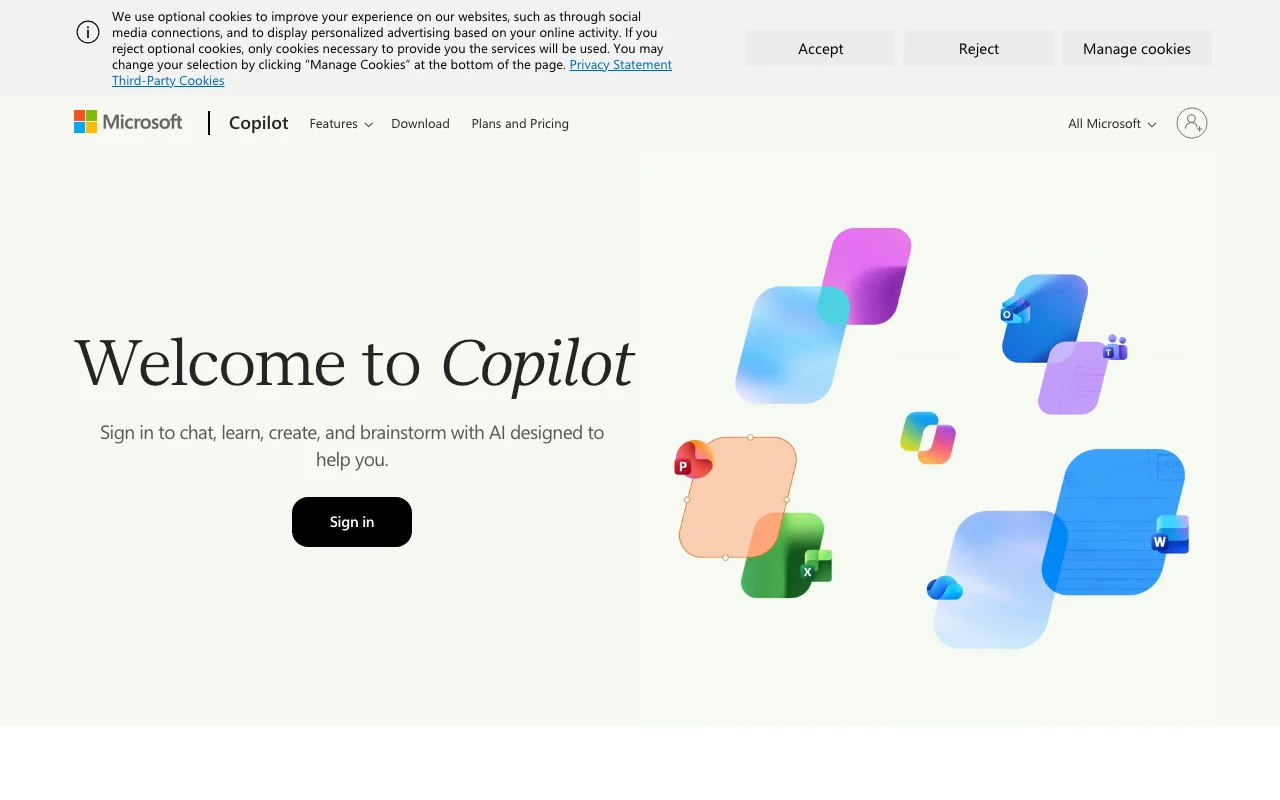
Microsoft Copilot is Microsoft's AI assistant, available on the web at copilot.microsoft.com and as apps for Windows, Mac, iOS and Android. Users can sign in with a Microsoft, Apple or Google account to upload files, use voice and personalize Copilot with conversation memory. The Copilot app connects to Word, Excel, PowerPoint, Outlook and Teams, lets users switch between OpenAI and Anthropic models, and offers Cowork for handing off multi-step projects. Separately, Microsoft 365 consumer subscriptions raise Copilot usage limits and add features like Researcher and Analyst.

Microsoft Copilot homepage — screenshot of the chat assistants AI tool, Oct 1, 2026
Microsoft Copilot's official site: how the product presents itself. copilot.microsoft.com, captured Oct 1, 2026

What you provide and what you get back

How Microsoft Copilot works: what you provide, where it runs and what you get backYOU PROVIDEYour inputText promptsUploaded files (signed in)VoiceScreen or camera for visual assis…CHAT ASSISTANTSMicrosoft CopilotWeb, Desktop, Mobilefrom $9.99/mo (Microsoft 365 Pers…free tier availableaccount requiredchecked Oct 1, 2026YOU GET BACKThe resultChat answersDrafts in Word, Excel, PowerPoint…AI-generated imagesAI-generated audio (English only)input → Microsoft Copilot → output · from the vendor's own pages, no hands-on test unless stated
What you give Microsoft Copilot and what comes back, from its documentation

You provide

  • Text prompts
  • Uploaded files (signed in)
  • Voice
  • Screen or camera for visual assistance

You get back

  • Chat answers
  • Drafts in Word, Excel, PowerPoint and Outlook
  • AI-generated images
  • AI-generated audio (English only)

Where you can use it

Platforms
Web, Desktop, Mobile
Account
Required
Models / versions
GPT-5 with real-time router (M365 Copilot); Sonnet 5 in models menu (Word)
Files
Upload when signed in
Apps
Word, Excel, PowerPoint, Outlook, Teams
Audio
AI audio English only
Models
OpenAI and Anthropic

What people use Microsoft Copilot for

Scenarios are worked out by our editors from the documentation; the actual result depends on your input and plan.

Everyday questions and chat

Who
Anyone with a Microsoft account
You provide
A question or brainstorm prompt
Expected result
Answer or ideas in chat
Plan needed
Free
Limitation
Some capabilities are subject to usage limits source (opens in a new tab)

Drafting documents in Word

Who
Microsoft 365 subscribers
You provide
Task description plus notes
Expected result
First draft refined in chat
Plan needed
Microsoft 365 Personal or higher
Limitation
Desktop Word/Excel/PowerPoint apps are Windows/Mac; web and mobile versions vary by plan source (opens in a new tab)

Summarizing Outlook email

Who
Outlook users
You provide
Inbox
Expected result
Clear summaries of mail
Plan needed
Microsoft 365 plan with Copilot
Limitation
Availability varies by market source (opens in a new tab)

What Microsoft Copilot does, and where it stops

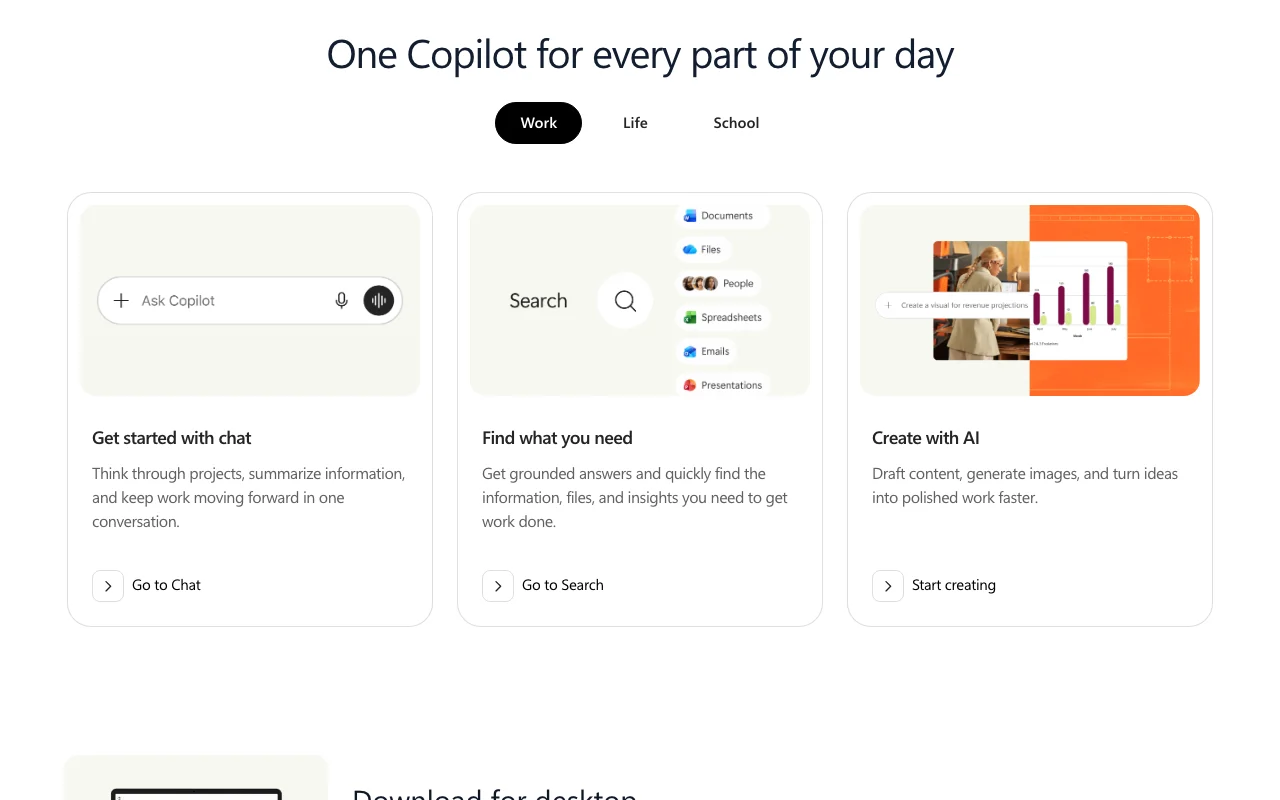
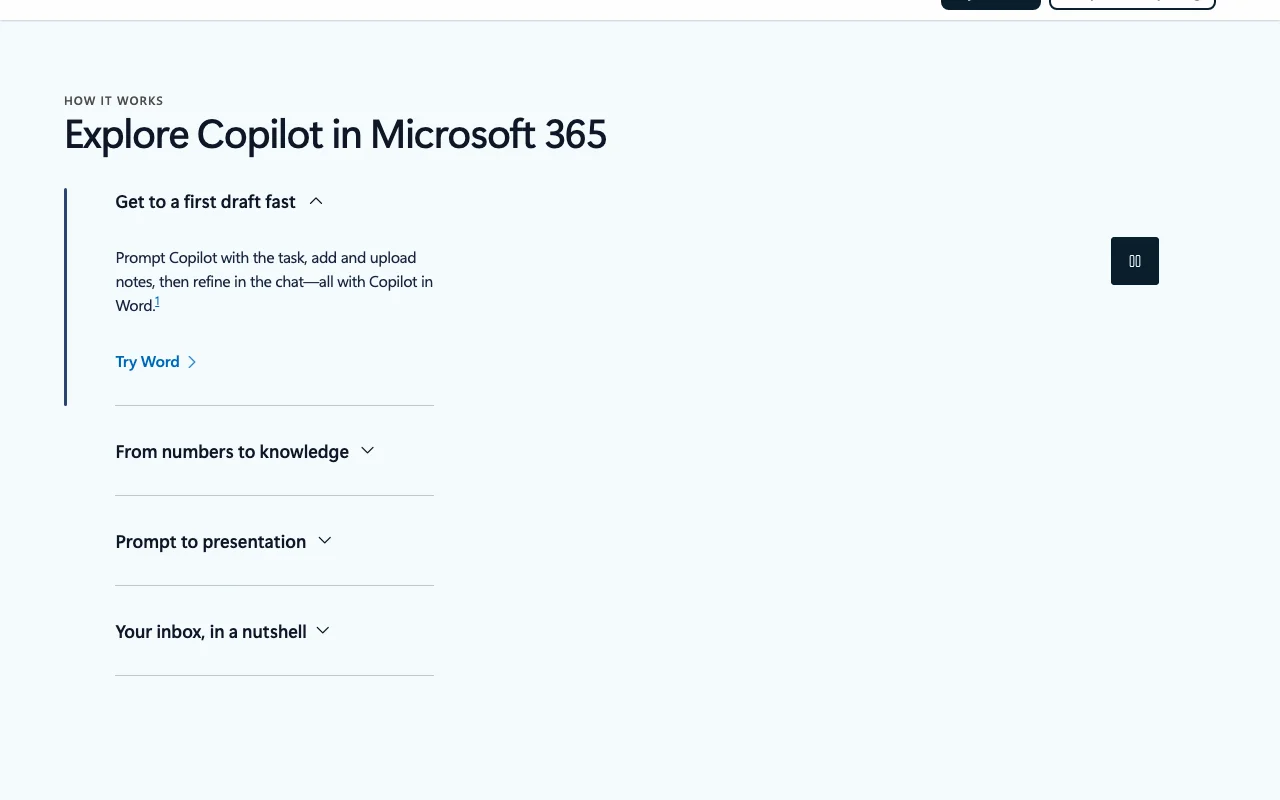
Microsoft Copilot homepage — screenshot of the chat assistants AI tool, Oct 1, 2026
Feature overview on the official site. copilot.microsoft.com, captured Oct 1, 2026

Chat assistant on web, desktop and mobile

Answers questions, creates content and completes tasks in chat Saves switching between tools

Access: Free on web, Windows, Mac, iOS, AndroidLimit: Usage limits apply to some capabilities source (opens in a new tab)

File uploads, voice and conversation memory when signed in

Lets signed-in users upload files, use voice and keep memory Personalizes answers

Access: Free with Microsoft accountLimit: Not available without sign-in source (opens in a new tab)

Integration with Word, Excel, PowerPoint, Outlook and Teams

Works inside Word, Excel, PowerPoint, Outlook and Teams Drafts, analyzes data and summarizes mail in place

Access: Eligible Microsoft 365 subscriptionLimit: Availability varies by market source (opens in a new tab)

Choice of OpenAI and Anthropic models

Lets users choose between OpenAI and Anthropic models Match model to task

Access: In the Copilot appLimit: Model list and limits not stated on fetched pages source (opens in a new tab)

Microsoft Copilot pros and cons

Reasons to choose Microsoft Copilot

  • Web app plus Windows, Mac, iOS and Android apps Same assistant across devices documented source (opens in a new tab)
  • Sign-in with Microsoft, Apple or Google account No new account needed if you already have one documented source (opens in a new tab)
  • Paid Microsoft 365 plans offer a one-month free trial (except Pro) Lets you test Personal, Family or Premium for a month before paying documented source (opens in a new tab)
  • Personal plan includes 1 TB cloud storage Storage comes with the plan, so no separate storage purchase documented source (opens in a new tab)

Check before paying for Microsoft Copilot

How to use Microsoft Copilot for drafting a document with Copilot

Microsoft Copilot help center — screenshot of the chat assistants AI tool, Oct 1, 2026
Microsoft Copilot help center. copilot.com, captured Oct 1, 2026

Set up Microsoft Copilot

  1. Open copilot.microsoft.com or install the app
  2. Sign in with a Microsoft, Apple or Google account
  3. Optionally subscribe to Microsoft 365 for higher usage

Example: drafting a document with Copilot

  1. Open Chat
  2. Describe the task and upload notes
  3. Review the draft
  4. Refine in the chat

Review and export the result

  1. Verify facts against sources
  2. Check the output matches your notes
Example prompt suggested by our editors (not a recorded output of the product)
Draft a one-page project update from the attached notes, in a neutral tone.
Microsoft Copilot API

Microsoft Copilot pricing page with plans and prices — screenshot of the chat assistants AI tool, Oct 1, 2026
Plan comparison on the official pricing page. microsoft.com, captured Oct 1, 2026

API access and separate billing

Microsoft Copilot has no public API in its official documentation. Not stated on fetched pages

Privacy, data use and commercial rights

Summarized from the vendor's current policies; this is not legal advice and a vendor's badge is not an independent audit.

How your inputs and outputs are handled

Copilot responds only when you choose to use it; existing privacy settings continue to apply

Policies: privacy.microsoft.com/

Other tools to consider instead of Microsoft Copilot

"Better suited" is based on documented features and pricing, not on a head-to-head test.

ChatGPT: better suited to

Google Gemini: better suited to

Claude: better suited to

Notion AI: better suited to

Alternatives
AlternativeWhen to choose itPricingLimitation
ChatGPT——Compare
Google Gemini——Compare
Claude——Compare
Notion AI——

Explore Microsoft Copilot further

Related to Microsoft Copilot

Microsoft Copilot user reviews

No user reviews yet.

Used Microsoft Copilot? Be the first to share your experience.

Write a review

Reviews are checked by a moderator before they appear. Your email is never published. Plain text only.

Your rating (required)

Show what you made or what went wrong. Images are published only if the review is approved; location data is removed.

    Microsoft Copilot FAQ

    Is Microsoft Copilot free?

    Yes, a free tier is available with a Microsoft account; some capabilities have usage limits. source (opens in a new tab)

    How much do paid plans cost?

    Microsoft 365 Personal $9.99/mo, Family $12.99/mo, Premium $19.99/mo, Pro $99.99/mo. source (opens in a new tab)

    Is there a free trial?

    Yes, 1 month on Personal, Family and Premium; Pro lists none. source (opens in a new tab)

    Does Family share Copilot?

    No, AI is for the subscription owner only. source (opens in a new tab)

    What was renamed?

    Deep Research is now Researcher, Tasks is Cowork, Project is Notebook. source (opens in a new tab)

    Sources and review methodology

    Official sources and verification dates

    Not verified: Free-tier usage limits; Training use of data; Data retention; API availability; Commercial use terms; Changelog.

    How we documented and maintain this page

    Every fact about Microsoft Copilot above comes from the 5 official pages listed here, last compared on Oct 1, 2026; we have not run Microsoft Copilot ourselves, so it has no editorial score. How we check and re-check pages.

    Article updated Oct 2, 2026; prices checked Oct 1, 2026. Outbound links to vendors are plain links; we do not earn commissions. How we review · Report an error