Chat assistantsDocumented overviewLast checked Oct 1, 2026

OpenClaw: Pricing, Features & Best Use Cases

Open-source personal AI assistant that runs on your own machine and is reached through chat apps like WhatsApp and Telegram.

Is OpenClaw right for you?

OpenClaw suits developers and self-hosters who want an open-source assistant on their own machine that they drive from Telegram, WhatsApp, Discord or similar chat apps. Based on the vendor's documentation, not on a hands-on test.

Best for: Developers and self-hosters

Also a good fit for

  • Users wanting a self-run assistant

Consider another tool if requires installing and running it yourself

Or if

  • You supply your own models, so model costs are separate
  • Windows installer labeled beta

OpenClaw in the news

Headlines from US outlets, selected automatically — not endorsements. Updated Oct 2, 2026

OpenClaw pricing and usage limits

Prices checked Oct 1, 2026 on the official US pricing page. Prices and limits change often.

Free access and trial conditions

Software is free and open source; no pricing page (HTTP 404).

Not applicable.

Paid plans: what changes as you upgrade

Open source (self-run) web

Free source (opens in a new tab)

For: Self-hosters and developers

Limits

  • No hosted tier or subscription per the site
  • Model and API costs are separate
1 more
  • Windows installer labeled beta

Includes

  • Desktop apps for macOS, Windows, Linux
  • One-line installer, npm or Docker
1 more
  • Chat channel gateway

Usage caps, credits and extra costs

Your own AI provider or subscription (the site notes a ChatGPT sign-in beta); optional services such as ElevenLabs voice.

Not applicable.

What is OpenClaw, and how does it work?

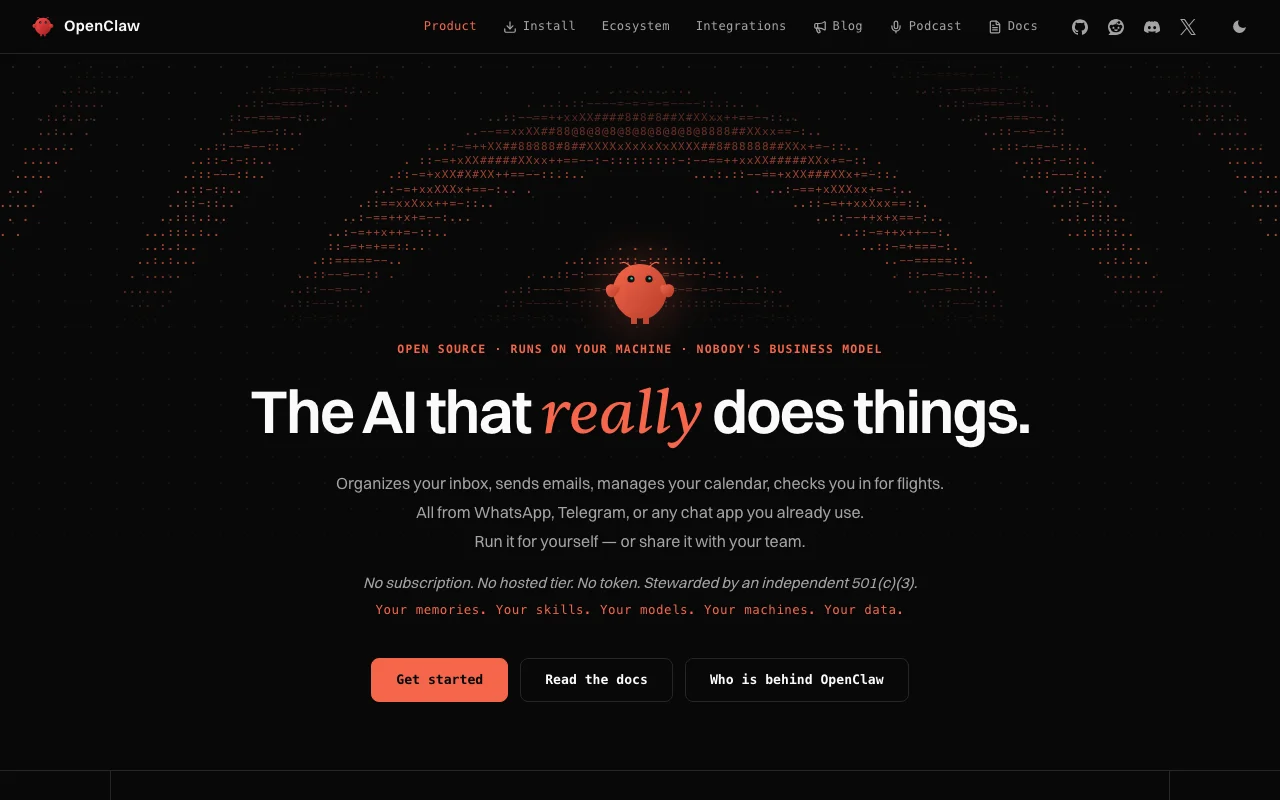
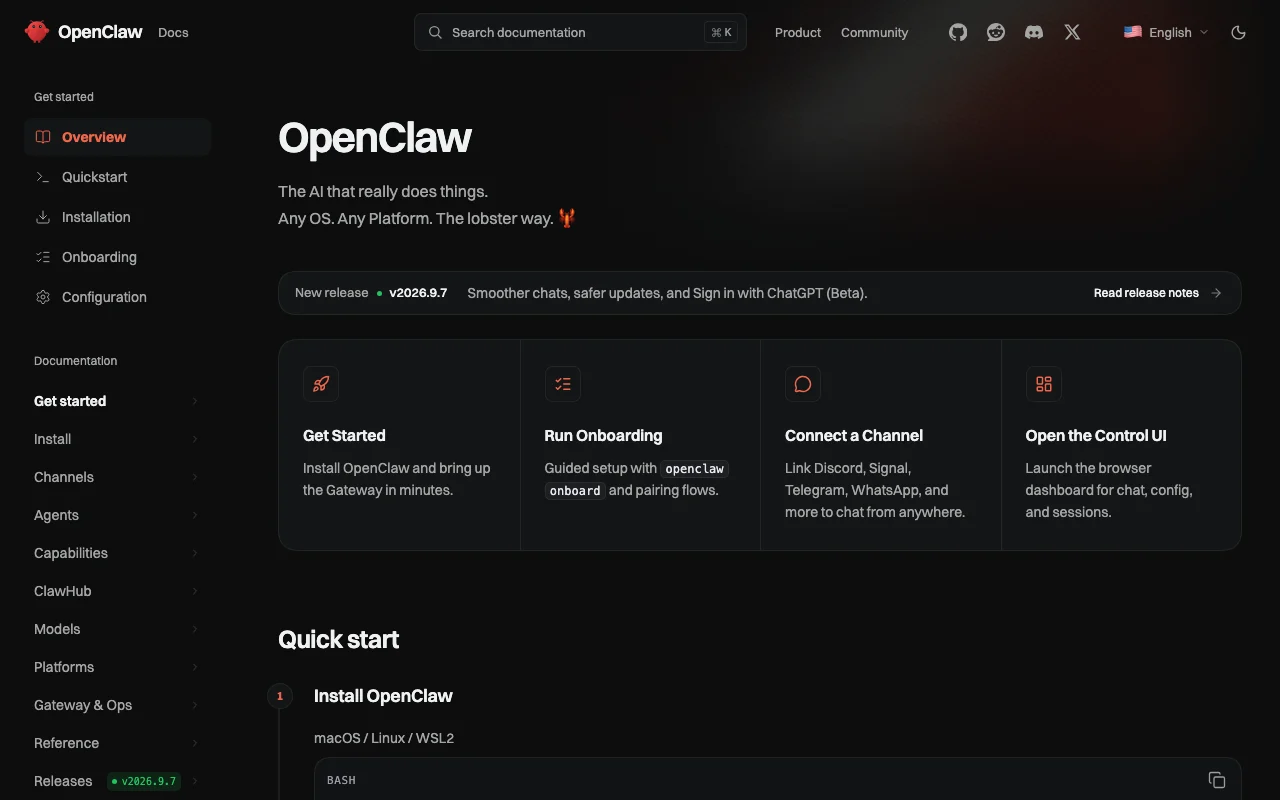
OpenClaw is an open-source AI assistant you run yourself. It is described as handling tasks such as inbox organizing, sending emails, calendar management and flight check-in, controlled from chat apps you already use. The site states there is no subscription, no hosted tier and no token, and that the project is stewarded by an independent 501(c)(3). Desktop apps and a command-line installer are offered.

OpenClaw homepage — screenshot of the chat assistants AI tool, Oct 2, 2026
OpenClaw's official site: how the product presents itself. openclaw.ai, captured Oct 2, 2026

What you provide and what you get back

How OpenClaw works: what you provide, where it runs and what you get backYOU PROVIDEYour inputChat messages from Telegram, What…Voice and camera input via mobile…Configured AI model accessCHAT ASSISTANTSOpenClawDesktopfree tier, paid price not publish…free tier availablechecked Oct 1, 2026YOU GET BACKThe resultAssistant replies in your chat appActions such as emails and calend…Dashboard sessions in the Control…input → OpenClaw → output · from the vendor's own pages, no hands-on test unless stated
What you give OpenClaw and what comes back, from its documentation

You provide

  • Chat messages from Telegram, WhatsApp, Discord, Slack, Signal and others
  • Voice and camera input via mobile apps (optional)
  • Configured AI model access

You get back

  • Assistant replies in your chat app
  • Actions such as emails and calendar changes
  • Dashboard sessions in the Control UI

Where you can use it

Platforms
Desktop
Account
Not required
Desktop OS
macOS 15+, Windows 10/11, Linux
Install options
curl script, npm, pnpm, Docker, Nix, source
Latest listed version
v2026.9.7 (macOS)
Channels
Discord, Telegram, WhatsApp, Slack, Signal, iMessage and more

Where OpenClaw is most useful

Scenarios are worked out by our editors from the documentation; the actual result depends on your input and plan.

Organize an email inbox

Who
Individuals drowning in email
You provide
Chat message asking to sort the inbox
Expected result
Inbox organized by the agent on your machine
Plan needed
Self-run
Limitation
You must connect and authorize mail access yourself source (opens in a new tab)

Manage a calendar

Who
Busy professionals
You provide
A message asking to move meetings
Expected result
Calendar updated from the chat
Plan needed
Self-run
Limitation
Needs a model and tool setup source (opens in a new tab)

Send emails from a chat app

Who
Tinkerers building agents
You provide
A custom skill or plugin
Expected result
An extended agent reachable from many channels
Plan needed
Self-run
Limitation
Channel plugins install on demand and vary in maturity source (opens in a new tab)

Key features and their practical limits

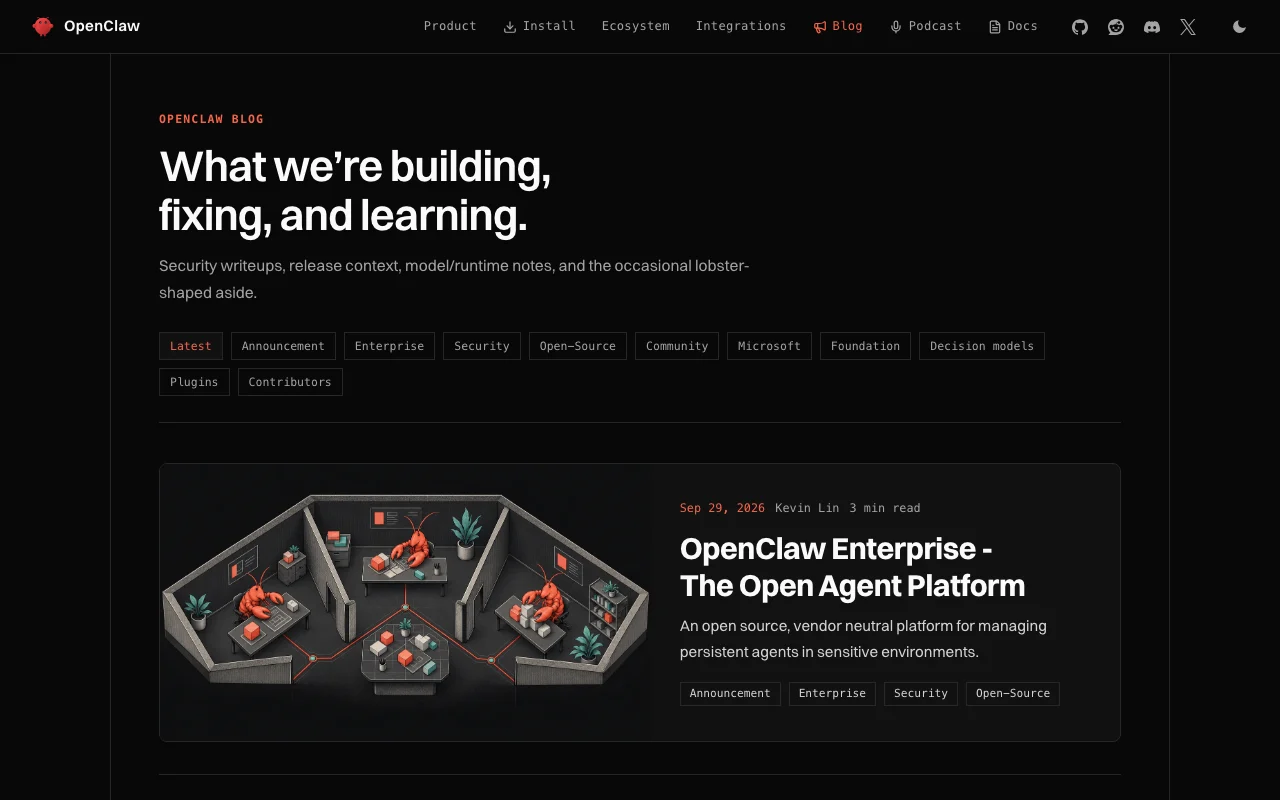
OpenClaw homepage — screenshot of the chat assistants AI tool, Oct 2, 2026
Feature overview on the official site. openclaw.ai, captured Oct 2, 2026

Open source

Provides the complete source code and public docs for the assistant. Lets you inspect and modify it.

Access: FreeLimit: Self-support via community and docs. source (opens in a new tab)

Runs on your own machine

Runs the gateway on your own machine, tailnet or server. Keeps commands and content under your control.

Access: Installer, desktop app or git sourceLimit: You maintain updates and uptime. source (opens in a new tab)

Works through WhatsApp, Telegram and other chat apps

Bridges one gateway to Discord, iMessage, Signal, Slack, Telegram, WhatsApp, WebChat and more. Chat with the assistant from the app you already use.

Access: Built-in channels plus pluginsLimit: Each channel needs its own pairing. source (opens in a new tab)

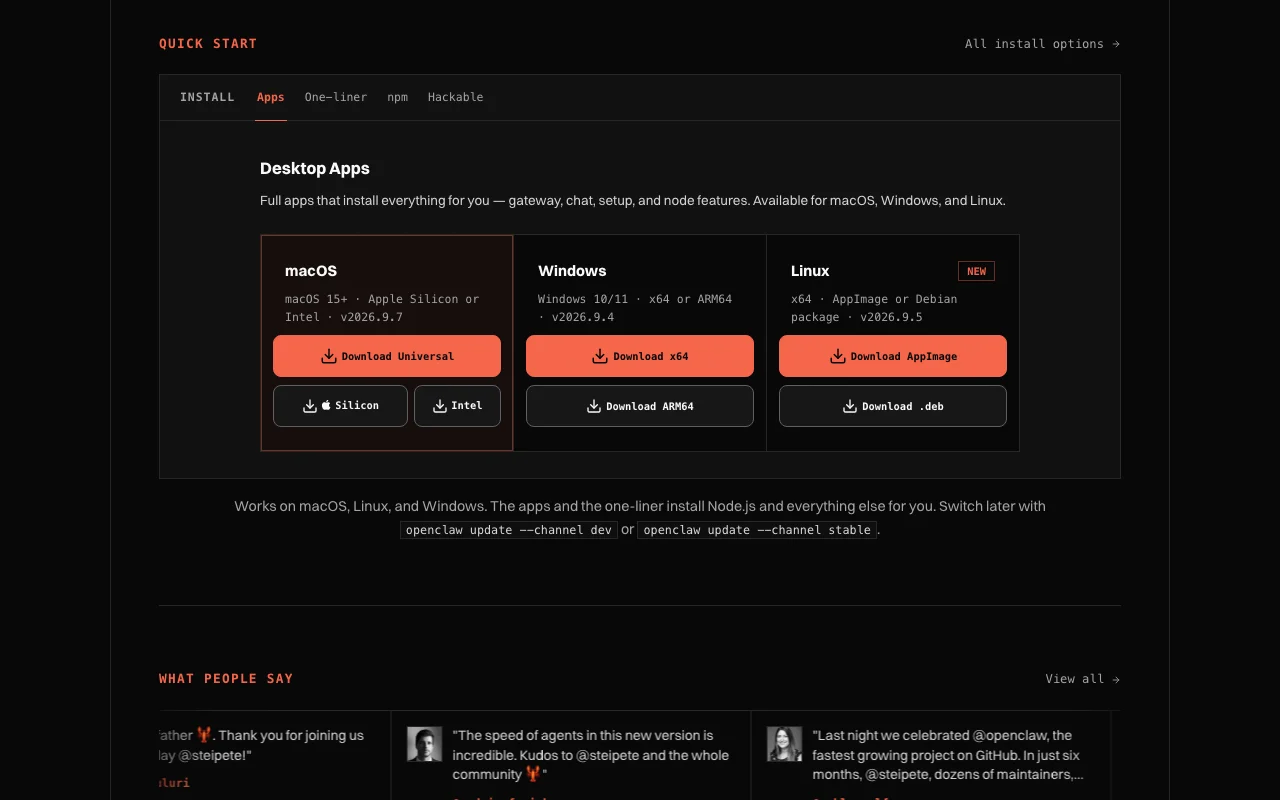
Desktop apps for macOS, Windows and Linux

Offers installable desktop apps for macOS 15+, Windows 10/11 and Linux. Bundles gateway, chat and setup.

Access: Free downloadLimit: Windows installer is labeled beta. source (opens in a new tab)

Pros, cons and deal-breakers

Where OpenClaw is strong

Limitations to check before paying

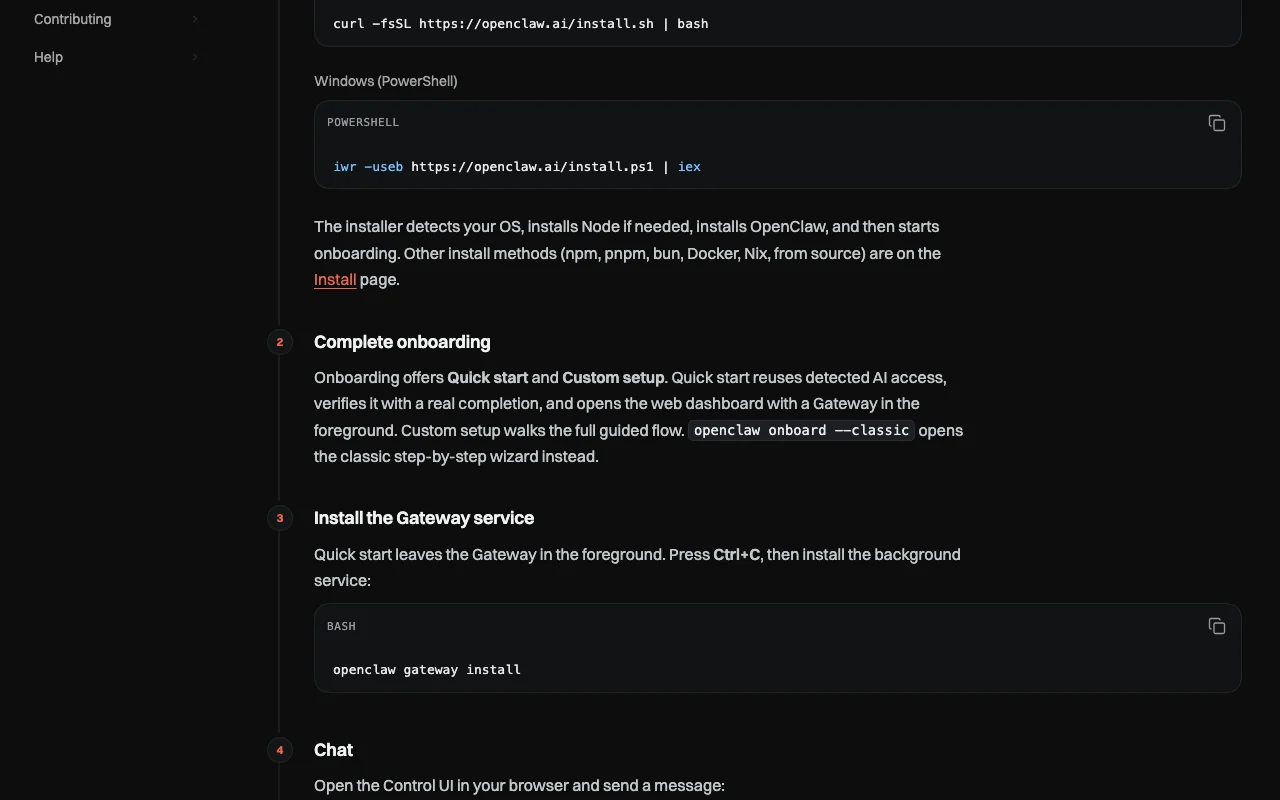
How to use OpenClaw for installing OpenClaw and chatting with it from Telegram

OpenClaw documentation — screenshot of the chat assistants AI tool, Oct 2, 2026
OpenClaw documentation: where the steps below come from. docs.openclaw.ai, captured Oct 2, 2026

Set up OpenClaw

  1. Run the one-line installer from openclaw.ai or download the desktop app for your OS
  2. Run openclaw onboard and choose Quick start so it reuses your detected AI access
  3. Install the background Gateway service with openclaw gateway install

Example: installing OpenClaw and chatting with it from Telegram

  1. Open the Control UI with openclaw dashboard and send a first message
  2. Connect a channel, with Telegram the fastest option
  3. Message the bot from your phone
  4. Ask it to organize your inbox or move a meeting

Review and export the result

  1. Confirm the Gateway service is running after you close the terminal
  2. Check the assistant replies in the channel and that only paired devices can use it
Example prompt suggested by our editors (not a recorded output of the product)
Sort my unread email into urgent and later, and list the three most urgent.

OpenClaw API

OpenClaw documentation — screenshot of the chat assistants AI tool, Oct 2, 2026
OpenClaw documentation (continued). docs.openclaw.ai, captured Oct 2, 2026

API access and separate billing

OpenClaw has no public API in its official documentation. No hosted API; runs a self-hosted gateway. API documentation ↗

Privacy, data use and commercial rights

Summarized from the vendor's current policies; this is not legal advice and a vendor's badge is not an independent audit.

How your inputs and outputs are handled

Mobile apps and the Chrome extension send commands and content to the gateway you configure; sensors and contacts are opt-in permissions.

Not applicable to the app; depends on your chosen AI provider.

Depends on your gateway; the policy does not cover it.

Commercial use and plan restrictions

Open source; license not captured.

None.

Controls for business users

  • Permission-based access
  • No ad or analytics SDKs in mobile or extension builds

Policies: openclaw.ai/privacy

Other tools to consider instead of OpenClaw

"Better suited" is based on documented features and pricing, not on a head-to-head test.

ChatGPT: better suited to

Claude: better suited to

Microsoft Copilot: better suited to

n8n: better suited to

Alternatives
AlternativeWhen to choose itPricingLimitation
ChatGPT——Compare
Claude——Compare
Microsoft Copilot——Compare
n8n——

Explore OpenClaw further

Tools and guides near OpenClaw

OpenClaw user reviews

No user reviews yet.

Used OpenClaw? Be the first to share your experience.

Write a review

Reviews are checked by a moderator before they appear. Your email is never published. Plain text only.

Your rating (required)

Show what you made or what went wrong. Images are published only if the review is approved; location data is removed.

    OpenClaw FAQ

    Does OpenClaw have a subscription or hosted version?

    The site states no subscription and no hosted tier; you run it yourself. source (opens in a new tab)

    How do I install OpenClaw?

    Use the curl one-liner or npm i -g openclaw, or download the macOS, Windows or Linux desktop app, then run openclaw onboard. source (opens in a new tab)

    Which chat apps does OpenClaw connect to?

    Discord, iMessage, Signal, Slack, Telegram, WhatsApp, Google Chat, Teams and more; plugins add others. source (opens in a new tab)

    Does the OpenClaw mobile app include analytics?

    No. The privacy policy says the current mobile and extension builds have no ad, analytics or crash-reporting SDKs. source (opens in a new tab)

    Which operating systems does OpenClaw desktop support?

    macOS 15+ (Apple Silicon or Intel), Windows 10/11 (x64 or ARM64) and Linux (AppImage or .deb). source (opens in a new tab)

    Sources and review methodology

    Official sources and verification dates

    Not verified: Pricing page (404); License terms; Retention (depends on user gateway).

    How we documented and maintain this page

    Every fact about OpenClaw above comes from the 4 official pages listed here, last compared on Oct 1, 2026; we have not run OpenClaw ourselves, so it has no editorial score. How we check and re-check pages.

    Article updated Oct 2, 2026; prices checked Oct 1, 2026. Outbound links to vendors are plain links; we do not earn commissions. How we review · Report an error