Productivity & writingDocumented overviewLast checked Oct 1, 2026
Advarde: Pricing, Features & Best Use Cases
Workspace and MCP server for managing OpenAI Ads (ChatGPT) accounts: plan campaigns, build ad groups, track performance, set alerts, schedule reports, and prepare changes through AI assistants with human review.
Our take: Best for agencies running ChatGPT ads campaigns for multiple clients and marketing teams testing OpenAI Ads; requires OpenAI Ads advertiser API key; pricing not publicly available (behind login).
Main limitation: Only supports OpenAI Ads platform; requires advertiser API key; subscription is separate from ad spend; pricing not publicly visible
By the AI Tool Atlas editors.
Based on the vendor's official documentation; we have not tested this product hands-on. What “documented overview” means
Advarde pricing and usage limits
Prices checked Oct 1, 2026 on the official US pricing page. Official pricing ↗ Prices and limits change often.
The official Advarde pricing page as we saw it. advarde.com, captured Oct 1, 2026
Free access and trial conditions
No free tier mentioned; pricing available only to logged-in users
Separate from OpenAI ad spend; subscription cost unclear
Not specified
What is Advarde, and how does it work?
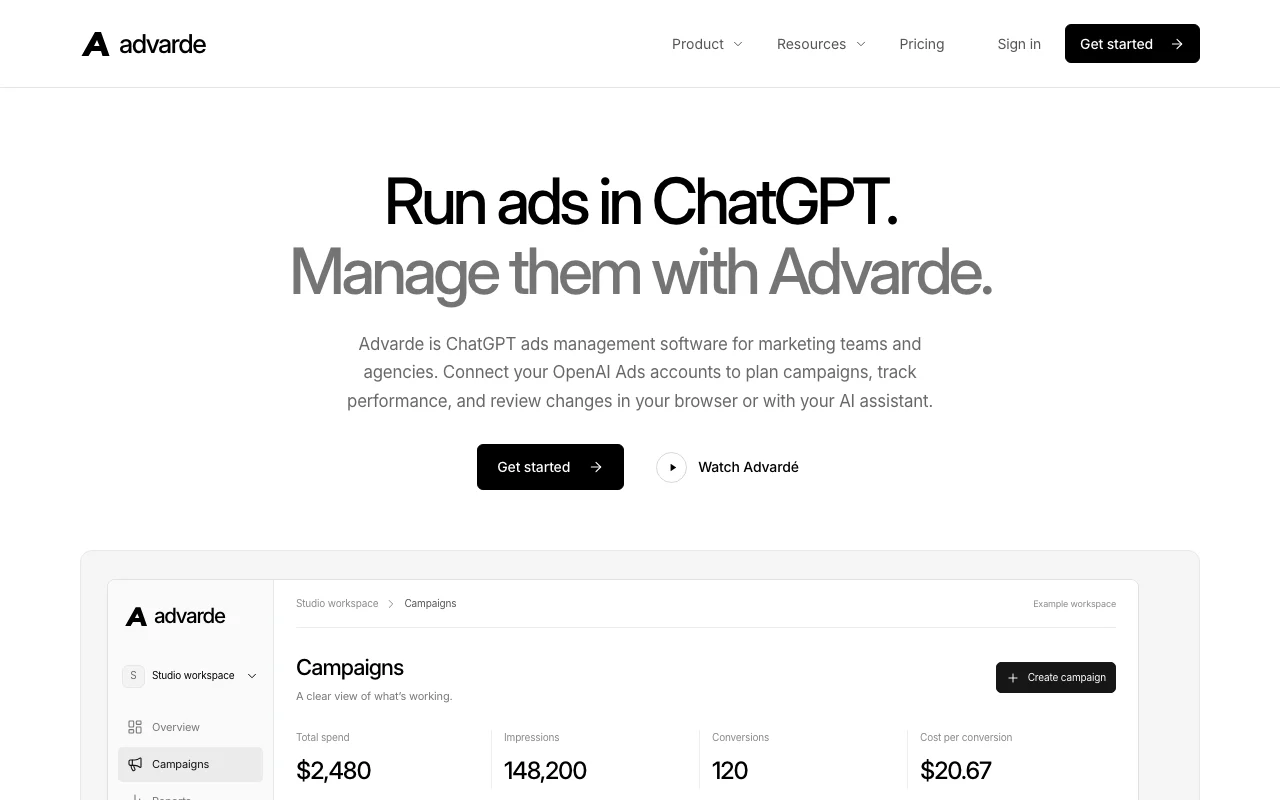
Advarde is management software for advertising in ChatGPT. Teams connect OpenAI Ads advertiser accounts to a shared workspace to plan campaigns, build ad groups and creatives, track spend and conversions, and set alerts and scheduled reports. It also exposes an authenticated MCP server so AI assistants such as ChatGPT can inspect performance and prepare changes, which users review before they are applied. Advarde is independent of OpenAI, and its subscription is separate from ad spend. Developed by BURO OPS AS, a Norwegian company.
Advarde's official site: how the product presents itself. advarde.com, captured Oct 1, 2026
What you provide and what you get back
What you give Advarde and what comes back, from its documentation
You provide
OpenAI Ads account credentials (API key)
Campaign briefs and objectives
Creative assets (images, text)
Conversion tracking setup
AI assistant queries (via MCP)
You get back
Campaign plans and drafts
Performance reports and insights
Proposed changes (reviewed by users)
Scheduled reports (email or dashboard)
Alerts on performance thresholds
Activity logs and audit trails
Where you can use it
Platforms
Web (browser-based workspace), API (MCP server with OAuth), AI assistants (ChatGPT, Claude, etc. via MCP)
Account
Required
What people use Advarde for
Scenarios are worked out by our editors from the documentation; the actual result depends on your input and plan.
Managing ChatGPT ad campaigns for multiple clients
Who
Agencies, marketing teams, freelancers
You provide
Client OpenAI Ads account API keys and campaign briefs
Expected result
Shared workspace with campaigns, reporting, and approval workflows for multiple client accounts
Plan needed
Unknown (pricing not public)
Limitation
Only OpenAI Ads support; requires API key from each client; plan pricing unavailable source (opens in a new tab)
Reporting on spend and conversions
Who
Performance marketers, account managers
You provide
Connected OpenAI Ads account with conversion tracking setup
Expected result
Automated weekly/custom reports with spend, conversions, cost-per-acquisition metrics
Plan needed
Unknown (pricing not public); all plans include reporting
Limitation
Requires conversion pixel or API setup; data freshness depends on OpenAI Ads API source (opens in a new tab)
Preparing campaign changes through an AI assistant
Who
Marketers using AI for workflow automation
You provide
Connected MCP server in ChatGPT or Claude; performance queries
Expected result
AI assistant proposes budget increases, creative changes, or campaign adjustments; user reviews and approves before applying
Plan needed
Unknown (pricing not public); MCP available to all users
Limitation
AI assistant can only propose changes; all changes require human review before applying source (opens in a new tab)
What Advarde does, and where it stops
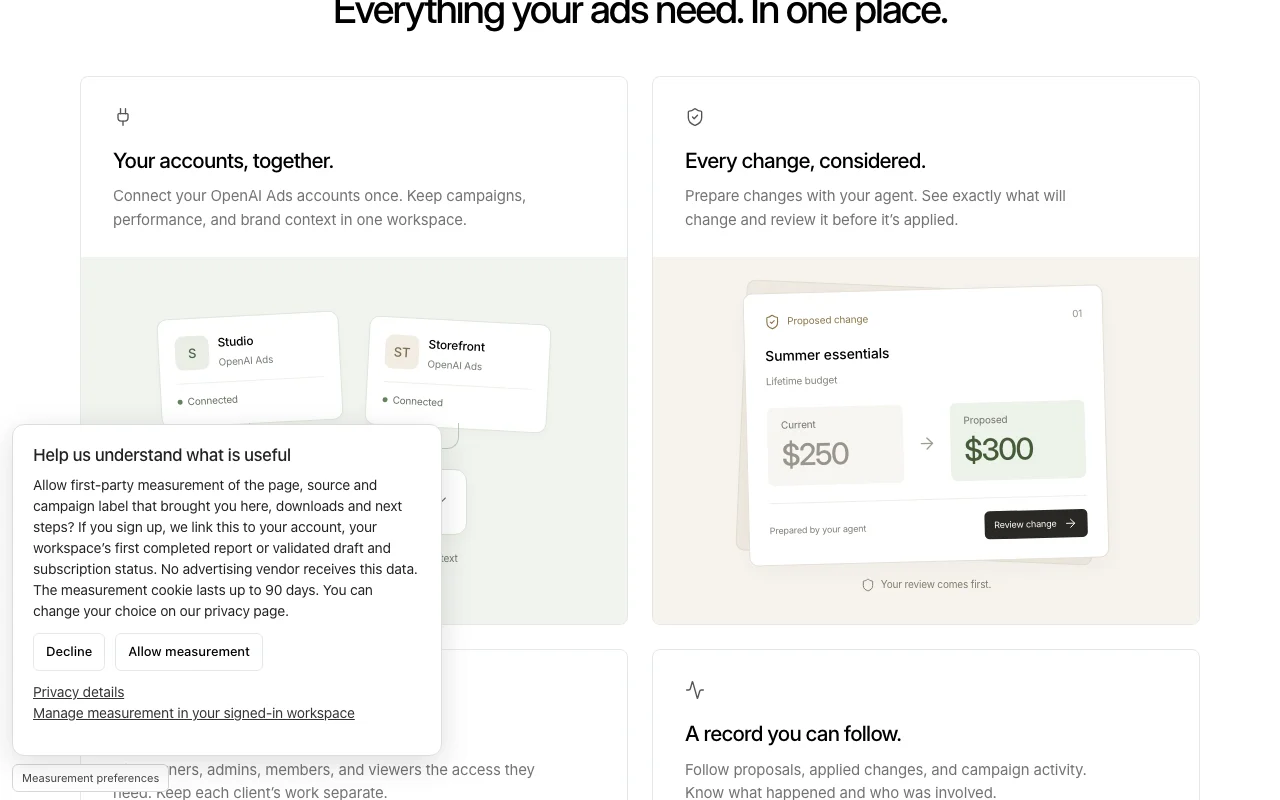
Feature overview on the official site. advarde.com, captured Oct 1, 2026
Multi-account workspaces with role-based access
Create shared workspaces; assign Owner, Admin, Member, Viewer roles; keep client data separate Agencies can manage multiple client accounts in one interface; team collaboration with permission controls
Access: All plans (assumed)Limit: Each workspace is separate; no cross-workspace reportingsource (opens in a new tab)
Campaign drafting and ad previews
Plan campaigns, build ad groups, create and preview creatives; save drafts for review and approval Collaborate on campaign strategy before launch; review ad previews before applying
Performance reporting, alerts and scheduled reports
Track spend, impressions, conversions, cost-per-conversion; set custom alerts on thresholds; schedule automated reports Monitor campaign health; get alerted to performance changes; automate stakeholder reporting
Access: All plansLimit: Data depends on OpenAI Ads API; reports cannot include off-platform datasource (opens in a new tab)
MCP server with OAuth for AI assistants
Expose Advarde workspace as authenticated MCP server; allows ChatGPT, Claude, and other assistants to inspect campaigns and prepare changes Use AI assistants in your workflow; get data-driven suggestions; all changes still require user review
Access: All plans (MCP connection available)Limit: AI assistant proposals must be reviewed and approved by user before applyingsource (opens in a new tab)
Pros, cons and deal-breakers
Reasons to choose Advarde
Change proposals require review before applying No accidental campaign changes; full audit trail of who approved whatdocumentedsource (opens in a new tab)
Workspaces keep each client's data separate Agencies can use one account for multiple clients safely; data isolation and role-based accessdocumentedsource (opens in a new tab)
Works with MCP-compatible assistants including ChatGPT Integrate Advarde into your existing AI workflow; use ChatGPT, Claude, or other assistants for data queriesdocumentedsource (opens in a new tab)
Public agent brief and API reference Developers and users can build custom integrations; MCP spec and examples availabledocumentedsource (opens in a new tab)
Check before paying for Advarde
Only supports OpenAI Ads; requires OpenAI Ads advertiser API key Cannot manage Google Ads, Meta Ads, or other platforms; limited to ChatGPT ad networkdocumentedsource (opens in a new tab)
Subscription is separate from OpenAI ad charges Customers pay for Advarde service on top of ChatGPT ad spend; two separate invoicesdocumentedsource (opens in a new tab)
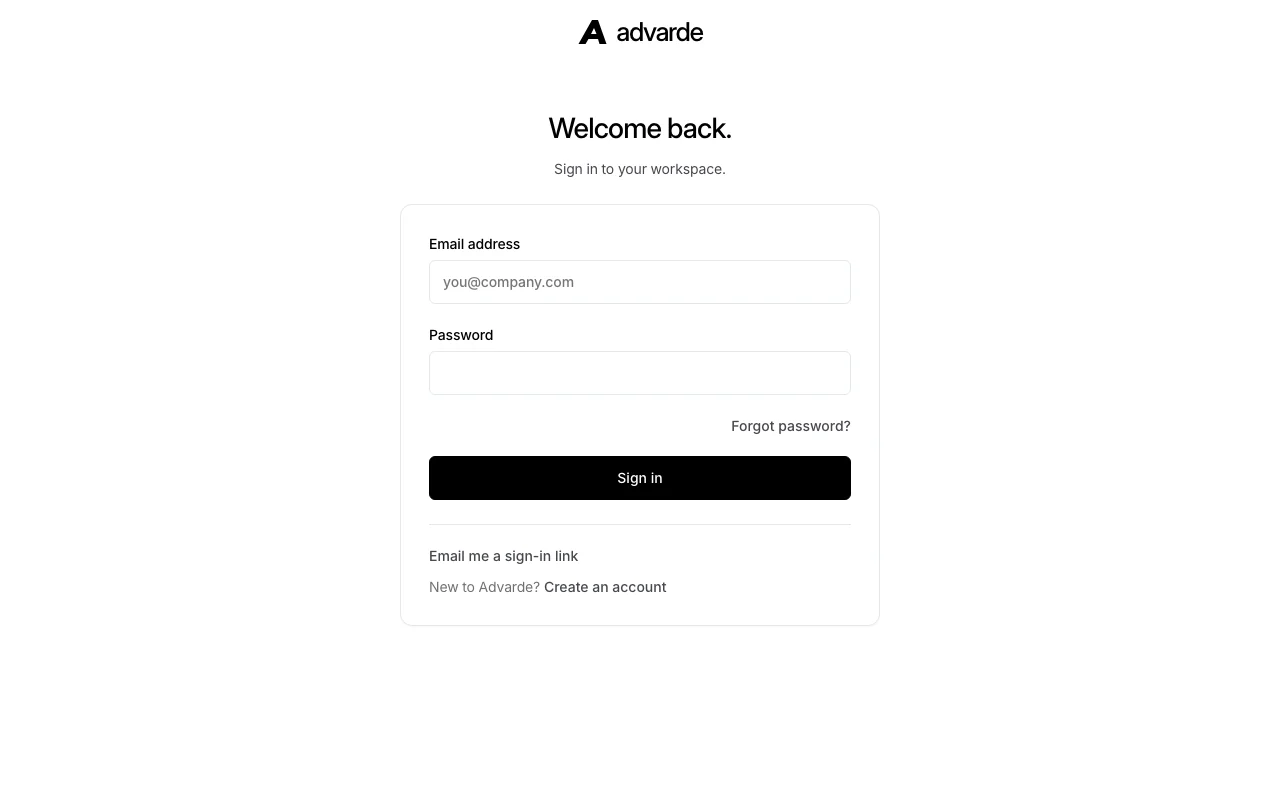
Pricing page redirects to a sign-in screen; prices not publicly visible Must create account to see pricing; no transparent pricing before signupdocumentedsource (opens in a new tab)
Requires an account and OpenAI Ads setup Cannot use without existing OpenAI Ads account with advertiser API accessdocumentedsource (opens in a new tab)
How to use Advarde for setting up a ChatGPT Ads campaign through Advarde with AI-assisted changes
Advarde documentation: where the steps below come from. advarde.com, captured Oct 1, 2026
Set up Advarde
Sign up for Advarde account
Connect your OpenAI Ads advertiser account using API key
Create a workspace for your campaign
Set up conversion tracking (pixel or Conversions API)
Import or create campaigns, ad groups, and creatives
Connect your ChatGPT or other AI assistant (MCP)
Example: setting up a ChatGPT Ads campaign through Advarde with AI-assisted changes
Log in to Advarde and go to Campaigns
Click Create Campaign and enter: 'Summer Essentials' with Conversions objective
Add ad group 'Everyday Essentials' and create ad preview
In ChatGPT, enable Advarde MCP tool
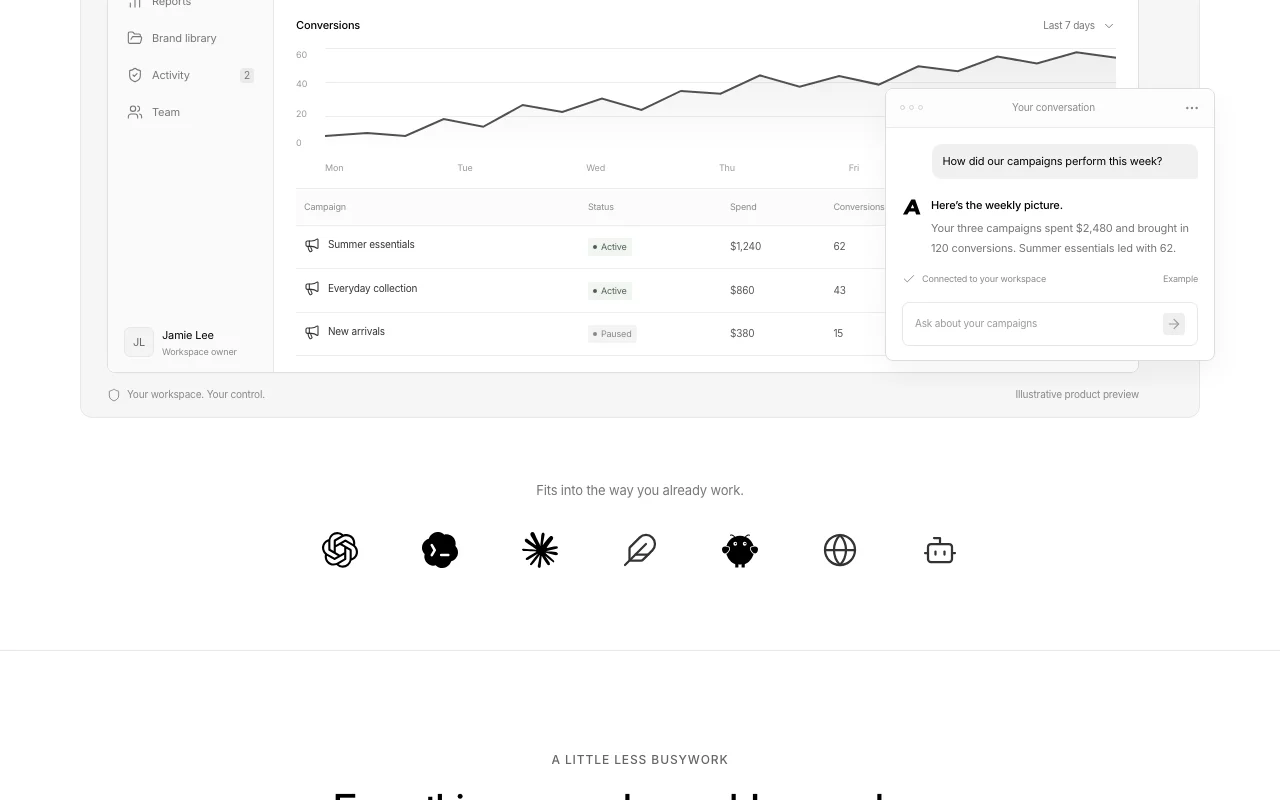
Ask ChatGPT: 'How did our campaigns perform this week?'
ChatGPT queries Advarde and returns: 'Your three campaigns spent $2,480 and brought in 120 conversions'
Ask: 'Can you prepare a budget increase for Summer Essentials to $300?'
ChatGPT proposes change; you review and approve in Advarde
Change applies to OpenAI Ads account
Review and export the result
Verify OpenAI Ads account API key has correct permissions
Confirm conversion tracking is active (pixel or API)
Test proposed changes before approving
Check activity log for who made what changes
Example prompt suggested by our editors (not a recorded output of the product)
Set up a ChatGPT Ads campaign for an e-commerce brand with performance reporting and AI-assisted budget optimization.
Advarde integrations and API
Advarde documentation (continued). advarde.com, captured Oct 1, 2026
Advarde has no public API in its official documentation. MCP server with OAuth authentication; Developer reference and guides available; full API reference not detailed in fetched pages API documentation ↗
Privacy, data use and commercial rights
Summarized from the vendor's current policies; this is not legal advice and a vendor's badge is not an independent audit.
Advarde currently supports only OpenAI Ads (ChatGPT ad network). It does not support Google Ads, Meta Ads, or other advertising platforms. source (opens in a new tab)
Can I use Advarde without an OpenAI Ads account?
No. Advarde requires an existing OpenAI Ads advertiser account with API access to manage campaigns and track performance. source (opens in a new tab)
Can AI assistants make changes directly?
No. AI assistants (connected via MCP) can only propose changes. All changes must be reviewed and approved by a human user before they are applied to the OpenAI Ads account. source (opens in a new tab)
Is Advarde pricing separate from OpenAI ad spend?
Yes. Advarde subscription is separate from OpenAI ad charges. You pay for Advarde management software on top of the amount you spend on ChatGPT ads. source (opens in a new tab)
What MCP assistants are supported?
Advarde MCP server works with any MCP-compatible assistant, including ChatGPT, Claude, and others. Enable Advarde in your assistant's tools and authenticate with OAuth. source (opens in a new tab)
Sources and review methodology
Official sources and verification dates
ChatGPT ads management software for teams and agencies | Advardehomepage · checked Oct 1, 2026 · Product overview (campaign management, reporting, MCP server), Features (workspace collaboration, campaign drafting, performance tracking, alerts), Use cases (multi-client management, reporting, AI-assisted workflows), Workspace example with sample data
Privacy Policy | Advardepolicy · checked Oct 1, 2026 · Data controller (BURO OPS AS, Norway), Data collection (account, technical, billing, advertising data), Data use and legal basis, Data sharing (service providers, legal requirements), GDPR/Norwegian Personal Data Act compliance
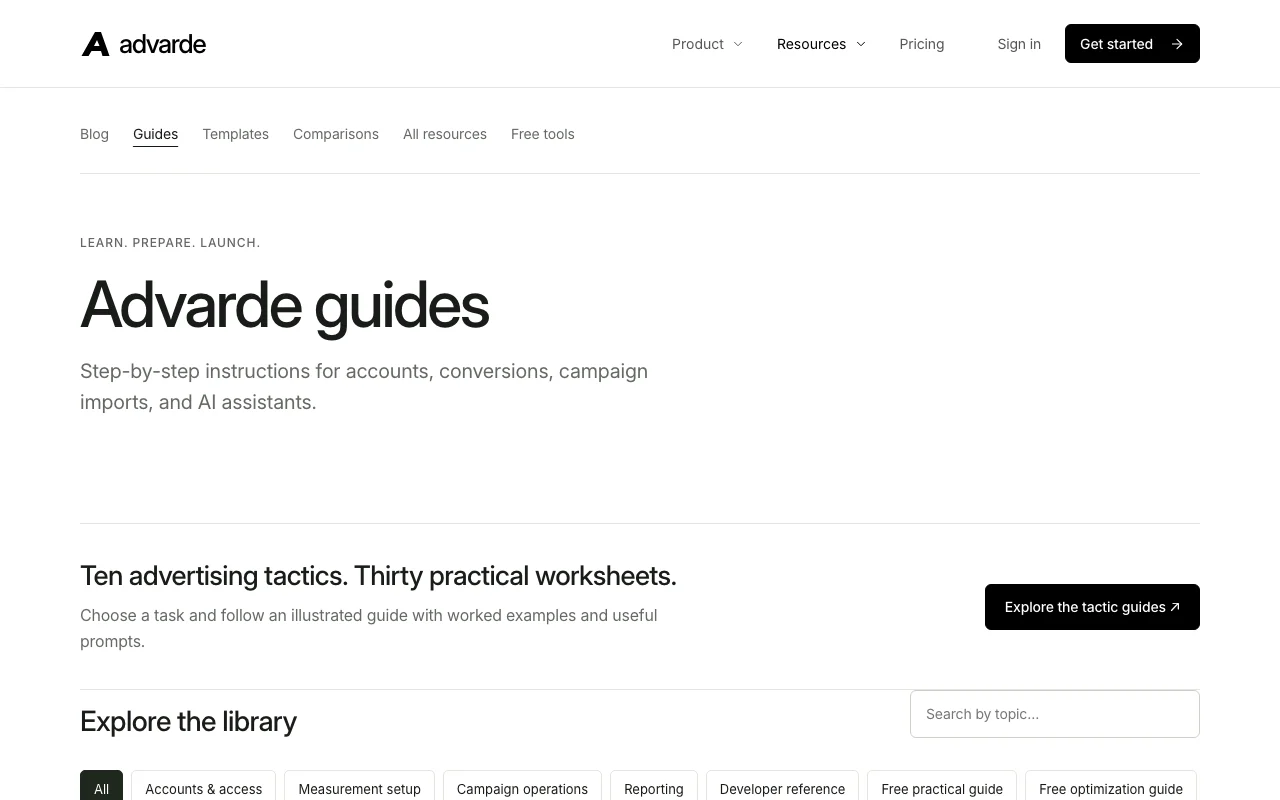
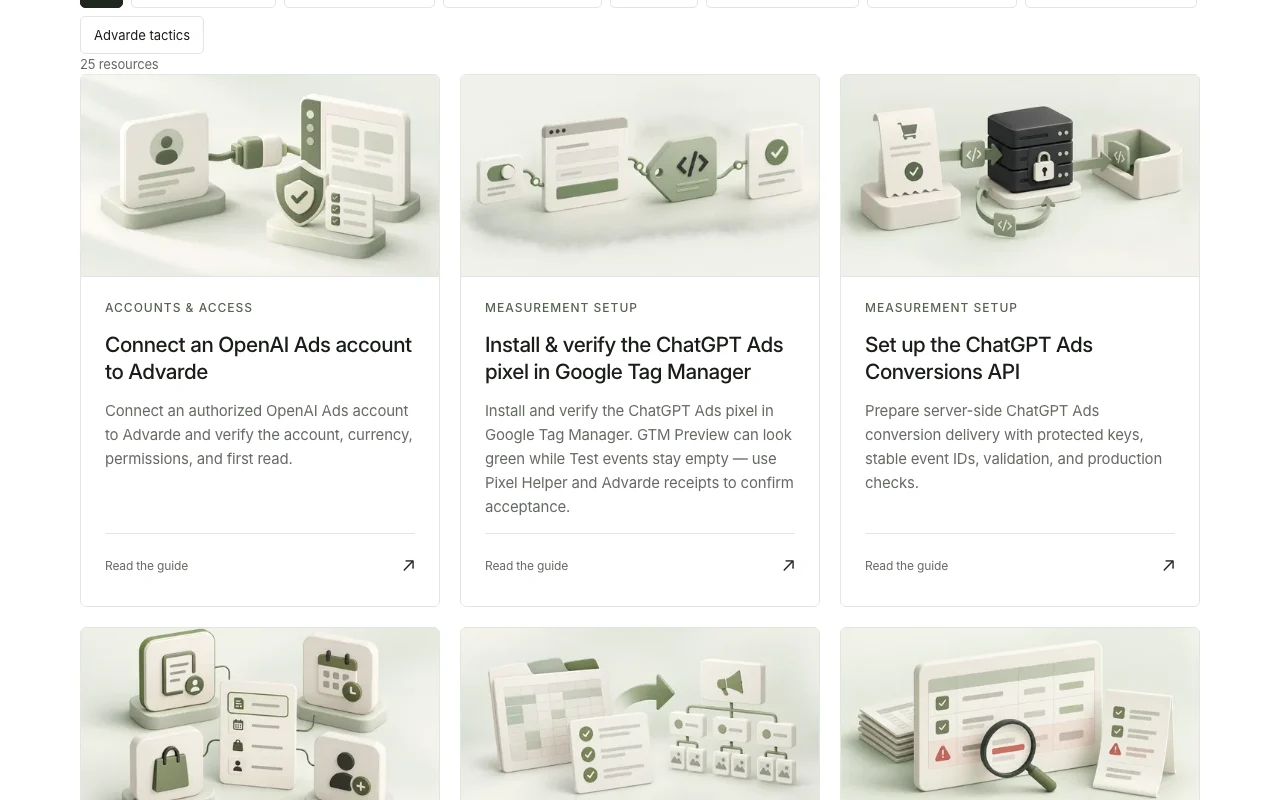
Advarde guides | Advardedocs · checked Oct 1, 2026 · 25 resources across 6 categories (Accounts & Access, Measurement Setup, Campaign Operations, Reporting, Developer Reference), Account connection guides, Conversion tracking setup (GTM and Conversions API), Campaign import and operations, Approval workflows, Scheduled reports, API reference and best practices, Free practical guides and tactics library
Not verified: Exact pricing (pricing page not public; requires login); Free trial availability; Number of workspaces per plan; Team size limits per plan; Monthly user limits; Support tier differences between plans; Full API reference and rate limits; Custom integration options; Data retention period for deleted accounts (beyond 30 days for backups).
How we documented and maintain this page
Every fact about Advarde above comes from the 3 official pages listed here, last compared on Oct 1, 2026; we have not run Advarde ourselves, so it has no editorial score. How we check and re-check pages.
Article updated Oct 10, 2026; prices checked Oct 1, 2026. Outbound links to vendors are plain links; we do not earn commissions. How we review · Report an error