Our take: Choose TeamBrain if your team already works in Claude or ChatGPT and needs one shared markdown workspace of files, tasks and decisions that every member's AI can read and write over MCP.
Main limitation: No free tier is shown, and the pricing page could not be read today, so plan limits come from earlier verified research.
By the AI Tool Atlas editors.
Based on the vendor's official documentation; we have not tested this product hands-on. What “documented overview” means
Who should use TeamBrain
Choose TeamBrain if your team already works in Claude or ChatGPT and needs one shared markdown workspace of files, tasks and decisions that every member's AI can read and write over MCP. Based on the vendor's documentation, not on a hands-on test.
Best for: Small teams using Claude or ChatGPT together
Also a good fit for
Agencies working with clients and contractors
Teams wanting a shared context layer for AI
Consider another tool if no free tier shown on the pricing page
Or if
Seat, workspace and storage caps per plan (e.g. 5 seats / 10 GB on Starter)
Requires an account and connecting an external AI client
TeamBrain pricing and usage limits
Prices checked Sep 29, 2026 on the official US pricing page. Official pricing ↗ Prices and limits change often.
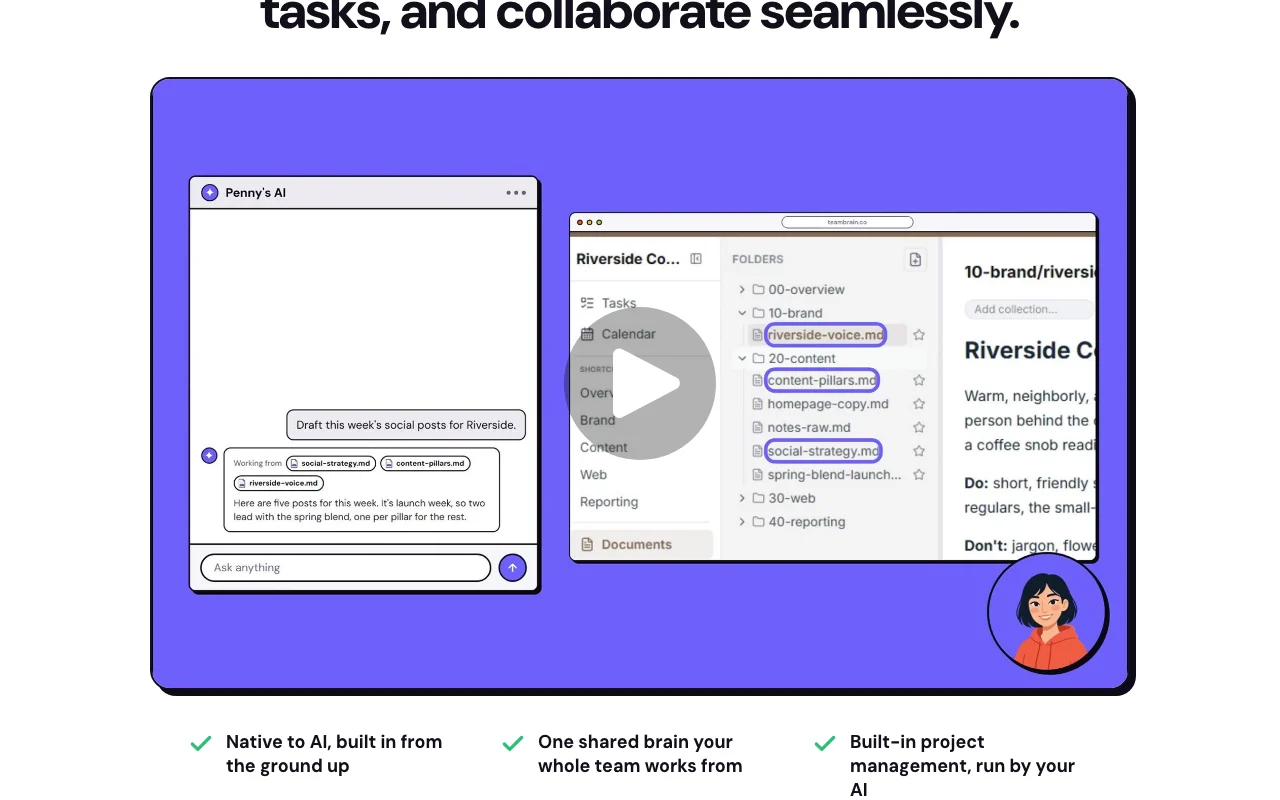
TeamBrain is a shared workspace where a team stores files, notes, decisions and tasks so that the AI assistants each member already uses can read and write the same context. Users connect Claude, ChatGPT or another MCP-compatible client by pasting a TeamBrain address, then ask their AI to save work into the workspace instead of a chat window.
The product adds light project management (Kanban boards, calendars, tasks), decision logs with reasoning, collections for organizing by project or client, guest accounts for contractors, comments, and a daily email summary of what changed.
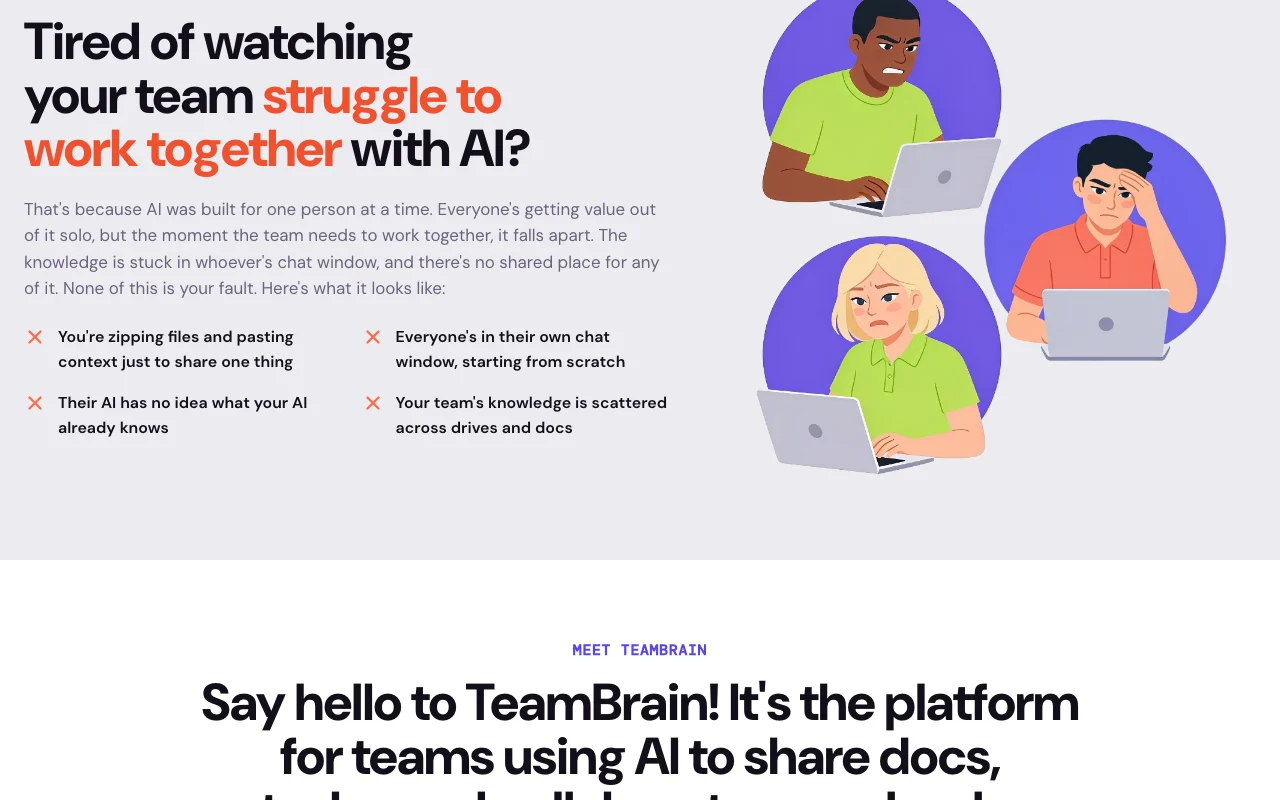
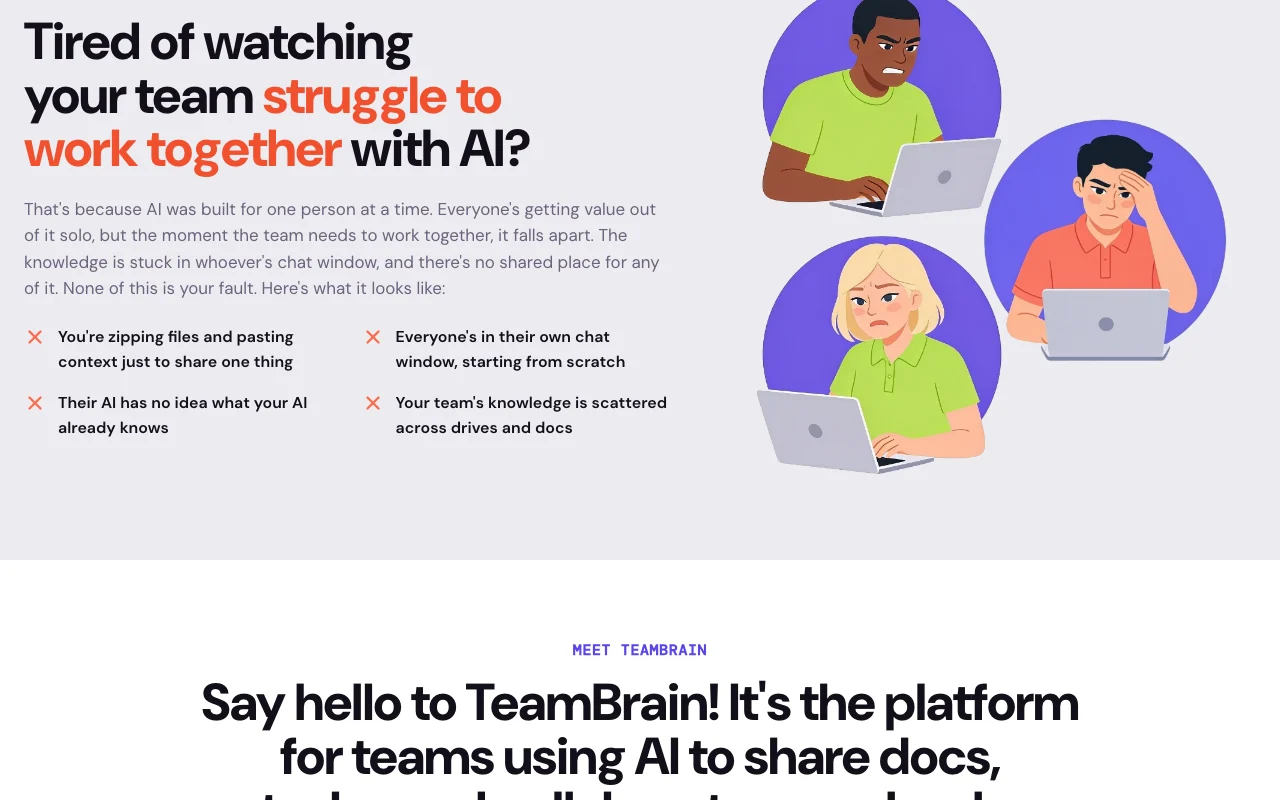
TeamBrain's official site: how the product presents itself. teambrain.co, captured Oct 1, 2026
What you provide and what you get back
What you give TeamBrain and what comes back, from its documentation
You provide
Files and notes saved as markdown
Instructions given to a connected AI client (Claude, ChatGPT, other MCP clients)
Tasks, comments and calendar events
You get back
Shared workspace documents and decision records
Kanban cards and calendar items
Daily email summary of changes
Markdown (.md) export of all files
Where you can use it
Platforms
Web
Account
Required
Storage format
Plain markdown
AI clients
Claude, ChatGPT, other MCP clients
Project tools
Kanban, calendar, tasks, comments
Export
.md files
Where TeamBrain is most useful
Scenarios are worked out by our editors from the documentation; the actual result depends on your input and plan.
Giving every teammate's AI assistant the same project context
Who
Small teams where each member uses their own Claude or ChatGPT
You provide
Client notes and project files saved to a collection
Expected result
Each teammate's AI pulls the same up-to-date project context via MCP
MCP connector for Claude, ChatGPT and compatible clients
Lets any MCP-capable AI (Claude desktop, Claude Code, ChatGPT) connect by pasting a TeamBrain address. Teammates keep their own AI instead of switching apps.
Provides Kanban boards, a shared calendar, tasks, comments on docs and asset attachments that the AI can also operate. Replaces a separate lightweight project tool.
Works with AI tools the team already uses instead of a new chat interface No retraining or migration into a new chat app.documentedsource (opens in a new tab)
AI included on every plan, with option to bring your own API key Usage without separate AI billing, or cost control via your own keys.documentedsource (opens in a new tab)
Flat plan pricing rather than per-seat Cost does not grow with every added teammate within plan caps.documentedsource (opens in a new tab)
Decisions are captured with the reasoning behind them, showing who changed what and why A new teammate or AI joining a client project can see why a decision was made without asking the original person.documentedsource (opens in a new tab)
Knowledge is stored as plain markdown and any AI that supports MCP connects directly Claude, ChatGPT or another MCP client can read and update the same team notes without a custom plugin.documentedsource (opens in a new tab)
Limitations to check before paying
No free tier shown on the pricing page Teams cannot trial it for free from the plans shown.documentedsource (opens in a new tab)
Seat, workspace and storage caps per plan (e.g. 5 seats / 10 GB on Starter) Larger teams must move to a higher tier or custom option.documentedsource (opens in a new tab)
Requires an account and connecting an external AI client Needs setup by each member before sharing works.documentedsource (opens in a new tab)
Public docs page is an embedded help widget with little readable content Little readable self-serve documentation to consult.documentedsource (opens in a new tab)
How to use TeamBrain for sharing project context between teammates' AI assistants
Set up TeamBrain
Create a TeamBrain account and a workspace for your team.
Copy your workspace's TeamBrain address (MCP URL).
Add it as a connector in Claude, ChatGPT or another MCP client.
Invite teammates and guests so their AI clients can connect to the same workspace.
Example: sharing project context between teammates' AI assistants
Open a collection for a client project.
Tell your AI: file these meeting notes under this client's folder.
Ask the AI to log the decision and its reasoning.
Have a teammate's AI pull the latest on the client.
Review and export the result
Open the workspace and confirm the new markdown file and decision entry appear.
Check the teammate's AI answer reflects the saved notes.
Review the daily email summary for the change.
Example prompt suggested by our editors (not a recorded output of the product)
Pull the latest on this client, then save today's call notes under their folder and log the decision to extend the deadline, with the reason.
TeamBrain integrations and API
Native integrations and export formats
Export: Markdown (.md)
API access and separate billing
TeamBrain has no public API in its official documentation. No API docs found; access is via MCP.
Privacy, data use and commercial rights
Summarized from the vendor's current policies; this is not legal advice and a vendor's badge is not an independent audit.
How your inputs and outputs are handled
Customer Content (files, tasks, comments, decisions) plus name, email and workspace details are stored.
Site states it never reads or trains on customer data.
Plans are flat tiers with seat caps (Starter: 5 seats, 10 GB) rather than per-seat billing, per earlier research; the pricing page was unreadable today. source (opens in a new tab)
Not verified: Exact seat/storage caps for Pro and Max; Free trial; Commercial-use terms; API availability.
How we documented and maintain this page
Every fact about TeamBrain above comes from the 3 official pages listed here, last compared on Sep 29, 2026; we have not run TeamBrain ourselves, so it has no editorial score. How we check and re-check pages.
Article updated Oct 10, 2026; prices checked Sep 29, 2026. Outbound links to vendors are plain links; we do not earn commissions. How we review · Report an error


 (open full size in a new tab)
 (open full size in a new tab)
 (open full size in a new tab)
 (open full size in a new tab)
 (open full size in a new tab)
 (open full size in a new tab)