Productivity & writingDocumented overviewLast checked Oct 2, 2026

Thread Deck: Pricing, Features & Best Use Cases

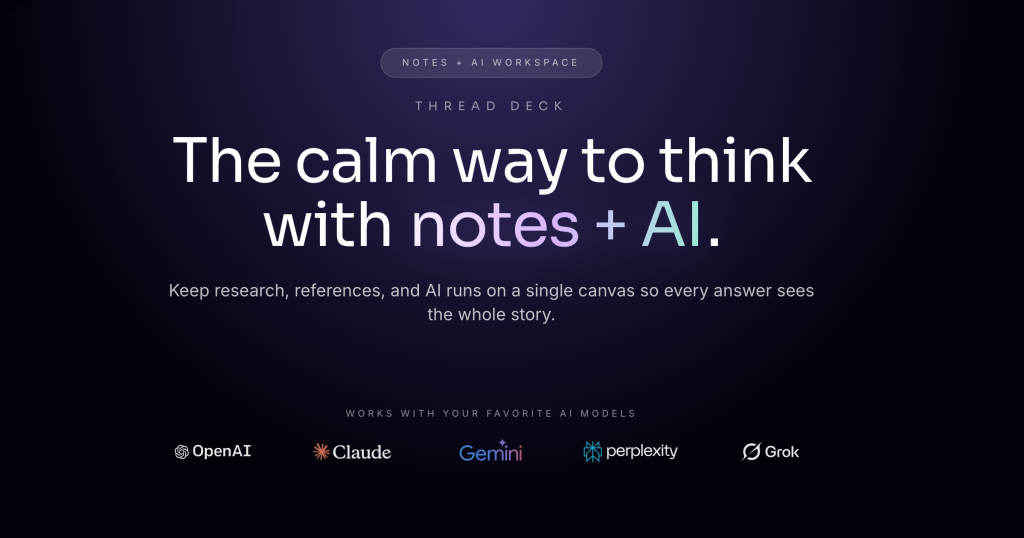
Canvas-based workspace that links notes, prompts and links, and sends them to models such as ChatGPT, Claude and Gemini.

Who should use Thread Deck

Thread Deck suits individuals and small teams who want to link notes and prompts on one canvas and run them through several AI models, with a free tier and paid plans from $29/mo. Based on the vendor's documentation, not on a hands-on test.

Best for: Individuals organizing AI workflows

Also a good fit for

  • Founders and creators using several models

Consider another tool if free plan limited to 1K tokens/month

Or if

  • Free plan limited to GPT-4o mini and 3 canvases
  • Heavier models use credits faster

Thread Deck pricing and usage limits

Prices checked Oct 2, 2026 on the official US pricing page. Official pricing ↗ Prices and limits change often.

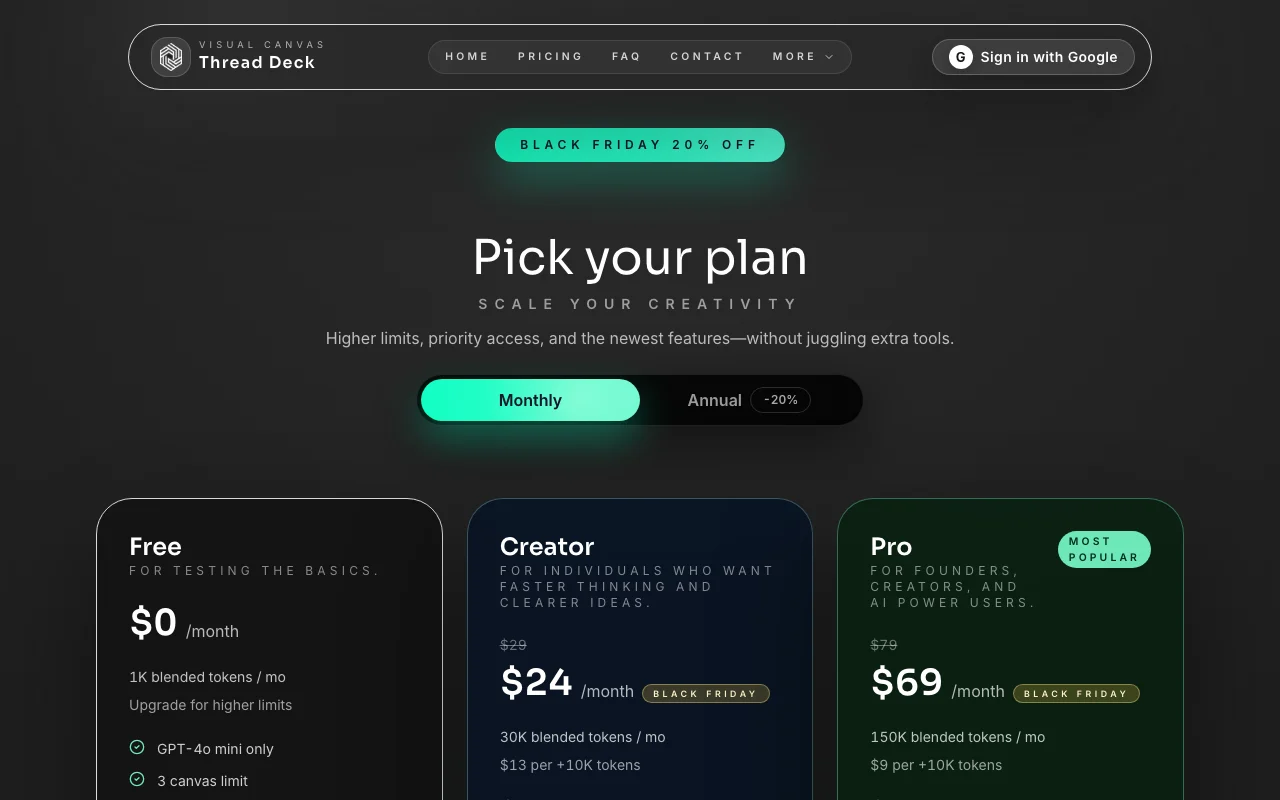
Thread Deck pricing page with plans and prices — screenshot of the productivity & writing AI tool, Oct 2, 2026
The official Thread Deck pricing page as we saw it. usethreaddeck.com, captured Oct 2, 2026

Free access and trial conditions

Free plan: 1K blended tokens/month, GPT-4o mini only, 3 canvases

Site says try your first canvas instantly with no signup

Paid plans: what changes as you upgrade

Free Web

Free source (opens in a new tab)

Monthly

For: Testing the basics

Limits

  • 1K blended tokens/month
  • GPT-4o mini only
1 more
  • 3 canvases

Includes

  • Canvas workspace

Creator Web

$29 source (opens in a new tab)

Monthly

Page shows a lower price ($24) next to a Black Friday 20% off label and a Monthly/Annual toggle; which discount applies is not fully clear

For: Individuals

Limits

  • 30K blended tokens/month
  • $13 per +10K tokens

Includes

  • All models (GPT-5, Claude, Gemini)
  • Unlimited canvases
2 more
  • Shared canvas links
  • AI image generation

Pro Web

$79 source (opens in a new tab)

Monthly

$69 shown next to Black Friday label. Page shows a lower price ($24) next to a Black Friday 20% off label and a Monthly/Annual toggle; which discount applies is not fully clear

For: Founders, creators and AI power users

Limits

  • 150K blended tokens/month
  • $9 per +10K tokens

Includes

  • Canvas analytics
  • Priority email support
1 more
  • All Creator features

Usage caps, credits and extra costs

Token top-ups: $13 per +10K (Creator), $9 per +10K (Pro)

Not stated

What is Thread Deck, and how does it work?

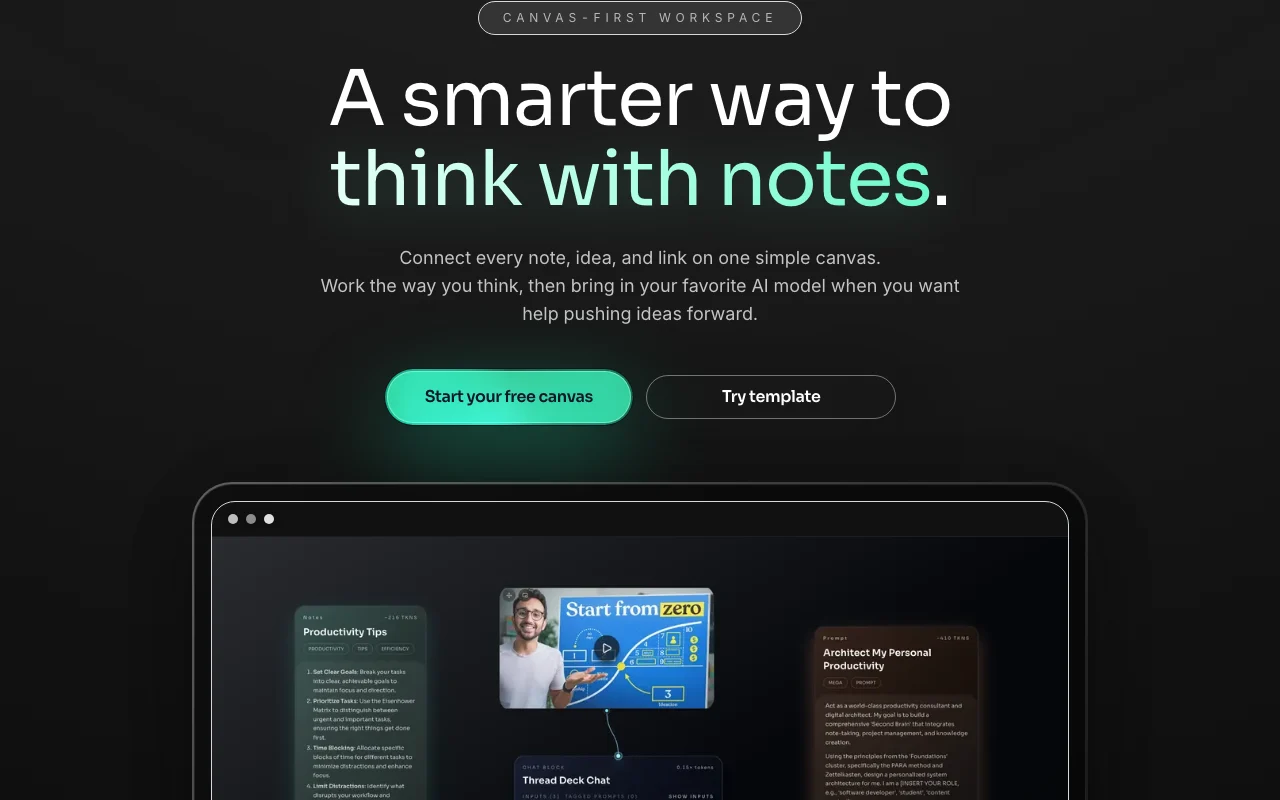
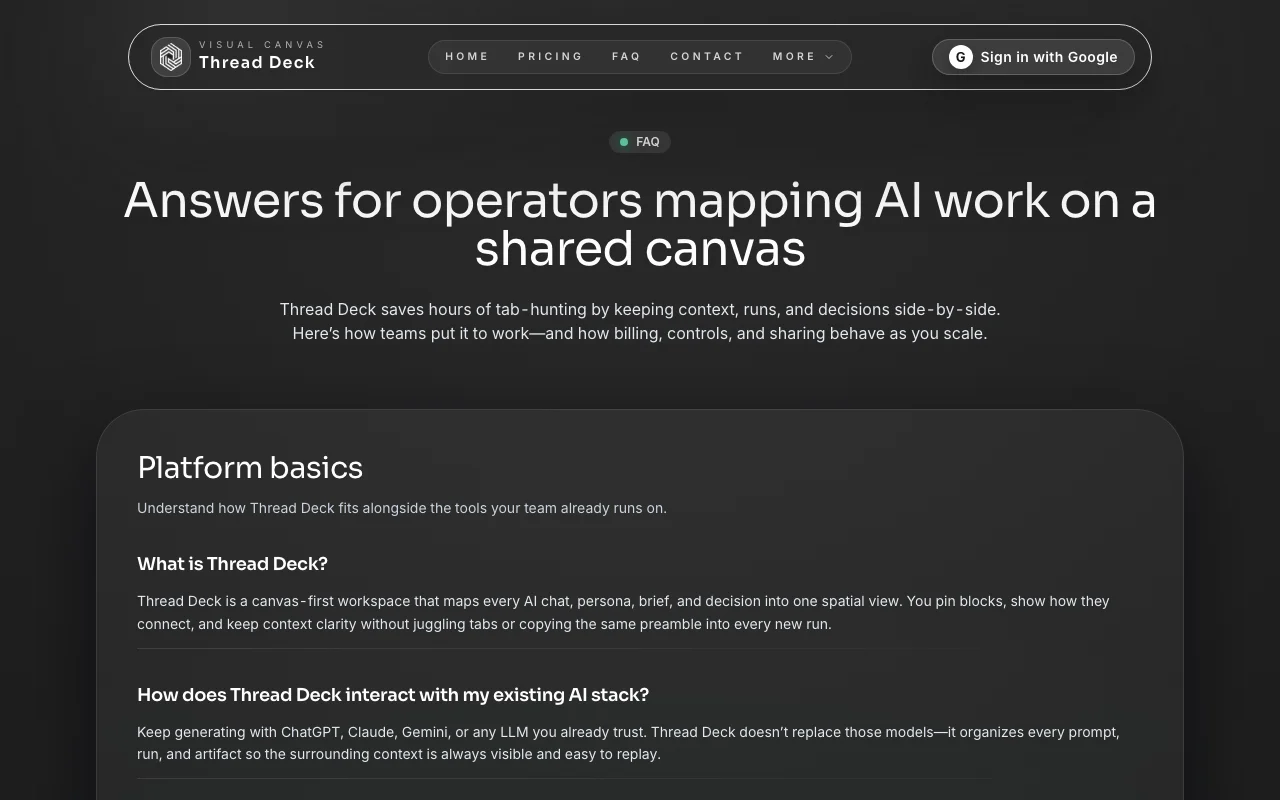
Thread Deck is a visual canvas where notes, links and screenshots sit together and can be sent to AI models including ChatGPT, Claude and Gemini. Prompts and outputs stay linked on the canvas, and canvases can be shared. Usage is metered in tokens with per-model multipliers; the site lists a free tier, paid tiers, and token top-ups.

Thread Deck homepage — screenshot of the productivity & writing AI tool, Oct 2, 2026
Thread Deck's official site: how the product presents itself. usethreaddeck.com, captured Oct 2, 2026

What you provide and what you get back

How Thread Deck works: what you provide, where it runs and what you get backYOU PROVIDEYour inputNotes, links and screenshots on a…Prompts and saved snippetsModel selection per runPRODUCTIVITY & WRITINGThread DeckWebfrom $29 (Creator)free tier availableaccount requiredchecked Oct 2, 2026YOU GET BACKThe resultAI responses linked on the canvasShared canvas linksImage generation outputs (Creator…input → Thread Deck → output · from the vendor's own pages, no hands-on test unless stated
What you give Thread Deck and what comes back, from its documentation

You provide

  • Notes, links and screenshots on a canvas
  • Prompts and saved snippets
  • Model selection per run

You get back

  • AI responses linked on the canvas
  • Shared canvas links
  • Image generation outputs (Creator and above)

Where you can use it

Platforms
Web
Account
Required
Models
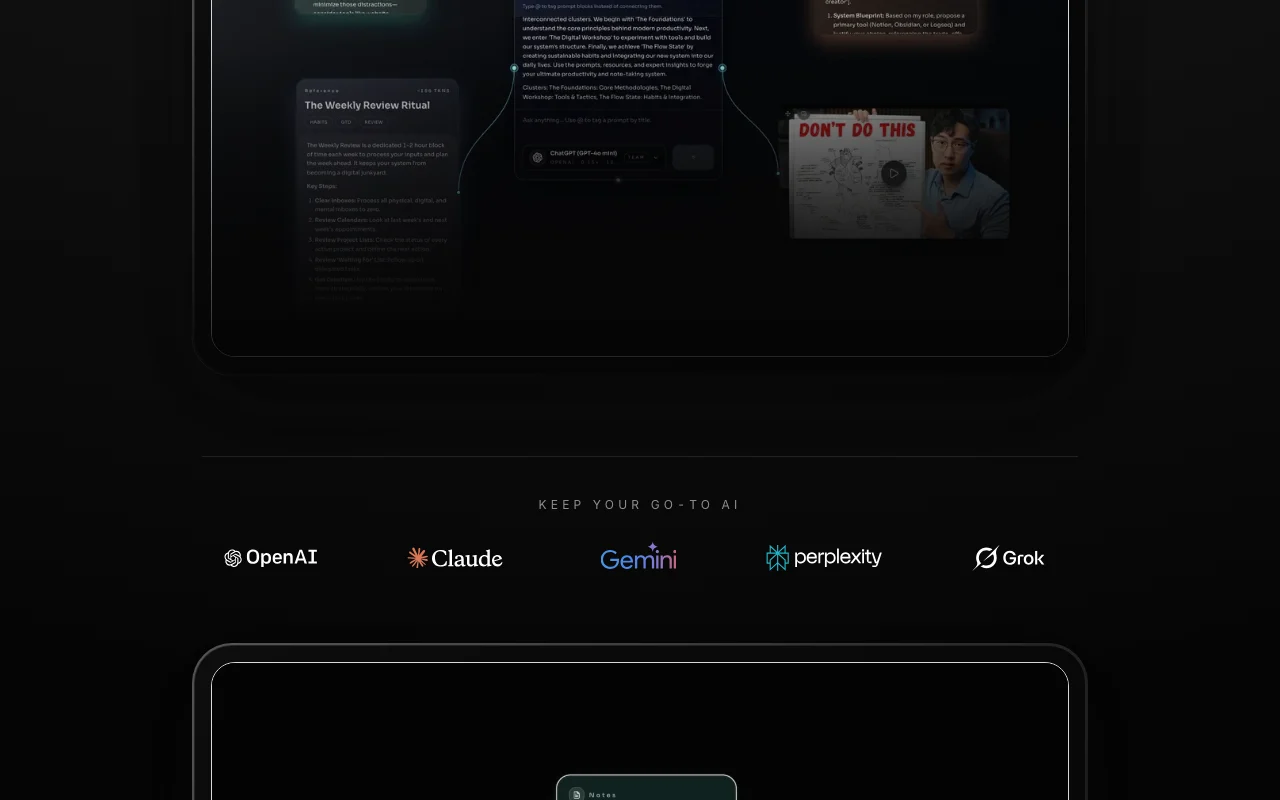
GPT-4o mini, GPT-4o, GPT-5, Claude 4.5, Gemini 2.5, Grok 4, Perplexity Sonar
Image models
GPT Image 1, Gemini 2.5 Flash Image, Imagen 3, DALL-E 3, Grok 2 Image
Free limits
1K tokens/month, 3 canvases
Sharing
Public or private canvas links

Where Thread Deck is most useful

Scenarios are worked out by our editors from the documentation; the actual result depends on your input and plan.

Organizing notes and prompts visually

Who
Writers, founders and researchers
You provide
Notes and links dropped on a canvas
Expected result
Organized visual workspace of ideas
Plan needed
Free (3 canvases) or higher
Limitation
Free plan: 3 canvases, 1K tokens/month source (opens in a new tab)

Comparing outputs across AI models

Who
AI power users
You provide
One note sent to ChatGPT, Claude or Gemini
Expected result
Side-by-side outputs from different models
Plan needed
Creator or Pro for all models
Limitation
Free plan limited to GPT-4o mini source (opens in a new tab)

Saving reusable prompts

Who
Prompt-heavy workers
You provide
Favorite prompts, tones and snippets
Expected result
Reusable blocks dragged into new ideas
Plan needed
Any plan
Limitation
Heavier models use credits faster source (opens in a new tab)

Key features and their practical limits

Thread Deck homepage — screenshot of the productivity & writing AI tool, Oct 2, 2026
Feature overview on the official site. usethreaddeck.com, captured Oct 2, 2026

Drag-and-drop canvas

Drop notes, links and screenshots on one canvas Keeps context visible

Access: All plansLimit: Free plan limited to 3 canvases source (opens in a new tab)

Send notes to multiple AI models

Sends notes to ChatGPT, Claude, Gemini and other providers Compare models

Access: Free: GPT-4o mini only; paid: all modelsLimit: Per-model multipliers draw tokens faster (e.g. Claude 4.5 Sonnet 3.75x) source (opens in a new tab)

Saved prompts and snippets

Pins prompts, tones and snippets for reuse Saves rewriting

Access: All plansLimit: Not stated source (opens in a new tab)

Shared canvas links

Shares canvas by public or private link Collaboration without copying

Access: Creator and above (shared canvas links)Limit: Real-time and invite details not tied to plans source (opens in a new tab)

Thread Deck pros and cons

Reasons to choose Thread Deck

Check before paying for Thread Deck

How to use Thread Deck for organizing notes and running them through AI models

Set up Thread Deck

  1. Open Thread Deck and start a free canvas
  2. Drop in notes, links or screenshots
  3. Connect blocks to show relationships

Example: organizing notes and running them through AI models

  1. Select a note and choose a model
  2. Check the estimated tokens shown on the block
  3. Run it and keep the output linked on the canvas
  4. Save the prompt for reuse

Review and export the result

  1. Review the run receipt with model and tokens used
  2. Confirm the remaining monthly allowance
Example prompt suggested by our editors (not a recorded output of the product)
Summarize these linked notes into five bullet points and suggest next steps.

Thread Deck API

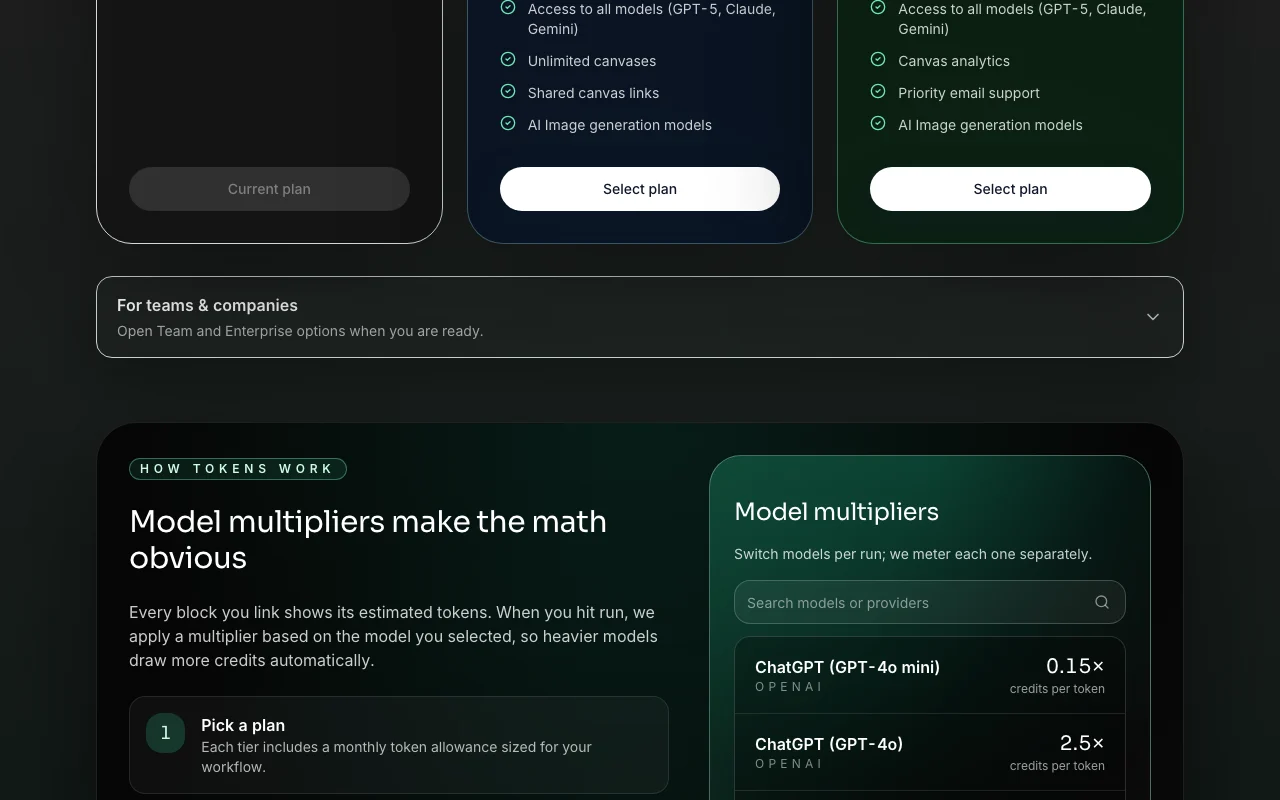
Thread Deck pricing page with plans and prices — screenshot of the productivity & writing AI tool, Oct 2, 2026
Plan comparison on the official pricing page. usethreaddeck.com, captured Oct 2, 2026

API access and separate billing

Thread Deck has no public API in its official documentation. No API mentioned; docs page returned 404

Privacy, data use and commercial rights

Summarized from the vendor's current policies; this is not legal advice and a vendor's badge is not an independent audit.

How your inputs and outputs are handled

Canvas activity, blocks, runs and synced context are processed; telemetry such as token use is collected

Policy says it never shares prompts with model vendors without your direction; training use otherwise not stated

Workspace data kept while you maintain an account or as required for compliance; audit and billing records may be kept longer

Commercial use and plan restrictions

Sharing permissions configurable per plan tier

Controls for business users

  • Export runs, canvases and block history
  • Deletion requests by email
  • Encryption in transit and at rest

Policies: usethreaddeck.com/privacy

Other tools to consider instead of Thread Deck

"Better suited" is based on documented features and pricing, not on a head-to-head test.

Notion AI: better suited to

ChatGPT: better suited to

Claude: better suited to

Alternatives
AlternativeWhen to choose itPricingLimitation
Notion AI——Compare
ChatGPT——
Claude——

Explore Thread Deck further

Related to Thread Deck

Thread Deck user reviews

No user reviews yet.

Used Thread Deck? Be the first to share your experience.

Write a review

Reviews are checked by a moderator before they appear. Your email is never published. Plain text only.

Your rating (required)

Show what you made or what went wrong. Images are published only if the review is approved; location data is removed.

    Thread Deck FAQ

    Is there a free plan?

    Yes: 1K blended tokens per month, GPT-4o mini only and 3 canvases. source (opens in a new tab)

    How are tokens counted?

    Each run applies a model multiplier to estimated tokens, so heavier models draw more credits. source (opens in a new tab)

    Can I buy extra tokens?

    Yes, $13 per +10K on Creator and $9 per +10K on Pro. source (opens in a new tab)

    Does Thread Deck sell my data?

    The privacy page says it never sells customer data or shares prompts with model vendors without your direction. source (opens in a new tab)

    Do I need to sign up?

    The homepage says you can try your first canvas instantly with no signup. source (opens in a new tab)

    Sources and review methodology

    Official sources and verification dates

    Not verified: Whether $24 and $69 prices are annual or promo; Team and Enterprise pricing; API availability; Docs content (404); US availability; Training use details.

    How we documented and maintain this page

    Every fact about Thread Deck above comes from the 3 official pages listed here, last compared on Oct 2, 2026; we have not run Thread Deck ourselves, so it has no editorial score. How we check and re-check pages.

    Article updated Oct 2, 2026; prices checked Oct 2, 2026. Outbound links to vendors are plain links; we do not earn commissions. How we review · Report an error