Free web
Free source (opens in a new tab)
Month
For: Light scheduling
Limits
- 5 free automation runs per day
- Contains ads
Includes
- All supported channels and actions
- Basic scheduling and repeats
1 more
- Smart Variables and labels

Productivity & writingDocumented overviewLast checked Oct 2, 2026
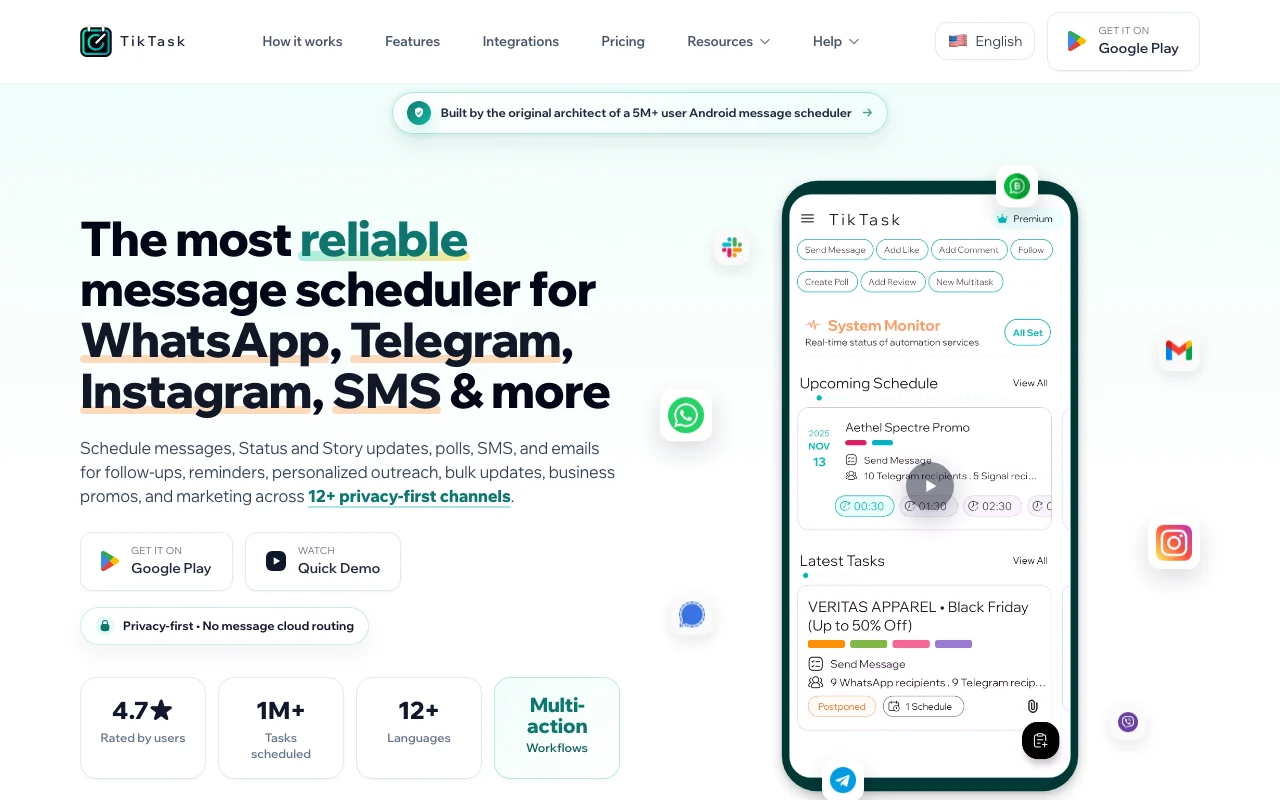
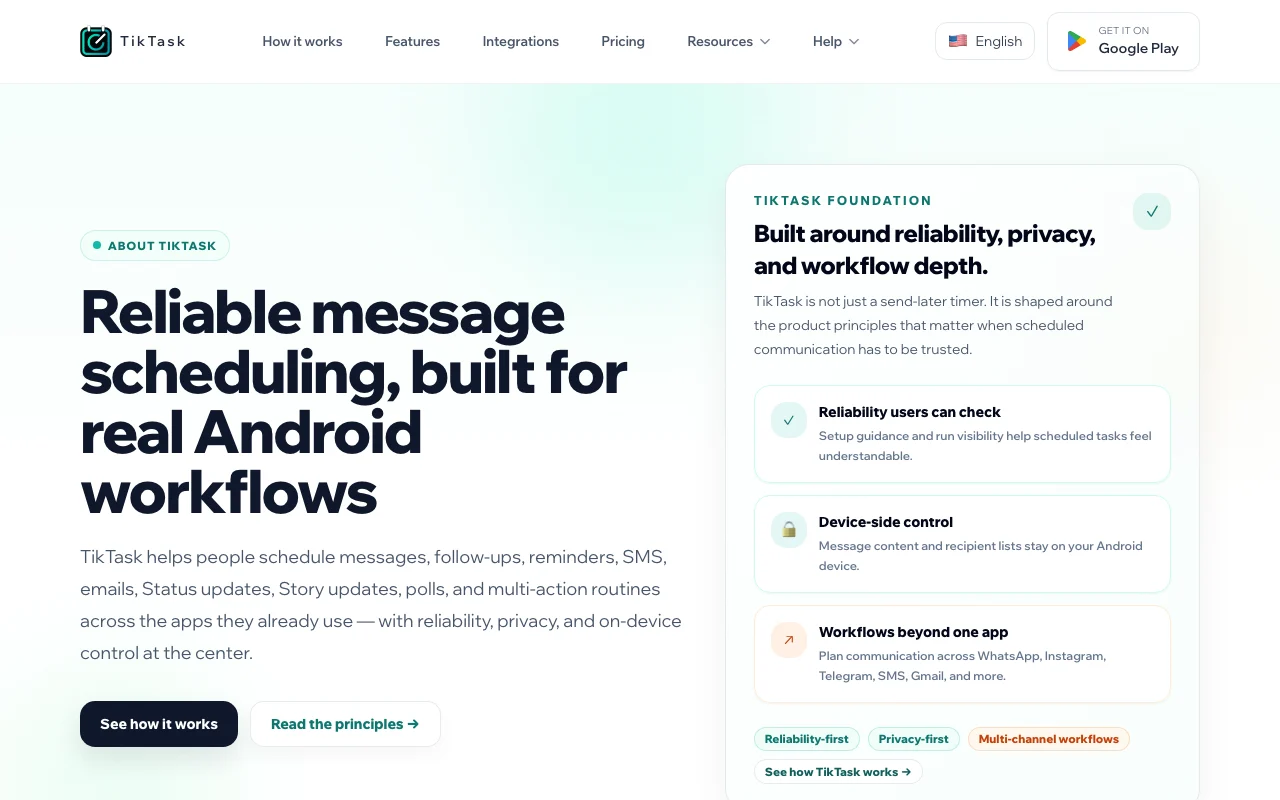
Android app that schedules WhatsApp, Telegram, Instagram, SMS and email messages and runs follow-up workflows from the phone.
 (open full size in a new tab)
 (open full size in a new tab)
 (open full size in a new tab)
 (open full size in a new tab)
 (open full size in a new tab)
 (open full size in a new tab)
Our take: Choose TikTask if you want an Android app that schedules WhatsApp, Telegram, Instagram, SMS and email messages from your phone, free with 5 runs per day or Premium from $7 per month.
Main limitation: It is Android-only, the free plan has ads and a daily run limit, and reliable runs depend on device battery and accessibility settings.
Choose TikTask if you want an Android app that schedules WhatsApp, Telegram, Instagram, SMS and email messages from your phone, free with 5 runs per day or Premium from $7 per month. Based on the vendor's documentation, not on a hands-on test.
Also a good fit for
Or if
Prices checked Oct 2, 2026 on the official US pricing page. Official pricing ↗ Prices and limits change often.
Free plan with no payment.
No trial; free plan.
Free source (opens in a new tab)
Month
For: Light scheduling
Limits
Includes
$7/mo source (opens in a new tab)
Month
For: Heavy automation
Limits
Includes
$150 one-time source (opens in a new tab)
One-time
For: Long-term users
Includes
Not stated.
Prices in USD, taxes may apply.
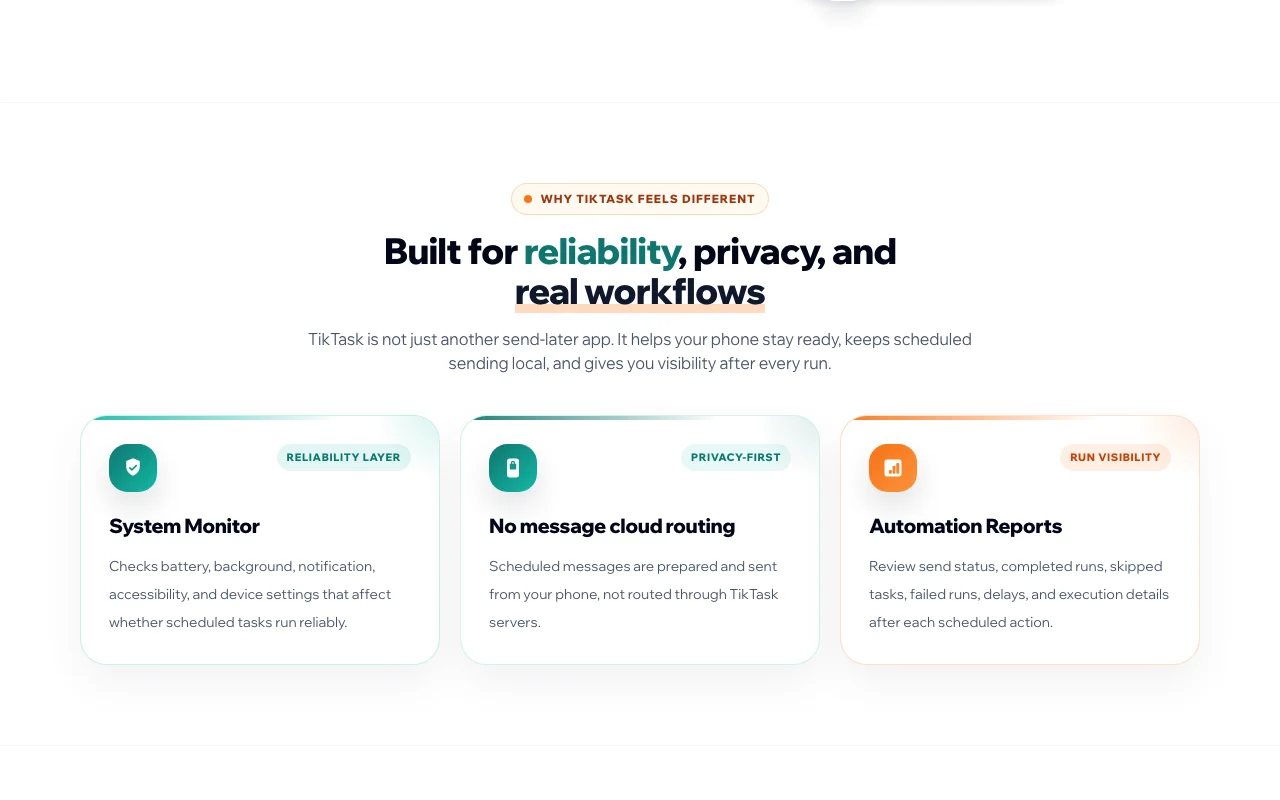
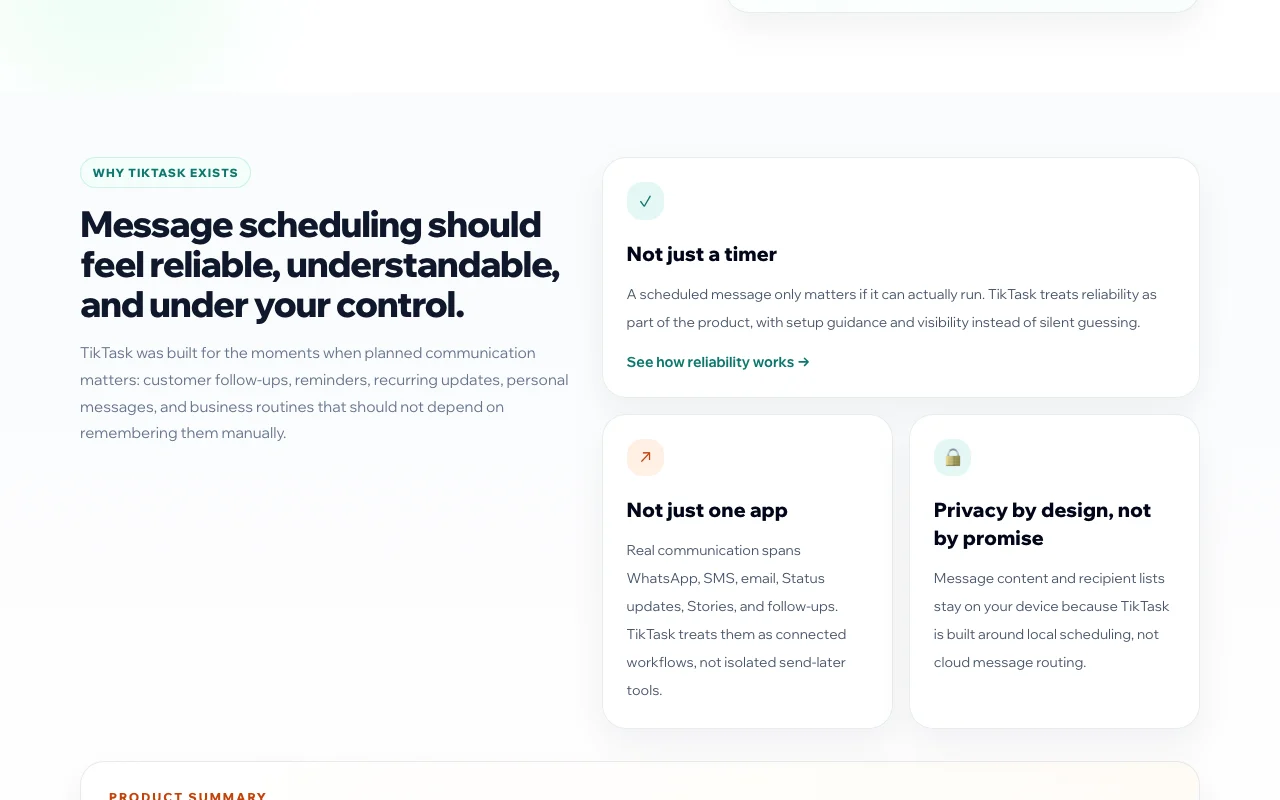
TikTask is an Android message scheduler that lets users schedule messages, status updates, polls, SMS and emails across a dozen-plus channels. Scheduled sending is prepared and sent from the phone rather than routed through TikTask servers, according to the site. It includes a System Monitor that checks device settings affecting reliable runs and reports on send status, skipped and failed runs after each scheduled action.
You provide
You get back
Scenarios are worked out by our editors from the documentation; the actual result depends on your input and plan.
Schedules across 12+ channels One tool for many apps
Checks device settings Reliable runs
Shows send status per run Spot failures
Sends from the phone Content stays local
TikTask has no public API in its official documentation. Phone app; no API mentioned.
Summarized from the vendor's current policies; this is not legal advice and a vendor's badge is not an independent audit.
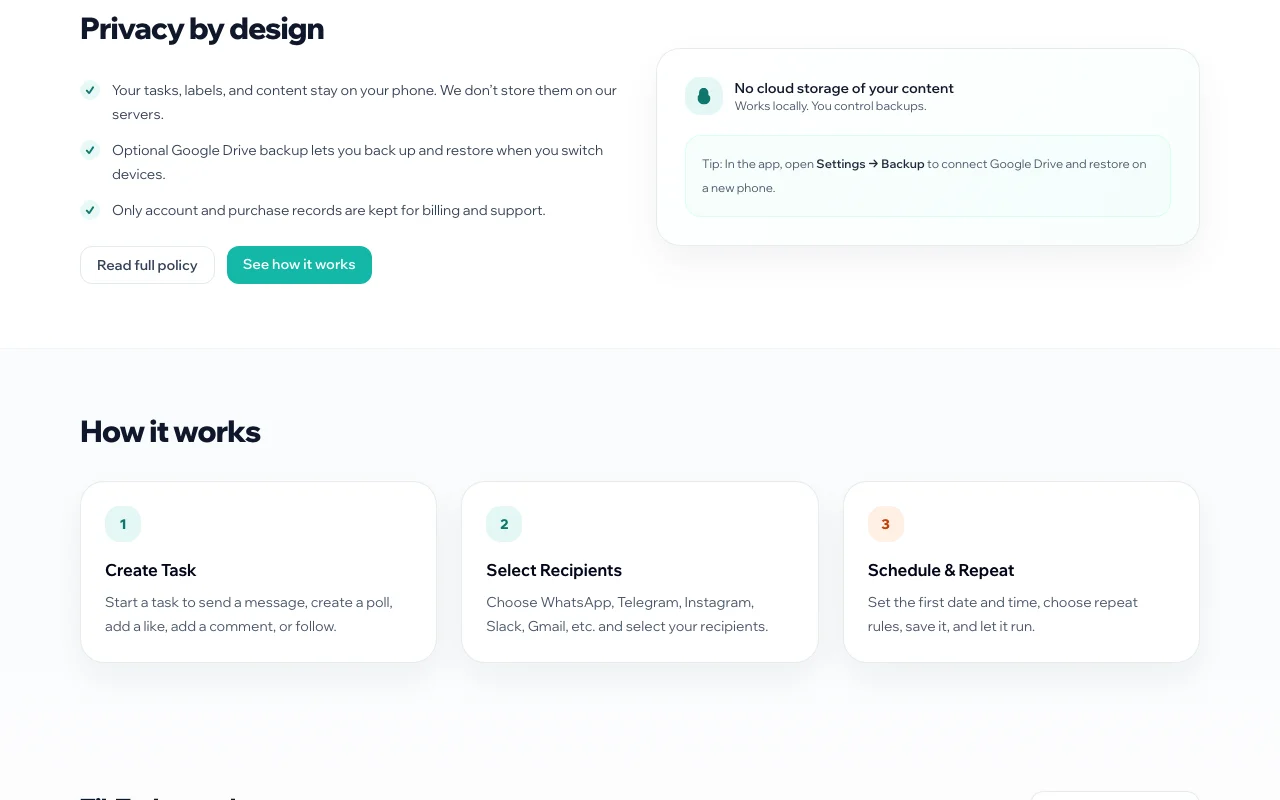
Tasks, labels and content stay on the phone; only account and purchase records kept.
Content not stored on servers; optional Google Drive backup.
Policies: tiktask.ai/privacy
"Better suited" is based on documented features and pricing, not on a head-to-head test.
No user reviews yet.
Used TikTask? Be the first to share your experience.
Free; Premium $7.00 per month (promotion price); Lifetime $150 one-time. source (opens in a new tab)
Android only, via Google Play. source (opens in a new tab)
No; scheduled messages are sent from your phone. source (opens in a new tab)
5 free automation runs per day. source (opens in a new tab)
Yes, optional Google Drive backup (Premium). source (opens in a new tab)
Not verified: Regular Premium price; Lifetime price source on page; iOS availability; Compliance with each messaging platform.
Every fact about TikTask above comes from the 3 official pages listed here, last compared on Oct 2, 2026; we have not run TikTask ourselves, so it has no editorial score. How we check and re-check pages.
Article updated Oct 2, 2026; prices checked Oct 2, 2026. Outbound links to vendors are plain links; we do not earn commissions. How we review · Report an error
compare>