Productivity & writingDocumented overviewLast checked Sep 29, 2026

TODOC.ai: Pricing, Features & Best Use Cases

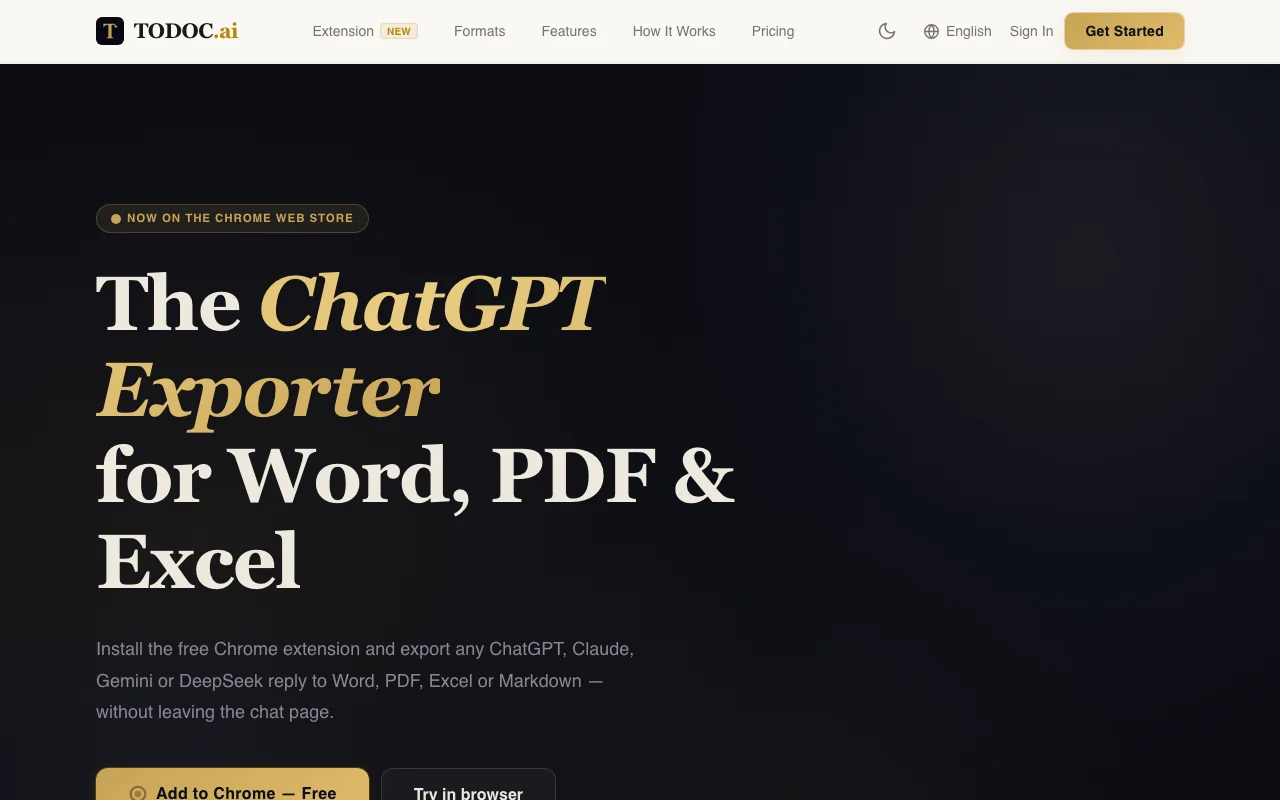
Exports ChatGPT, Claude, Gemini and DeepSeek replies or Markdown to formatted Word, PDF, Excel and Markdown files via web editor or Chrome extension.
Is TODOC.ai right for you?

Use TODOC.ai if you regularly copy ChatGPT, Claude, Gemini or DeepSeek answers into Word, PDF or Excel and want tables, Mermaid diagrams and LaTeX math to survive the export. Based on the vendor's documentation, not on a hands-on test.

Best for: Students and researchers sharing AI-drafted documents

Also a good fit for

  • Teams producing weekly Word reports from AI output
  • Users needing math and diagram fidelity in exports

Consider another tool if free plan limited to 2 exports/day and 20,000 characters

Or if

  • Free exports carry a TODOC.ai footer
  • Free export history kept only 7 days

TODOC.ai pricing and usage limits

Prices checked Sep 29, 2026 on the official US pricing page. Official pricing ↗ Prices and limits change often.

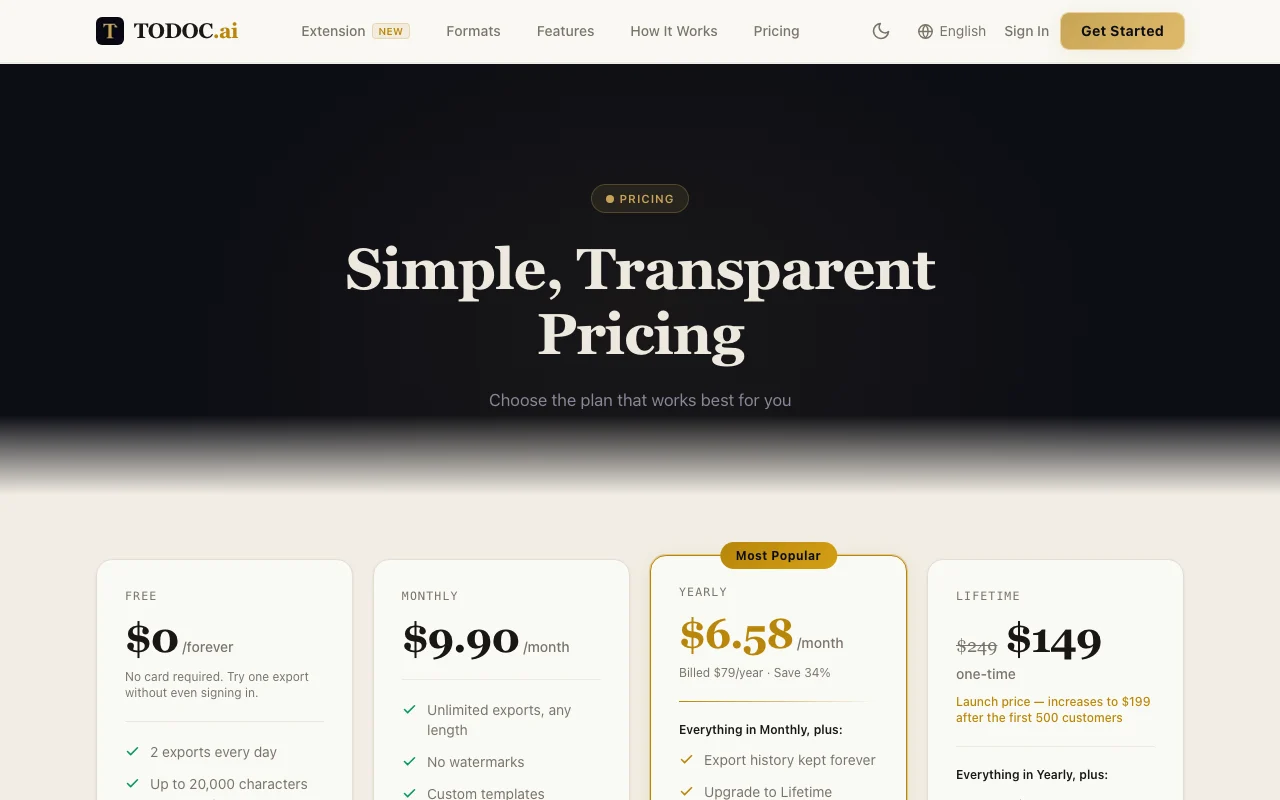
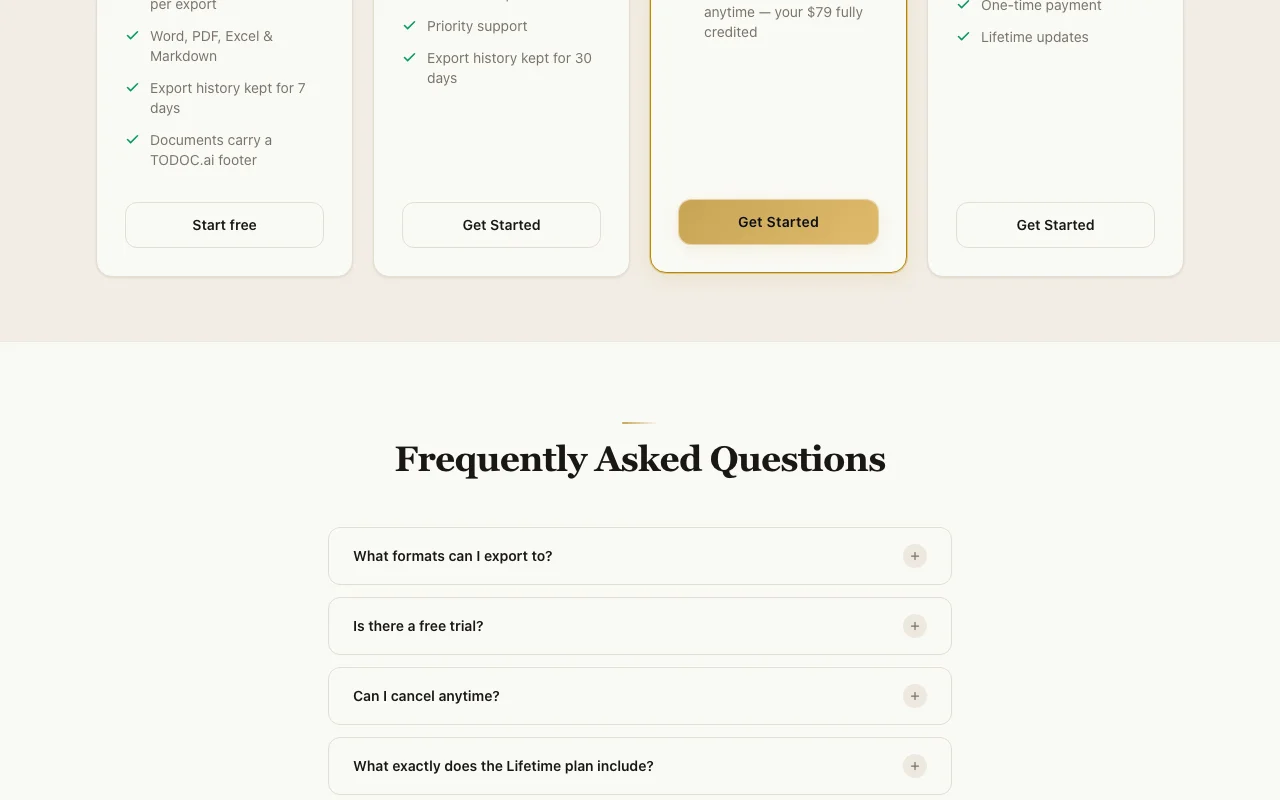
TODOC.ai pricing page with plans and prices — screenshot of the productivity & writing AI tool, Oct 1, 2026
The official TODOC.ai pricing page as we saw it. todoc.ai, captured Oct 1, 2026

Free access and trial conditions

Free forever with 2 exports a day; one export without signing in.

No separate trial.

Paid plans: what changes as you upgrade

Free Web

Free source (opens in a new tab)

Forever

For: Occasional exports

Limits

  • 2 exports/day
  • 20,000 characters per export
1 more
  • History 7 days

Includes

  • Word, PDF, Excel, Markdown
  • TODOC.ai footer

Monthly Web

$9.9 source (opens in a new tab)

Monthly

For: Regular use

Limits

  • Unlimited exports, any length
  • History 30 days

Includes

  • No watermark
  • Custom templates
1 more
  • Priority support

Yearly Web

$79 source (opens in a new tab)

Yearly, annual commitment

$6.58/month billed $79/year

For: Long-term use

Limits

  • Unlimited exports
  • History kept forever

Includes

  • Everything in Monthly
  • Upgrade to Lifetime with $79 credited

Lifetime Web

$149 one-time source (opens in a new tab)

One-time

Launch price, list $249, rising to $199 after first 500 customers

For: Heavy long-term users

Limits

  • One-time payment

Includes

  • Lifetime updates
  • Everything in Yearly

Usage caps, credits and extra costs

Not stated.

What is TODOC.ai, and how does it work?

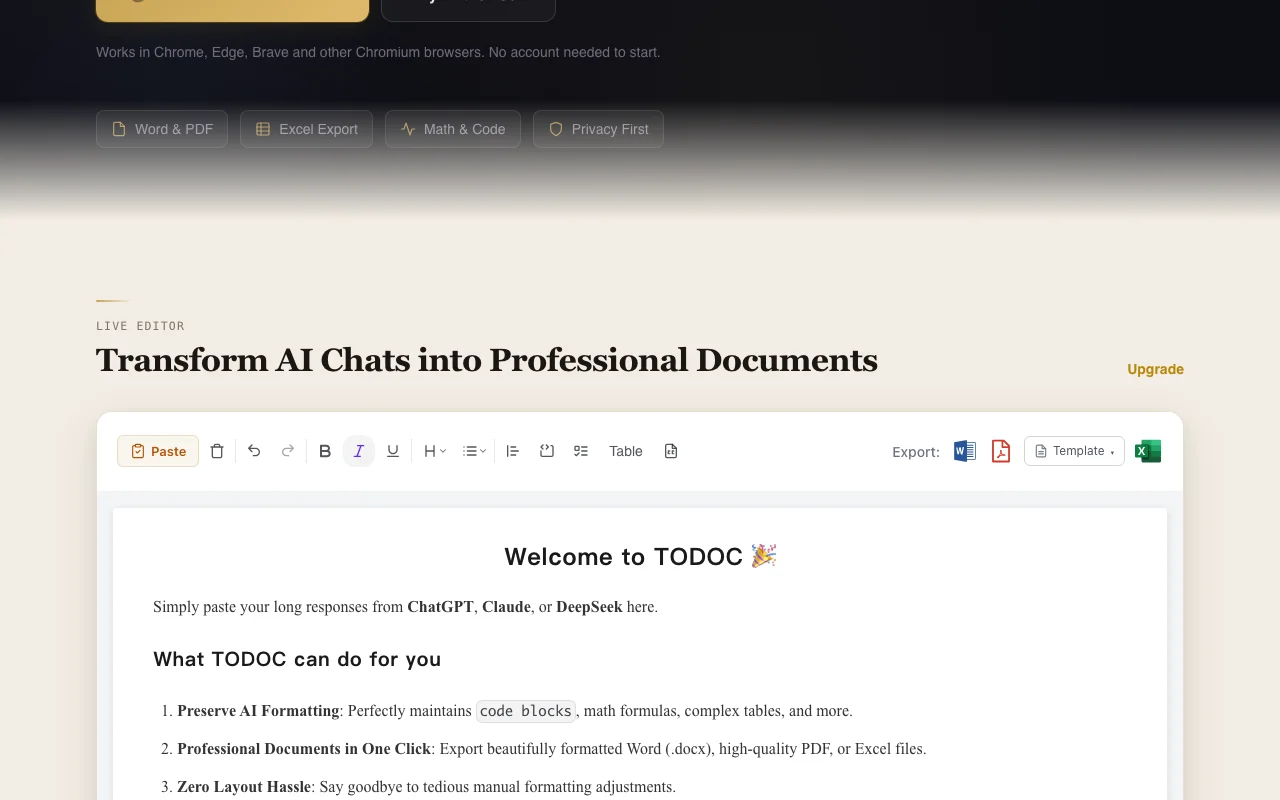
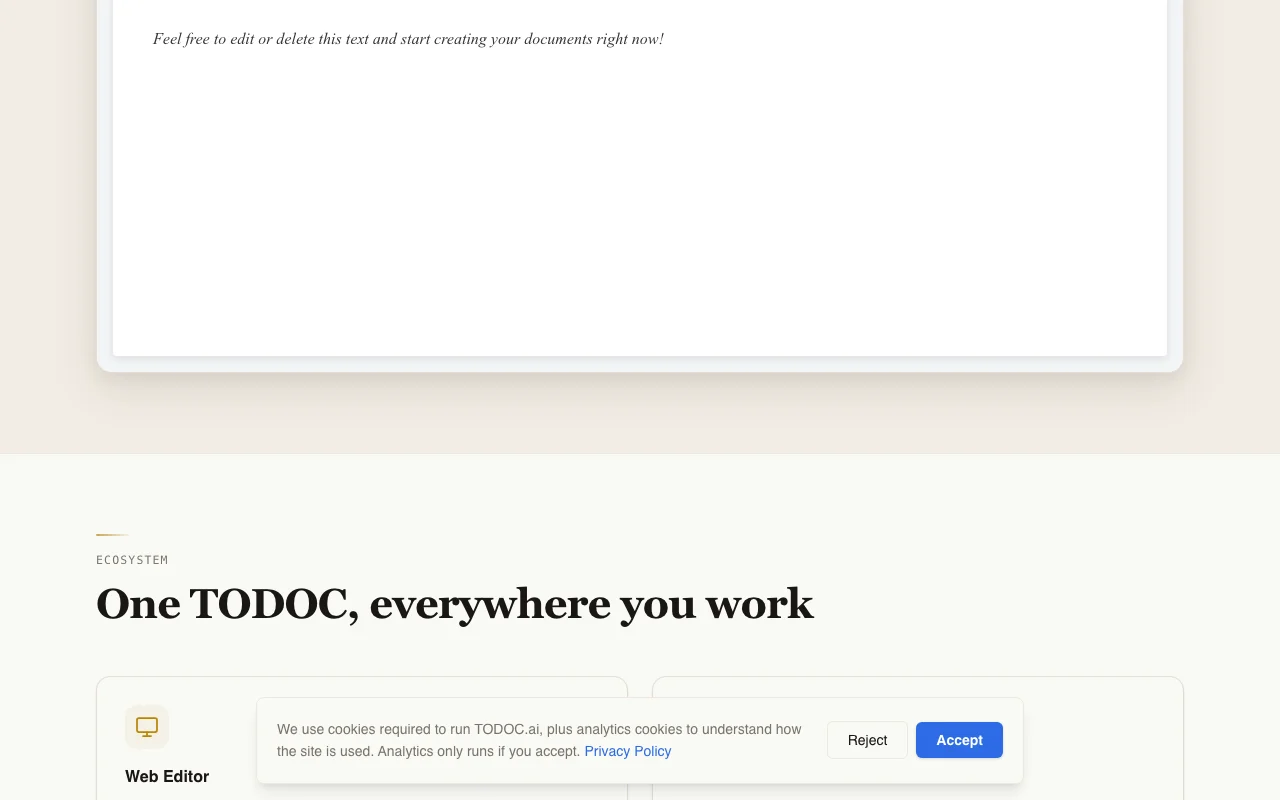
TODOC.ai converts AI chat output and Markdown into production-ready documents. Its web editor lets you paste a response, refine it live, and download .docx, .pdf or .xlsx with headings, tables and images preserved; tables can be extracted to Excel. A free Chrome extension adds one-click export of ChatGPT, Claude, Gemini and DeepSeek conversations directly from the chat page in Chrome, Edge, Brave and other Chromium browsers. It renders Mermaid diagrams as images and LaTeX math equations natively in Word and PDF output. Users can try one export without signing in; the free plan then allows 2 exports per day with a 20,000-character limit and a TODOC.ai footer, while paid plans remove limits and watermarks and add custom templates.

TODOC.ai homepage — screenshot of the productivity & writing AI tool, Oct 1, 2026
TODOC.ai's official site: how the product presents itself. todoc.ai, captured Oct 1, 2026

What you provide and what you get back

How TODOC.ai works: what you provide, where it runs and what you get backYOU PROVIDEYour inputPasted AI chat responsesMarkdown textConversations exported from the C…PRODUCTIVITY & WRITINGTODOC.aiWebfrom $9.9 (Monthly)free tier availablechecked Sep 29, 2026YOU GET BACKThe resultWord (.docx)PDFExcel (.xlsx) from tablesMarkdowninput → TODOC.ai → output · from the vendor's own pages, no hands-on test unless stated
What you give TODOC.ai and what comes back, from its documentation

You provide

  • Pasted AI chat responses
  • Markdown text
  • Conversations exported from the Chrome extension

You get back

  • Word (.docx)
  • PDF
  • Excel (.xlsx) from tables
  • Markdown

Where you can use it

Platforms
Web
Account
Not required
Formats
DOCX, PDF, XLSX, Markdown
Free limits
2 exports/day, 20,000 chars
Browsers
Chromium
History
7 days / 30 days / forever

Best use cases for TODOC.ai

Scenarios are worked out by our editors from the documentation; the actual result depends on your input and plan.

Turning a ChatGPT answer into a formatted Word report

Who
Office workers and consultants
You provide
A ChatGPT answer with headings and tables
Expected result
A formatted Word report with headings, tables and images preserved
Plan needed
Free for 2 exports/day
Limitation
Free exports carry a footer source (opens in a new tab)

Exporting AI-generated tables to Excel

Who
Analysts
You provide
An AI-generated table
Expected result
A structured Excel sheet
Plan needed
Free
Limitation
20,000 characters per free export source (opens in a new tab)

Producing PDFs with rendered LaTeX equations

Who
Students and researchers
You provide
A response with LaTeX equations
Expected result
A PDF or Word file with equations rendered
Plan needed
Free
Limitation
Math and Mermaid supported in Word and PDF only source (opens in a new tab)

What TODOC.ai does, and where it stops

TODOC.ai homepage — screenshot of the productivity & writing AI tool, Oct 1, 2026
Feature overview on the official site. todoc.ai, captured Oct 1, 2026

Export to Word, PDF, Excel and Markdown

Converts pasted Markdown or chat output into .docx, .pdf, .xlsx or Markdown with a live preview editor. Skips manual reformatting.

Access: Web editor, all plansLimit: Free is capped at 2 exports/day source (opens in a new tab)

Chrome extension for ChatGPT, Claude, Gemini and DeepSeek

A Chrome extension adds one-click export from ChatGPT, Claude, Gemini and DeepSeek pages. Export without leaving the chat.

Access: FreeLimit: Chromium browsers only source (opens in a new tab)

Live editor with formatting preview

Renders Mermaid flowcharts, sequence diagrams and Gantt charts as images in Word and PDF. Diagrams survive export.

Access: All plansLimit: Not in Excel output source (opens in a new tab)

Mermaid diagram rendering

Renders LaTeX equations natively in Word and PDF. No broken symbols.

Access: All plansLimit: Word and PDF only source (opens in a new tab)

TODOC.ai: strengths and limits

Where TODOC.ai is strong

Limitations to check before paying

How to use TODOC.ai for exporting an AI answer to a Word document

Set up TODOC.ai

  1. Open todoc.ai or install the free Chrome extension.
  2. Copy the response from ChatGPT, Claude, Gemini or DeepSeek.
  3. Paste it into the editor.
  4. Choose the export format.

Example: exporting an AI answer to a Word document

  1. Paste a ChatGPT answer containing a table and a Mermaid diagram.
  2. Fix any heading levels in the live preview.
  3. Click Word to download the .docx.
  4. Click Excel to extract the table as .xlsx.

Review and export the result

  1. Open the .docx and confirm headings, tables and images.
  2. Check equations or diagrams rendered correctly.
  3. On Free, note the TODOC.ai footer and the 2-export daily limit.

TODOC.ai integrations and API

TODOC.ai pricing page with plans and prices — screenshot of the productivity & writing AI tool, Oct 1, 2026
Plan comparison on the official pricing page. todoc.ai, captured Oct 1, 2026

Native integrations and export formats

Export: DOCX, PDF, XLSX, Markdown

API access and separate billing

TODOC.ai has no public API in its official documentation. No API documented; docs returned 404.

Privacy, data use and commercial rights

Summarized from the vendor's current policies; this is not legal advice and a vendor's badge is not an independent audit.

How your inputs and outputs are handled

Content is processed temporarily for conversion.

Policy: content is not used for training AI models.

Source content not retained after conversion; converted files kept for your plan's history period then deleted.

Commercial use and plan restrictions

History 7 days Free, 30 days Monthly, forever Yearly.

Policies: todoc.ai/privacy

TODOC.ai alternatives by need

"Better suited" is based on documented features and pricing, not on a head-to-head test.

ChatGPT: better suited to

Claude: better suited to

Notion AI: better suited to

Microsoft Copilot: better suited to

Alternatives
AlternativeWhen to choose itPricingLimitation
ChatGPT——
Claude——
Notion AI——Compare
Microsoft Copilot——

Explore TODOC.ai further

Tools and guides near TODOC.ai

TODOC.ai user reviews

No user reviews yet.

Used TODOC.ai? Be the first to share your experience.

Write a review

Reviews are checked by a moderator before they appear. Your email is never published. Plain text only.

Your rating (required)

Show what you made or what went wrong. Images are published only if the review is approved; location data is removed.

    TODOC.ai FAQ

    Can I try it without signing in?

    Yes, one export works without an account; signing in gives 2 free exports per day. source (opens in a new tab)

    Which AI chats does the extension support?

    ChatGPT, Claude, Gemini and DeepSeek in Chrome, Edge, Brave and other Chromium browsers. source (opens in a new tab)

    Does it render math and diagrams?

    Yes, LaTeX equations and Mermaid diagrams render in Word and PDF output. source (opens in a new tab)

    What do I get when upgrading from Yearly to Lifetime?

    The $79 yearly payment is fully credited toward Lifetime. source (opens in a new tab)

    Is my content used to train AI?

    No, the privacy policy says content is not used for training. source (opens in a new tab)

    Sources and review methodology

    Official sources and verification dates

    Not verified: Refund terms; Docs.

    How we documented and maintain this page

    Every fact about TODOC.ai above comes from the 3 official pages listed here, last compared on Sep 29, 2026; we have not run TODOC.ai ourselves, so it has no editorial score. How we check and re-check pages.

    Article updated Oct 10, 2026; prices checked Sep 29, 2026. Outbound links to vendors are plain links; we do not earn commissions. How we review · Report an error