Our take: Trilo suits solo founders and small teams who want docs, tasks, calendar, chat and autonomous AI coworkers in one workspace, with a 14-day free trial on all plans and Solo from $25/month.
Main limitation: The product is labelled beta, Solo is limited to one workspace member, and other platforms beyond the Mac app and web are listed as coming soon.
By the AI Tool Atlas editors.
Based on the vendor's official documentation; we have not tested this product hands-on. What “documented overview” means
Who Trilo fits
Trilo suits solo founders and small teams who want docs, tasks, calendar, chat and autonomous AI coworkers in one workspace, with a 14-day free trial on all plans and Solo from $25/month. Based on the vendor's documentation, not on a hands-on test.
Best for: Solo founders
Also a good fit for
Small teams
Consider another tool if labelled beta
Or if
Windows, Linux, iOS and Android listed as coming soon
Solo plan limited to a single guest workspace
Trilo pricing and usage limits
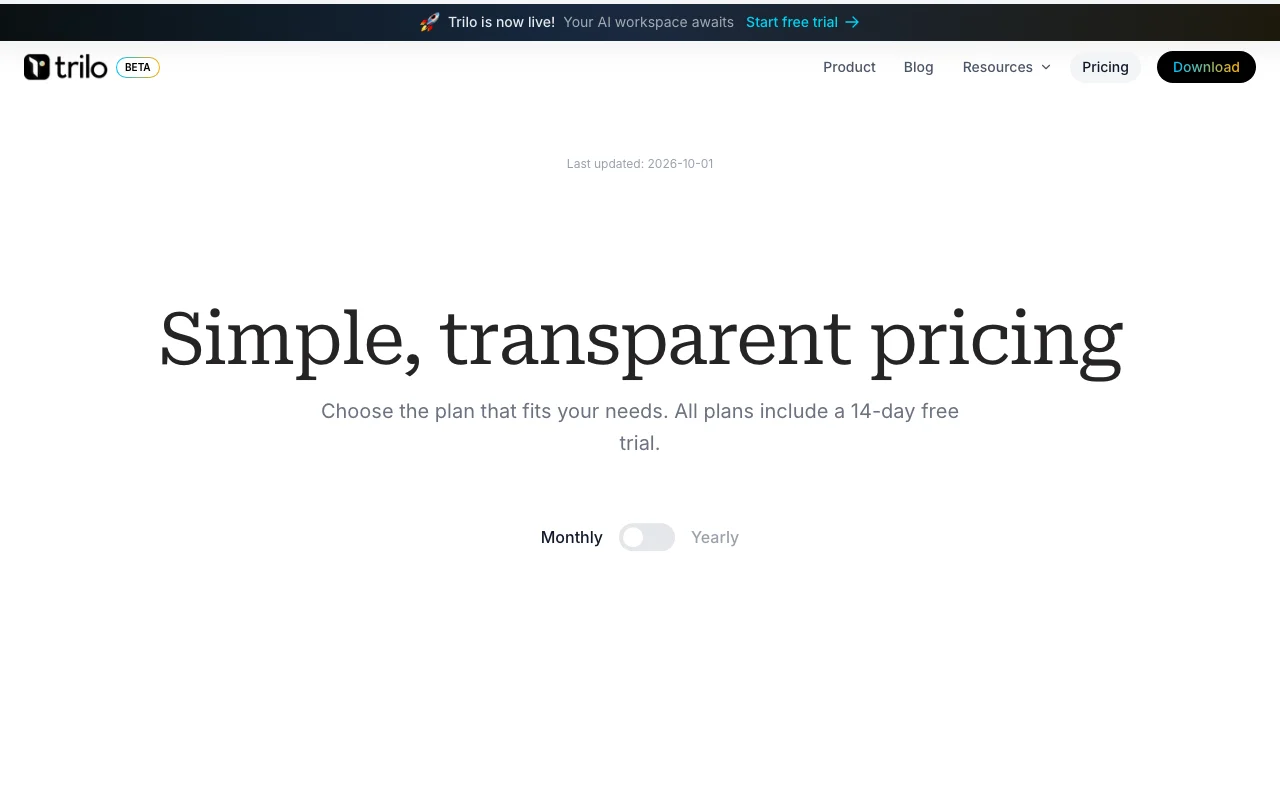
Prices checked Sep 29, 2026 on the official US pricing page. Official pricing ↗ Prices and limits change often.
The official Trilo pricing page as we saw it. trilo.chat, captured Oct 1, 2026
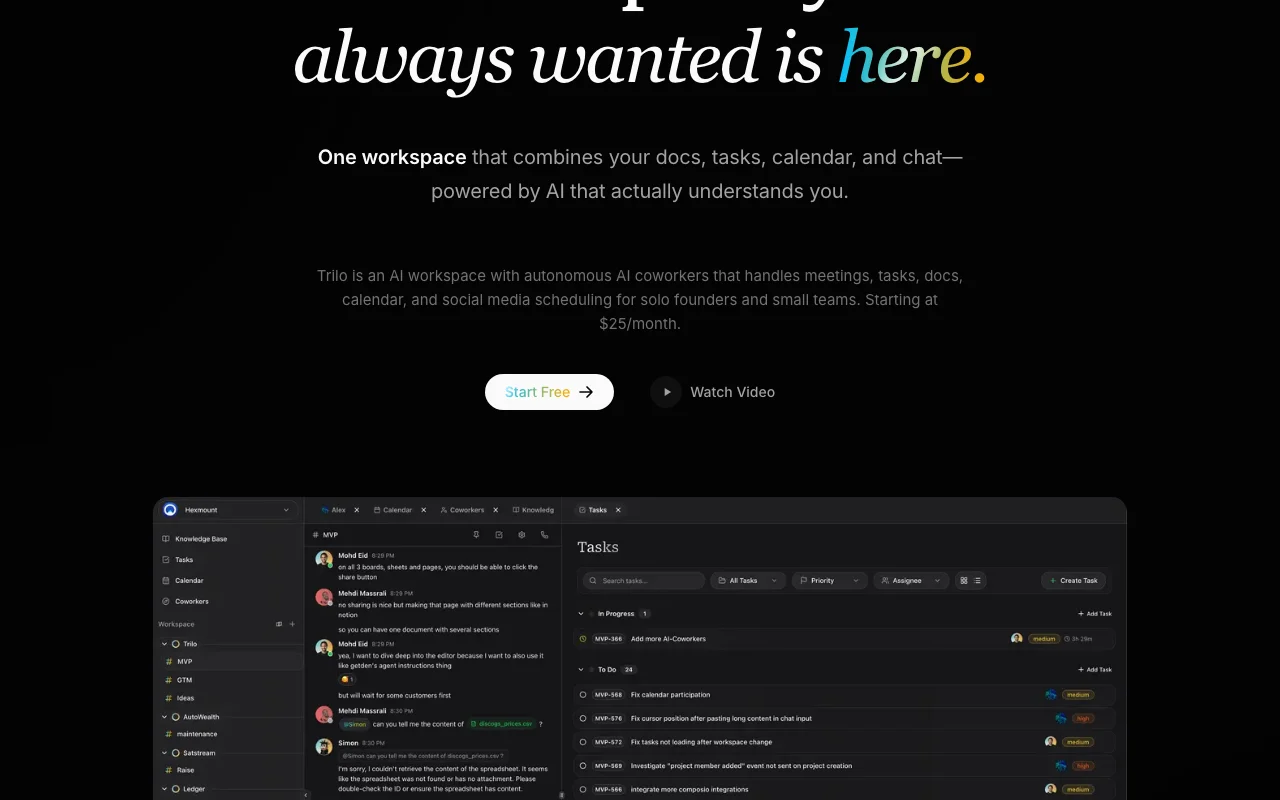
Trilo is a workspace that puts docs, sheets, tasks, calendar, whiteboards and calls in one place, with AI coworkers that handle tasks such as meetings, planning and writing.
The product is labelled beta. A macOS app and web version are available; other platforms are listed as coming soon.
Trilo's official site: how the product presents itself. trilo.chat, captured Oct 1, 2026
What you provide and what you get back
What you give Trilo and what comes back, from its documentation
You provide
Documents, tasks and calendar entries
Messages to AI coworkers
Attached files and workspace context
You get back
Docs, sheets and whiteboards
Tasks and meeting notes created by AI coworkers
Calendar and social scheduling actions
Where you can use it
Platforms
Web, Desktop
Account
Required
Platforms
Web and macOS (others coming soon)
Members
1, 10, unlimited by plan
AI routing
OpenRouter to Anthropic, Google, OpenAI
Trial
14 days on all plans
Status
Beta
What people use Trilo for
Scenarios are worked out by our editors from the documentation; the actual result depends on your input and plan.
Team docs and tasks
Who
Small teams replacing several tools
You provide
Pages, tasks and chat
Expected result
One workspace with AI assistance on docs and tasks
AI coworker features send content to Anthropic, Google and OpenAI via OpenRouter You must consent to third-party processing.documentedsource (opens in a new tab)
How to use Trilo for setting up an AI workspace for a small team
Set up Trilo
Open trilo.chat and click Start free trial.
Create an account and consent to AI data sharing.
Create a workspace and invite members or guests.
Download the Mac app or use the web version.
Example: setting up an AI workspace for a small team
Open the Page Editor and draft a project plan.
Mention an AI coworker such as Atlas to plan the tasks.
Review the tasks it creates in the workspace.
Ask Nova to write a summary doc for the team.
Review and export the result
Check that tasks and docs created by coworkers are accurate.
Review usage against your plan before the trial ends.
Example prompt suggested by our editors (not a recorded output of the product)
Atlas, turn this project plan into a task list with owners and due dates for next week.
Trilo API
Plan comparison on the official pricing page. trilo.chat, captured Oct 1, 2026
API access and separate billing
Trilo has no public API in its official documentation. Docs page returned 404; Ultra lists custom integrations
Privacy, data use and commercial rights
Summarized from the vendor's current policies; this is not legal advice and a vendor's badge is not an independent audit.
How your inputs and outputs are handled
Message content, attached files and workspace context go to AI providers via OpenRouter to generate responses.
Solo is $25/month (or $237/year), Teams $120/month and Ultra $250/month, all with a 14-day free trial. source (opens in a new tab)
What are Trilo AI coworkers?
Autonomous AI assistants that work around the clock to handle meetings, create tasks, manage docs and keep projects moving; Solo includes unlimited coworkers. source (opens in a new tab)
How many people can use each Trilo plan?
Solo includes 1 workspace member, Teams 10, and Ultra unlimited; all plans allow unlimited guests who can view and comment. source (opens in a new tab)
Does Trilo train AI on my data?
No. The privacy policy says customer data is not used for model training, though content is sent to Anthropic, Google and OpenAI through OpenRouter to generate responses. source (opens in a new tab)
Which platforms does Trilo run on?
The web version and a Mac app; Windows, Linux, iOS and Android are listed as coming soon, and the product is labelled beta. source (opens in a new tab)
Not verified: Docs and API; Data retention; US availability; Exact AI usage limits per plan.
How we documented and maintain this page
Every fact about Trilo above comes from the 4 official pages listed here, last compared on Sep 29, 2026; we have not run Trilo ourselves, so it has no editorial score. How we check and re-check pages.
Article updated Oct 10, 2026; prices checked Sep 29, 2026. Outbound links to vendors are plain links; we do not earn commissions. How we review · Report an error