Productivity & writingDocumented overviewLast checked Sep 29, 2026

Unabyss: Pricing, Features & Best Use Cases

Context layer that syncs your work apps into one memory that Claude, ChatGPT, Cursor and other MCP tools read.

Who should use Unabyss

Unabyss suits people who use several AI tools daily and want one synced context from Slack, Gmail, Notion and GitHub available to Claude, ChatGPT and Cursor over MCP. Based on the vendor's documentation, not on a hands-on test.

Best for: People using several AI tools daily

Also a good fit for

  • Small teams sharing AI context

Consider another tool if paid plans after a 7-day trial

Or if

  • Pro is limited to 3 connected agents and 20 accounts
  • Team plan has a 3-seat minimum

Unabyss pricing and usage limits

Prices checked Sep 29, 2026 on the official US pricing page. Official pricing ↗ Prices and limits change often.

Free access and trial conditions

No permanent free tier; every plan starts with a 7-day free trial

7-day free trial, no credit card required on Pro and Max

Paid plans: what changes as you upgrade

Pro web

$15/mo source (opens in a new tab)

Month

Page shows $13/mo alongside $15 billed annually; labels are ambiguous

For: Individuals plugging AI into daily work

Limits

  • Up to 3 connected agents via MCP
  • Up to 20 connected accounts
1 more
  • 7-day free trial, no card required

Includes

  • Premium usage tier

API included

Max web

$89/mo source (opens in a new tab)

Month

Page shows $79/mo alongside $89 billed annually; labels are ambiguous

For: Power users living in AI all day

Limits

  • Unlimited agents and connected accounts

Includes

  • Multi-account support for Google apps
  • Unlimited usage
1 more
  • Early access to new features

API included

Team web

$49/mo per seat per month source (opens in a new tab)

Month

Page shows $39/seat/mo alongside $49 billed annually; labels are ambiguous

For: Small teams sharing AI context

Limits

  • Minimum 3 seats

Includes

  • Everything in Max for every seat
  • Shared team workspace
1 more
  • Central seat and invoice management

API included

Usage caps, credits and extra costs

No additional costs stated

Not stated

What is Unabyss, and how does it work?

Unabyss connects sources such as Slack, Gmail, Notion, GitHub and calendars, structures them into one live context, and exposes it to AI tools over MCP. It is offered as a connector for Claude and ChatGPT, with team plans that keep each teammate's context separate.

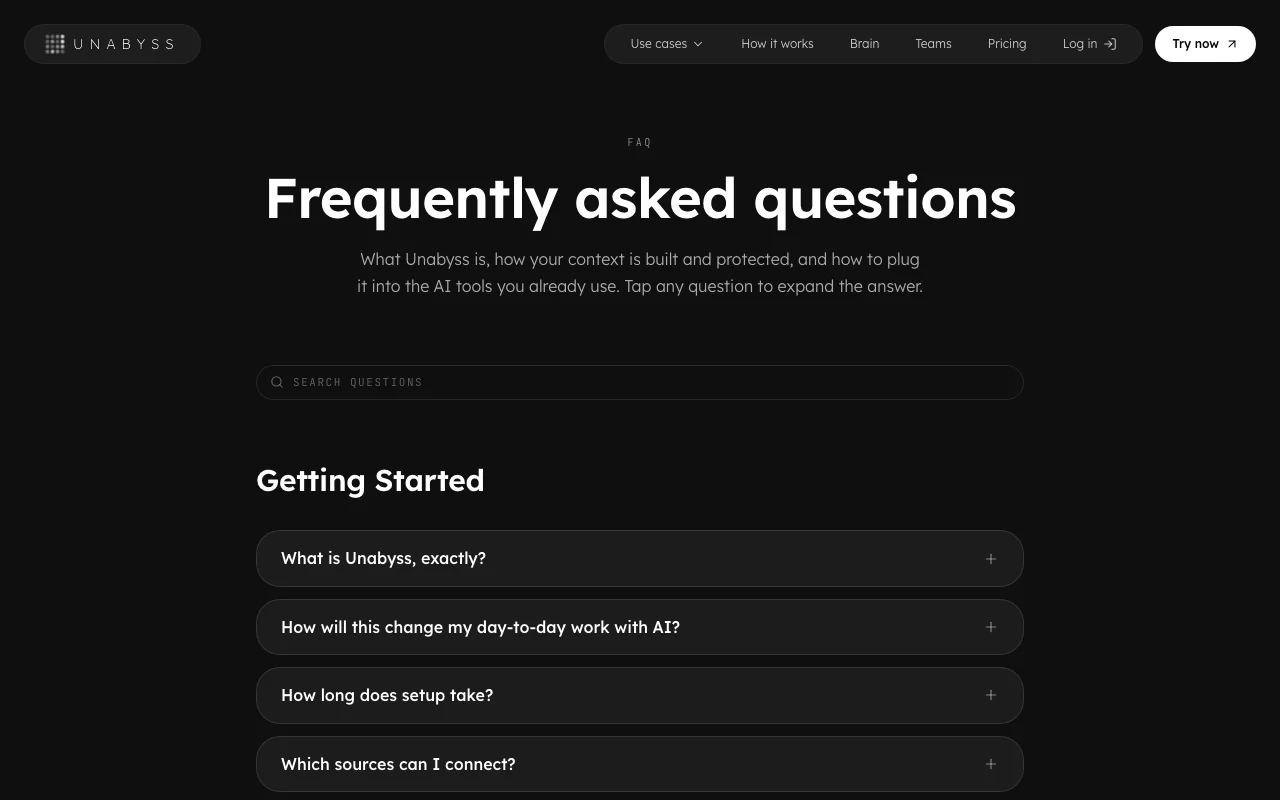
Unabyss homepage — screenshot of the productivity & writing AI tool, Oct 1, 2026
Unabyss's official site: how the product presents itself. unabyss.com, captured Oct 1, 2026

What you provide and what you get back

How Unabyss works: what you provide, where it runs and what you get backYOU PROVIDEYour inputSlack, Gmail, Notion, GitHub, Lin…Meeting notes from Fathom, Firefl…Source permissions via OAuthPRODUCTIVITY & WRITINGUnabyssWebfrom $15/mo (Pro)no free tieraccount requiredchecked Sep 29, 2026YOU GET BACKThe resultOne structured live contextMCP access for Claude, ChatGPT, C…Exported context filesinput → Unabyss → output · from the vendor's own pages, no hands-on test unless stated
What you give Unabyss and what comes back, from its documentation

You provide

  • Slack, Gmail, Notion, GitHub, Linear and calendar data
  • Meeting notes from Fathom, Fireflies, tl;dv or Granola
  • Source permissions via OAuth

You get back

  • One structured live context
  • MCP access for Claude, ChatGPT, Cursor and others
  • Exported context files

Where you can use it

Platforms
Web
Account
Required
Sources
Slack, Gmail, Notion, GitHub, Linear, Calendar, Drive
AI clients
Claude, ChatGPT, Cursor, Gemini and more
Pro limits
3 agents, 20 accounts
Team minimum
3 seats
Encryption
AES-256 at rest, TLS 1.3

What people use Unabyss for

Scenarios are worked out by our editors from the documentation; the actual result depends on your input and plan.

Sharing context across Claude, ChatGPT and Cursor

Who
People using several AI clients
You provide
Connected work sources
Expected result
The same up-to-date context in each AI client
Plan needed
Pro or Max
Limitation
Pro allows only 3 connected agents source (opens in a new tab)

Drafting reports from connected work data

Who
Founders and GTM leads
You provide
Slack, Gmail and CRM-like sources
Expected result
Weekly or investor updates drafted from real activity
Plan needed
Pro or Max
Limitation
Output quality depends on source data source (opens in a new tab)

Onboarding teammates with their own connected context

Who
Small teams
You provide
Each teammate's sources
Expected result
Separate per-person context under one workspace
Plan needed
Team
Limitation
3-seat minimum source (opens in a new tab)

Moving context between models

Who
Users switching AI tools
You provide
Exported context files
Expected result
Portable context pasted into any AI
Plan needed
Any plan
Limitation
Export format details not shown source (opens in a new tab)

Unabyss features and their limits

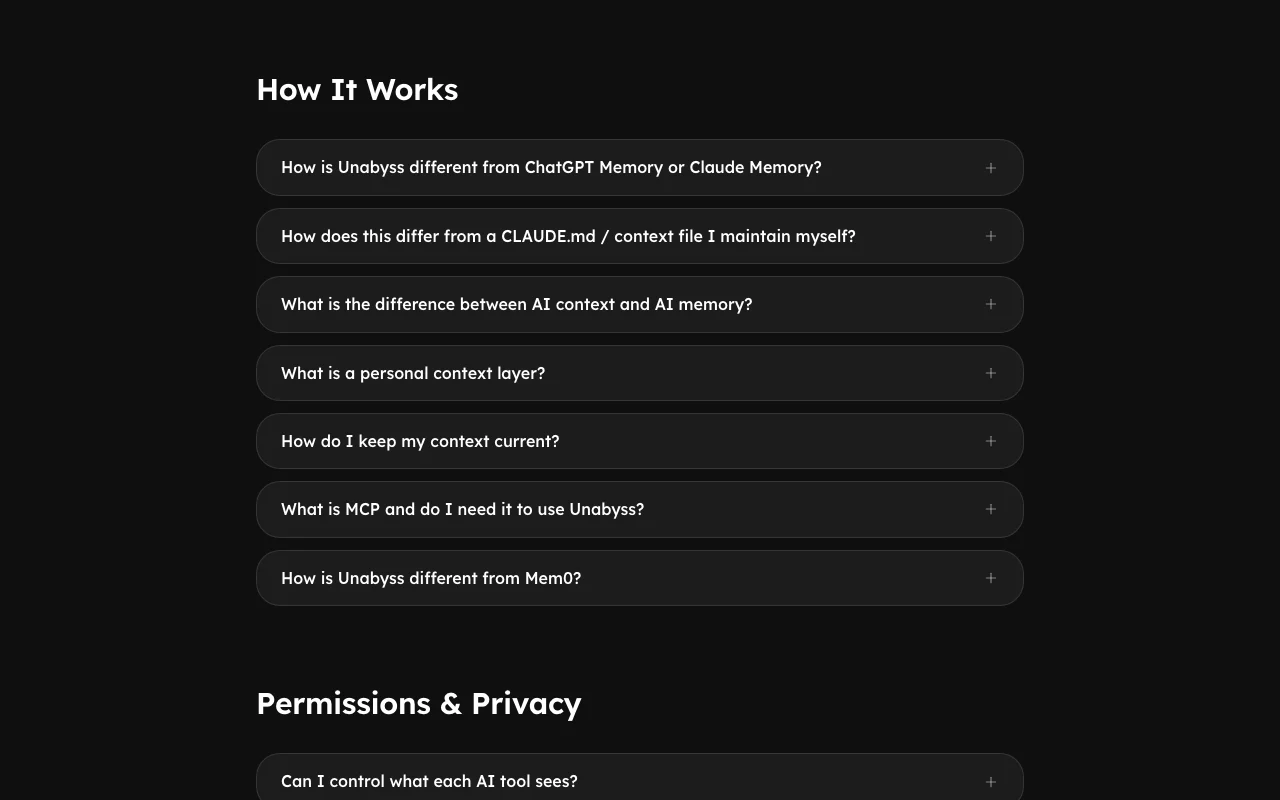
Unabyss homepage — screenshot of the productivity & writing AI tool, Oct 1, 2026
Feature overview on the official site. unabyss.com, captured Oct 1, 2026

Source connectors (Slack, Gmail, Notion, GitHub and more)

Syncs work apps into one structured context Stops you re-explaining your work

Access: All plansLimit: Pro limits to 20 accounts source (opens in a new tab)

MCP access for AI tools

Exposes the context to Claude, Codex, Cursor, Gemini, ChatGPT and others One setup for every client

Access: All plansLimit: Pro limits to 3 connected agents source (opens in a new tab)

Context tagged by topic and sensitivity

Labels items so AI sees only what fits Controls what is shared

Access: All plansLimit: Tagging rules not detailed source (opens in a new tab)

Export of context

Lets you export your context files You own the layer

Access: All plansLimit: Export formats not listed source (opens in a new tab)

Official Claude connector

Adds Unabyss to Claude in two steps from the directory Fast setup

Access: All plansLimit: Claude-specific flow source (opens in a new tab)

Unabyss: strengths and limits

Reasons to choose Unabyss

Check before paying for Unabyss

How to use Unabyss for sharing work context across AI assistants

Set up Unabyss

  1. Start the 7-day free trial at unabyss.com (no card on Pro)
  2. Add Unabyss to Claude from the connector directory, or connect another MCP client
  3. Connect sources such as Slack, Gmail, Notion and GitHub through OAuth

Example: sharing work context across AI assistants

  1. Open a new chat in Claude and send the setup message
  2. Ask for a weekly status report from your connected sources
  3. Switch to Cursor and ask a question about the same project
  4. Review what context each tool can see

Review and export the result

  1. Confirm the report cites items that actually exist in your sources
  2. Revoke one source and check the AI no longer sees it
Example prompt suggested by our editors (not a recorded output of the product)
Using my connected Slack, Gmail and GitHub context, write my weekly status update.

Unabyss integrations and API

Native integrations and export formats

Export: Context files

API access and separate billing

An API is available, included in the plan. MCP access; no REST API documented API documentation ↗

Privacy, data use and commercial rights

Summarized from the vendor's current policies; this is not legal advice and a vendor's badge is not an independent audit.

How your inputs and outputs are handled

Syncs content from connected work apps into a context layer

Does not sell data or use it to train AI models

Not stated

Commercial use and plan restrictions

Not stated

Not stated

Controls for business users

  • OAuth scoped per app and source
  • Instant revoke
  • EU-hosted data for EU users

Policies: unabyss.com/privacy

Unabyss alternatives by need

"Better suited" is based on documented features and pricing, not on a head-to-head test.

Claude: better suited to

ChatGPT: better suited to

Notion AI: better suited to

Cursor: better suited to

Alternatives
AlternativeWhen to choose itPricingLimitation
Claude——
ChatGPT——
Notion AI——Compare
Cursor——

Explore Unabyss further

Related to Unabyss

Unabyss user reviews

No user reviews yet.

Used Unabyss? Be the first to share your experience.

Write a review

Reviews are checked by a moderator before they appear. Your email is never published. Plain text only.

Your rating (required)

Show what you made or what went wrong. Images are published only if the review is approved; location data is removed.

    Unabyss FAQ

    How much does Unabyss cost?

    Pro is shown at $13 per month ($15 billed annually per the page), Max $79 ($89) and Team $39 per seat ($49), each with a 7-day free trial. source (opens in a new tab)

    Which AI tools does it work with?

    Claude, ChatGPT, Cursor, Codex, Gemini, VS Code and other MCP clients. source (opens in a new tab)

    Is my data used to train AI?

    No, the site says it does not sell your data or use it to train AI models. source (opens in a new tab)

    How is my data protected?

    Encrypted at rest with AES-256 and in transit with TLS 1.3, using scoped OAuth connections you can revoke. source (opens in a new tab)

    What are the Pro limits?

    Up to 3 connected agents and 20 connected accounts. source (opens in a new tab)

    Sources and review methodology

    Official sources and verification dates

    Not verified: Whether monthly or annual labels apply; Retention; SOC 2 status date; US availability.

    How we documented and maintain this page

    Every fact about Unabyss above comes from the 3 official pages listed here, last compared on Sep 29, 2026; we have not run Unabyss ourselves, so it has no editorial score. How we check and re-check pages.

    Article updated Oct 10, 2026; prices checked Sep 29, 2026. Outbound links to vendors are plain links; we do not earn commissions. How we review · Report an error