CodingDocumented overviewLast checked Sep 29, 2026

Cursor: Pricing, Features & Best Use Cases

AI code editor with agents, cloud agents and code review, offered with a free Hobby tier and paid plans.

Who Cursor fits

Choose Cursor if you want a coding agent in editor, terminal, Slack and GitHub, starting free on Hobby and moving to Individual at $20/mo. Based on the vendor's documentation, not on a hands-on test.

Best for: Professional developers

Also a good fit for

  • Engineering teams
  • Enterprises needing admin controls

Consider another tool if free plan has limited agent requests

Or if

  • Usage beyond included amount is billed extra
  • Bugbot on Individual is usage-billed

Cursor in the news

Headlines from US outlets, selected automatically — not endorsements. Updated Oct 12, 2026

Cursor pricing and usage limits

Prices checked Sep 29, 2026 on the official US pricing page. Official pricing ↗ Prices and limits change often.

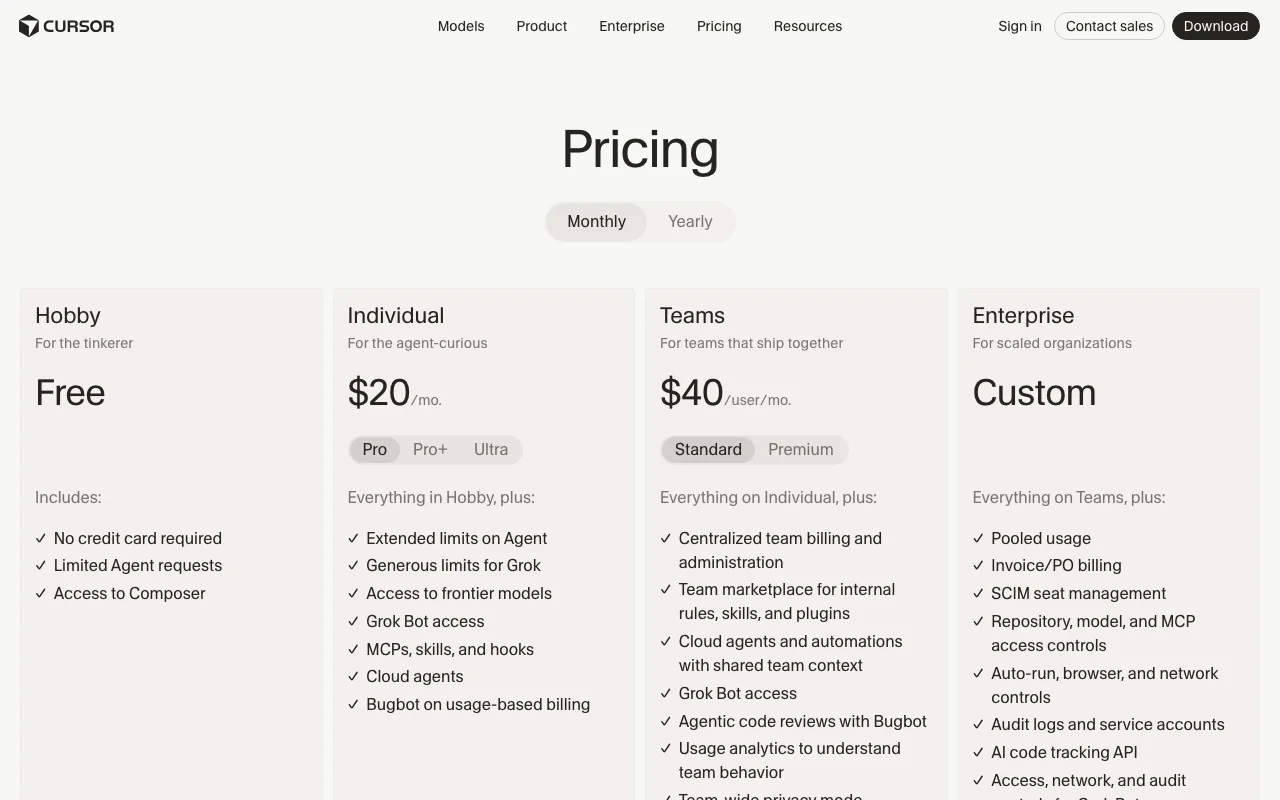
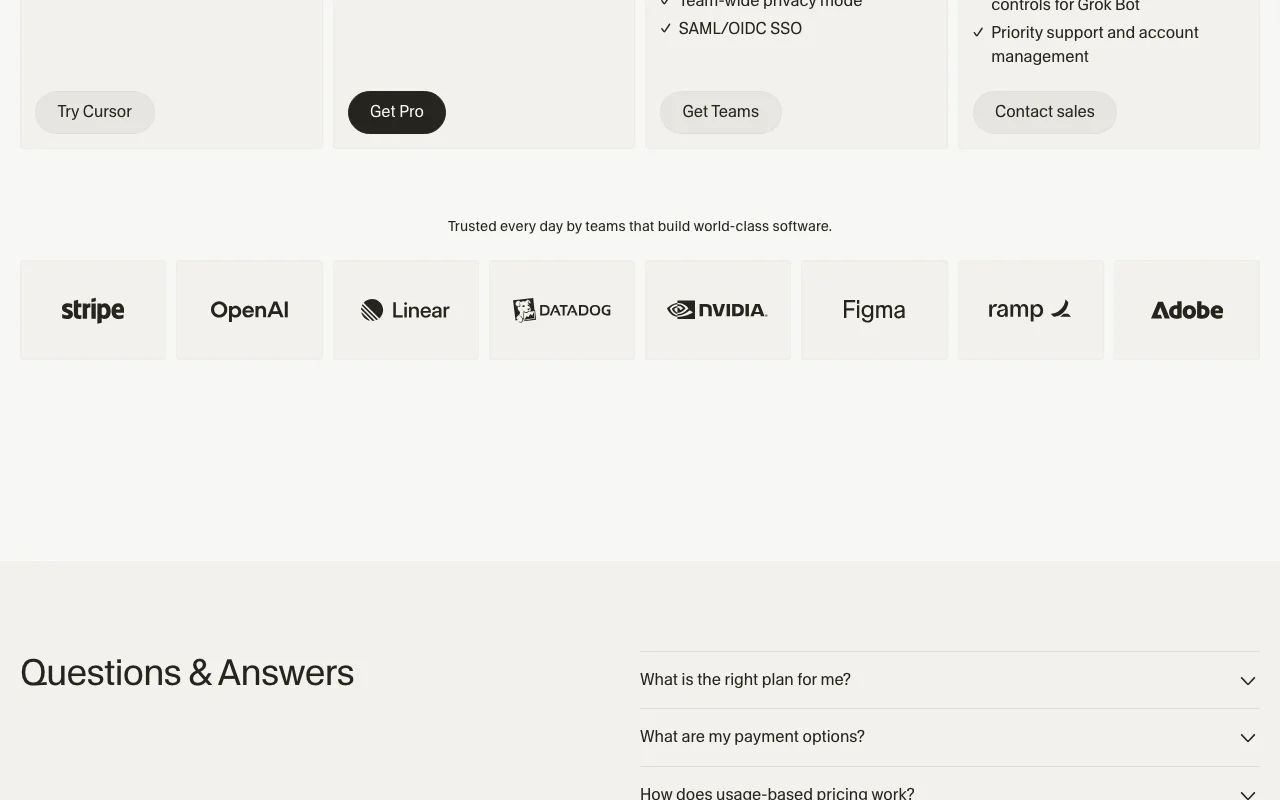
Cursor pricing page with plans and prices — screenshot of the coding AI tool, Oct 1, 2026
The official Cursor pricing page as we saw it. cursor.com, captured Oct 1, 2026

Free access and trial conditions

Hobby is free with no credit card required

Not stated on the fetched pricing page

Paid plans: what changes as you upgrade

Hobby Direct (cursor.com only)

Free source (opens in a new tab)

Month, annual commitment

Yearly toggle shown; yearly price not in fetched text

For: Tinkerers trying Cursor

Limits

  • Limited Agent requests

Includes

  • No credit card required
  • Access to Composer

Individual (Pro) Direct (cursor.com only)

$20 source (opens in a new tab)

Month, annual commitment

Yearly toggle shown; yearly price not in fetched text

For: Individual developers

Limits

  • Extended limits on Agent
  • Usage beyond included amount billed on demand

Includes

  • Frontier models
  • Cloud agents
2 more
  • MCPs, skills and hooks
  • Bugbot on usage-based billing

Individual (Pro+ / Ultra) Direct (cursor.com only)

See official pricing source (opens in a new tab)

Month, annual commitment

Yearly toggle shown; yearly price not in fetched text

For: Daily agent users and power users

Limits

  • Pro+ recommended for daily agent users, Ultra for power users

Includes

  • Higher tiers of Individual

Teams (Standard / Premium) Direct (cursor.com only)

$40 per user per month source (opens in a new tab)

Month, annual commitment

Yearly toggle shown; yearly price not in fetched text

For: Teams collaborating on code

Limits

  • Included usage plus on-demand billing

Includes

  • Centralized billing
  • Agentic code reviews with Bugbot
2 more
  • Team-wide privacy mode
  • SAML/OIDC SSO

Enterprise Direct (cursor.com only)

Custom pricing source (opens in a new tab)

Custom, annual commitment

Yearly toggle shown; yearly price not in fetched text

For: Large organizations

Limits

  • Pooled usage

Includes

  • Invoice/PO billing
  • SCIM seat management
2 more
  • Audit logs and service accounts
  • Priority support

Usage caps, credits and extra costs

On-demand usage after included model usage is consumed, billed in arrears; Bugbot on Individual is usage-based

All prices are exclusive of applicable taxes

What is Cursor, and how does it work?

Cursor is an AI-powered code editor built around coding agents that can edit code, run in the cloud and review pull requests. It offers a free Hobby plan, individual plans starting at $20/month, a Teams plan and custom Enterprise pricing, with usage-based billing beyond included model usage.

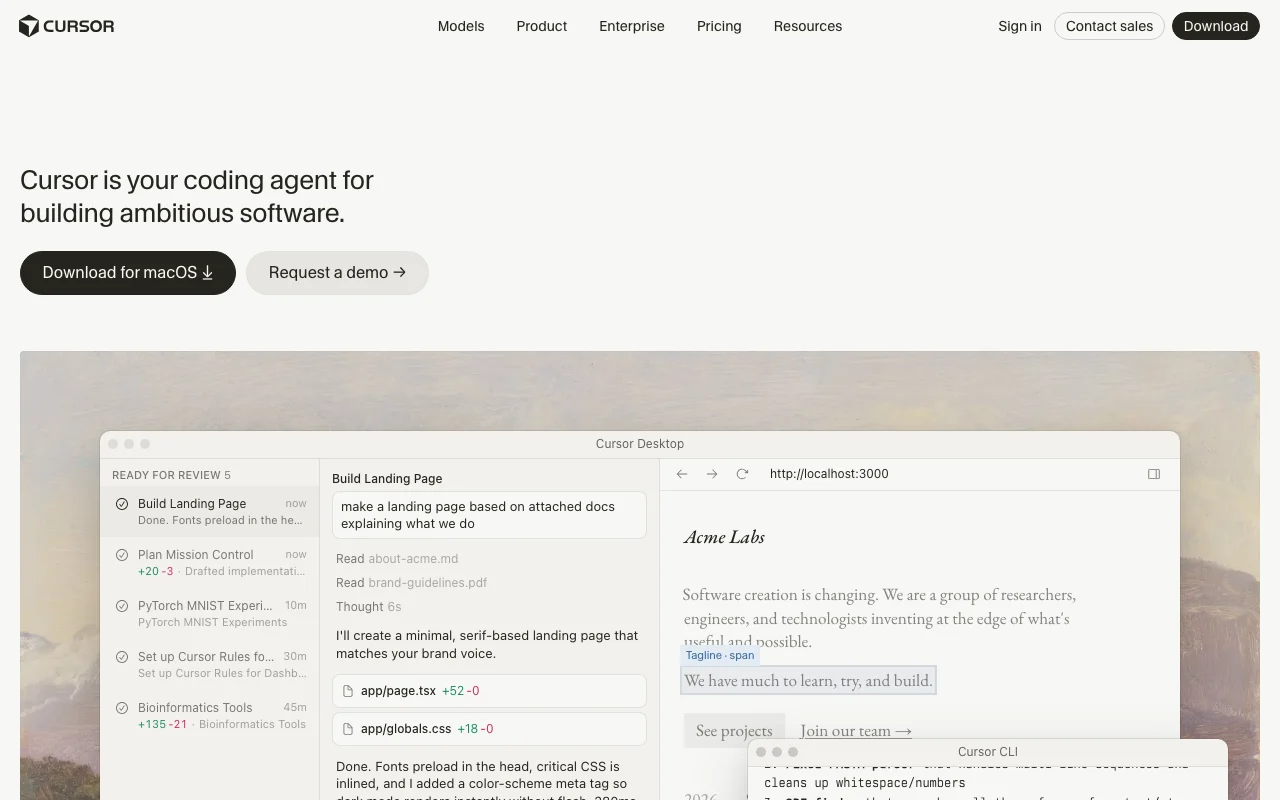
Cursor homepage — screenshot of the coding AI tool, Oct 1, 2026
Cursor's official site: how the product presents itself. cursor.com, captured Oct 1, 2026

What you provide and what you get back

How Cursor works: what you provide, where it runs and what you get backYOU PROVIDEYour inputNatural-language promptsYour codebase and repositoriesAttached docs and filesSlack messages and pull requestsCODINGCursorDesktop, CLI, Slackfrom $20/mo (Individual (Pro))free tier availableaccount requiredchecked Sep 29, 2026YOU GET BACKThe resultCode edits and diffsPull requestsPlans and task breakdownsCode review commentsinput → Cursor → output · from the vendor's own pages, no hands-on test unless stated
What you give Cursor and what comes back, from its documentation

You provide

  • Natural-language prompts
  • Your codebase and repositories
  • Attached docs and files
  • Slack messages and pull requests

You get back

  • Code edits and diffs
  • Pull requests
  • Plans and task breakdowns
  • Code review comments

Where you can use it

Platforms
Desktop (macOS download shown), CLI, Slack, GitHub
Account
Required
Models / versions
Composer 2.5, Grok 4.7/4.6/4.5, Claude Fable 5.1, GPT-5.6 Sol, Gemini 3.1 Pro, Muse Spark
Surfaces
Desktop app, CLI, Slack, GitHub source (opens in a new tab)
IDE integrations
JetBrains and Xcode listed in docs source (opens in a new tab)
Source control
GitHub, GitLab, Azure DevOps, Bitbucket, Origin source (opens in a new tab)
Models
Models from OpenAI, Anthropic, Gemini, SpaceXAI and Cursor source (opens in a new tab)
Customization
Rules, skills, subagents, hooks, MCP, plugins source (opens in a new tab)

Where Cursor is most useful

Scenarios are worked out by our editors from the documentation; the actual result depends on your input and plan.

Writing and refactoring code

Who
Developers working in a codebase
You provide
A prompt plus selected files or repo context
Expected result
Edited code shown as a diff to review
Plan needed
Hobby (limited) or Individual
Limitation
Agent request limits apply on Hobby source (opens in a new tab)

Agent-driven feature work

Who
Developers and teams delegating larger tasks
You provide
A task description for a cloud agent
Expected result
A finished change with a summary for review
Plan needed
Individual and above
Limitation
Cloud agents are not listed on Hobby source (opens in a new tab)

Automated code review

Who
Teams reviewing pull requests
You provide
Pull requests in connected source control
Expected result
Agentic review comments on each PR
Plan needed
Teams (Individual is usage-billed)
Limitation
Bugbot on Individual is usage-billed source (opens in a new tab)

Cursor features and their limits

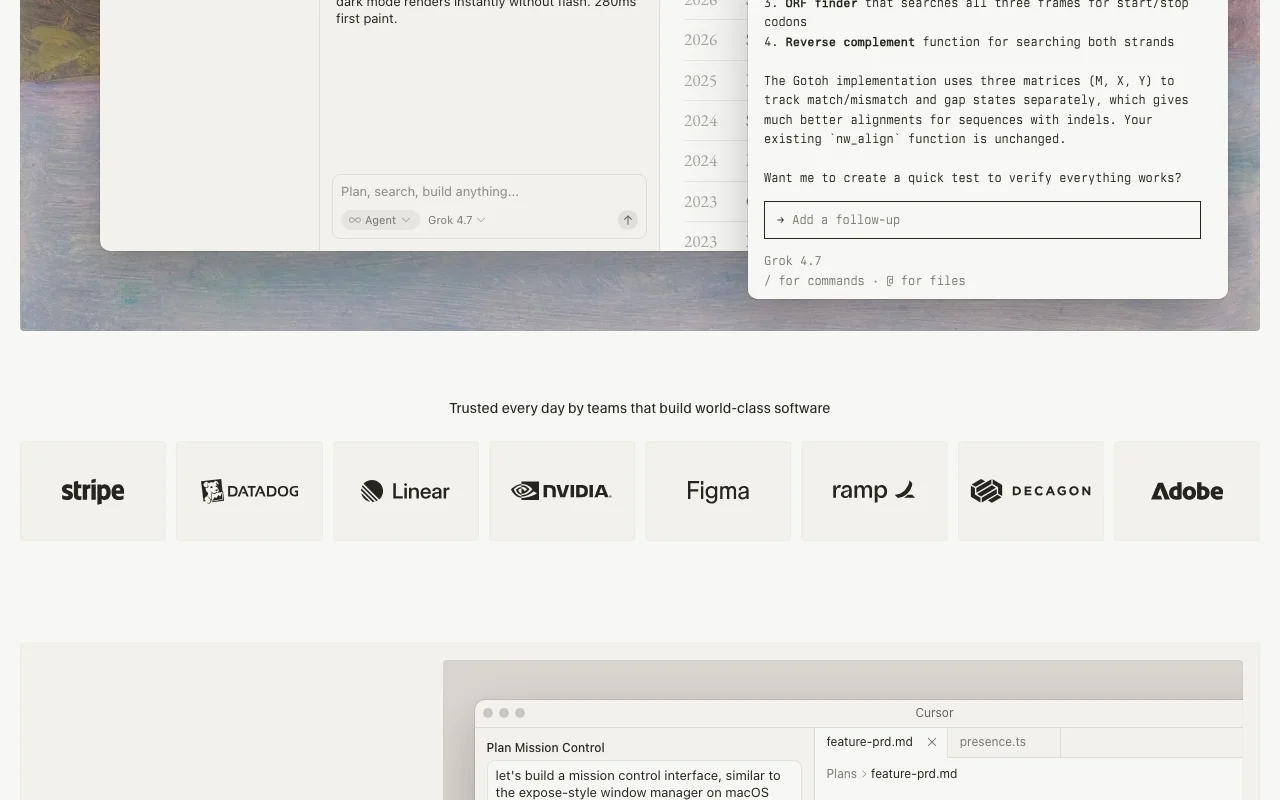
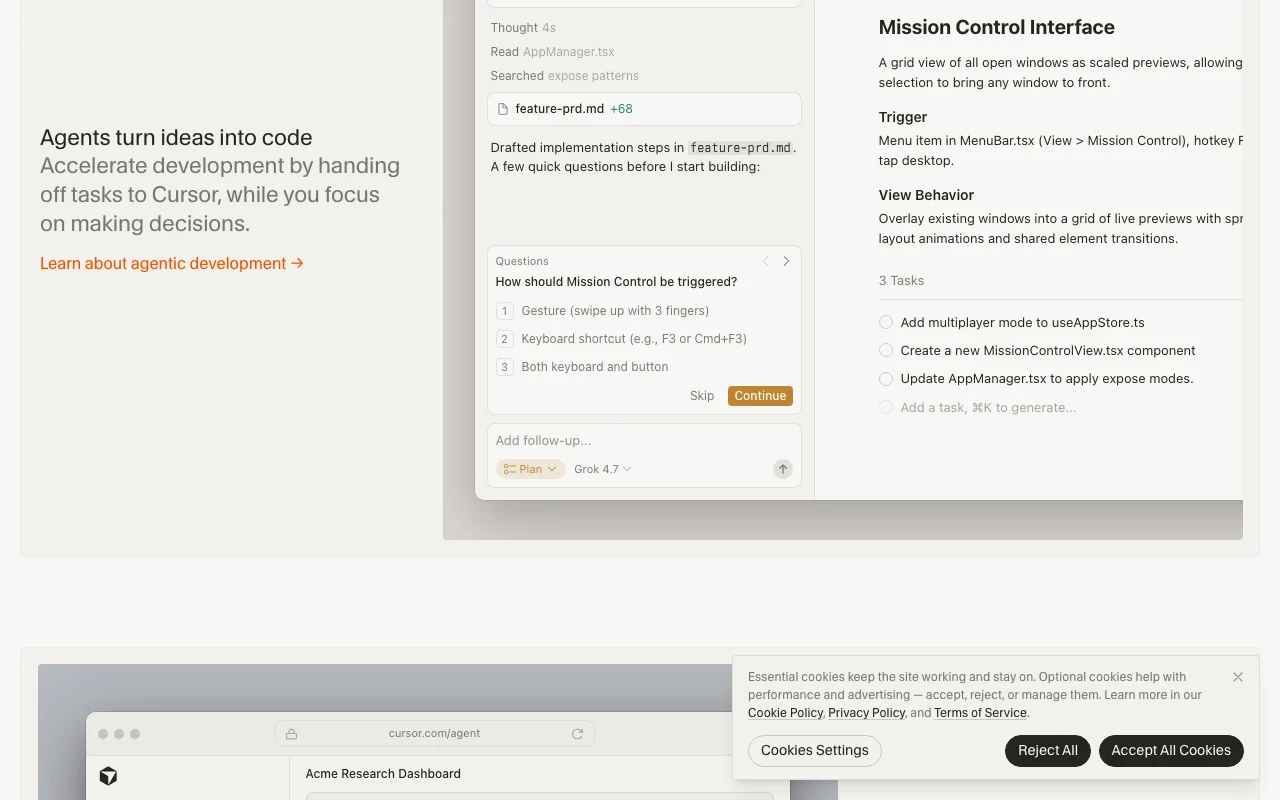
Cursor homepage — screenshot of the coding AI tool, Oct 1, 2026
Feature overview on the official site. cursor.com, captured Oct 1, 2026

Coding agent

Edits code and runs tasks from prompts in the desktop app, CLI, Slack and GitHub Hands off routine work while you make decisions

Access: All plans; Hobby has limited Agent requestsLimit: Request limits depend on plan source (opens in a new tab)

Cloud agents and automations

Runs agents on their own cloud computers in parallel, with automations and subscriptions Long tasks keep running without your laptop

Access: Individual and above; shared team context on TeamsLimit: Included usage is finite, then on-demand billing source (opens in a new tab)

Bugbot code review

Reviews pull requests agentically Catches problems before merge

Access: Teams includes it; Individual is usage-billedLimit: Not on Hobby per pricing page source (opens in a new tab)

MCPs, skills and hooks

Extends the agent with MCP servers, skills and hooks Connects your own tools and conventions

Access: Individual and aboveLimit: Not listed on Hobby source (opens in a new tab)

Cursor: strengths and limits

Where Cursor is strong

Limitations to check before paying

How to use Cursor for adding a feature to an existing codebase

Set up Cursor

  1. Download Cursor from the site
  2. Sign in
  3. Open your project folder
  4. Pick a model or leave Auto selected

Example: adding a feature to an existing codebase

  1. Open the agent
  2. Describe the change and attach relevant files
  3. Review the proposed plan
  4. Accept the diff

Review and export the result

  1. Read the diff line by line
  2. Run your tests
Example prompt suggested by our editors (not a recorded output of the product)
Add affine gap alignment using Gotoh's algorithm and fix the FASTA parser.

Privacy, data use and commercial rights

Summarized from the vendor's current policies; this is not legal advice and a vendor's badge is not an independent audit.

How your inputs and outputs are handled

Inputs and Suggestions are collected by the Service per the privacy policy

Not used for training unless flagged for security review, reported as Feedback, or you explicitly agreed; with privacy mode on, code data is not used for training by Cursor or model providers

unknown

Commercial use and plan restrictions

unknown

Team-wide privacy mode is listed on Teams

Controls for business users

  • Team-wide privacy mode
  • SAML/OIDC SSO
  • Audit logs (Enterprise)

Policies: cursor.com/privacy cursor.com/security

Best Cursor alternatives for different needs

"Better suited" is based on documented features and pricing, not on a head-to-head test.

GitHub Copilot: better suited to

Devin Desktop (formerly Windsurf): better suited to

Replit: better suited to

Lovable: better suited to

Alternatives
AlternativeWhen to choose itPricingLimitation
GitHub Copilot——Compare
Devin Desktop (formerly Windsurf)——Compare
Replit——Compare
Lovable——Compare

Explore Cursor further

Tools and guides near Cursor

Cursor user reviews

No user reviews yet.

Used Cursor? Be the first to share your experience.

Write a review

Reviews are checked by a moderator before they appear. Your email is never published. Plain text only.

Your rating (required)

Show what you made or what went wrong. Images are published only if the review is approved; location data is removed.

    Cursor FAQ

    Is Cursor free?

    Yes, the Hobby plan is free with no credit card and limited Agent requests. source (opens in a new tab)

    How much does Cursor cost?

    Individual is listed from $20/mo and Teams at $40/user/mo; Enterprise is custom. source (opens in a new tab)

    What happens when included usage runs out?

    On-demand usage lets you keep using models, billed in arrears. source (opens in a new tab)

    Is my code used for training?

    Not with privacy mode on; Cursor guarantees code data is not used for training by it or its model providers. source (opens in a new tab)

    Can I buy from a reseller?

    No. Subscriptions are sold only through cursor.com. source (opens in a new tab)

    What changed at Cursor recently

    :

    Official announcement (opens in a new tab)

    :

    Official announcement (opens in a new tab)

    :

    Official announcement (opens in a new tab)

    Sources and review methodology

    Official sources and verification dates

    Not verified: Pro+ and Ultra prices; Yearly prices; Trial; Data retention; API billing; Commercial-use terms; Terms and FAQ pages empty.

    How we documented and maintain this page

    Every fact about Cursor above comes from the 7 official pages listed here, last compared on Sep 29, 2026; we have not run Cursor ourselves, so it has no editorial score. How we check and re-check pages.

    Article updated Oct 2, 2026; prices checked Sep 29, 2026. Outbound links to vendors are plain links; we do not earn commissions. How we review · Report an error