CodingDocumented overviewLast checked Oct 2, 2026

DebuggAI: Pricing, Features & Best Use Cases

AI app testing that runs real-browser end-to-end tests from plain English, via GitHub, MCP, CLI and VS Code.
Is DebuggAI right for you?

Choose DebuggAI if you want plain-English, real-browser end-to-end tests that run on pull requests or through an MCP client, starting free for public repos with 100 tests per month. Based on the vendor's documentation, not on a hands-on test.

Best for: Developers using AI coding tools

Also a good fit for

  • Small teams without QA

Consider another tool if free plan limited to 100 tests/mo

Or if

  • Pro $20/mo caps at 1,000 tests/mo
  • Free plan only for public repos

DebuggAI pricing and usage limits

Prices checked Oct 2, 2026 on the official US pricing page. Official pricing ↗ Prices and limits change often.

Free access and trial conditions

Free plan for public repos, no credit card.

No separate trial.

Paid plans: what changes as you upgrade

Free web

Free source (opens in a new tab)

Month

For: Open-source projects

Limits

  • Public repos only
  • 100 tests per month

Includes

  • PR comments
  • Community support

Pro web

$20/mo source (opens in a new tab)

Month

For: Professional developers

Limits

  • 1,000 tests per month
  • Private repos

Includes

  • Priority support
  • Advanced analytics

Grow web

$40/mo source (opens in a new tab)

Month

For: Growing teams

Limits

  • 5,000 tests per month

Includes

  • Everything in Pro
  • Add-on usage
1 more
  • Team management

Enterprise web

Custom pricing source (opens in a new tab)

Unknown

For: Organizations at scale

Limits

  • Unlimited tests

Includes

  • SSO/SAML
  • Dedicated support
1 more
  • Custom integrations

Usage caps, credits and extra costs

Add-on usage on Grow.

Not stated.

What is DebuggAI, and how does it work?

DebuggAI tests web apps like a real user in a managed browser and reports pass or fail with screenshots and video. It checks flows such as signup, login and checkout after each change. Per its docs it works through a VS Code extension, an MCP server, a web dashboard and a CLI for CI, with GitHub PR comments.

What you provide and what you get back

How DebuggAI works: what you provide, where it runs and what you get backYOU PROVIDEYour inputPlain-English test descriptionsGitHub repository or running app…Prompts from an AI assistantCODINGDebuggAIWeb, APIfrom $20/mo (Pro)free tier availableaccount requiredchecked Oct 2, 2026YOU GET BACKThe resultPass or fail resultsScreenshots and video replaysGitHub PR commentsinput → DebuggAI → output · from the vendor's own pages, no hands-on test unless stated
What you give DebuggAI and what comes back, from its documentation

You provide

  • Plain-English test descriptions
  • GitHub repository or running app URL
  • Prompts from an AI assistant

You get back

  • Pass or fail results
  • Screenshots and video replays
  • GitHub PR comments

Where you can use it

Platforms
Web, API
Account
Required

What people use DebuggAI for

Scenarios are worked out by our editors from the documentation; the actual result depends on your input and plan.

End-to-end testing of PRs

Who
Developers
You provide
Pull request
Expected result
Browser test results as PR comment
Plan needed
Free or Pro
Limitation
Free is public repos only source (opens in a new tab)

Testing signup and checkout flows

Who
Product teams
You provide
Signup or checkout flow in words
Expected result
Pass or fail with replay
Plan needed
Any plan
Limitation
Test count limits source (opens in a new tab)

Letting AI agents test via MCP

Who
AI-assistant users
You provide
Request in Claude or Codex
Expected result
Browser test run via MCP
Plan needed
Any plan
Limitation
Needs MCP setup source (opens in a new tab)

What DebuggAI does, and where it stops

Video and screenshot results

Records video and screenshots Easy debugging

Access: All plansLimit: Storage limits not stated source (opens in a new tab)

DebuggAI: strengths and limits

Reasons to choose DebuggAI

Check before paying for DebuggAI

How to use DebuggAI for testing a pull request in a real browser

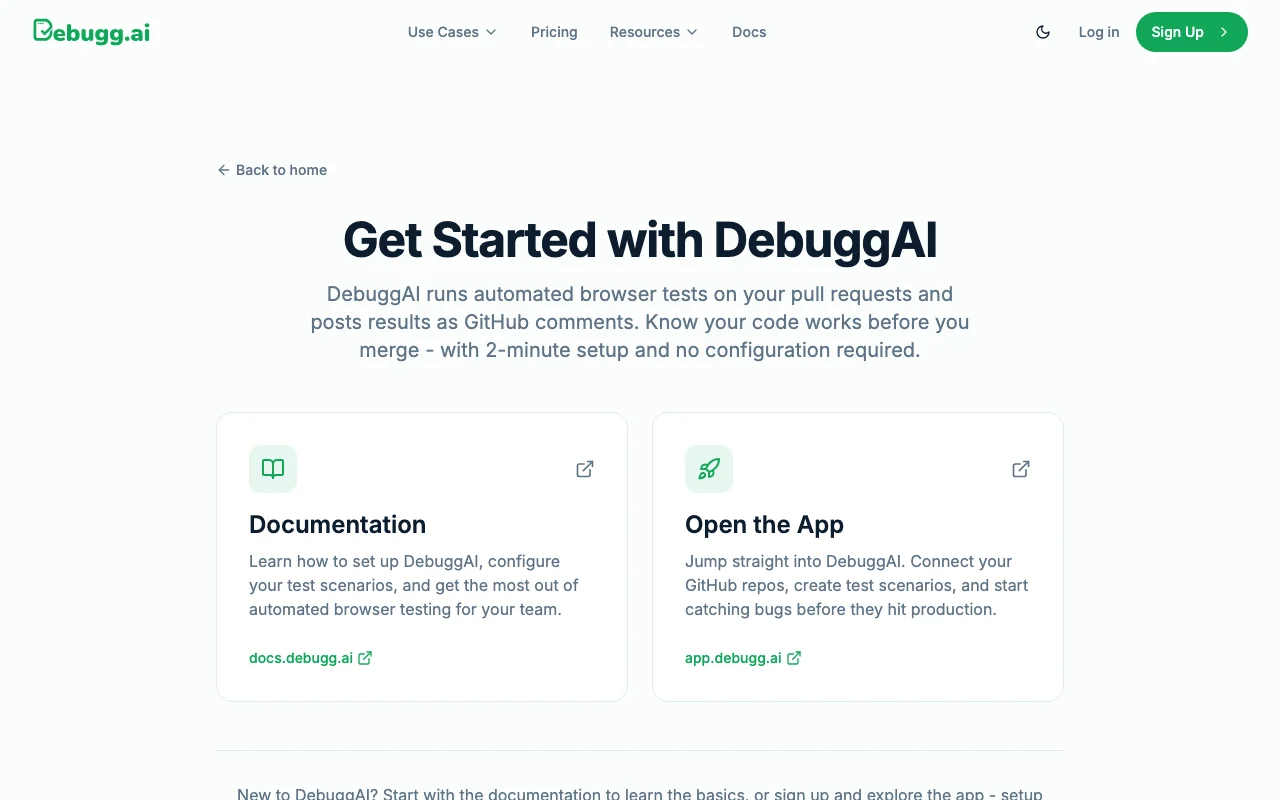
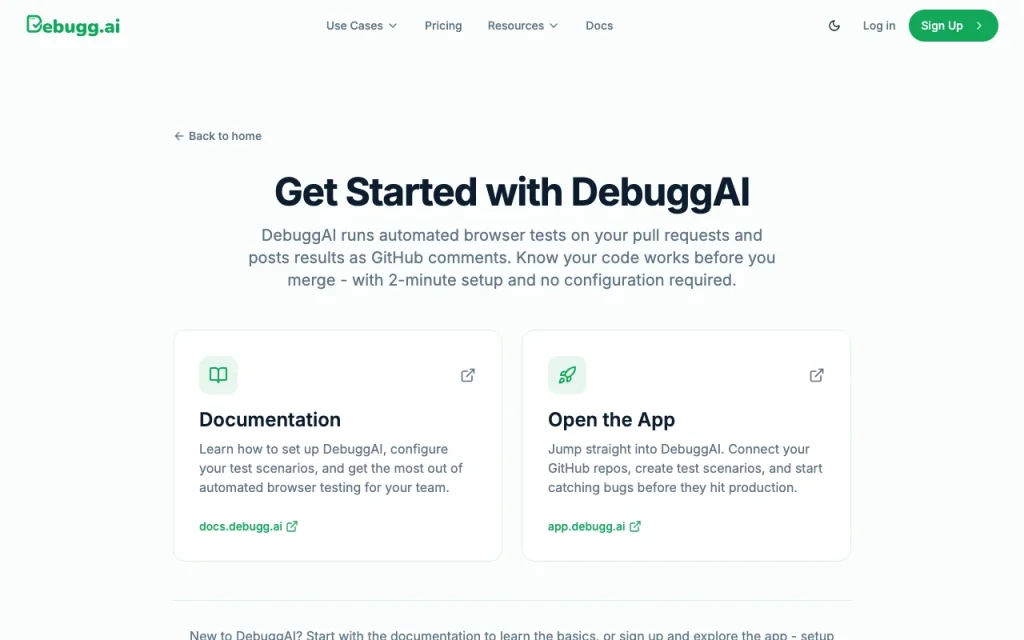
DebuggAI documentation — screenshot of the coding AI tool, Oct 2, 2026
DebuggAI documentation: where the steps below come from. debugg.ai, captured Oct 2, 2026

Set up DebuggAI

  1. Open debugg.ai and click Check my site now
  2. Connect GitHub with one click
  3. Select the repository
  4. Let DebuggAI run tests on a PR

Example: testing a pull request in a real browser

  1. Open a pull request
  2. Wait for the DebuggAI comment
  3. Watch the video replay of a failure
  4. Fix and push again

Review and export the result

  1. Review the pass or fail result
  2. Confirm the replay matches your flow
Example prompt suggested by our editors (not a recorded output of the product)
Test that a new user can sign up and reach the dashboard.
DebuggAI API

DebuggAI documentation — screenshot of the coding AI tool, Oct 2, 2026
DebuggAI documentation (continued). debugg.ai, captured Oct 2, 2026

API access and separate billing

An API is available, billing not documented. MCP server and CLI documented. API documentation ↗

Privacy, data use and commercial rights

Summarized from the vendor's current policies; this is not legal advice and a vendor's badge is not an independent audit.

How your inputs and outputs are handled

Code is described as encrypted, isolated and temporarily accessed.

Controls for business users

  • Encrypted, isolated, temporary access (vendor wording)
  • SSO/SAML (Enterprise)

Best DebuggAI alternatives for different needs

"Better suited" is based on documented features and pricing, not on a head-to-head test.

GitHub Copilot: better suited to

Cursor: better suited to

Alternatives
AlternativeWhen to choose itPricingLimitation
GitHub Copilot——Compare
Cursor——Compare

Explore DebuggAI further

Tools and guides near DebuggAI

DebuggAI user reviews

No user reviews yet.

Used DebuggAI? Be the first to share your experience.

Write a review

Reviews are checked by a moderator before they appear. Your email is never published. Plain text only.

Your rating (required)

Show what you made or what went wrong. Images are published only if the review is approved; location data is removed.

    DebuggAI FAQ

    How much does DebuggAI cost?

    Free; Pro $20/month; Grow $40/month; Enterprise custom; annual billing saves 20%. source (opens in a new tab)

    How many tests are included?

    100 per month on Free, 1,000 on Pro, 5,000 on Grow, unlimited on Enterprise. source (opens in a new tab)

    Do I need to write scripts?

    No, tests come from plain English. source (opens in a new tab)

    Does it work with AI assistants?

    Yes, via an MCP server for Claude or Codex. source (opens in a new tab)

    Is private-repo testing free?

    No, Free is for public repos; private repos need Pro. source (opens in a new tab)

    Sources and review methodology

    Official sources and verification dates

    Not verified: Privacy policy (404); Test duration limits; Supported frameworks; Retention periods.

    How we documented and maintain this page

    Every fact about DebuggAI above comes from the 3 official pages listed here, last compared on Oct 2, 2026; we have not run DebuggAI ourselves, so it has no editorial score. How we check and re-check pages.

    Article updated Oct 2, 2026; prices checked Oct 2, 2026. Outbound links to vendors are plain links; we do not earn commissions. How we review · Report an error