
Open source web
Free source (opens in a new tab)
Month
For: Developers who run it themselves
Includes
- Self-hosted pipeline
- Next.js or Vite output
CodingDocumented overviewLast checked Oct 2, 2026
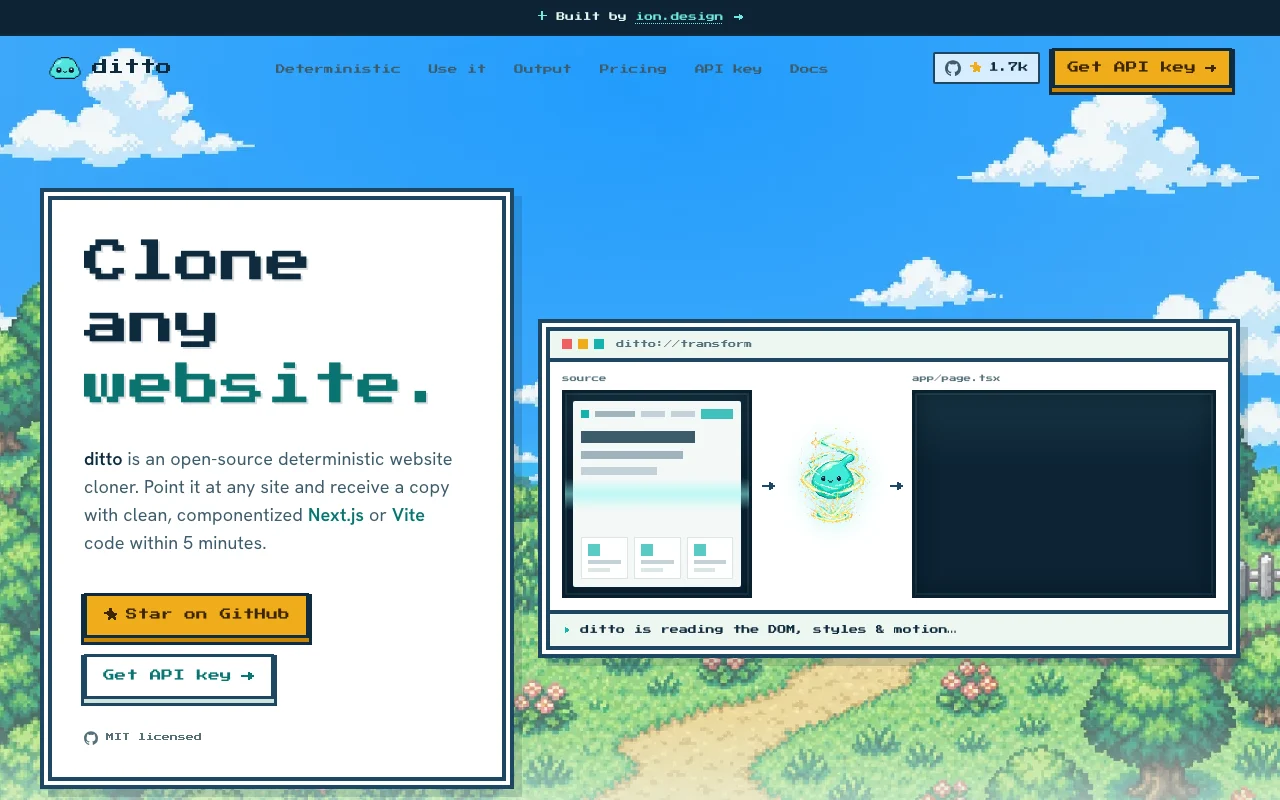
Open-source deterministic website cloner that outputs componentized Next.js or Vite code via CLI, REST API or MCP.

 (open full size in a new tab)
 (open full size in a new tab)
 (open full size in a new tab)
 (open full size in a new tab)
 (open full size in a new tab)
Our take: Ditto is a good starting point for developers and AI app builders who want deterministic, maintainable code from an existing website.
Main limitation: The hosted API needs an API key, the docs page returned 404 and output is limited to Next.js or Vite.
Ditto is a good starting point for developers and AI app builders who want deterministic, maintainable code from an existing website. Based on the vendor's documentation, not on a hands-on test.
Also a good fit for
Or if
Headlines from US outlets, selected automatically — not endorsements. Updated Oct 2, 2026
Prices checked Oct 2, 2026 on the official US pricing page. Prices and limits change often.
The code is free and MIT licensed.
Not stated.
Free source (opens in a new tab)
Month
For: Developers who run it themselves
Includes
See official pricing source (opens in a new tab)
Month
No pricing page found
For: Skipping infrastructure
Includes
Hosted API pricing is not published.
Not stated.
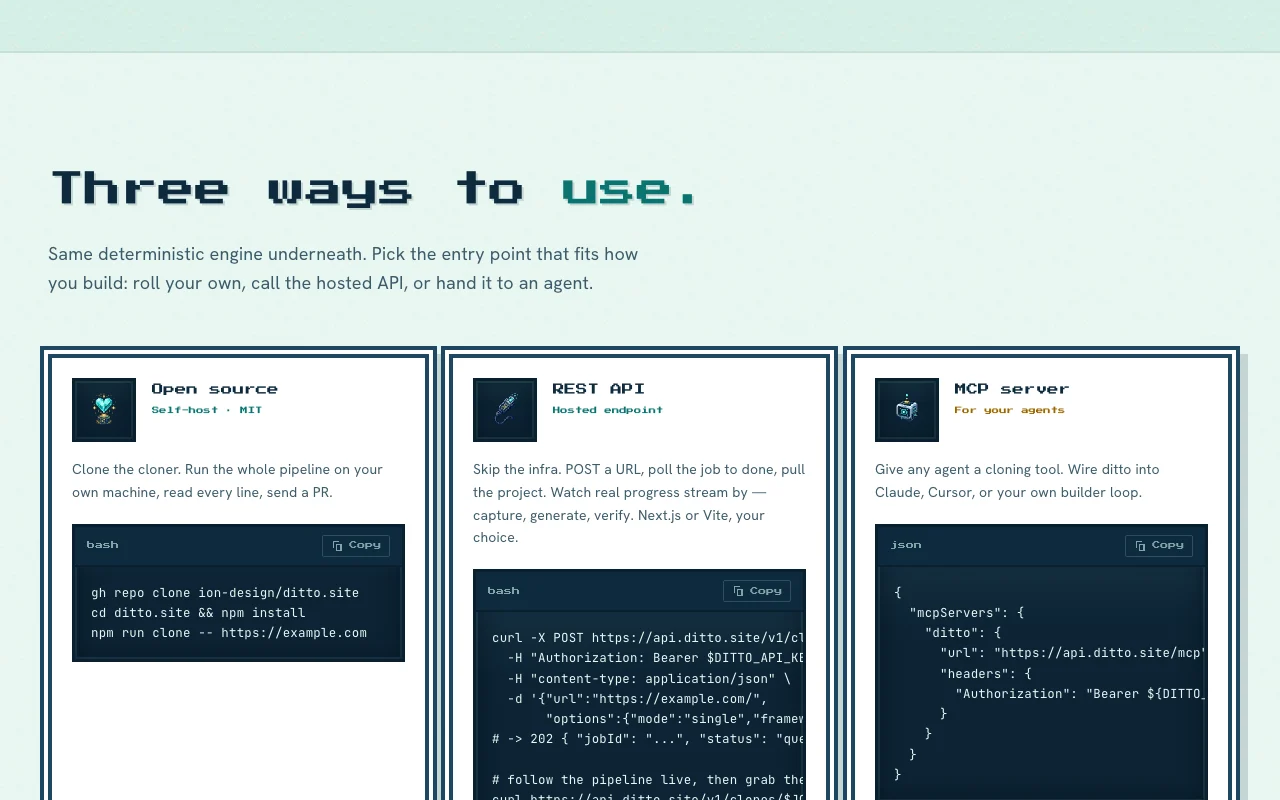
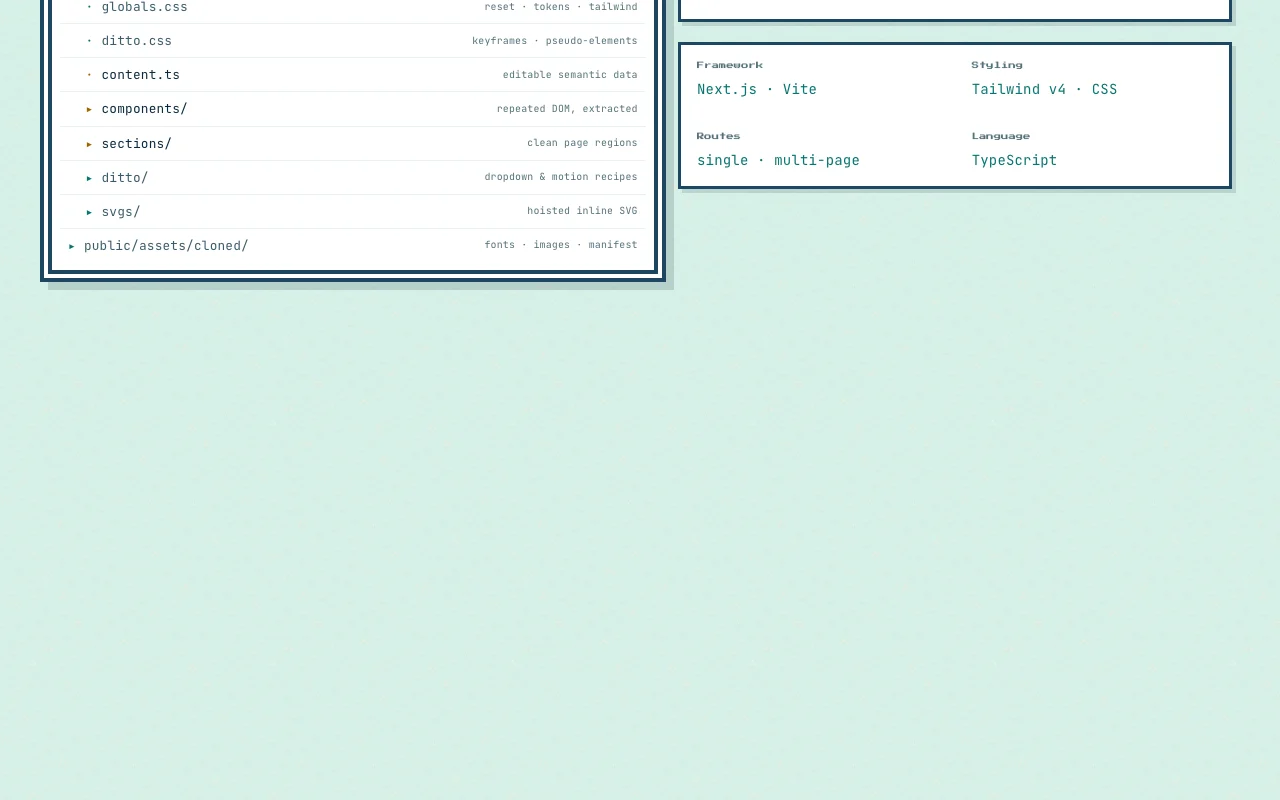
Ditto clones a website into a componentized Next.js or Vite project without using an LLM, extracting design tokens, fonts, motion and sections. It is MIT licensed and built by ion.design. It can be self-hosted, called through a hosted REST API with an API key, or used by agents through an MCP server.
You provide
You get back
Scenarios are worked out by our editors from the documentation; the actual result depends on your input and plan.
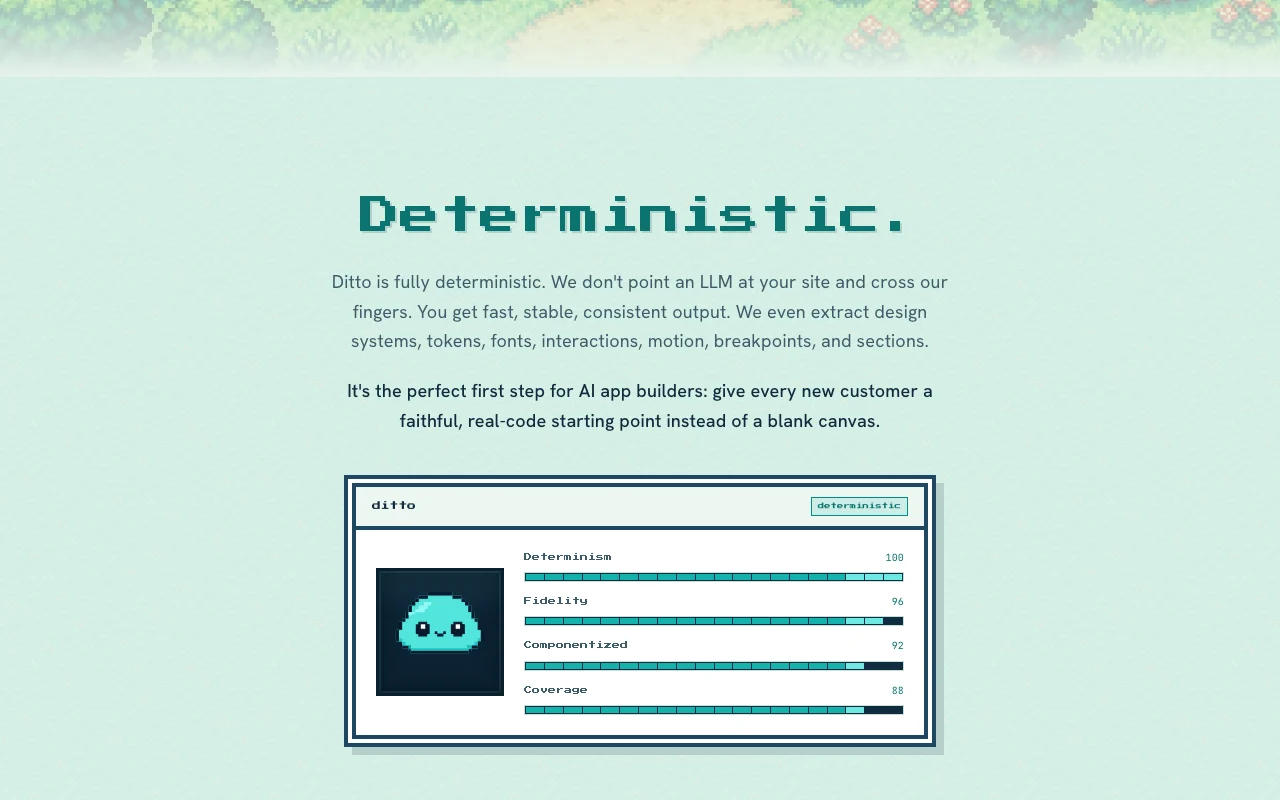
Produces the same output for the same input without an LLM. Gives stable results.
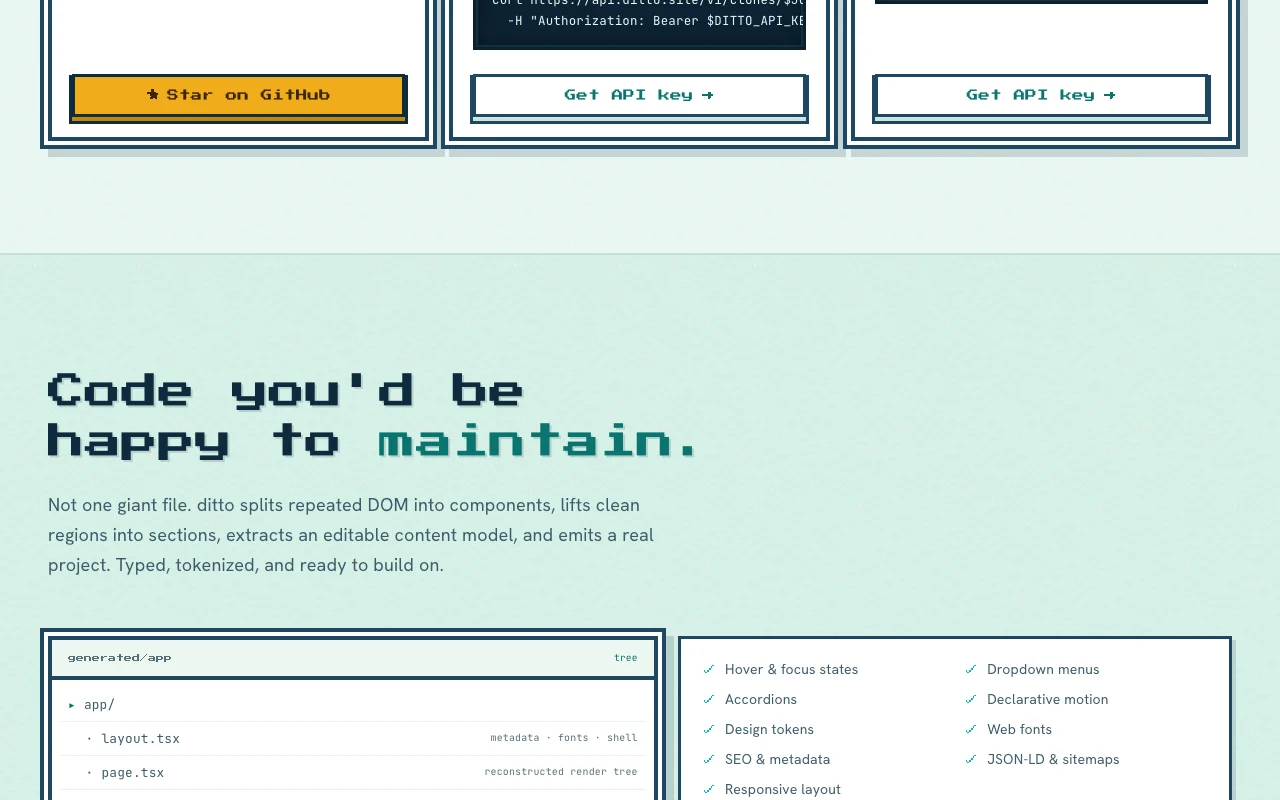
Emits a Next.js or Vite project. Starts from your framework.
Outputs Tailwind v4 or plain CSS. Fits your styling choice.
Clones one page or several routes. Scales from landing pages to sites.
Export: Next.js project, Vite project
An API is available, billing not documented. Hosted REST API at api.ditto.site and an MCP server; API key required.
Summarized from the vendor's current policies; this is not legal advice and a vendor's badge is not an independent audit.
Hosted API receives the URL you want cloned.
MIT license.
No user reviews yet.
Used Ditto? Be the first to share your experience.
No, the site says the cloner is fully deterministic and does not point an LLM at your site. source (opens in a new tab)
Next.js or Vite, with Tailwind v4 or CSS styling. source (opens in a new tab)
POST a URL to the clones endpoint with a bearer API key, then poll the job. source (opens in a new tab)
Not verified: Hosted API price; Docs; Rate limits; Privacy policy.
Every fact about Ditto above comes from the 2 official pages listed here, last compared on Oct 2, 2026; we have not run Ditto ourselves, so it has no editorial score. How we check and re-check pages.
Article updated Oct 10, 2026; prices checked Oct 2, 2026. Outbound links to vendors are plain links; we do not earn commissions. How we review · Report an error
compare>