Desktop app (open source) desktop
Free source (opens in a new tab)
Unknown
For: Developers running coding agents
Limits
- Agent and provider costs are separate
Includes
- Parallel worktrees
- In-app browser
2 more
- Automations
- Remote SSH
CodingDocumented overviewLast checked Oct 2, 2026
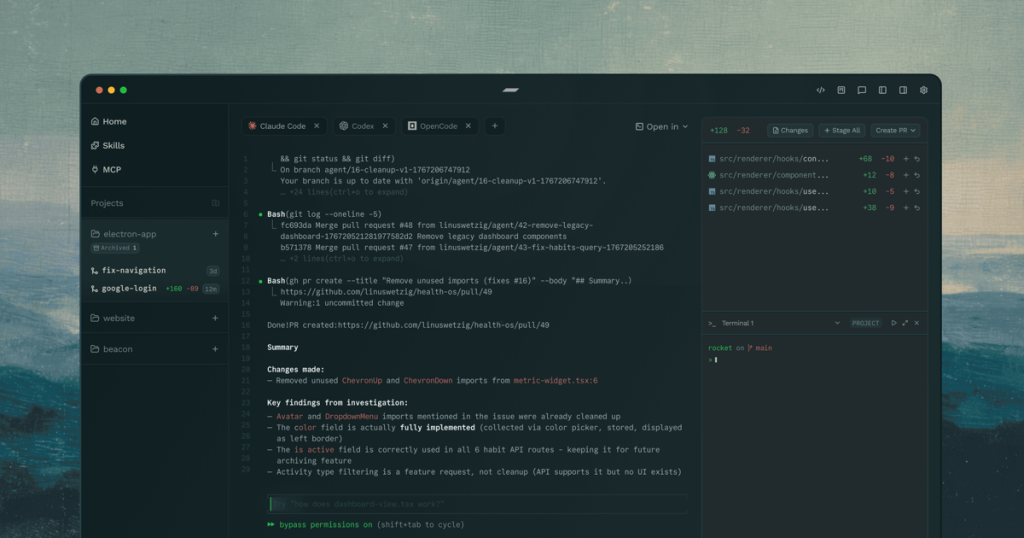
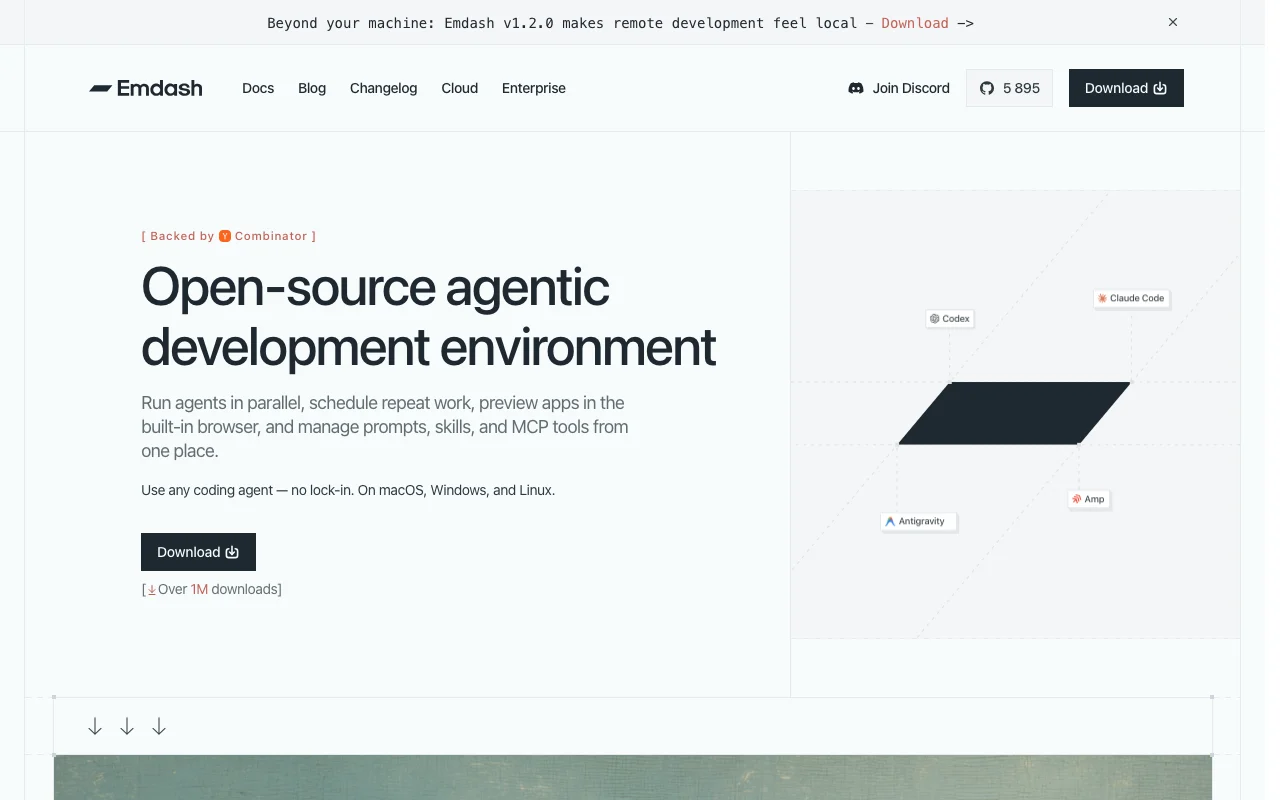
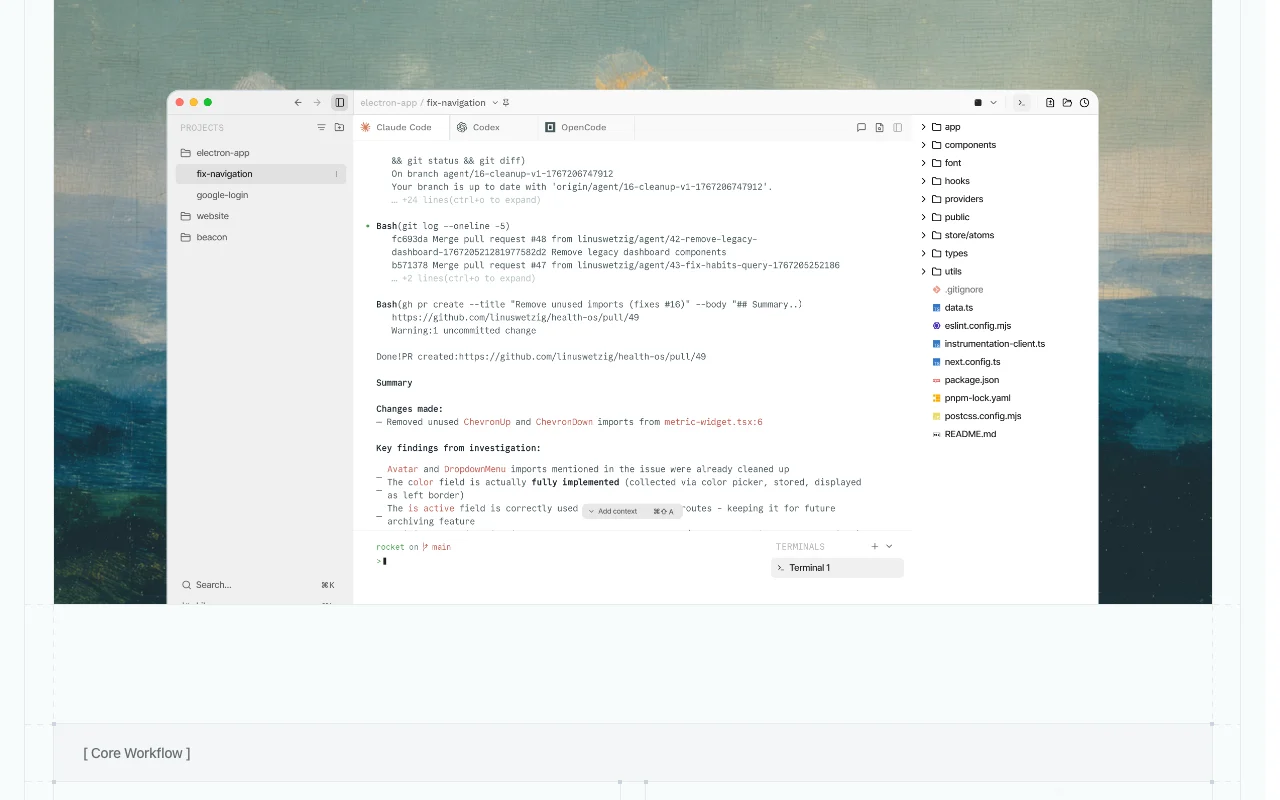
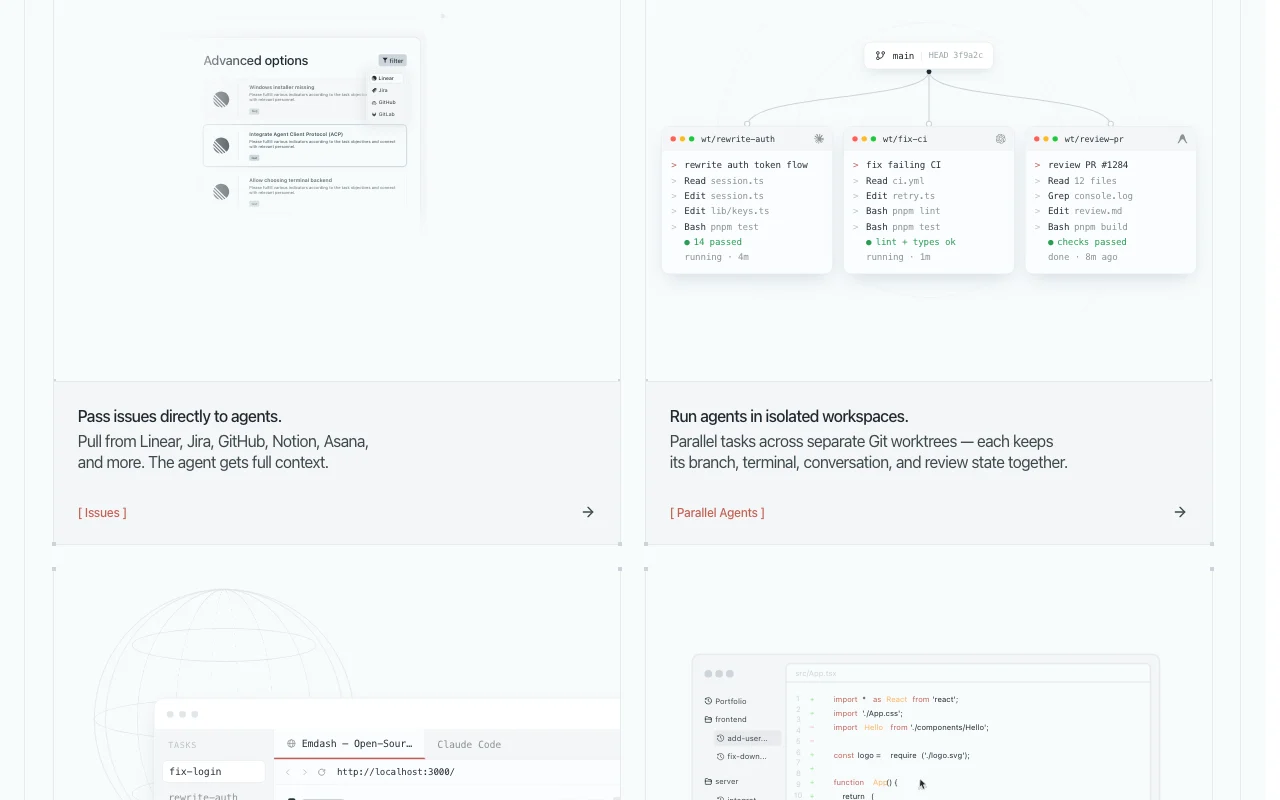
Open-source desktop app for running coding agents in parallel with Git worktrees, a built-in browser and diff review.
 (open full size in a new tab)
 (open full size in a new tab)
 (open full size in a new tab)
 (open full size in a new tab)
 (open full size in a new tab)
 (open full size in a new tab)
Our take: Choose Emdash if you want a free, open-source desktop app for running many coding agents in parallel in isolated Git worktrees, with a built-in browser and diff review.
Main limitation: It has no published pricing page, you must install and pay for the coding agents it orchestrates, and cloud and Enterprise options require contacting sales.
Choose Emdash if you want a free, open-source desktop app for running many coding agents in parallel in isolated Git worktrees, with a built-in browser and diff review. Based on the vendor's documentation, not on a hands-on test.
Also a good fit for
Or if
Prices checked Oct 2, 2026 on the official US pricing page. Prices and limits change often.
Homepage describes Emdash as free and open source.
Not applicable.
Free source (opens in a new tab)
Unknown
For: Developers running coding agents
Limits
Includes
Custom pricing source (opens in a new tab)
Unknown
For: Teams needing hosted or enterprise setup
Includes
Coding agent subscriptions or API keys are paid to their providers.
Not stated.
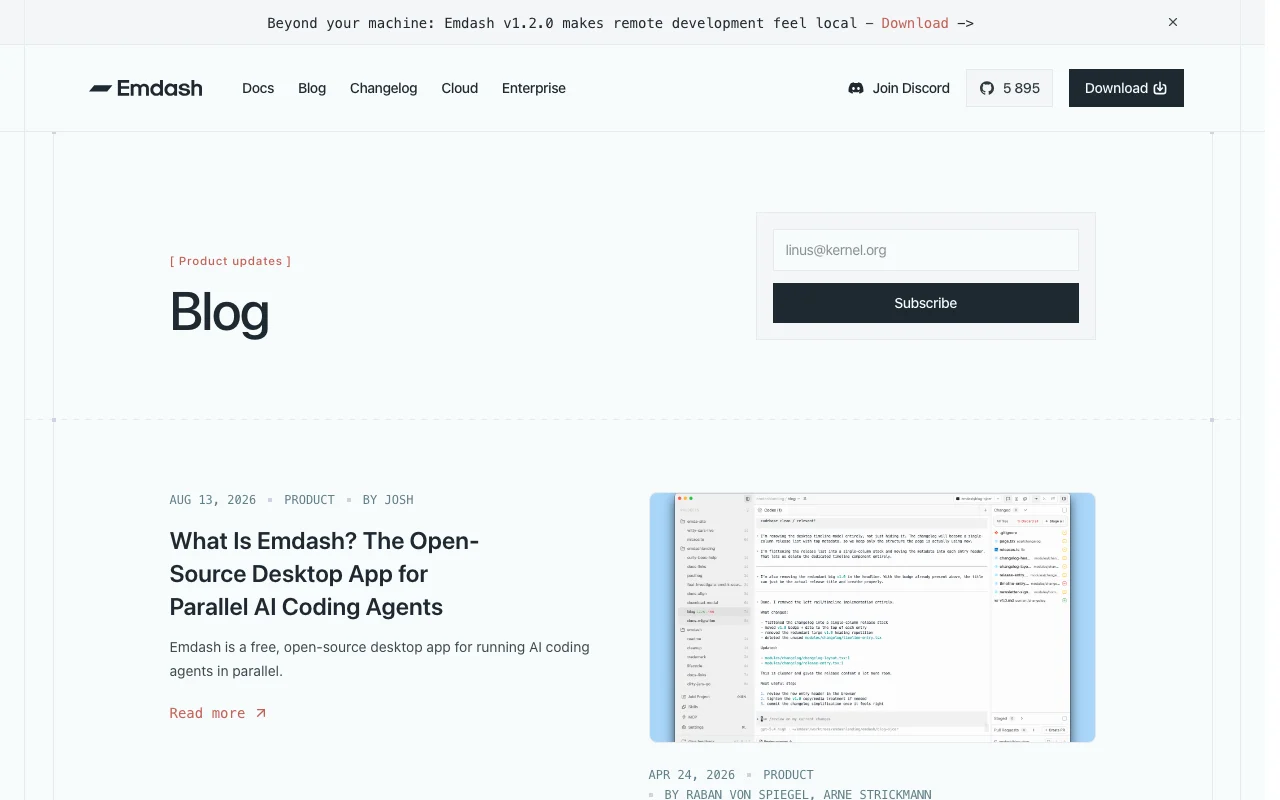
Emdash is an open-source agentic development environment. It lets developers run multiple coding agents in isolated Git worktrees, preview apps in a built-in browser and review diffs and CI checks. Docs list support for 34 CLI-based agents and issue sources such as Linear, Jira and GitHub, plus remote SSH development, automations and Cloud and Enterprise offerings.
You provide
You get back
Scenarios are worked out by our editors from the documentation; the actual result depends on your input and plan.
Each task in its own worktree Avoid branch conflicts
Preview apps inside the task No tool switching
Recurring agent runs on a schedule Hands-off maintenance
Run agents on SSH hosts Use remote compute
Fix the failing CI test in the auth module and explain the change.
Export: Git branches, Pull requests
Summarized from the vendor's current policies; this is not legal advice and a vendor's badge is not an independent audit.
Runs locally; says it does not access, read or store your code. Coding agents access the repo under their own policies.
Emdash does not collect code; agent providers have their own policies.
Policies: emdash.com/privacy
"Better suited" is based on documented features and pricing, not on a head-to-head test.
| Alternative | When to choose it | Pricing | Limitation | |
|---|---|---|---|---|
| Cursor | — | — | Compare | |
| Devin Desktop (formerly Windsurf) | — | — | Compare | |
| GitHub Copilot | — | — | Compare |
No user reviews yet.
Used Emdash? Be the first to share your experience.
Yes, the homepage calls it a free, open-source agentic development environment. source (opens in a new tab)
macOS, Windows and Linux. source (opens in a new tab)
25+ coding agents including Claude Code, Codex and Cursor. source (opens in a new tab)
Its privacy policy says it runs locally and does not access or store your code; it collects anonymous analytics. source (opens in a new tab)
No; /pricing returned 404. source (opens in a new tab)
Not verified: Cloud and Enterprise pricing; Account requirement; API; Training data use by providers.
Every fact about Emdash above comes from the 4 official pages listed here, last compared on Oct 2, 2026; we have not run Emdash ourselves, so it has no editorial score. How we check and re-check pages.
Article updated Oct 2, 2026; prices checked Oct 2, 2026. Outbound links to vendors are plain links; we do not earn commissions. How we review · Report an error
compare>