CodingDocumented overviewLast checked Sep 29, 2026

Extinde: Pricing, Features & Best Use Cases

AI browser extension builder: describe an extension in plain English and export it for Chrome, Firefox, Edge and Safari.
Who Extinde fits

Extinde fits non-coders and hobbyists who want to describe a browser extension in plain English and download a Manifest V3 build for Chrome, Firefox, Edge or Safari, starting with 25 free credits. Based on the vendor's documentation, not on a hands-on test.

Best for: Non-technical creators

Also a good fit for

  • Hobbyist extension makers

Consider another tool if credit-based usage; free tier gives 25 credits

Or if

  • Manual code editor only on Pro
  • Marketplace payout only on Builder and up

Extinde pricing and usage limits

Prices checked Sep 29, 2026 on the official US pricing page. Official pricing ↗ Prices and limits change often.

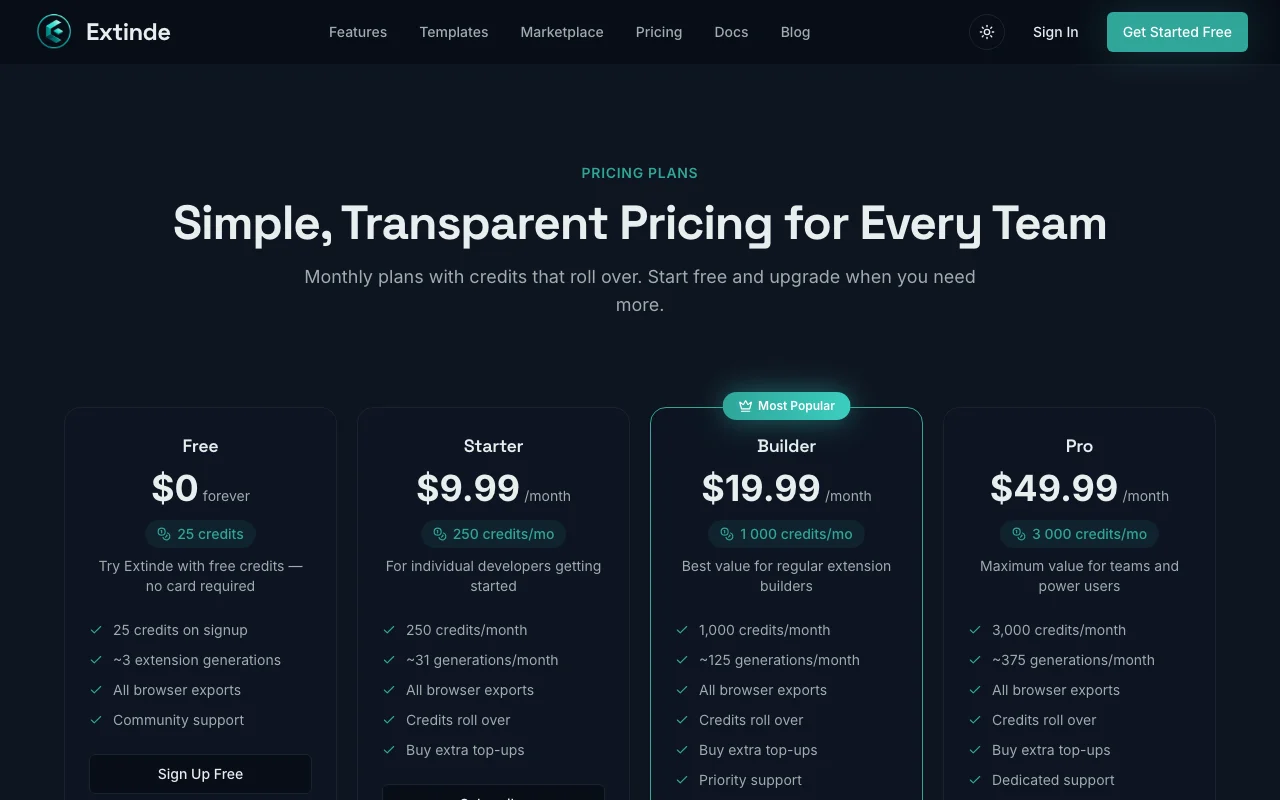
Extinde pricing page with plans and prices — screenshot of the coding AI tool, Oct 1, 2026
The official Extinde pricing page as we saw it. extinde.com, captured Oct 1, 2026

Free access and trial conditions

Free tier with 25 credits, no card

None separate

Paid plans: what changes as you upgrade

Free web

Free source (opens in a new tab)

Month

For: Trying a few small extensions

Limits

  • 25 credits

Includes

  • Cross-browser export
  • All templates

Starter web

$9.99/mo source (opens in a new tab)

Month

For: Hobbyists shipping 1-2 extensions a month

Limits

  • 250 credits per month

Includes

  • Credit top-ups

Builder web

$19.99/mo source (opens in a new tab)

Month

For: Creators publishing regularly

Limits

  • 1,000 credits per month

Includes

  • Priority AI models
  • Marketplace payout access

Pro web

$49.99/mo source (opens in a new tab)

Month

For: Advanced builders

Limits

  • 3,000 credits per month

Includes

  • Pro developer mode with manual code editor
  • Advanced extension capabilities

Usage caps, credits and extra costs

One-time credit top-ups for paid users

Not stated

What is Extinde, and how does it work?

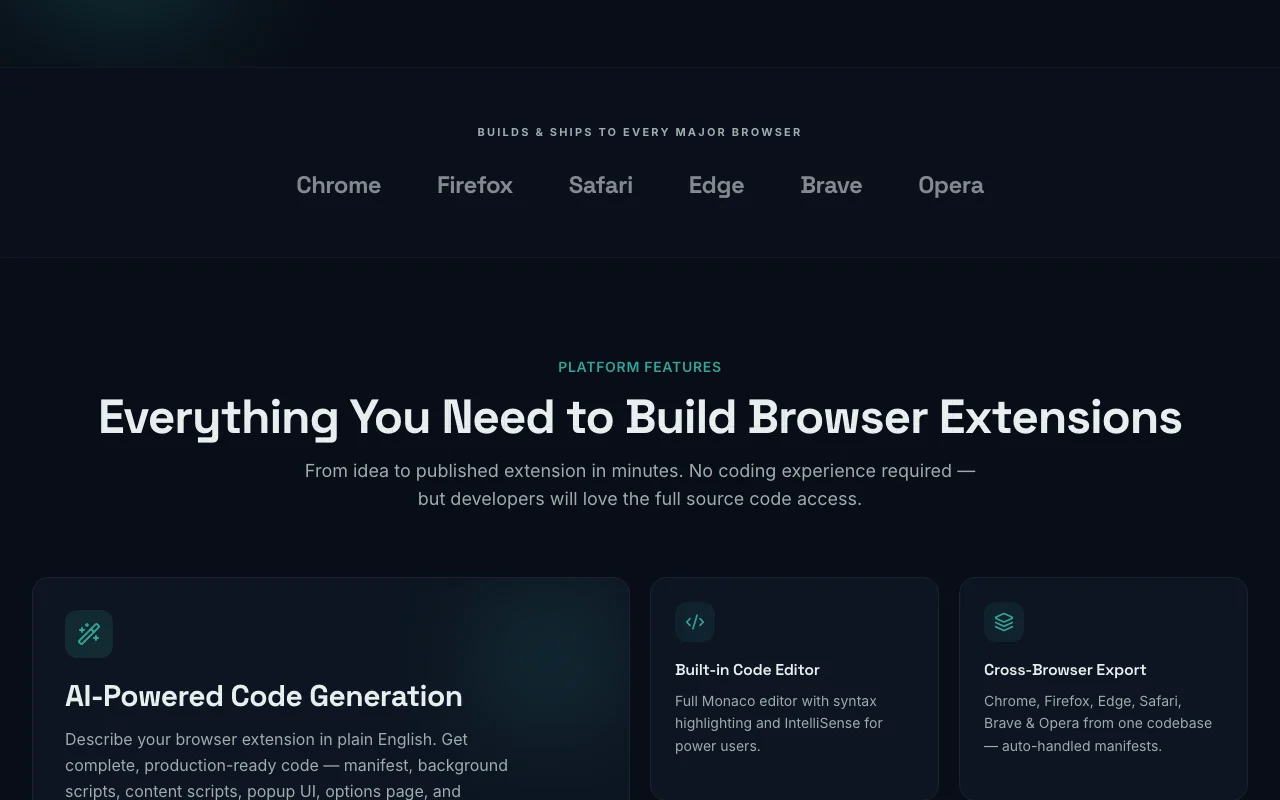
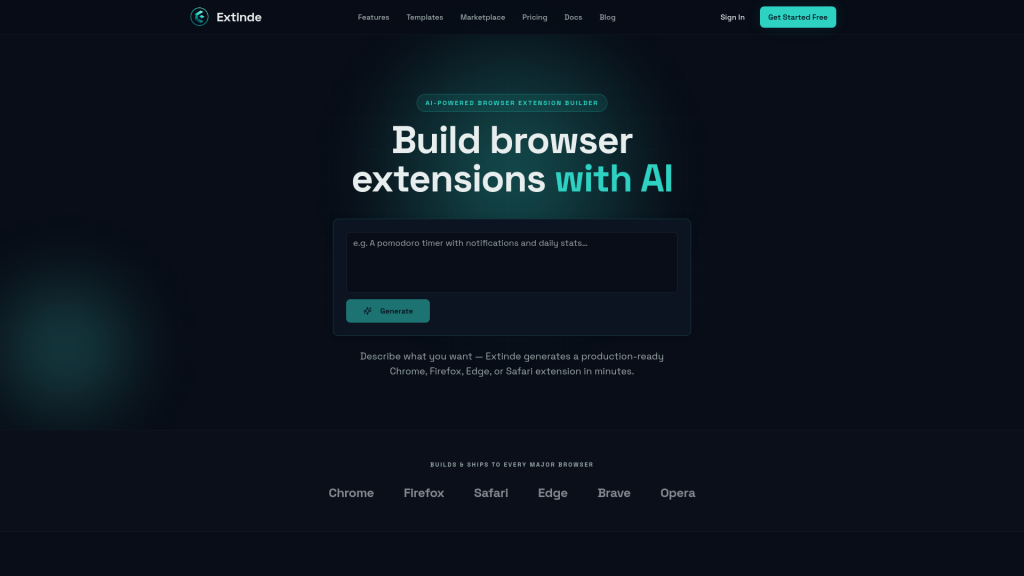
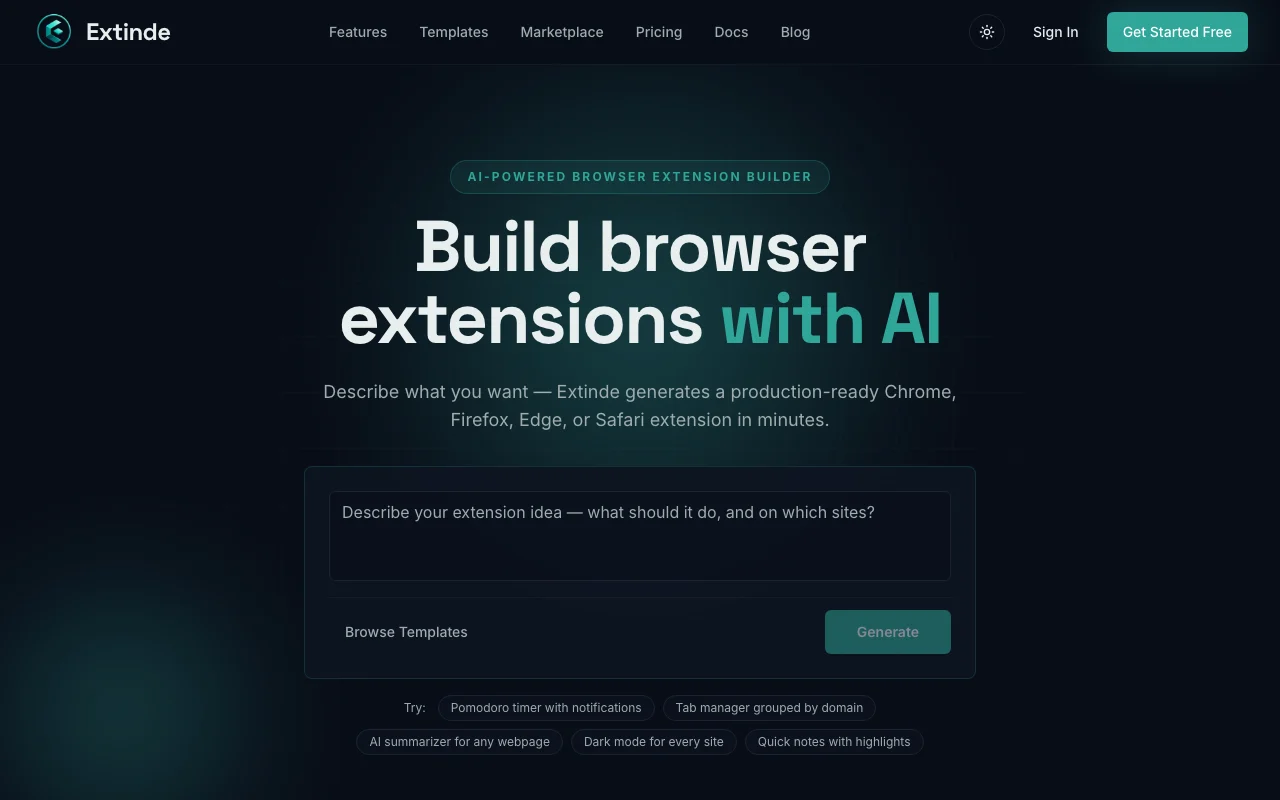
Extinde generates browser extension code from a plain-English description, with cross-browser export, templates, a code editor and a community marketplace. Usage is credit-based; every generation, edit or export consumes credits.

Extinde homepage — screenshot of the coding AI tool, Oct 1, 2026
Extinde's official site: how the product presents itself. extinde.com, captured Oct 1, 2026

What you provide and what you get back

How Extinde works: what you provide, where it runs and what you get backYOU PROVIDEYour inputPlain-English extension descripti…Chat edit requestsTemplates from the libraryCODINGExtindeWebfrom $9.99/mo (Starter)free tier availableaccount requiredchecked Sep 29, 2026YOU GET BACKThe resultManifest V3 extension code with i…Downloadable ZIPCross-browser exports and marketp…input → Extinde → output · from the vendor's own pages, no hands-on test unless stated
What you give Extinde and what comes back, from its documentation

You provide

  • Plain-English extension description
  • Chat edit requests
  • Templates from the library

You get back

  • Manifest V3 extension code with icons and manifest
  • Downloadable ZIP
  • Cross-browser exports and marketplace listing

Where you can use it

Platforms
Web
Account
Required
Output format
Manifest V3
Browsers
Chrome, Firefox, Edge, Safari
Credits
25 free; 250 / 1,000 / 3,000 per month

Where Extinde is most useful

Scenarios are worked out by our editors from the documentation; the actual result depends on your input and plan.

Building Chrome extensions without coding

Who
Non-technical creators
You provide
Plain-English prompt describing the extension
Expected result
Unpacked-loadable extension folder with code, icons and manifest
Plan needed
Free (25 credits)
Limitation
About 3 small extensions on Free source (opens in a new tab)

Cross-browser extension export

Who
Makers targeting several browsers
You provide
Finished extension project
Expected result
Builds for Chrome, Firefox, Edge and Safari
Plan needed
All plans
Limitation
Each export consumes credits source (opens in a new tab)

Prototyping extension ideas

Who
Hobbyists and product teams
You provide
Idea and template choice
Expected result
Live mockup preview and iteration through chat
Plan needed
Starter for 1-2 extensions a month
Limitation
Complex builds use more credits source (opens in a new tab)

Extinde features and their limits

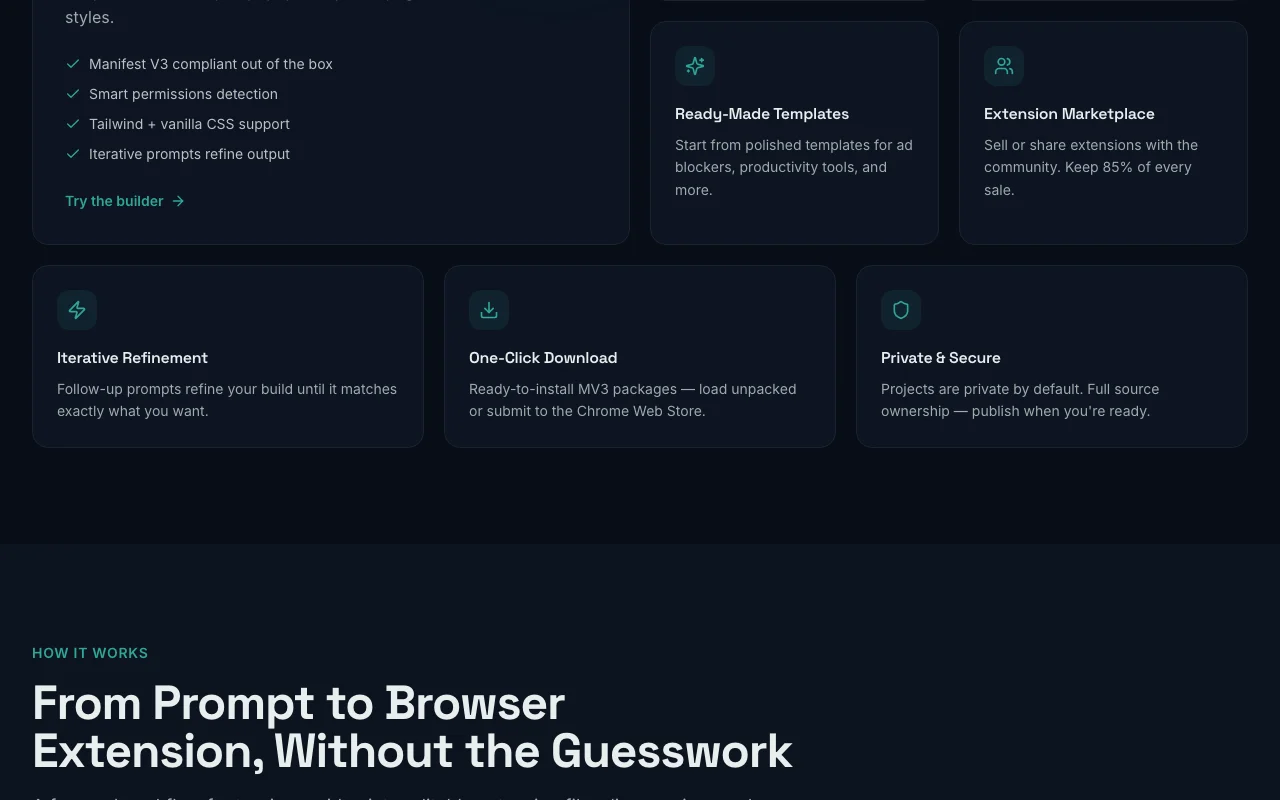
Extinde homepage — screenshot of the coding AI tool, Oct 1, 2026
Feature overview on the official site. extinde.com, captured Oct 1, 2026

AI extension generation

Writes the code, icons and manifest of an extension from your description Removes the need to code

Access: All plansLimit: Credits per generation vary by complexity source (opens in a new tab)

Cross-browser export

Packages the extension for Chrome, Firefox, Edge and Safari Reaches users on any browser

Access: All plans including FreeLimit: Safari publishing still needs vendor steps source (opens in a new tab)

Free templates and marketplace

Offers ready extensions to start from and a place to publish yours Speeds up starting points

Access: Templates on Free; payout from BuilderLimit: Marketplace payout only on Builder and up source (opens in a new tab)

Manual code editor (Pro developer mode)

Lets you edit the generated source by hand Fine-tunes advanced behavior

Access: ProLimit: Not on lower plans source (opens in a new tab)

Credit top-ups

Adds one-time credits to your balance when you run out Keeps work going mid-month

Access: All paid usersLimit: Not available on Free source (opens in a new tab)

Extinde pros and cons

Where Extinde is strong

Limitations to check before paying

How to use Extinde for building a browser extension from a description

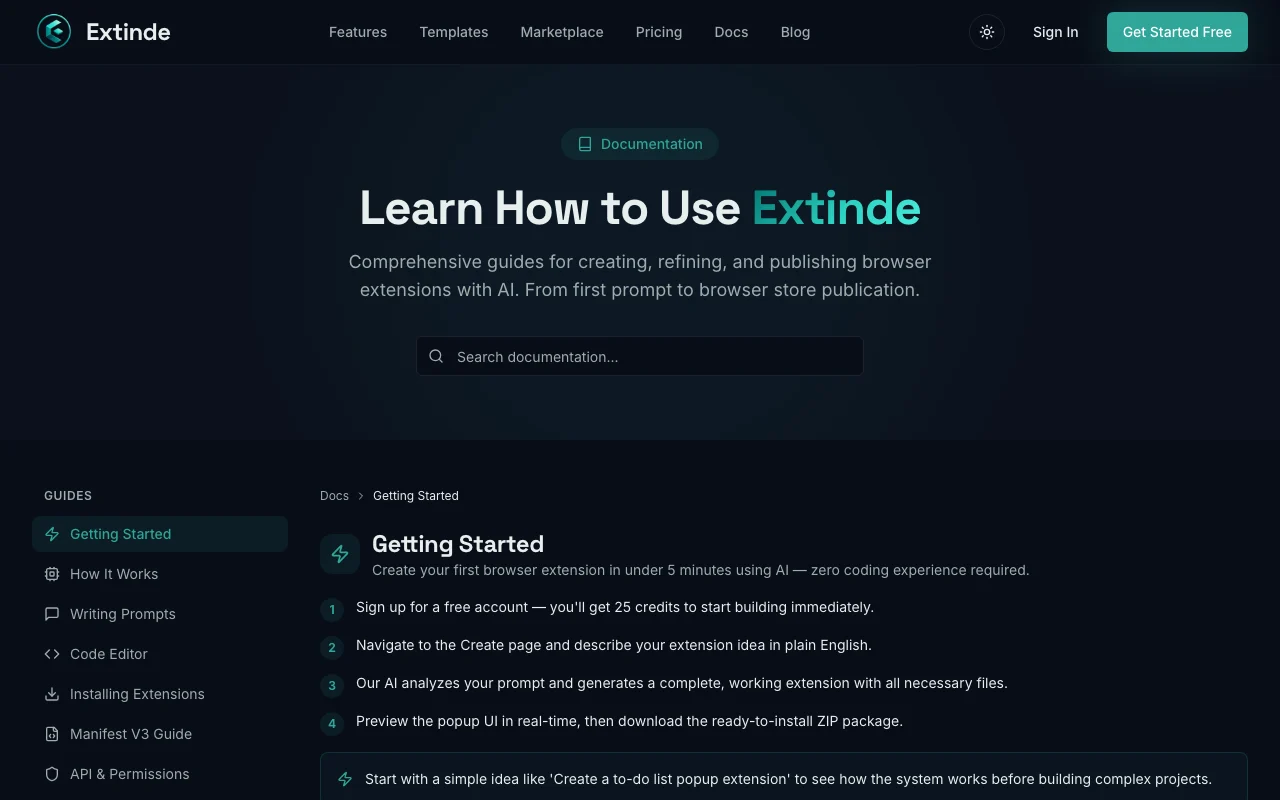
Extinde documentation — screenshot of the coding AI tool, Oct 1, 2026
Extinde documentation: where the steps below come from. extinde.com, captured Oct 1, 2026

Set up Extinde

  1. Sign up free at extinde.com (25 credits, no card)
  2. Open the builder and pick a template or blank start
  3. Describe the extension in plain English
  4. Preview it in the live mockup

Example: building a browser extension from a description

  1. Prompt for a dark-mode toggle extension
  2. Review the generated code and manifest
  3. Ask in chat for a keyboard shortcut
  4. Export a browser-ready ZIP and load it unpacked

Review and export the result

  1. Load the unpacked folder in Chrome developer mode and test the feature
  2. Check the credits remaining on the dashboard
Example prompt suggested by our editors (not a recorded output of the product)
Build a Chrome extension that injects a dark theme on any website with a toggle in the toolbar popup

Extinde integrations and API

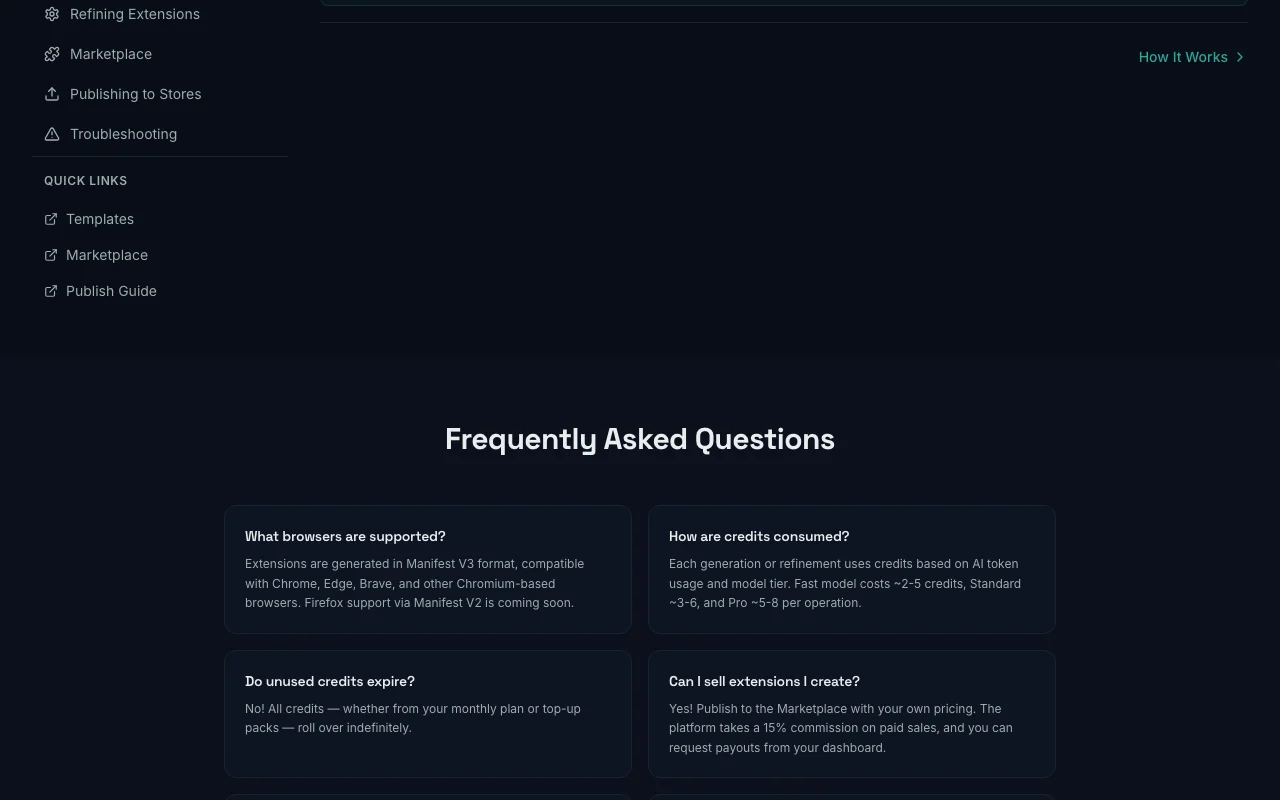
Extinde documentation — screenshot of the coding AI tool, Oct 1, 2026
Extinde documentation (continued). extinde.com, captured Oct 1, 2026

Native integrations and export formats

Export: ZIP (Manifest V3)

API access and separate billing

Extinde has no public API in its official documentation. No public API described API documentation ↗

Privacy, data use and commercial rights

Summarized from the vendor's current policies; this is not legal advice and a vendor's badge is not an independent audit.

How your inputs and outputs are handled

Prompts and generated extension code are stored as project data

Users can export or delete data from the dashboard

Controls for business users

  • GDPR and CCPA rights
  • Billing via Stripe

Policies: extinde.com/privacy

Best Extinde alternatives for different needs

"Better suited" is based on documented features and pricing, not on a head-to-head test.

Lovable: better suited to

Replit: better suited to

Alternatives
AlternativeWhen to choose itPricingLimitation
Lovable——Compare
Replit——Compare

Explore Extinde further

If you are looking at Extinde

Extinde user reviews

No user reviews yet.

Used Extinde? Be the first to share your experience.

Write a review

Reviews are checked by a moderator before they appear. Your email is never published. Plain text only.

Your rating (required)

Show what you made or what went wrong. Images are published only if the review is approved; location data is removed.

    Extinde FAQ

    How much does Extinde cost?

    Free gives 25 credits; paid plans are Starter $9.99, Builder $19.99 and Pro $49.99 per month. source (opens in a new tab)

    How many credits do the plans include?

    Starter 250, Builder 1,000 and Pro 3,000 credits per month. source (opens in a new tab)

    Which browsers can I export to?

    Chrome, Firefox, Edge and Safari, on all plans including Free. source (opens in a new tab)

    Do I need a credit card for the free tier?

    No, the Free tier needs no credit card. source (opens in a new tab)

    Which plan unlocks the code editor?

    Pro adds developer mode with the manual code editor. source (opens in a new tab)

    Sources and review methodology

    Official sources and verification dates

    Not verified: Credits per generation or export; AI model used; Commercial-use terms.

    How we documented and maintain this page

    Every fact about Extinde above comes from the 4 official pages listed here, last compared on Sep 29, 2026; we have not run Extinde ourselves, so it has no editorial score. How we check and re-check pages.

    Article updated Oct 2, 2026; prices checked Sep 29, 2026. Outbound links to vendors are plain links; we do not earn commissions. How we review · Report an error