CodingDocumented overviewLast checked Oct 2, 2026

Frontman: Pricing, Features & Best Use Cases

AI website editor that lets you click elements on a live site and describe changes, producing reviewable source edits for WordPress, Next.js, Astro and Vite.

Who should use Frontman

Frontman suits designers, PMs and frontend teams who want to click an element on a live WordPress, Next.js, Astro or Vite site and get reviewable source-file edits, with free self-hosting. Based on the vendor's documentation, not on a hands-on test.

Best for: Marketing teams

Also a good fit for

  • Designers
  • WordPress site owners

Consider another tool if pro trial requires a credit card

Or if

  • AI usage is billed separately by the provider
  • Self-hosting requires own infrastructure and API key

Frontman pricing and usage limits

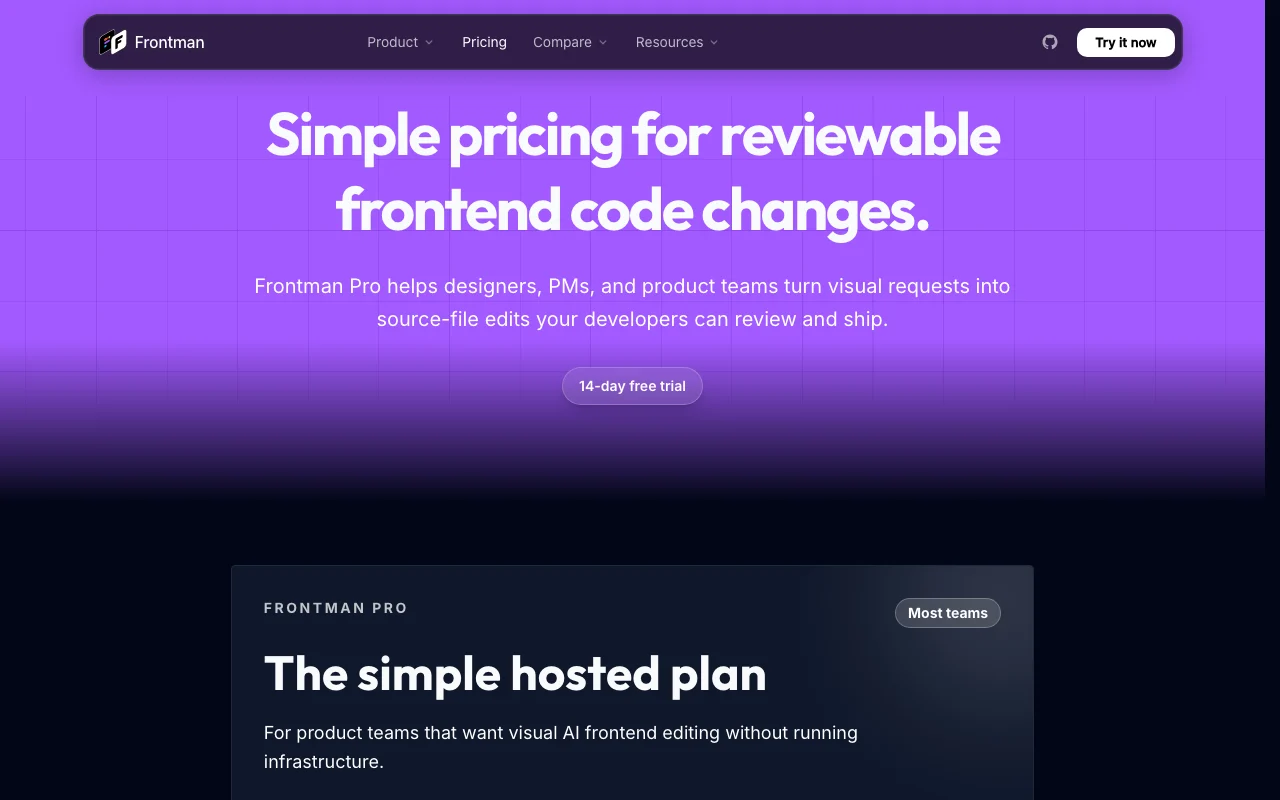
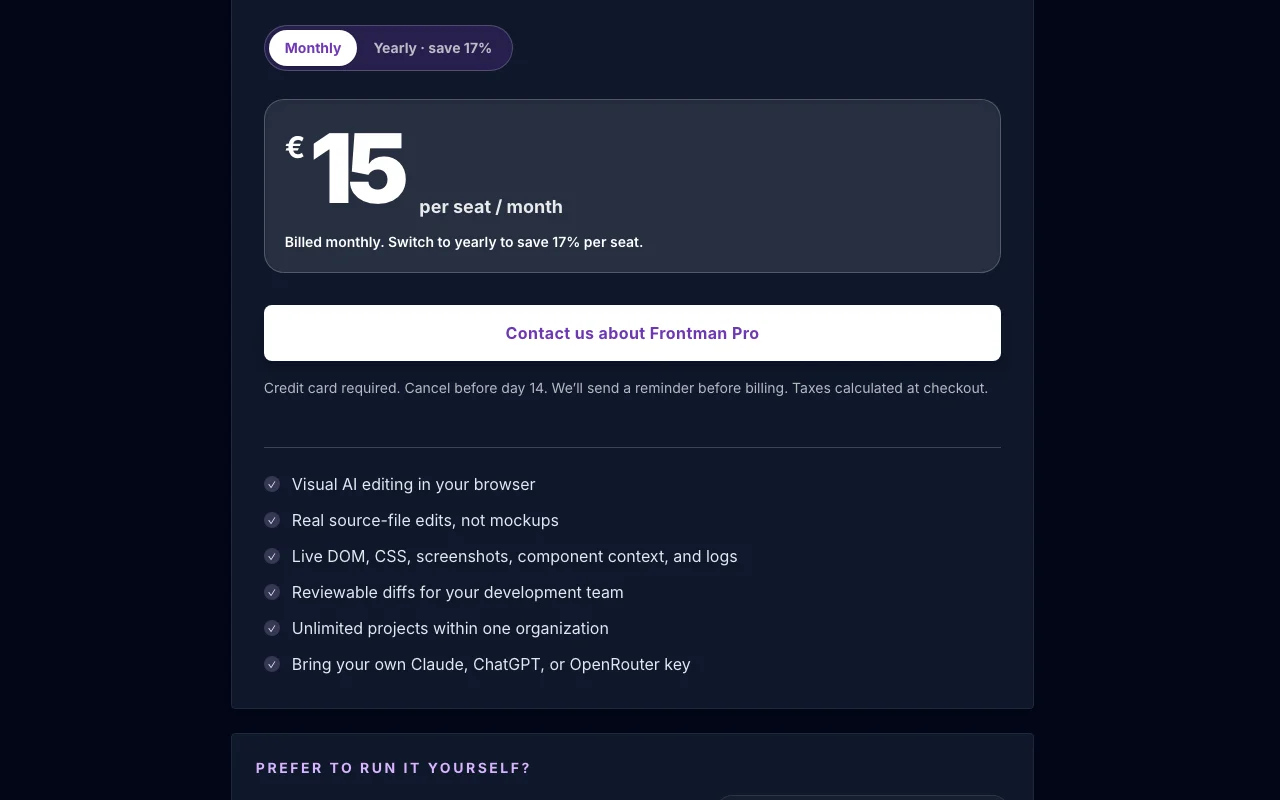
Prices checked Oct 2, 2026 on the official US pricing page. Official pricing ↗ Prices and limits change often.

Frontman pricing page with plans and prices — screenshot of the coding AI tool, Oct 2, 2026
The official Frontman pricing page as we saw it. frontman.sh, captured Oct 2, 2026

Free access and trial conditions

Self-hosting is currently free.

14-day Pro trial; credit card required, cancel before day 14.

Paid plans: what changes as you upgrade

Frontman Pro (hosted) web

See official pricing source (opens in a new tab)

Monthly

Priced in EUR; no USD price published; yearly saves 17%

For: Product teams that do not want to run infrastructure

Limits

  • 14-day free trial with credit card
  • Unlimited projects within one organization
1 more
  • AI usage billed by your own provider key

Includes

  • Real source-file edits
  • Reviewable diffs
1 more
  • DOM, CSS, screenshots and logs as context

Self-hosted web

Free source (opens in a new tab)

Monthly

For: Technical teams managing their own setup

Limits

  • Currently free
  • No hosted support, uptime or onboarding
1 more
  • You supply infrastructure and AI key

Includes

  • Same tool, run yourself

Usage caps, credits and extra costs

AI usage is billed separately by your Claude, ChatGPT or OpenRouter provider.

Calculated at checkout.

What is Frontman, and how does it work?

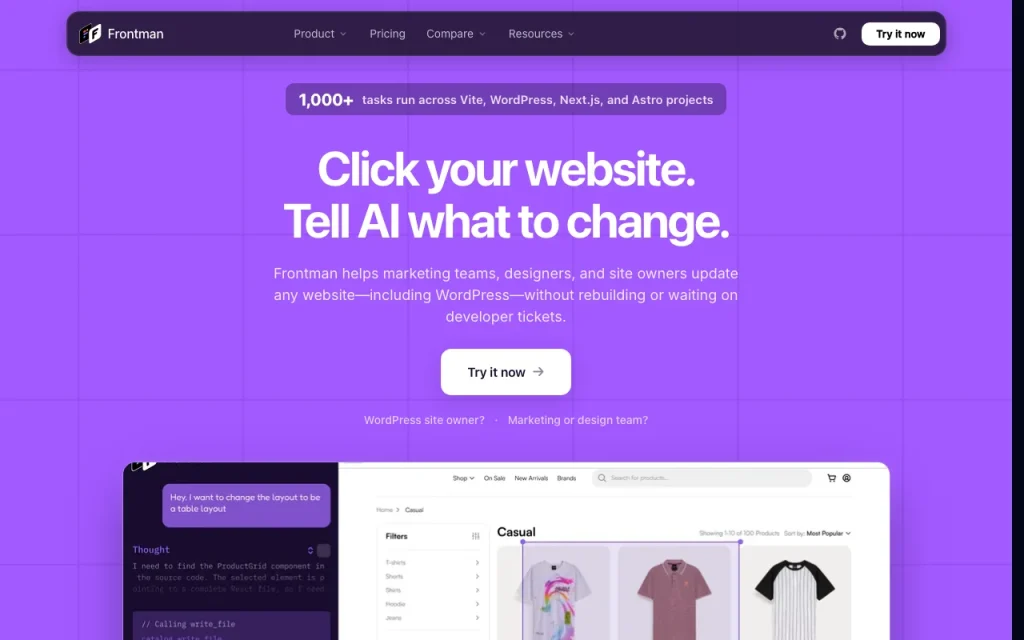
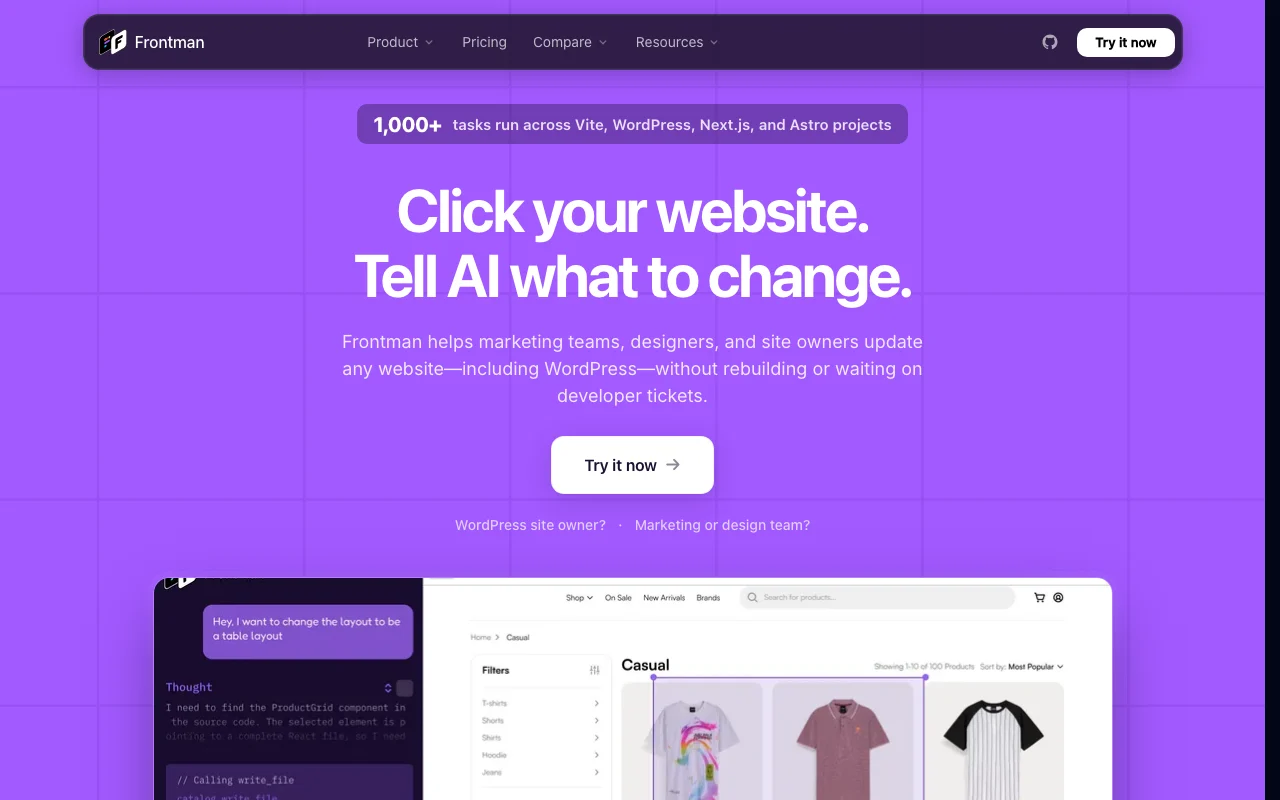
Frontman runs inside WordPress or a framework dev server, reads the live page plus CMS or source context, and turns plain-English requests into reviewable site updates. It uses the user's own LLM provider key (Claude, ChatGPT or OpenRouter) and is described as source-available, with a hosted Pro plan and a free self-hosted option.

Frontman homepage — screenshot of the coding AI tool, Oct 2, 2026
Frontman's official site: how the product presents itself. frontman.sh, captured Oct 2, 2026

What you provide and what you get back

How Frontman works: what you provide, where it runs and what you get backYOU PROVIDEYour inputClick selection of a live page el…Plain-English change requestLive DOM, CSS, screenshots and lo…CODINGFrontmanfree tier, paid price not publish…free tier availableaccount requiredchecked Oct 2, 2026YOU GET BACKThe resultSource-file editsReviewable diffsinput → Frontman → output · from the vendor's own pages, no hands-on test unless stated
What you give Frontman and what comes back, from its documentation

You provide

  • Click selection of a live page element
  • Plain-English change request
  • Live DOM, CSS, screenshots and logs

You get back

  • Source-file edits
  • Reviewable diffs

Where you can use it

Account
Required
Frameworks
WordPress, Next.js, Astro, Vite
LLM providers
Claude, ChatGPT, OpenRouter (bring your own key)
Output
Reviewable source-file diffs
Hosting
Hosted Pro or free self-hosting

Best use cases for Frontman

Scenarios are worked out by our editors from the documentation; the actual result depends on your input and plan.

Edit WordPress content without wp-admin

Who
Content editors
You provide
WordPress page content
Expected result
Edits made without wp-admin
Plan needed
Pro or self-hosted
Limitation
Plugin setup needed source (opens in a new tab)

Visual UI changes on Next.js, Astro or Vite sites

Who
Designers and PMs
You provide
Selected UI element and a request
Expected result
Code change in the Next.js, Astro or Vite project
Plan needed
Pro
Limitation
Developers still review source (opens in a new tab)

Handing developers reviewable diffs

Who
Frontend developers
You provide
Visual requests from non-developers
Expected result
Diffs ready for review
Plan needed
Pro
Limitation
Quality depends on the LLM key source (opens in a new tab)

Frontman features and their limits

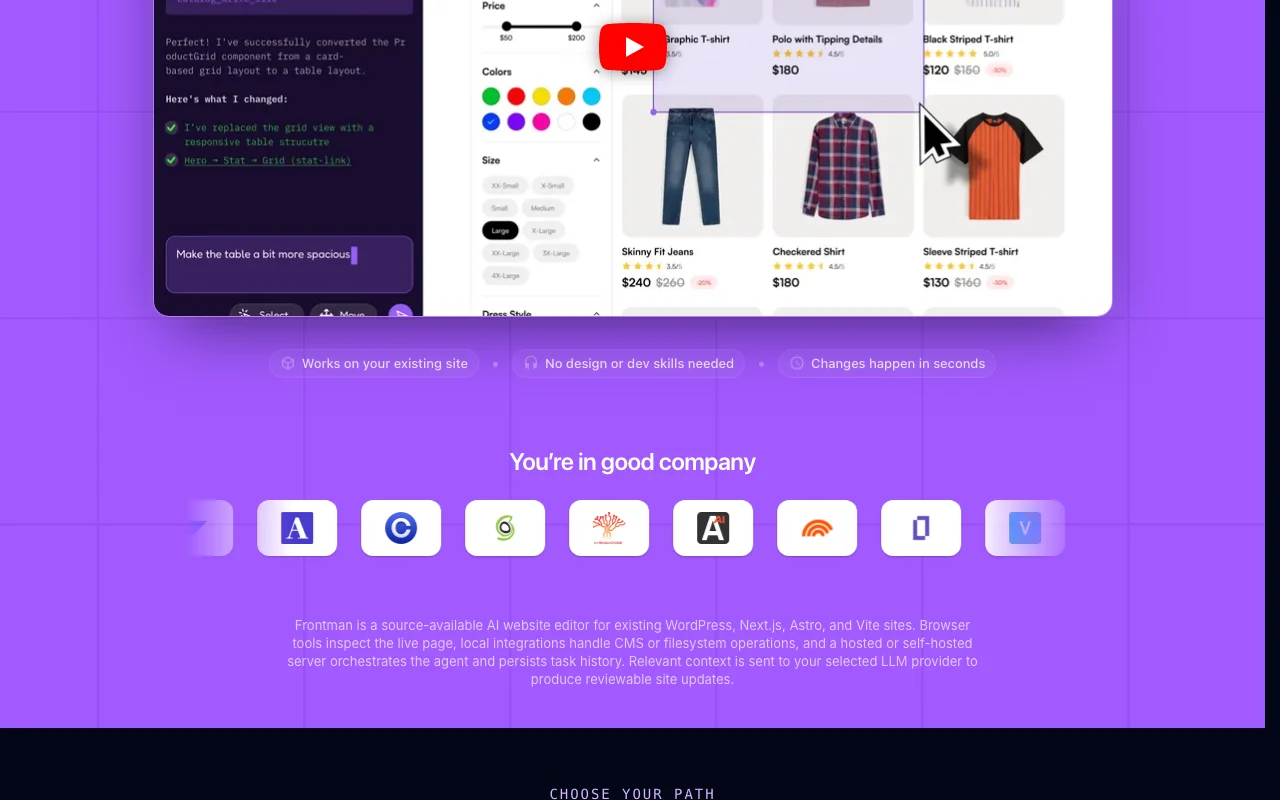
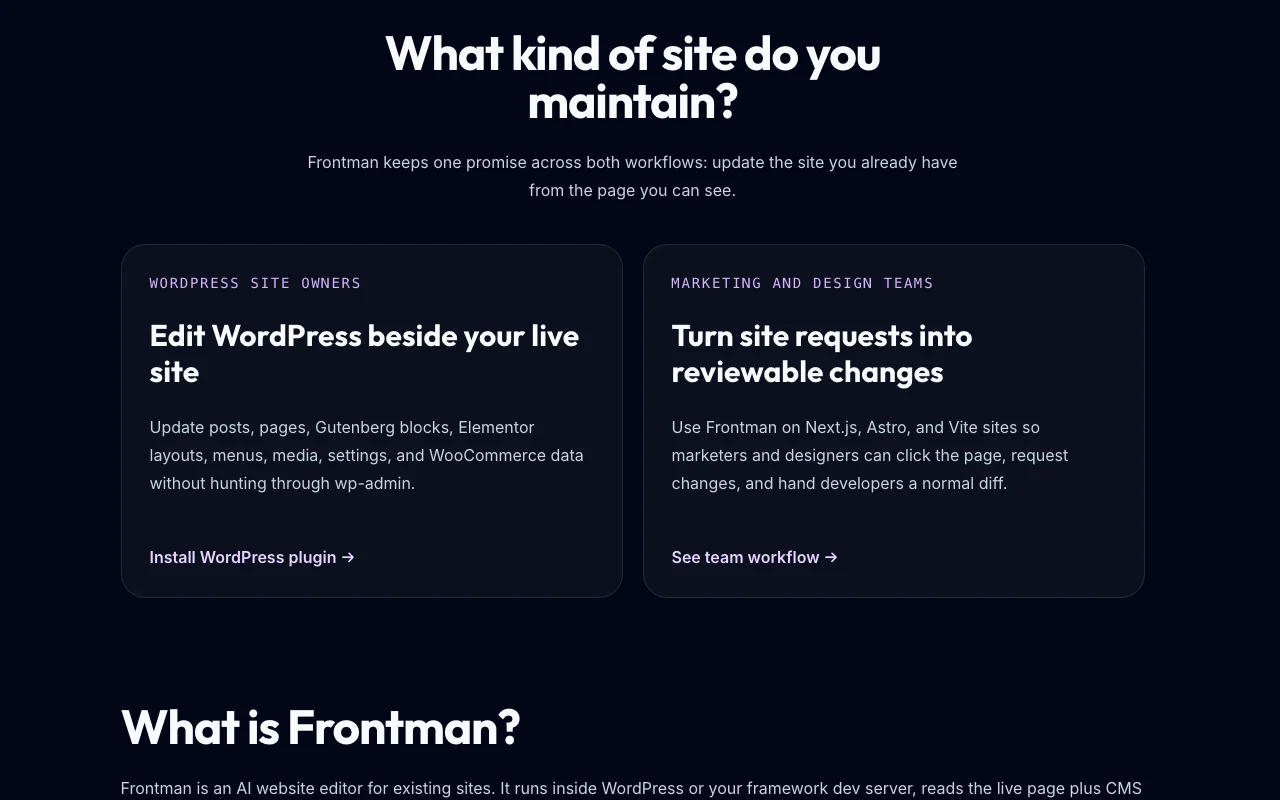
Frontman homepage — screenshot of the coding AI tool, Oct 2, 2026
Feature overview on the official site. frontman.sh, captured Oct 2, 2026

Click-to-select page elements

Lets you point at a rendered element and describe the change in plain English. Removes ticket translation.

Access: Pro and self-hostedLimit: Needs a running app source (opens in a new tab)

Source-file edits

Writes the change into your project files instead of making a mockup. Gives developers real code to review.

Access: Pro and self-hostedLimit: Output still requires review source (opens in a new tab)

WordPress plugin

Runs inside WordPress to read page and CMS context. Lets editors work from the live page.

Access: Pro and self-hostedLimit: WordPress only for this route source (opens in a new tab)

Next.js, Astro and Vite support

Works with Next.js, Astro and Vite dev servers. Covers common frontend stacks.

Access: Pro and self-hostedLimit: Other frameworks are not listed source (opens in a new tab)

Pros, cons and deal-breakers

Where Frontman is strong

Limitations to check before paying

How to use Frontman for editing a live website through source-file changes

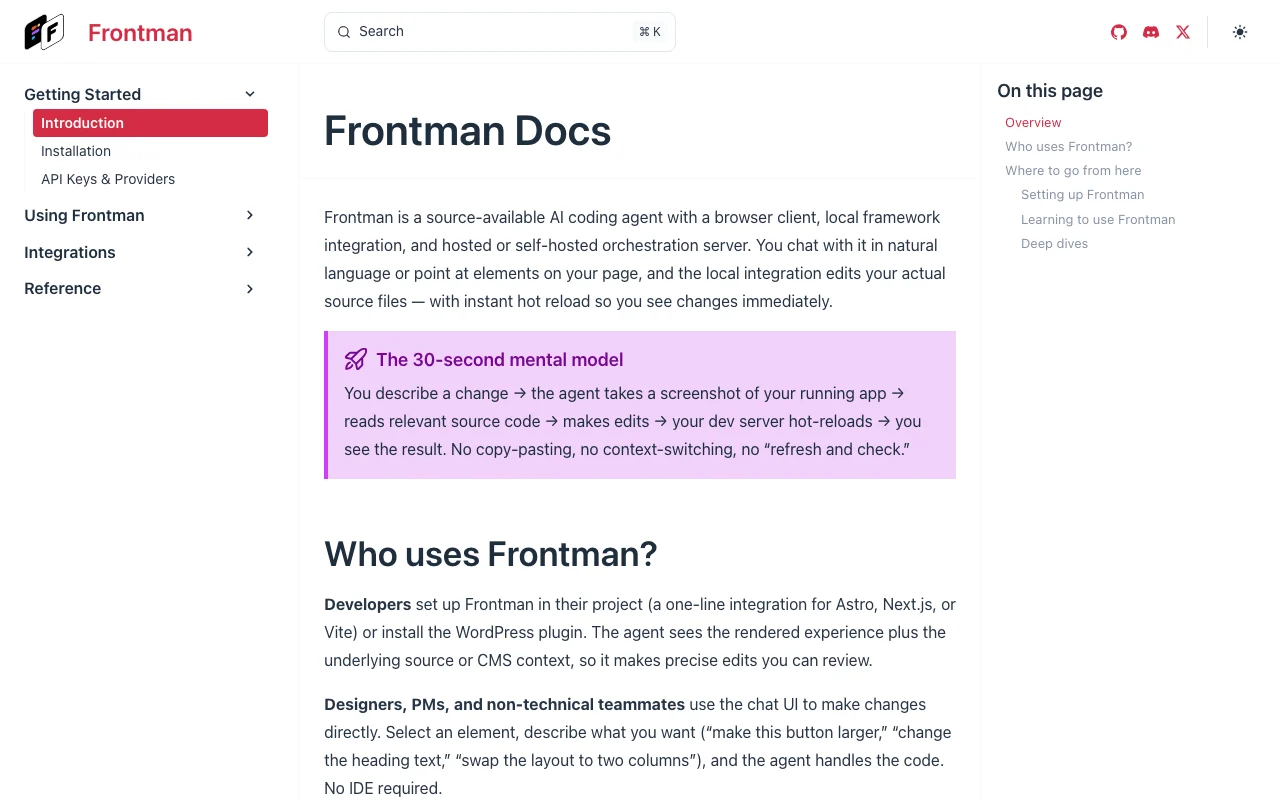
Frontman documentation — screenshot of the coding AI tool, Oct 2, 2026
Frontman documentation: where the steps below come from. frontman.sh, captured Oct 2, 2026

Set up Frontman

  1. Open frontman.sh and start the 14-day Pro trial or pick self-hosting.
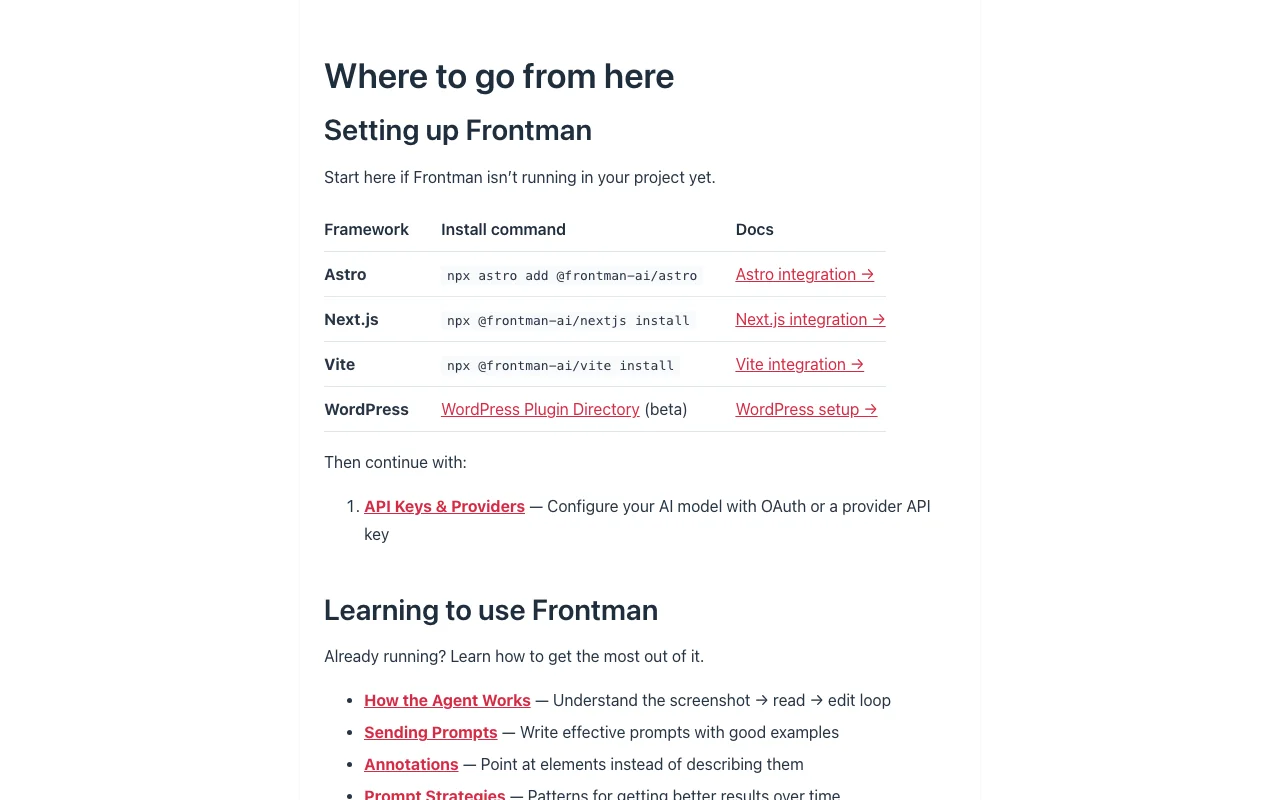
  2. Install the WordPress plugin or add Frontman to your Next.js, Astro or Vite dev server.
  3. Add your Claude, ChatGPT or OpenRouter API key.

Example: editing a live website through source-file changes

  1. Open the running site.
  2. Click the element you want to change.
  3. Describe the change in plain English.
  4. Review the resulting diff in your repository.

Review and export the result

  1. Check the diff changes only the intended files.
  2. Reload the page to confirm the visual result.
Example prompt suggested by our editors (not a recorded output of the product)
Make this hero heading larger and change the button text to Book a demo.

Frontman integrations and API

Frontman documentation — screenshot of the coding AI tool, Oct 2, 2026
Frontman documentation (continued). frontman.sh, captured Oct 2, 2026

Native integrations and export formats

Export: Source-file diffs

API access and separate billing

Frontman has no public API in its official documentation. Uses your own LLM provider key API documentation ↗

Privacy, data use and commercial rights

Summarized from the vendor's current policies; this is not legal advice and a vendor's badge is not an independent audit.

How your inputs and outputs are handled

Customer Content includes prompts, source snippets, DOM data, screenshots and logs processed for you.

Controls for business users

  • Data processing agreement available

Policies: frontman.sh/privacy/

Frontman alternatives by need

"Better suited" is based on documented features and pricing, not on a head-to-head test.

Cursor: better suited to

Lovable: better suited to

Alternatives
AlternativeWhen to choose itPricingLimitation
Cursor——Compare
Lovable——Compare

Explore Frontman further

If you are looking at Frontman

Frontman user reviews

No user reviews yet.

Used Frontman? Be the first to share your experience.

Write a review

Reviews are checked by a moderator before they appear. Your email is never published. Plain text only.

Your rating (required)

Show what you made or what went wrong. Images are published only if the review is approved; location data is removed.

    Frontman FAQ

    How much does Frontman Pro cost?

    Frontman Pro is EUR 15 per seat per month or EUR 150 per seat per year, with no USD price listed. source (opens in a new tab)

    Does Frontman Pro require a credit card for the trial?

    Yes. The 14-day Pro trial requires a card, and you can cancel before day 14. source (opens in a new tab)

    Is Frontman free to self-host?

    Yes. Self-hosting is currently free but you run the infrastructure and supply your own AI key. source (opens in a new tab)

    Which AI providers can Frontman use?

    Frontman works with your own Claude, ChatGPT or OpenRouter key, and that provider bills AI usage separately. source (opens in a new tab)

    Sources and review methodology

    Official sources and verification dates

    Not verified: USD price; Data retention; Training use; Changelog.

    How we documented and maintain this page

    Every fact about Frontman above comes from the 4 official pages listed here, last compared on Oct 2, 2026; we have not run Frontman ourselves, so it has no editorial score. How we check and re-check pages.

    Article updated Oct 2, 2026; prices checked Oct 2, 2026. Outbound links to vendors are plain links; we do not earn commissions. How we review · Report an error