Our take: Best for developers prototyping Gemini models with no upfront cost, and flexible usage-based pricing for production applications.
Main limitation: Free tier content is used to improve Google products
By the AI Tool Atlas editors.
Based on the vendor's official documentation; we have not tested this product hands-on. What “documented overview” means
Who should use Google AI Studio
Best for developers prototyping Gemini models with no upfront cost, and flexible usage-based pricing for production applications. Based on the vendor's documentation, not on a hands-on test.
Best for: Developers building on Gemini
Also a good fit for
Prototyping AI apps
Teams evaluating Gemini models
Consider another tool if free tier content is used to improve Google products
Or if
Free tier has limited model access and lower rate limits
Some models, such as Veo, are not available on the free tier
Google AI Studio in the news
Headlines from US outlets, selected automatically — not endorsements. Updated Oct 12, 2026
Prices checked Oct 1, 2026 on the official US pricing page. Official pricing ↗ Prices and limits change often.
Vendor pricing page re-checked automatically 11 days ago: no changes detected.
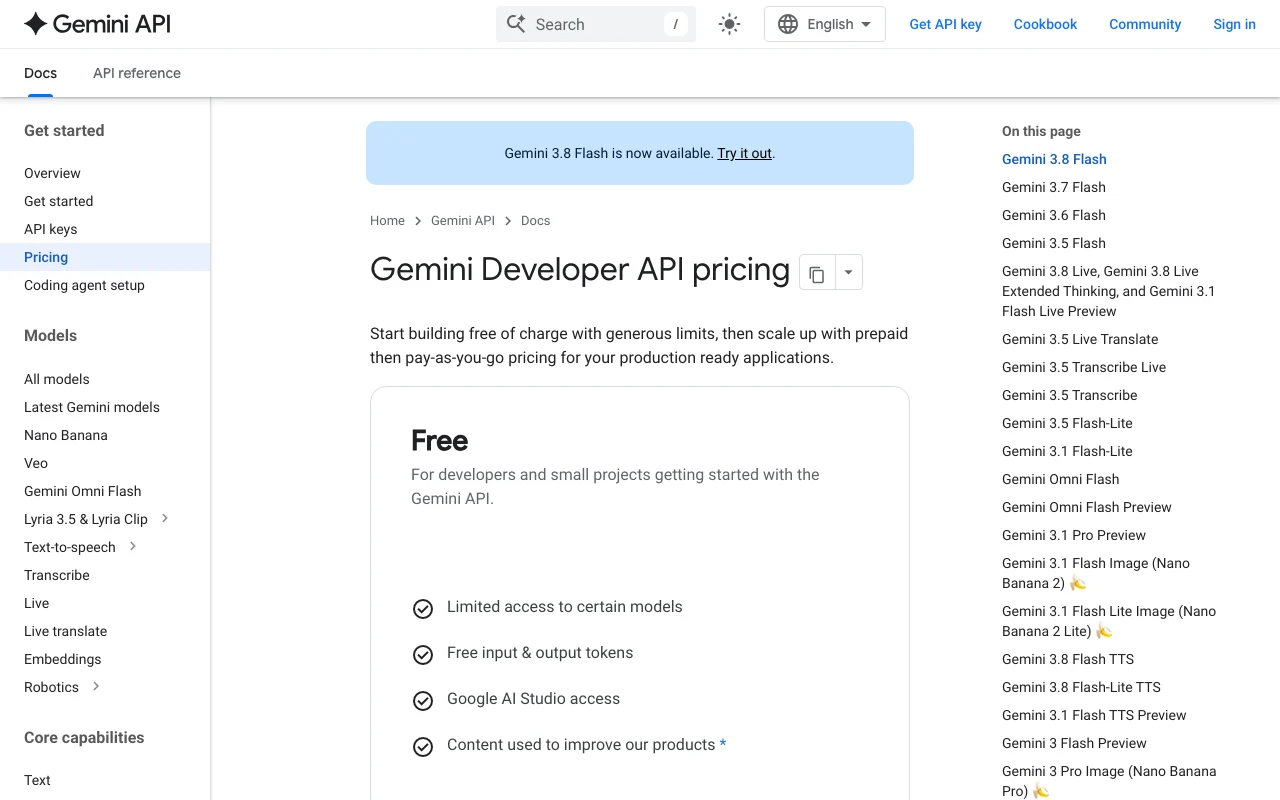
The official Google AI Studio pricing page as we saw it. ai.google.dev, captured Oct 2, 2026
Free access and trial conditions
Free tier includes free input and output tokens, limited model access, access to Google AI Studio, and 1 million token context window; content used to improve Google products
For: Large enterprises with specialized requirements
Limits
Custom rate limits via provisioned throughput
Volume-based discounts available
1 more
All Paid tier features included
Includes
All Paid tier features
Dedicated support channels
2 more
Advanced security & compliance options
Provisioned throughput, ML ops, model garden
API included
Usage caps, credits and extra costs
Grounding with Google Search: 5,000 free requests per month (shared across Gemini 3.x models), then $14 per 1,000 requests. Grounding with Google Maps: 5,000 prompts per month free (shared across Gemini 3), then $14 per 1,000 queries.
What is Google AI Studio, and how does it work?
Google AI Studio is Google's web-based environment for trying Gemini models, testing prompts and generating Gemini API keys. It includes a prompt gallery, long-context experiments and a Build mode for vibe-coding apps.
AI Studio access and the Gemini API are free to start with limited model access, and a paid tier adds higher rate limits, context caching, Batch API and the most advanced models, billed per token.
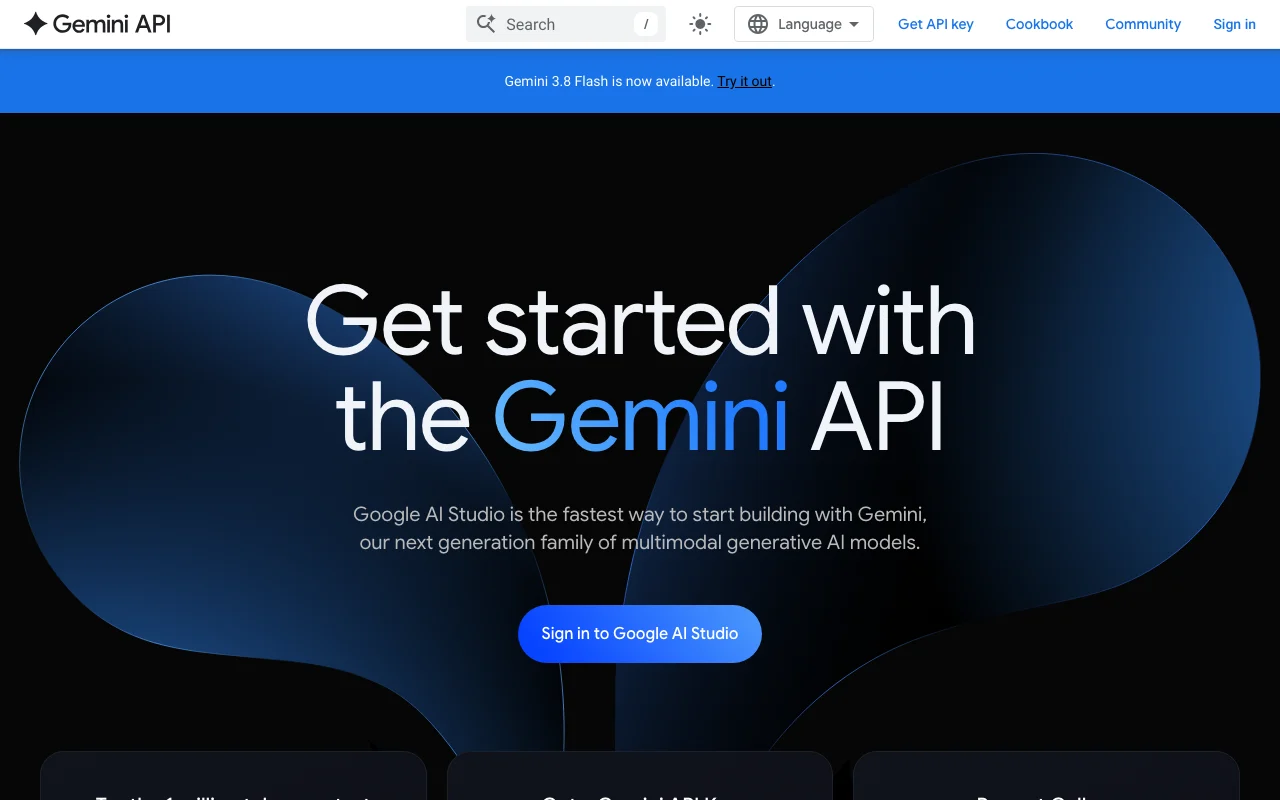
Google AI Studio's official site: how the product presents itself. ai.google.dev, captured Oct 2, 2026
What you provide and what you get back
What you give Google AI Studio and what comes back, from its documentation
You provide
Text prompts
Images and multimodal files
Long-form documents
You get back
Text responses and generated code
Structured data and reasoning traces
API integration ready code
Where you can use it
Platforms
Web, API
Account
Required
Works offline
No
Models / versions
Gemini 3.8 Flash, Gemini 3.7 Flash, Gemini 3.6 Flash, and experimental models (Veo on paid tier)
Where Google AI Studio is most useful
Scenarios are worked out by our editors from the documentation; the actual result depends on your input and plan.
Prototyping prompts against Gemini models
Who
Developers and product teams
You provide
Text prompts, images, or documents
Expected result
Tested prompt with model responses and quality feedback
Plan needed
Free tier suitable for experimentation
Limitation
Free tier limited to non-experimental models; free tier content used to improve products source (opens in a new tab)
Feature overview on the official site. ai.google.dev, captured Oct 2, 2026
Browser playground for Gemini models
Provides interactive chat interface to test Gemini models directly Enables rapid iteration and testing of prompts before API integration
Access: Sign in with Google account via web browser at ai.google.dev/aistudioLimit: Free tier restricted to limited model access; Paid tier accesses all modelssource (opens in a new tab)
Gemini API key generation
Generates secure API keys for programmatic access to Gemini models Streamlines integration from prototype to production application
Access: Click 'Get API key' from Google AI Studio interfaceLimit: Requires active Google account; rate limits depend on tiersource (opens in a new tab)
Build mode for creating apps
Provides no-code/low-code environment for building full-stack web applications with Gemini Accelerates app development from concept to working prototype
Access: Available within Google AI Studio after sign-inLimit: Models available limited by selected plan (free vs. paid)source (opens in a new tab)
Prompt gallery with examples
Provides pre-built prompt templates and examples for common tasks Accelerates learning and provides starting points for custom prompts
Access: Public access to gallery via ai.google.dev (sign-in optional)Limit: Examples may not cover all specialized use casessource (opens in a new tab)
Google AI Studio: strengths and limits
Where Google AI Studio is strong
Free tier with free input and output tokens Enables developers to experiment with Gemini models without upfront investment or credit carddocumentedsource (opens in a new tab)
Paid tier offers Batch API at 50% cost reduction Significantly reduces costs for non-real-time, bulk processing workloadsdocumentedsource (opens in a new tab)
Paid tier content is not used to improve Google products Ensures confidentiality of production data and intellectual property on paid plansdocumentedsource (opens in a new tab)
Direct path from prototype to API integration Reduces time from experimentation in AI Studio to production deploymentdocumentedsource (opens in a new tab)
Limitations to check before paying
Free tier content is used to improve Google products Limits use for proprietary, confidential, or sensitive projects on free tierdocumentedsource (opens in a new tab)
Free tier has limited model access and lower rate limits May require upgrade to Paid tier for production-grade requirementsdocumentedsource (opens in a new tab)
Some models, such as Veo, are not available on the free tier Requires paid subscription to access cutting-edge or experimental modelsdocumentedsource (opens in a new tab)
Requires a Google account to sign in Creates dependency on Google account infrastructure and sign-in requirementsdocumentedsource (opens in a new tab)
How to use Google AI Studio for prototyping and integrating Gemini models into applications
Set up Google AI Studio
Navigate to https://ai.google.dev/aistudio and sign in with your Google account
Click 'Get API key' to generate your Gemini API key
Choose a Gemini model from the dropdown and start typing prompts
Review model responses and test different prompts in the playground
Copy your API key for integration into your application
Example: prototyping and integrating Gemini models into applications
Type a prompt like: 'Generate a Python function to calculate Fibonacci numbers up to n terms'
Select Gemini 3.8 Flash model and press Enter to get the response
Review the generated code and click 'Code' to view the solution
Test the code logic by modifying inputs in the playground
Copy the working code for use in your application
Review and export the result
Verify your API key is active in Google Cloud console
Test API integration with a simple prompt to confirm responses are received
Example prompt suggested by our editors (not a recorded output of the product)
Generate a Python function to calculate Fibonacci numbers up to n terms with explanation and test cases
Google AI Studio integrations and API
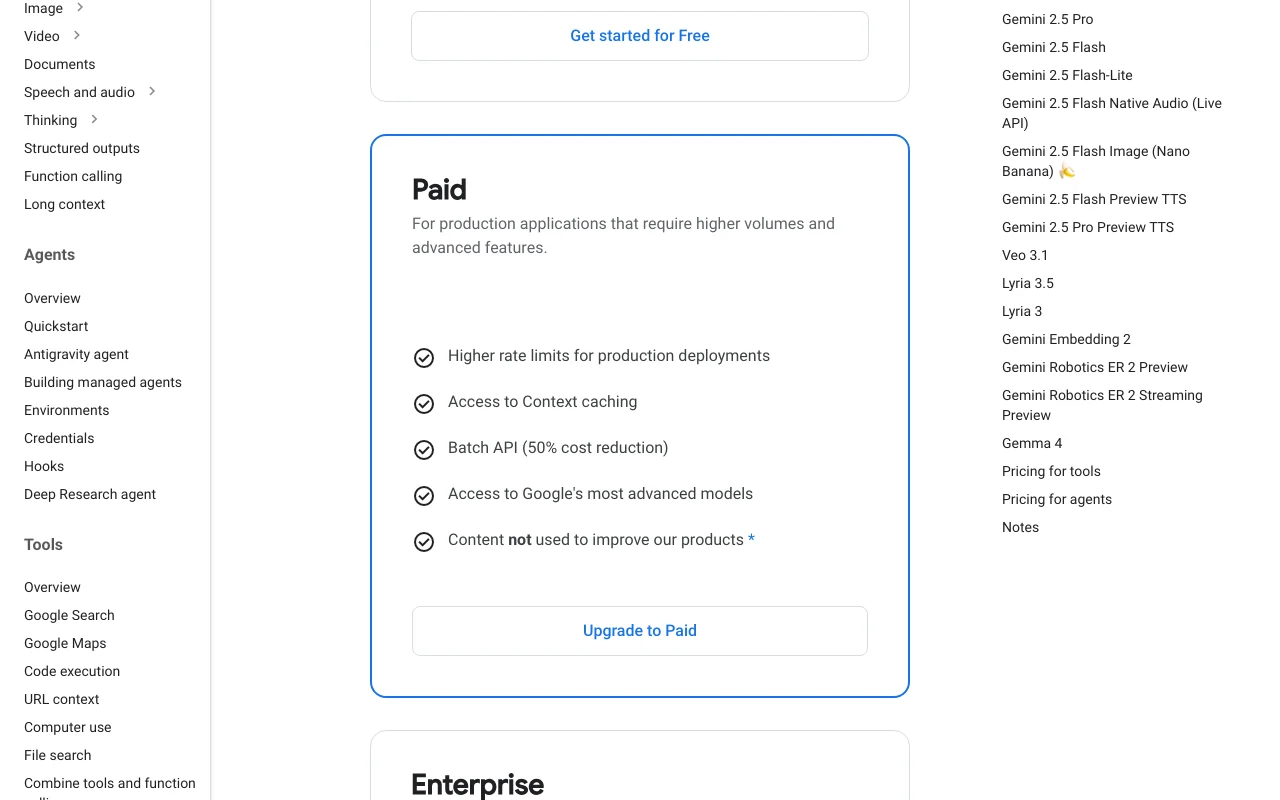
Plan comparison on the official pricing page. ai.google.dev, captured Oct 2, 2026
Google AI Studio has no public API in its official documentation. REST API and gRPC available; rate limits vary by tier (free tier: lower limits, paid tier: higher limits with options for Priority channel) API documentation ↗
Privacy, data use and commercial rights
Summarized from the vendor's current policies; this is not legal advice and a vendor's badge is not an independent audit.
How your inputs and outputs are handled
Free tier: user prompts and outputs may be used to improve Google products. Paid tier: user prompts and outputs are NOT used to improve Google products.
Free tier: content used for product improvement. Paid tier: content not used for training.
Commercial use and plan restrictions
Free tier: commercial use allowed but content may be used for training. Paid tier: commercial use fully supported without training use.
Free tier: content used to improve products. Paid tier: content not used to improve products.
Yes, Google AI Studio offers a free tier with limited model access and free input/output tokens. For higher rate limits, access to advanced models, and content privacy, upgrade to a Paid tier. source (opens in a new tab)
How does pricing work on the Paid tier?
Paid tier uses usage-based pricing per 1 million tokens. For example, Gemini 3.8 Flash costs $0.75 per 1M input tokens and $3.75 per 1M output tokens through Dec 31, 2026; prices increase starting Jan 1, 2027. source (opens in a new tab)
What is included in the Paid tier?
Paid tier includes higher rate limits, access to context caching, Batch API (50% cost reduction), access to all Gemini models including experimental ones, and ensures content is not used to improve Google products. source (opens in a new tab)
Can I use free tier for commercial projects?
Commercial use is allowed on the free tier, but Google may use your content to improve their products. For full confidentiality and no product improvement use, upgrade to a Paid tier. source (opens in a new tab)
Is there an Enterprise tier?
Yes, Google offers an Enterprise tier with all Paid features plus dedicated support, advanced security & compliance, provisioned throughput, volume-based discounts, and ML ops capabilities. Contact Sales for custom pricing. source (opens in a new tab)
Sources and review methodology
Official sources and verification dates
Google AI Studio | Gemini APIhomepage · checked Oct 1, 2026 · AI Studio overview and features, Sign in and API key generation, Prompt gallery access, Build mode description
Gemini Developer API pricingpricing · checked Oct 1, 2026 · Free tier features and limits, Paid tier pricing (Standard, Batch, Flex, Priority channels), Enterprise tier offerings, Grounding with Google Search and Maps pricing, Context caching pricing, Model-specific pricing (Gemini 3.8 Flash, 3.7 Flash, 3.6 Flash)
Not verified: Specific data retention policies; Regional availability outside US; Build mode feature completeness and limitations; Privacy policy detailed terms.
How we documented and maintain this page
Every fact about Google AI Studio above comes from the 2 official pages listed here, last compared on Oct 1, 2026; we have not run Google AI Studio ourselves, so it has no editorial score. How we check and re-check pages.
Article updated Oct 2, 2026; prices checked Oct 1, 2026. Outbound links to vendors are plain links; we do not earn commissions. How we review · Report an error