Our take: Best for engineering teams and data-heavy product teams who want a shared AI that learns from team context and works directly with existing tools.
Main limitation: Usage-based pricing model with no published per-task rates; requires connecting company systems for optimal results
By the AI Tool Atlas editors.
Based on the vendor's official documentation; we have not tested this product hands-on. What “documented overview” means
Is Indent right for you?
Best for engineering teams and data-heavy product teams who want a shared AI that learns from team context and works directly with existing tools. Based on the vendor's documentation, not on a hands-on test.
Best for: Engineering teams
Also a good fit for
Data-heavy product teams
Teams with existing Slack, GitHub, Linear workflows
Organizations wanting shared AI context
Consider another tool if need predictable, seat-based pricing
Or if
Prefer cloud-only without desktop app
Require Windows support (Mac-first product)
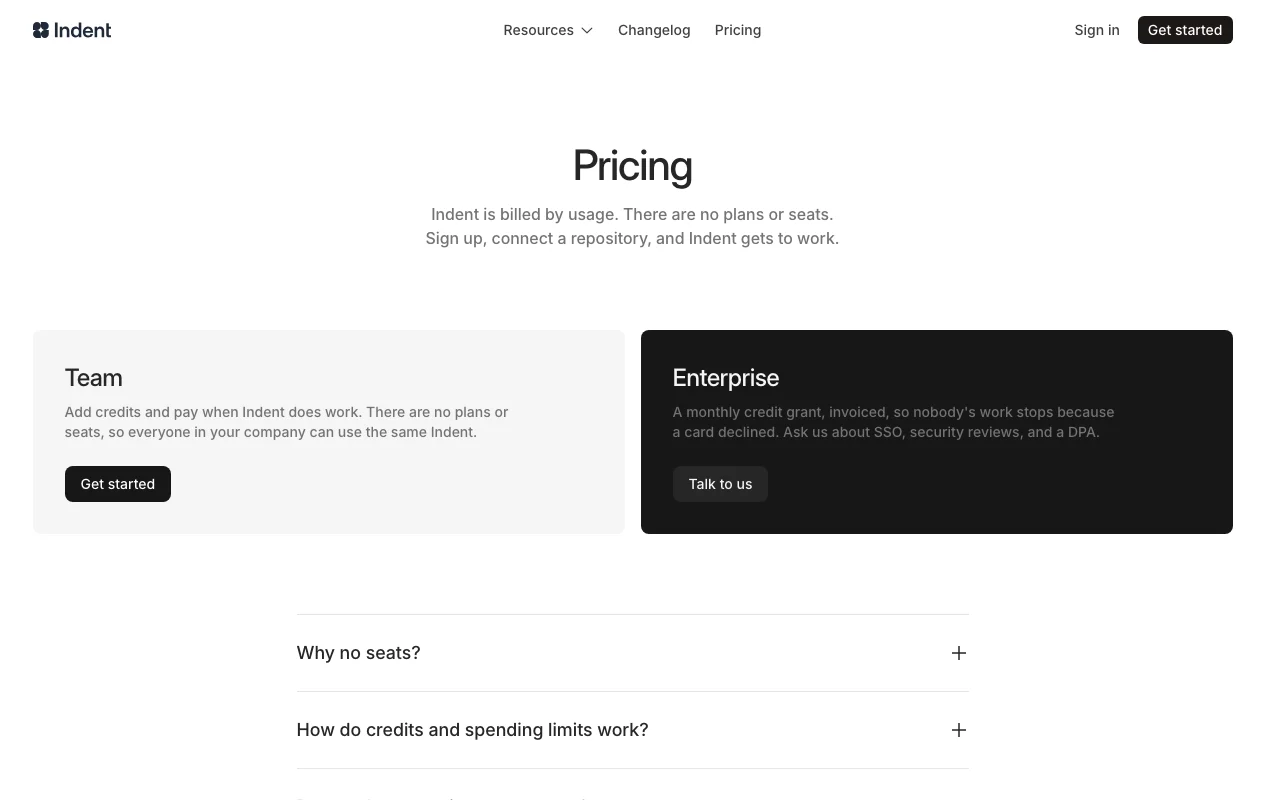
Indent pricing and usage limits
Prices checked Sep 29, 2026 on the official US pricing page. Official pricing ↗ Prices and limits change often.
The official Indent pricing page as we saw it. indent.com, captured Oct 2, 2026
Free access and trial conditions
No free plan mentioned; sign-up required to start and add credits
No trial mentioned; can sign up and set up without adding credits initially
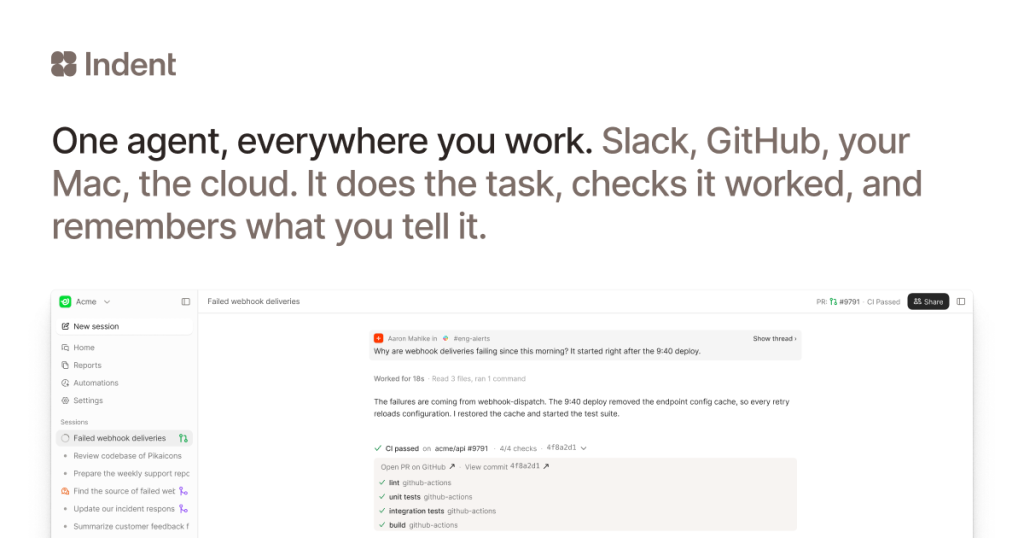
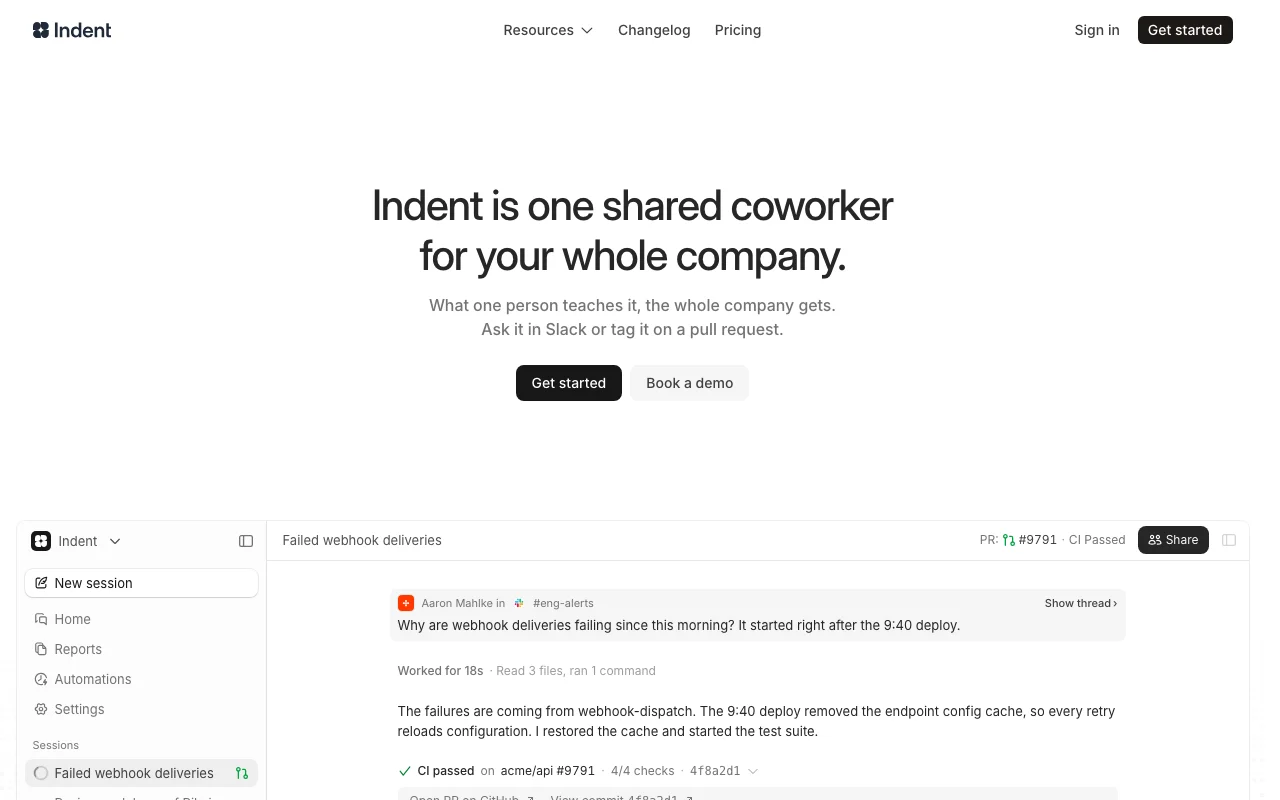
Indent is an AI coworker that works on a real computer with a team's tools: it runs commands, edits code, queries databases, uses a browser and reports how it verified results. It connects to GitHub, Slack, Linear, databases, Datadog, Sentry, Notion, Google Drive and MCP servers. The same shared Indent learns from the entire company, not per-user. It supports automations triggered from Slack, memories of team preferences and skills. Accessed via Slack commands or a native Mac desktop app.
Indent's official site: how the product presents itself. indent.com, captured Oct 2, 2026
What you provide and what you get back
What you give Indent and what comes back, from its documentation
You provide
Slack commands and mentions
GitHub pull request comments
Linear task updates
Database query requests
Manual session start from desktop
You get back
Pull requests with fixes
Code reviews and suggestions
Database analysis and reports
Incident investigation summaries
Slack thread updates
Where you can use it
Platforms
Slack (bot), GitHub (bot/comments), Mac desktop app, Linear (task integration)
Account
Required
Models / versions
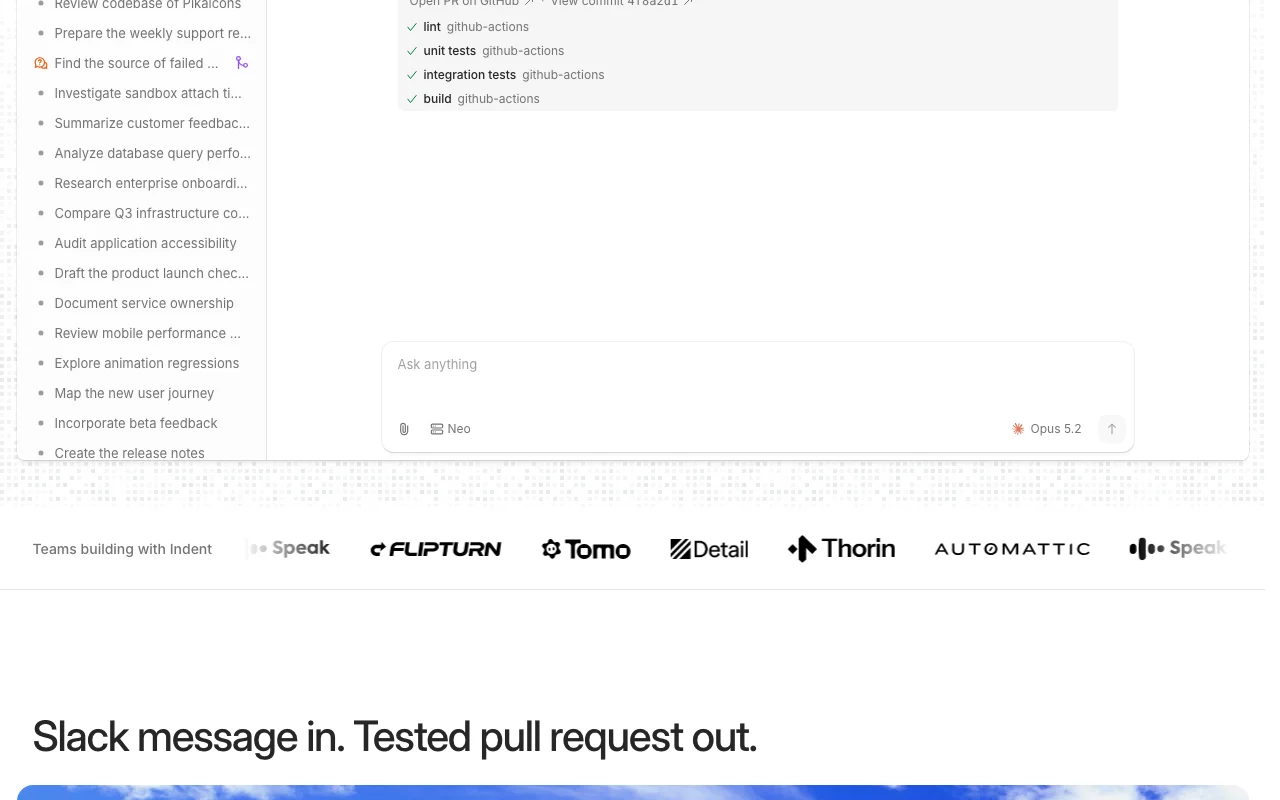
Neo, Opus 5.2 (mentioned)
Usage-based credits; no plans or seats
Per-task/per-session rates not publicly listed; requires account to see actual costs
Slack bot, GitHub bot, Mac desktop app, web interface
Feature overview on the official site. indent.com, captured Oct 2, 2026
Integrations with GitHub, Slack, Linear, Sentry, Datadog
Pull request comments, Slack slash commands, Linear task updates, error tracking, metrics queries Works within existing team tools and workflows
Access: Included in Team and EnterpriseLimit: Each integration requires explicit connection and permissionssource (opens in a new tab)
Database querying and reports
Execute SQL queries (verified before running), analyze query performance, generate reports, provide insights Self-serve analytics without data bottlenecks
Open browser-based work sessions; can visit web applications, test features, screenshot results Automate web-based workflows and testing
Access: Team and EnterpriseLimit: Session-based; cannot authenticate with personal credentialssource (opens in a new tab)
Automations from Slack
Set up recurring tasks triggered from Slack (e.g., weekly reports, daily status checks) Hands-off task execution on schedule
Access: Team and Enterprise (likely)Limit: Limited automation details in public docssource (opens in a new tab)
Pros, cons and deal-breakers
Where Indent is strong
Works inside Slack and Linear No context switch; engineers interact with Indent where they already workdocumentedsource (opens in a new tab)
Broad integration list in official docs Supports major tools: GitHub, databases, Datadog, Sentry, Notion, Google, MCP serversdocumentedsource (opens in a new tab)
Multiplayer sessions Multiple team members can collaborate on same Indent task in real-timedocumentedsource (opens in a new tab)
Shared coworker for entire company All team members access same learned context and skills; no per-seat licensingdocumentedsource (opens in a new tab)
Limitations to check before paying
No public pricing found Unknown cost per task or usage pattern; requires sign-up to see costsdocumentedsource (opens in a new tab)
Requires connecting company systems for best results Setup friction; requires database, tool access configurationdocumentedsource (opens in a new tab)
Homepage says to start on Mac Mac-first product; Linux/Windows support uncleardocumentedsource (opens in a new tab)
Limited public documentation Few details on API, features, limits; docs page not availabledocumentedsource (opens in a new tab)
How to use Indent for using Indent to fix a bug and open a pull request
Set up Indent
Visit indent.com and sign up (Google, Microsoft, or GitHub login)
Download Mac app or authorize Slack bot
Connect GitHub repository (grant permissions)
Optionally: connect Datadog, databases, or other tools
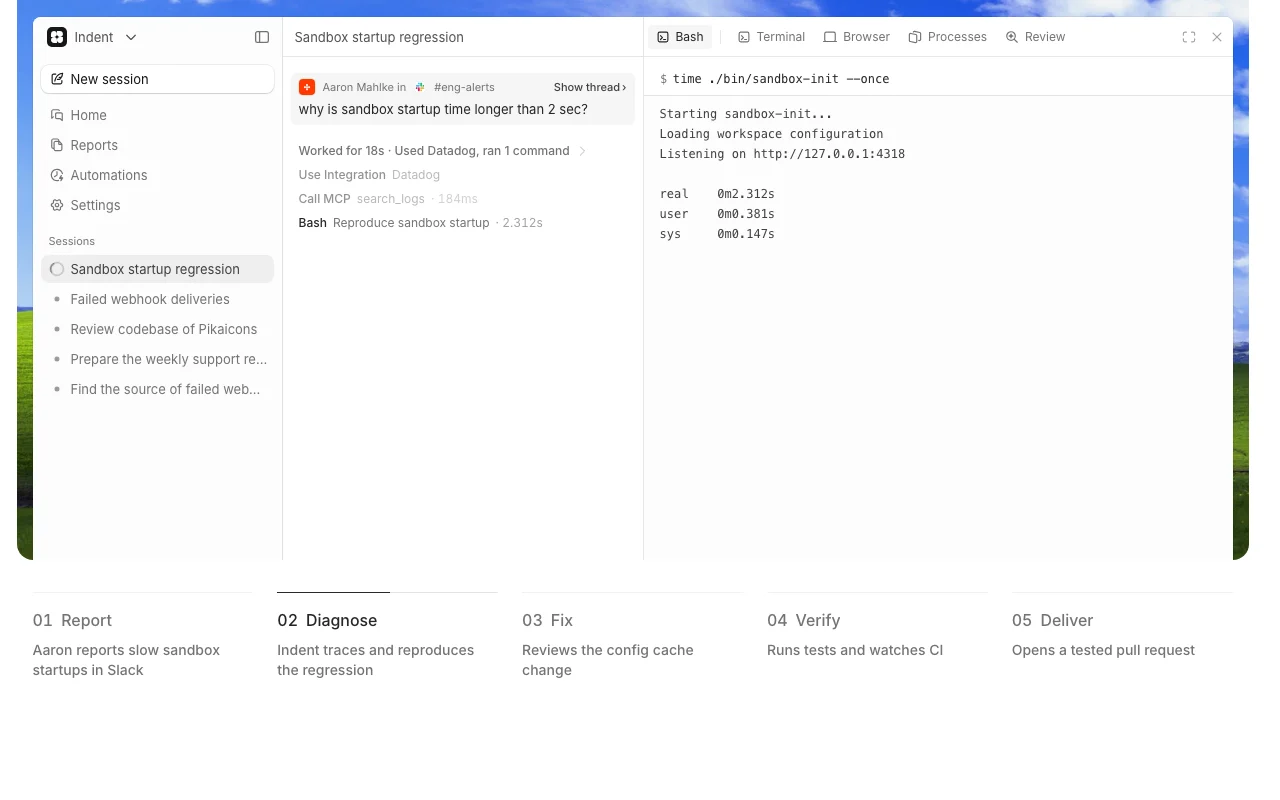
Example: using Indent to fix a bug and open a pull request
In Slack: '@indent why is sandbox startup time longer than 2 sec?'
Indent diagnoses the issue: reviews logs in Datadog, checks codebase
Indent finds root cause: config cache removed in 09:40 deploy
Indent fixes code: edits sandbox/init.ts with 18-4 changes
Indent verifies: runs test suite (4.2s, all pass)
Indent opens PR: #9791 'Cache sandbox config on startup' ready to merge
Review and export the result
Slack integration shows @indent responds to commands
GitHub integration shows Indent can read repo and create PRs
How is Indent different from other AI coding tools?
Indent is a shared coworker for the entire company, not per-user. What one person teaches it, the whole company gets. It learns your code, team preferences, and workflows. Other tools are per-user and don't share learned context across teams. source (opens in a new tab)
Why no seats or plans?
A seat pays for a copy of software. Indent has no copies—everyone in the company uses the same one. Adding a person costs nothing. You pay when Indent does work. source (opens in a new tab)
How do credits and spending limits work?
Nothing is charged until you add credits. Indent learns about your company, and learning is retained. Admins can set a monthly spending limit; when reached, work pauses until someone raises it. No automatic overage charges. source (opens in a new tab)
Do you offer enterprise agreements?
Yes. We grant a monthly credit allowance and invoice it, so finance gets one bill instead of card top-ups. SSO and a DPA are available. Book a demo to set it up. source (opens in a new tab)
Not verified: Specific per-task or per-session credit costs (not published); Typical monthly cost for different team sizes; Linux/Windows desktop support (Mac-primary product); Full API documentation and endpoints; SLA and uptime guarantees.
How we documented and maintain this page
Every fact about Indent above comes from the 3 official pages listed here, last compared on Sep 29, 2026; we have not run Indent ourselves, so it has no editorial score. How we check and re-check pages.
Article updated Oct 10, 2026; prices checked Sep 29, 2026. Outbound links to vendors are plain links; we do not earn commissions. How we review · Report an error