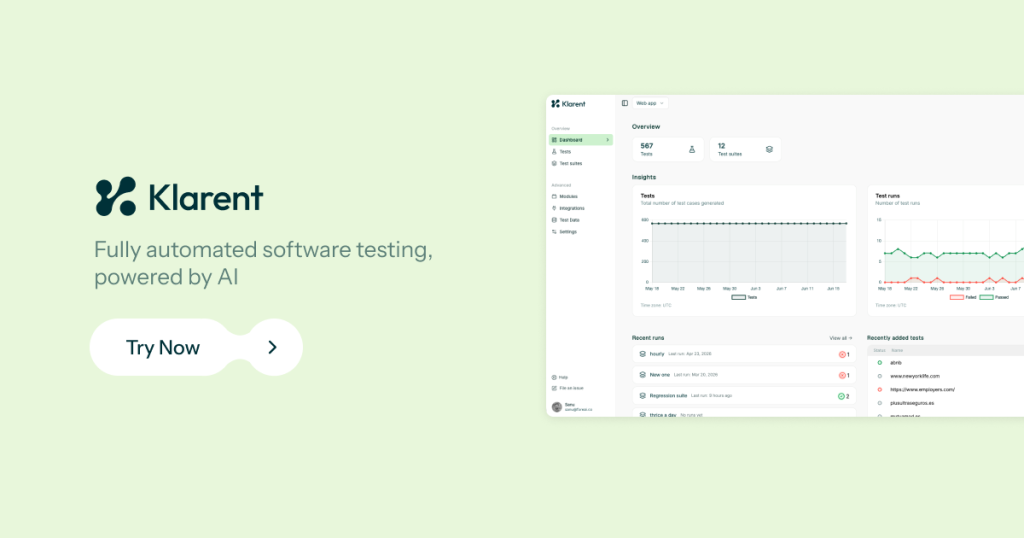
Our take: Klarent automates test generation and maintenance across web and mobile apps using AI, enabling QA teams to reduce manual testing effort and maintain large test suites without manual script rewrites.
Main limitation: No public pricing; annual license via sales only
By the AI Tool Atlas editors.
Based on the vendor's official documentation; we have not tested this product hands-on. What “documented overview” means
Who Klarent fits
Klarent automates test generation and maintenance across web and mobile apps using AI, enabling QA teams to reduce manual testing effort and maintain large test suites without manual script rewrites. Based on the vendor's documentation, not on a hands-on test.
Best for: QA teams
Also a good fit for
Engineering teams shipping web and mobile apps
Enterprises in regulated industries
Consider another tool if no public pricing; annual license via sales only
Or if
Requires booking a demo or contacting sales
Aimed at teams rather than individuals
Klarent pricing and usage limits
Prices checked Oct 1, 2026 on the official US pricing page. Official pricing ↗ Prices and limits change often.
Additional cloud mobile device usage may incur costs
What is Klarent, and how does it work?
Klarent is an AI-powered testing platform from Fore AI. It discovers test scenarios from a URL, PRD, Jira ticket or Figma link, generates automated tests, runs them and maintains them over time.
The web app (app.klarent.ai) is built on Playwright and supports cross-browser runs, cloud mobile devices, test management, self-healing and CI/CD triggers. Pricing is an annual license based on usage and is arranged through sales.
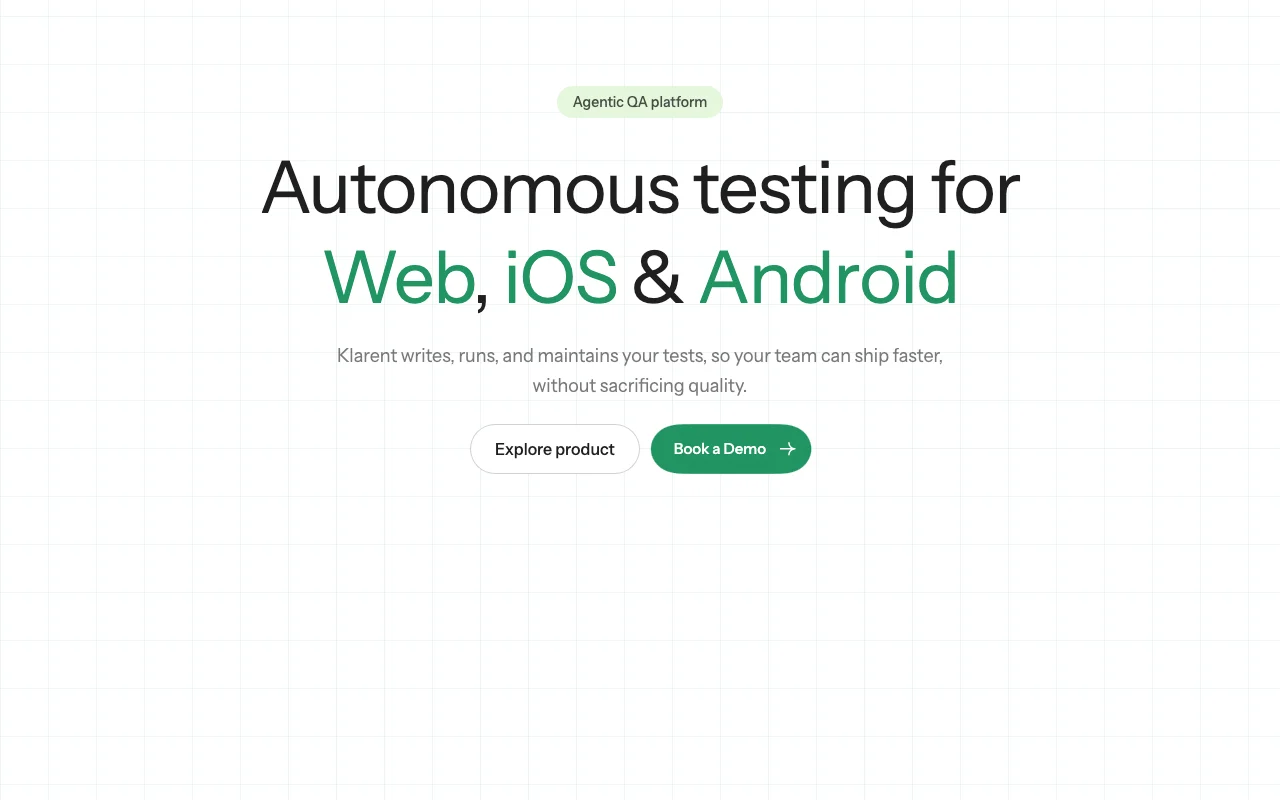
Klarent's official site: how the product presents itself. klarent.ai, captured Oct 1, 2026
What you provide and what you get back
What you give Klarent and what comes back, from its documentation
You provide
URLs, PRDs, Jira tickets, or Figma links for test discovery
Natural-language test descriptions
Existing manual test cases to convert to automated
CI/CD pipeline configuration
You get back
Automatically generated test cases in Playwright
Test execution results with pass/fail status
Screenshots and logs from failed tests
Self-healing suggestions and diffs for UI changes
Where you can use it
Platforms
Web
Account
Required
Chrome, Firefox, Safari, Edge via Playwright
iOS and Android on cloud devices
No-code; AI-generated from URLs, PRDs, Jira, Figma
Automatic detection and proposed fixes for UI changes
Feature overview on the official site. klarent.ai, captured Oct 1, 2026
AI test discovery from URLs, PRDs, Jira and Figma
Analyzes requirements and interfaces to surface relevant test scenarios automatically Eliminates manual test case design and brainstorming for edge cases
Access: Web app (app.klarent.ai); paste URLs or links directlyLimit: Discovery quality varies with document or design claritysource (opens in a new tab)
No-code test generation built on Playwright
Converts natural language or discovered scenarios into executable Playwright tests QA teams ship tests without scripting knowledge
Access: Automatically after scenario acceptanceLimit: Advanced custom logic may require Playwright codesource (opens in a new tab)
Cross-browser runs on Chrome, Firefox, Safari and Edge
Executes tests in parallel across multiple browsers and viewport sizes Catches browser-specific bugs and responsive design issues
Access: Test suite settings; run on demand or scheduledLimit: Parallel execution speed depends on available cloud capacitysource (opens in a new tab)
Self-healing tests
Detects test failures from UI changes and proposes fixes with visual diffs Reduces flakiness from minor CSS or layout updates
Access: Automatic on test failure; review and approve diffsLimit: Healing requires human review before applying changessource (opens in a new tab)
Pros, cons and deal-breakers
Reasons to choose Klarent
Covers web and mobile apps in one platform Teams using Klarent do not need separate tools for web and native app testingdocumentedsource (opens in a new tab)
No coding required to create tests Non-technical QA staff can generate and maintain test suitesdocumentedsource (opens in a new tab)
Integrates with major CI/CD systems Tests run automatically in deployment pipelines without manual setupdocumentedsource (opens in a new tab)
SSO via SAML supported Enterprise teams can manage access through existing identity providersdocumentedsource (opens in a new tab)
Self-healing proposes a fix when a UI change breaks a test and shows a step-by-step diff before applying it Locator changes can be repaired without rewriting scripts, while a person still approves the change.documentedsource (opens in a new tab)
Check before paying for Klarent
No public pricing; annual license via sales Teams must commit to lengthy sales and contracting process before knowing costdocumentedsource (opens in a new tab)
Requires booking a demo or contacting sales No self-serve trial or quick evaluation pathdocumentedsource (opens in a new tab)
Aimed at teams rather than individuals Not suitable for freelancers or solo developersdocumentedsource (opens in a new tab)
Pricing page returned HTTP 404 and tests run from a sales-led platform Per-test or per-run costs cannot be estimated before a demo.documentedsource (opens in a new tab)
How to use Klarent for setting up automated testing for a web or mobile app with Klarent
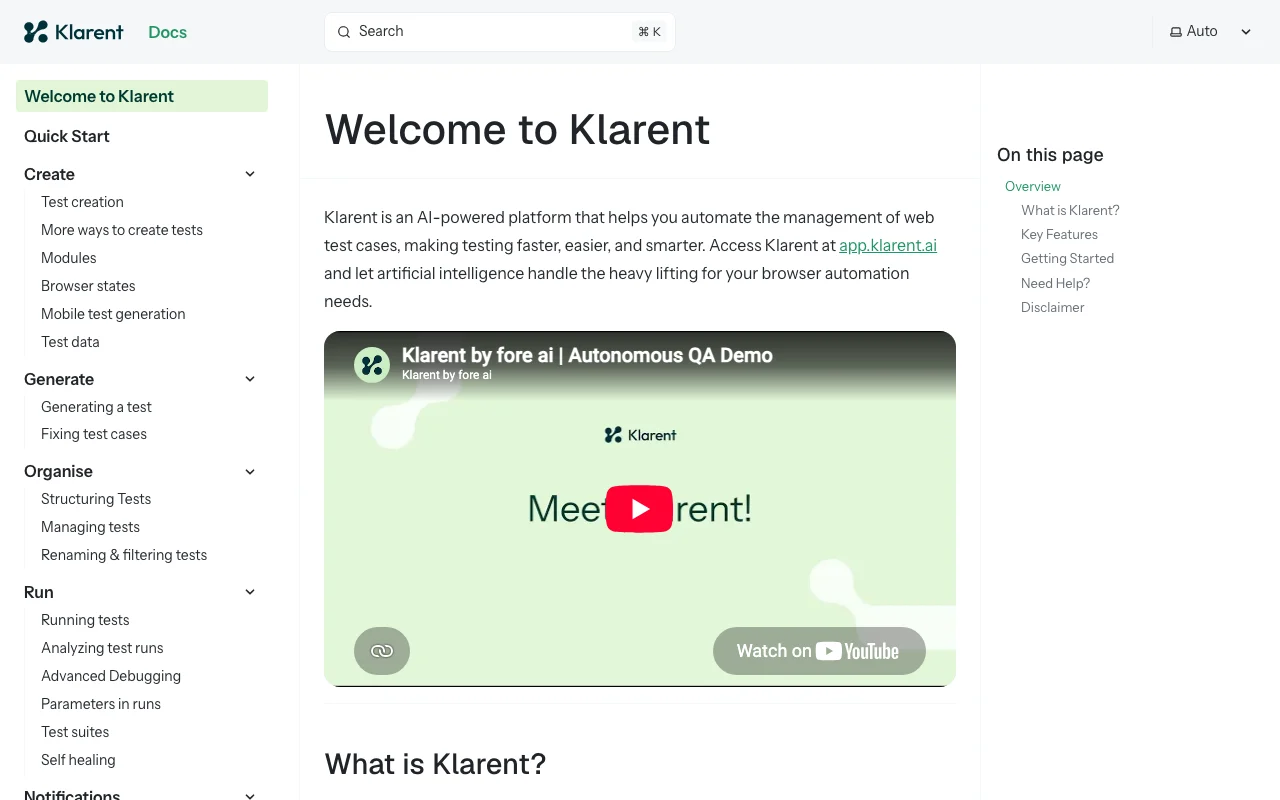
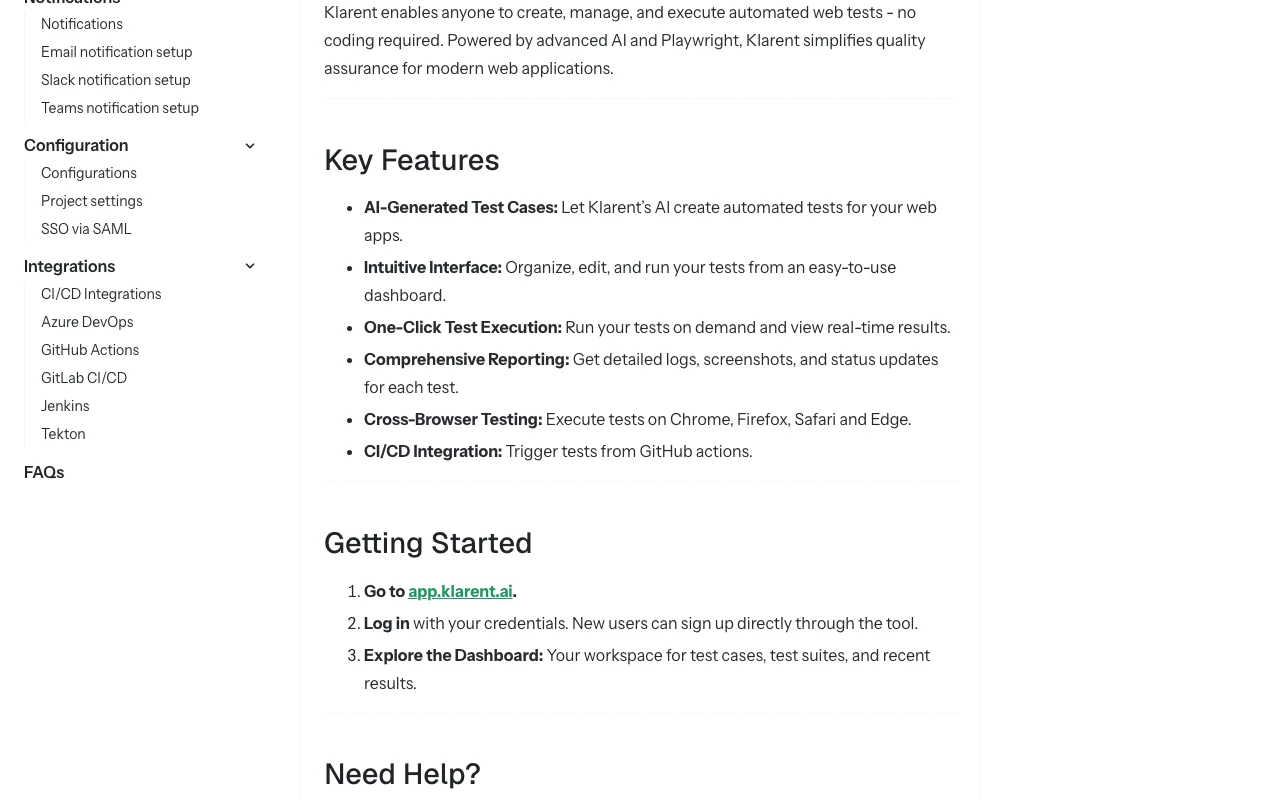
Klarent documentation: where the steps below come from. klarent.ai, captured Oct 1, 2026
Klarent supports web applications (tested in Chrome, Firefox, Safari, Edge via Playwright), iOS apps, and Android apps. Desktop applications are not currently supported. source (opens in a new tab)
Can Klarent convert existing manual tests to automated tests?
Yes. You can upload existing test cases or test documentation, and Klarent's AI will convert them into executable Playwright tests, reducing manual migration effort. source (opens in a new tab)
How does self-healing work?
When a test fails due to UI changes (e.g., a button moved), Klarent detects the failure, analyzes the difference, and proposes a fix with a visual diff. You review and approve the change before it applies to your test suite. source (opens in a new tab)
Is there a free trial?
Klarent offers a demo and trial upon request. Contact sales to schedule a demo and discuss trial terms; no self-serve evaluation is available. source (opens in a new tab)
How does Klarent's test discovery work with PRDs and Figma designs?
You can paste a link to a PRD document, Jira ticket, or Figma design, and Klarent's AI engine analyzes it to surface relevant test scenarios, reducing the need for manual test case brainstorming. source (opens in a new tab)
Not verified: Exact pricing (requires sales contact); Privacy policy details (404); API availability for custom integrations; Supported design tools beyond Figma; Trial duration and terms.
How we documented and maintain this page
Every fact about Klarent above comes from the 2 official pages listed here, last compared on Oct 1, 2026; we have not run Klarent ourselves, so it has no editorial score. How we check and re-check pages.
Article updated Oct 10, 2026; prices checked Oct 1, 2026. Outbound links to vendors are plain links; we do not earn commissions. How we review · Report an error