CodingDocumented overviewLast checked Oct 1, 2026

marimo: Pricing, Features & Best Use Cases

Open-source reactive Python notebook that can be deployed as apps or scripts.
Is marimo right for you?

Choose marimo if you work in Python and want notebooks that are reactive, stored as plain .py files, and shareable as apps or scripts. Based on the vendor's documentation, not on a hands-on test.

Best for: Python data scientists

Also a good fit for

  • Researchers
  • Educators

Consider another tool if requires Python knowledge

Or if

  • Pricing for molab not confirmed (marimo.io/pricing returns 404)
  • Different execution model from Jupyter

marimo pricing and usage limits

Prices checked Oct 1, 2026 on the official US pricing page. Official pricing ↗ Prices and limits change often.

Free access and trial conditions

Homepage states marimo is all open source

Paid plans: what changes as you upgrade

Open source Local

Free source (opens in a new tab)

Unknown

For: Python users

Includes

  • Reactive notebooks
  • Run as scripts or apps
2 more
  • SQL cells
  • AI assistance (needs configuration)

Usage caps, credits and extra costs

molab cloud notebook pricing not published; pricing page returned 404

What is marimo, and how does it work?

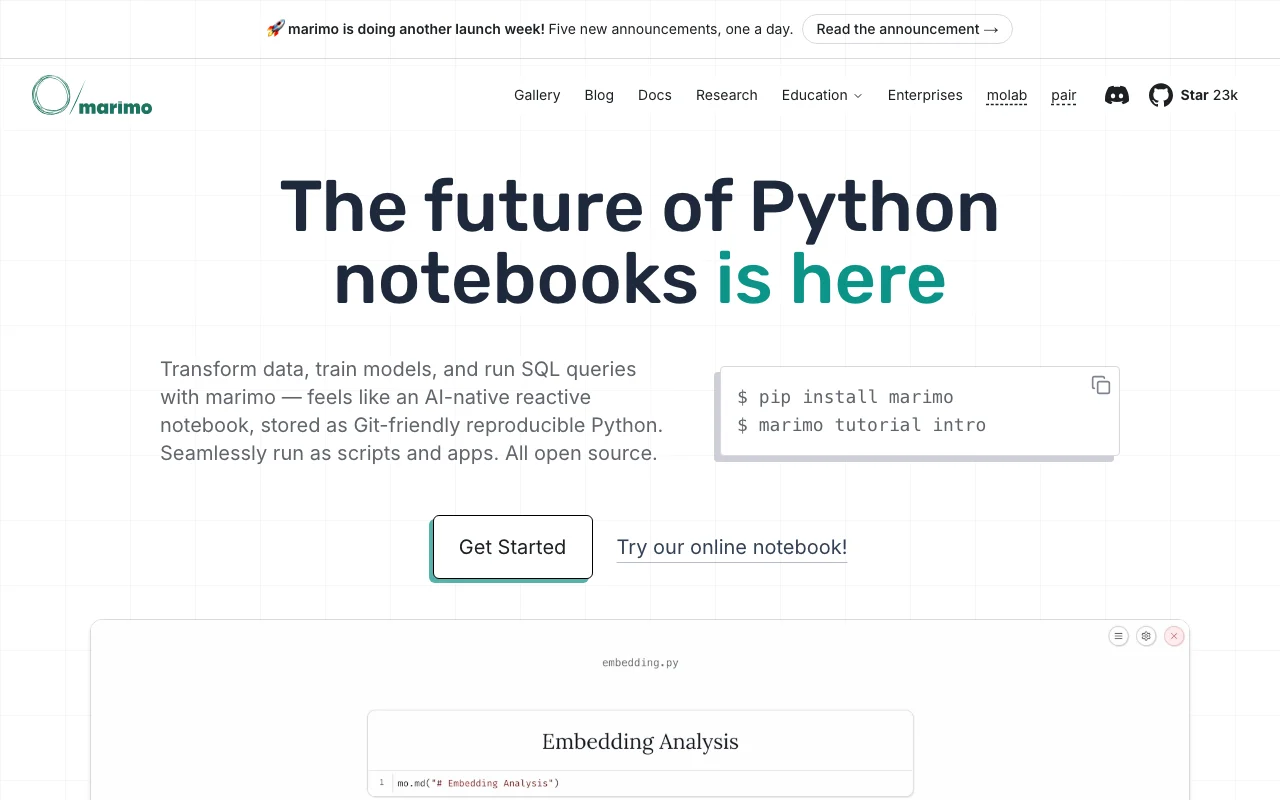
marimo is a reactive Python notebook stored as git-friendly Python files. Notebooks can run as web apps, scripts or in the browser via WASM. The team also offers molab, a cloud notebook service, and documentation covering AI-assisted editing.

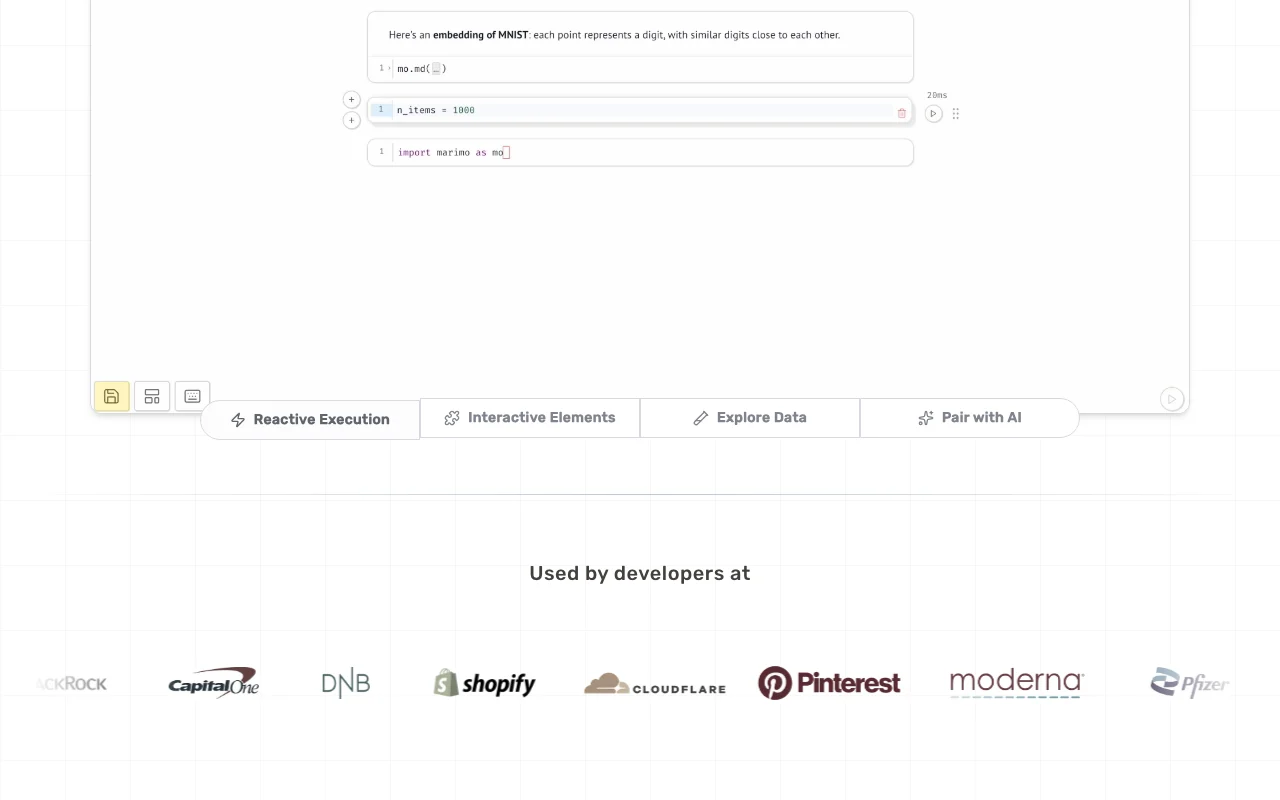
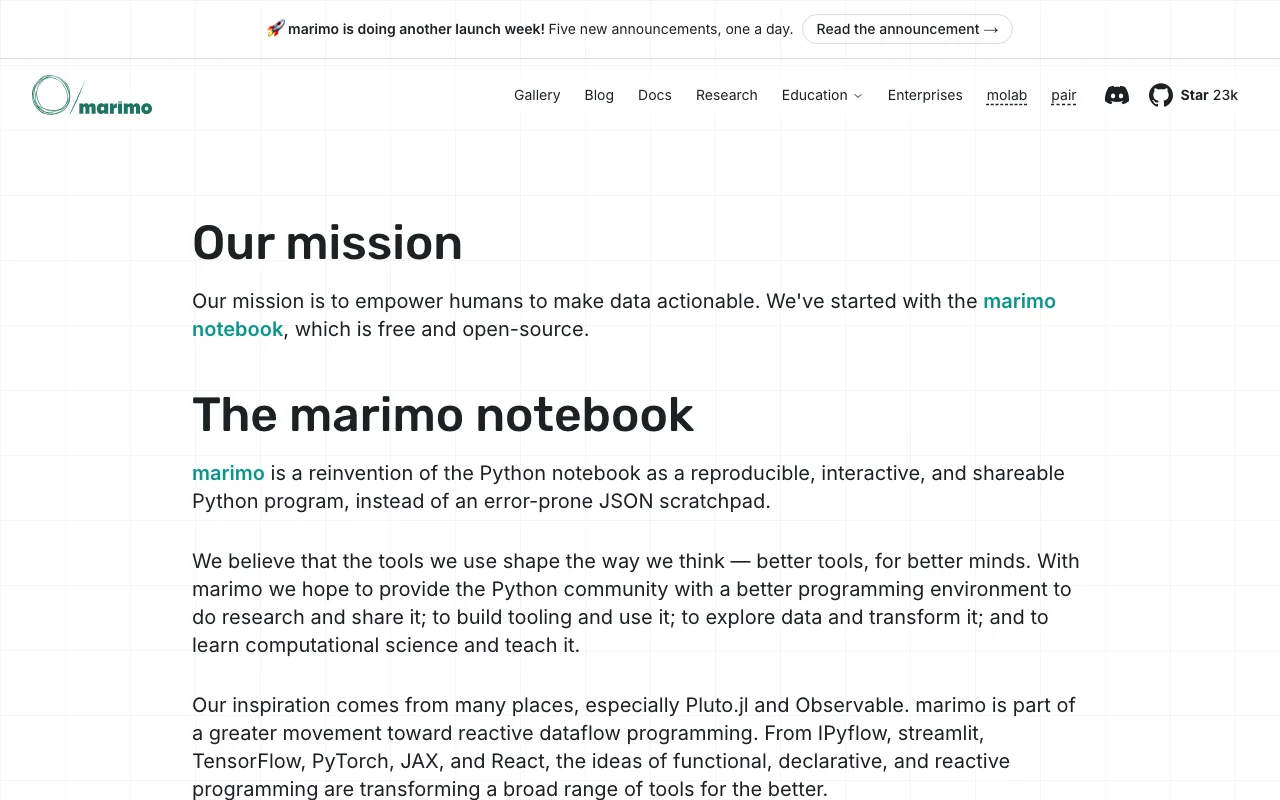
marimo homepage — screenshot of the coding AI tool, Oct 2, 2026
marimo's official site: how the product presents itself. marimo.io, captured Oct 2, 2026

What you provide and what you get back

How marimo works: what you provide, where it runs and what you get backYOU PROVIDEYour inputPython codeSQL queriesDataframes and databasesCODINGmarimoWebfree tier, paid price not publish…free tier availableaccount requiredchecked Oct 1, 2026YOU GET BACKThe resultInteractive notebooksWeb appsPython scriptsWebAssembly HTML exportsinput → marimo → output · from the vendor's own pages, no hands-on test unless stated
What you give marimo and what comes back, from its documentation

You provide

  • Python code
  • SQL queries
  • Dataframes and databases

You get back

  • Interactive notebooks
  • Web apps
  • Python scripts
  • WebAssembly HTML exports

Where you can use it

Platforms
Web
Account
Required
Language
Python with SQL cells
File format
.py
Editors
Web editor, VS Code extension, CLI
Cloud
molab (pricing not confirmed)

Best use cases for marimo

Scenarios are worked out by our editors from the documentation; the actual result depends on your input and plan.

Data exploration

Who
Python data scientists and analysts
You provide
Data, Python and SQL cells with sliders and tables
Expected result
Notebook whose dependent cells update automatically
Plan needed
Open source
Limitation
Different execution model from Jupyter source (opens in a new tab)

Interactive data apps

Who
Developers sharing results
You provide
A finished notebook
Expected result
Web app or WebAssembly HTML page
Plan needed
Open source
Limitation
Hosting options beyond export are not priced on the page source (opens in a new tab)

Reproducible research

Who
Researchers and educators
You provide
Notebook with pinned package requirements
Expected result
Reproducible notebook run in deterministic order
Plan needed
Open source
Limitation
Requires Python skills source (opens in a new tab)

Key features and their practical limits

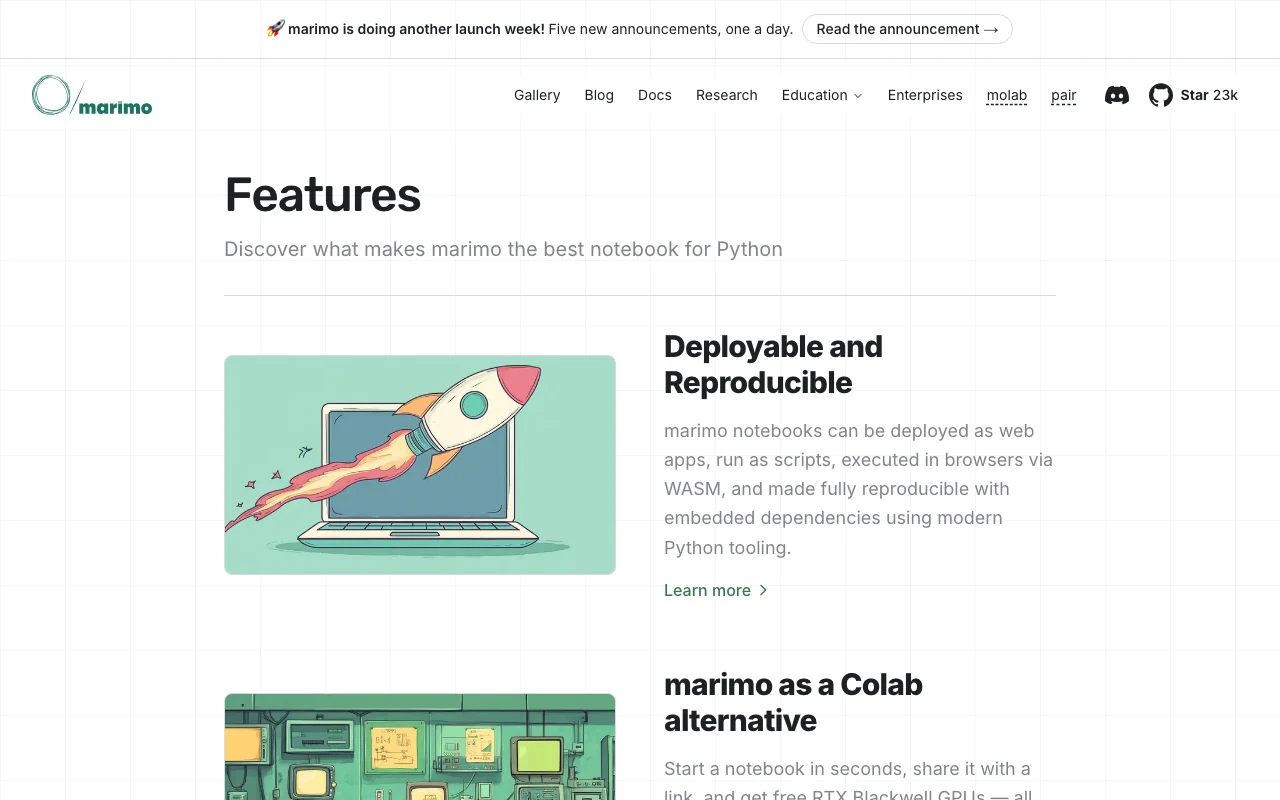
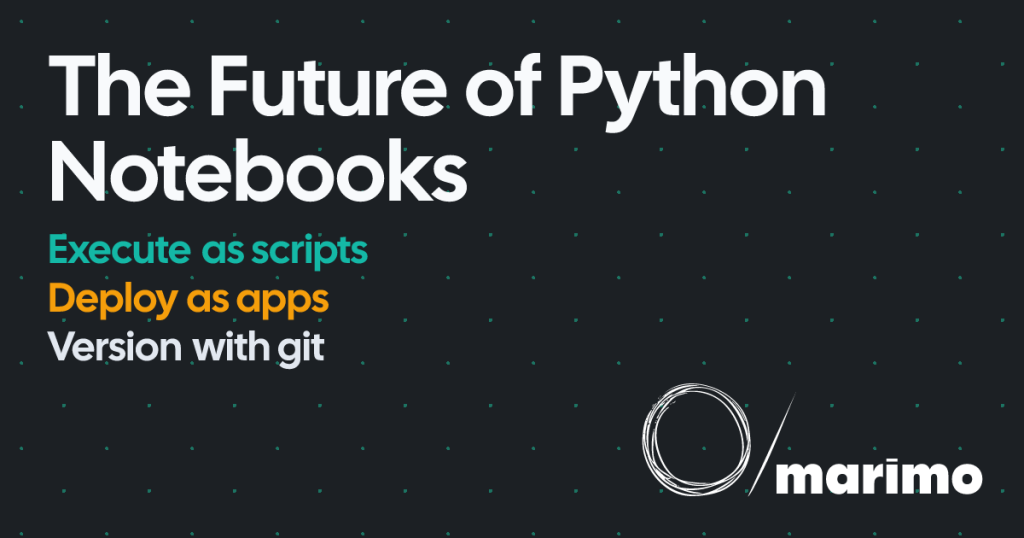
marimo homepage — screenshot of the coding AI tool, Oct 2, 2026
Feature overview on the official site. marimo.io, captured Oct 2, 2026

Reactive cell execution

Runs affected cells automatically when a cell changes Removes hidden notebook state

Access: Open source editorLimit: Expensive notebooks can be set to mark outputs stale instead source (opens in a new tab)

Git-friendly Python storage

Stores notebooks as pure Python .py files Works with Git, PyTest and modules

Access: Open sourceLimit: Not the .ipynb format; migration needed from Jupyter source (opens in a new tab)

Deploy as app or script

Serves notebooks as web apps or runs them as scripts via the CLI Turns analysis into an app or pipeline step

Access: CLILimit: Deployment hosting not detailed on fetched pages source (opens in a new tab)

WASM in-browser runs

Exports notebooks to WebAssembly-powered HTML Shares interactive notebooks without a server

Access: ExportLimit: Browser runtime constraints not documented in fetched text source (opens in a new tab)

Pros, cons and deal-breakers

Where marimo is strong

Limitations to check before paying

How to use marimo for building a reactive Python notebook

Set up marimo

  1. Install marimo with Python (see docs.marimo.io)
  2. Create a notebook with the marimo CLI
  3. Add Python or SQL cells
  4. Optionally configure an AI model for assistance

Example: building a reactive Python notebook

  1. Add a slider element in one cell
  2. Use its value in a plot cell
  3. Move the slider and watch dependent cells rerun
  4. Serve the notebook as an app with the CLI

Review and export the result

  1. Confirm dependent cells update after an edit
  2. Run the file as a plain Python script

marimo integrations

Native integrations and export formats

Export: Python .py, WebAssembly HTML

Privacy, data use and commercial rights

Summarized from the vendor's current policies; this is not legal advice and a vendor's badge is not an independent audit.

How your inputs and outputs are handled

Notebooks are local .py files when run locally; molab handling not documented

Best marimo alternatives for different needs

"Better suited" is based on documented features and pricing, not on a head-to-head test.

Replit: better suited to

Alternatives
AlternativeWhen to choose itPricingLimitation
Replit——Compare

Explore marimo further

Tools and guides near marimo

marimo user reviews

No user reviews yet.

Used marimo? Be the first to share your experience.

Write a review

Reviews are checked by a moderator before they appear. Your email is never published. Plain text only.

Your rating (required)

Show what you made or what went wrong. Images are published only if the review is approved; location data is removed.

    marimo FAQ

    Is marimo free?

    The homepage says it is all open source; a pricing page was not available. source (opens in a new tab)

    How is marimo different from Jupyter?

    Cells are reactive and notebooks are stored as Git-friendly Python files with no hidden state. source (opens in a new tab)

    Can I share a notebook as an app?

    Yes: export to WebAssembly HTML or serve it as a web app with the marimo CLI. source (opens in a new tab)

    Does marimo support SQL?

    Yes, with built-in SQL cells over dataframes and databases such as DuckDB, SQLite and Postgres. source (opens in a new tab)

    Does it include AI features?

    Yes: AI assistance, inline edits, chat and marimo pair for agents, with any hosted or local model. source (opens in a new tab)

    Sources and review methodology

    Official sources and verification dates

    Not verified: Pricing for molab; Privacy policy and data retention; License name; Docs details.

    How we documented and maintain this page

    Every fact about marimo above comes from the 3 official pages listed here, last compared on Oct 1, 2026; we have not run marimo ourselves, so it has no editorial score. How we check and re-check pages.

    Article updated Oct 2, 2026; prices checked Oct 1, 2026. Outbound links to vendors are plain links; we do not earn commissions. How we review · Report an error