CodingDocumented overviewLast checked Oct 1, 2026

Modeinspect: Pricing, Features & Best Use Cases

AI design canvas that turns your product codebase into editable frames and ships changes as merge-ready pull requests.

Is Modeinspect right for you?

Modeinspect is a good fit for design engineers who want to edit real product screens on a canvas tied to their codebase and ship the result as pull requests, free on Hobby or $20 per person on Pro. Based on the vendor's documentation, not on a hands-on test.

Best for: Design engineers

Also a good fit for

  • Product designers working in code-based teams
  • Teams replacing throwaway mockups

Consider another tool if hobby plan has monthly agent limits

Or if

  • Requires connecting a code repository
  • Optimized for larger screens; not intended for phones

Modeinspect pricing and usage limits

Prices checked Oct 1, 2026 on the official US pricing page. Official pricing ↗ Prices and limits change often.

Vendor pricing page re-checked automatically 11 days ago: no changes detected.

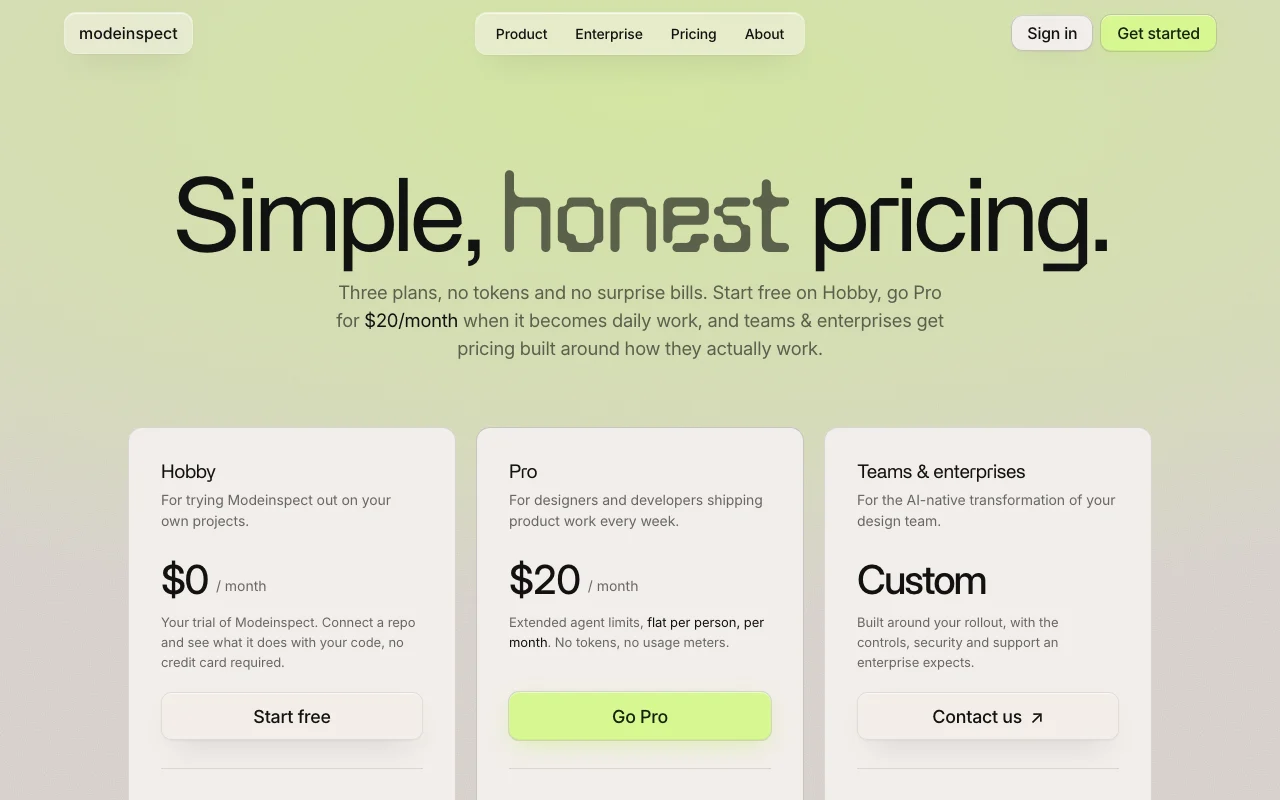
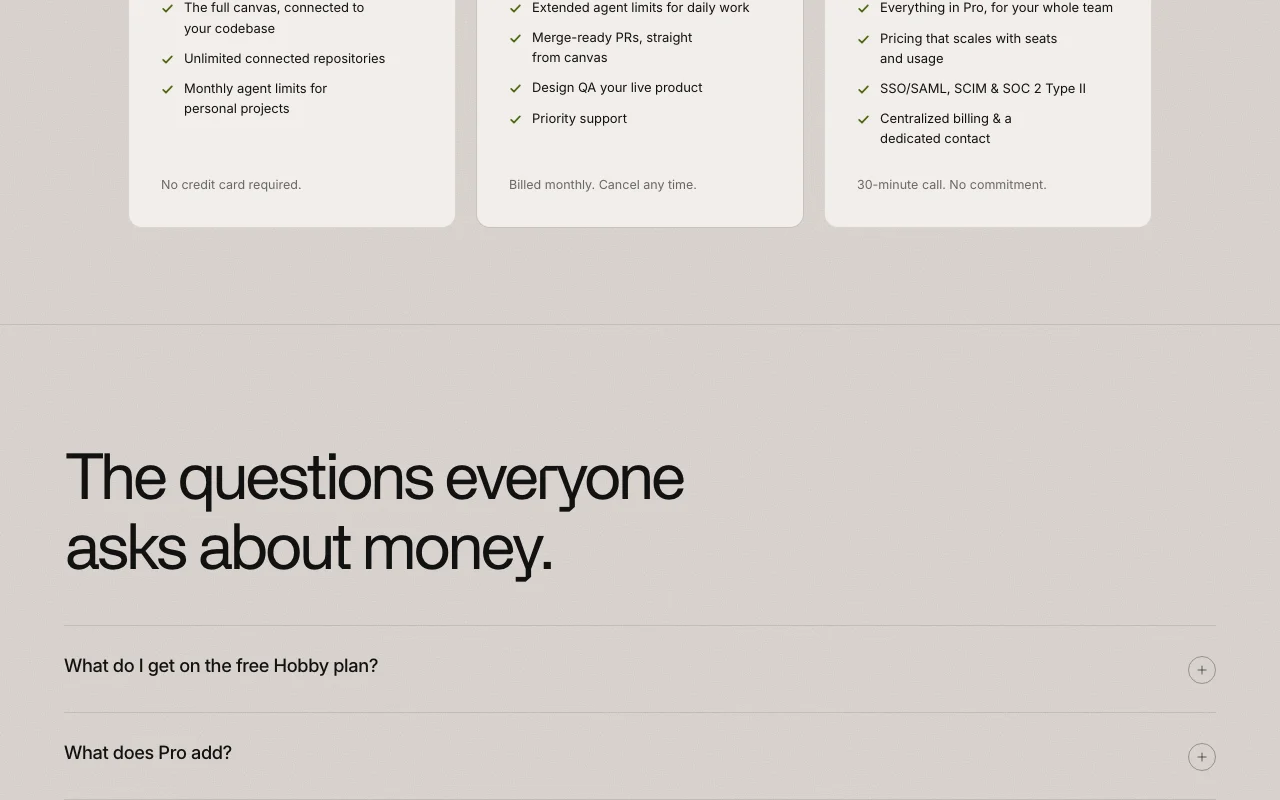
Modeinspect pricing page with plans and prices — screenshot of the coding AI tool, Oct 1, 2026
The official Modeinspect pricing page as we saw it. modeinspect.com, captured Oct 1, 2026

Free access and trial conditions

Hobby plan is free with no card

No separate trial

Paid plans: what changes as you upgrade

Hobby Web

Free source (opens in a new tab)

Month, annual commitment

For: Trying it on your own projects

Limits

  • Monthly agent limits for personal projects
  • Limits reset at the start of each month

Includes

  • Full canvas connected to your codebase
  • Unlimited connected repositories
1 more
  • No credit card required

Pro Web

$20/mo source (opens in a new tab)

Month, annual commitment

Billed monthly; cancel any time

For: Weekly product design work

Limits

  • Extended agent limits
  • No tokens or usage meters

Includes

  • Merge-ready PRs from the canvas
  • Design QA on your live product
1 more
  • Priority support

Teams & enterprises Web

Custom pricing source (opens in a new tab)

Unknown, annual commitment

For: Whole design teams

Includes

  • SSO/SAML, SCIM and SOC 2 Type II
  • Centralized billing
1 more
  • Dedicated contact

Usage caps, credits and extra costs

None; Pro is flat with no token metering

unknown

What is Modeinspect, and how does it work?

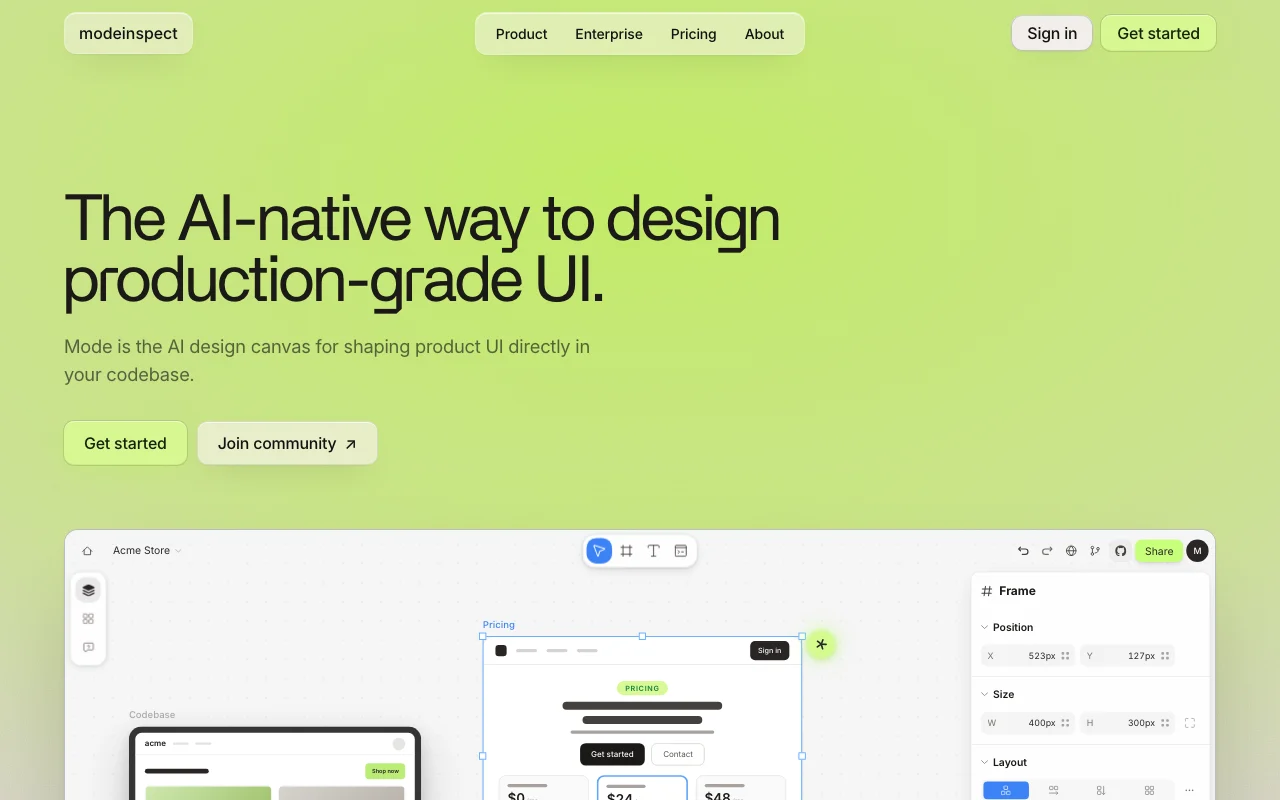
Modeinspect (Mode) is a visual design canvas that sits on top of a real codebase. Designers and design engineers connect a repository, capture live product screens onto the canvas, and edit them with familiar layout and style controls while using the product's actual components, tokens and data. AI is used to explore variants, restyle sections or adjust copy. Changes are written back into the codebase within existing conventions and delivered as scoped, type-safe pull requests. Plans are Hobby (free), Pro at $20 per person per month and custom Teams & enterprises.

Modeinspect homepage — screenshot of the coding AI tool, Oct 1, 2026
Modeinspect's official site: how the product presents itself. modeinspect.com, captured Oct 1, 2026

What you provide and what you get back

How Modeinspect works: what you provide, where it runs and what you get backYOU PROVIDEYour inputConnected code repositoryLive product screens captured to…Design edits and AI instructionsCODINGModeinspectWebfrom $20/mo (Pro)free tier availableaccount requiredchecked Oct 1, 2026YOU GET BACKThe resultEditable canvas framesAI-generated variantsScoped type-safe pull requestsinput → Modeinspect → output · from the vendor's own pages, no hands-on test unless stated
What you give Modeinspect and what comes back, from its documentation

You provide

  • Connected code repository
  • Live product screens captured to the canvas
  • Design edits and AI instructions

You get back

  • Editable canvas frames
  • AI-generated variants
  • Scoped type-safe pull requests

Where you can use it

Platforms
Web
Account
Required

What people use Modeinspect for

Scenarios are worked out by our editors from the documentation; the actual result depends on your input and plan.

Designing UI changes directly against production components

Who
Design engineers
You provide
Connected repo and a product screen
Expected result
Edited UI written back as a pull request
Plan needed
Pro
Limitation
PR delivery is a Pro feature source (opens in a new tab)

Exploring design variants with AI on real screens

Who
Product designers
You provide
Existing screen on the canvas
Expected result
AI-explored variants using real components
Plan needed
Hobby
Limitation
Monthly agent limits on Hobby source (opens in a new tab)

Prototyping responsive layouts across breakpoints

Who
Front-end teams
You provide
Frames at mobile, tablet and desktop breakpoints
Expected result
Responsive layouts compared side by side
Plan needed
Hobby
Limitation
Not designed for use on phones source (opens in a new tab)

Key features and their practical limits

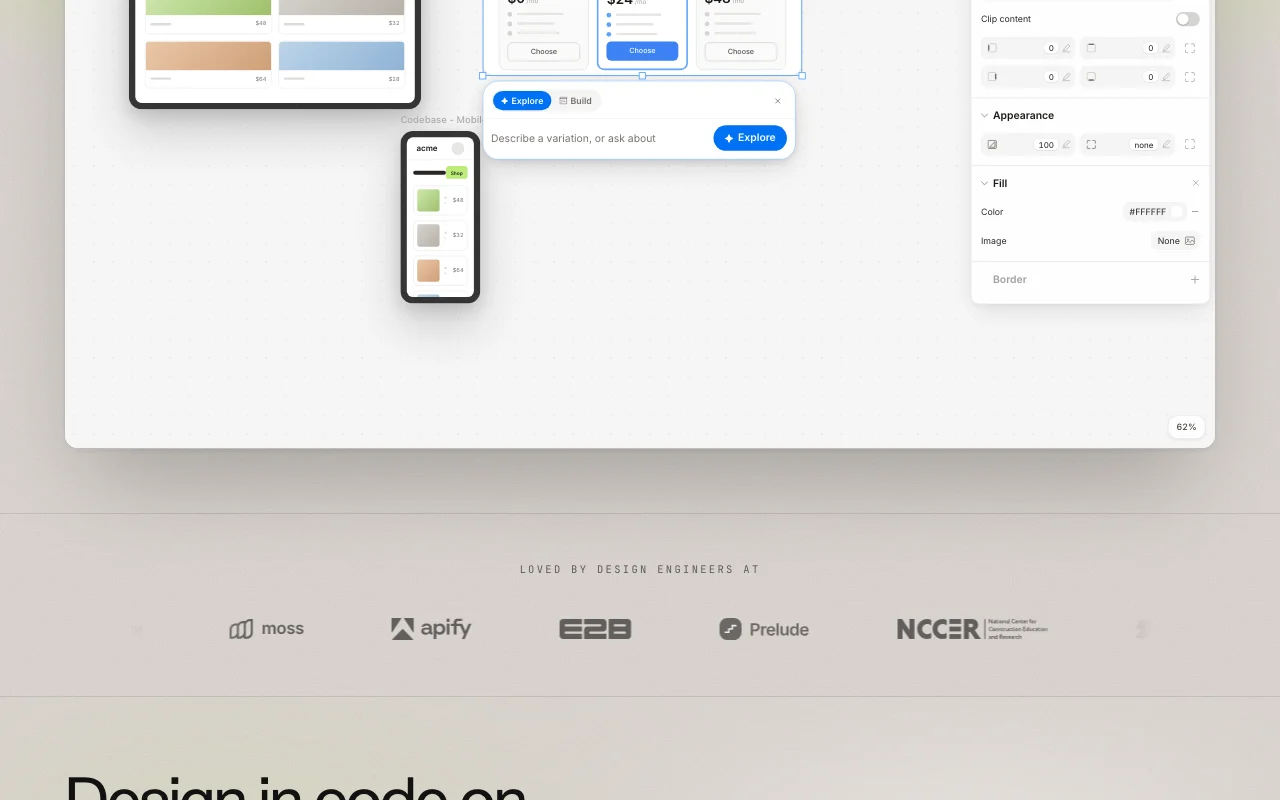
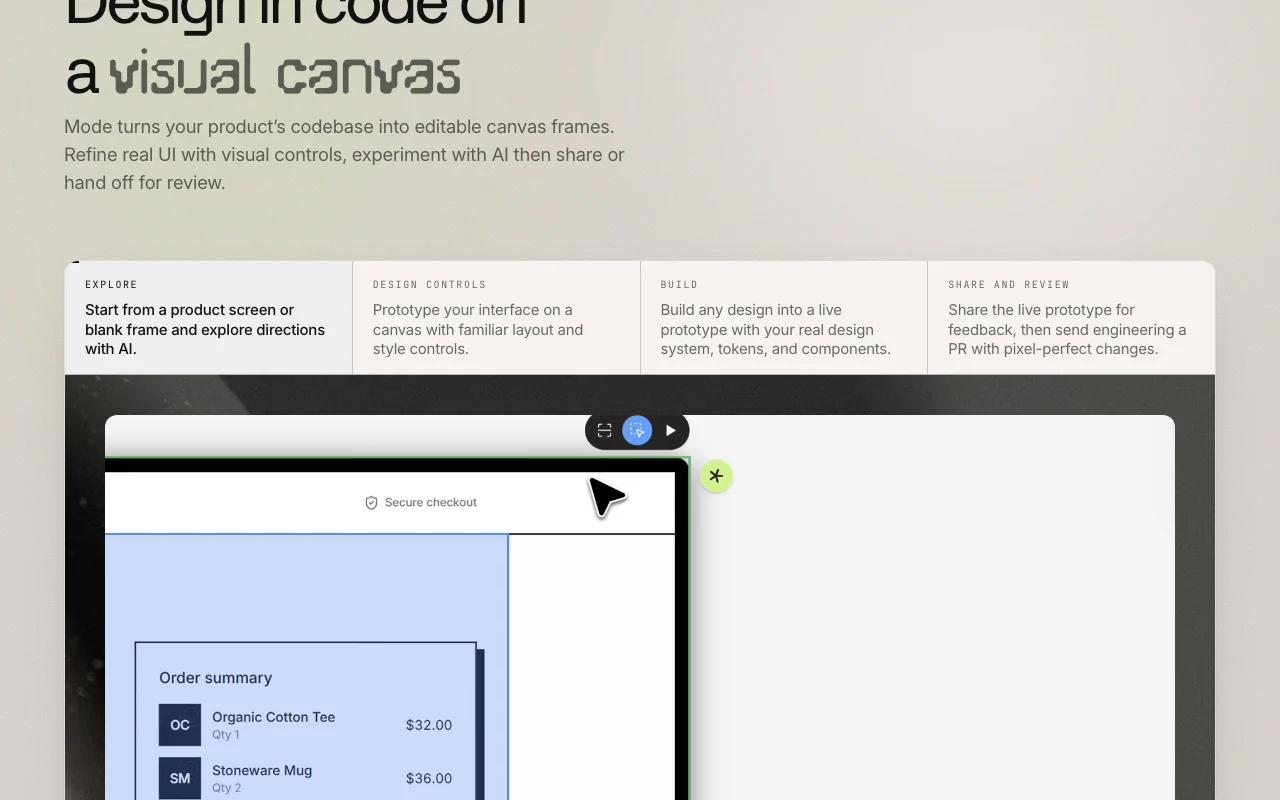
Modeinspect homepage — screenshot of the coding AI tool, Oct 1, 2026
Feature overview on the official site. modeinspect.com, captured Oct 1, 2026

Canvas frames generated from your codebase

Generates editable canvas frames from your codebase Designs against production UI instead of mockups

Access: Hobby and upLimit: Requires a connected repository source (opens in a new tab)

1:1 components with all variants and states

Mirrors components 1:1 with all variants and states Prevents drift between design and code

Access: Hobby and upLimit: Depends on repository structure source (opens in a new tab)

Enforced design tokens

Enforces design tokens Keeps output on-brand

Access: Hobby and upLimit: Token handling beyond this is not detailed source (opens in a new tab)

Side-by-side mobile, tablet and desktop breakpoints

Shows mobile, tablet and desktop breakpoints side by side Speeds responsive review

Access: Hobby and upLimit: Optimized for larger screens source (opens in a new tab)

Modeinspect pros and cons

Where Modeinspect is strong

Limitations to check before paying

How to use Modeinspect for changing product UI on a canvas and opening a pull request

Set up Modeinspect

  1. Sign up at modeinspect.com on the free Hobby plan
  2. Connect a code repository
  3. Capture a live product screen onto the canvas

Example: changing product UI on a canvas and opening a pull request

  1. Select a frame and adjust layout and style with the visual controls
  2. Ask the AI to explore variants of a section
  3. Review the change against your components and tokens
  4. Create the pull request (Pro) for engineering review

Review and export the result

  1. Review the PR diff follows your repo conventions
  2. Check the result at mobile, tablet and desktop breakpoints
Example prompt suggested by our editors (not a recorded output of the product)
Restyle the pricing card section to use our primary token for the highlighted plan and tighten the spacing on mobile.

Modeinspect integrations and API

Modeinspect pricing page with plans and prices — screenshot of the coding AI tool, Oct 1, 2026
Plan comparison on the official pricing page. modeinspect.com, captured Oct 1, 2026

Native integrations and export formats

Export: Pull requests

API access and separate billing

Modeinspect has no public API in its official documentation. No API documented; docs page 404

Privacy, data use and commercial rights

Summarized from the vendor's current policies; this is not legal advice and a vendor's badge is not an independent audit.

How your inputs and outputs are handled

Connected repository code and design work

Policy states Modeinspect does not use your code to train models

Policy states it does not retain your code

Commercial use and plan restrictions

Policy states everything you build is yours

SOC 2 Type II on enterprise

Controls for business users

  • SSO/SAML
  • SCIM
  • SOC 2 Type II

Policies: modeinspect.com/privacy-policy

Modeinspect alternatives by need

"Better suited" is based on documented features and pricing, not on a head-to-head test.

Cursor: better suited to

Lovable: better suited to

Devin Desktop (formerly Windsurf): better suited to

GitHub Copilot: better suited to

Alternatives
AlternativeWhen to choose itPricingLimitation
Cursor——Compare
Lovable——Compare
Devin Desktop (formerly Windsurf)——Compare
GitHub Copilot——Compare

Explore Modeinspect further

Related to Modeinspect

Modeinspect user reviews

No user reviews yet.

Used Modeinspect? Be the first to share your experience.

Write a review

Reviews are checked by a moderator before they appear. Your email is never published. Plain text only.

Your rating (required)

Show what you made or what went wrong. Images are published only if the review is approved; location data is removed.

    Modeinspect FAQ

    How much does Modeinspect cost?

    Hobby is free, Pro is $20 per person per month with no token metering, and Teams and enterprises are custom. source (opens in a new tab)

    What happens when I hit Hobby limits?

    Nothing breaks or is charged; work stays in place and limits reset at the start of the next month. source (opens in a new tab)

    Do I need a card to start?

    No, a payment method is only entered when you upgrade to Pro. source (opens in a new tab)

    Does it store or train on my code?

    The privacy policy says it does not retain your code or use it to train models. source (opens in a new tab)

    Can I use it on a phone?

    Not really; the site says it is optimized for larger screens. source (opens in a new tab)

    Sources and review methodology

    Official sources and verification dates

    Not verified: API availability; Supported frameworks; Docs page (404).

    How we documented and maintain this page

    Every fact about Modeinspect above comes from the 3 official pages listed here, last compared on Oct 1, 2026; we have not run Modeinspect ourselves, so it has no editorial score. How we check and re-check pages.

    Article updated Oct 10, 2026; prices checked Oct 1, 2026. Outbound links to vendors are plain links; we do not earn commissions. How we review · Report an error