CodingDocumented overviewLast checked Oct 1, 2026

MySpec: Pricing, Features & Best Use Cases

AI spec-writing tool that interviews you and drafts a four-file spec bundle for AI coding agents.
Who should use MySpec

MySpec suits developers and technical founders who use AI coding agents and want a short interview to produce a four-file markdown spec that Cursor or Claude Code can build from. Based on the vendor's documentation, not on a hands-on test.

Best for: Developers using AI coding agents

Also a good fit for

  • Teams writing specs

Consider another tool if open beta; pricing starts at general availability

Or if

  • Free plan limits 20 projects and 100 spec files
  • Paid plan prices not shown

MySpec pricing and usage limits

Prices checked Oct 1, 2026 on the official US pricing page. Official pricing ↗ Prices and limits change often.

Free access and trial conditions

Free plan with no credit card; the open beta includes unlimited AI.

Open beta; pricing kicks in at general availability.

Paid plans: what changes as you upgrade

Free web

Free source (opens in a new tab)

Month

For: Getting started

Limits

  • 20 projects, 100 spec files
  • 20 public share links per month
1 more
  • AI usage limit

Includes

  • Markdown and Mermaid editor
  • ZIP export of the spec bundle
1 more
  • Community support

Pro web

See official pricing source (opens in a new tab)

Month

For: Serious builders

Limits

  • 100 projects, unlimited specs
  • 5x the AI limit of Free

Includes

  • Advanced integrations
  • GitHub and VS Code when shipped
1 more
  • Priority email support

Team web

See official pricing source (opens in a new tab)

Month

For: Teams shipping together

Limits

  • Unlimited projects and specs
  • 10x the Free AI limit per seat, 2 seats minimum

Includes

  • Team collaboration
  • Shared projects and roles
1 more
  • Centralized billing

Usage caps, credits and extra costs

Not stated.

Not stated.

What is MySpec, and how does it work?

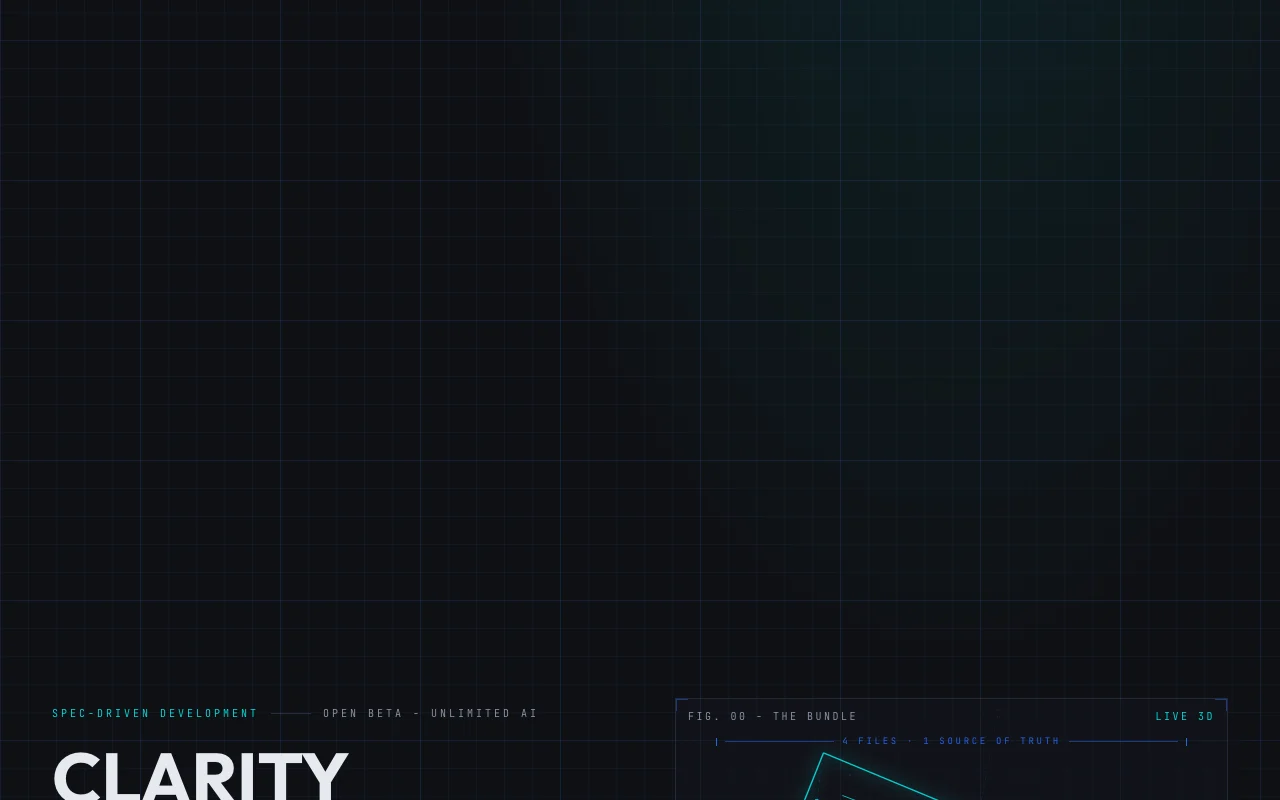
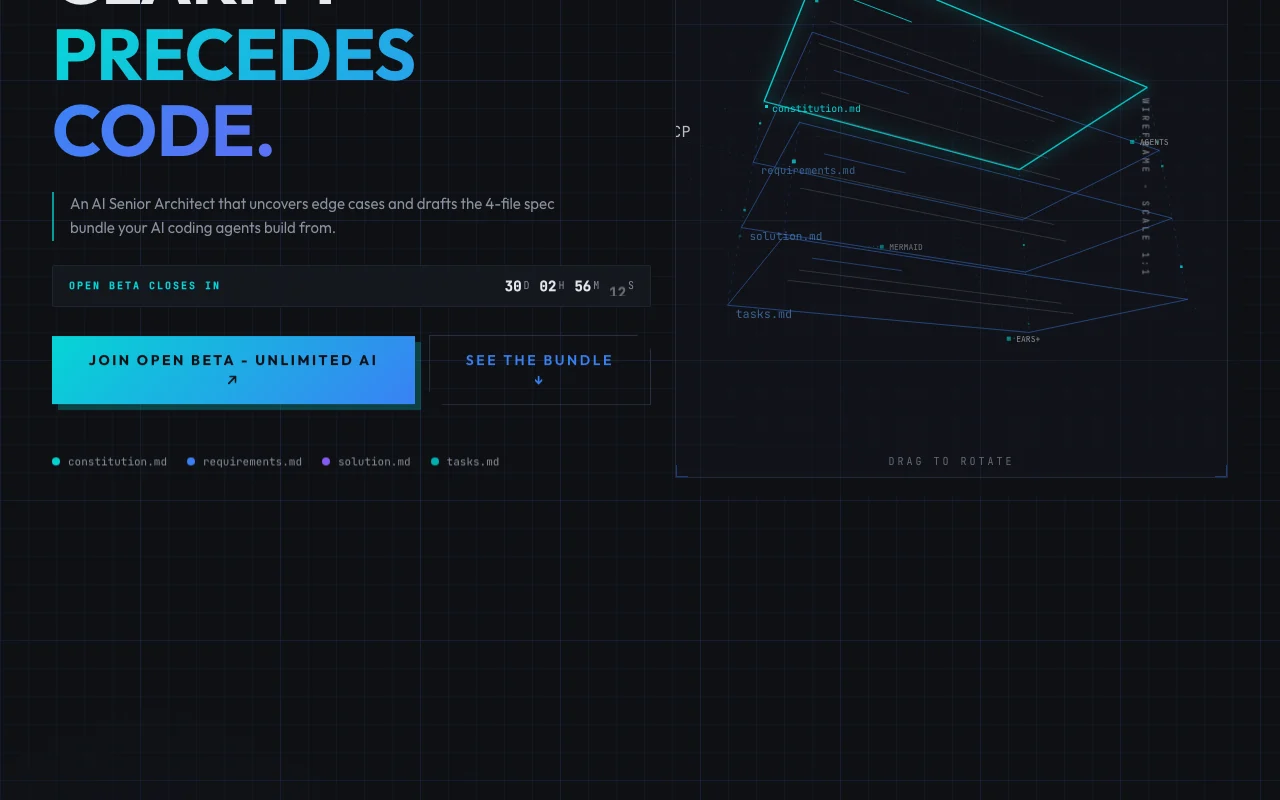
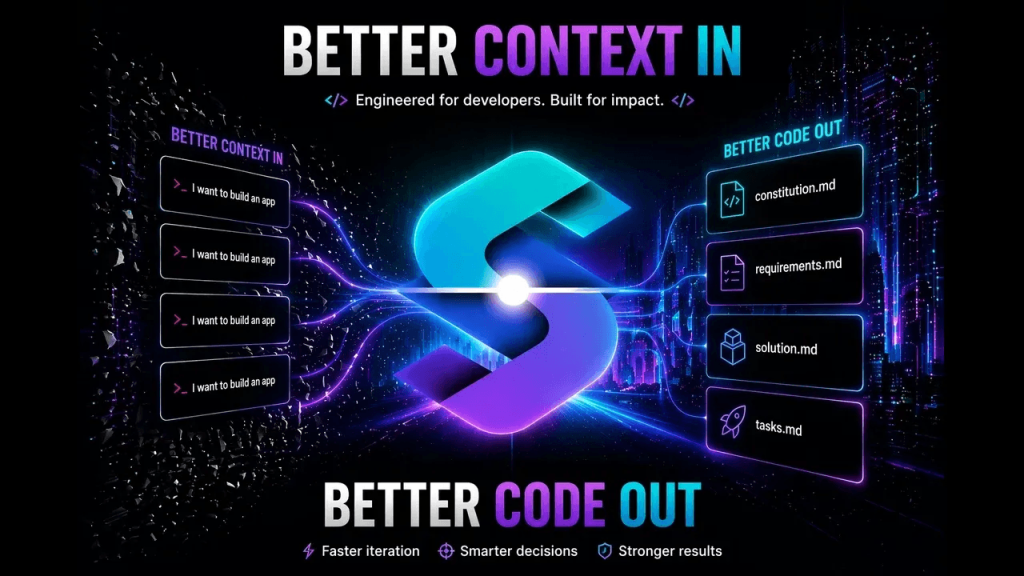
MySpec runs a structured interview about your idea and generates a four-file markdown bundle: constitution, requirements, solution and tasks. Diagrams use Mermaid. Bundles can be exported as a ZIP or accessed through an MCP server by tools such as Cursor or Claude Code. The product is in open beta.

MySpec homepage — screenshot of the coding AI tool, Oct 1, 2026
MySpec's official site: how the product presents itself. myspec.dev, captured Oct 1, 2026

What you provide and what you get back

How MySpec works: what you provide, where it runs and what you get backYOU PROVIDEYour inputA paragraph, Slack thread or voic…Answers to 5 to 15 interview ques…Existing codebase context for bro…CODINGMySpecWebfree tier, paid price not publish…free tier availableaccount requiredchecked Oct 1, 2026YOU GET BACKThe resultconstitution.md, requirements.md,…Mermaid diagramsVersioned diffsZIP exportinput → MySpec → output · from the vendor's own pages, no hands-on test unless stated
What you give MySpec and what comes back, from its documentation

You provide

  • A paragraph, Slack thread or voice note describing the idea
  • Answers to 5 to 15 interview questions
  • Existing codebase context for brownfield work

You get back

  • constitution.md, requirements.md, solution.md and tasks.md
  • Mermaid diagrams
  • Versioned diffs
  • ZIP export

Where you can use it

Platforms
Web
Account
Required
Output files
constitution.md, requirements.md, solution.md, tasks.md
Requirement format
EARS+ acceptance criteria
Workflows
Greenfield (Spec Kit-compatible) and brownfield (OpenSpec-compatible)
Agent access
HTTP MCP server and personal API tokens

Where MySpec is most useful

Scenarios are worked out by our editors from the documentation; the actual result depends on your input and plan.

Turning ideas into specs

Who
Founders and product engineers
You provide
A rough idea or Slack thread
Expected result
A structured four-file spec with testable acceptance criteria
Plan needed
Free
Limitation
Free caps 20 projects and 100 spec files source (opens in a new tab)

Briefing AI coding agents

Who
Developers using Cursor or Claude Code
You provide
The finished spec bundle via MCP
Expected result
Agents building against fixed requirements and constraints
Plan needed
Free or higher
Limitation
Usage is subject to AI limits source (opens in a new tab)

Greenfield and brownfield planning

Who
Teams planning new or existing projects
You provide
Greenfield ideas or brownfield changes
Expected result
Spec Kit-compatible output or OpenSpec-compatible change proposals
Plan needed
Team for shared work
Limitation
Team features require plan upgrade after beta source (opens in a new tab)

Key features and their practical limits

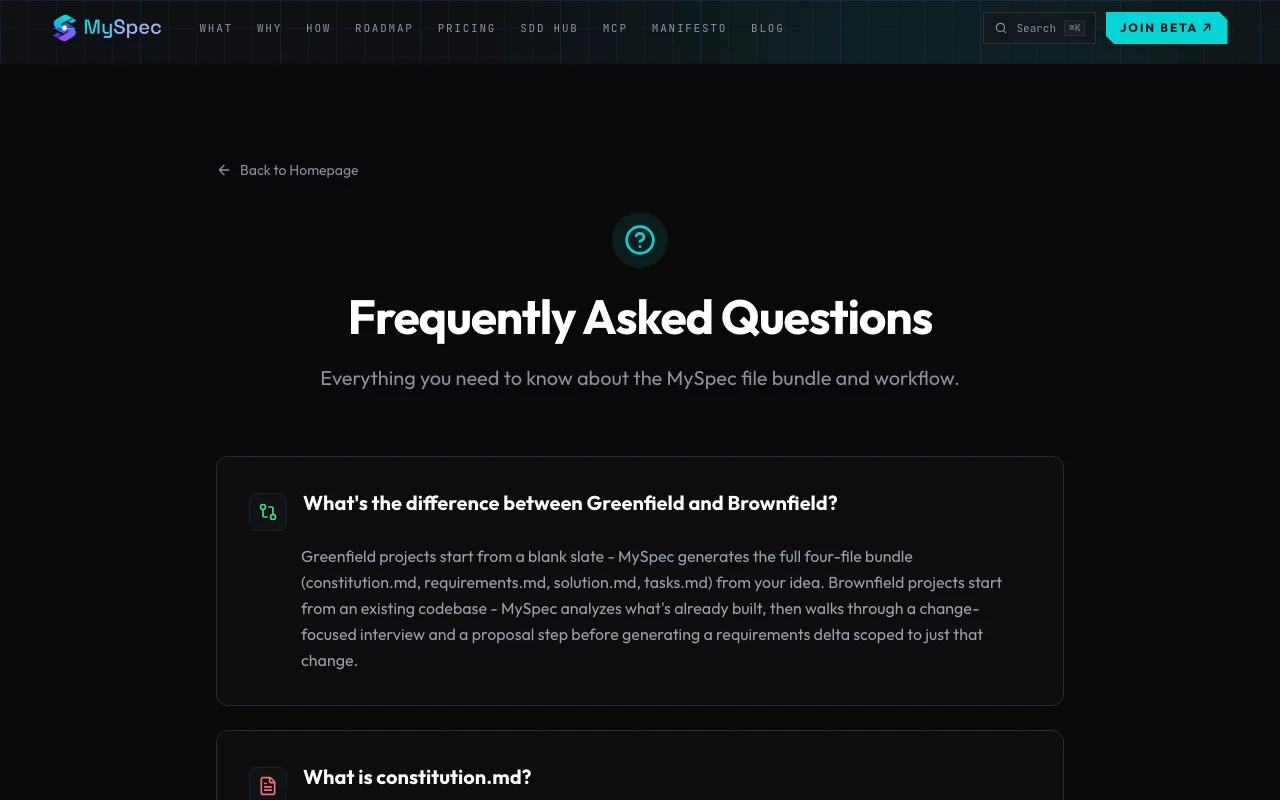
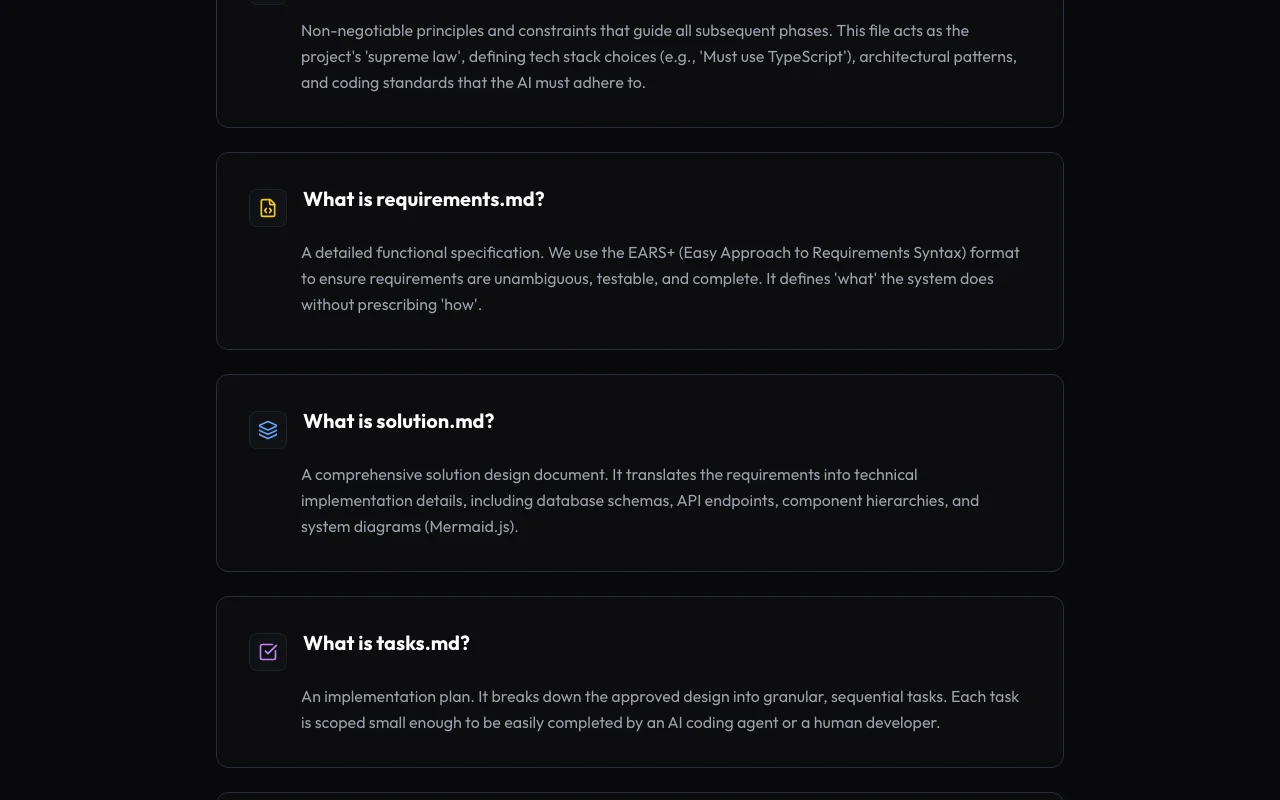
MySpec homepage — screenshot of the coding AI tool, Oct 1, 2026
Feature overview on the official site. myspec.dev, captured Oct 1, 2026

Four-file spec bundle

Generates constitution.md, requirements.md, solution.md and tasks.md. Gives agents a single source of truth.

Access: All plansLimit: Files are markdown, so edits outside the tool are your responsibility. source (opens in a new tab)

Interview of 5-15 questions

Asks structured clarifying questions about scope, users, flows and edge cases. Reveals gaps before coding.

Access: All plansLimit: Quality depends on your answers. source (opens in a new tab)

Mermaid diagrams

Renders diagrams live inside the spec files. Makes flows visual.

Access: All plansLimit: Mermaid syntax limits complex diagrams. source (opens in a new tab)

Versioned diffs

Tracks spec changes between versions. Shows what changed in requirements.

Access: All plansLimit: Beta feature set may change. source (opens in a new tab)

MCP server

Provides an HTTP MCP server at mcp.myspec.dev for hosted agents. Feeds specs directly into IDE agents.

Access: With API tokensLimit: Token setup is needed for unattended use. source (opens in a new tab)

MySpec pros and cons

Where MySpec is strong

Limitations to check before paying

How to use MySpec for writing a spec for an AI coding agent

Set up MySpec

  1. Open myspec.dev and join the open beta with the free plan.
  2. Create a project and choose greenfield or brownfield.
  3. Paste your idea, Slack thread or a voice-note transcript.
  4. Optionally generate a personal API token for the MCP server.

Example: writing a spec for an AI coding agent

  1. Answer the 5 to 15 interview questions.
  2. Review the four generated markdown files and Mermaid diagrams.
  3. Refine requirements by chatting in plain English.
  4. Export the ZIP or connect the MCP server to Cursor.

Review and export the result

  1. Check each acceptance criterion is testable.
  2. Review the diff after edits to confirm only intended changes.
  3. Run your agent against tasks.md and compare results with requirements.
Example prompt suggested by our editors (not a recorded output of the product)
A multi-tenant SaaS app with metered billing and webhooks; guest checkout must never require an account.

MySpec integrations and API

Native integrations and export formats

Export: Markdown, ZIP

API access and separate billing

MySpec has no public API in its official documentation. Personal API tokens for unattended MCP use.

Privacy, data use and commercial rights

Summarized from the vendor's current policies; this is not legal advice and a vendor's badge is not an independent audit.

How your inputs and outputs are handled

Stores your ideas and specs; policy details were not reviewed in depth.

Policies: myspec.dev/privacy/

Best MySpec alternatives for different needs

"Better suited" is based on documented features and pricing, not on a head-to-head test.

Cursor: better suited to

Lovable: better suited to

Alternatives
AlternativeWhen to choose itPricingLimitation
Cursor——Compare
Lovable——Compare

Explore MySpec further

If you are looking at MySpec

MySpec user reviews

No user reviews yet.

Used MySpec? Be the first to share your experience.

Write a review

Reviews are checked by a moderator before they appear. Your email is never published. Plain text only.

Your rating (required)

Show what you made or what went wrong. Images are published only if the review is approved; location data is removed.

    MySpec FAQ

    What does MySpec produce?

    A four-file bundle: constitution.md, requirements.md, solution.md and tasks.md. source (opens in a new tab)

    What does the free plan include?

    20 projects, 100 spec files, 20 public share links per month, a markdown and Mermaid editor, ZIP export and community support. source (opens in a new tab)

    When will pricing start?

    At general availability; until then the open beta includes unlimited AI and no credit card. source (opens in a new tab)

    How do coding agents get the spec?

    Through an HTTP MCP server at mcp.myspec.dev, or by exporting the bundle as markdown. source (opens in a new tab)

    Does it support existing codebases?

    Yes, brownfield workflows produce proposals and requirements deltas compatible with OpenSpec changes. source (opens in a new tab)

    Sources and review methodology

    Official sources and verification dates

    Not verified: Pro and Team prices; Beta end date; Privacy retention and training terms; Docs content.

    How we documented and maintain this page

    Every fact about MySpec above comes from the 3 official pages listed here, last compared on Oct 1, 2026; we have not run MySpec ourselves, so it has no editorial score. How we check and re-check pages.

    Article updated Oct 10, 2026; prices checked Oct 1, 2026. Outbound links to vendors are plain links; we do not earn commissions. How we review · Report an error