Website access web
See official pricing source (opens in a new tab)
Unknown
For: Looking up UI terms
Limits
- 81 elements listed (32 macOS, 49 web)
Includes
- Describe-it search
- Code symbol per term
1 more
- Paste-ready agent prompt
No API

CodingDocumented overviewLast checked Sep 29, 2026
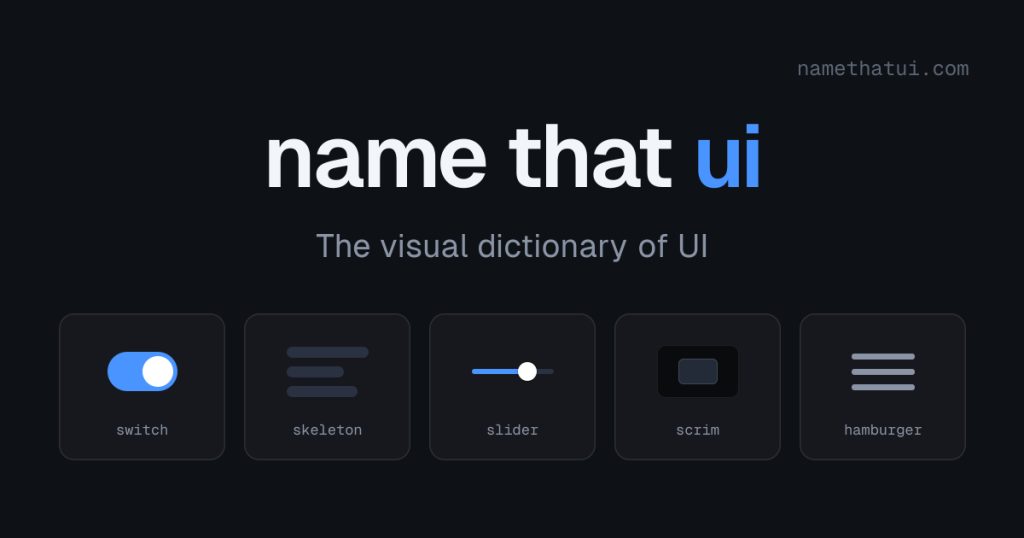
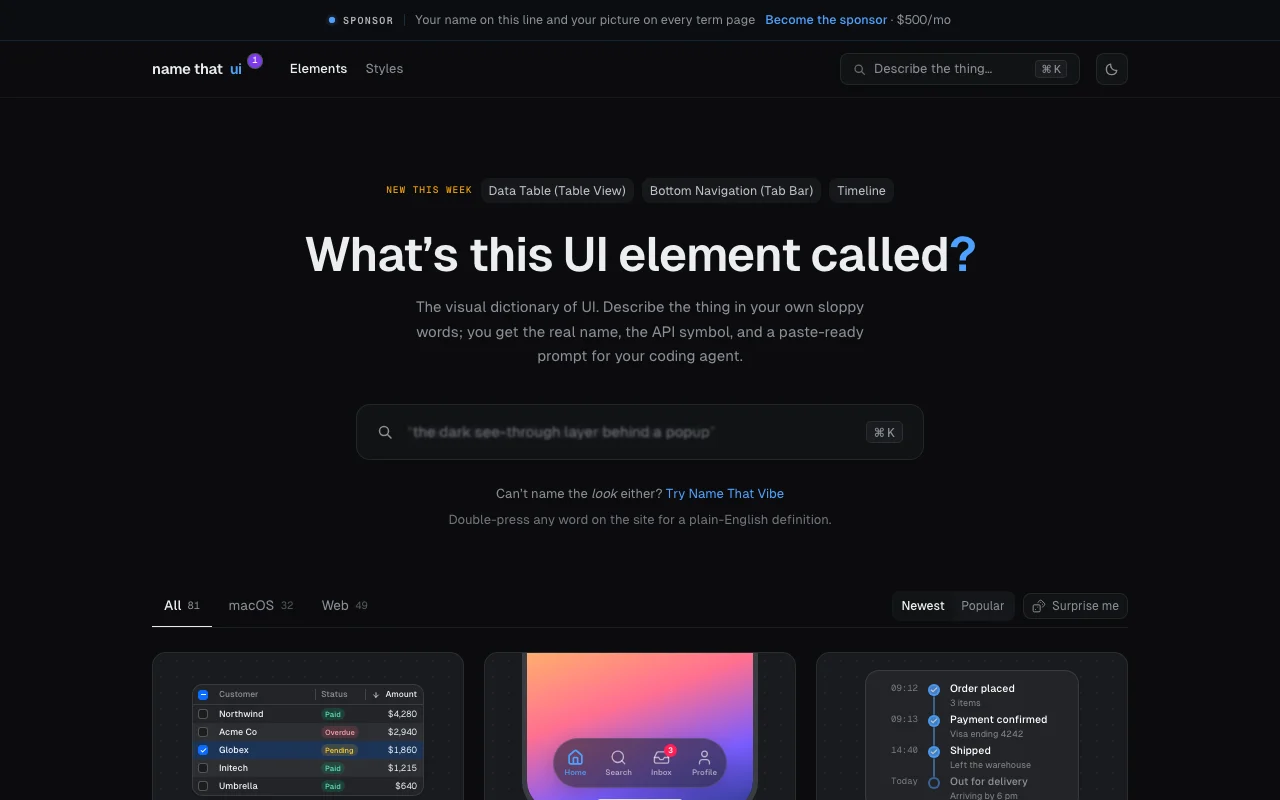
Visual dictionary of UI elements: describe what you see to get the proper name, API symbol and a prompt for a coding agent.
 (open full size in a new tab)
 (open full size in a new tab)
 (open full size in a new tab)
 (open full size in a new tab)
 (open full size in a new tab)
Our take: NameThatUI is a quick lookup for developers prompting coding agents or learning interface vocabulary, turning a casual description into the correct UI element name, code symbol and a paste-ready prompt.
Main limitation: It covers only 81 listed elements for macOS and web, and no pricing, privacy or API information is published.
NameThatUI is a quick lookup for developers prompting coding agents or learning interface vocabulary, turning a casual description into the correct UI element name, code symbol and a paste-ready prompt. Based on the vendor's documentation, not on a hands-on test.
Also a good fit for
Or if
Prices checked Sep 29, 2026 on the official US pricing page. Prices and limits change often.
No pricing page; the site shows a $500/month sponsorship slot but no product price
Not applicable
See official pricing source (opens in a new tab)
Unknown
For: Looking up UI terms
Limits
Includes
No API
Not stated
Not stated
NameThatUI is a searchable reference for user interface elements on macOS and the web. A visitor describes an element in casual words and gets its standard name, the matching code symbol and a ready-to-paste prompt for a coding agent. Entries are checked against platform guidelines, accessibility standards and framework documentation, according to the site's methodology page. The site lists sponsorship slots at $500/mo and shows no product pricing.
You provide
You get back
Scenarios are worked out by our editors from the documentation; the actual result depends on your input and plan.
Matches casual descriptions to the correct UI element Finds names you do not know
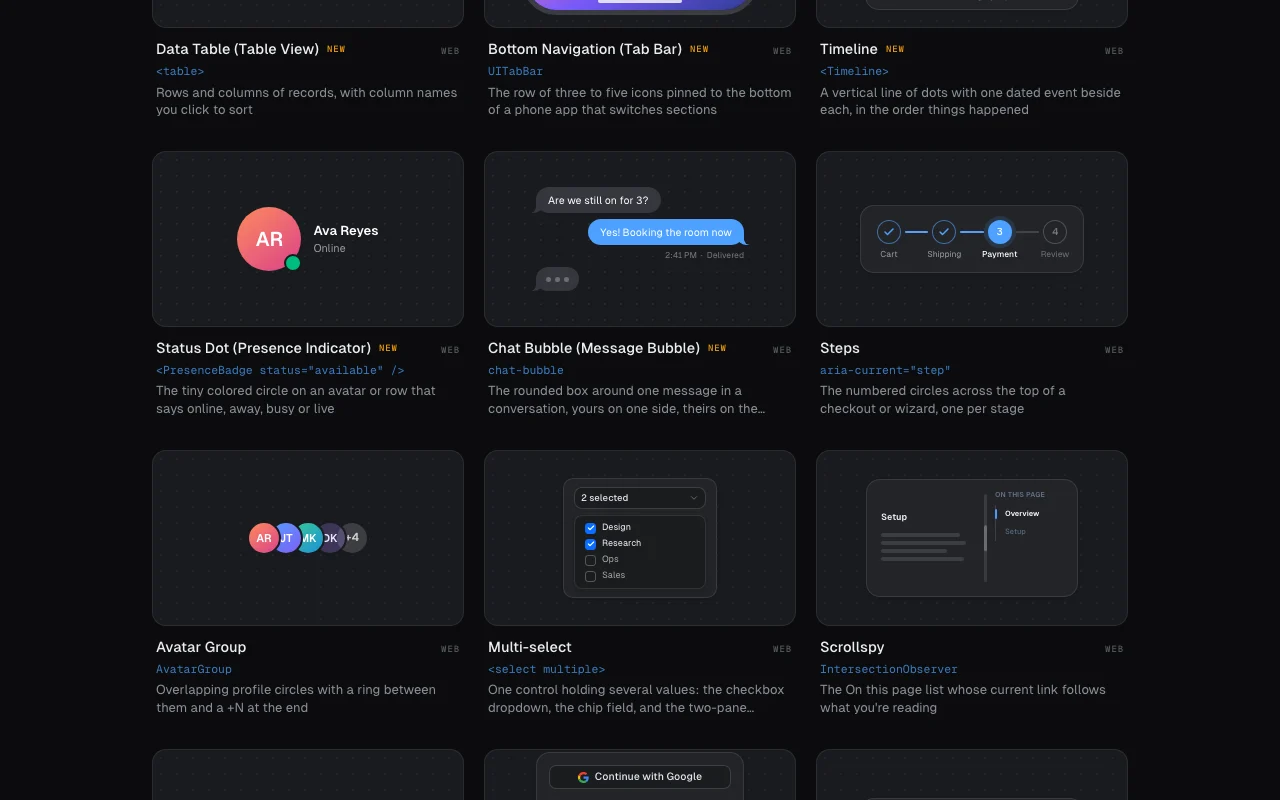
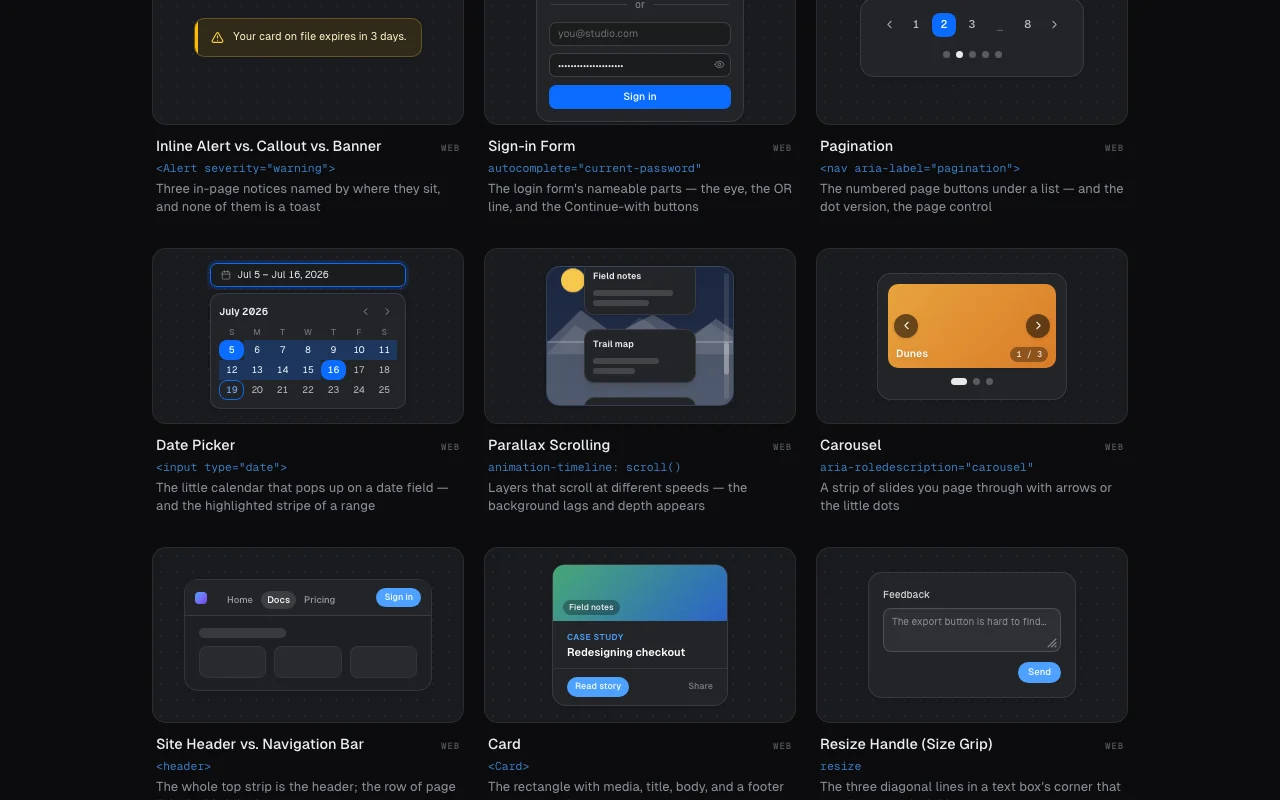
Lists 32 macOS and 49 web UI elements Covers common interface parts
Shows the code symbol next to each name, such as UITabBar or AvatarGroup Gets you to the right API
Gives a prompt you can paste into a coding agent Saves wording time
Defines any word on the site when you double-press it Helps beginners
the bar that stays when I scroll
"Better suited" is based on documented features and pricing, not on a head-to-head test.
| Alternative | When to choose it | Pricing | Limitation | |
|---|---|---|---|---|
| Cursor | — | — | Compare | |
| GitHub Copilot | — | — | Compare | |
| Claude | — | — |
No user reviews yet.
Used NameThatUI? Be the first to share your experience.
You describe a UI element in everyday words and it returns the standard name, the API symbol and a prompt for your coding agent. source (opens in a new tab)
81 entries: 32 for macOS and 49 for the web. source (opens in a new tab)
The site shows no product pricing; it only advertises a $500 per month sponsorship slot. source (opens in a new tab)
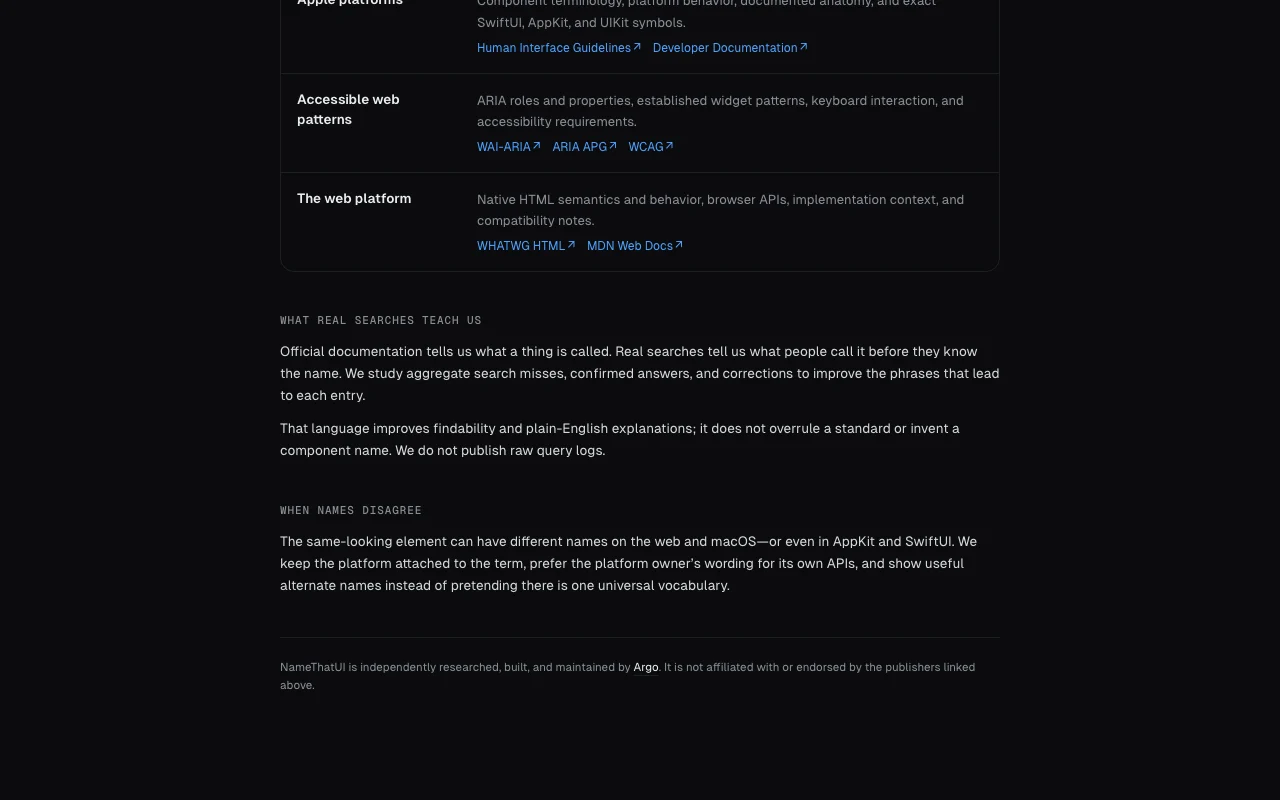
The methodology page says they are checked against platform guidelines, accessibility standards and framework documentation. source (opens in a new tab)
No API or downloadable app is documented. source (opens in a new tab)
Not verified: Pricing; Privacy policy; API; US availability.
Every fact about NameThatUI above comes from the 2 official pages listed here, last compared on Sep 29, 2026; we have not run NameThatUI ourselves, so it has no editorial score. How we check and re-check pages.
Article updated Oct 2, 2026; prices checked Sep 29, 2026. Outbound links to vendors are plain links; we do not earn commissions. How we review · Report an error
compare>