GitHub Copilot: Pricing, Features & Best Use Cases
GitHub Copilot gives developers inline code completions, chat, an IDE agent mode, a terminal CLI agent and a cloud agent that researches a repository and opens pull requests, all tied to a GitHub account.
Our take: Best for teams already on GitHub who want AI completions, code review and delegated coding agents inside VS Code, JetBrains, Visual Studio, Xcode, Eclipse, Neovim and github.com without a separate vendor.
Main limitation: Chat, agents, code review and CLI all draw from a monthly GitHub AI Credits allowance that varies by model and task, so heavy agent use can exhaust a plan mid-month and require paid extra usage or an upgrade.
By the AI Tool Atlas editors.
Based on the vendor's official documentation; we have not tested this product hands-on. What “documented overview” means
Is GitHub Copilot right for you?
Best for teams already on GitHub who want AI completions, code review and delegated coding agents inside VS Code, JetBrains, Visual Studio, Xcode, Eclipse, Neovim and github.com without a separate vendor. Based on the vendor's documentation, not on a hands-on test.
Best for: Developers who want completions and chat directly inside their existing IDE
Also a good fit for
Teams on GitHub who want a cloud agent to take issues and open pull requests
Organizations needing seat management, policy control, content exclusion and IP indemnity
Students and open-source maintainers eligible for free paid-tier access
Consider another tool if you want a dedicated AI-first editor rather than an extension in your current IDE
Or if
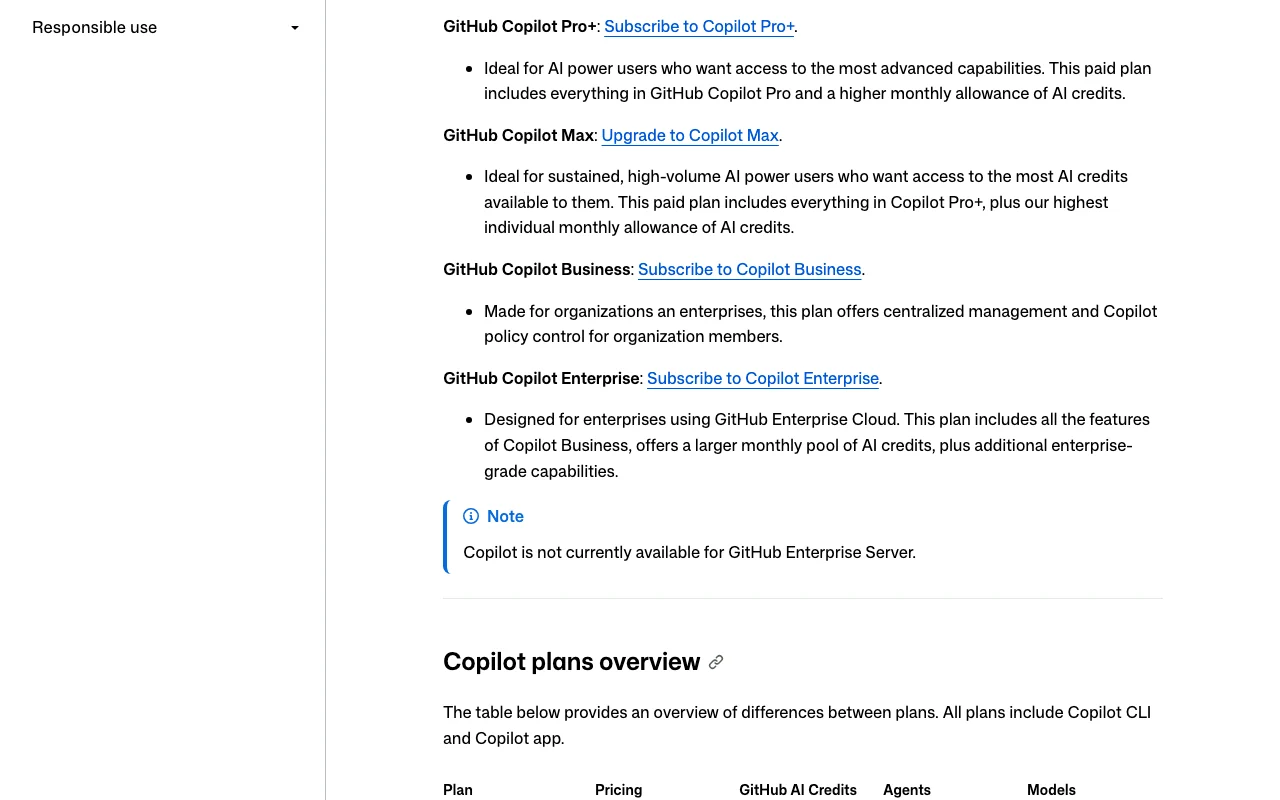
You are on GitHub Enterprise Server (Copilot is not available there per docs)
You need a predictable flat allowance instead of model-dependent credit consumption
You do not want to keep code and workflow on GitHub
Scenario fit
Scenario
Fit
Why
Plan
Solo developer trying AI completions in VS Code
Good fit
Copilot Free gives 2,000 completions per month and limited chat/agent usage with no credit card.
Free
Daily coding with agent mode and occasional cloud agent tasks
Good fit
Pro adds unlimited completions, cloud agent, code review and 1,500 total monthly AI credits for $10.
Pro
Sustained agent-driven workflows on frontier models
Fits with conditions
Pro+ (7,000 credits) or Max (20,000 credits) fit, but credit burn depends on model and task size.
Pro+ or Max
Organization needing pooled credits, policies and IP indemnity
Good fit
Business ($19/seat) and Enterprise ($39/seat) add admin controls, content exclusion, audit logs and indemnity.
Business or Enterprise
Company running GitHub Enterprise Server on-premises
Poor fit
Docs state Copilot is not currently available for GitHub Enterprise Server.
—
GitHub Copilot in the news
Headlines from US outlets, selected automatically — not endorsements. Updated Oct 11, 2026
Prices checked Sep 30, 2026 on the official US pricing page. Official pricing ↗ Prices and limits change often.
Free access and trial conditions
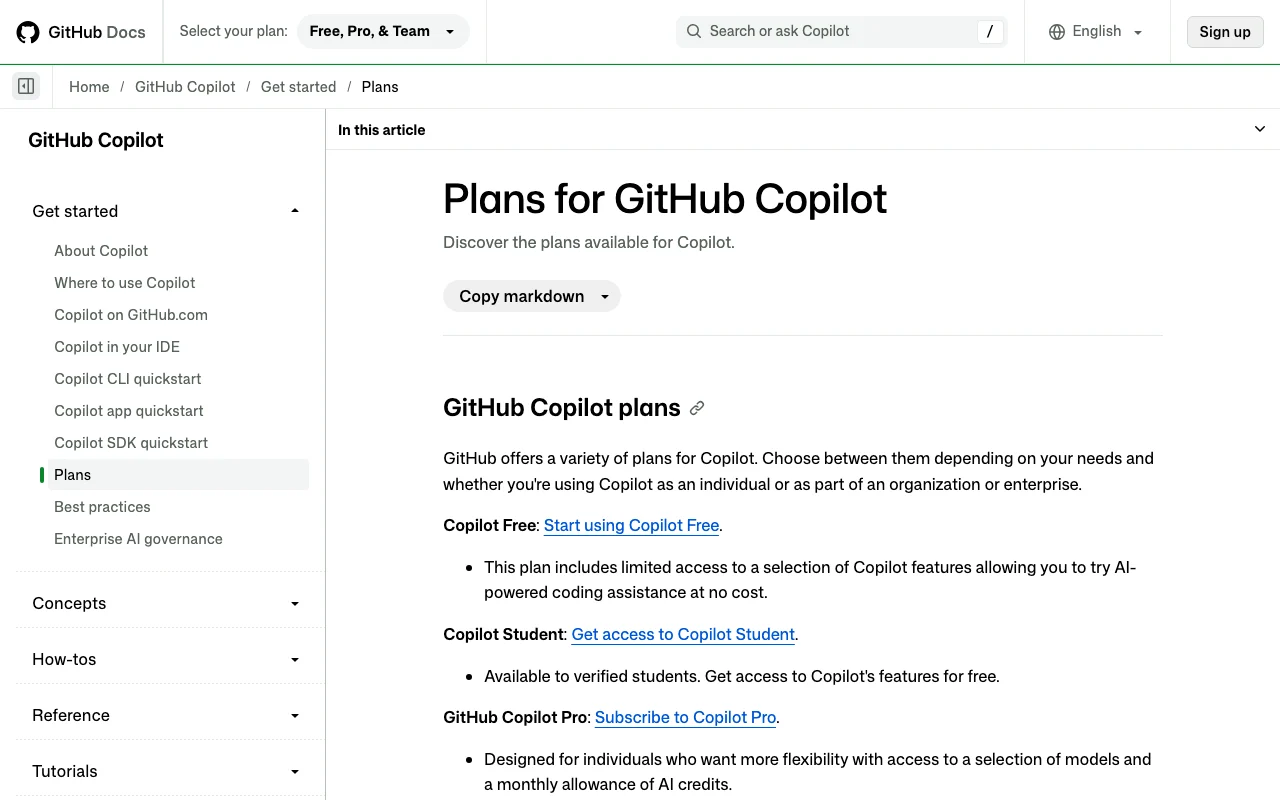
Copilot Free (2,000 completions/month, limited AI credits) for individuals without an org seat; Copilot Student for verified students; verified teachers and maintainers of popular open-source projects may get Copilot Pro free.
Not verified: the pages checked mention a Pro 'trial' only in passing and give no duration or terms.
Enterprise-grade capabilities incl. codebase indexing and Chat on GitHub.com
SAML SSO, usage metrics
No API
Usage caps, credits and extra costs
1 AI credit = $0.01 USD; after the monthly allowance you can set a USD budget for additional usage, upgrade (paying only the price difference), or wait for the reset on the 1st of the month (00:00 UTC). Paid plans get a 10% discount on model costs with auto model selection. From 2026-06-01 code review workflows also consume GitHub Actions minutes.
Not stated on the pages checked.
What is GitHub Copilot, and how does it work?
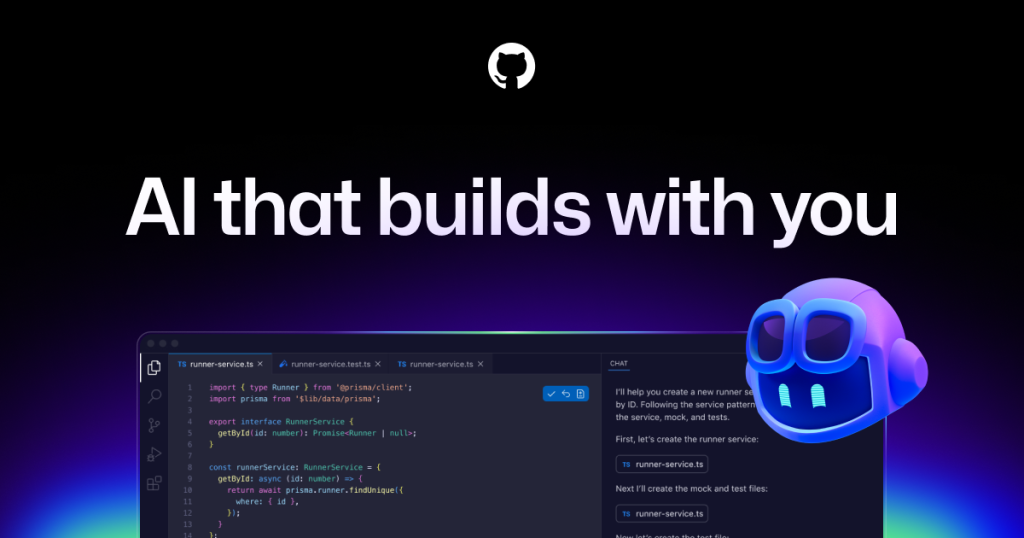
GitHub Copilot is GitHub's AI coding assistant: inline completions and next edit suggestions in IDEs, Copilot Chat (IDE, github.com, GitHub Mobile, Windows Terminal), an IDE agent mode, Copilot CLI for the terminal, a desktop GitHub Copilot app, and a cloud agent that runs in a GitHub Actions-powered environment to research, plan and commit code, optionally opening pull requests.
What you provide and what you get back
What you give GitHub Copilot and what comes back, from its documentation
Plans page lists Anthropic Claude (Haiku 4.5 through Opus 5.5, Fable 5/5.1), OpenAI GPT-5 mini through GPT-6.1 Sol, Google Gemini 3.5–3.8 Flash, xAI Grok 4.5–4.7, Kimi K2.7 Code/K3, Microsoft MAI-Code-1.1-Flash; Free/Student get auto model selection only.
Supported IDEs
VS Code, Visual Studio, JetBrains IDEs, Eclipse, Xcode, Neovim (feature matrix); homepage also lists Raycast, SQL Server Management Studio, Zed, Azure Data Studio, Vim source (opens in a new tab)
Repository access
Cloud agent works in any GitHub-hosted repository unless disabled; runs in a GitHub Actions-powered environment; not available for managed user account repos source (opens in a new tab)
Command execution
Copilot CLI (Linux, macOS, Windows PowerShell/WSL) has interactive and programmatic modes; tools like shell commands need explicit approval or --allow-tool flags source (opens in a new tab)
Languages
Trained on all languages in public repositories; quality varies with training data volume (JavaScript cited as best supported). Chat's primary language is English source (opens in a new tab)
Code review
Pull request reviews on GitHub and file-diff reviews in editors on paid plans; orgs can enable review for PRs from unlicensed users, billed as AI credits source (opens in a new tab)
Public code filter
Optional duplication filter blocks suggestions matching public code of 65+ lexemes (~150 chars); code referencing shows matches and licenses in VS Code source (opens in a new tab)
Third-party agents
Delegate to Claude by Anthropic and OpenAI Codex (Preview) on Pro+, Max, Business, Enterprise source (opens in a new tab)
Customization
Repository, personal and organization custom instructions, prompt files, custom agents, MCP servers, Copilot Spaces, Copilot Memory (public preview) source (opens in a new tab)
What people use GitHub Copilot for
Scenarios are worked out by our editors from the documentation; the actual result depends on your input and plan.
Pick among Anthropic, OpenAI, Google, xAI, Kimi and Microsoft models Trade speed, cost and capability
Access: Paid plans; Free uses auto selectionLimit: Model options vary by feature; credits vary by modelsource (opens in a new tab)
Pros, cons and deal-breakers
Reasons to choose GitHub Copilot
Works inside existing IDEs and github.com rather than a separate editor No workflow migration neededdocumentedsource (opens in a new tab)
Free tier with 2,000 completions per month and no credit card Low-risk trial for individualsdocumentedsource (opens in a new tab)
Cloud agent and CLI can produce commits and pull requests on GitHub Delegated work stays auditable in commits and logsdocumentedsource (opens in a new tab)
Business/Enterprise data is not used for model training; content exclusion and IP indemnity available Meets common corporate governance needsdocumentedsource (opens in a new tab)
Broad multi-vendor model catalog Can choose cheaper or more capable models per taskdocumentedsource (opens in a new tab)
Check before paying for GitHub Copilot
Chat and agent usage is metered in AI credits whose cost depends on model and tokens Hard to predict when a plan's allowance runs outdocumentedsource (opens in a new tab)
Flex allotment is variable and 'may change over time' Included usage is not fully guaranteeddocumentedsource (opens in a new tab)
Individual plans' interactions may be used for model training unless opted out Free/Pro/Pro+ users must change settings for privacydocumentedsource (opens in a new tab)
Not available for GitHub Enterprise Server On-premises GitHub customers cannot use itdocumentedsource (opens in a new tab)
Suggestions may match public code and can contain insecure patterns Human review and filters still requireddocumentedsource (opens in a new tab)
How to use GitHub Copilot for get AI completions and chat in VS Code, then delegate a task to the cloud agent
GitHub Copilot documentation: where the steps below come from. docs.github.com, captured Oct 1, 2026
Set up GitHub Copilot
Sign in to or create a GitHub account
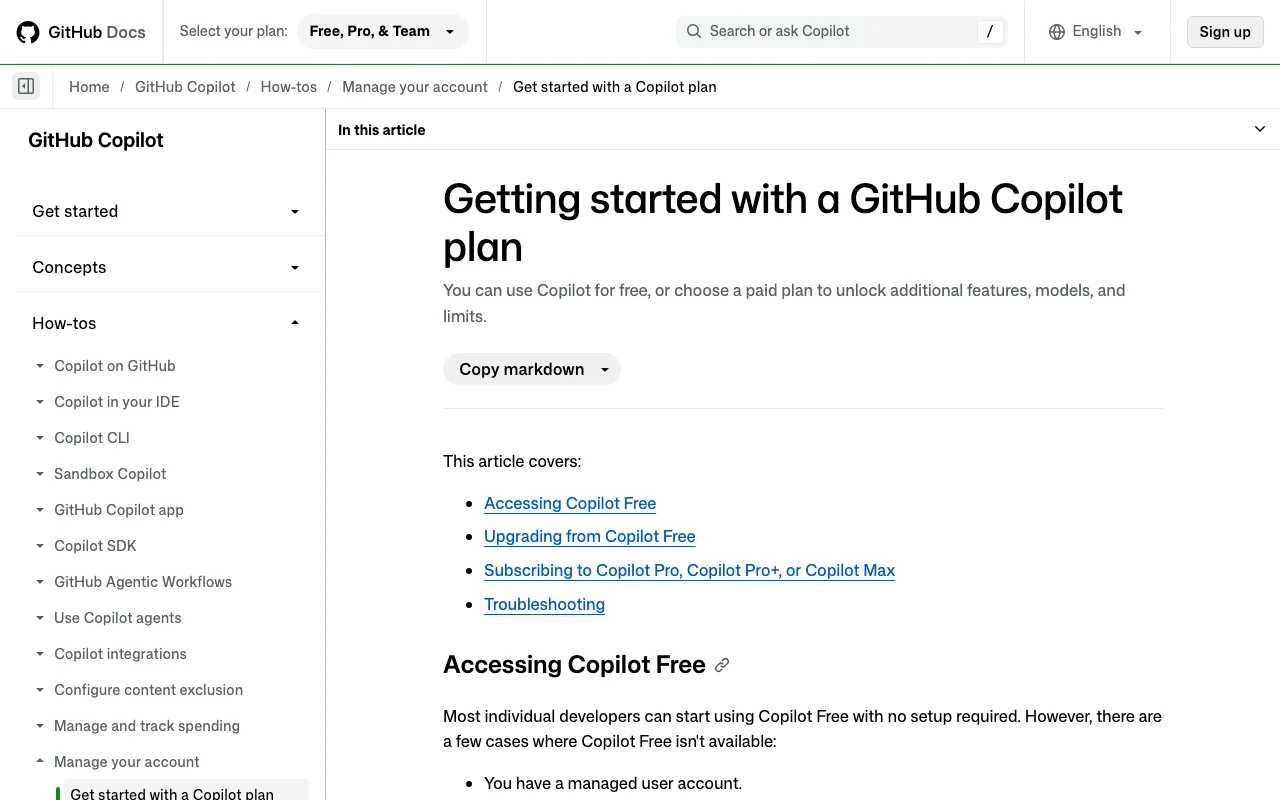
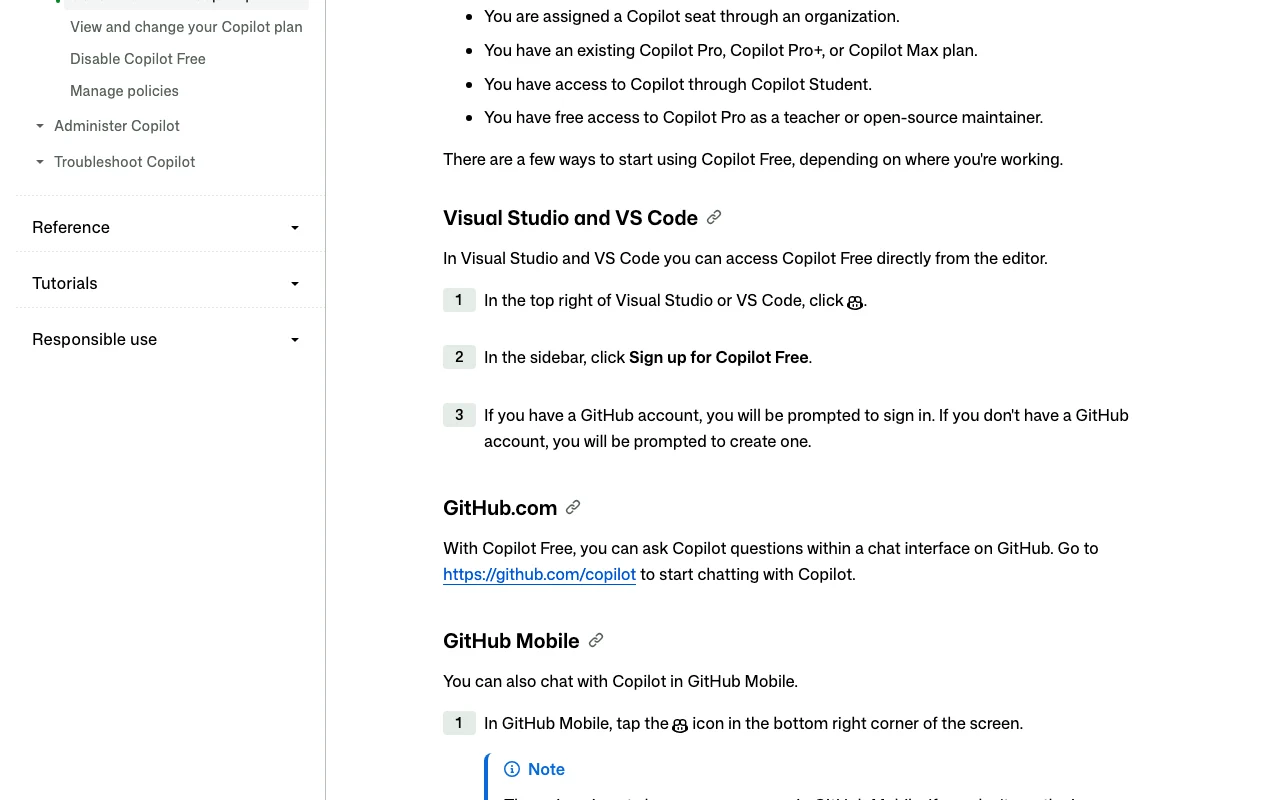
In VS Code or Visual Studio click the Copilot icon and choose Sign up for Copilot Free (or activate Free/paid plan in GitHub Copilot settings for other IDEs)
Install/update the Copilot extension to the minimum version listed in docs (VS Code 1.120+)
Example: get AI completions and chat in VS Code, then delegate a task to the cloud agent
Open a file and start typing to see inline suggestions
Open Copilot Chat and ask a coding question about the open file
On a paid plan, assign a GitHub issue to Copilot or use the agents panel to start a cloud agent session
Review the branch diff and create the pull request when ready
Review and export the result
Confirm suggestions appear and can be accepted
Check the usage dashboard in Copilot settings for AI credits consumed
Verify the cloud agent's commits and logs on the branch
Example prompt suggested by our editors (not a recorded output of the product)
Add input validation to the createUser handler in src/api/users.ts, write unit tests for the invalid cases, and open a pull request.
GitHub Copilot integrations, API and team features
GitHub Copilot API documentation. docs.github.com, captured Oct 1, 2026
Native integrations and export formats
Integrations
Integration
Type
Notes
VS Code, Visual Studio, JetBrains, Eclipse, Xcode, Neovim
Third-party project management tools can start cloud agent tasks
Via third-party automation
Requires that platform's own plan.
Export: Commits, branches and pull requests on GitHub
API access and separate billing
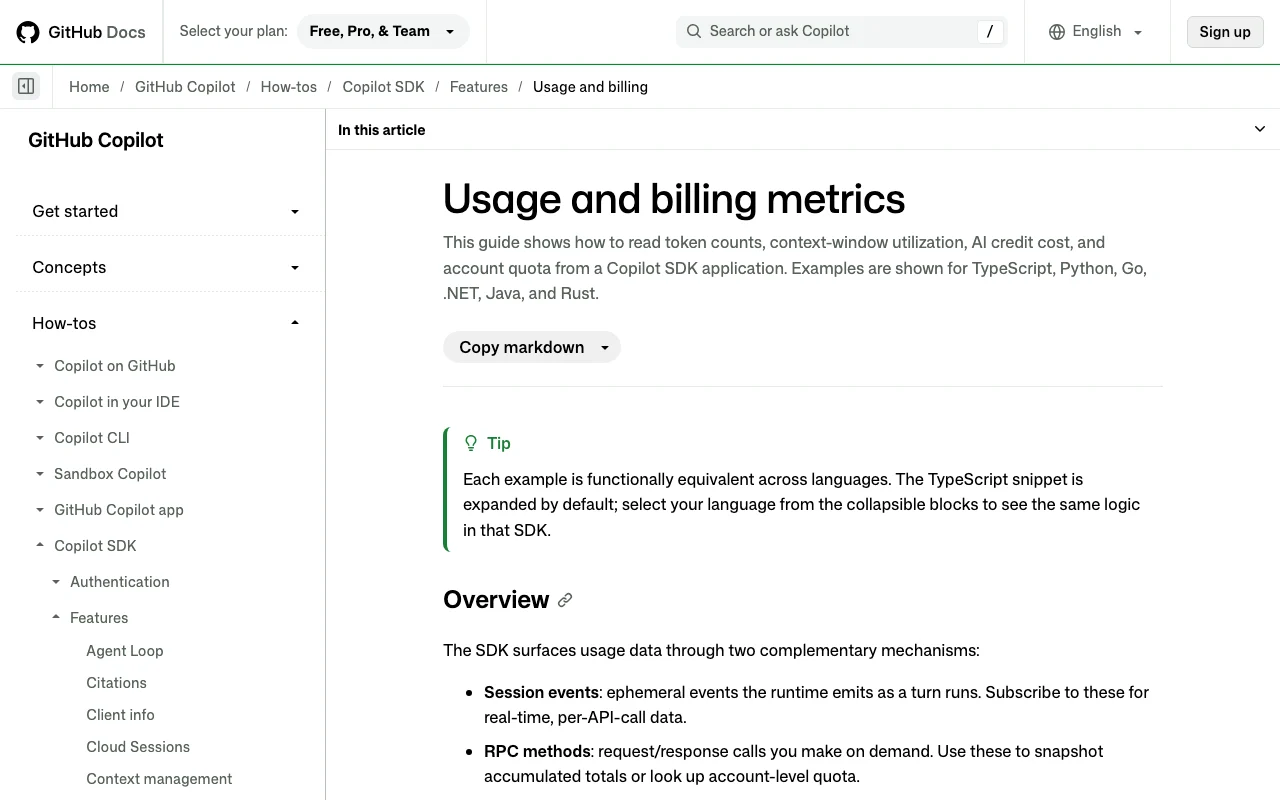
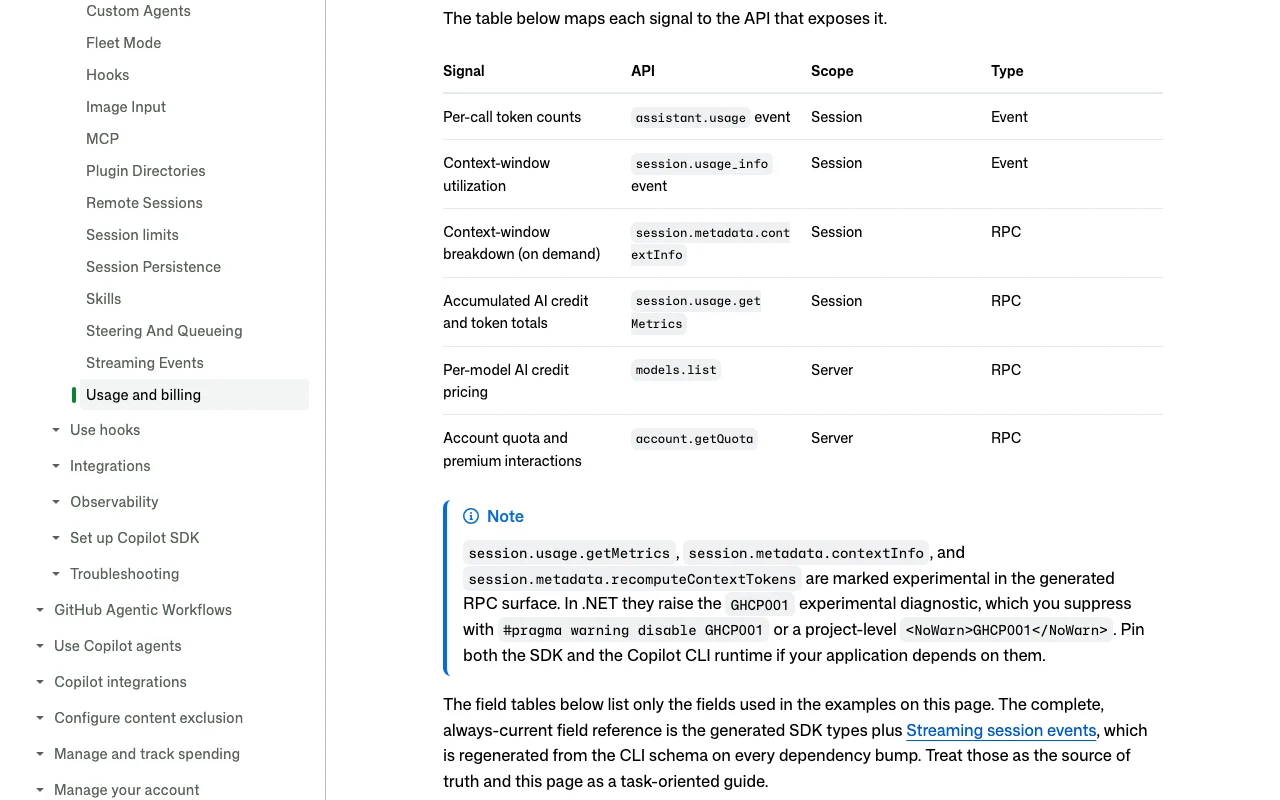
An API is available, included in the plan. Copilot SDK (TypeScript, Python, Go, .NET, Java, Rust) exposes sessions and AI-credit usage; there is no standalone pay-per-token model API on the pages checked. API documentation ↗
Team controls and collaboration
Seat management, policies, budgets, audit logs, usage metrics API Business, Enterprisesource (opens in a new tab)
Summarized from the vendor's current policies; this is not legal advice and a vendor's badge is not an independent audit.
How your inputs and outputs are handled
Prompts, code context, suggestions, engagement and feedback data are processed; chat on github.com, mobile and CLI retains prompts and suggestions for thread history.
Individual plans (Free, Pro, Pro+): GitHub may use prompts, suggestions and code snippets to train models unless the user opts out at github.com/settings/copilot/features. Business and Enterprise data is not used for training.
Business/Enterprise IDE chat and completions: engagement data kept two years, feedback data as long as needed; other details per the FAQ. When Claude Fable 5/5.1 is used, Anthropic retains prompts/outputs by default for safety classifiers; ZDR available on request through end of 2026.
Commercial use and plan restrictions
GitHub does not claim ownership of suggestions; IP indemnity for unmodified suggestions when the public-code filter is enabled (Business/Enterprise).
Content exclusion, policy management and IP indemnity only on Business/Enterprise; training opt-out applies to individual plans.
Yes, Copilot Free gives 2,000 completions per month and limited chat/agent credits to individuals without an org seat; students get Copilot Student, and verified teachers and popular open-source maintainers may get Pro free. source (opens in a new tab)
How much does Copilot Pro cost?
$10 per month with 1,500 total monthly AI credits; Pro+ is $39 (7,000 credits) and Max $100 (20,000 credits). source (opens in a new tab)
What are GitHub AI Credits?
The unit for chat, agent, CLI and code review usage: 1 credit = $0.01, consumption depends on model and tokens; completions do not use credits. source (opens in a new tab)
What happens when credits run out?
You can upgrade (paying the difference), set a USD budget for extra usage, switch to a cheaper model, or wait for the reset on the 1st of the month; on Business/Enterprise, admins decide whether paid usage is allowed. source (opens in a new tab)
Does GitHub train on my code?
Not for Business/Enterprise. For Free/Pro/Pro+, interactions may be used for training unless you opt out in Copilot settings. source (opens in a new tab)
Which IDEs are supported?
VS Code, Visual Studio, JetBrains, Eclipse, Xcode and Neovim per the feature matrix, plus GitHub.com, GitHub Mobile, the Copilot app and the CLI; feature coverage differs by IDE. source (opens in a new tab)
Does the cloud agent work on private repos?
Yes, in all repositories stored on GitHub unless disabled or owned by managed user accounts; it requires a paid plan and, for orgs, an admin-enabled policy. source (opens in a new tab)
Not verified: Free trial duration/terms for paid plans (only a passing mention of a Pro trial); Annual billing prices or discounts for individual plans; Exact size of the Free and Student AI-credit allowance (docs say only 'an allowance'); Which plans can use the Copilot SDK and how it is licensed; Sales tax/VAT handling; Exact retention periods for prompts on github.com/mobile/CLI chat (FAQ text truncated on page).
How we documented and maintain this page
Every fact about GitHub Copilot above comes from the 13 official pages listed here, last compared on Sep 30, 2026; we have not run GitHub Copilot ourselves, so it has no editorial score. How we check and re-check pages.
Article updated Sep 28, 2026; prices checked Sep 30, 2026. Outbound links to vendors are plain links; we do not earn commissions. How we review · Report an error