Our take: GrapesJS fits developers who want a free open-source framework for embedding a drag-and-drop editor, while Grapes Studio gives non-developers an AI builder starting on a free plan.
Main limitation: The free Starter plan allows only 100 AI credits per month and 0.1 GB of cloud space, and the embedded SDK with white-label needs a custom-priced Enterprise plan.
By the AI Tool Atlas editors.
Based on the vendor's official documentation; we have not tested this product hands-on. What “documented overview” means
Who GrapesJS (Grapes Studio) fits
GrapesJS fits developers who want a free open-source framework for embedding a drag-and-drop editor, while Grapes Studio gives non-developers an AI builder starting on a free plan. Based on the vendor's documentation, not on a hands-on test.
Best for: Developers building editors
Also a good fit for
Teams embedding page builders
Email and landing page creators
Consider another tool if free plan limited to 100 AI credits per month and 0.1 GB cloud space
Or if
Embedded SDK and white-label need the Enterprise plan with custom pricing
Custom domains and branding removal require a paid plan
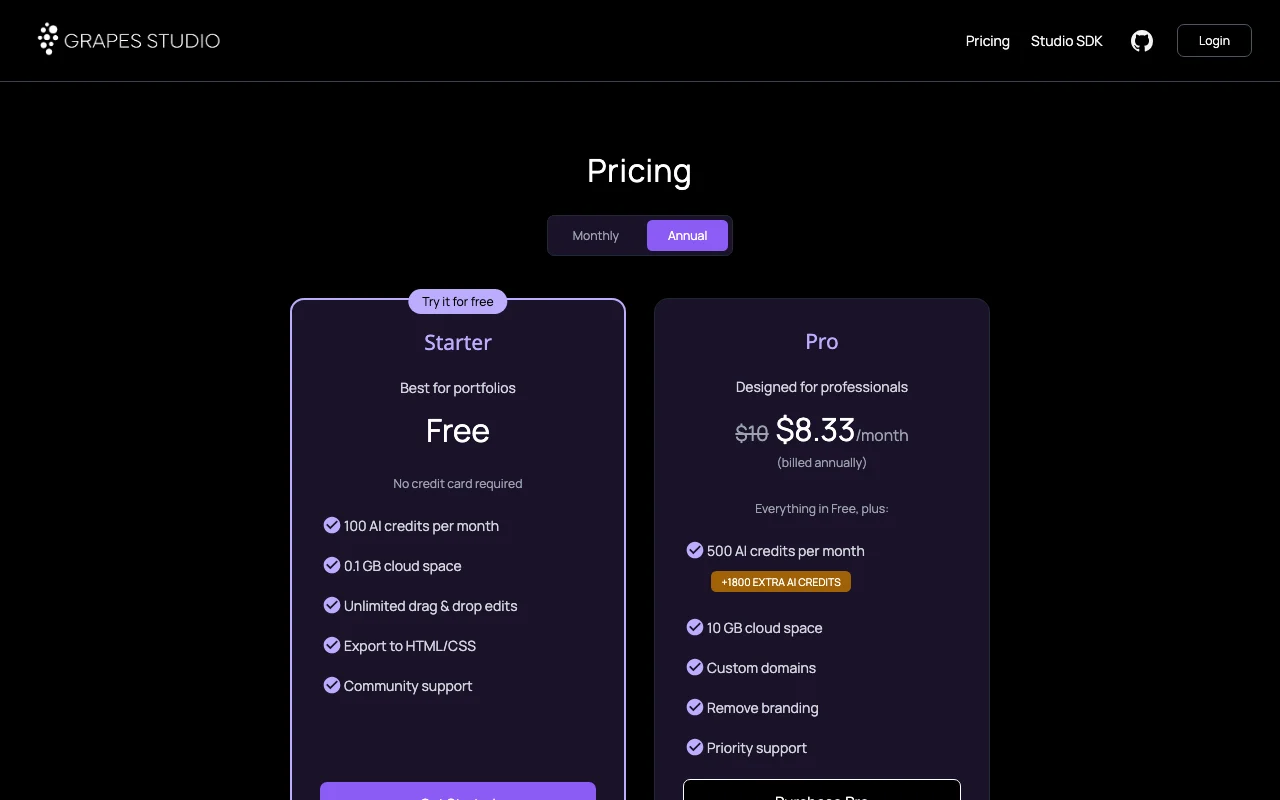
GrapesJS (Grapes Studio) pricing and usage limits
Prices checked Oct 2, 2026 on the official US pricing page. Official pricing ↗ Prices and limits change often.
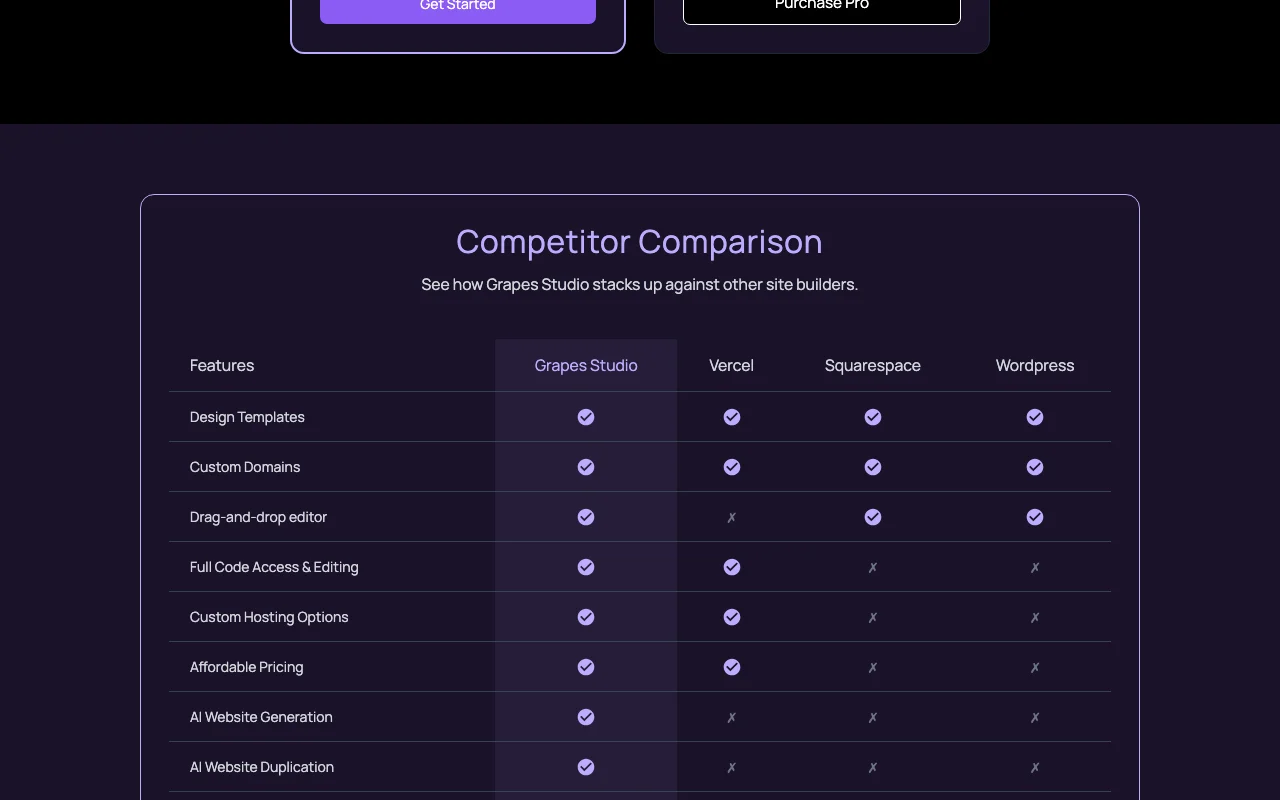
The official GrapesJS (Grapes Studio) pricing page as we saw it. grapesjs.com, captured Oct 2, 2026
Free access and trial conditions
Starter is free with no credit card required. The GrapesJS open-source framework is free and open source.
Pro page lists an extra 1800 AI credits promotion beside the 500 monthly credits; terms not explained.
What is GrapesJS (Grapes Studio), and how does it work?
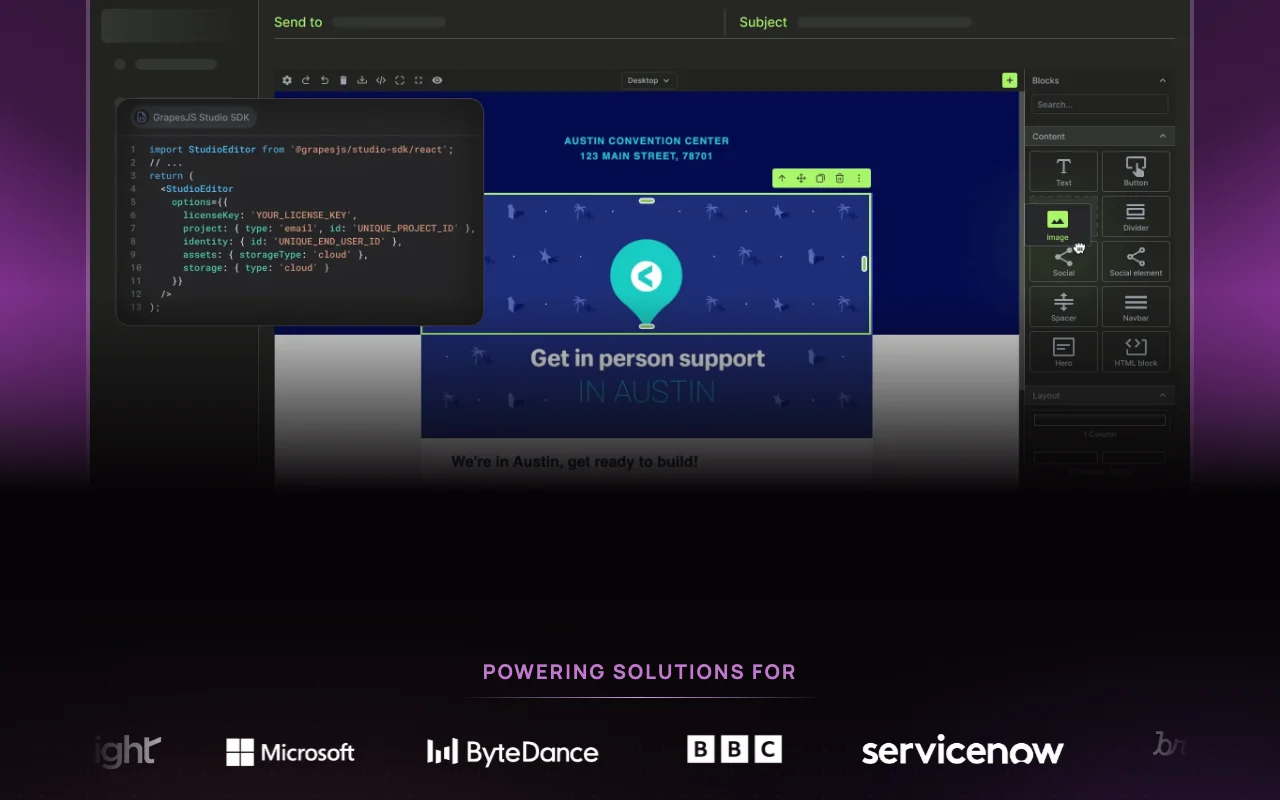
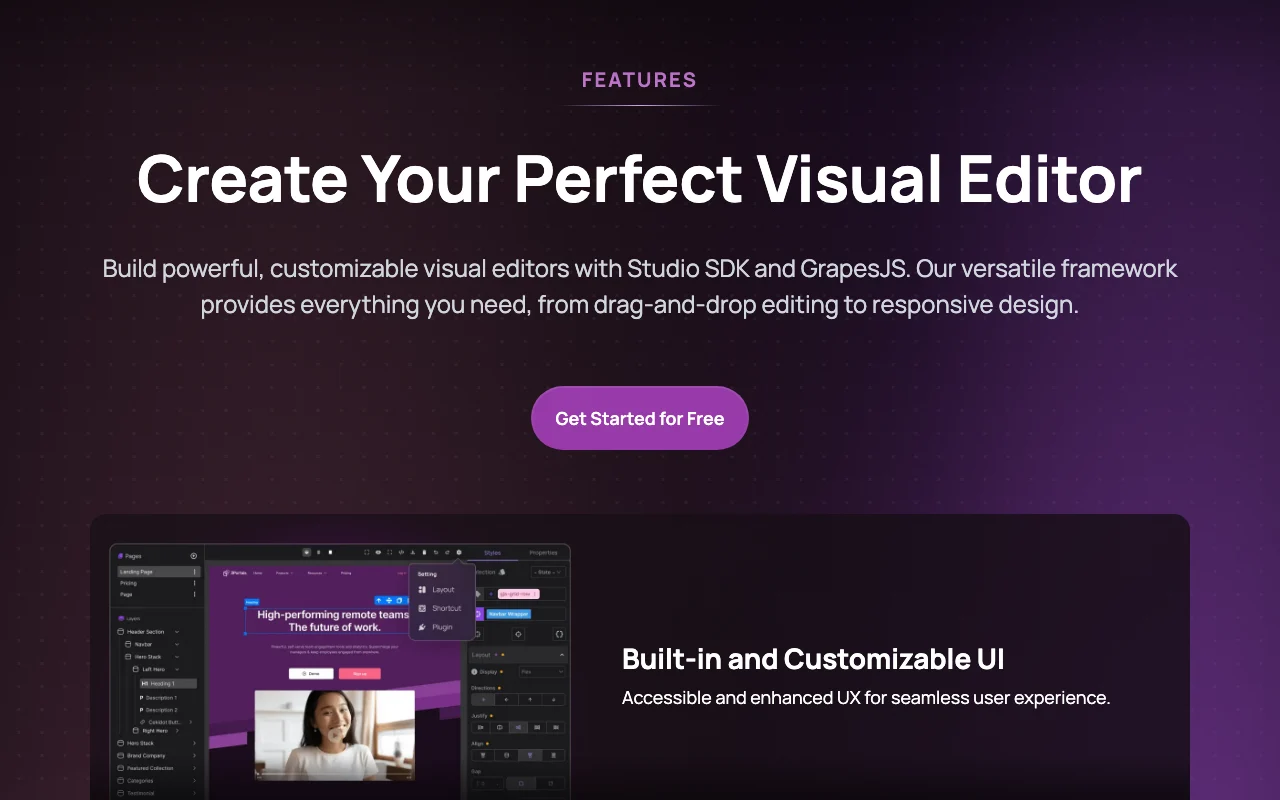
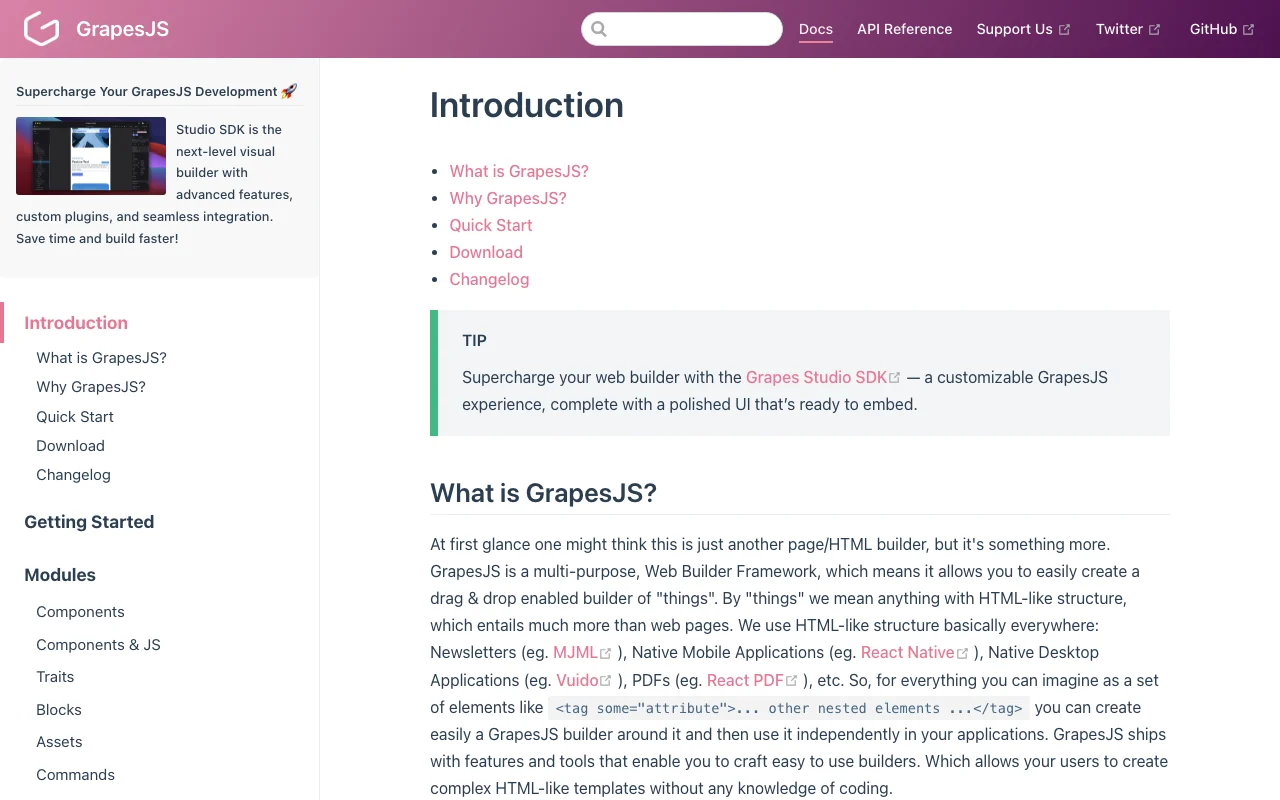
GrapesJS is an open-source framework for building visual web and email editors. Grapes Studio adds a hosted AI drag-and-drop builder and an embeddable Studio SDK.
Output is JSON with built-in HTML/CSS/JS export, and the editor can be extended with custom components and plugins.
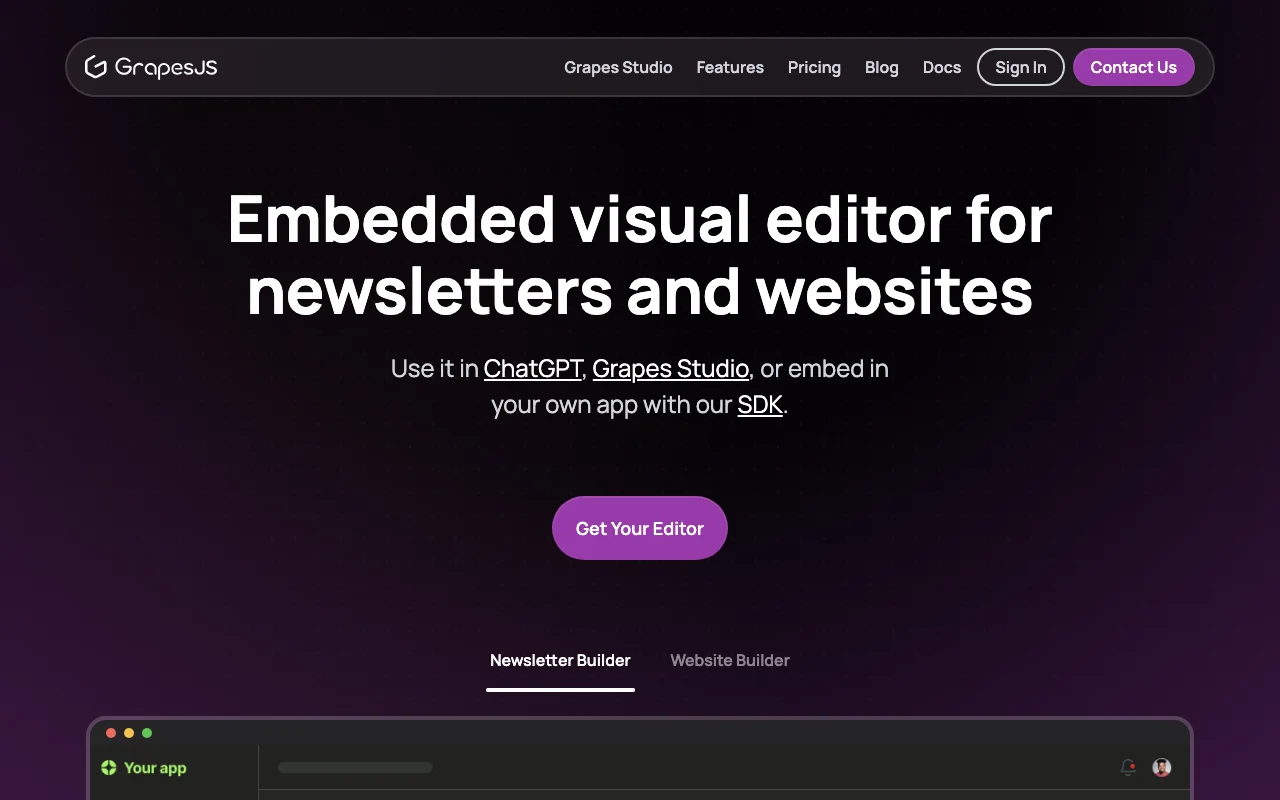
GrapesJS (Grapes Studio)'s official site: how the product presents itself. grapesjs.com, captured Oct 2, 2026
What you provide and what you get back
What you give GrapesJS (Grapes Studio) and what comes back, from its documentation
You provide
Text prompts for AI generation
Drag-and-drop component edits
Existing site as a starting point
Custom components and plugins
You get back
HTML/CSS/JS export
JSON project data
Newsletters and landing pages
Embeddable editor
Where you can use it
Platforms
Web, API
Account
Required
Output
JSON, HTML/CSS/JS export
Formats built
Newsletters, landing pages, websites, documents
Free plan
100 AI credits per month, 0.1 GB
Presets
Webpage, newsletter, MJML
Open source
Core framework
Best use cases for GrapesJS (Grapes Studio)
Scenarios are worked out by our editors from the documentation; the actual result depends on your input and plan.
Provides responsive styling tools, a built-in assets manager, and pages and layers managers inside the editor. Builds content that works on every device.
Accepts custom components and plugins and lets the UI be modified to match product needs. Tailors the editor to your own product.
Access: Open-source frameworkLimit: Plugin development requires JavaScript skills.source (opens in a new tab)
GrapesJS (Grapes Studio): strengths and limits
Reasons to choose GrapesJS (Grapes Studio)
Open-source core framework You can adopt and modify it without licence cost.documentedsource (opens in a new tab)
Free Starter plan with no credit card Prototyping needs no payment details.documentedsource (opens in a new tab)
Cloud or self-hosted data options You can avoid vendor lock-in for stored data.documentedsource (opens in a new tab)
HTML/CSS export included on the free plan Content moves to other tools or hosts easily.documentedsource (opens in a new tab)
Check before paying for GrapesJS (Grapes Studio)
Free plan limited to 100 AI credits per month and 0.1 GB cloud space Heavy AI use pushes you to a paid plan.documentedsource (opens in a new tab)
Embedded SDK and white-label need the Enterprise plan with custom pricing Product teams must contact sales before embedding the SDK.documentedsource (opens in a new tab)
Custom domains and branding removal require a paid plan Sites stay on vendor branding without paying.documentedsource (opens in a new tab)
Using the framework requires development skills Non-developers should use Grapes Studio instead of the raw framework.documentedsource (opens in a new tab)
How to use GrapesJS (Grapes Studio) for building a newsletter or landing page
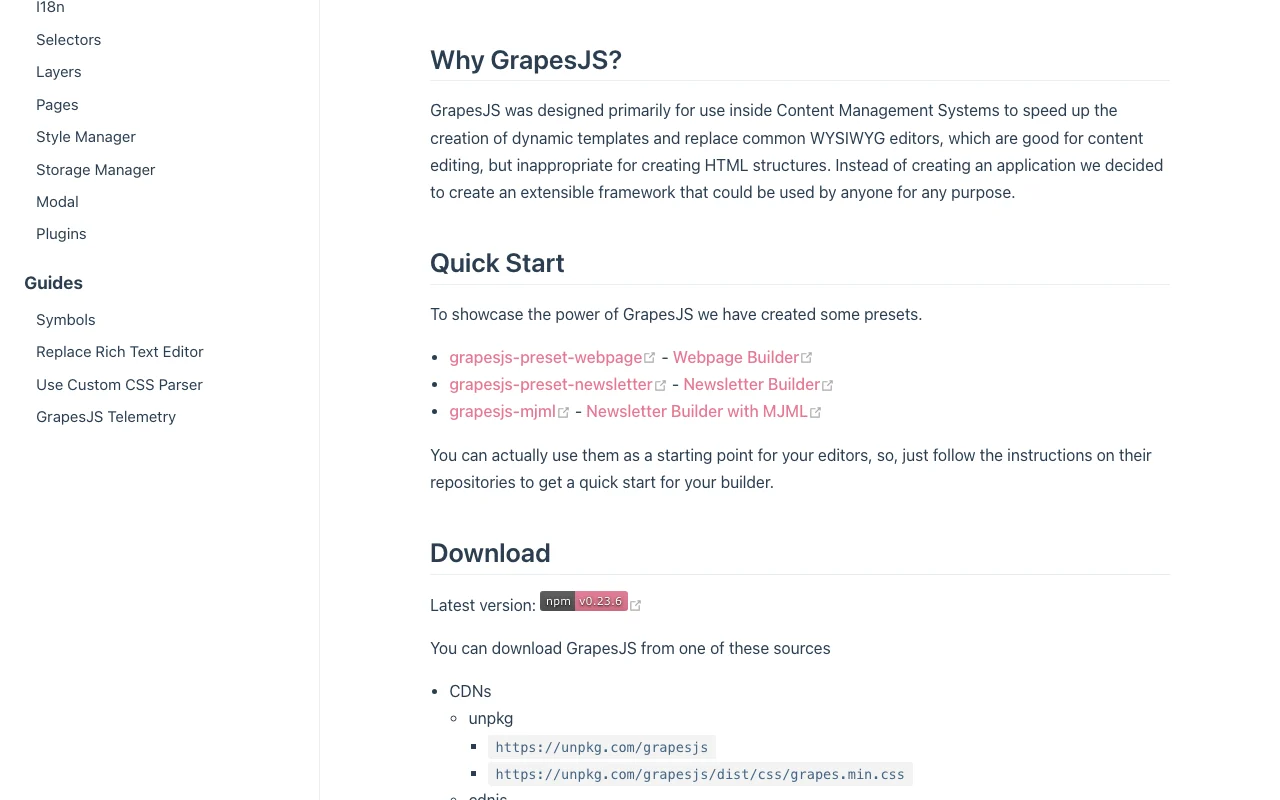
GrapesJS (Grapes Studio) documentation: where the steps below come from. grapesjs.com, captured Oct 2, 2026
Set up GrapesJS (Grapes Studio)
Open grapesjs.com and choose Get Started for Free for Grapes Studio.
Create an account on the Starter plan.
Pick a newsletter or website builder.
Example: building a newsletter or landing page
Describe the page to the AI builder or choose a template.
Drag, edit and rearrange components in the editor.
Check the layout in responsive previews.
Export the result to HTML/CSS.
Review and export the result
Preview the page at desktop and mobile widths.
Open the exported HTML/CSS and confirm it renders as expected.
Example prompt suggested by our editors (not a recorded output of the product)
Create a one-page landing page for a bakery with a hero image, menu section and contact form.
GrapesJS (Grapes Studio) integrations and API
GrapesJS (Grapes Studio) documentation (continued). grapesjs.com, captured Oct 2, 2026
Native integrations and export formats
Export: HTML, CSS, JS, JSON
API access and separate billing
GrapesJS (Grapes Studio) has no public API in its official documentation. Modules documented include components, storage manager and plugins; changelog is on GitHub Releases. API documentation ↗
Privacy, data use and commercial rights
Summarized from the vendor's current policies; this is not legal advice and a vendor's badge is not an independent audit.
How your inputs and outputs are handled
Data hosting is flexible: cloud or self-hosted options are stated on the homepage.
Commercial use and plan restrictions
White-label and embedded SDK are Enterprise only.
Controls for business users
Self-hosted data option
Other tools to consider instead of GrapesJS (Grapes Studio)
"Better suited" is based on documented features and pricing, not on a head-to-head test.
Lovable: better suited to aI app and site builder from prompts
Canva: better suited to design and website builder
Not verified: Privacy policy, training use and retention (HTTP 404); Free trial for paid plans; Total annual Pro price; Meaning of the extra 1800 AI credits note; US availability not stated.
How we documented and maintain this page
Every fact about GrapesJS (Grapes Studio) above comes from the 3 official pages listed here, last compared on Oct 2, 2026; we have not run GrapesJS (Grapes Studio) ourselves, so it has no editorial score. How we check and re-check pages.
Article updated Oct 2, 2026; prices checked Oct 2, 2026. Outbound links to vendors are plain links; we do not earn commissions. How we review · Report an error