Open source web
Free source (opens in a new tab)
Month
For: Teams pairing on AI sessions
Limits
- Public alpha
Includes
- Session invites
- Named prompts
CodingDocumented overviewLast checked Oct 2, 2026
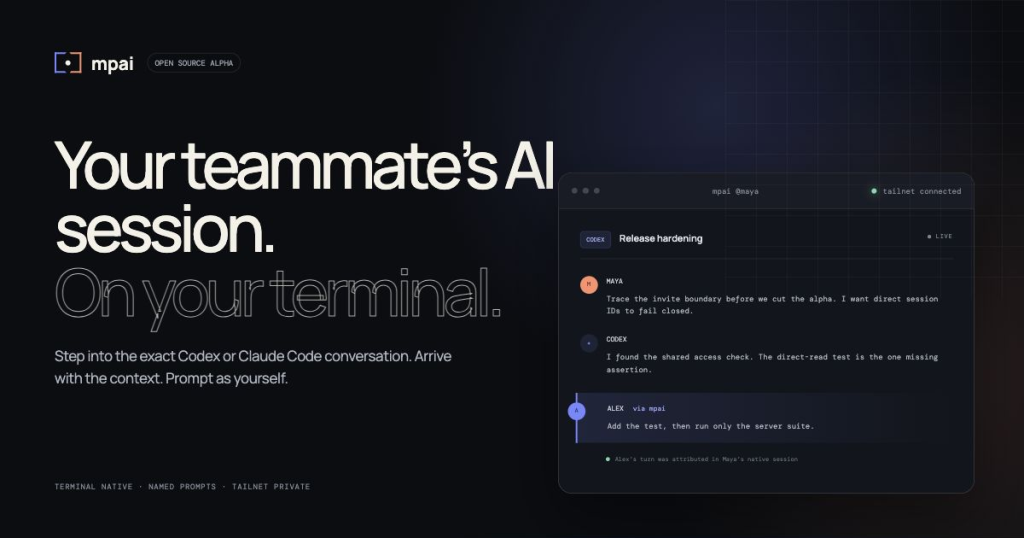
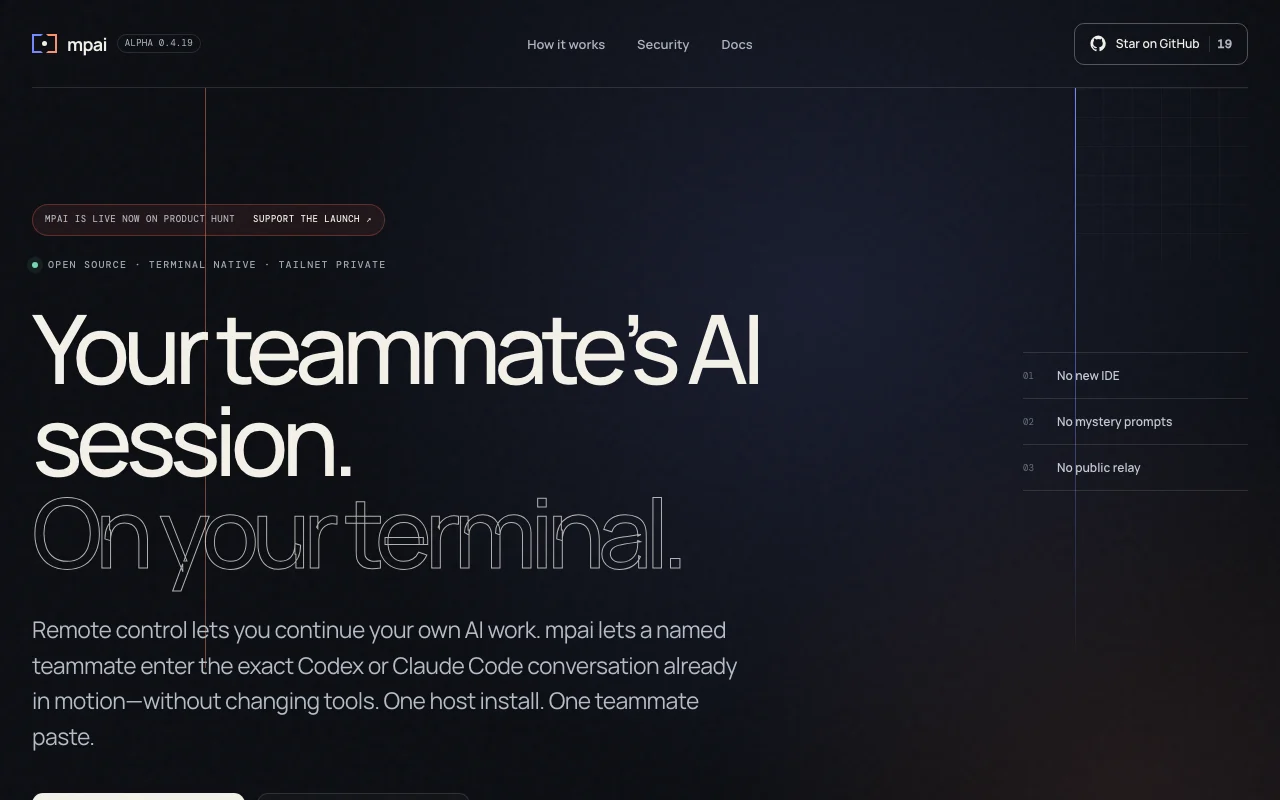
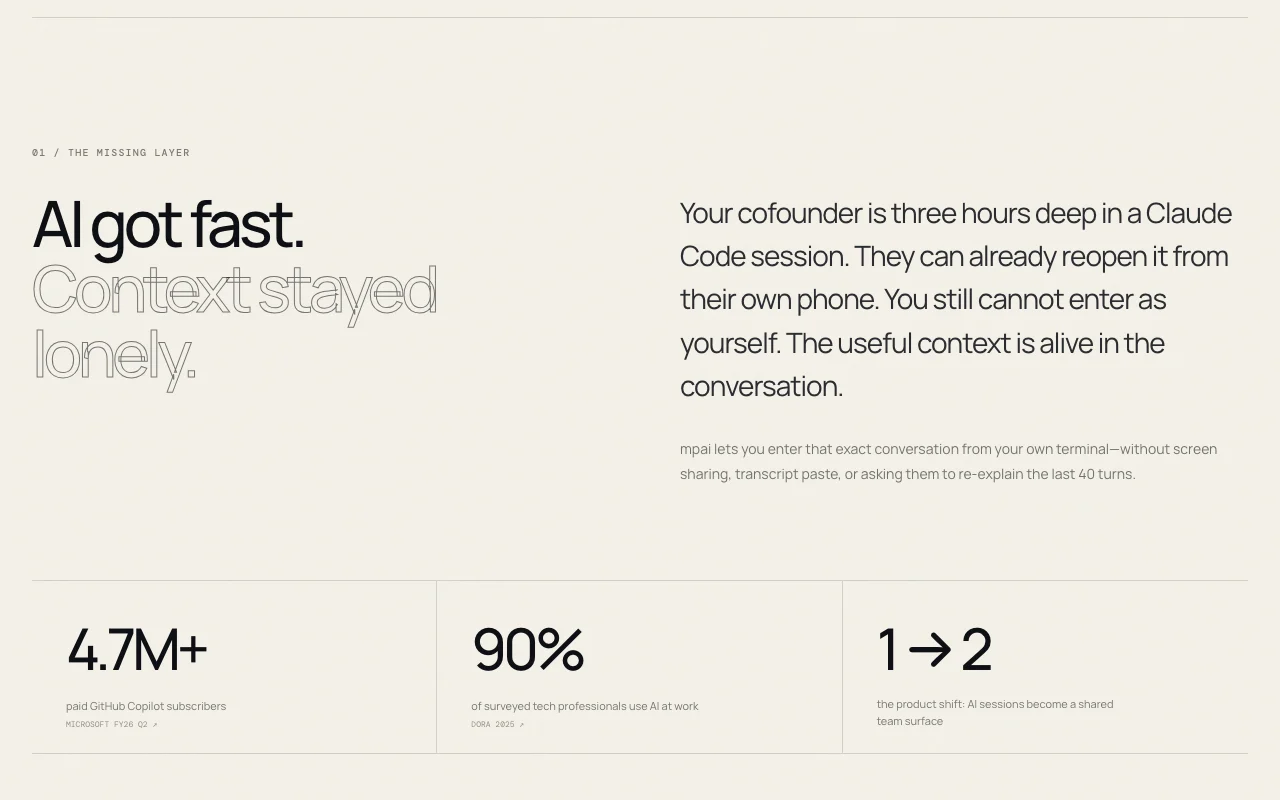
Open-source terminal tool that lets a teammate join your existing Codex or Claude Code session, with their own name on each prompt.
 (open full size in a new tab)
 (open full size in a new tab)
 (open full size in a new tab)
 (open full size in a new tab)
 (open full size in a new tab)
Our take: mpai is worth trying for pairs of macOS developers who already use Codex or Claude Code and want a teammate to join a live session with their own name on each prompt.
Main limitation: It is a public alpha that is macOS-only and requires Tailscale.
mpai is worth trying for pairs of macOS developers who already use Codex or Claude Code and want a teammate to join a live session with their own name on each prompt. Based on the vendor's documentation, not on a hands-on test.
Also a good fit for
Or if
Prices checked Oct 2, 2026 on the official US pricing page. Prices and limits change often.
The site's structured data lists price $0 as open source.
Not applicable.
Free source (opens in a new tab)
Month
For: Teams pairing on AI sessions
Limits
Includes
Codex and/or Claude Code access and Tailscale required.
Not stated.
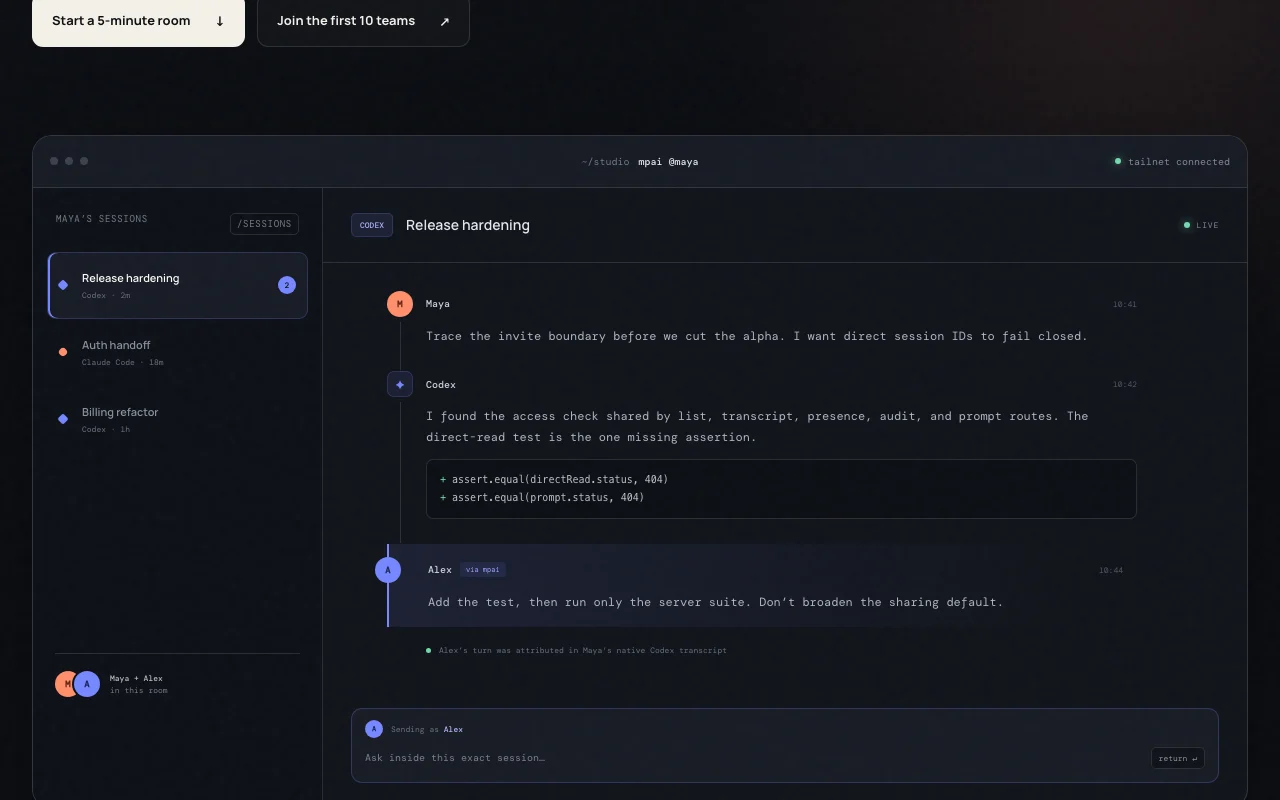
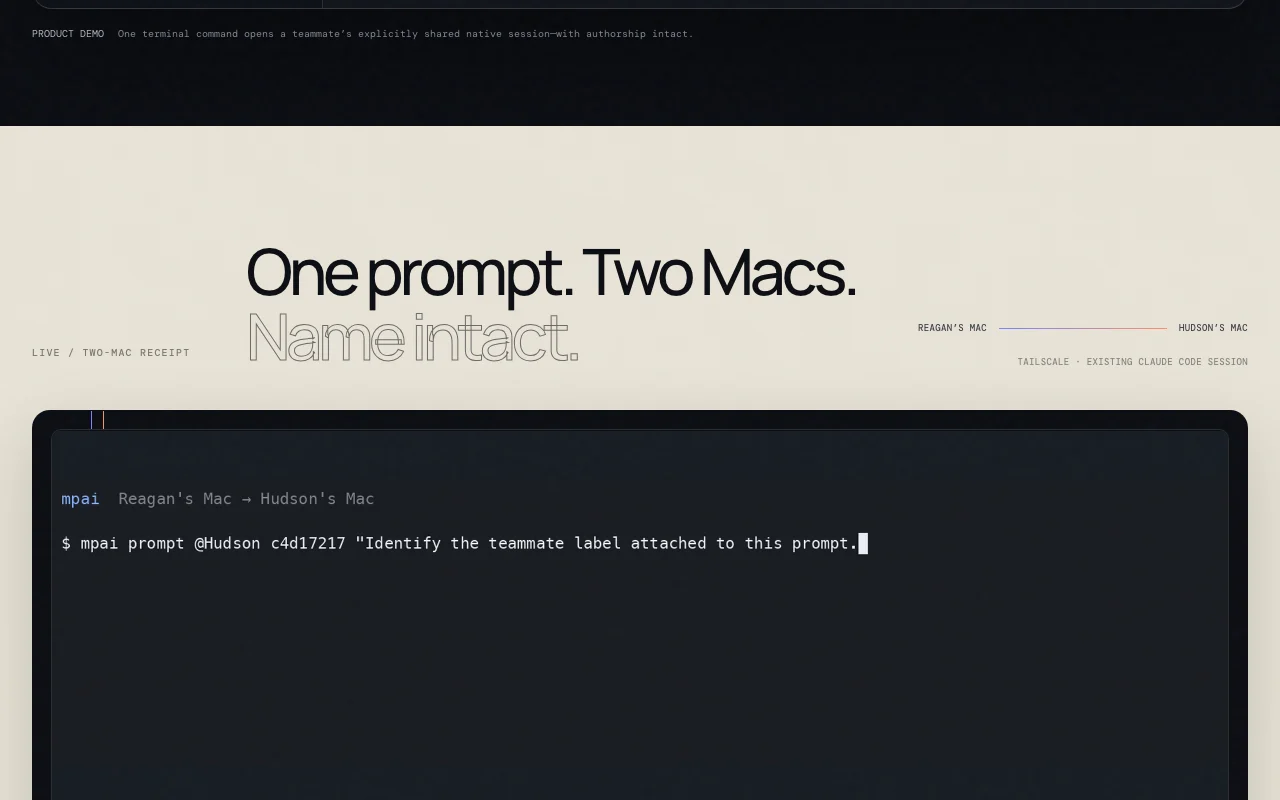
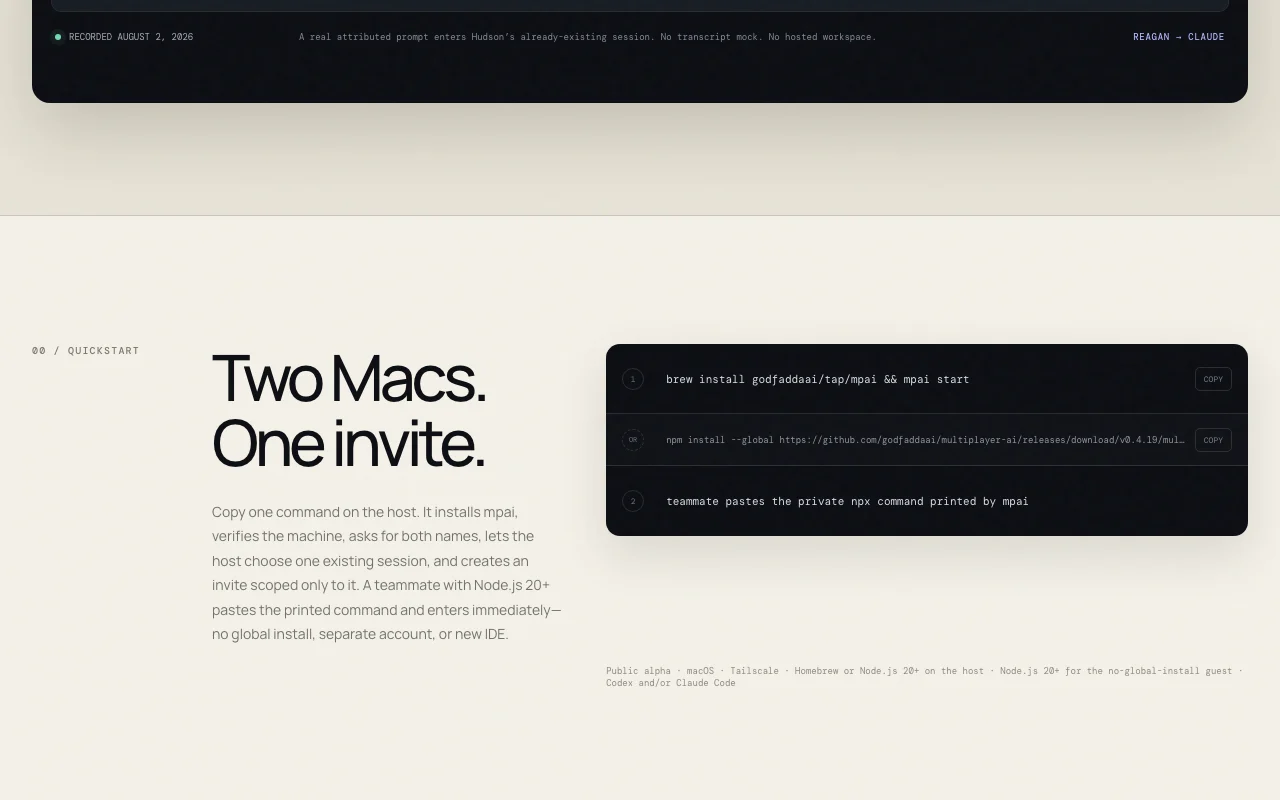
mpai is an open-source command-line tool (public alpha) that lets a named teammate enter an existing Codex or Claude Code conversation from their own terminal, instead of screen sharing or pasting transcripts. The host chooses which session to share and creates an invite scoped to that session. The site describes a private setup over Tailscale with no public relay, installed via Homebrew or npm on the host. A guest needs Node.js 20+ and pastes a printed command. Prompts from the guest are attributed to them in the native transcript.
You provide
You get back
Scenarios are worked out by our editors from the documentation; the actual result depends on your input and plan.
Lets a teammate enter a Codex or Claude Code session from their own terminal. Avoids screen sharing.
Creates an invite for the one session the host picks. Limits exposure.
Tags the guest's prompts with their name in the transcript. Shows who asked what.
Connects over Tailscale with no public relay. Keeps traffic private.
mpai has no public API in its official documentation. No API described.
Summarized from the vendor's current policies; this is not legal advice and a vendor's badge is not an independent audit.
Traffic stays on a private Tailscale network with no public relay.
"Better suited" is based on documented features and pricing, not on a head-to-head test.
| Alternative | When to choose it | Pricing | Limitation | |
|---|---|---|---|---|
| GitHub Copilot | — | — | Compare | |
| Cursor | — | — | Compare | |
| Devin Desktop (formerly Windsurf) | — | — | Compare |
No user reviews yet.
Used mpai? Be the first to share your experience.
It lets a named teammate join an existing Codex or Claude Code session from their terminal. source (opens in a new tab)
macOS, Tailscale, Homebrew or Node.js 20+ on the host and Node.js 20+ for the guest. source (opens in a new tab)
Yes, the site describes it as open source, with MIT listed in its structured data. source (opens in a new tab)
Each guest prompt is attributed to the teammate's name in the session transcript. source (opens in a new tab)
Not verified: Linux or Windows support; Privacy policy; Roadmap beyond alpha.
Every fact about mpai above comes from the 2 official pages listed here, last compared on Oct 2, 2026; we have not run mpai ourselves, so it has no editorial score. How we check and re-check pages.
Article updated Oct 10, 2026; prices checked Oct 2, 2026. Outbound links to vendors are plain links; we do not earn commissions. How we review · Report an error
compare>