CodingDocumented overviewLast checked Sep 29, 2026

Liquiflow: Pricing, Features & Best Use Cases

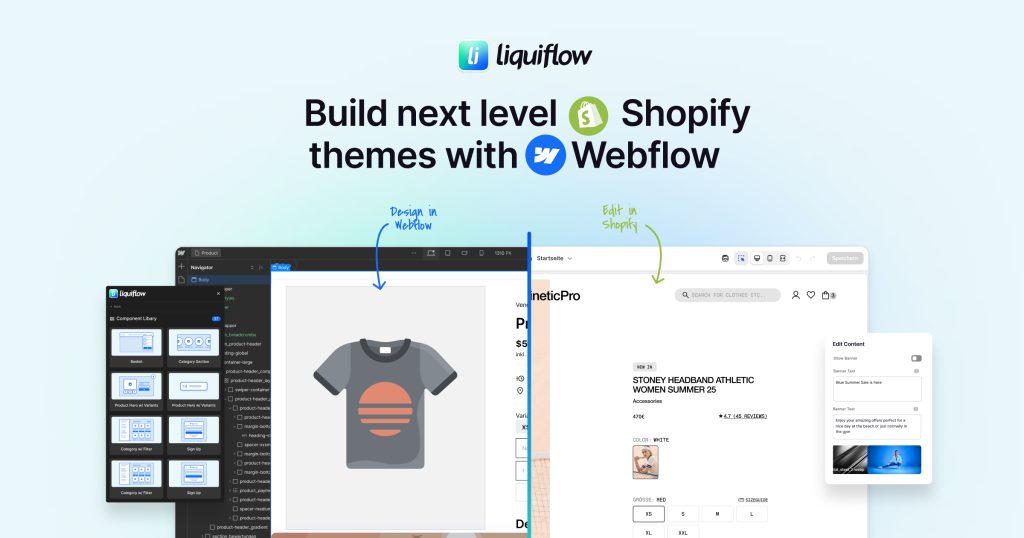
Webflow to Shopify converter that builds Shopify 2.0 themes and sections from designs made in Webflow.

Is Liquiflow right for you?

Liquiflow suits Webflow designers and agencies who want to build Shopify 2.0 themes and sections visually in Webflow and publish them directly to Shopify. Based on the vendor's documentation, not on a hands-on test.

Best for: Webflow agencies building Shopify stores

Also a good fit for

  • Freelancers who design in Webflow and deploy to Shopify

Consider another tool if no free plan seen

Or if

  • Requires Webflow and Shopify
  • Not shown as AI product

Liquiflow pricing and usage limits

Prices checked Sep 29, 2026 on the official US pricing page. Official pricing ↗ Prices and limits change often.

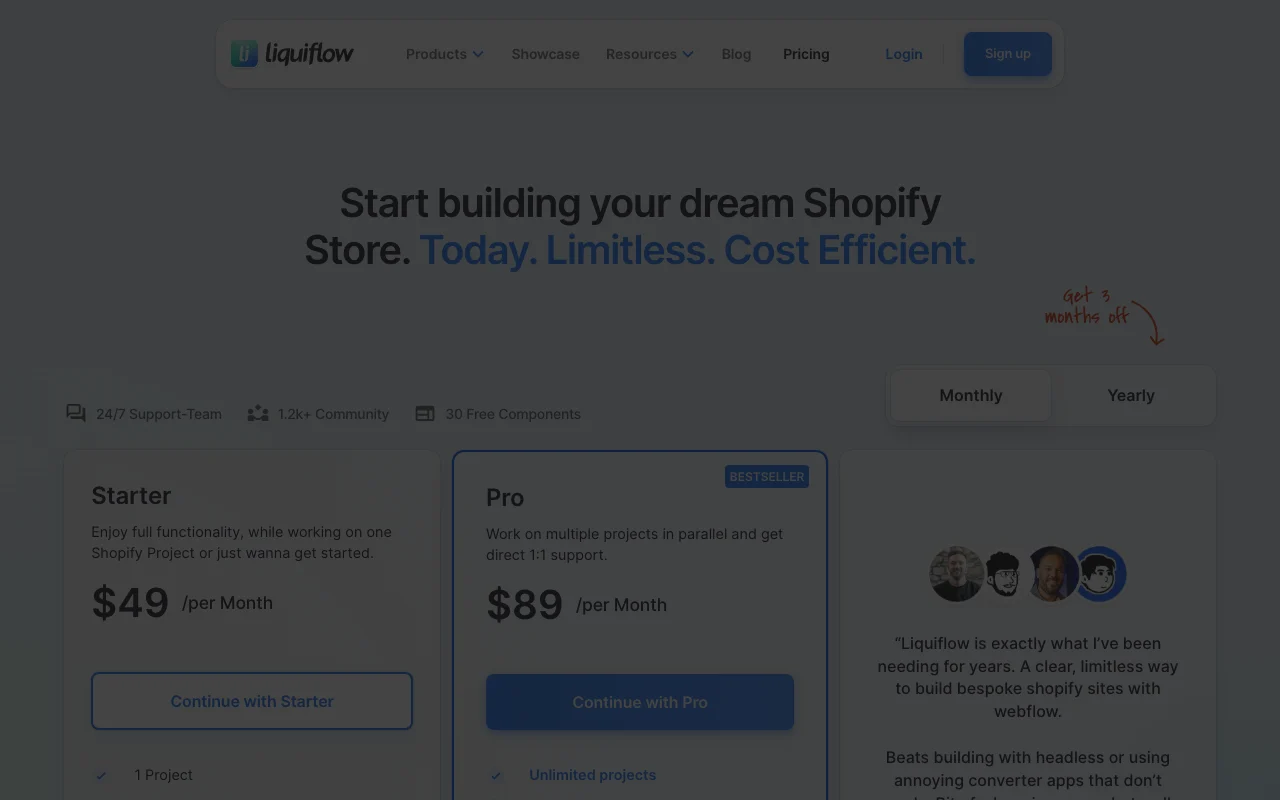
Liquiflow pricing page with plans and prices — screenshot of the coding AI tool, Oct 2, 2026
The official Liquiflow pricing page as we saw it. liquiflow.app, captured Oct 2, 2026

Free access and trial conditions

No free plan seen; the page mentions 30 free components.

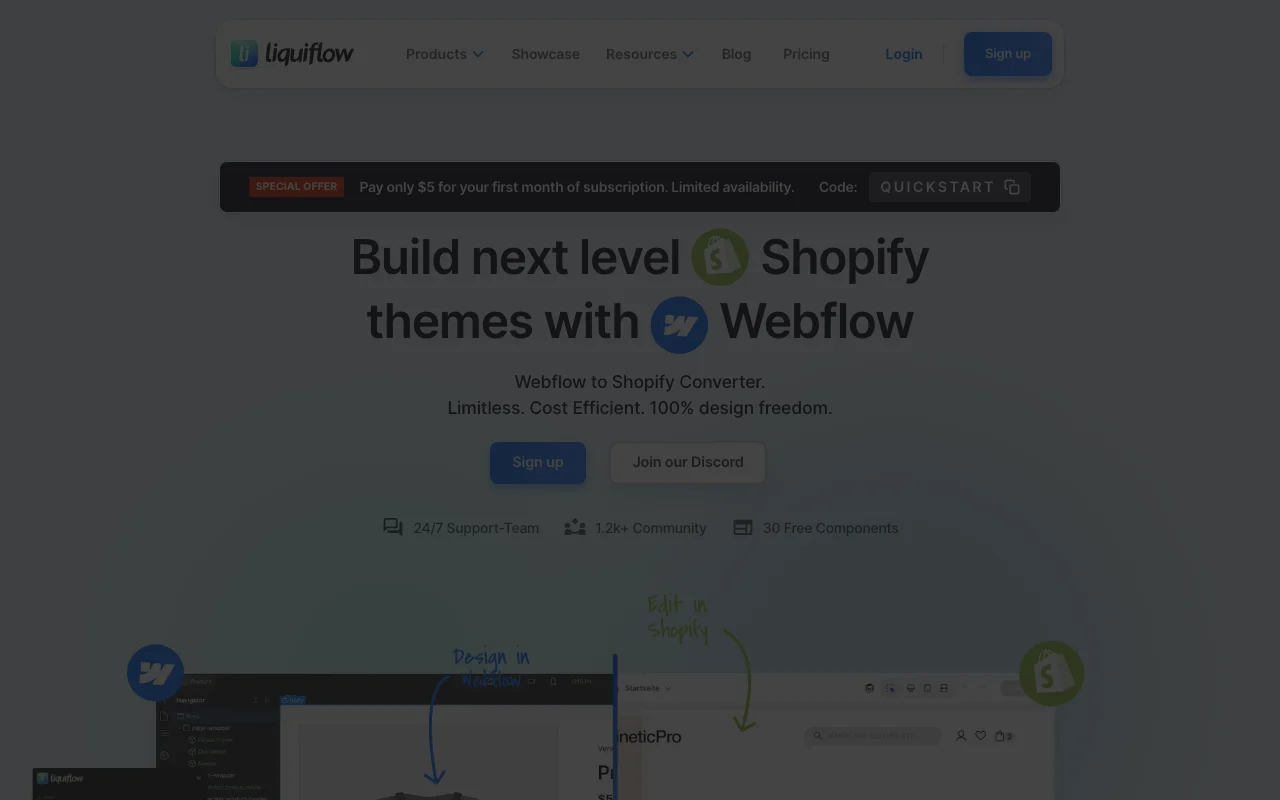
$5 first month with code QUICKSTART, limited availability.

Paid plans: what changes as you upgrade

Starter web

See official pricing source (opens in a new tab)

Month

Page shows $34/month with a Monthly/Yearly toggle; seed notes structured data lists $49, so the period is ambiguous.

For: One Shopify project

Limits

  • 1 project

Includes

  • Shopify 2.0 Theme Builder
  • Shopify Section Builder
2 more
  • Unlimited conversion
  • Publish directly to Shopify

Pro web

See official pricing source (opens in a new tab)

Month

Page shows $67/month; structured data lists $89; ambiguous.

For: Agencies with multiple projects

Limits

  • Unlimited projects

Includes

  • Theme and Section Builders
  • Unlimited conversions
2 more
  • 1-on-1 support
  • GitHub organization support

Enterprise web

Custom pricing source (opens in a new tab)

Custom

For: Large agencies

Includes

  • Weekly 1-to-1 consulting
  • Private Discord with founders
1 more
  • Bundled licences

Usage caps, credits and extra costs

Requires a Webflow account with custom code access.

Not stated.

What is Liquiflow, and how does it work?

Liquiflow is a Webflow to Shopify converter that builds full Shopify 2.0 themes or individual sections from designs made in Webflow, with a Webflow app, a GitHub-based workflow and a kit of 30+ ready-made components. Both paid plans include unlimited conversions and direct publishing to Shopify. The pages describe a no-code/design tool and do not present it as an AI product.

Liquiflow homepage — screenshot of the coding AI tool, Oct 2, 2026
Liquiflow's official site: how the product presents itself. liquiflow.app, captured Oct 2, 2026

What you provide and what you get back

How Liquiflow works: what you provide, where it runs and what you get backYOU PROVIDEYour inputWebflow designsCustom attributes for Shopify Liq…GitHub repositoriesCODINGLiquiflowWebprice not publishedno free tieraccount requiredchecked Sep 29, 2026YOU GET BACKThe resultShopify 2.0 themesShopify sectionsPushes to Shopifyinput → Liquiflow → output · from the vendor's own pages, no hands-on test unless stated
What you give Liquiflow and what comes back, from its documentation

You provide

  • Webflow designs
  • Custom attributes for Shopify Liquid
  • GitHub repositories

You get back

  • Shopify 2.0 themes
  • Shopify sections
  • Pushes to Shopify

Where you can use it

Platforms
Web
Account
Required
Platforms
Webflow and Shopify 2.0
Projects
1 / unlimited
Components
30+
Support
Discord 1-to-1

What people use Liquiflow for

Scenarios are worked out by our editors from the documentation; the actual result depends on your input and plan.

Build Shopify themes in Webflow

Who
Webflow agencies
You provide
A Webflow design
Expected result
A Shopify 2.0 theme
Plan needed
Starter or Pro
Limitation
Needs Webflow account source (opens in a new tab)

Create custom Shopify sections

Who
Freelancers
You provide
A standalone section in Webflow
Expected result
A custom Shopify section
Plan needed
Starter
Limitation
Class naming rules apply source (opens in a new tab)

Sync via GitHub

Who
Development teams
You provide
A Shopify theme
Expected result
Synced code through GitHub
Plan needed
Pro for organization support
Limitation
GitHub setup required source (opens in a new tab)

Liquiflow features and their limits

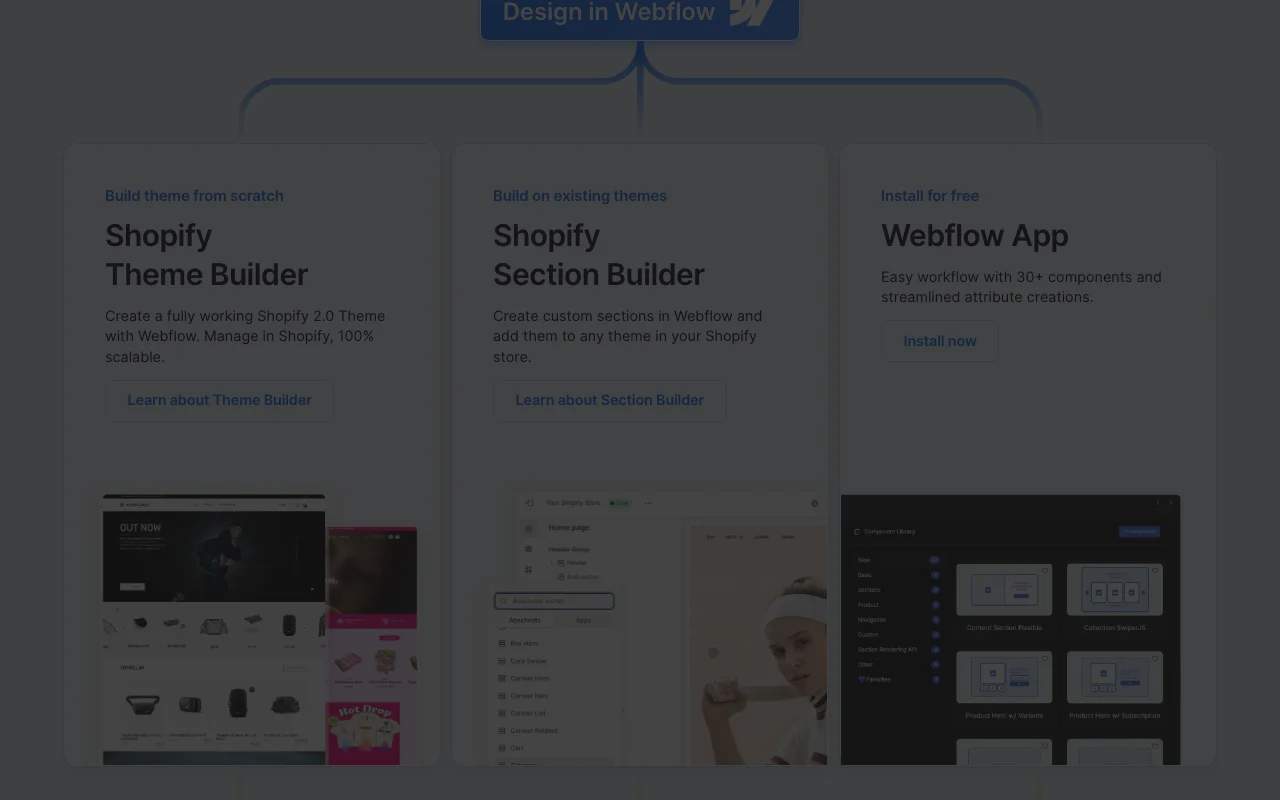
Liquiflow homepage — screenshot of the coding AI tool, Oct 2, 2026
Feature overview on the official site. liquiflow.app, captured Oct 2, 2026

Theme Builder

Converts a Webflow design into a Shopify 2.0 theme. Skips hand-coding Liquid.

Access: Starter and ProLimit: Needs basic Liquid knowledge source (opens in a new tab)

Section Builder

Builds standalone Shopify sections from Webflow with its CSS. Lets you add reusable sections.

Access: Starter and ProLimit: Styles must be standalone source (opens in a new tab)

Webflow app

Publishes the result directly to a Shopify store. Avoids manual uploads.

Access: Starter and ProLimit: Needs Shopify access source (opens in a new tab)

30+ components

Provides 30+ components to speed building. Saves setup time.

Access: All plansLimit: Component list not captured source (opens in a new tab)

Liquiflow: strengths and limits

Reasons to choose Liquiflow

Check before paying for Liquiflow

How to use Liquiflow for converting a Webflow design into a Shopify theme

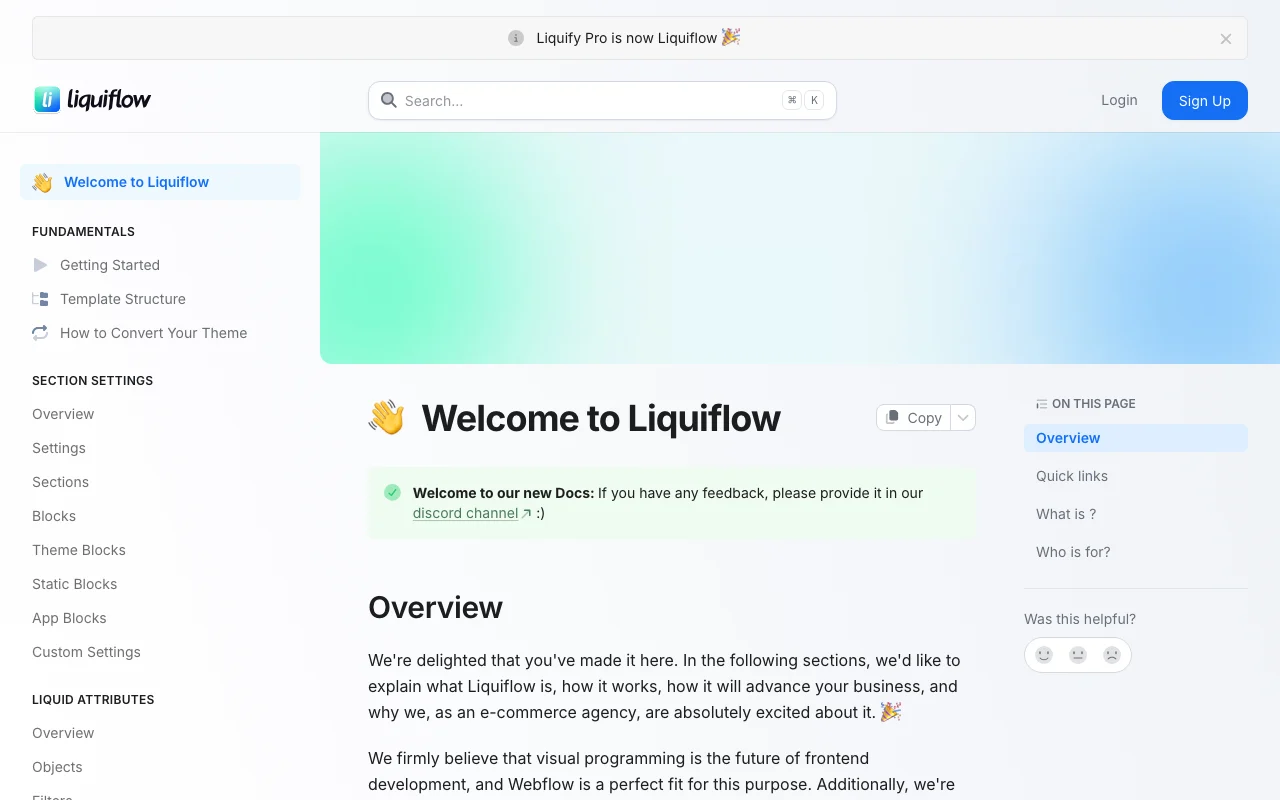
Liquiflow documentation — screenshot of the coding AI tool, Oct 2, 2026
Liquiflow documentation: where the steps below come from. docs.liquiflow.app, captured Oct 2, 2026

Set up Liquiflow

  1. Sign up at liquiflow.app
  2. Install the Webflow app
  3. Connect your Shopify store
  4. Create a new project

Example: converting a Webflow design into a Shopify theme

  1. Design a section in Webflow
  2. Add Liquiflow attributes
  3. Convert to a Shopify section
  4. Publish to Shopify

Review and export the result

  1. Preview the section in the Shopify theme editor
  2. Check styles are not overridden by theme CSS

Liquiflow integrations and API

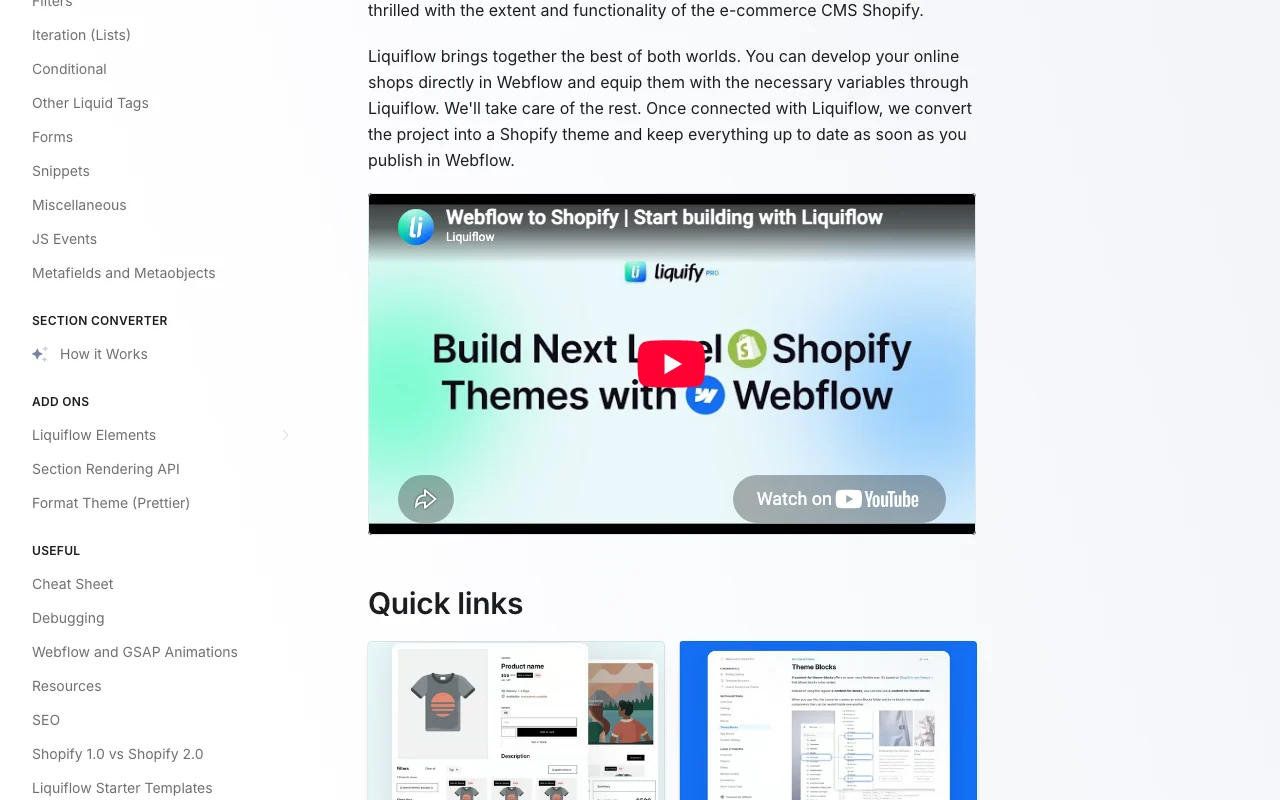
Liquiflow documentation — screenshot of the coding AI tool, Oct 2, 2026
Liquiflow documentation (continued). docs.liquiflow.app, captured Oct 2, 2026

Native integrations and export formats

Export: Shopify theme files

API access and separate billing

Liquiflow has no public API in its official documentation. Docs site exists. API documentation ↗

Explore Liquiflow further

Tools and guides near Liquiflow

Liquiflow user reviews

No user reviews yet.

Used Liquiflow? Be the first to share your experience.

Write a review

Reviews are checked by a moderator before they appear. Your email is never published. Plain text only.

Your rating (required)

Show what you made or what went wrong. Images are published only if the review is approved; location data is removed.

    Liquiflow FAQ

    Does Liquiflow require a paid Webflow plan?

    No paid hosting plan is needed, but a valid account plan is required for conversion. source (opens in a new tab)

    How is Liquiflow different from a headless Shopify setup?

    Liquiflow brings Webflow into Shopify as a native theme, while headless approaches bring Shopify into Webflow and need constant syncing. source (opens in a new tab)

    What does Liquiflow Pro add over Starter?

    Unlimited projects and GitHub organization support versus one project on Starter. source (opens in a new tab)

    Is there a Liquiflow promo for new users?

    A $5 first month with code QUICKSTART, with limited availability. source (opens in a new tab)

    Sources and review methodology

    Official sources and verification dates

    Not verified: Billing period of displayed prices; Privacy policy; Data retention.

    How we documented and maintain this page

    Every fact about Liquiflow above comes from the 3 official pages listed here, last compared on Sep 29, 2026; we have not run Liquiflow ourselves, so it has no editorial score. How we check and re-check pages.

    Article updated Oct 2, 2026; prices checked Sep 29, 2026. Outbound links to vendors are plain links; we do not earn commissions. How we review · Report an error