Our take: Choose Gemini CLI if you want an open-source terminal agent for Gemini that you can authenticate with an API key, Vertex AI or a paid Google plan, but note unpaid and Google One users were moved to Antigravity CLI.
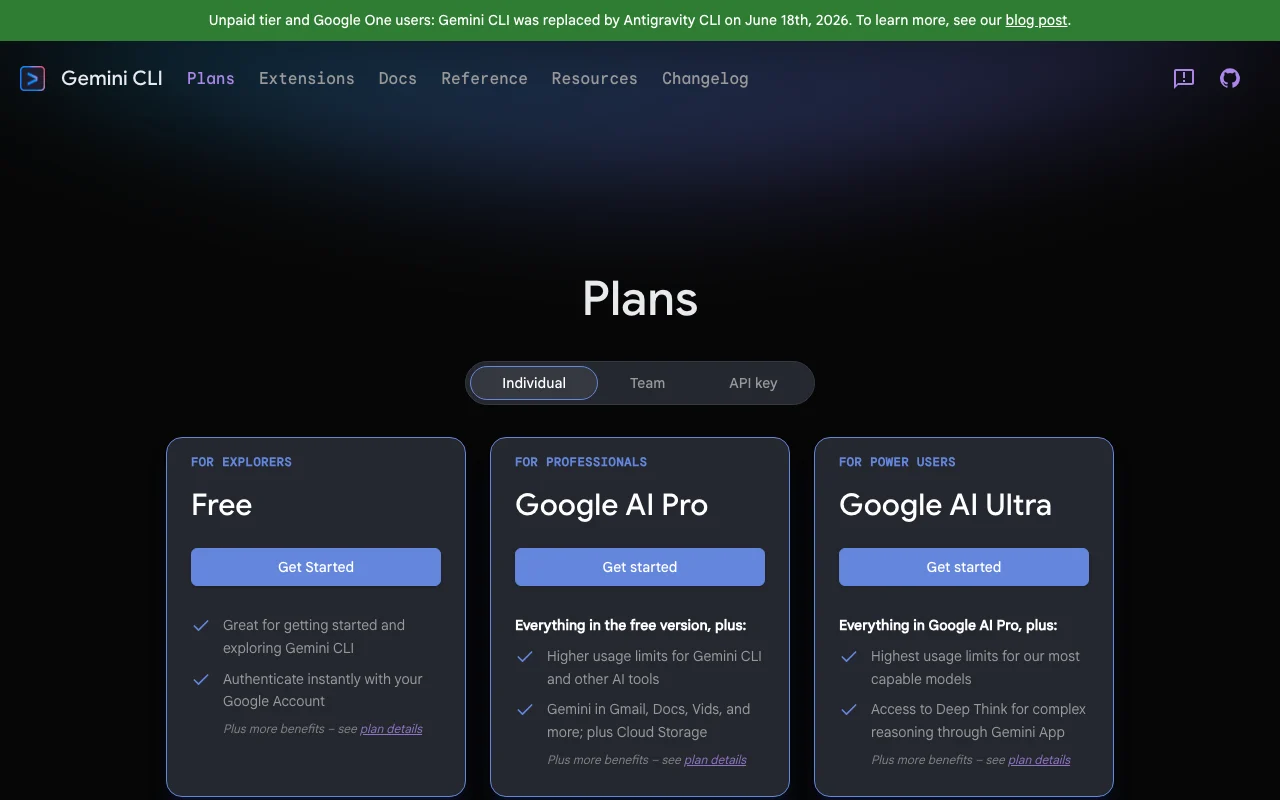
Main limitation: Unpaid-tier and Google One users were moved to Antigravity CLI on June 18, 2026, and the plans page shows no USD prices.
By the AI Tool Atlas editors.
Based on the vendor's official documentation; we have not tested this product hands-on. What “documented overview” means
Who Gemini CLI fits
Choose Gemini CLI if you want an open-source terminal agent for Gemini that you can authenticate with an API key, Vertex AI or a paid Google plan, but note unpaid and Google One users were moved to Antigravity CLI. Based on the vendor's documentation, not on a hands-on test.
Best for: Terminal-centric developers
Also a good fit for
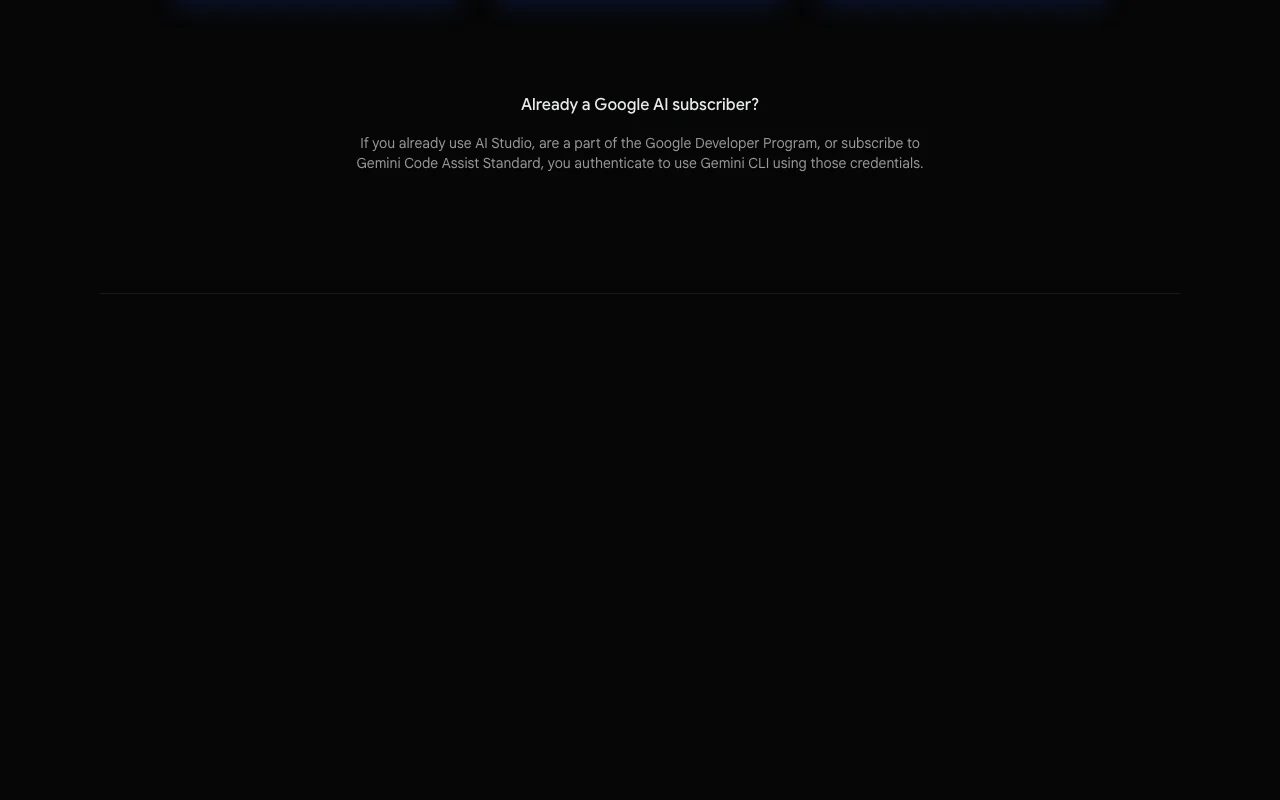
Users of Google AI, AI Studio or Vertex AI
Consider another tool if unpaid tier and Google One users were moved to Antigravity CLI on June 18, 2026
Or if
No USD prices shown on the plans page
Higher limits require paid Google plans or API billing
Gemini CLI in the news
Headlines from US outlets, selected automatically — not endorsements. Updated Oct 2, 2026
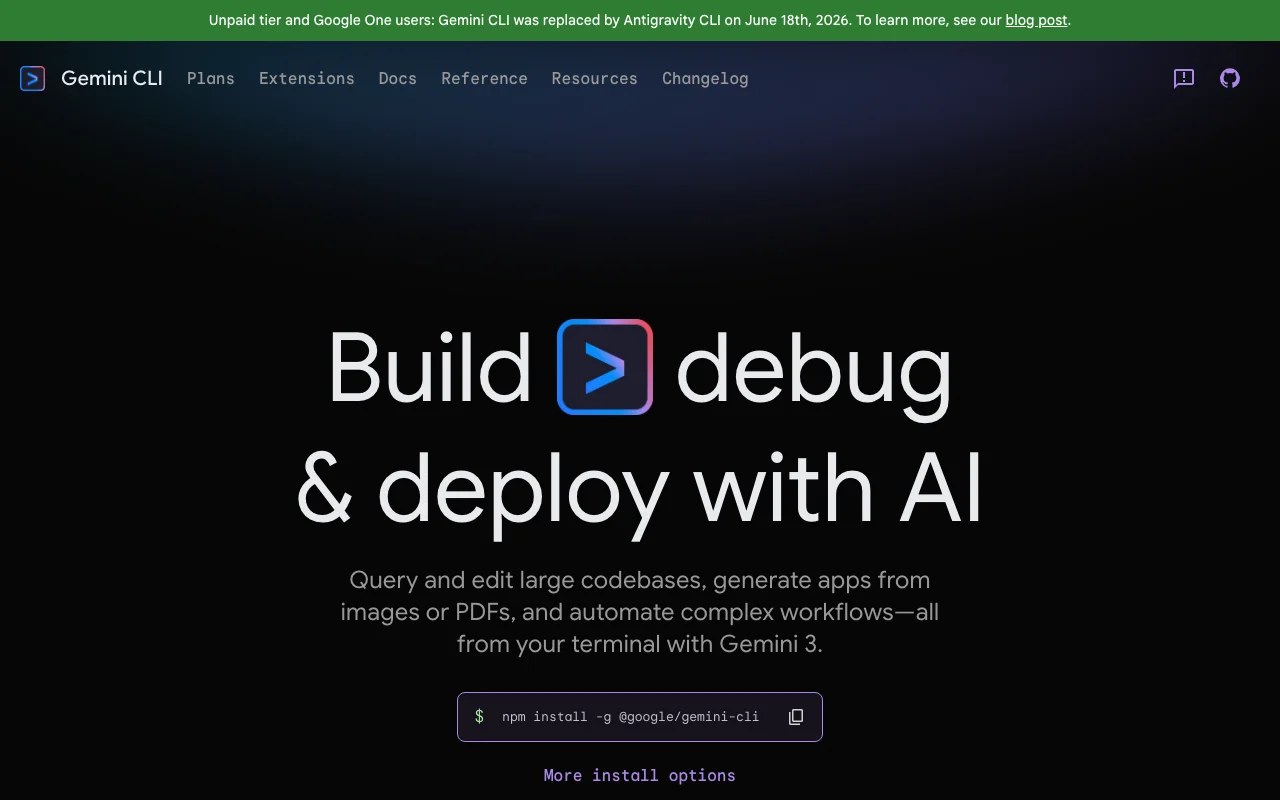
Gemini CLI is an open-source (Apache 2.0) AI agent that brings Gemini into the terminal for querying and editing codebases, with built-in tools and MCP support.
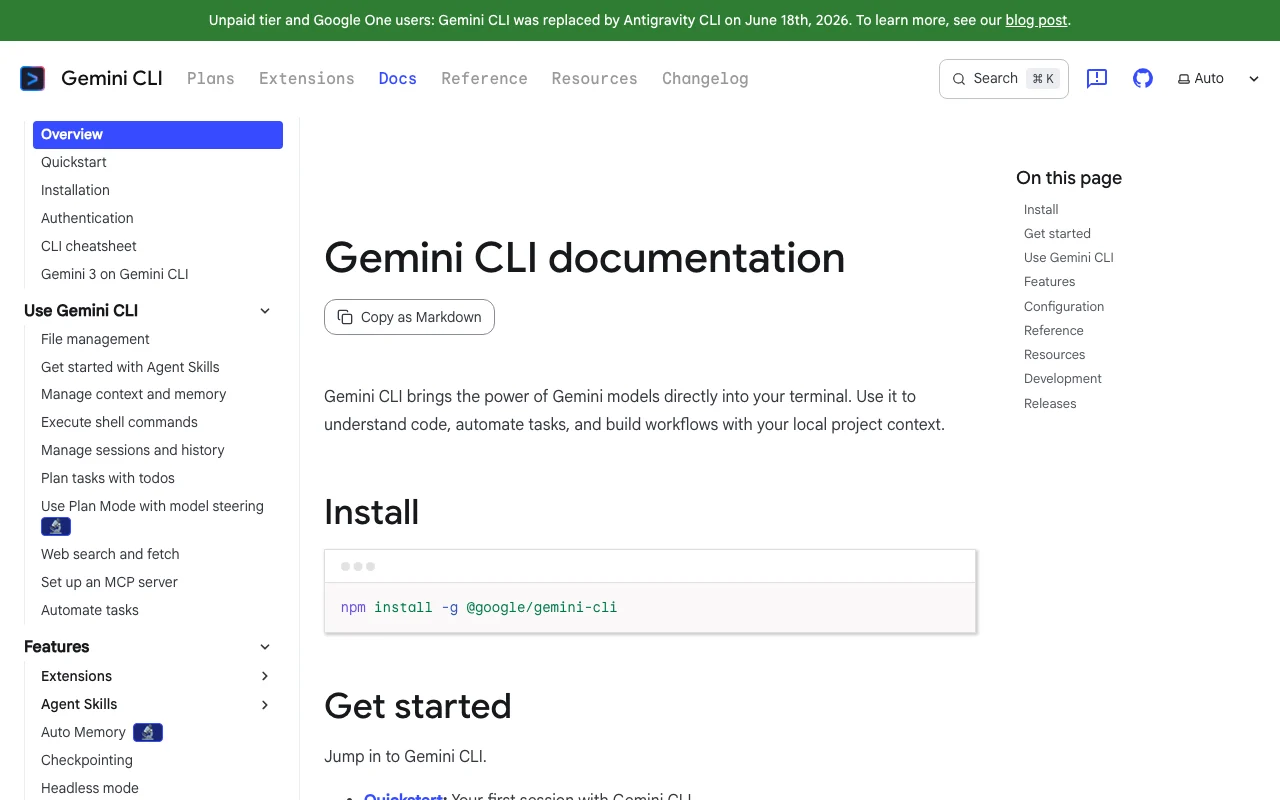
The official site banner states that for unpaid-tier and Google One users Gemini CLI was replaced by Antigravity CLI on June 18, 2026. Paid options remain via Google AI plans, Developer Program, AI Studio or Vertex AI.
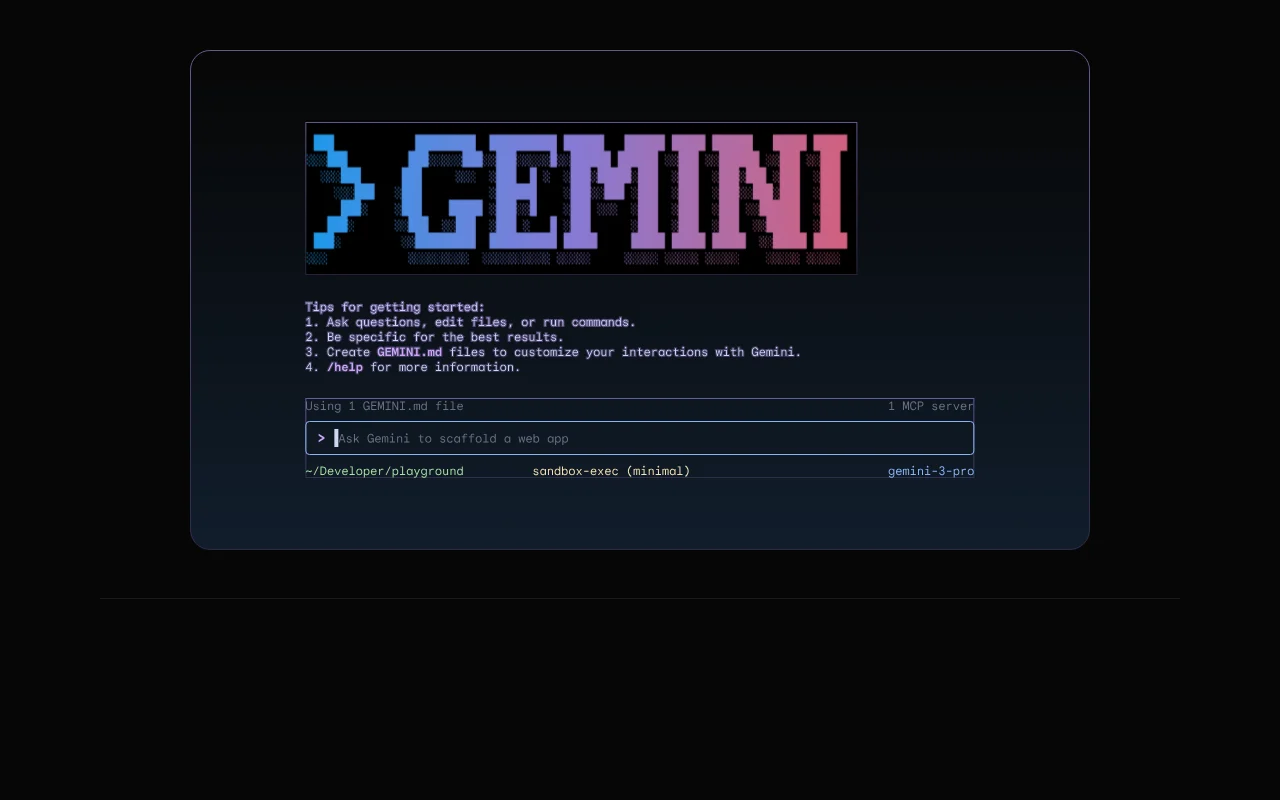
Gemini CLI's official site: how the product presents itself. geminicli.com, captured Oct 2, 2026
What you provide and what you get back
What you give Gemini CLI and what comes back, from its documentation
You provide
Prompts typed in the terminal
Local files and directories
Images or PDFs
Web pages via search and fetch
You get back
Edited files
Shell command results
Generated apps
Plans and todos
Where you can use it
Platforms
CLI, Desktop
Account
Required
Models / versions
Gemini 3 family; Flash only on free API tier, Pro on paid (no exact versions)
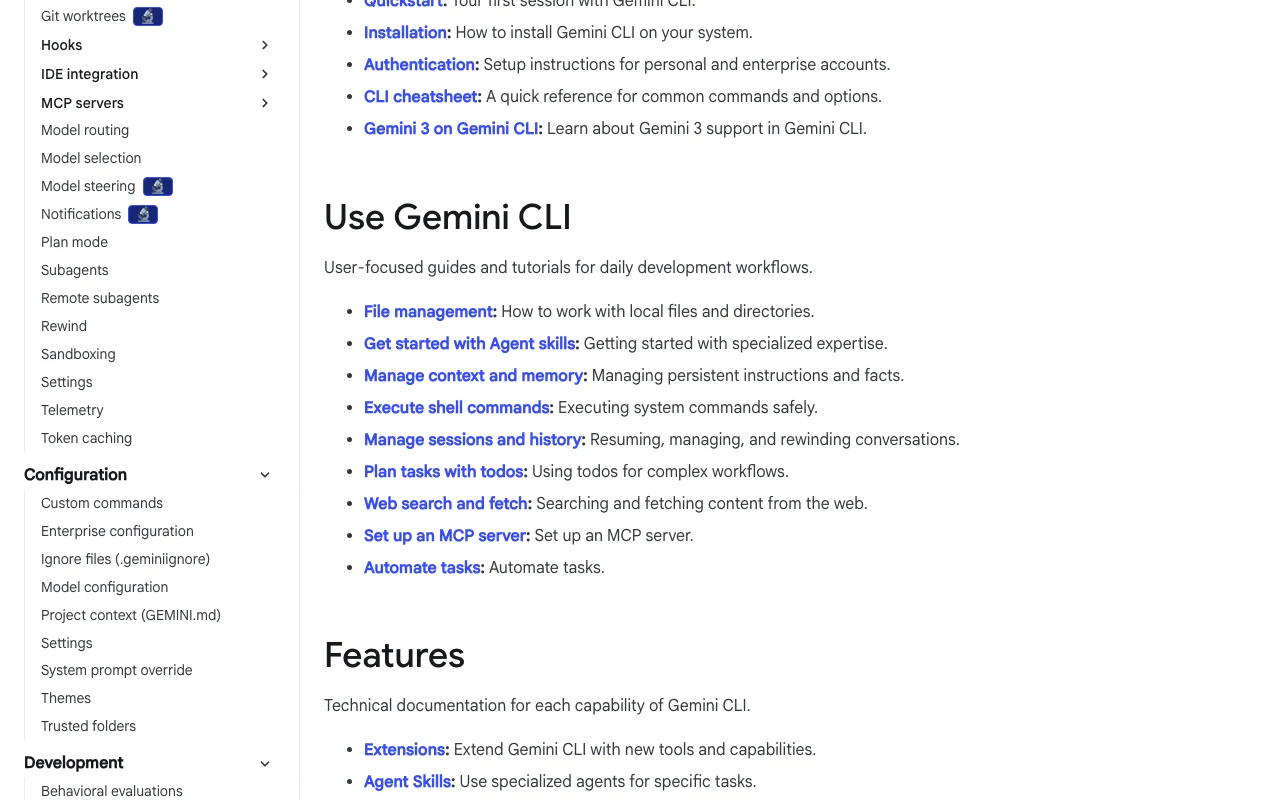
Feature overview on the official site. geminicli.com, captured Oct 2, 2026
Install via npm, npx, Homebrew or MacPorts
Installs globally with `npm install -g @google/gemini-cli`, or via npx, Homebrew or MacPorts, giving a `gemini` command in the terminal. Starts quickly on machines with Node.
Access: npm, npx, Homebrew, MacPorts.Limit: Needs authentication before first use.source (opens in a new tab)
Google Search grounding
Grounds answers with Google Search and can fetch web content during a session. Brings current information into coding help.
Reads, writes and edits local files and runs shell commands as built-in tools, with sandboxing, trusted folders and a policy engine in the docs. Lets the agent act on your project.
Multiple auth paths: Google account, API key, Vertex AI Several authentication paths suit individuals and enterprisesdocumentedsource (opens in a new tab)
Extensible via MCP and extensions Extensible without waiting for the vendordocumentedsource (opens in a new tab)
Unpaid tier and Google One users were moved to Antigravity CLI on June 18, 2026 Some users must switch toolsdocumentedsource (opens in a new tab)
No USD prices shown on the plans page Cost planning needs a Google quote or Google Cloud pricingdocumentedsource (opens in a new tab)
Higher limits require paid Google plans or API billing Stricter limits on free plansdocumentedsource (opens in a new tab)
Free-tier API data may be used to improve products Free-tier data policy affects sensitive codedocumentedsource (opens in a new tab)
How to use Gemini CLI for exploring and editing an unfamiliar codebase
Gemini CLI documentation: where the steps below come from. geminicli.com, captured Oct 2, 2026
Set up Gemini CLI
Install with `npm install -g @google/gemini-cli`.
Open a terminal in your project folder and run `gemini`.
Authenticate with a Google account, AI Studio API key or Vertex AI credentials.
Optionally add a GEMINI.md file with project context.
Example: exploring and editing an unfamiliar codebase
Ask for an overview of the project structure.
Request a specific change.
Review the proposed file edits and approve them.
Ask it to run the tests.
Review and export the result
Run the tests yourself.
Review the git diff.
Example prompt suggested by our editors (not a recorded output of the product)
Explain how authentication works in this repository, then add rate limiting to the login endpoint in src/api/login.ts, and write a test for it. Show me the diff before applying changes.
Gemini CLI API
Gemini CLI documentation (continued). geminicli.com, captured Oct 2, 2026
API access and separate billing
Gemini CLI has no public API in its official documentation. Authentication via API key supported. API documentation ↗
Privacy, data use and commercial rights
Summarized from the vendor's current policies; this is not legal advice and a vendor's badge is not an independent audit.
How your inputs and outputs are handled
Not detailed in fetched pages.
Plans page: free tier data may be used to improve products; AI Studio pay-as-you-go offers privacy.
Commercial use and plan restrictions
Vertex AI lists Google Cloud terms, SLA and regional data residency.
For unpaid-tier and Google One users, yes: the site says it was replaced on June 18, 2026. Paid options remain via Google AI plans, Developer Program, AI Studio or Vertex AI. source (opens in a new tab)
How do I install Gemini CLI?
Run `npm install -g @google/gemini-cli`; the site also lists npx, Homebrew and MacPorts. source (opens in a new tab)
What authentication options does Gemini CLI support?
Not verified: USD prices; Context window; Languages; Retention; Commercial-use terms; Current free-tier limits; OS support.
How we documented and maintain this page
Every fact about Gemini CLI above comes from the 5 official pages listed here, last compared on Sep 29, 2026; we have not run Gemini CLI ourselves, so it has no editorial score. How we check and re-check pages.
Article updated Oct 2, 2026; prices checked Sep 29, 2026. Outbound links to vendors are plain links; we do not earn commissions. How we review · Report an error