CodingDocumented overviewLast checked Sep 29, 2026

Flowstep: Pricing, Features & Best Use Cases

AI design tool that generates multi-screen UI from prompts, edits by chat or canvas, copies to Figma and connects to IDE agents via MCP.

Who Flowstep fits

Choose Flowstep if you want AI-generated multi-screen app UI from a prompt, PRD or URL that you can refine on a canvas, copy to Figma and drive from coding agents over MCP. Based on the vendor's documentation, not on a hands-on test.

Best for: Product designers

Also a good fit for

  • Software engineers prototyping UI
  • Teams using coding agents

Consider another tool if free plan has limited messages, multi-screen and projects

Or if

  • Starter allows 80 messages per month
  • Monthly quotas reset on the 1st

Flowstep pricing and usage limits

Prices checked Sep 29, 2026 on the official US pricing page. Official pricing ↗ Prices and limits change often.

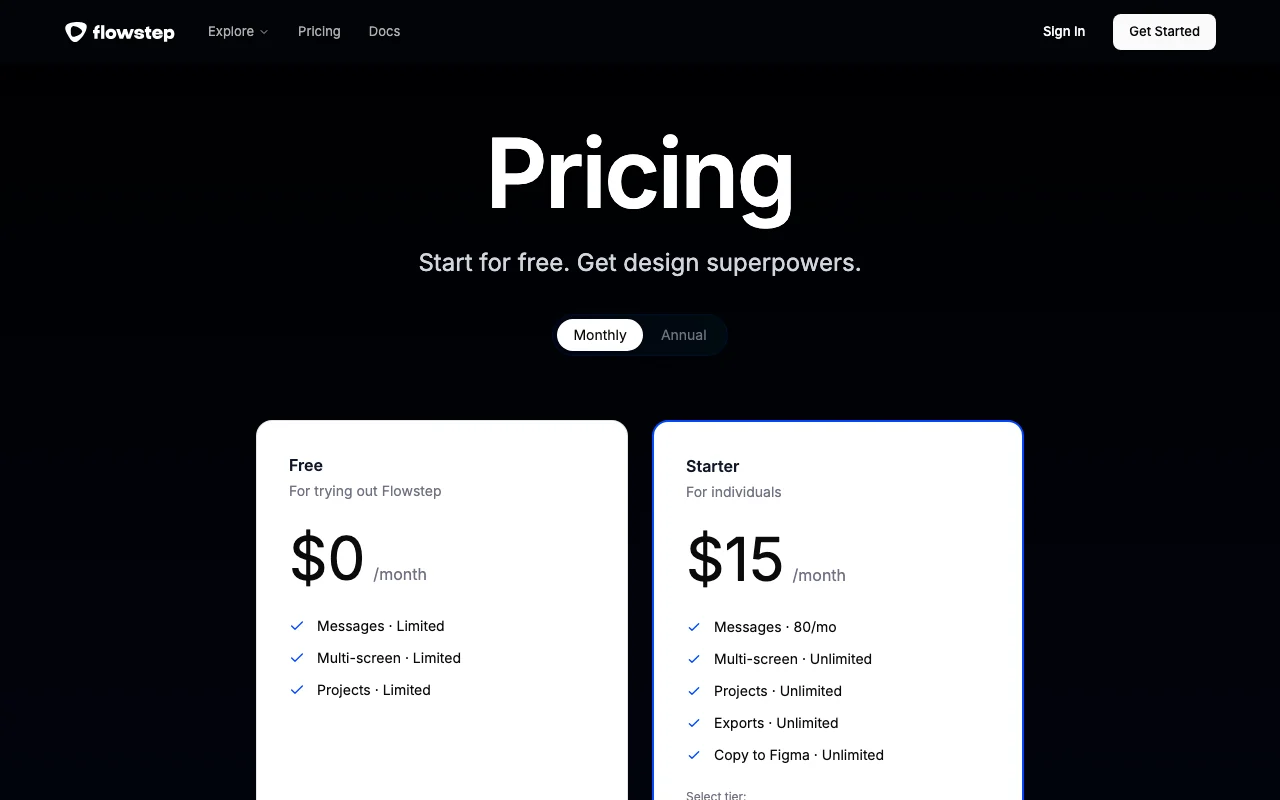
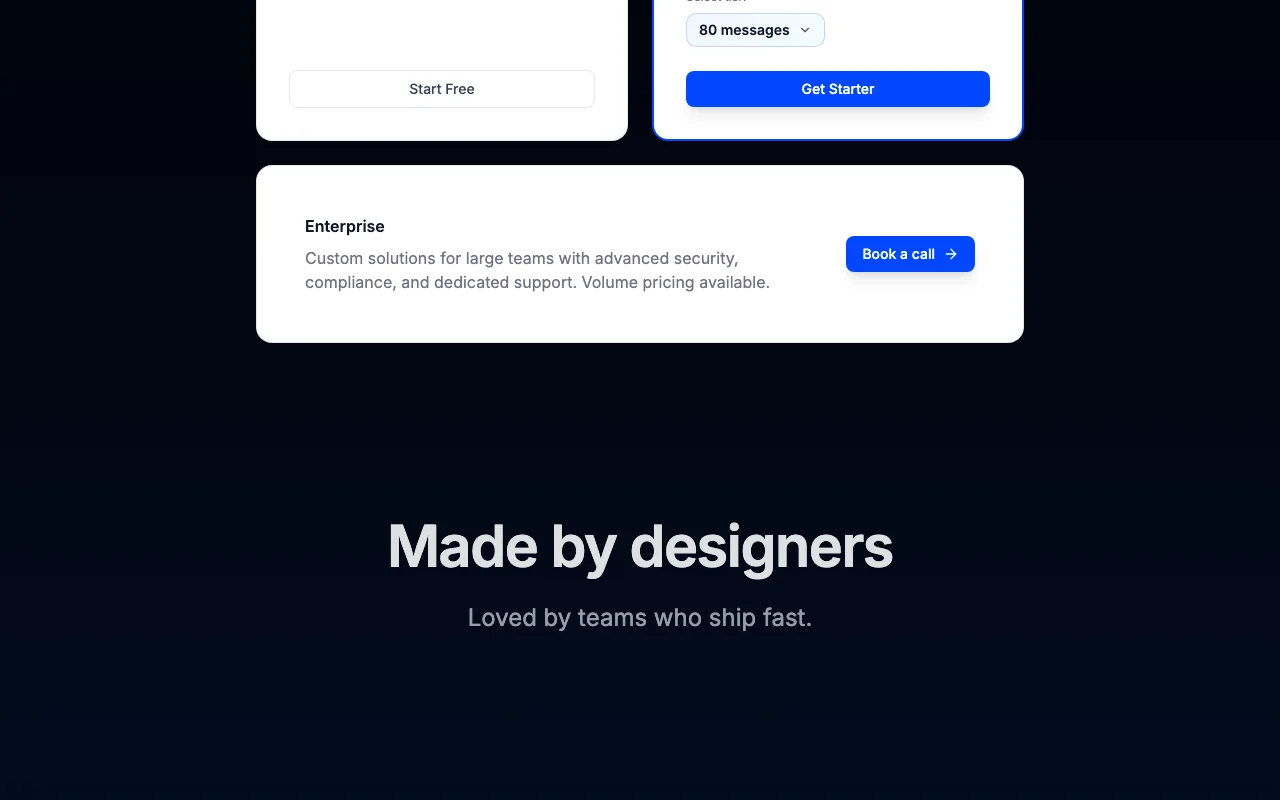
Flowstep pricing page with plans and prices — screenshot of the coding AI tool, Oct 2, 2026
The official Flowstep pricing page as we saw it. flowstep.ai, captured Oct 2, 2026

Free access and trial conditions

Free plan, no card

None beyond free plan

Paid plans: what changes as you upgrade

Free web

Free source (opens in a new tab)

Month, annual commitment

For: Trying Flowstep

Limits

  • Limited messages
  • Limited multi-screen
1 more
  • Limited projects

Includes

  • Core canvas

No API

Starter web

$15/mo source (opens in a new tab)

Month, annual commitment

Annual saves up to 20%

For: Individuals

Limits

  • 80 messages/month

Includes

  • Unlimited multi-screen, projects, exports
  • Unlimited copy to Figma

No API

Enterprise web

Custom pricing source (opens in a new tab)

Month, annual commitment

For: Large teams

Includes

  • Advanced security and compliance
  • Dedicated support
1 more
  • Volume pricing

Usage caps, credits and extra costs

Higher message tiers selectable

Not stated

What is Flowstep, and how does it work?

Flowstep is a web design canvas where you describe a product, attach a PRD, screenshot or URL, and it generates multi-screen UI. Designs can be edited through chat or directly on the canvas, and are described as 1:1 with code for preview or export. It offers a Figma copy/paste workflow, design guidelines applied to every generation, real-time team collaboration, shareable prototypes, and an MCP server for Cursor, Claude Code, Windsurf and Codex.

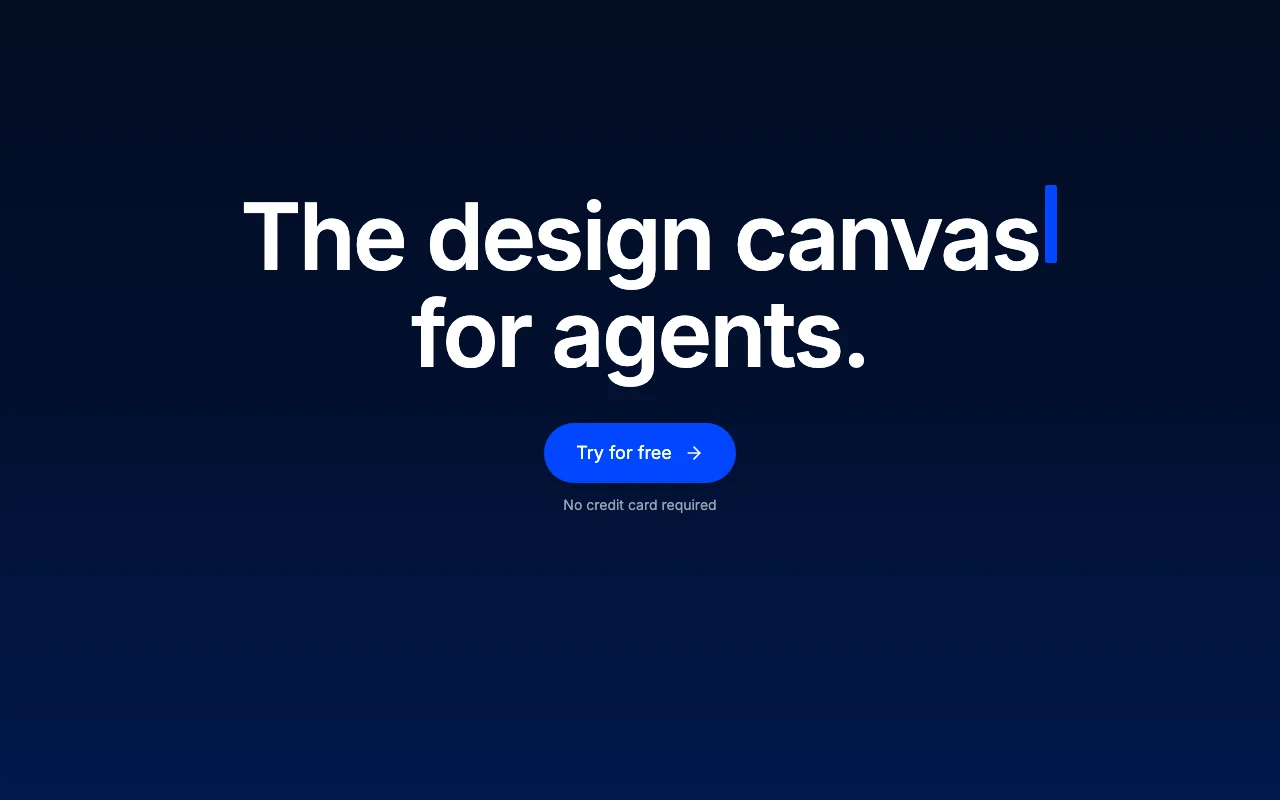
Flowstep homepage — screenshot of the coding AI tool, Oct 2, 2026
Flowstep's official site: how the product presents itself. flowstep.ai, captured Oct 2, 2026

What you provide and what you get back

How Flowstep works: what you provide, where it runs and what you get backYOU PROVIDEYour inputPromptPRDScreenshot or URLFigma designsCODINGFlowstepWebfrom $15/mo (Starter)free tier availableaccount requiredchecked Sep 29, 2026YOU GET BACKThe resultMulti-screen UIInteractive prototypesExported codeFigma copyinput → Flowstep → output · from the vendor's own pages, no hands-on test unless stated
What you give Flowstep and what comes back, from its documentation

You provide

  • Prompt
  • PRD
  • Screenshot or URL
  • Figma designs

You get back

  • Multi-screen UI
  • Interactive prototypes
  • Exported code
  • Figma copy

Where you can use it

Platforms
Web
Account
Required
Agents
Cursor, Claude Code, Windsurf, Codex via MCP
Figma
Copy to Figma and import
Messages
80/month on Starter

Where Flowstep is most useful

Scenarios are worked out by our editors from the documentation; the actual result depends on your input and plan.

Generate multi-screen app UI from a prompt or PRD

Who
Product designers
You provide
A prompt or PRD
Expected result
A multi-screen UI draft to refine by chat or on canvas
Plan needed
Free or Starter
Limitation
Free message count is limited source (opens in a new tab)

Recreate a product's look from a URL or screenshot

Who
Engineers prototyping UI
You provide
A screenshot or product URL
Expected result
Designs that match the product's look
Plan needed
Starter
Limitation
80 messages a month on Starter source (opens in a new tab)

Move designs between Figma and Flowstep

Who
Teams working with Figma
You provide
A Flowstep design
Expected result
Screens copied into Figma, or Figma imported
Plan needed
Starter
Limitation
Copy to Figma is limited on Free source (opens in a new tab)

What Flowstep does, and where it stops

Flowstep homepage — screenshot of the coding AI tool, Oct 2, 2026
Feature overview on the official site. flowstep.ai, captured Oct 2, 2026

Prompt-to-multi-screen design

Generates multi-screen UI from a prompt Faster first draft

Access: Starter unlimited multi-screen; Free limitedLimit: Message-based quota source (opens in a new tab)

Chat and manual canvas editing

Edits by chat or directly on the canvas Fine control without re-prompting

Access: All plansLimit: Counts against messages source (opens in a new tab)

Design guidelines for consistent styling

Applies design guidelines to every generation Consistent styling

Access: All plansLimit: Needs guidelines written once source (opens in a new tab)

Copy to Figma and Figma import

Copies designs to Figma and imports from Figma Fits existing workflow

Access: Starter unlimitedLimit: Limited on Free source (opens in a new tab)

Flowstep: strengths and limits

Where Flowstep is strong

Limitations to check before paying

How to use Flowstep for designing app screens from a prompt

Set up Flowstep

  1. Sign up free without a card
  2. Write your design guidelines for colors and fonts
  3. Start a project with a prompt, PRD or URL

Example: designing app screens from a prompt

  1. Describe the product and let Flowstep generate screens
  2. Click an element and edit it on the canvas
  3. Chat to change the layout
  4. Copy the result to Figma or share a prototype

Review and export the result

  1. Check each screen follows the guidelines
  2. Count messages used against the monthly limit
Example prompt suggested by our editors (not a recorded output of the product)
Design a mobile onboarding flow for a budgeting app with sign-up, goal setting and a dashboard.

Flowstep integrations and API

Flowstep pricing page with plans and prices — screenshot of the coding AI tool, Oct 2, 2026
Plan comparison on the official pricing page. flowstep.ai, captured Oct 2, 2026

Native integrations and export formats

Export: Code, Figma copy

API access and separate billing

Flowstep has no public API in its official documentation. MCP server for coding agents; docs page returned 404

Privacy, data use and commercial rights

Summarized from the vendor's current policies; this is not legal advice and a vendor's badge is not an independent audit.

How your inputs and outputs are handled

Data encrypted in transit and at rest per FAQ

Not stated

Not stated

Commercial use and plan restrictions

Not stated

Not stated

Controls for business users

  • Encryption in transit and at rest

Best Flowstep alternatives for different needs

"Better suited" is based on documented features and pricing, not on a head-to-head test.

Lovable: better suited to

Cursor: better suited to

Canva: better suited to

Alternatives
AlternativeWhen to choose itPricingLimitation
Lovable——Compare
Cursor——Compare
Canva——

Explore Flowstep further

Related to Flowstep

Flowstep user reviews

No user reviews yet.

Used Flowstep? Be the first to share your experience.

Write a review

Reviews are checked by a moderator before they appear. Your email is never published. Plain text only.

Your rating (required)

Show what you made or what went wrong. Images are published only if the review is approved; location data is removed.

    Flowstep FAQ

    What counts as a message?

    Every prompt is one message; errors do not count. source (opens in a new tab)

    When do limits reset?

    Monthly quotas on the 1st; daily limits at 00:00 UTC. source (opens in a new tab)

    Which agents connect over MCP?

    Cursor, Claude Code, Windsurf and Codex. source (opens in a new tab)

    Can I cancel anytime?

    Yes, with access until the period ends. source (opens in a new tab)

    What currency is used?

    USD only for now. source (opens in a new tab)

    Sources and review methodology

    Official sources and verification dates

    Not verified: Free plan exact limits; Docs.

    How we documented and maintain this page

    Every fact about Flowstep above comes from the 2 official pages listed here, last compared on Sep 29, 2026; we have not run Flowstep ourselves, so it has no editorial score. How we check and re-check pages.

    Article updated Oct 2, 2026; prices checked Sep 29, 2026. Outbound links to vendors are plain links; we do not earn commissions. How we review · Report an error