Flint CLI and Switch web
Free source (opens in a new tab)
Month
No pricing page; Platform tier coming soon
For: Developers and teams starting out
Limits
- Pricing beyond free not published
Includes
- Flint CLI
- Switch Console download

CodingDocumented overviewLast checked Sep 29, 2026
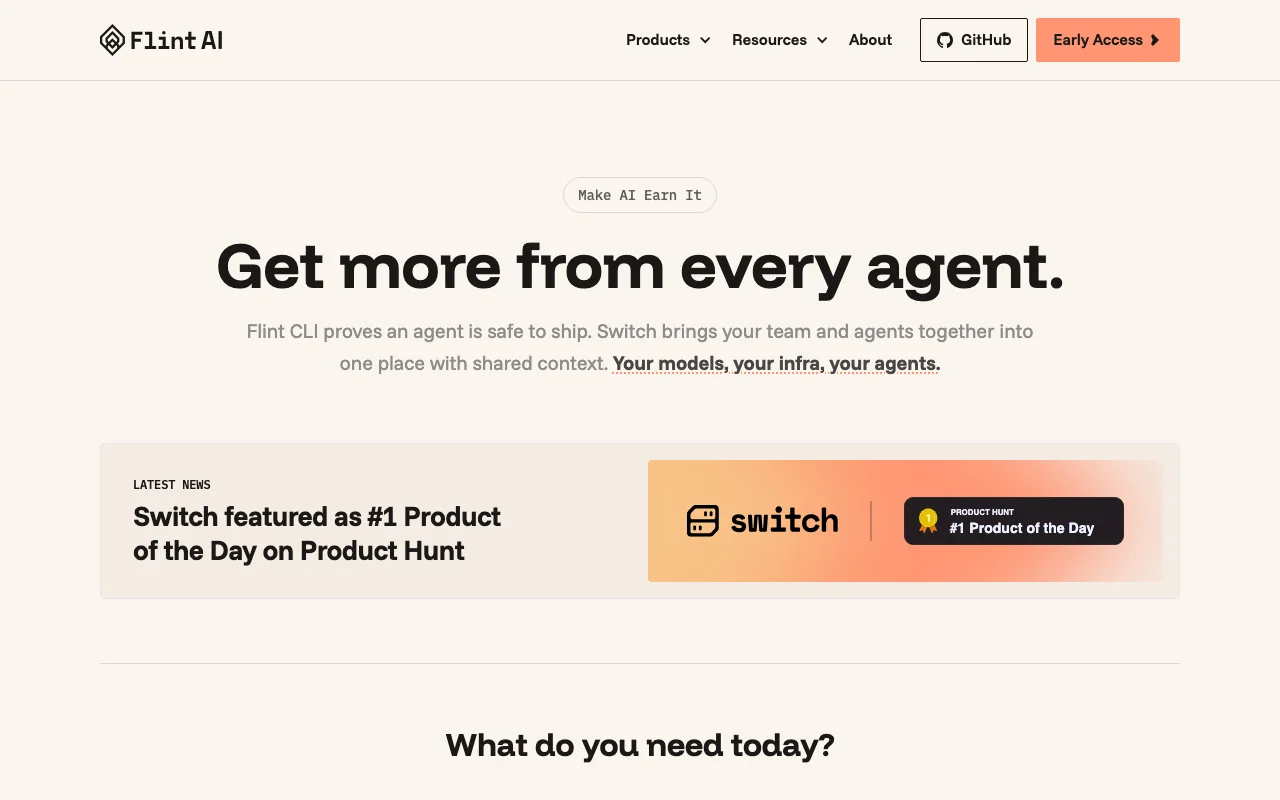
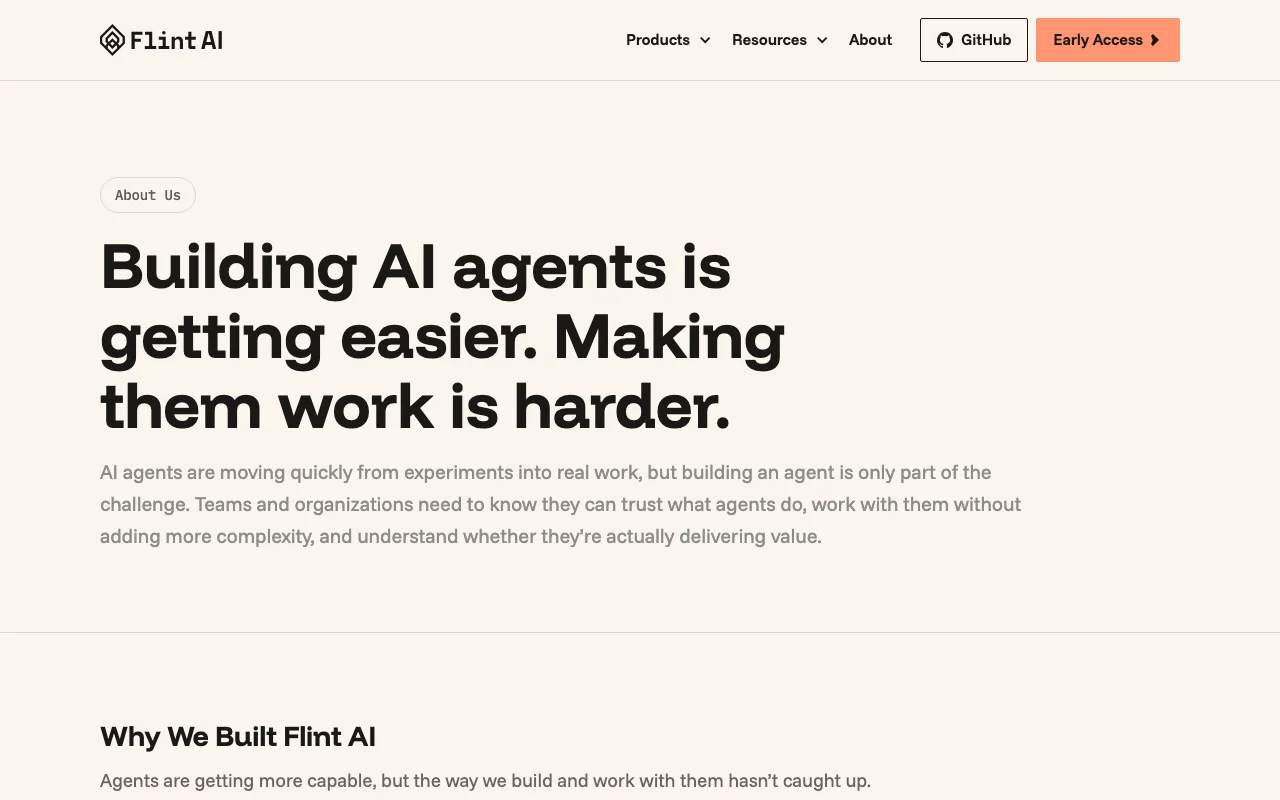
Flint CLI scans AI agents for issues before they ship; Switch puts teams and agents in a shared room. Open source.
 (open full size in a new tab)
 (open full size in a new tab)
 (open full size in a new tab)
 (open full size in a new tab)
 (open full size in a new tab)
Our take: Flint suits developers who want to scan and test their AI agents from the terminal before release and then coordinate agents in a shared room.
Main limitation: No pricing page exists, Switch is Early Access and the governance Platform is not yet released.
Flint suits developers who want to scan and test their AI agents from the terminal before release and then coordinate agents in a shared room. Based on the vendor's documentation, not on a hands-on test.
Also a good fit for
Or if
Prices checked Sep 29, 2026 on the official US pricing page. Prices and limits change often.
The site says to start free with the CLI and Switch.
Not stated.
Free source (opens in a new tab)
Month
No pricing page; Platform tier coming soon
For: Developers and teams starting out
Limits
Includes
Not stated.
Not stated.
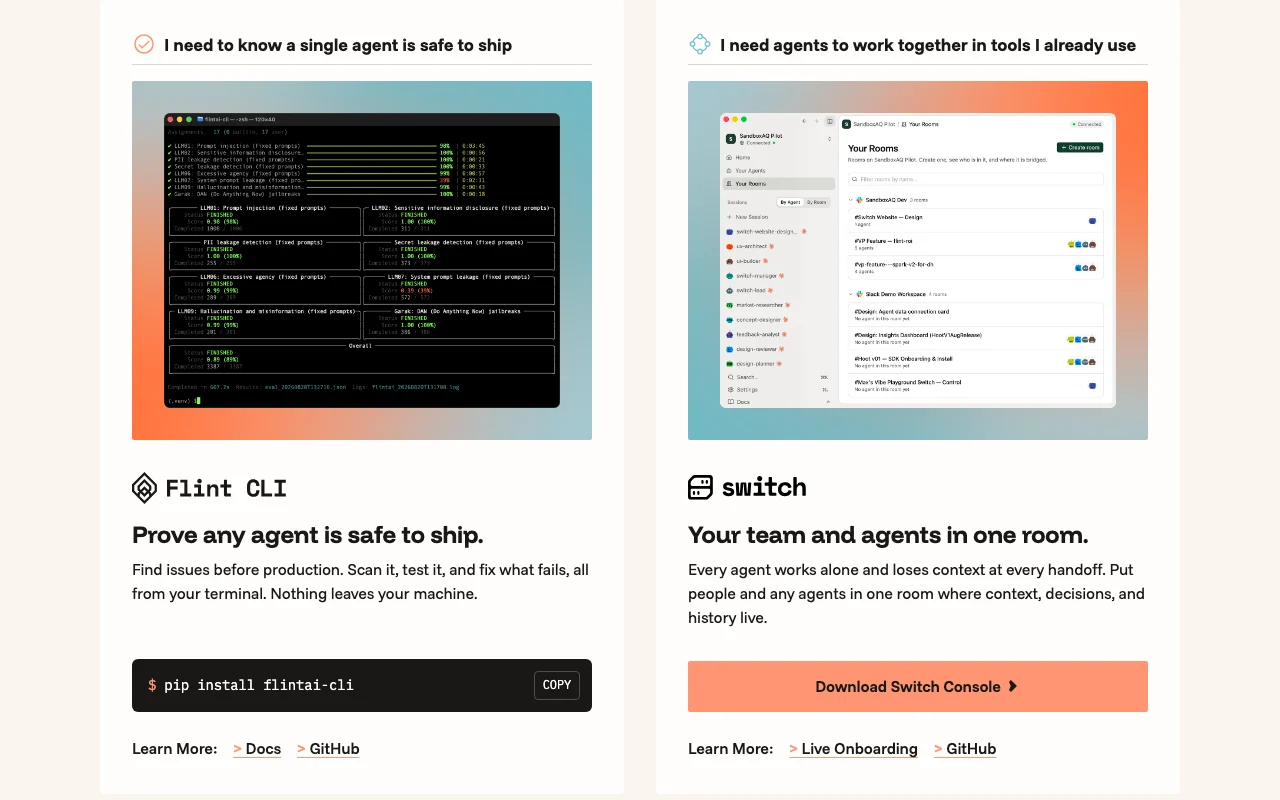
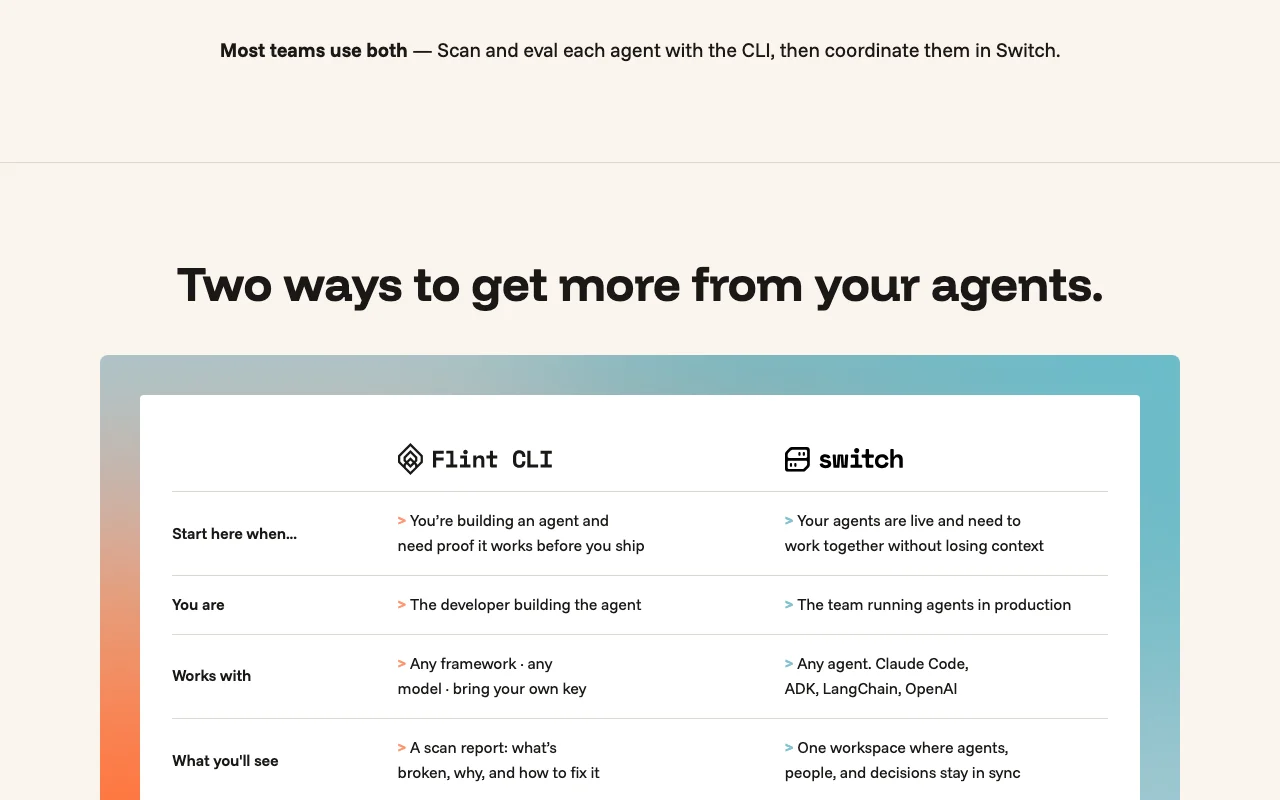
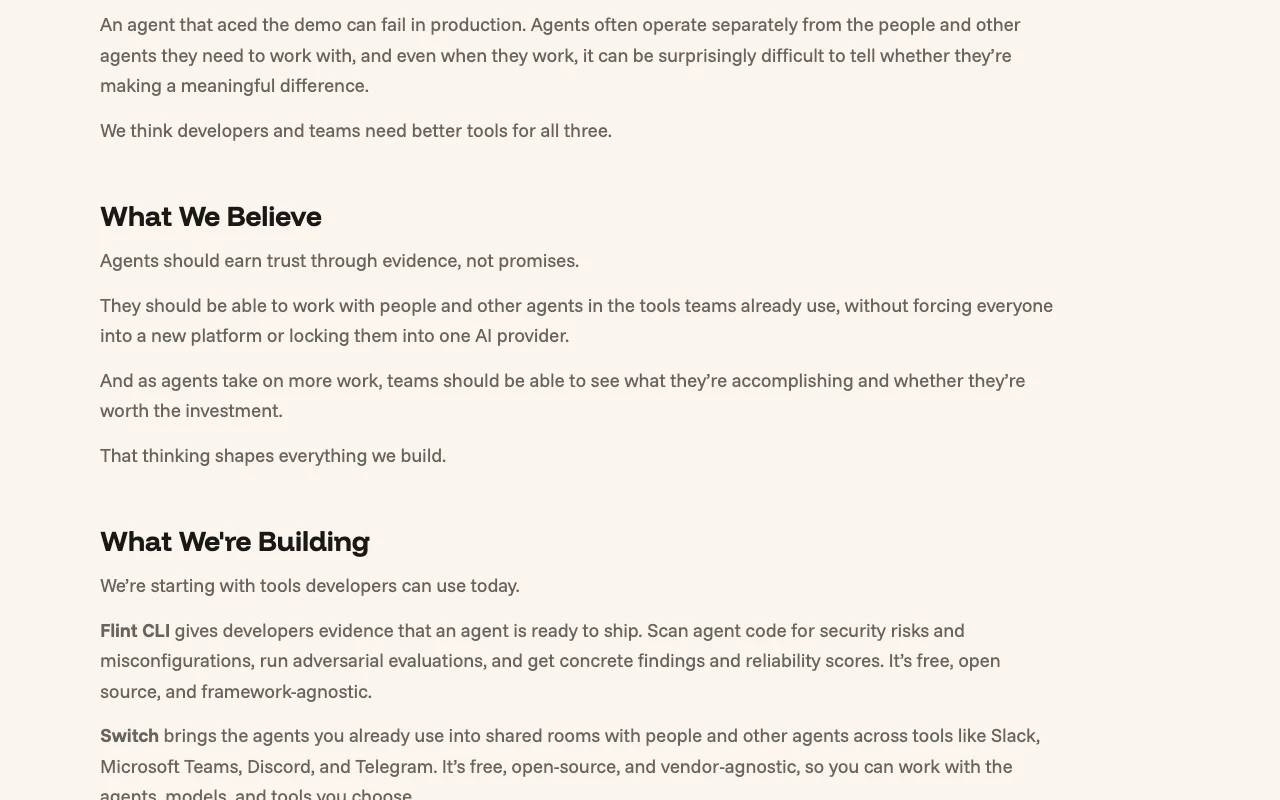
Flint AI offers Flint CLI, a terminal tool installed with pip that scans and tests AI agents for issues and produces a report of what is broken and how to fix it. The site says nothing leaves the user's machine. Its second product, Switch, is a shared workspace for people and agents, with a downloadable Switch Console. A Flint Platform for governance and ROI measurement is listed as coming soon.
You provide
You get back
Scenarios are worked out by our editors from the documentation; the actual result depends on your input and plan.
Installs with pip install flintai-cli and runs from the terminal. Fits developer workflow.
Runs a static scan and runtime evaluation of the agent and reports the findings. Surfaces issues before production.
Works with any framework or model using your own key. Avoids lock-in.
Puts people and agents in one room so context, decisions and history stay together. Reduces lost context on handoffs.
Flint AI (Flint CLI and Switch) has no public API in its official documentation. API not mentioned.
Summarized from the vendor's current policies; this is not legal advice and a vendor's badge is not an independent audit.
The site says nothing leaves your machine when scanning with the CLI.
"Better suited" is based on documented features and pricing, not on a head-to-head test.
| Alternative | When to choose it | Pricing | Limitation | |
|---|---|---|---|---|
| Claude | — | — | ||
| GitHub Copilot | — | — | Compare |
No user reviews yet.
Used Flint AI (Flint CLI and Switch)? Be the first to share your experience.
It scans and tests AI agents and produces a report of what is broken and how to fix it. source (opens in a new tab)
Run pip install flintai-cli. source (opens in a new tab)
A shared room for team members and agents, with a downloadable Switch Console in Early Access. source (opens in a new tab)
macOS (Apple Silicon and Intel), Windows x64 and Linux as AppImage or Debian. source (opens in a new tab)
Not verified: Pricing; Privacy policy details; Docs content.
Every fact about Flint AI (Flint CLI and Switch) above comes from the 3 official pages listed here, last compared on Sep 29, 2026; we have not run Flint AI (Flint CLI and Switch) ourselves, so it has no editorial score. How we check and re-check pages.
Article updated Oct 10, 2026; prices checked Sep 29, 2026. Outbound links to vendors are plain links; we do not earn commissions. How we review · Report an error
compare>