CodingDocumented overviewLast checked Sep 29, 2026

Drizz: Pricing, Features & Best Use Cases

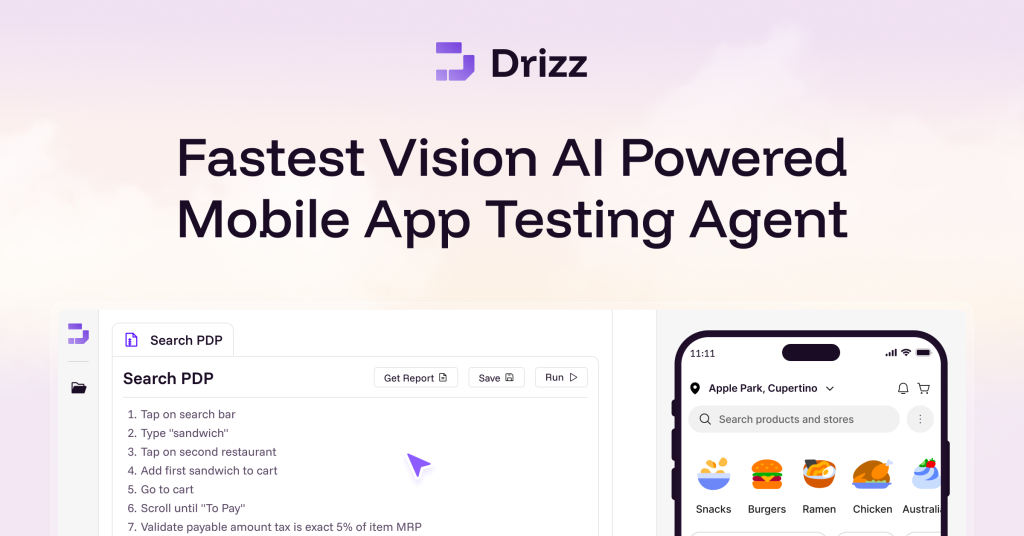
Vision-AI mobile app testing: describe a flow in plain English and an agent writes, runs and self-heals tests on iOS and Android.
Who Drizz fits

Consider Drizz if your mobile QA team spends more time maintaining selector-based tests than writing them and wants plain-English, self-healing tests on real devices. Based on the vendor's documentation, not on a hands-on test.

Best for: Mobile QA teams

Also a good fit for

  • Mobile app developers

Consider another tool if no public prices; pricing page is a demo booking form

Or if

  • Cloud offering is enterprise-oriented with demo required
  • Desktop download shown only for Mac

Drizz pricing and usage limits

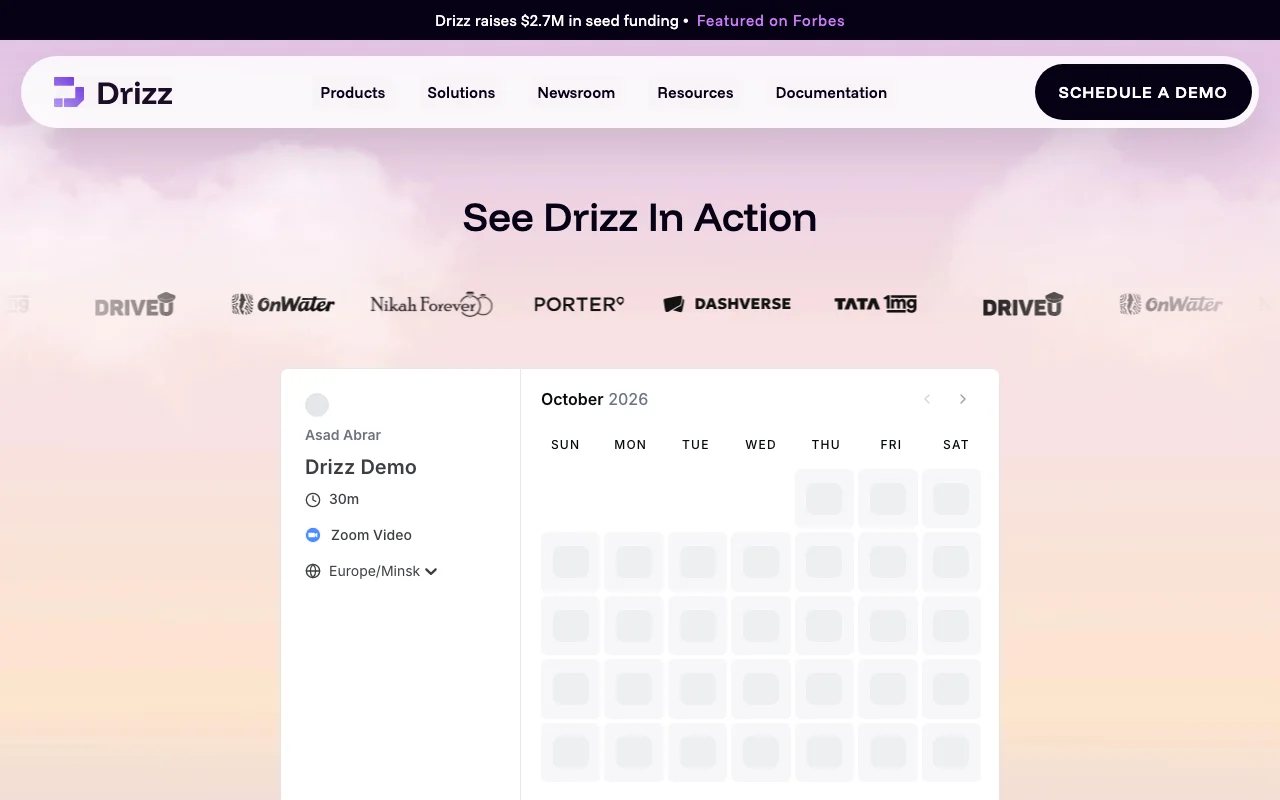
Prices checked Sep 29, 2026 on the official US pricing page. Official pricing ↗ Prices and limits change often.

Drizz pricing page with plans and prices — screenshot of the coding AI tool, Oct 2, 2026
The official Drizz pricing page as we saw it. drizz.dev, captured Oct 2, 2026

Free access and trial conditions

Free Mac desktop download offered

Not stated

Paid plans: what changes as you upgrade

Drizz Desktop App desktop

Free source (opens in a new tab)

Month, annual commitment

For: Trying on your own app

Limits

  • Mac download only

Includes

  • Local test authoring

Drizz Cloud web

Custom pricing source (opens in a new tab)

Month, annual commitment

For: Mobile QA teams at scale

Includes

  • Hosted execution on real devices
  • CI/CD integration

Usage caps, credits and extra costs

Not public

Not stated

What is Drizz, and how does it work?

Drizz is a mobile app testing product. Users describe what to test in plain English and an AI agent writes the tests, runs them on real iPhones and Android devices, and updates them when the UI changes. It is offered as a Drizz Desktop App for local authoring and Drizz Cloud for hosted execution; the site states every step is shown and changes need user approval.

What you provide and what you get back

How Drizz works: what you provide, where it runs and what you get backYOU PROVIDEYour inputAPK or app buildPlain-English test stepsCODINGDrizzDesktopfree tier, paid price not publish…free tier availablechecked Sep 29, 2026YOU GET BACKThe resultTest runs with step historyFailure debug detailsTest reportsinput → Drizz → output · from the vendor's own pages, no hands-on test unless stated
What you give Drizz and what comes back, from its documentation

You provide

  • APK or app build
  • Plain-English test steps

You get back

  • Test runs with step history
  • Failure debug details
  • Test reports

Where you can use it

Platforms
Desktop
Platforms
iOS and Android
Execution
Real devices
Authoring
Plain English

Best use cases for Drizz

Scenarios are worked out by our editors from the documentation; the actual result depends on your input and plan.

Codeless mobile test automation

Who
Mobile QA engineers
You provide
A built APK and plain-English test steps
Expected result
Automated tests run on real devices without selectors
Plan needed
Contact sales
Limitation
Pricing not public source (opens in a new tab)

iOS app testing

Who
iOS developers
You provide
iOS build and flows to cover
Expected result
Tests on real iPhones with step history
Plan needed
Desktop app (free download) or Cloud
Limitation
Mac download only noted source (opens in a new tab)

Android app testing

Who
Android teams
You provide
APK upload
Expected result
Tests on real Android devices that adapt to UI changes
Plan needed
Cloud
Limitation
Cloud needs demo source (opens in a new tab)

What Drizz does, and where it stops

Plain-English test authoring

Lets you write tests as plain-English steps Removes need to script selectors

Access: Desktop and CloudLimit: Vendor benchmark claims unverified source (opens in a new tab)

Vision-AI based, selector-free tests

Uses vision AI to read the screen rather than selectors Less breakage when UI changes

Access: Desktop and CloudLimit: Accuracy claims are vendor-reported source (opens in a new tab)

Self-healing when UI changes

Heals broken steps automatically when the UI changes Reduces maintenance

Access: Desktop and CloudLimit: Changes need your approval source (opens in a new tab)

Runs on real devices

Runs on real iPhones and Android devices Realistic results

Access: CloudLimit: Hosted execution is enterprise-oriented source (opens in a new tab)

Drizz pros and cons

Where Drizz is strong

Limitations to check before paying

How to use Drizz for automating mobile app tests in plain English

Set up Drizz

  1. Download the Drizz Desktop App for Mac or book a demo for Cloud
  2. Upload your APK or connect your build
  3. Connect a device

Example: automating mobile app tests in plain English

  1. Write the login flow in simple English steps
  2. Run it on a real device
  3. Review the step-by-step result
  4. Approve any self-heal changes

Review and export the result

  1. Confirm each step shows its screen state
  2. Rerun after a UI change to see self-healing
Example prompt suggested by our editors (not a recorded output of the product)
Open the app, log in with the test account, add the first product to the cart and check the cart shows one item.

Drizz API

Drizz pricing page with plans and prices — screenshot of the coding AI tool, Oct 2, 2026
Plan comparison on the official pricing page. drizz.dev, captured Oct 2, 2026

API access and separate billing

Drizz has no public API in its official documentation. Not stated

Privacy, data use and commercial rights

Summarized from the vendor's current policies; this is not legal advice and a vendor's badge is not an independent audit.

How your inputs and outputs are handled

Not stated in fetched pages

Not stated

Not stated

Commercial use and plan restrictions

Not stated

Not stated

Controls for business users

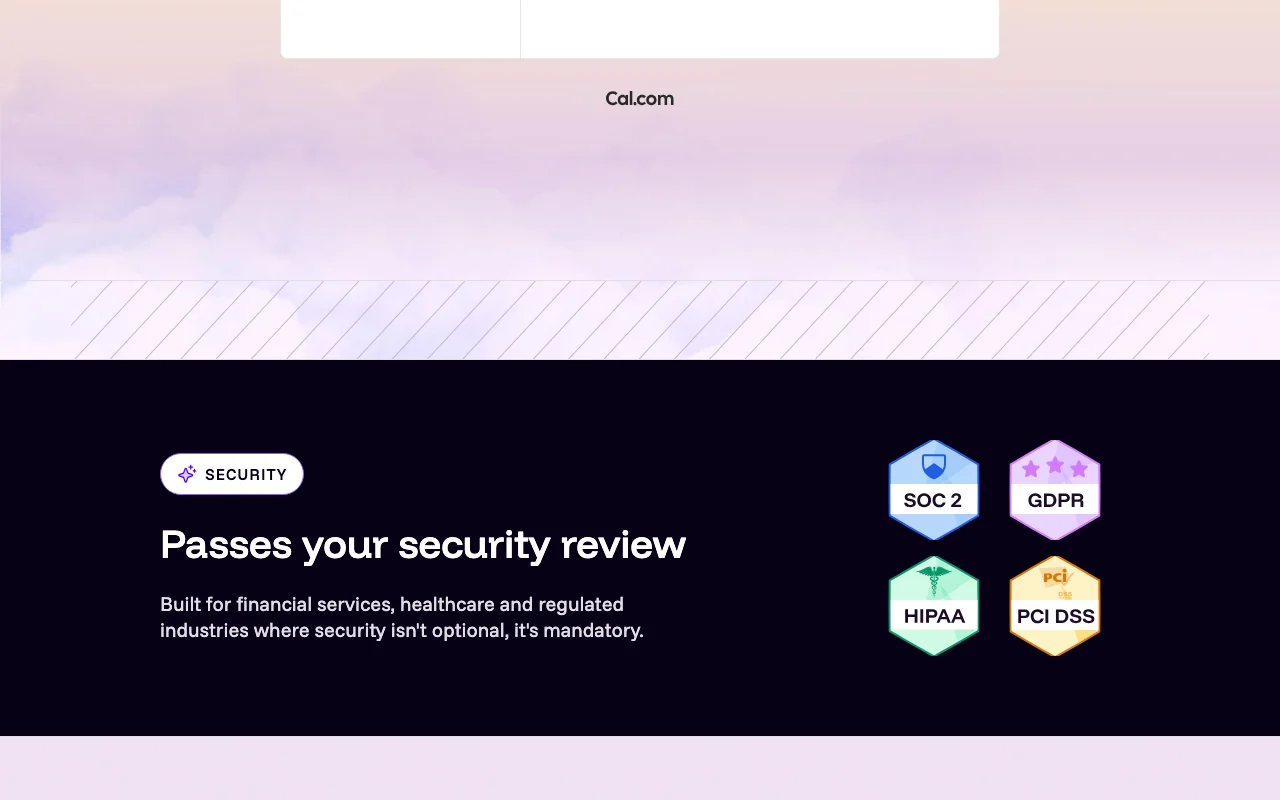
  • SOC 2 compliant (vendor-stated)

Drizz alternatives by need

"Better suited" is based on documented features and pricing, not on a head-to-head test.

Cursor: better suited to

GitHub Copilot: better suited to

Alternatives
AlternativeWhen to choose itPricingLimitation
Cursor——Compare
GitHub Copilot——Compare

Explore Drizz further

If you are looking at Drizz

Drizz user reviews

No user reviews yet.

Used Drizz? Be the first to share your experience.

Write a review

Reviews are checked by a moderator before they appear. Your email is never published. Plain text only.

Your rating (required)

Show what you made or what went wrong. Images are published only if the review is approved; location data is removed.

    Drizz FAQ

    Do I need to write selectors?

    No, the vendor says there are zero selectors to maintain. source (opens in a new tab)

    Which platforms can it test?

    iOS and Android on real devices. source (opens in a new tab)

    Does Drizz publish prices?

    No, the pricing page is a demo booking form. source (opens in a new tab)

    Is there a free download?

    The homepage offers a free download for Mac. source (opens in a new tab)

    What happens when the UI changes?

    Tests self-heal and every change needs your approval. source (opens in a new tab)

    Sources and review methodology

    Official sources and verification dates

    Not verified: Prices; Training and data terms; Windows/Linux availability.

    How we documented and maintain this page

    Every fact about Drizz above comes from the 2 official pages listed here, last compared on Sep 29, 2026; we have not run Drizz ourselves, so it has no editorial score. How we check and re-check pages.

    Article updated Oct 10, 2026; prices checked Sep 29, 2026. Outbound links to vendors are plain links; we do not earn commissions. How we review · Report an error