Our take: Choose Docket if you want a vision-first AI QA agent that tests web, iOS and Android apps by clicking through them, with recorded coordinate steps that self-heal and AI steps for dynamic flows.
Main limitation: No pricing is published (pricing page returned 404) and access starts with booking a demo, so cost and plan limits are unknown.
By the AI Tool Atlas editors.
Based on the vendor's official documentation; we have not tested this product hands-on. What “documented overview” means
Who should use Docket
Choose Docket if you want a vision-first AI QA agent that tests web, iOS and Android apps by clicking through them, with recorded coordinate steps that self-heal and AI steps for dynamic flows. Based on the vendor's documentation, not on a hands-on test.
Best for: QA teams
Also a good fit for
Mobile and web app developers
Consider another tool if no pricing page found (/pricing returned Not Found)
Or if
Demo booking and account required
Desktop support claimed on homepage only
Docket in the news
Headlines from US outlets, selected automatically — not endorsements. Updated Oct 2, 2026
Docket does not publish a plan table we could verify (checked Oct 2, 2026). See official pricing ↗
What is Docket, and how does it work?
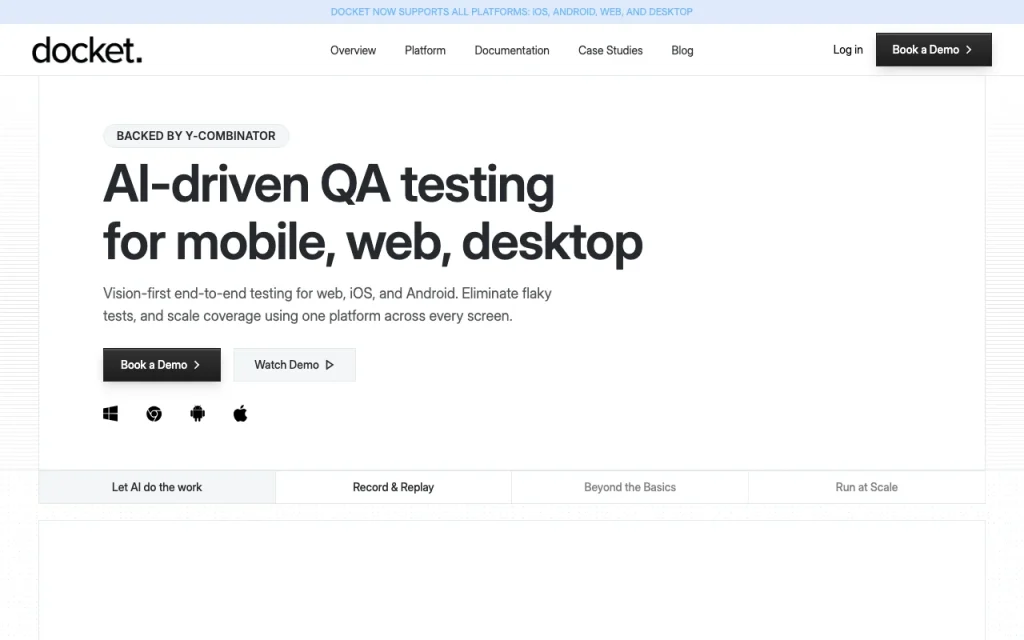
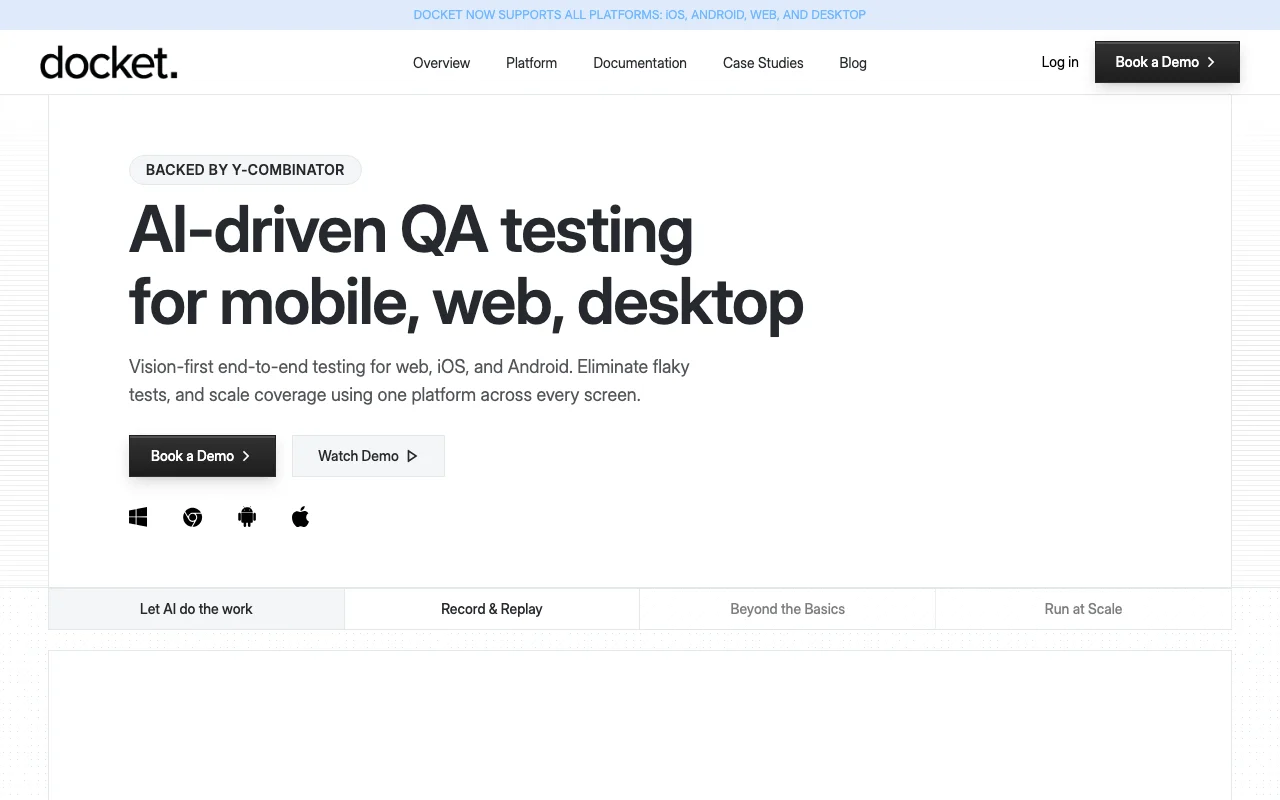
Docket is an AI-driven QA testing agent. Per its docs, it simulates real user behavior to find broken flows, confusing UX and unresponsive elements, across web, native iOS and Android apps.
Tests are built by clicking through an app without coding, can use recorded steps with coordinate capture and self-healing, plus AI steps, agent rules, CI integration and structured bug reports.
Docket's official site: how the product presents itself. docketqa.com, captured Oct 2, 2026
What you provide and what you get back
What you give Docket and what comes back, from its documentation
You provide
Recorded click-through test steps
Plain-language AI steps
Acceptance criteria from tickets such as Jira
Schedules and CI triggers
You get back
Test run results
Structured bug reports
Notifications of failed runs
Where you can use it
Platforms
Web, API
Account
Required
Platforms
iOS, Android, web (desktop claimed on homepage)
Test creation
Record and replay with coordinate capture, plus AI steps
CI
CI/CD integration and scheduled runs
Authentication
2FA support and dedicated mailbox
Backing
Y Combinator
Best use cases for Docket
Scenarios are worked out by our editors from the documentation; the actual result depends on your input and plan.
End-to-end testing of web apps
Who
QA teams running regression suites
You provide
A recorded test flow for each product module
Expected result
A full regression suite that runs before each release and keeps working through minor UI changes
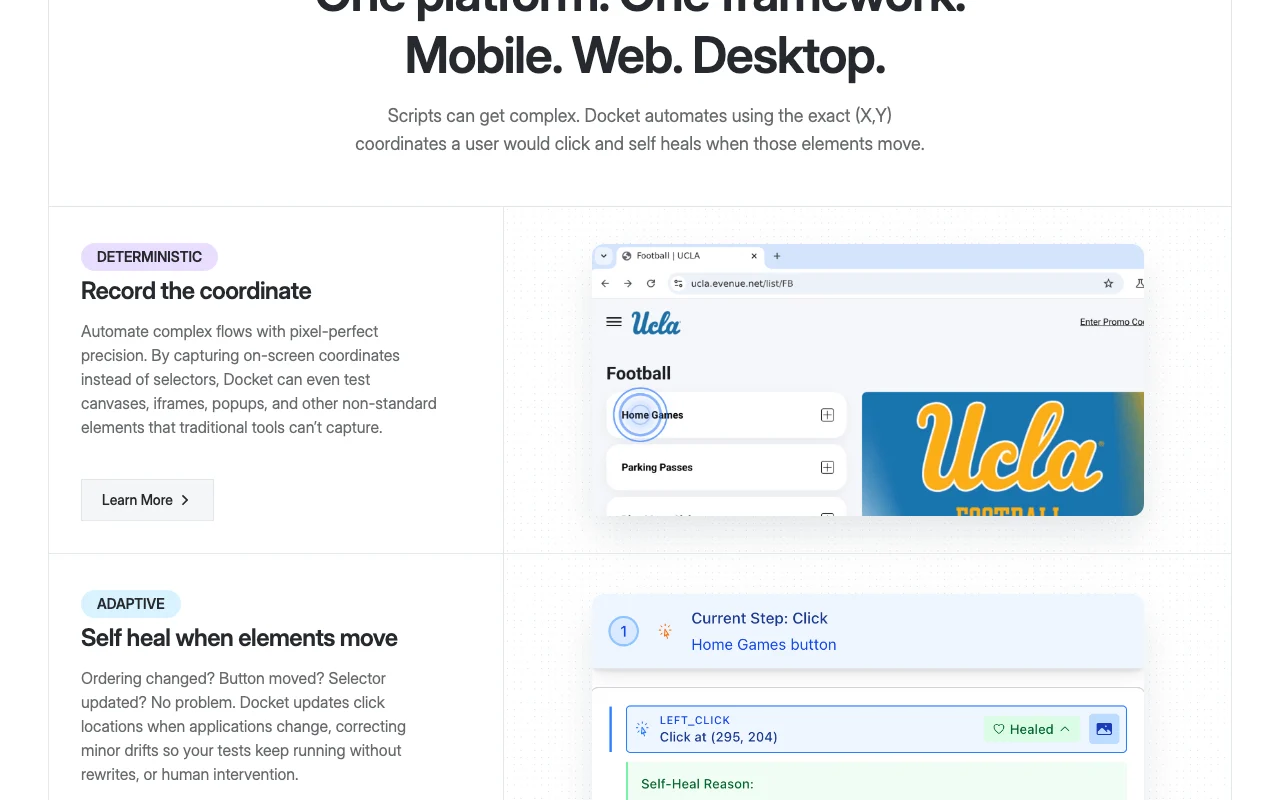
Feature overview on the official site. docketqa.com, captured Oct 2, 2026
Record and replay tests
Captures the on-screen coordinates of each click so tests can cover canvases, iframes and popups that selector-based tools miss. Reaches non-standard UI elements.
Access: Contact salesLimit: Coordinates may drift when layouts change, which is why self-healing exists.source (opens in a new tab)
AI steps for dynamic flows
Corrects click locations when buttons or ordering move, so minor UI changes do not break tests. Reduces test maintenance.
Access: Contact salesLimit: Only minor drifts are corrected according to the vendor.source (opens in a new tab)
Self-healing click locations
Runs AI-driven steps in real time to handle randomized interactions and changing UI states without scripts. Covers unpredictable flows.
Triggers test runs from CI pipelines and on schedules, with notifications and a dedicated mailbox for email and 2FA flows. Runs tests automatically before releases.
Access: Contact salesLimit: Supported CI systems are not listed on the fetched page.source (opens in a new tab)
Docket pros and cons
Where Docket is strong
Covers web, iOS and Android per the official docs You can test mobile and web with one framework instead of several tools.documentedsource (opens in a new tab)
No-code test creation Testers without coding skills can build tests by clicking through the app.documentedsource (opens in a new tab)
API and webhooks documented Test suites need fewer rewrites after UI updates.documentedsource (opens in a new tab)
Limitations to check before paying
No pricing page found (/pricing returned Not Found) You cannot estimate cost before talking to the vendor.documentedsource (opens in a new tab)
Demo booking and account required Evaluation is through a sales demo rather than self-serve.documentedsource (opens in a new tab)
Desktop support claimed on homepage only Teams planning desktop testing should confirm support first.documentedsource (opens in a new tab)
How to use Docket for automating end-to-end tests for a mobile app
Set up Docket
Book a demo at docketqa.com or log in if you already have an account.
Create a project and add your web, iOS or Android app.
Open the quickstart in the documentation to configure the first test environment.
Example: automating end-to-end tests for a mobile app
Create a new test and click through the flow you want to cover, such as signup.
Add an AI step for any part of the flow that changes dynamically.
Run the test and review the result.
Schedule the test or connect it to your CI pipeline.
Review and export the result
Confirm the recorded test passes on repeated runs.
Change a button position and confirm the test self-heals.
Docket API
API access and separate billing
Docket has no public API in its official documentation. API and webhooks documented per seed research; docs page was not available in this pass. API documentation ↗
Privacy, data use and commercial rights
Summarized from the vendor's current policies; this is not legal advice and a vendor's badge is not an independent audit.
How your inputs and outputs are handled
Not documented on fetched pages.
Other tools to consider instead of Docket
"Better suited" is based on documented features and pricing, not on a head-to-head test.
The Docket homepage says it supports iOS, Android, web and desktop, using vision-first end-to-end testing from one framework. source (opens in a new tab)
How does Docket handle UI changes that break tests?
Docket self-heals by updating click locations when elements move, correcting minor drifts without rewrites or human intervention. source (opens in a new tab)
Does Docket publish pricing?
No, the pricing page returned 404 and the homepage offers Book a Demo and Get Started for Free buttons without prices. source (opens in a new tab)
Can Docket test canvases and iframes?
Yes, because it records on-screen coordinates instead of selectors, it can test canvases, iframes, popups and other non-standard elements. source (opens in a new tab)
Does Docket integrate with CI?
Yes, CI/CD integration, scheduled runs, notifications and a dedicated mailbox are listed as features on the homepage. source (opens in a new tab)
Not verified: Pricing and plans (404); Privacy policy details (404); Free-tier terms behind Get Started for Free; Docs content this pass (404 on /docs).
How we documented and maintain this page
Every fact about Docket above comes from the 2 official pages listed here, last compared on Oct 2, 2026; we have not run Docket ourselves, so it has no editorial score. How we check and re-check pages.
Article updated Oct 2, 2026; prices checked Oct 2, 2026. Outbound links to vendors are plain links; we do not earn commissions. How we review · Report an error