Open Source web
Free source (opens in a new tab)
Free
For: Open-source maintainers
Limits
- Public repositories
Includes
- AI review

CodingDocumented overviewLast checked Oct 1, 2026
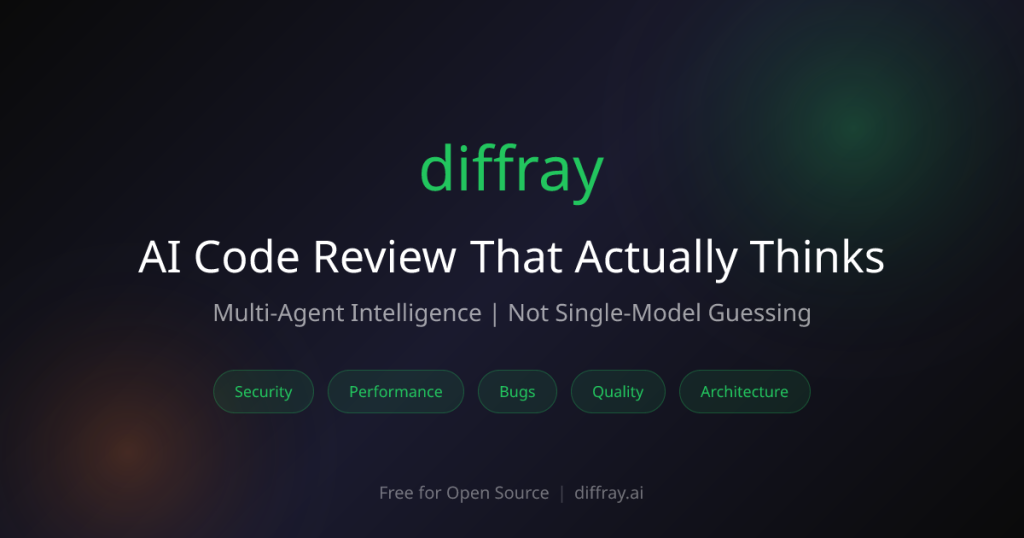
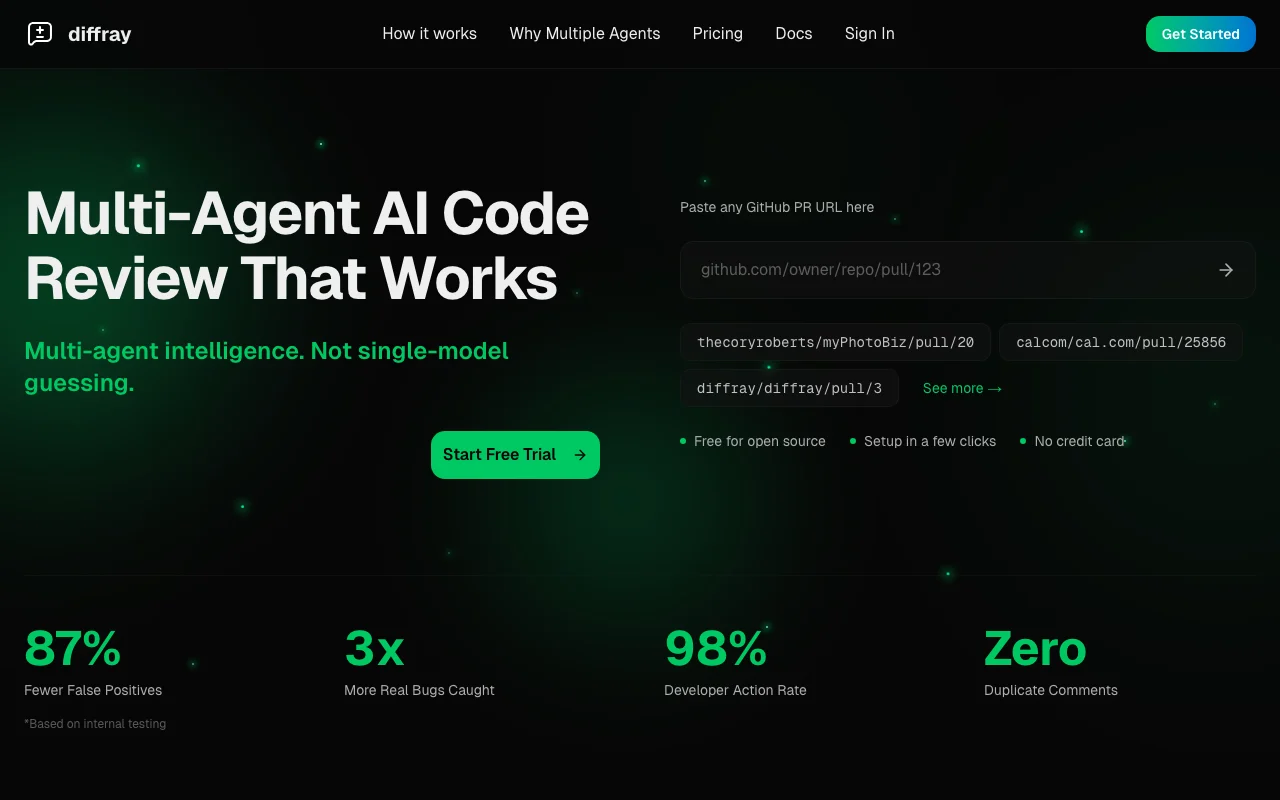
Multi-agent AI code review for pull requests on GitHub, GitLab and Bitbucket, free for open source.
 (open full size in a new tab)
 (open full size in a new tab)
 (open full size in a new tab)
 (open full size in a new tab)
 (open full size in a new tab)
 (open full size in a new tab)
Our take: diffray suits small development teams and open-source maintainers who want multi-agent AI pull request review on GitHub, GitLab or Bitbucket, free for public repositories.
Main limitation: Paid plans are per developer seat, performance figures are from internal testing, and teams above 50 developers must contact sales.
diffray suits small development teams and open-source maintainers who want multi-agent AI pull request review on GitHub, GitLab or Bitbucket, free for public repositories. Based on the vendor's documentation, not on a hands-on test.
Also a good fit for
Or if
Prices checked Oct 1, 2026 on the official US pricing page. Official pricing ↗ Prices and limits change often.
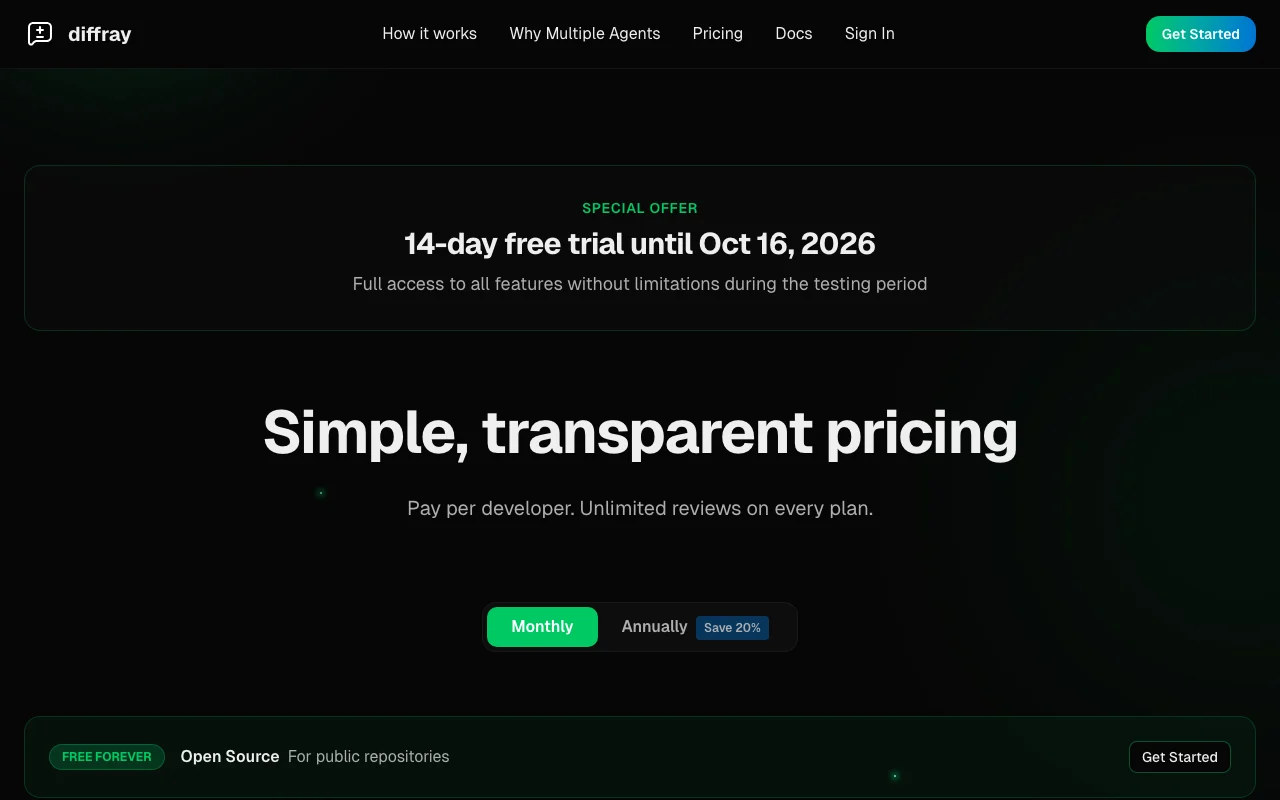
Free forever for public repositories.
14-day free trial banner, no credit card.
Free source (opens in a new tab)
Free
For: Open-source maintainers
Limits
Includes
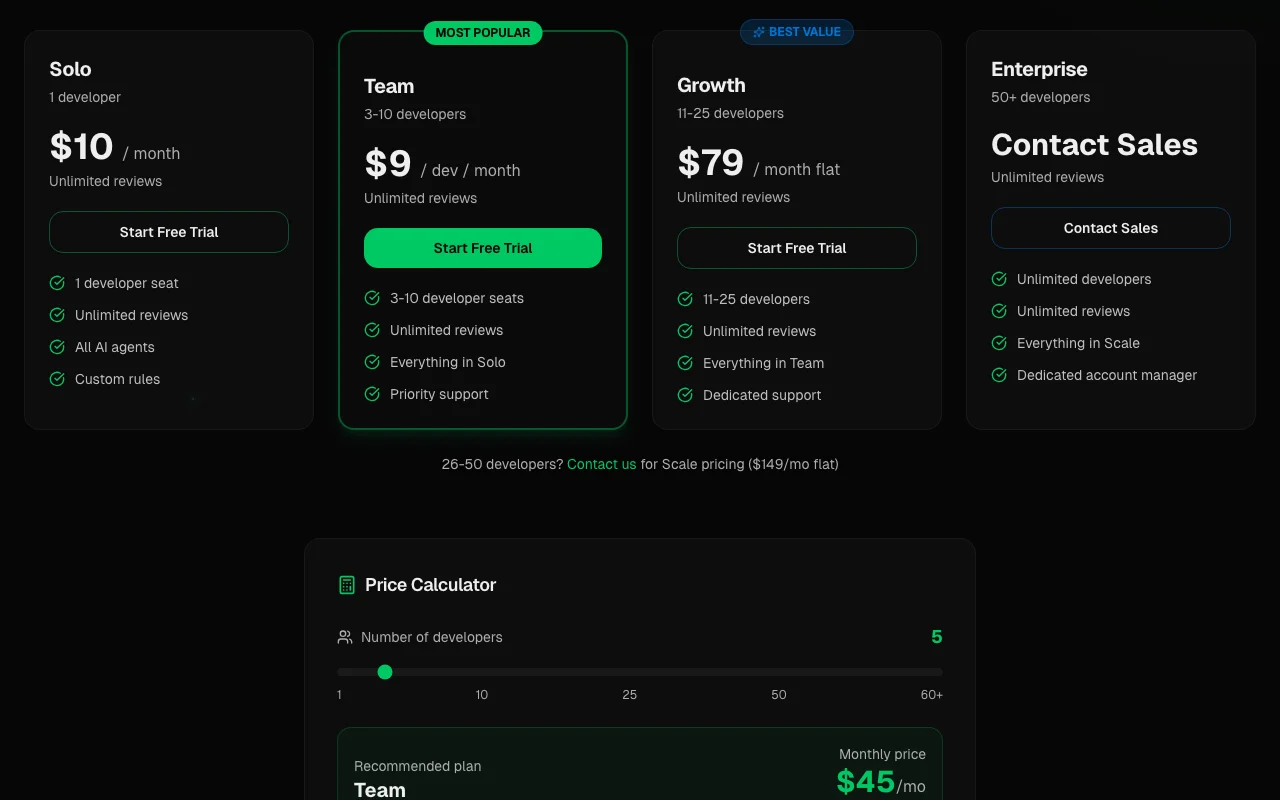
$10 source (opens in a new tab)
Monthly
For: Individual developers
Limits
Includes
$9 source (opens in a new tab)
Monthly
For: Small teams
Limits
Includes
$79 source (opens in a new tab)
Monthly
For: Mid-sized teams
Limits
Includes
$149 source (opens in a new tab)
Monthly
For: Larger teams
Limits
Includes
Custom pricing source (opens in a new tab)
Monthly
For: Large organizations
Limits
Includes
Not stated.
Not stated.
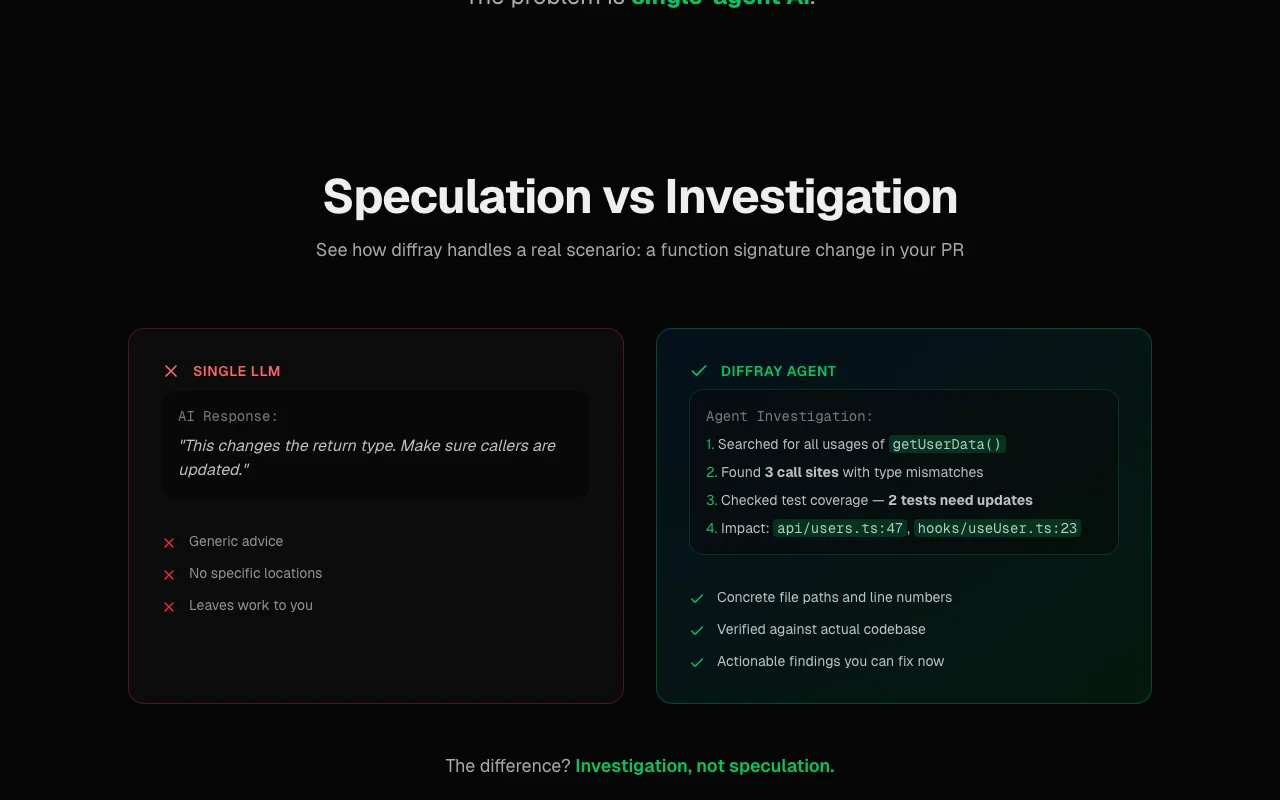
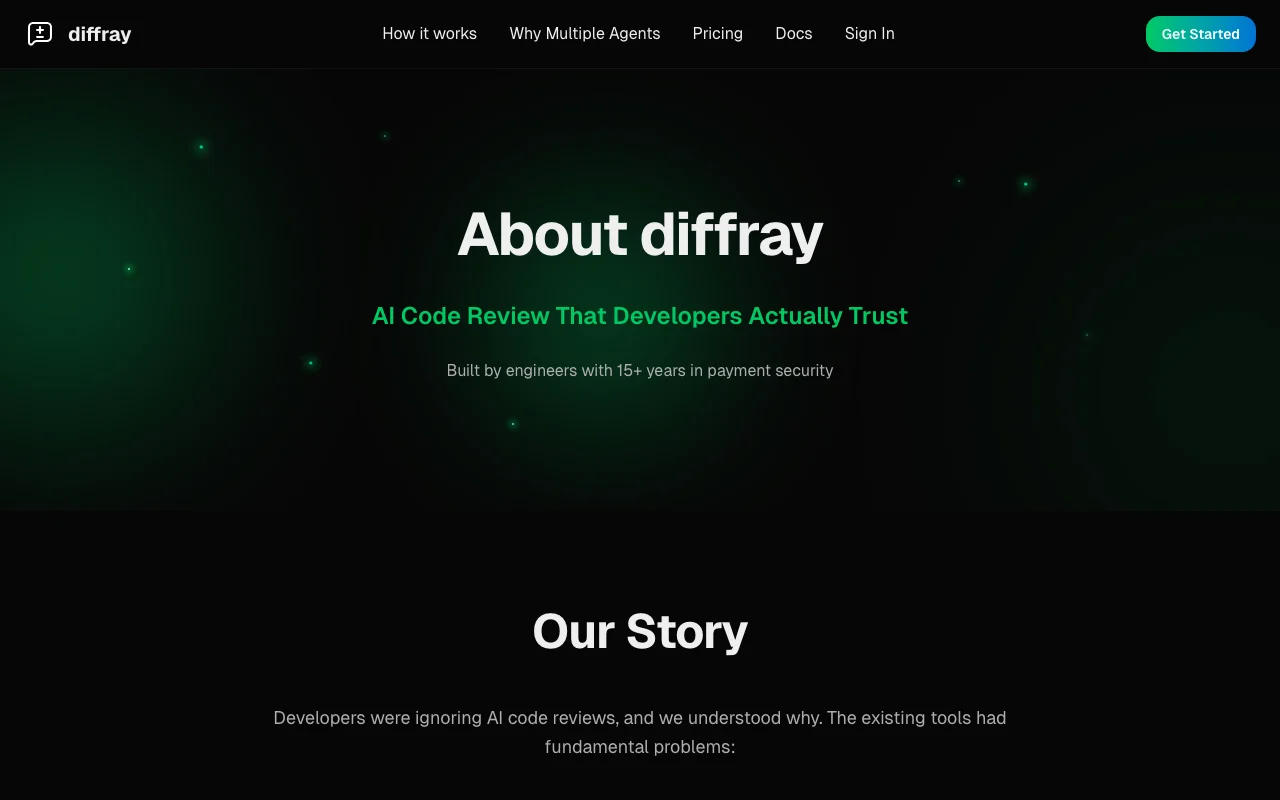
diffray reviews pull requests with several specialized AI agents that investigate the codebase instead of commenting from the diff alone. It is installed as a GitHub App and posts findings with file paths and line numbers. The pricing page lists a free plan for public repositories and paid per-developer plans with unlimited reviews. The site lists GitHub, GitLab and Bitbucket integrations.
You provide
You get back
Scenarios are worked out by our editors from the documentation; the actual result depends on your input and plan.
Uses multiple specialized review agents. Less noise.
Investigates codebase context. Concrete findings.
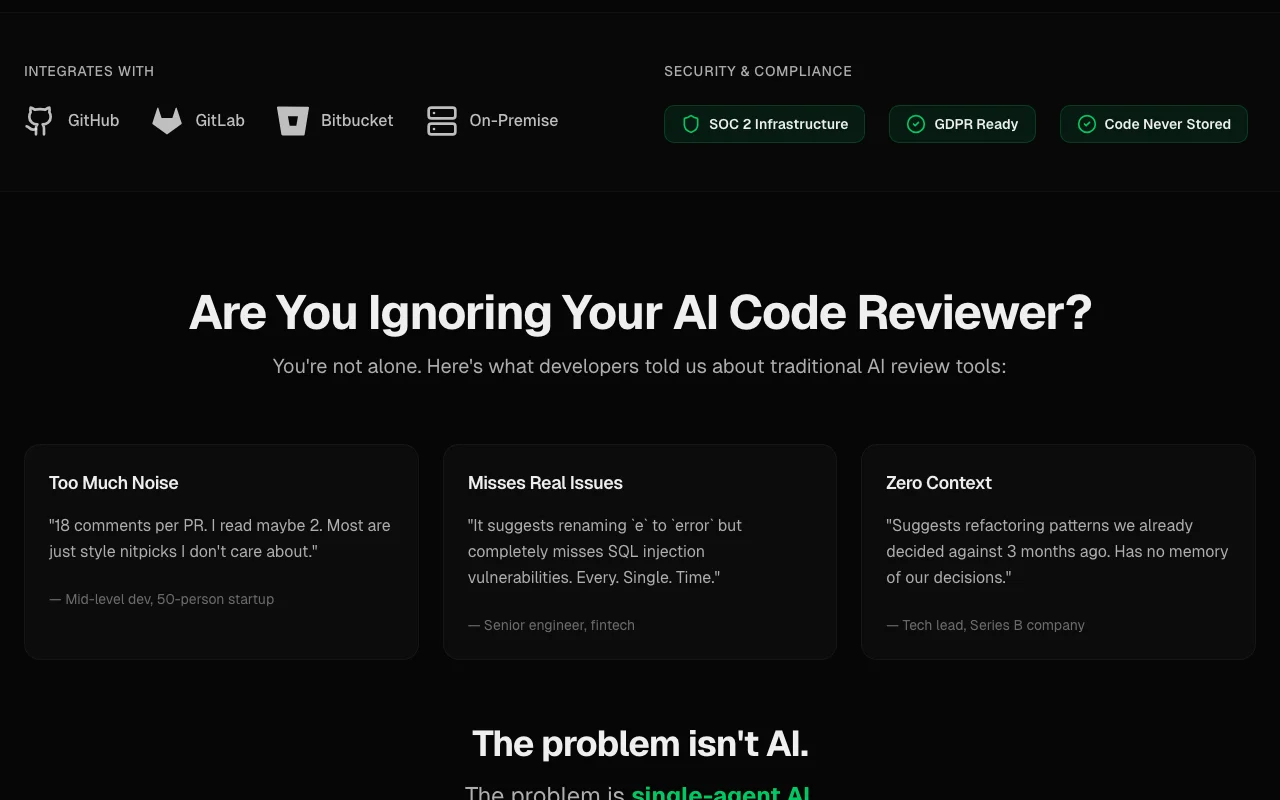
Integrates with GitHub, GitLab, Bitbucket. Fits your host.
Supports custom review rules. Enforces standards.
diffray has no public API in its official documentation. No API documented; docs 404.
Summarized from the vendor's current policies; this is not legal advice and a vendor's badge is not an independent audit.
Source code is processed during review only in an ephemeral environment.
Code is not used to train AI models.
Code is never stored permanently.
You retain ownership of your code.
Policies: diffray.ai/privacy/
"Better suited" is based on documented features and pricing, not on a head-to-head test.
| Alternative | When to choose it | Pricing | Limitation | |
|---|---|---|---|---|
| GitHub Copilot | — | — | Compare | |
| Cursor | — | — | Compare | |
| Devin Desktop (formerly Windsurf) | — | — | Compare |
No user reviews yet.
Used diffray? Be the first to share your experience.
Yes for public repositories. source (opens in a new tab)
$10 per month for one developer. source (opens in a new tab)
$9 per developer per month for 3-10 developers. source (opens in a new tab)
No; each review runs in an ephemeral environment destroyed after completion. source (opens in a new tab)
A 14-day free trial with no credit card is shown. source (opens in a new tab)
Not verified: Docs; Trial end date.
Every fact about diffray above comes from the 3 official pages listed here, last compared on Oct 1, 2026; we have not run diffray ourselves, so it has no editorial score. How we check and re-check pages.
Article updated Oct 2, 2026; prices checked Oct 1, 2026. Outbound links to vendors are plain links; we do not earn commissions. How we review · Report an error
compare>