Our take: Choose Underdog if you use a Mac with Apple silicon and want email, calendar, meeting notes and dictation handled by a model that runs on your own computer, and you can get an invite to the beta.
Main limitation: Access is by invite-only beta, and the product is a Mac app (an iPhone and iPad app is mentioned only in the privacy policy), with expense tracking and tax features still marked coming soon.
By the AI Tool Atlas editors.
Based on the vendor's official documentation; we have not tested this product hands-on. What “documented overview” means
Who should use Underdog
Choose Underdog if you use a Mac with Apple silicon and want email, calendar, meeting notes and dictation handled by a model that runs on your own computer, and you can get an invite to the beta. Based on the vendor's documentation, not on a hands-on test.
Best for: Privacy-focused Mac users
Also a good fit for
Professionals handling email and meetings
Users wanting local AI
Consider another tool if invite-only beta
Or if
Requires a Mac with Apple silicon
Windows, Linux, iOS and Android not yet available
Underdog in the news
Headlines from US outlets, selected automatically — not endorsements. Updated Oct 2, 2026
Email, calendar, meeting notes, dictation, browser errands
No API
Usage caps, credits and extra costs
None stated. The $1,999/month 'Good Boy' plan shown on the pricing page is a joke and not a real price.
Not applicable.
What is Underdog, and how does it work?
Underdog is a small AI model and app that runs locally on a Mac with Apple silicon, using under 4GB. It connects to Gmail, Outlook and Google/Outlook calendars, takes meeting notes, and offers dictation in any app, all processed on-device.
It can also operate your browser for errands like booking or cancelling subscriptions, requiring approval before purchases. It is in invite-only beta and states it is free.
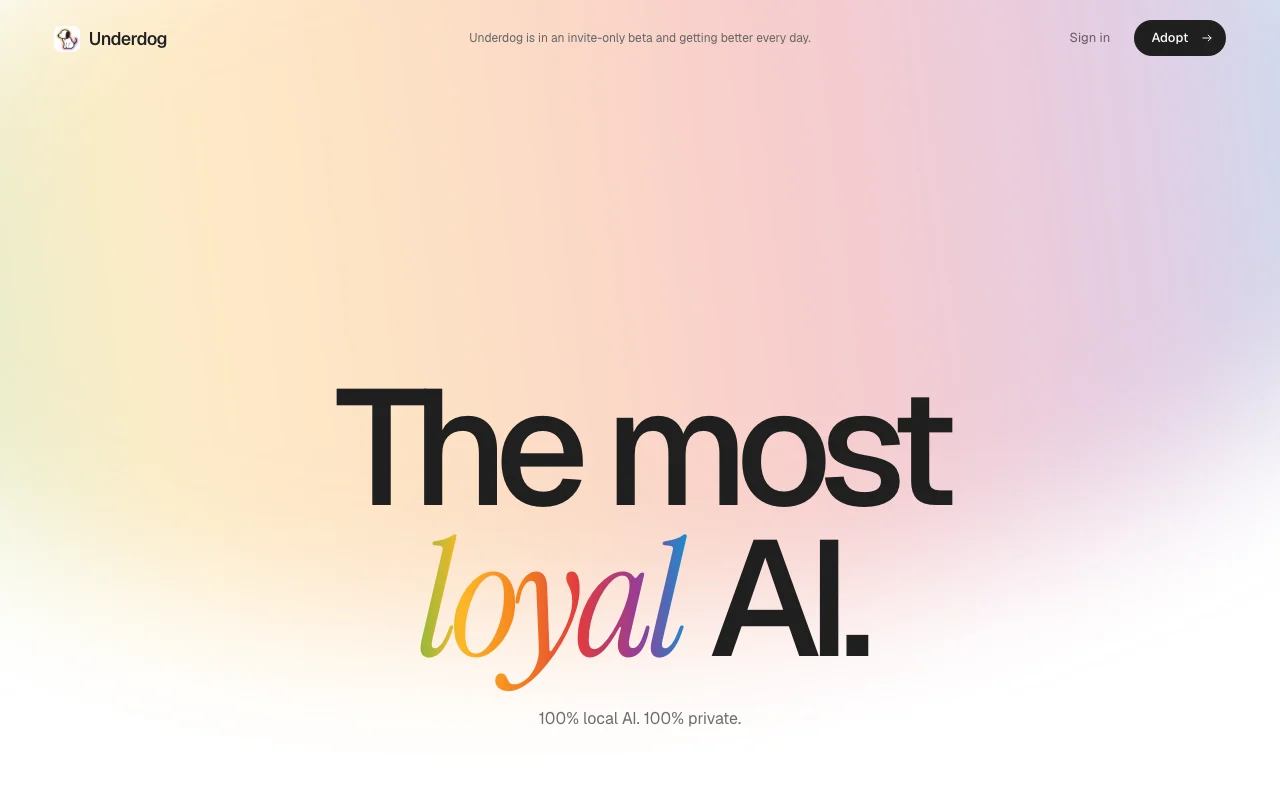
Underdog's official site: how the product presents itself. underdog.ai, captured Oct 1, 2026
What you provide and what you get back
What you give Underdog and what comes back, from its documentation
You provide
Your Gmail or Outlook mailbox and Google or Outlook calendar
Meeting audio captured on your computer
Your voice for dictation
Natural-language errands for the browser
You get back
Email drafts and triage
Meeting transcripts and summarized notes
Dictated text in any app
Calendar events prepared for your approval
Where you can use it
Platforms
Desktop
Account
Required
Platform
Mac with Apple silicon; iPhone/iPad app mentioned in policy
Model size
Under 4GB, runs locally
Email
Gmail, Outlook
Calendar
Google Calendar, Outlook Calendar
Dictation
Hold fn, any app, on-device
Coming soon
Expense tracking, tax preparation
Where Underdog is most useful
Scenarios are worked out by our editors from the documentation; the actual result depends on your input and plan.
Private email triage and drafting
Who
Professionals with heavy inboxes who dislike cloud AI
You provide
A connected Gmail or Outlook account
Expected result
Drafts and summaries produced by an on-device model, in a keyboard-driven mail client (Cmd-K commands)
Feature overview on the official site. underdog.ai, captured Oct 1, 2026
On-device AI model under 4GB
A small language model of under 4GB runs locally for chat, summaries, drafts and notes instead of calling a cloud AI service. Content is not sent to an AI provider for processing.
Access: Free beta on Apple silicon MacsLimit: Requires Apple silicon; capability is bounded by a small modelsource (opens in a new tab)
Gmail and Outlook email client
Connects directly to Gmail and Outlook with credentials stored on your computer, and strips remote images, scripts and tracking pixels from mail. Private email handling with no intermediate server reading your mail.
Transcribes meetings and dictation with a local speech model; hold fn to dictate into any app. Notes and dictated text without streaming audio to a data center.
Finds free time, flags conflicts and prepares events for your approval using Google Calendar and Outlook Calendar. Scheduling without opening a calendar app.
Stated free with no cloud processing You are not charged and there is no subscription to manage.documentedsource (opens in a new tab)
Data stays on the user's computer Mail, notes and recordings are not uploaded for AI processing, reducing exposure of sensitive content.documentedsource (opens in a new tab)
Approval step before booking, buying or cancelling Mistakes such as a wrong purchase are prevented because you confirm first.documentedsource (opens in a new tab)
Works with Gmail and Outlook You can use your existing mailboxes without migrating.documentedsource (opens in a new tab)
Requires a Mac with Apple silicon Intel Macs and other operating systems are excluded; Windows, Linux and Android are not available.documentedsource (opens in a new tab)
Windows, Linux, iOS and Android not yet available Windows, Linux, iOS and Android users cannot use it, apart from the iPhone/iPad app named in the policy.documentedsource (opens in a new tab)
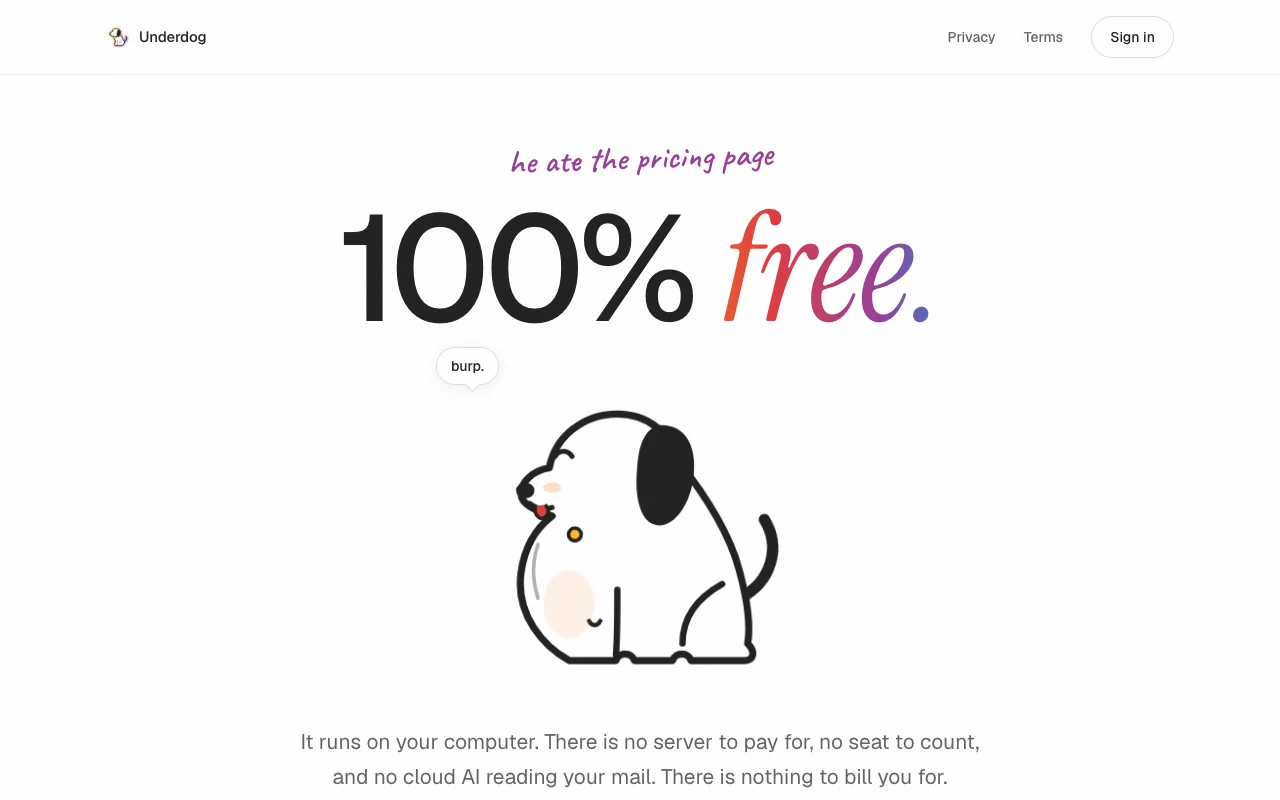
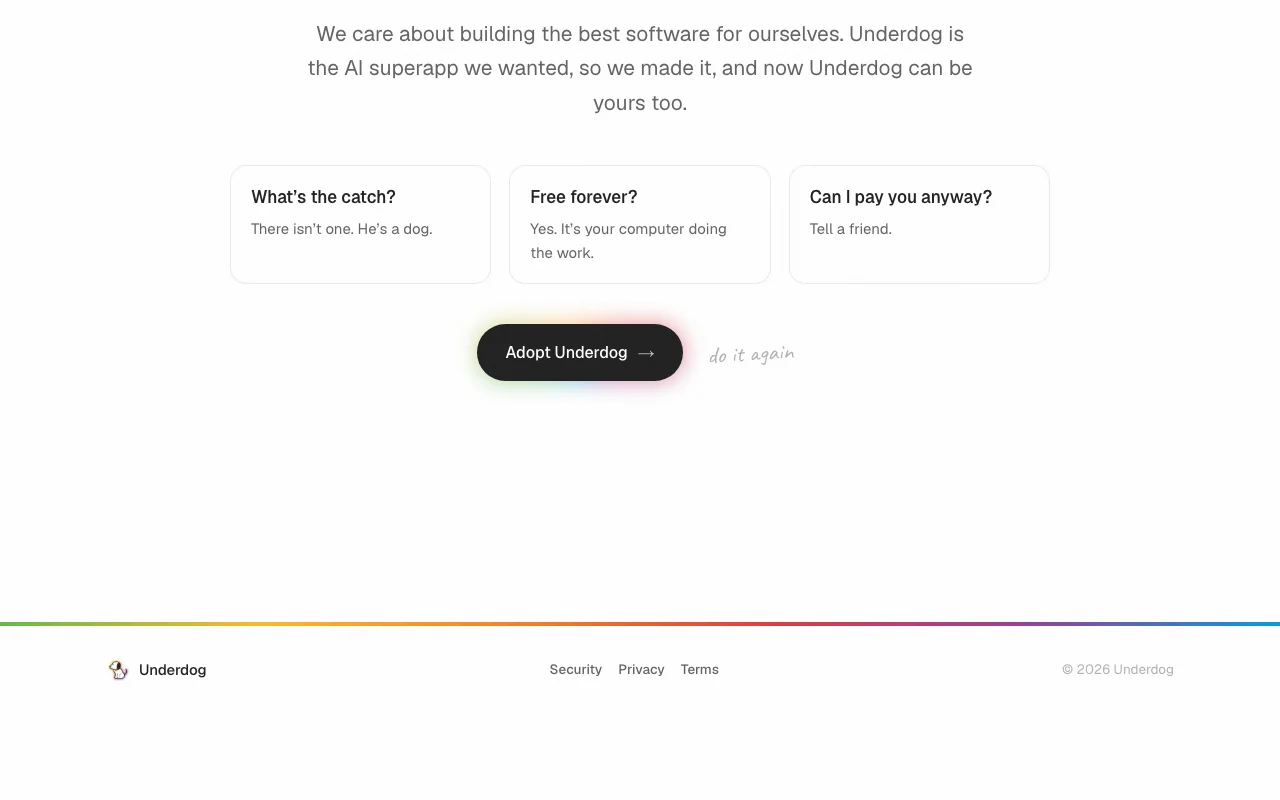
Yes per its pricing page: '100% free' and free forever because it runs on your computer. The $1,999/month 'Good Boy' plan on that page is a joke. source (opens in a new tab)
How can I get access to Underdog?
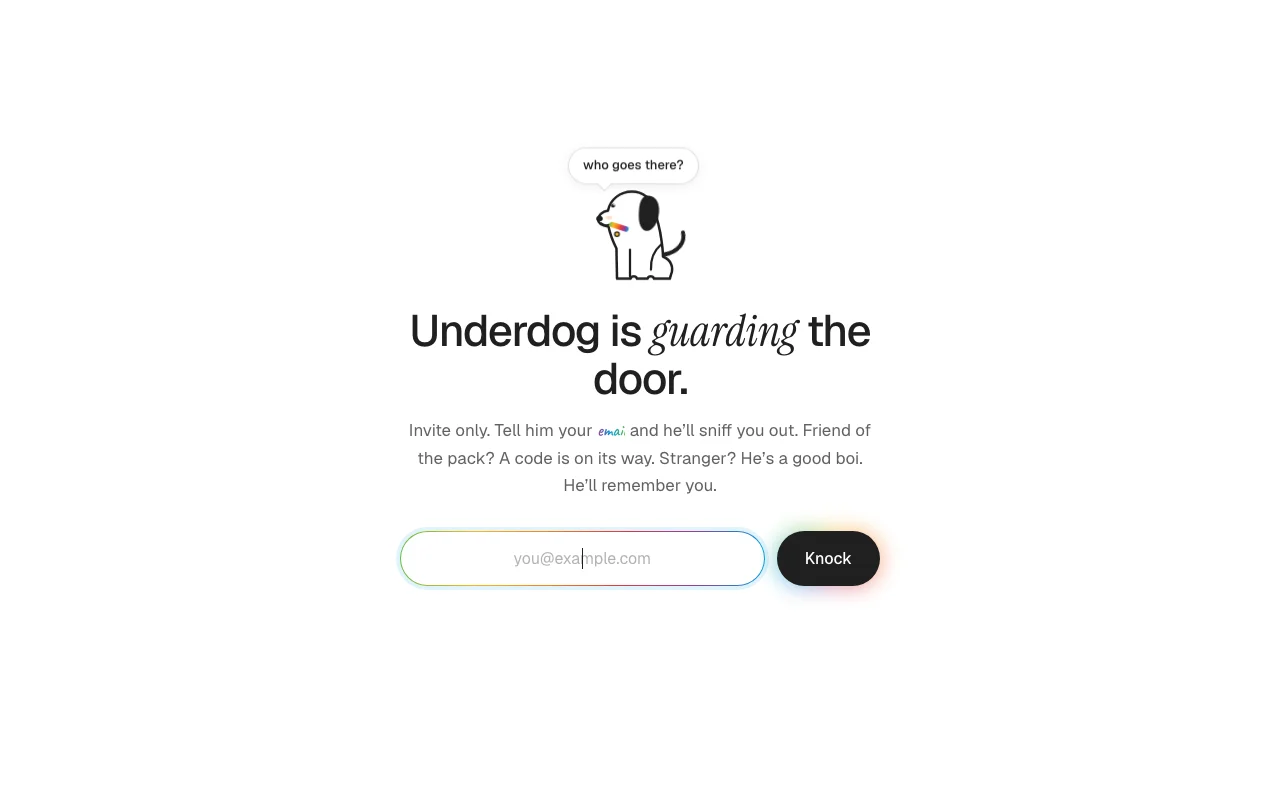
It is an invite-only beta; you enter your email on the invite page at underdog.ai/docs and a code is sent to you. source (opens in a new tab)
Does Underdog send my email to a cloud AI service?
No. The policy says it uses no third-party AI provider and that summaries, drafts and answers come from a model running on your computer. source (opens in a new tab)
What does Underdog need to run?
A Mac with Apple silicon; the model takes under 4GB. Windows, Linux and Android are not offered. source (opens in a new tab)
Will Underdog buy things without asking?
No. For browser errands it asks for your approval before it books, buys or cancels, and you can take over at any time. source (opens in a new tab)
Not verified: Whether iPhone and iPad app is publicly available; Languages supported; Minimum macOS version; Data-broker removal feature availability (shown as concept preview).
How we documented and maintain this page
Every fact about Underdog above comes from the 4 official pages listed here, last compared on Oct 1, 2026; we have not run Underdog ourselves, so it has no editorial score. How we check and re-check pages.
Article updated Oct 10, 2026; prices checked Oct 1, 2026. Outbound links to vendors are plain links; we do not earn commissions. How we review · Report an error



 (open full size in a new tab)
 (open full size in a new tab)
 (open full size in a new tab)
 (open full size in a new tab)
 (open full size in a new tab)