Our take: Try Verse if you want persistent role-based AI employees with their own email and memory handling sales, marketing or support work across 1,000+ connected apps.
Main limitation: Usage is metered by monthly credits (1,500 on Solo) and the free plan is limited to hiring and briefing a first AI employee with starter credits.
By the AI Tool Atlas editors.
Based on the vendor's official documentation; we have not tested this product hands-on. What “documented overview” means
Is Verse right for you?
Try Verse if you want persistent role-based AI employees with their own email and memory handling sales, marketing or support work across 1,000+ connected apps. Based on the vendor's documentation, not on a hands-on test.
Best for: Solo founders automating operations
Also a good fit for
Small teams wanting agents across roles
Consider another tool if credit-metered usage (1,500 credits on Solo)
Or if
Free plan limited to one AI employee
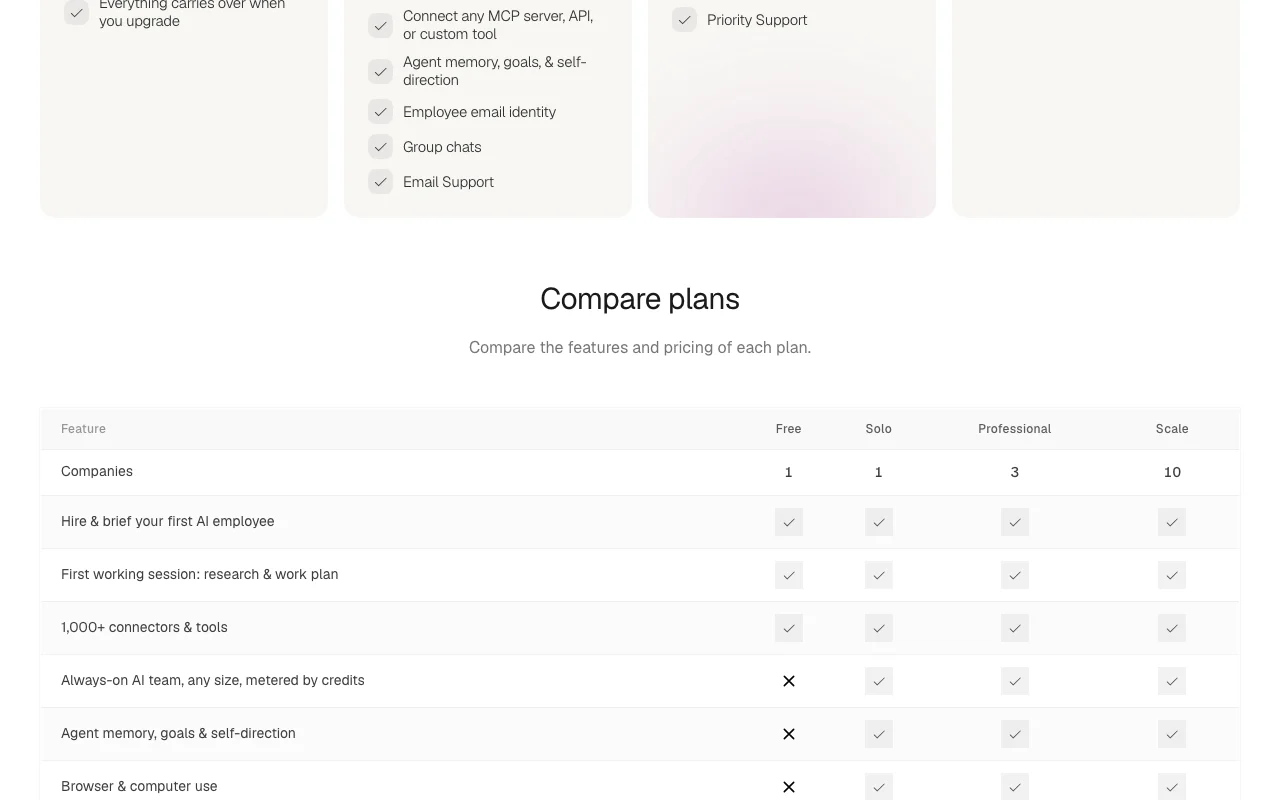
Multi-agent Spaces only on Professional and above
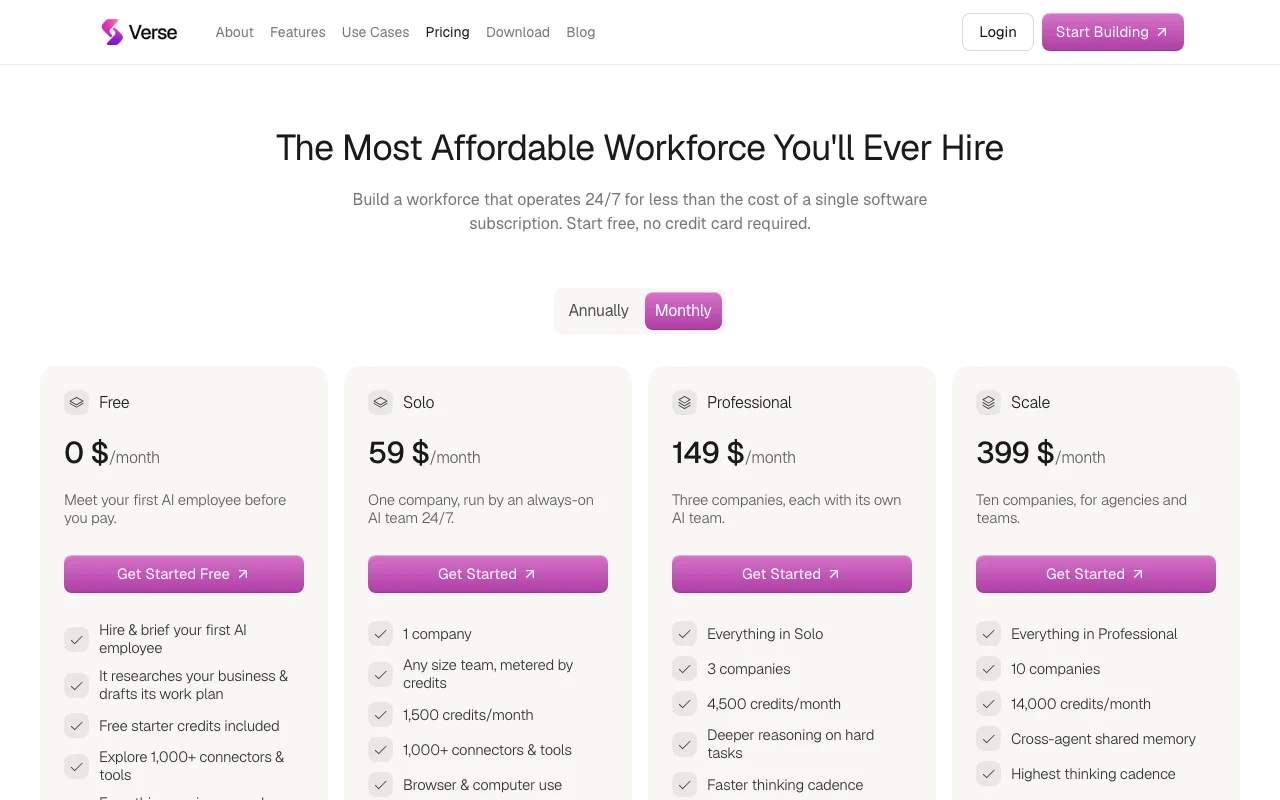
Verse pricing and usage limits
Prices checked Sep 29, 2026 on the official US pricing page. Official pricing ↗ Prices and limits change often.
Vendor pricing page re-checked automatically 12 days ago: no changes detected.
The official Verse pricing page as we saw it. useverse.ai, captured Oct 1, 2026
Free access and trial conditions
Free account with starter credits, no card required.
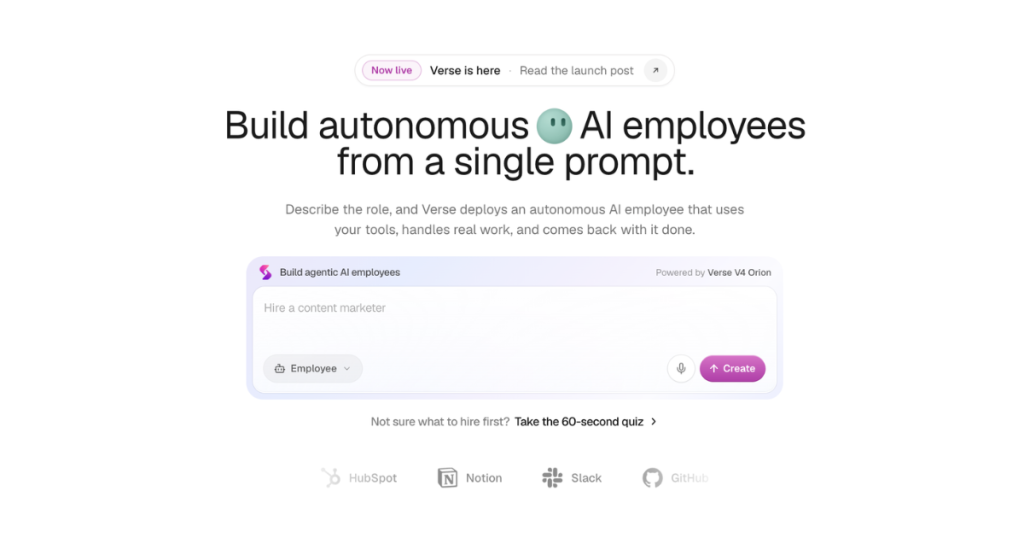
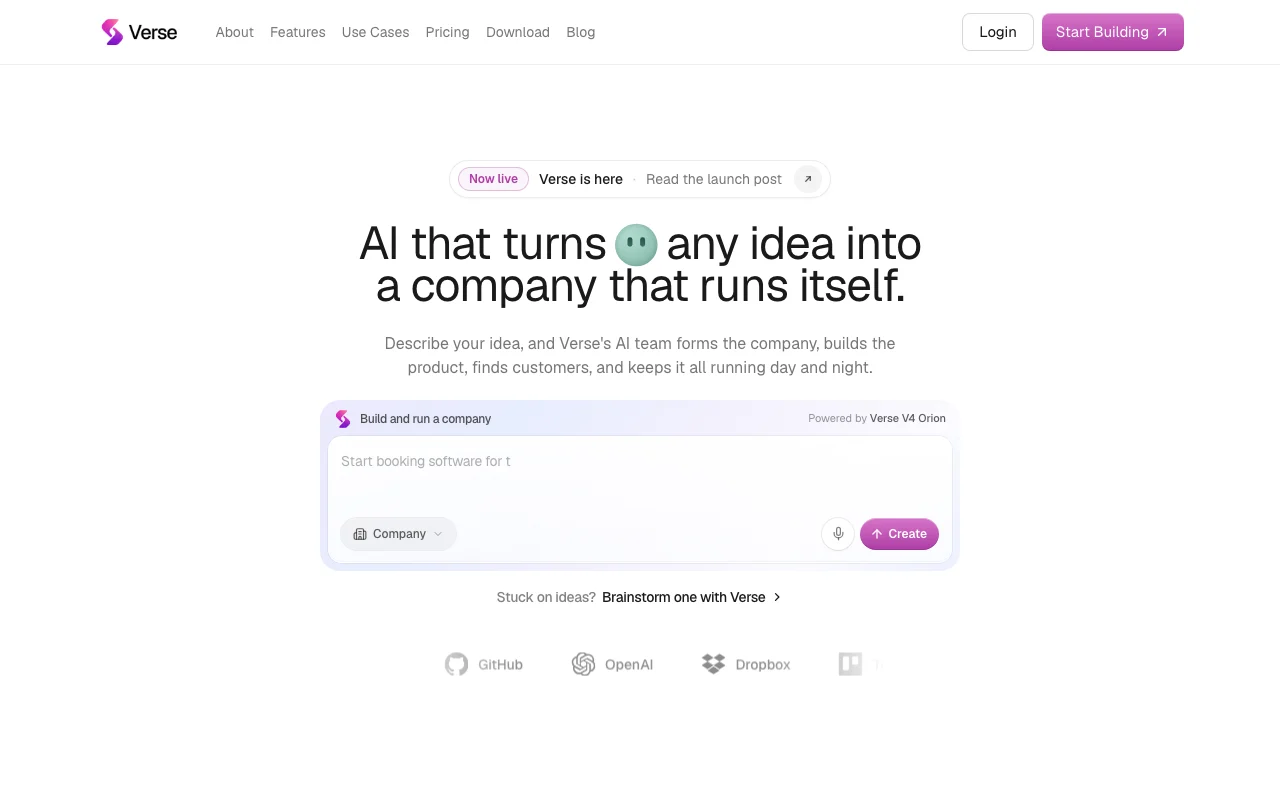
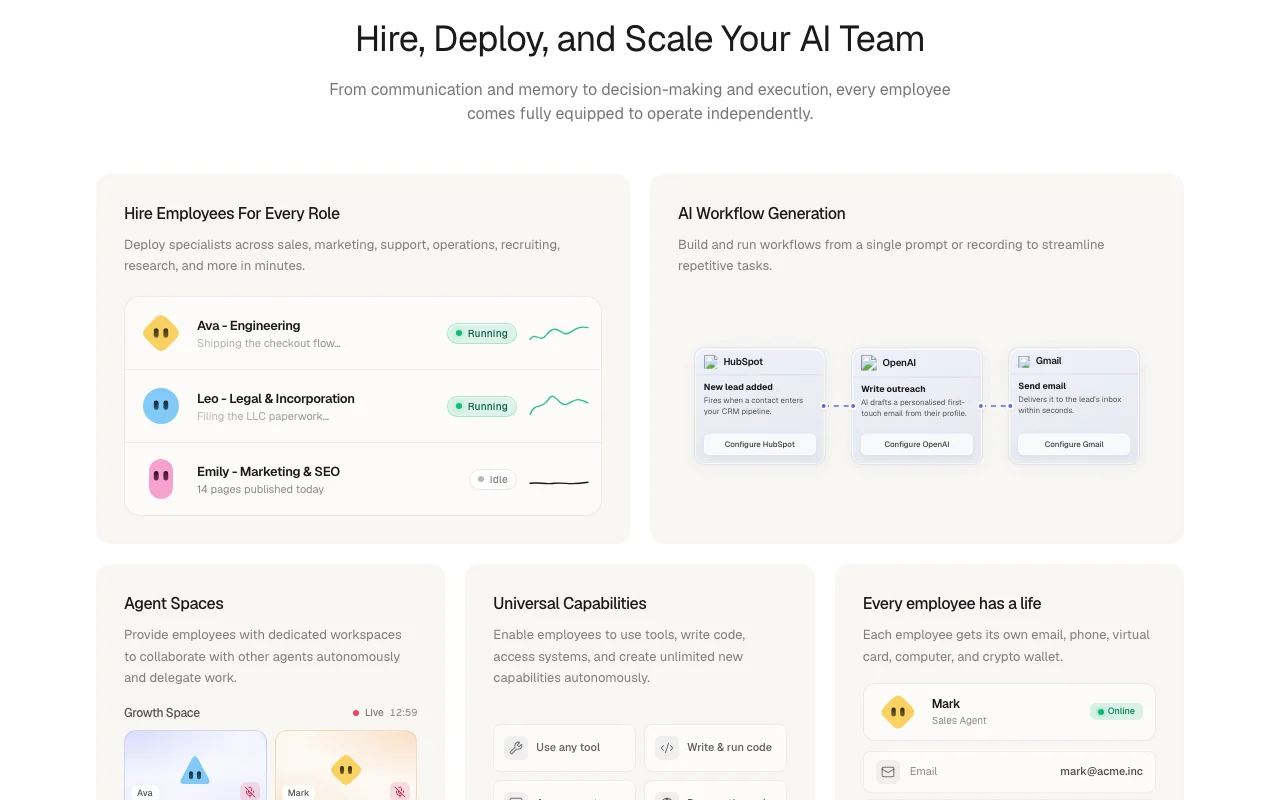
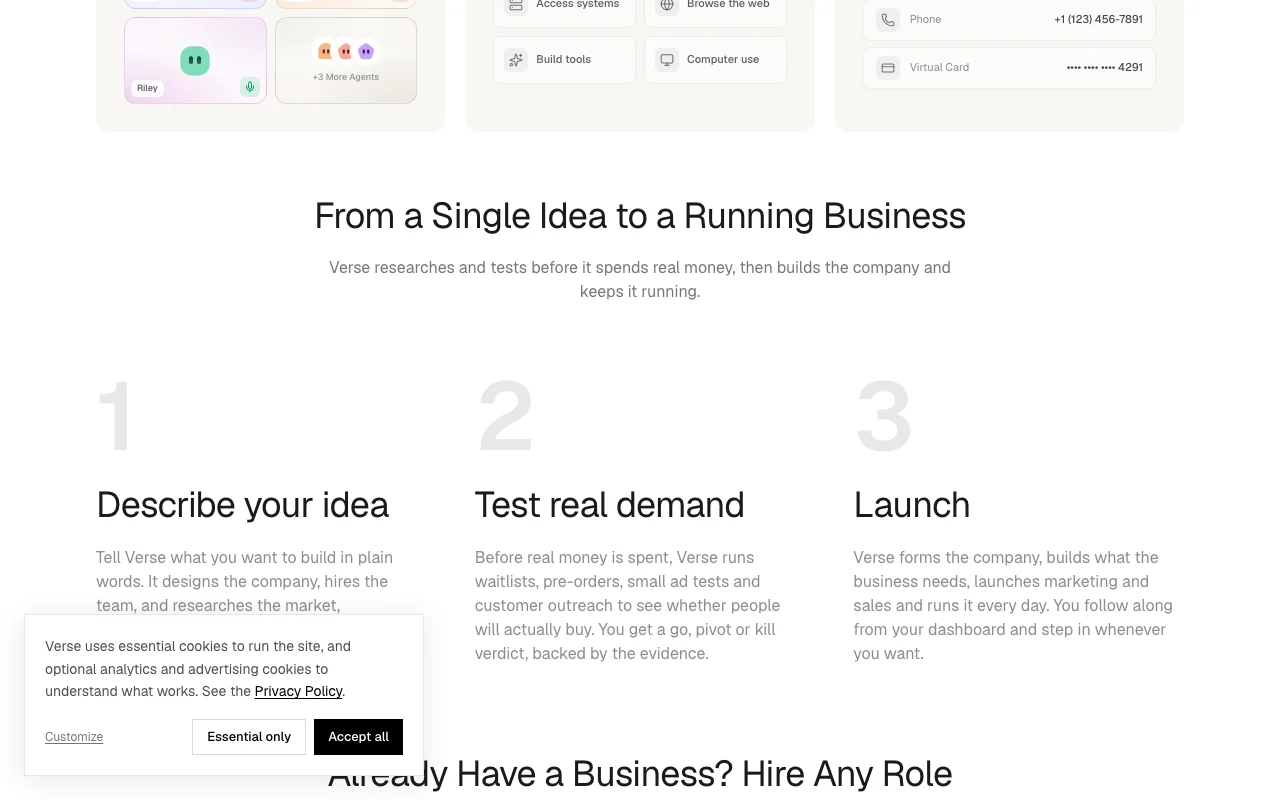
Verse lets you deploy persistent, role-based AI employees for sales, marketing, engineering, legal, operations and support. Each agent gets its own email identity and memory, can browse the web, use a cloud computer, write code and act across 1,000+ connected apps such as Gmail, Slack, HubSpot and Notion.
You brief agents in chat, by voice or by recording a workflow; agents can also collaborate in shared "Agent Spaces". A free tier includes starter credits, and paid plans scale the number of AI employees and monthly credits. A Verse Desktop app is offered for computer use.
Verse's official site: how the product presents itself. useverse.ai, captured Oct 1, 2026
What you provide and what you get back
What you give Verse and what comes back, from its documentation
You provide
Briefings in chat, voice or a recorded workflow
Connected apps and MCP servers
Goals and company context
You get back
Emails, research and reports from AI employees
Generated workflows
Work done in apps, browser or cloud computer
Where you can use it
Platforms
Web, Desktop
Account
Required
Connectors
1,000+ apps plus MCP
Desktop
Verse Desktop for computer use
Billing
Monthly or annual, USD via Stripe
Model providers
OpenAI principally, CoreWeave
Best use cases for Verse
Scenarios are worked out by our editors from the documentation; the actual result depends on your input and plan.
Outbound sales and lead follow-up run by an AI agent
Who
Founders and small sales teams
You provide
Target customer brief and a connected email
Expected result
An agent that sends outreach and follows up from its own email identity
Solo plan includes 1,000+ connectors, browser and computer use, and connecting any MCP server, API or custom tool One paid plan lets an AI employee work across many apps without extra integration fees.documentedsource (opens in a new tab)
Everything set up on the Free plan carries over when you upgrade You can brief your first AI employee for free and keep that work when you pay.documentedsource (opens in a new tab)
Limitations to check before paying
Credit-metered usage (1,500 credits on Solo) Heavy users burn credits quickly and must upgrade.documentedsource (opens in a new tab)
Free plan limited to one AI employee Free users cannot run live workflows.documentedsource (opens in a new tab)
Multi-agent Spaces only on Professional and above Agents sharing context needs Scale for shared memory.documentedsource (opens in a new tab)
Cross-agent shared memory is listed only on the Scale plan ($399/month, 10 companies) Teams on Solo or Professional do not get shared memory between their AI employees.documentedsource (opens in a new tab)
How to use Verse for hiring an AI employee to run a business task
Set up Verse
Create a free Verse account; no credit card is needed.
Hire your first AI employee and choose its role.
Answer the guided interview briefing about your business.
Connect apps such as Gmail or HubSpot from the connector library.
Example: hiring an AI employee to run a business task
Brief the sales agent: follow up with leads from last week.
Watch its first working session research your business and draft a work plan.
Approve the plan and let it send outreach from its own email.
Review progress in its chat.
Review and export the result
Check the agent's sent emails in the connected inbox.
Confirm credit usage in Settings before scaling.
Review that actions only touched apps you connected.
Example prompt suggested by our editors (not a recorded output of the product)
Follow up with every lead from last week's webinar who has not replied, and draft a weekly summary for me.
Verse integrations and API
Plan comparison on the official pricing page. useverse.ai, captured Oct 1, 2026
Native integrations and export formats
Export: Account data export in Settings
API access and separate billing
Verse has no public API in its official documentation. Custom APIs and MCP servers can be connected to agents; no public Verse API documented; docs page unavailable.
Privacy, data use and commercial rights
Summarized from the vendor's current policies; this is not legal advice and a vendor's badge is not an independent audit.
How your inputs and outputs are handled
Content is processed by model providers (principally OpenAI, plus CoreWeave).
Policy says private content is not used to train publicly available AI models.
Data can be exported or the account deleted in Settings.
Yes. Signing up is free with no card; you hire and brief a first AI employee and watch its first working session. source (opens in a new tab)
Can I get a refund?
No, Verse does not offer refunds; new accounts get free credits to try first and cancellation keeps access to the period end. source (opens in a new tab)
Not verified: Annual price discount; Mobile app; Commercial-use terms.
How we documented and maintain this page
Every fact about Verse above comes from the 3 official pages listed here, last compared on Sep 29, 2026; we have not run Verse ourselves, so it has no editorial score. How we check and re-check pages.
Article updated Oct 10, 2026; prices checked Sep 29, 2026. Outbound links to vendors are plain links; we do not earn commissions. How we review · Report an error

 (open full size in a new tab)
 (open full size in a new tab)
 (open full size in a new tab)
 (open full size in a new tab)
 (open full size in a new tab)