Productivity & writingDocumented overviewLast checked Oct 1, 2026

Vowise: Pricing, Features & Best Use Cases

Voice-to-text and dictation app that turns voice notes into journals, summaries, reviews and AI memory.

Who should use Vowise

Vowise suits voice-first journalers and people who dictate across desktop and mobile and want transcripts turned into journals, summaries and periodic reviews backed by editable AI memory. Based on the vendor's documentation, not on a hands-on test.

Best for: Voice-first journalers

Also a good fit for

  • Users dictating across devices

Consider another tool if usage is limited by monthly credits (4,000 Pro, 10,000 Premium)

Or if

  • Pro and Premium prices shown as early-bird discounts
  • Some builds listed as coming soon or beta

Vowise pricing and usage limits

Prices checked Oct 1, 2026 on the official US pricing page. Official pricing ↗ Prices and limits change often.

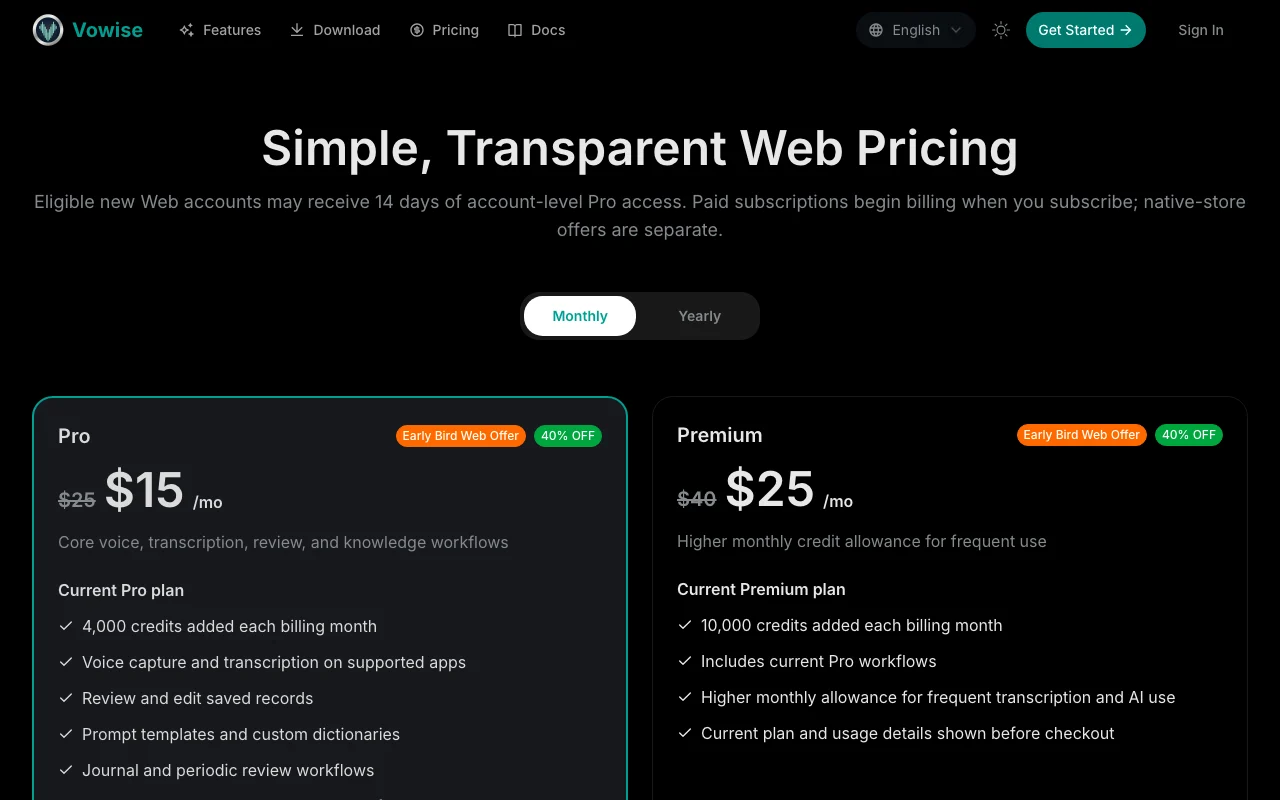
Vowise pricing page with plans and prices — screenshot of the productivity & writing AI tool, Oct 2, 2026
The official Vowise pricing page as we saw it. vowise.com, captured Oct 2, 2026

Free access and trial conditions

No free plan stated; eligible new web accounts may receive 14 days of Pro access.

14 days of account-level Pro access for eligible new web accounts.

Paid plans: what changes as you upgrade

Pro web

$15/mo source (opens in a new tab)

Month

Early Bird Web Offer 40% off from $25/mo. Pricing page shows a monthly/yearly toggle; the displayed discounted figure's billing period was not confirmed.

For: Core voice, transcription and review use

Limits

  • 4,000 credits added each billing month

Includes

  • Voice capture and transcription
  • Prompt templates and custom dictionaries
2 more
  • Journal and periodic review workflows
  • Exports in currently supported formats

Premium web

$25/mo source (opens in a new tab)

Month

Listed down from $40/mo. Pricing page shows a monthly/yearly toggle; the displayed discounted figure's billing period was not confirmed.

For: Frequent users

Limits

  • 10,000 credits added each billing month

Includes

  • Includes Pro workflows
  • Higher allowance for frequent transcription and AI use

Usage caps, credits and extra costs

Native-store offers are separate from web pricing.

Not stated.

What is Vowise, and how does it work?

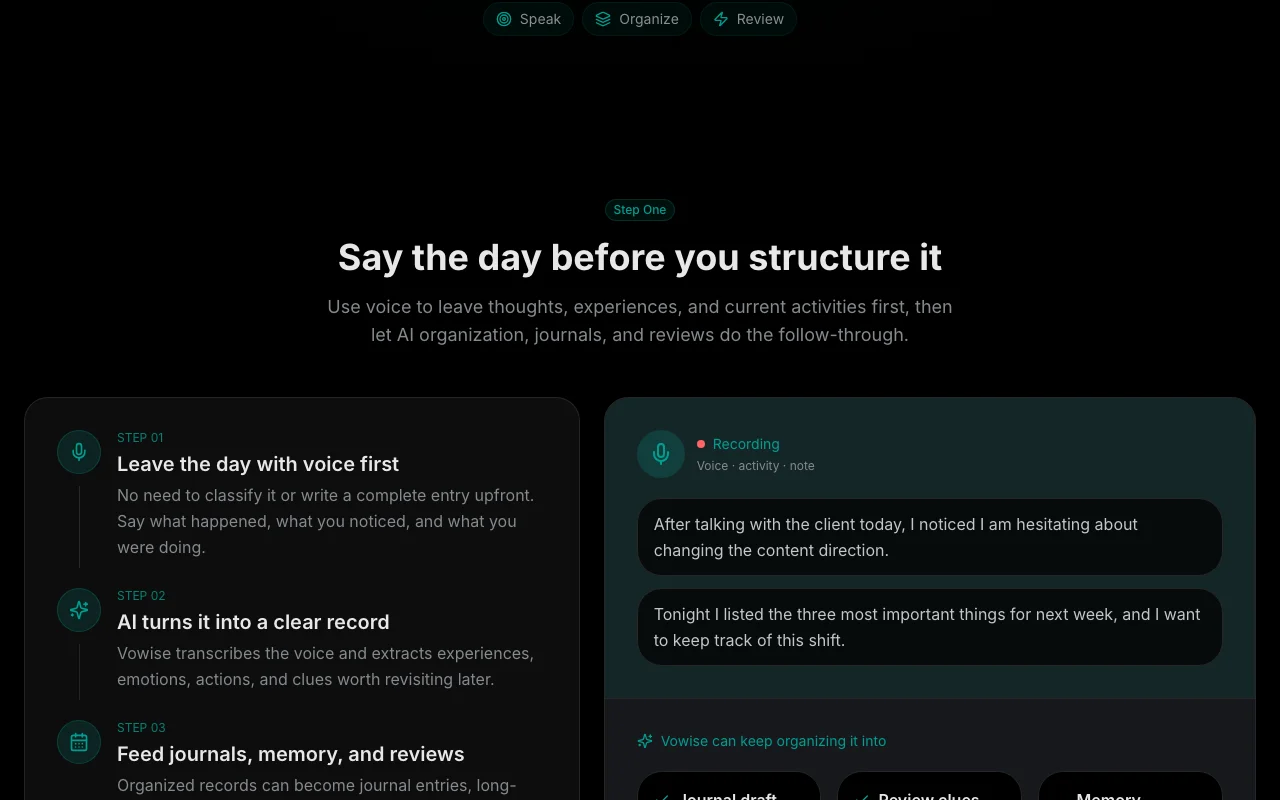
Vowise captures voice, transcribes it and organizes the result into journals, summaries and periodic reviews. It also tracks activities with notes and photos. Apps are listed for iOS, Android, Windows, macOS, Linux and Chrome, with a web account and credit-based plans.

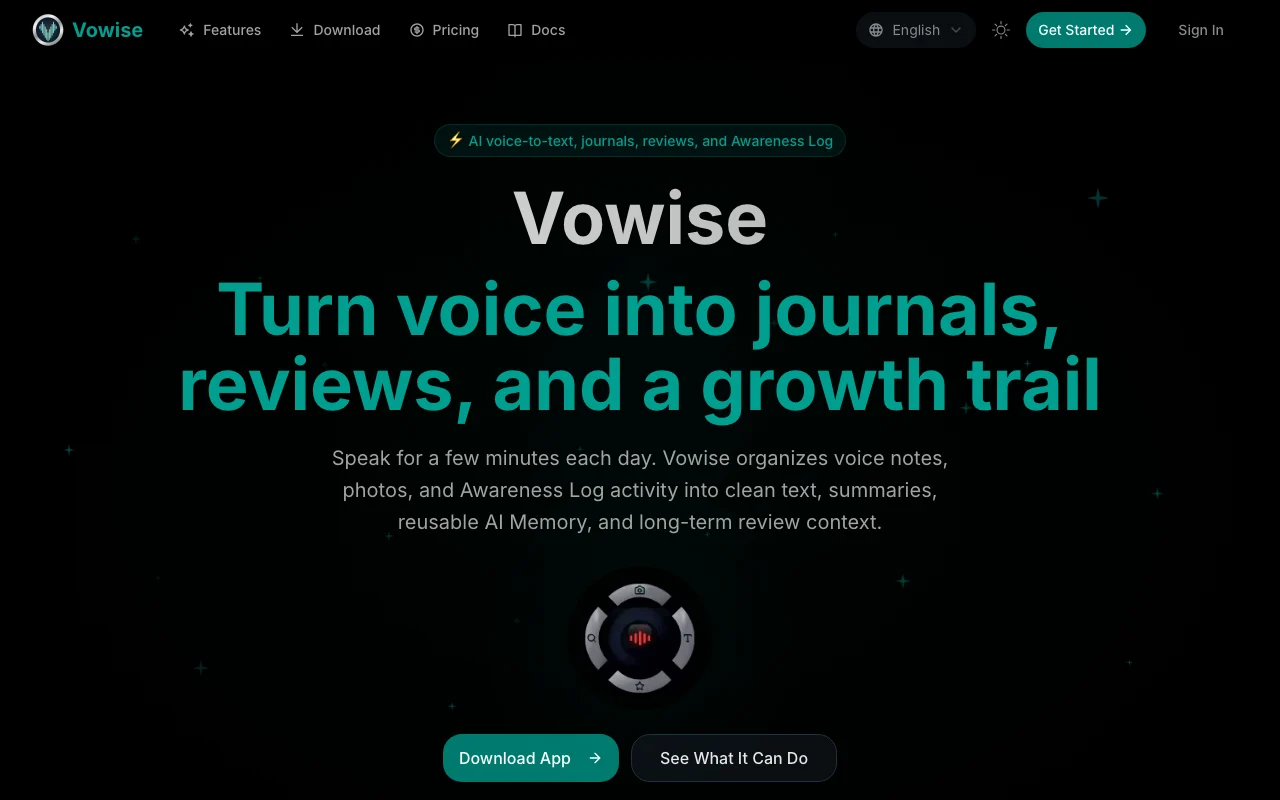
Vowise homepage — screenshot of the productivity & writing AI tool, Oct 2, 2026
Vowise's official site: how the product presents itself. vowise.com, captured Oct 2, 2026

What you provide and what you get back

How Vowise works: what you provide, where it runs and what you get backYOU PROVIDEYour inputVoice recordings and dictationPhotos and notes attached to acti…Imported recordingsPRODUCTIVITY & WRITINGVowiseWeb, Desktop, Mobilefrom $15/mo (Pro)no free tieraccount requiredchecked Oct 1, 2026YOU GET BACKThe resultTranscripts and cleaned textJournals, summaries and weekly or…Editable AI Memory entriesinput → Vowise → output · from the vendor's own pages, no hands-on test unless stated
What you give Vowise and what comes back, from its documentation

You provide

  • Voice recordings and dictation
  • Photos and notes attached to activities
  • Imported recordings

You get back

  • Transcripts and cleaned text
  • Journals, summaries and weekly or monthly reviews
  • Editable AI Memory entries

Where you can use it

Platforms
Web, Desktop, Mobile
Account
Required
Platforms
iOS, Android, Windows, macOS, Linux, Chrome
Credits per month
4,000 (Pro) / 10,000 (Premium)
Workflows
Journals, summaries, weekly and monthly reviews
Customization
Prompt templates, custom dictionaries, AI Memory

Best use cases for Vowise

Scenarios are worked out by our editors from the documentation; the actual result depends on your input and plan.

Voice journaling

Who
Daily journalers
You provide
A few minutes of speech each day
Expected result
Transcript organized into a journal entry
Plan needed
Pro
Limitation
Credits limit monthly volume source (opens in a new tab)

Dictating quick notes

Who
Professionals dictating notes
You provide
Spoken work notes on desktop or phone
Expected result
Cleaned notes via prompt templates and a custom dictionary
Plan needed
Pro
Limitation
Some builds are listed as coming soon or beta source (opens in a new tab)

Weekly and monthly reviews

Who
People tracking personal growth
You provide
Activity logs with notes and photos
Expected result
Weekly and monthly reviews showing repeated patterns
Plan needed
Premium
Limitation
Review quality depends on how much is recorded source (opens in a new tab)

Vowise features and their limits

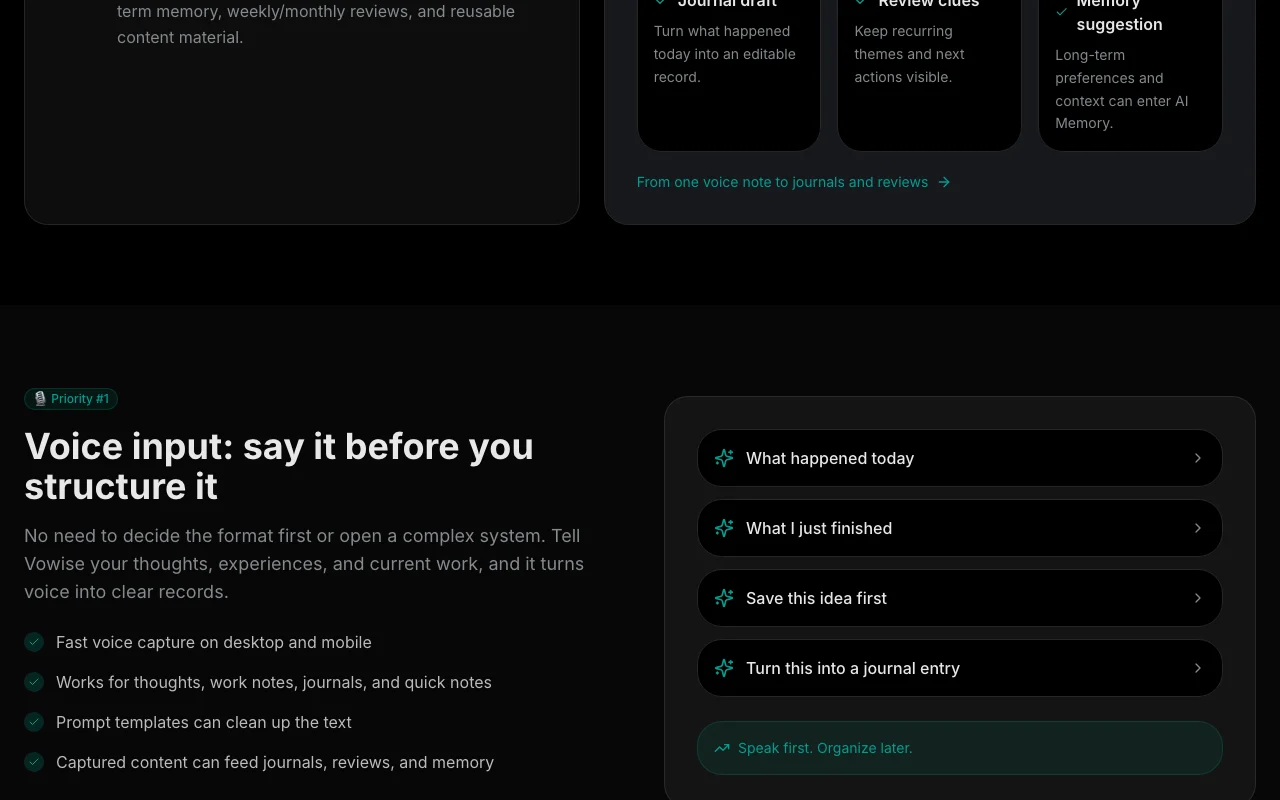
Vowise homepage — screenshot of the productivity & writing AI tool, Oct 2, 2026
Feature overview on the official site. vowise.com, captured Oct 2, 2026

Voice transcription

Captures voice on desktop and mobile and transcribes it. Turns speech into text without typing.

Access: Supported appsLimit: Transcription uses monthly credits. source (opens in a new tab)

Prompt templates

Applies prompt templates to clean up or restructure the text. Gives consistent output formats.

Access: Pro and PremiumLimit: Templates are managed by you. source (opens in a new tab)

Custom dictionaries

Stores custom dictionaries of names and terms. Improves recognition of specialist words.

Access: Pro and PremiumLimit: Needs initial setup. source (opens in a new tab)

Journal and review workflows

Builds journals and periodic reviews from daily records and keeps an editable AI Memory. Connects daily notes into long-term context.

Access: Pro and PremiumLimit: Memory can be edited or deleted, but sensitive data should not be saved. source (opens in a new tab)

Vowise pros and cons

Reasons to choose Vowise

Check before paying for Vowise

How to use Vowise for turning daily voice notes into a journal and weekly review

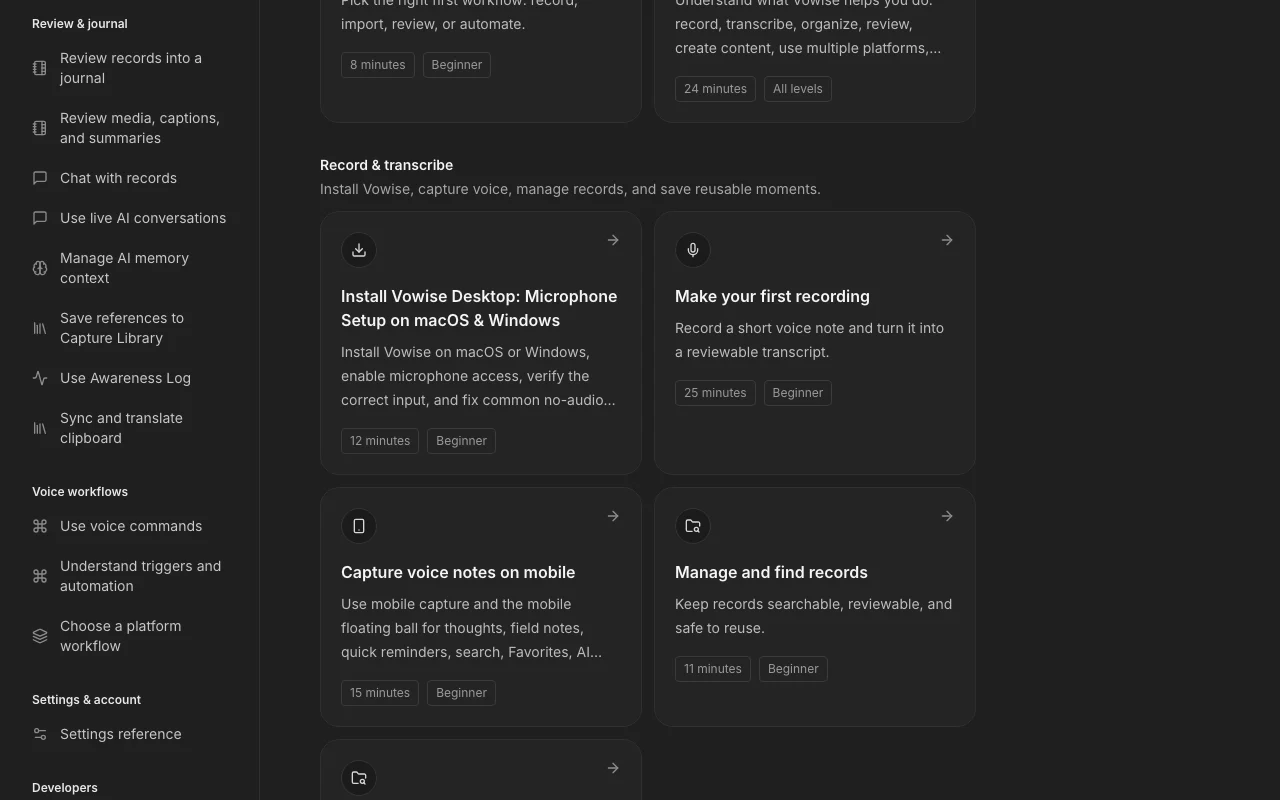
Vowise documentation — screenshot of the productivity & writing AI tool, Oct 2, 2026
Vowise documentation: where the steps below come from. vowise.com, captured Oct 2, 2026

Set up Vowise

  1. Create a web account at vowise.com and use the 14-day Pro access if eligible
  2. Install the desktop app on macOS or Windows and enable microphone access
  3. Verify the correct input device before recording

Example: turning daily voice notes into a journal and weekly review

  1. Record a short voice note about your day
  2. Review and edit the transcript
  3. Apply a prompt template to turn it into a journal entry
  4. Open the weekly review to see summaries and repeated themes

Review and export the result

  1. Check the credits balance after the first recordings
  2. Open settings to confirm which memories were saved
Example prompt suggested by our editors (not a recorded output of the product)
Turn this into a journal entry with three bullet points: what I finished, what is blocked, what I will do tomorrow.

Vowise integrations and API

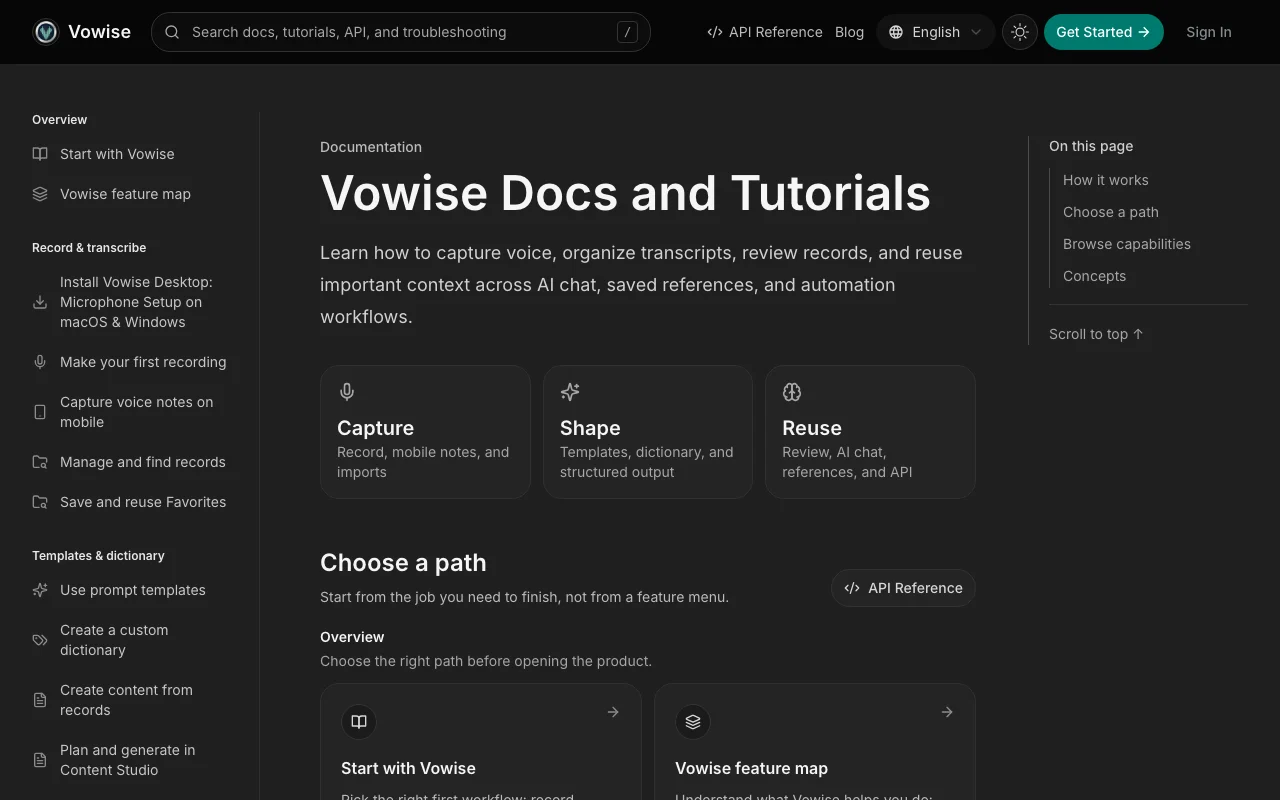
Vowise documentation — screenshot of the productivity & writing AI tool, Oct 2, 2026
Vowise documentation (continued). vowise.com, captured Oct 2, 2026

Native integrations and export formats

Export: Currently supported formats (not specified)

API access and separate billing

Vowise has no public API in its official documentation. API Reference listed in docs. API documentation ↗

Privacy, data use and commercial rights

Summarized from the vendor's current policies; this is not legal advice and a vendor's badge is not an independent audit.

How your inputs and outputs are handled

Voice recordings, transcripts, photos and AI Memory are stored; a retained recording is kept if upload fails.

Not captured.

Not captured; memories can be deleted in settings.

Commercial use and plan restrictions

Not stated.

None stated.

Controls for business users

  • Editable and removable AI Memory

Best Vowise alternatives for different needs

"Better suited" is based on documented features and pricing, not on a head-to-head test.

Otter.ai: better suited to

Notion AI: better suited to

ChatGPT: better suited to

Alternatives
AlternativeWhen to choose itPricingLimitation
Otter.ai——
Notion AI——Compare
ChatGPT——

Explore Vowise further

Related to Vowise

Vowise user reviews

No user reviews yet.

Used Vowise? Be the first to share your experience.

Write a review

Reviews are checked by a moderator before they appear. Your email is never published. Plain text only.

Your rating (required)

Show what you made or what went wrong. Images are published only if the review is approved; location data is removed.

    Vowise FAQ

    How many credits do Vowise plans include?

    Pro adds 4,000 credits each billing month and Premium adds 10,000. source (opens in a new tab)

    Is there a Vowise free trial?

    Eligible new web accounts may receive 14 days of account-level Pro access. source (opens in a new tab)

    Can I edit what Vowise remembers about me?

    Yes. AI Memory entries can be added, edited and deleted in settings, and you can say remember that to create one. source (opens in a new tab)

    Which platforms does Vowise run on?

    Apps are listed for iOS, Android, Windows, macOS, Linux and Chrome, some marked coming soon or beta. source (opens in a new tab)

    Are Vowise prices final?

    The pricing page shows Pro as an early-bird 40% off from $25, and Premium listed down from $40. source (opens in a new tab)

    Sources and review methodology

    Official sources and verification dates

    Not verified: Whether displayed prices are monthly or yearly; Privacy terms; Supported languages; Export formats.

    How we documented and maintain this page

    Every fact about Vowise above comes from the 4 official pages listed here, last compared on Oct 1, 2026; we have not run Vowise ourselves, so it has no editorial score. How we check and re-check pages.

    Article updated Oct 2, 2026; prices checked Oct 1, 2026. Outbound links to vendors are plain links; we do not earn commissions. How we review · Report an error