Our take: Vunote is for students and researchers who turn YouTube lectures into timestamped notes, with a free 500-credit start and Pro at $9 per month.
Main limitation: Free credits are a one-time 500 and AI features lock when credits run out until you upgrade or buy a pack.
By the AI Tool Atlas editors.
Based on the vendor's official documentation; we have not tested this product hands-on. What “documented overview” means
Is Vunote right for you?
Vunote is for students and researchers who turn YouTube lectures into timestamped notes, with a free 500-credit start and Pro at $9 per month. Based on the vendor's documentation, not on a hands-on test.
Best for: Students
Also a good fit for
Researchers
Self-learners
Consider another tool if free plan gives only a one-time 500 AI credits that do not refill
Or if
AI features lock when credits run out until upgrade or a credit pack
Paid credits reset monthly and do not roll over
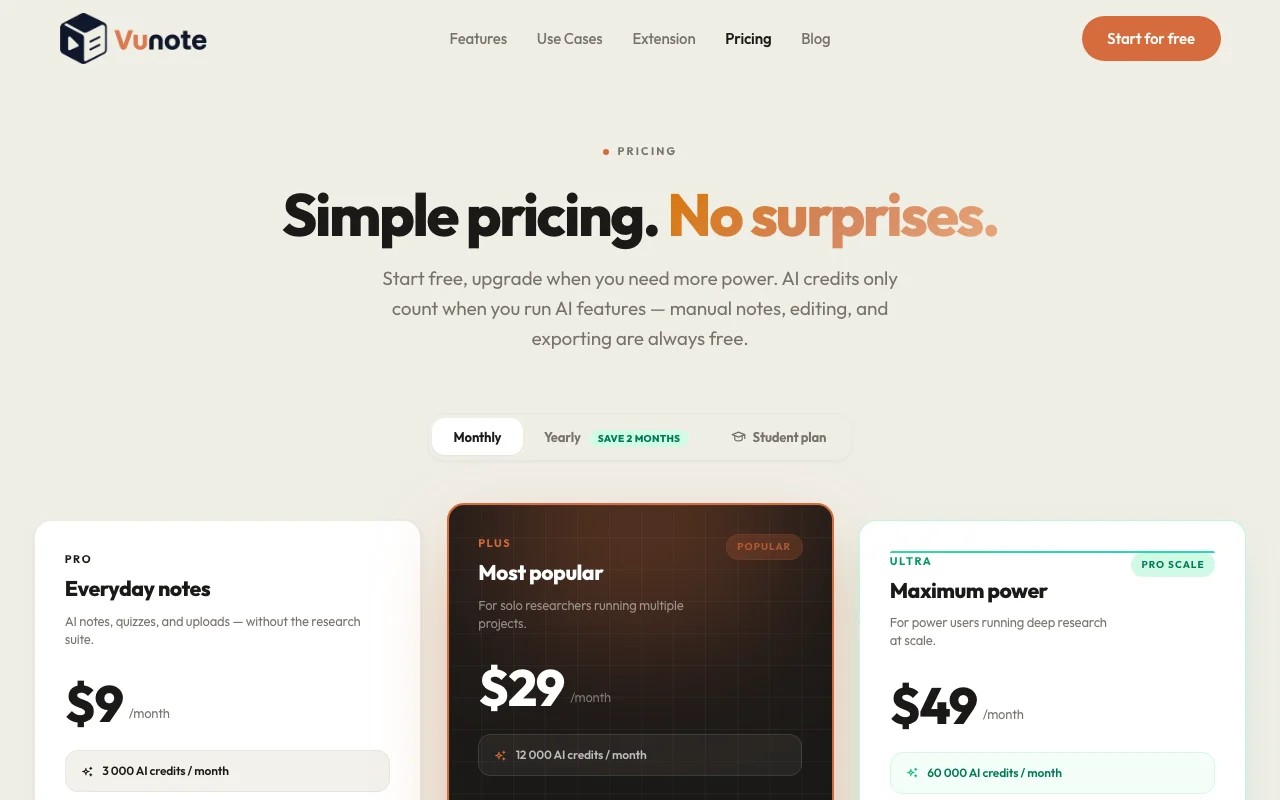
Vunote pricing and usage limits
Prices checked Sep 29, 2026 on the official US pricing page. Official pricing ↗ Prices and limits change often.
The official Vunote pricing page as we saw it. vunote.so, captured Oct 1, 2026
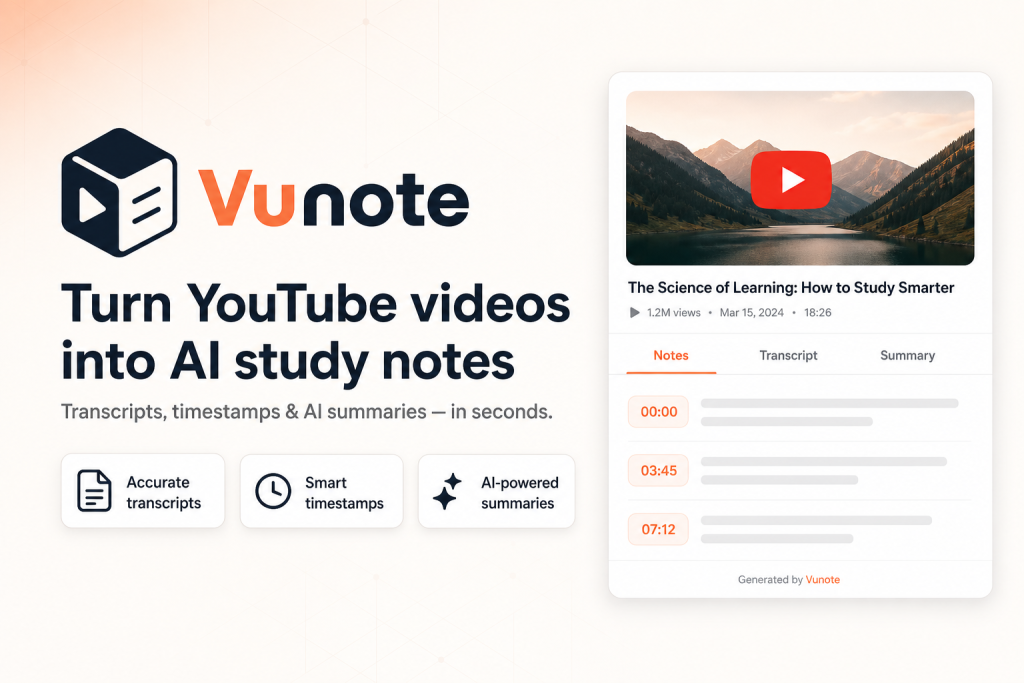
Vunote is a web workspace where users add YouTube links or playlists, uploaded video or audio, and get timestamped notes and searchable transcripts. Notes can be turned into mindmaps, recall cards, summaries and AI-generated research reports.
It also offers AI chat grounded in the user's notes and transcripts, and multi-video analysis across lectures. Paid plans are credit-based; manual notes, bookmarks and exports do not use credits.
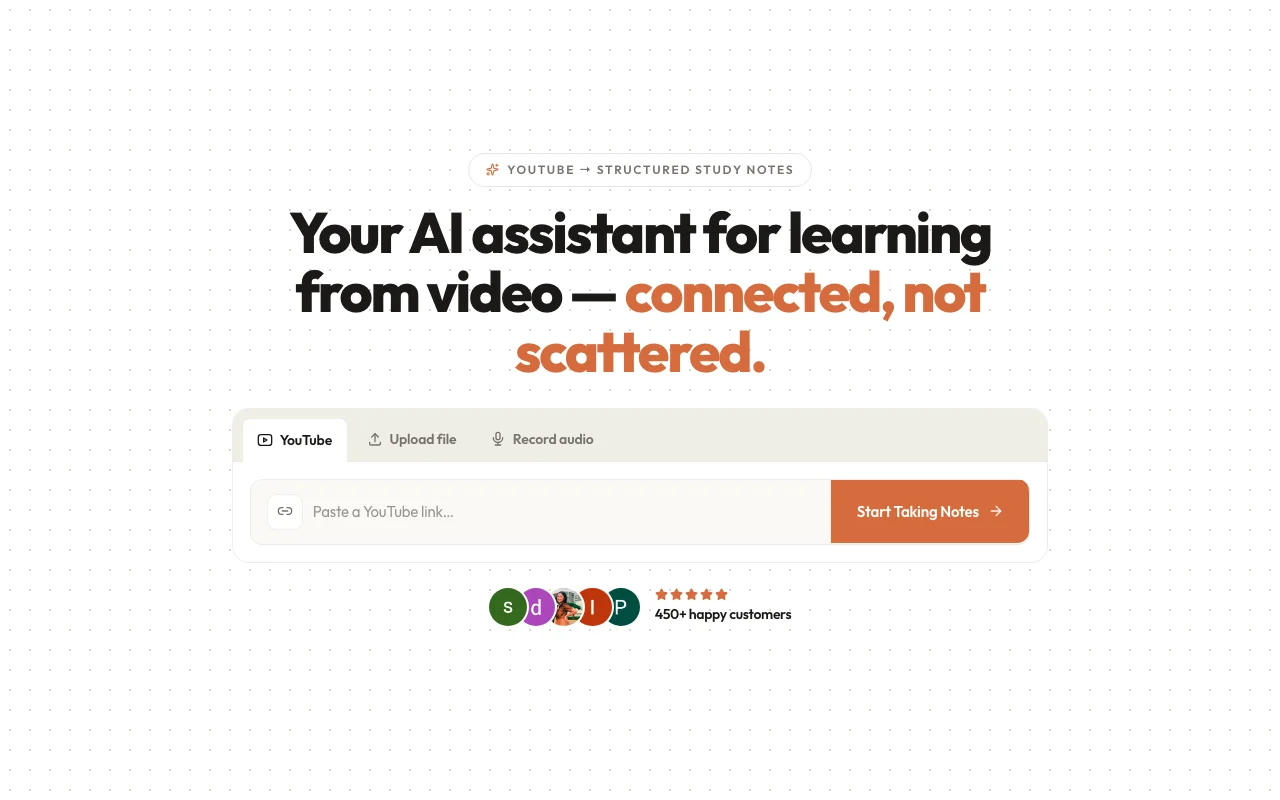
Vunote's official site: how the product presents itself. vunote.so, captured Oct 1, 2026
What you provide and what you get back
What you give Vunote and what comes back, from its documentation
You provide
YouTube videos and playlists
Uploaded audio
You get back
Timestamped notes
Mindmaps, summaries and reports
Where you can use it
Platforms
Web, API
Account
Required
Input
YouTube videos, playlists, audio
Exports
PDF, Markdown, JSON (paid)
Credits
500 one-time / 3,000 / 12,000 / 60,000
What people use Vunote for
Scenarios are worked out by our editors from the documentation; the actual result depends on your input and plan.
Studying from recorded lectures
Who
Students
You provide
A lecture video
Expected result
You get timestamped notes linked to the moments in the recorded lecture.
Plan needed
Free
Limitation
Free credits are one-time and do not refill, so you can only process a limited number of lectures. source (opens in a new tab)
Taking timestamped notes on YouTube videos
Who
Learners
You provide
A video
Expected result
You get a transcript and a summary with timestamps for the video.
Free plan needs no credit card The free plan needs no credit card, so you can try it without giving payment details.documentedsource (opens in a new tab)
Manual notes, bookmarks and exports never use credits Manual notes, bookmarks and exports never use credits, so you can keep working on your notes after AI credits run out.documentedsource (opens in a new tab)
Exports to PDF, Markdown and JSON on paid plans Paid plans export to PDF, Markdown and JSON, so your notes can move to other tools.documentedsource (opens in a new tab)
Student plan at $48/year for verified .edu emails A Student plan costs $48 per year for verified .edu emails, which is less than monthly Pro billing over a year.documentedsource (opens in a new tab)
Limitations to check before paying
Free plan gives only a one-time 500 AI credits that do not refill The free plan gives a one-time 500 AI credits that do not refill, so heavy use ends the free trial quickly.documentedsource (opens in a new tab)
AI features lock when credits run out until upgrade or a credit pack AI features lock when credits run out until you upgrade or buy a credit pack, so a long study session can be interrupted.documentedsource (opens in a new tab)
Paid credits reset monthly and do not roll over Paid credits reset monthly and do not roll over, so unused credits in a quiet month are lost.documentedsource (opens in a new tab)
Insights and reports are limited to Plus and Ultra plans Insights and reports are limited to Plus and Ultra plans, so Pro and Free users cannot create them.documentedsource (opens in a new tab)
How to use Vunote for taking notes from a YouTube lecture
Set up Vunote
Create a Vunote account.
Paste a YouTube link.
Wait for the transcript.
Example: taking notes from a YouTube lecture
Open the timestamped notes.
Generate a mindmap.
Export to PDF or Markdown.
Review and export the result
Click a timestamp to check it matches.
Check your credit balance.
Vunote integrations and API
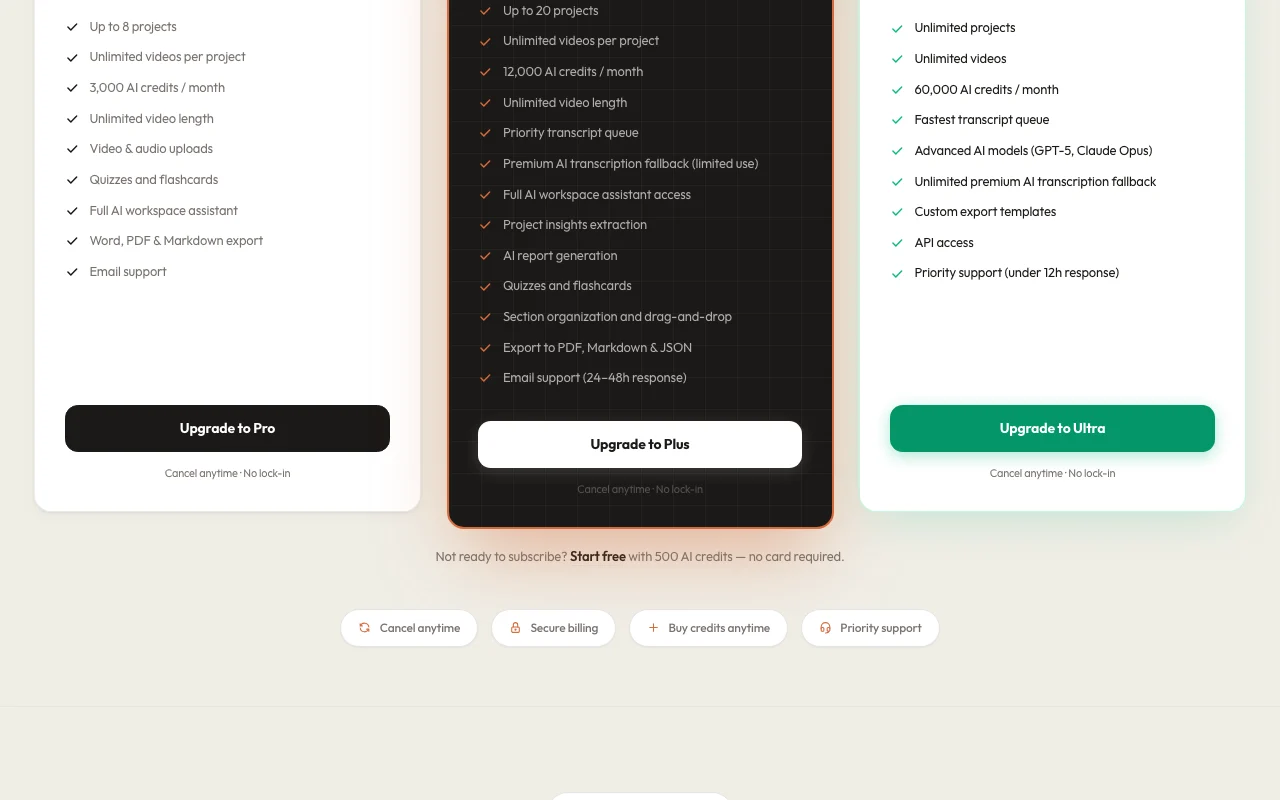
Plan comparison on the official pricing page. vunote.so, captured Oct 1, 2026
Native integrations and export formats
Export: PDF, Markdown, JSON
API access and separate billing
An API is available, billing not documented. API access on Ultra.
Privacy, data use and commercial rights
Summarized from the vendor's current policies; this is not legal advice and a vendor's badge is not an independent audit.
Not verified: Privacy; Mobile apps; US availability.
How we documented and maintain this page
Every fact about Vunote above comes from the 2 official pages listed here, last compared on Sep 29, 2026; we have not run Vunote ourselves, so it has no editorial score. How we check and re-check pages.
Article updated Oct 10, 2026; prices checked Sep 29, 2026. Outbound links to vendors are plain links; we do not earn commissions. How we review · Report an error

 (open full size in a new tab)
 (open full size in a new tab)
 (open full size in a new tab)
 (open full size in a new tab)
 (open full size in a new tab)