Our take: Choose WorkOps if you are a legal professional in the EU or Spain who wants research and drafting in one workspace with a Word add-in, and can ask the vendor for pricing.
Main limitation: Pricing is not published, and the legal data sources focus on the EU and Spain.
By the AI Tool Atlas editors.
Based on the vendor's official documentation; we have not tested this product hands-on. What “documented overview” means
Who WorkOps fits
Choose WorkOps if you are a legal professional in the EU or Spain who wants research and drafting in one workspace with a Word add-in, and can ask the vendor for pricing. Based on the vendor's documentation, not on a hands-on test.
Best for: Legal professionals
Also a good fit for
Consultants and administrative teams working with documents
Consider another tool if pricing is not published on the site
Or if
Excel, Outlook, Gmail, Drive and SharePoint integrations are not yet available
Legal data sources are focused on EU and Spain
WorkOps pricing and usage limits
Prices checked Oct 4, 2026 on the official US pricing page. Official pricing ↗ Prices and limits change often.
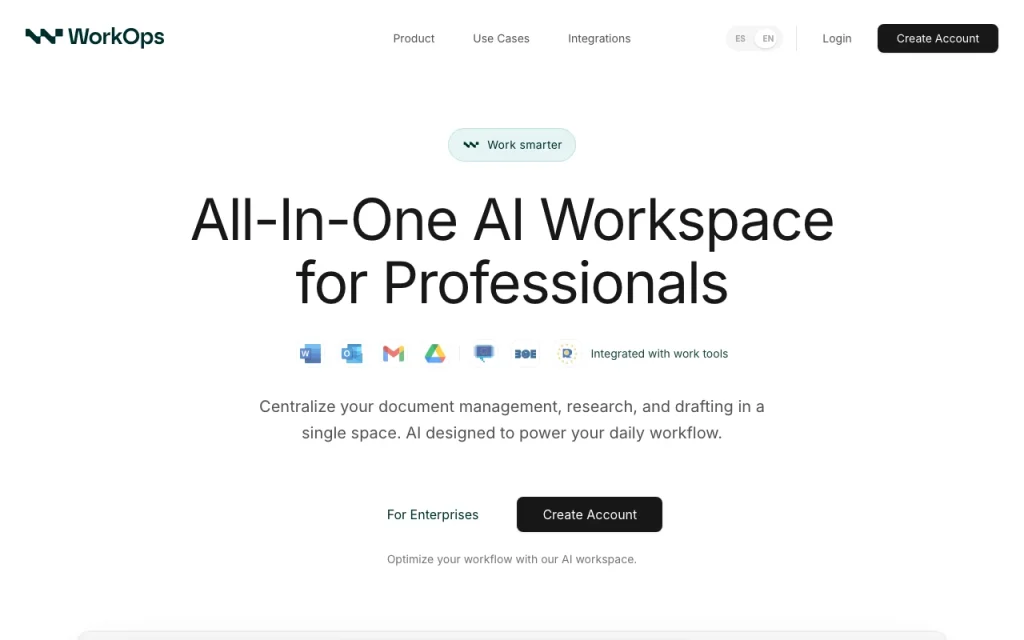
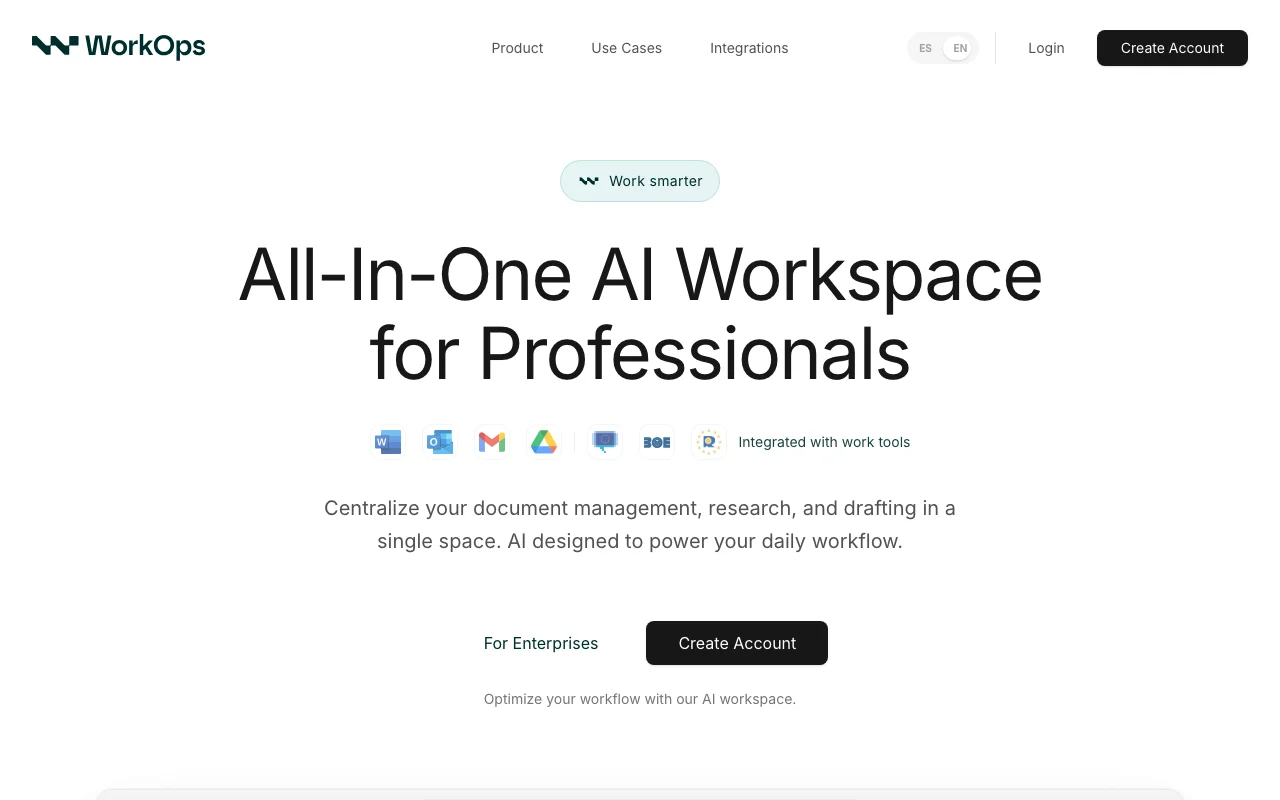
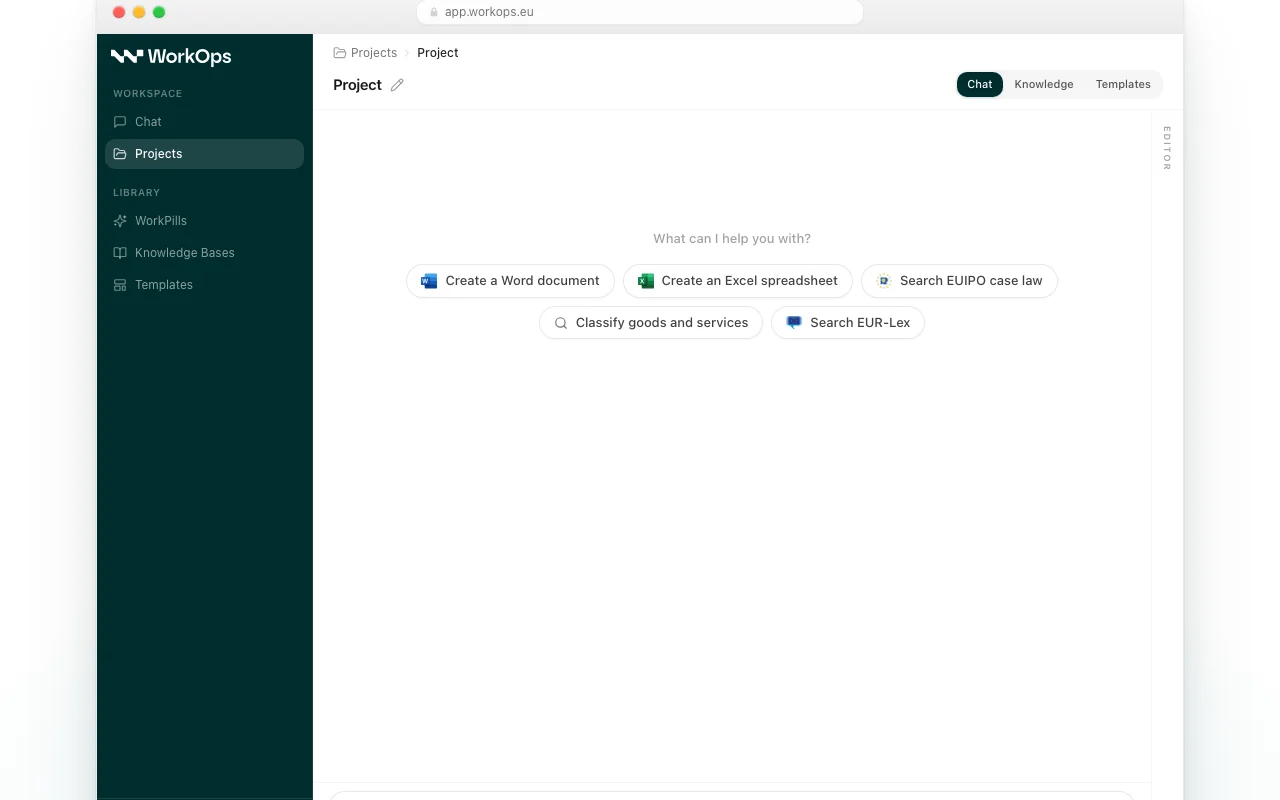
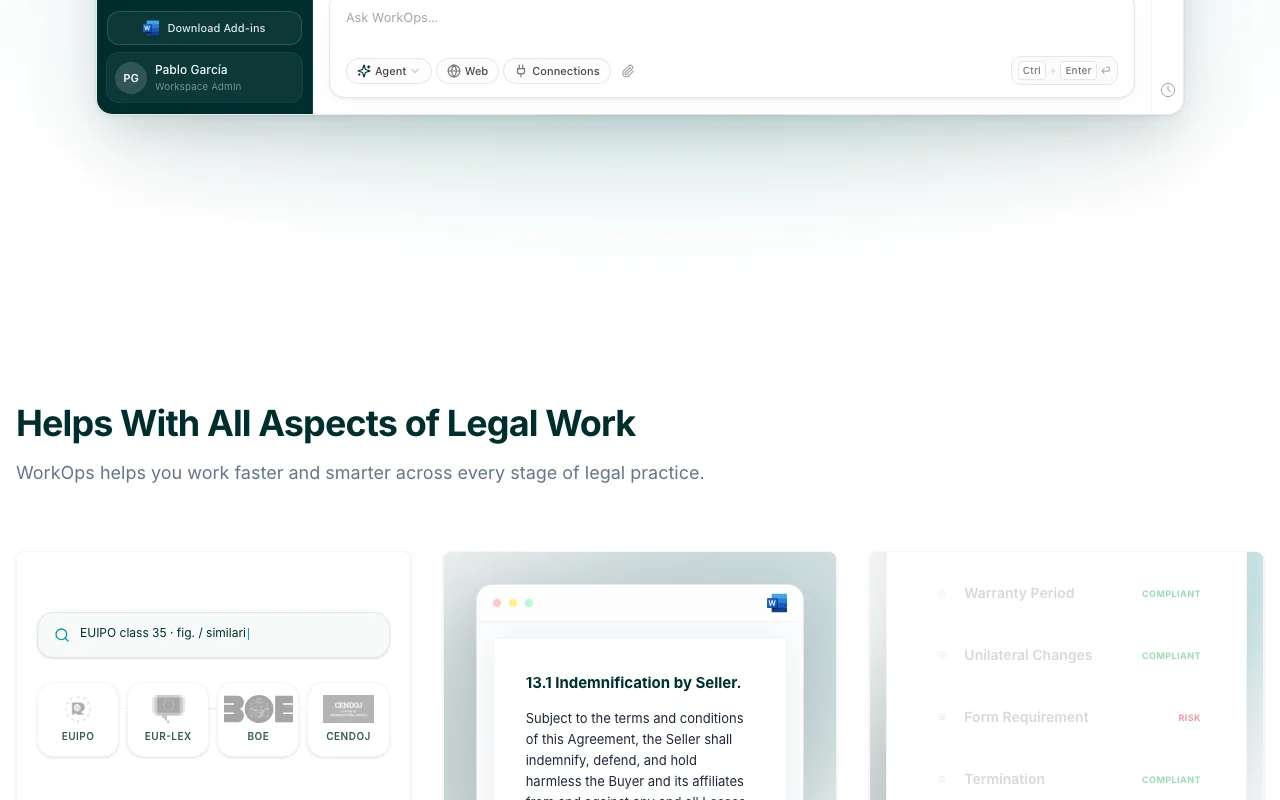
WorkOps is an all-in-one AI workspace for professionals who work with documents daily. It centralizes document management, research and drafting in one place, with a chat, projects, knowledge bases, templates and reusable prompts called WorkPills. The homepage shows connections to legal sources such as EUIPO, EUR-Lex, BOE and CENDOJ.
A Microsoft Word add-in lets users draft, edit and analyze documents from the Word ribbon. Excel, Outlook, Gmail, Drive and SharePoint integrations are listed as coming soon. The privacy policy states customer content is not used to train AI models; the brand is owned by Galileo Studio, Software & AI S.L.
WorkOps's official site: how the product presents itself. useworkops.com, captured Oct 2, 2026
What you provide and what you get back
What you give WorkOps and what comes back, from its documentation
You provide
Documents and case files
Research questions
You get back
Drafted legal documents
Checklist review of documents
Where you can use it
Platforms
Web
Account
Required
Sources
EUIPO, EUR-Lex, BOE, CENDOJ
Add-in
Microsoft Word
Coming soon
Excel, Outlook, Gmail, Drive, SharePoint
Encryption
AES-256 / TLS 1.2+
What people use WorkOps for
Scenarios are worked out by our editors from the documentation; the actual result depends on your input and plan.
Research EU and Spanish case law and legislation
Who
Lawyers
You provide
A legal question
Expected result
You get an answer with cited case law and legislation for your legal question.
Review documents against own standards with a checklist analysis
Who
Legal reviewers
You provide
A document and standards
Expected result
You get a checklist analysis showing how the document measures against your standards.
Plan needed
Not published
Limitation
You must supply your own standards, because the review compares the document only against what you provide. source (opens in a new tab)
Key features and their practical limits
Feature overview on the official site. useworkops.com, captured Oct 2, 2026
AI chat with projects
Lets you converse with documents and organise work into projects. Lawyers can ask questions about documents and keep related work together in projects instead of scattered chats.
Access: Not statedLimit: Details of how projects and chat behave have not been verified in the official pages we could read.source (opens in a new tab)
Knowledge bases and templates
Stores reference material and reusable document formats. Legal teams can store reference material and reuse document formats instead of rebuilding them each time.
Access: Not statedLimit: Limits on knowledge bases and templates are not stated in the official pages we could read.source (opens in a new tab)
WorkPills reusable prompts
Saves frequently used instructions as one-click prompts. Lawyers can save instructions they use often and run them with one click instead of retyping them.
Access: Not statedLimit: WorkPills is the vendor's own term, so there is no standard behavior to compare it against.source (opens in a new tab)
Microsoft Word add-in for drafting and editing
Adds drafting, editing and analysis tools to the Word ribbon. Lawyers who draft in Word get editing and analysis help inside the document itself.
Access: Not statedLimit: The add-in works with Word only, as other Office and email integrations are not yet available.source (opens in a new tab)
WorkOps pros and cons
Reasons to choose WorkOps
Word add-in works inside the Word ribbon Because the add-in sits in the Word ribbon, lawyers can draft and edit without leaving the program they already use.documentedsource (opens in a new tab)
Site states customer data is not used to train models The site states customer data is not used to train models, which is a vendor claim to confirm in the privacy terms.documentedsource (opens in a new tab)
Grounded in named legal databases Answers are grounded in named legal databases, so you can trace statements back to a source.documentedsource (opens in a new tab)
Encryption AES-256 at rest, TLS 1.2+ in transit stated The site states AES-256 encryption at rest and TLS 1.2+ in transit, which gives a stated baseline for data protection.documentedsource (opens in a new tab)
Check before paying for WorkOps
Pricing is not published on the site Without published pricing you cannot budget or compare the cost to other tools before contacting the vendor.documentedsource (opens in a new tab)
Excel, Outlook, Gmail, Drive and SharePoint integrations are not yet available Integrations with Excel, Outlook, Gmail, Drive and SharePoint are not yet available, so those workflows stay outside the tool.documentedsource (opens in a new tab)
Legal data sources are focused on EU and Spain The legal data sources focus on the EU and Spain, so work under other jurisdictions is poorly covered.documentedsource (opens in a new tab)
Requires creating an account You must create an account before using it, so you cannot try it anonymously.documentedsource (opens in a new tab)
How to use WorkOps for legal research and drafting
Set up WorkOps
Request access on useworkops.com.
Create an account.
Install the Word add-in.
Example: legal research and drafting
Create a project.
Ask a legal question.
Draft in Word.
Review and export the result
Verify citations.
Review before filing.
Example prompt suggested by our editors (not a recorded output of the product)
Summarise relevant Spanish case law on tenant eviction notices.
WorkOps API
API access and separate billing
WorkOps has no public API in its official documentation.
Privacy, data use and commercial rights
Summarized from the vendor's current policies; this is not legal advice and a vendor's badge is not an independent audit.
How your inputs and outputs are handled
Documents and queries
Privacy policy states customer content is not used to train AI models
Not verified: Pricing; US availability; Retention; Official pages could not be read as text (client-rendered or empty fetch); facts come from the verified seed research.
How we documented and maintain this page
Every fact about WorkOps above comes from the 2 official pages listed here, last compared on Oct 4, 2026; we have not run WorkOps ourselves, so it has no editorial score. How we check and re-check pages.
Article updated Oct 10, 2026; prices checked Oct 4, 2026. Outbound links to vendors are plain links; we do not earn commissions. How we review · Report an error
 (open full size in a new tab)
 (open full size in a new tab)
 (open full size in a new tab)
 (open full size in a new tab)
 (open full size in a new tab)
 (open full size in a new tab)