Our take: WZRD is worth a look if you want to turn a file or idea into slides, docs, sheets or forms with a voice agent, but pricing and feature details are not public.
Main limitation: No public pricing page was found, and most features are visible only after signing in to an account.
By the AI Tool Atlas editors.
Based on the vendor's official documentation; we have not tested this product hands-on. What “documented overview” means
Who should use WZRD
WZRD is worth a look if you want to turn a file or idea into slides, docs, sheets or forms with a voice agent, but pricing and feature details are not public. Based on the vendor's documentation, not on a hands-on test.
Best for: Sales and ops teams sharing guided decks
Also a good fit for
Teams collecting structured answers via smart forms
Consider another tool if no public pricing page found
Or if
Site is a JavaScript app; feature details are not shown to non-logged-in visitors
Requires an account to create content
WZRD pricing and usage limits
Prices checked Oct 2, 2026 on the official US pricing page. Prices and limits change often.
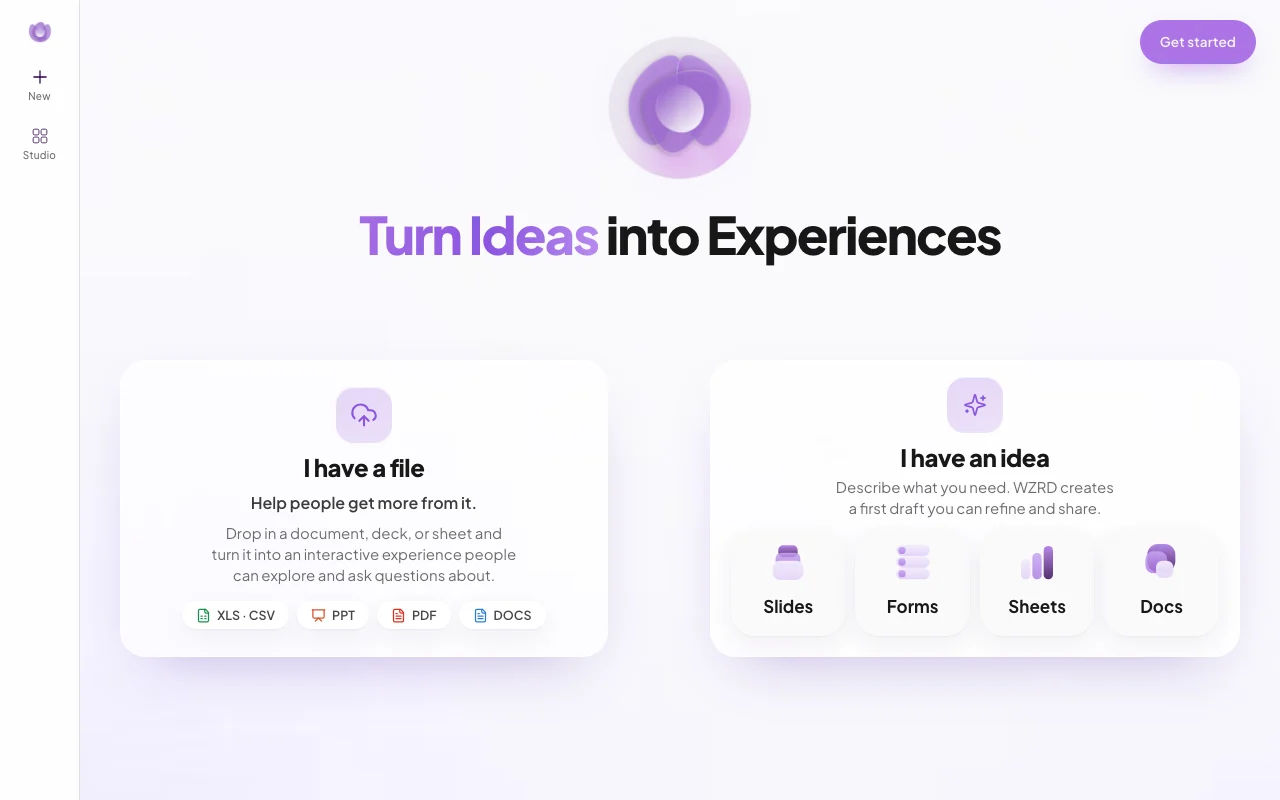
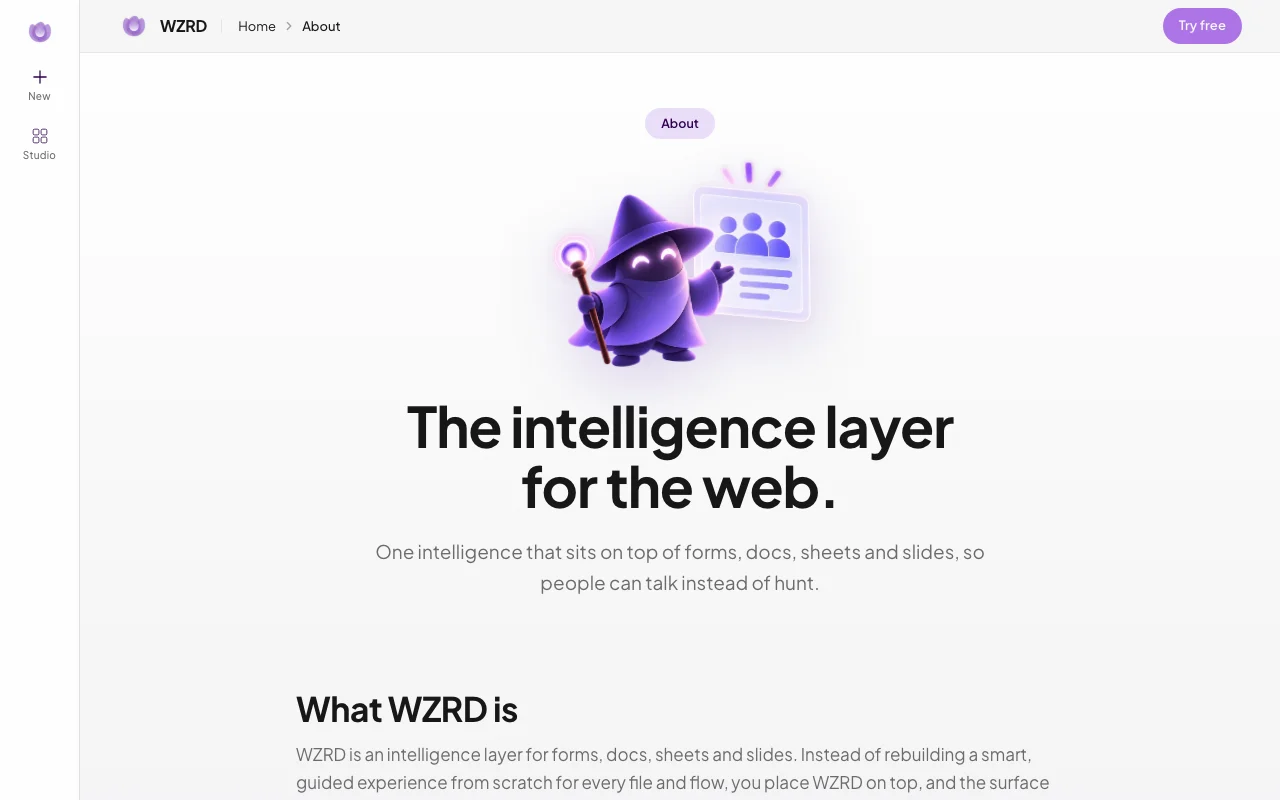
WZRD is a web app that turns a prompt or an uploaded PDF, PPT, spreadsheet or document into an interactive slide deck, document, sheet or form. The published result is layered with an AI voice agent that can walk viewers through the content, answer questions and collect responses.
The site positions it for sales, ops, HR and support teams that need guided intakes, client-ready decks and smart documents in one workspace.
WZRD's official site: how the product presents itself. wzrd.to, captured Oct 2, 2026
What you provide and what you get back
What you give WZRD and what comes back, from its documentation
You provide
Prompts
Uploaded XLS/CSV, PPT, PDF and DOC files
You get back
Slides, docs, sheets and forms
Shareable interactive experiences
Where you can use it
Platforms
Web
Account
Required
Formats
Slides, Docs, Sheets, Forms
Inputs
XLS/CSV, PPT, PDF, DOCS
Voice
Voice agents on published output
Best use cases for WZRD
Scenarios are worked out by our editors from the documentation; the actual result depends on your input and plan.
Generating a first-draft presentation from a prompt
Who
Presenters
You provide
A prompt
Expected result
You get a first-draft presentation from your prompt that you can refine and share.
Plan needed
Unknown
Limitation
The draft needs editing, and which plan is needed is not stated in the pages we could read. source (opens in a new tab)
Turning an existing PDF or deck into an interactive, question-answering experience
Who
Teams with existing files
You provide
A PDF or deck
Expected result
You get an interactive experience from your file that visitors can ask questions about.
Plan needed
Unknown
Limitation
The details of this process were not visible in the pages we could read without signing in. source (opens in a new tab)
Building guided intake forms for sales or HR
Who
Sales and HR teams
You provide
A form idea
Expected result
You get a guided intake form for sales or HR that collects responses from visitors.
Plan needed
Unknown
Limitation
The details of this feature were not visible in the pages we could read without signing in. source (opens in a new tab)
WZRD features and their limits
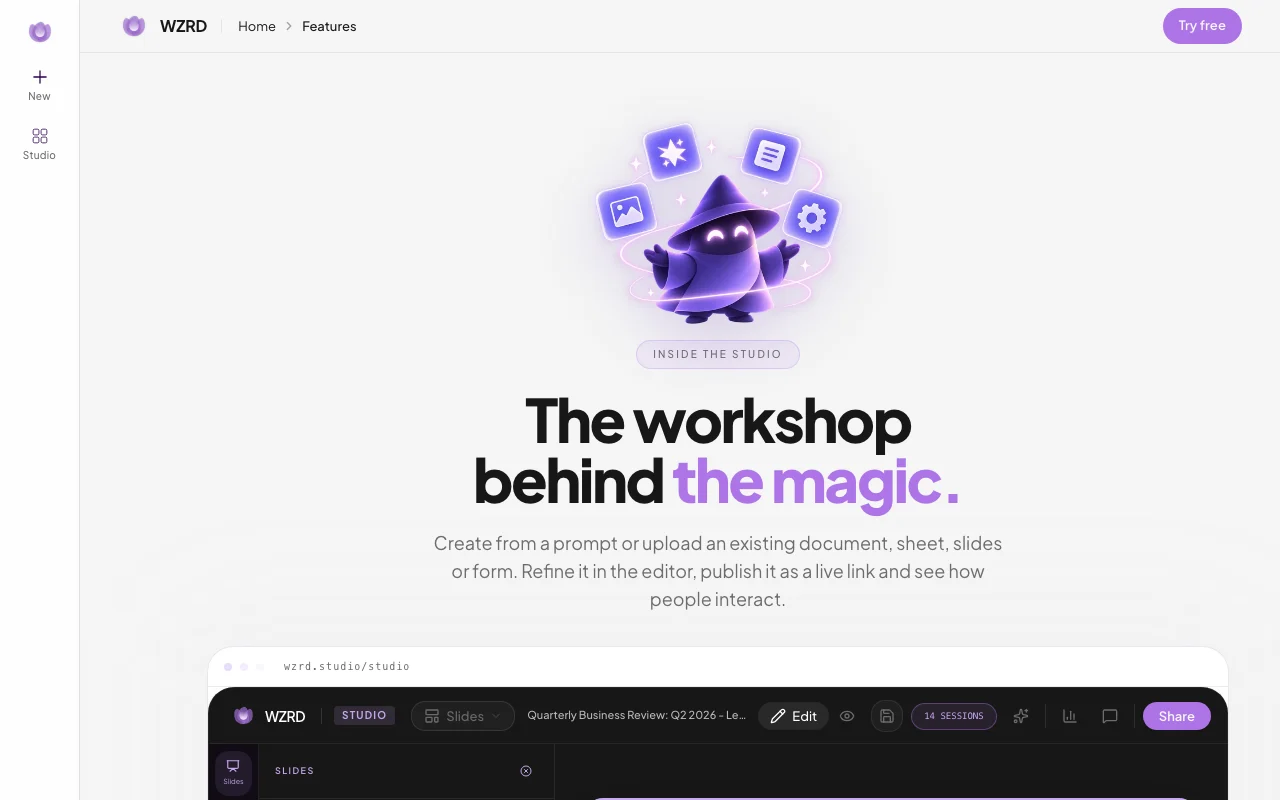
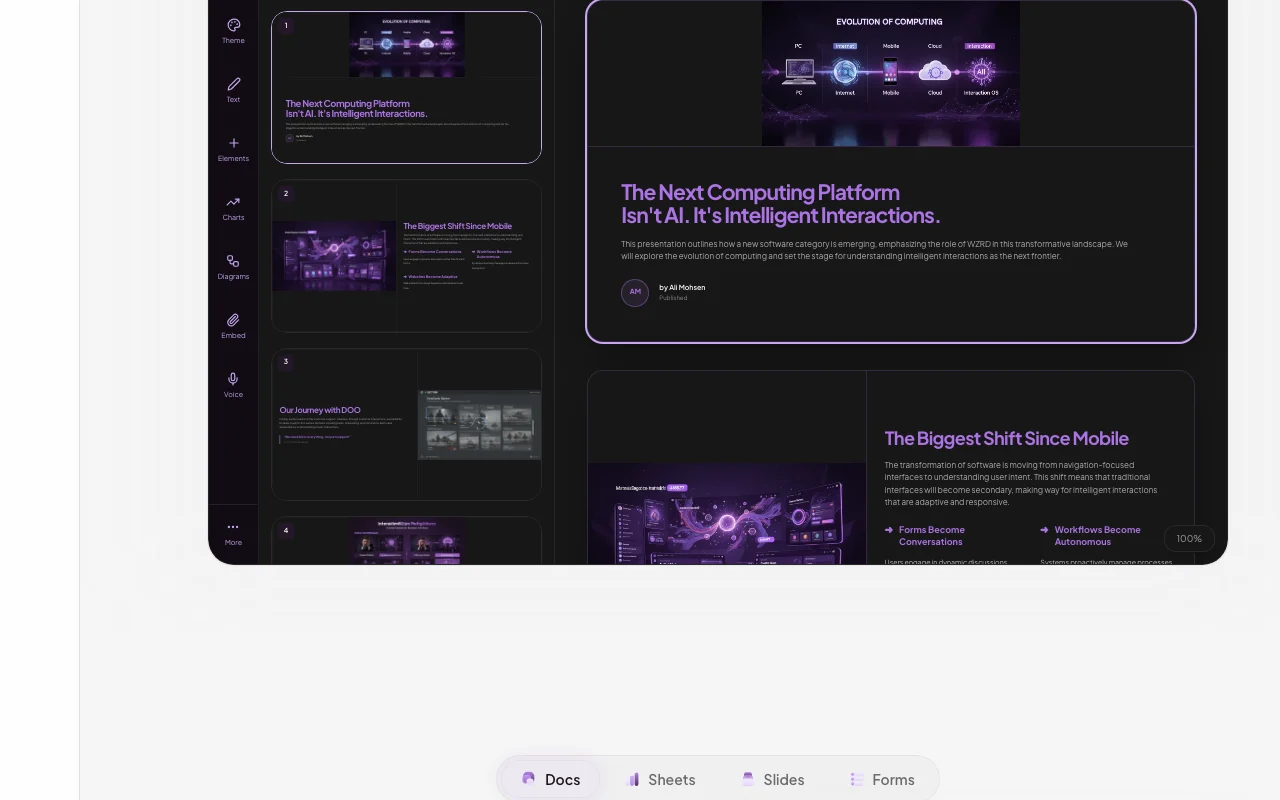
Feature overview on the official site. wzrd.to, captured Oct 2, 2026
Slides, Docs, Sheets and Forms generators
Generates slides, docs, sheets and forms from a prompt. Sales, ops and HR teams can get a first draft of a deck, document, sheet or form from a short description.
Access: Not statedLimit: Output quality has not been verified, so the draft needs review and editing.source (opens in a new tab)
Upload of XLS/CSV, PPT, PDF and DOCS files as a starting point
Takes uploads as the starting point. Teams with existing files can turn a document, deck or sheet into something people can ask questions about.
Access: Not statedLimit: Upload limits were not visible in the pages we could read.source (opens in a new tab)
Voice agents that speak, listen and answer visitors
Adds voice agents that speak and answer visitors. Visitors get spoken answers to their questions, which can help when nobody is available to explain the content.
Access: Not statedLimit: Which languages are supported was not visible in the pages we could read.source (opens in a new tab)
Publish and share generated experiences
Publishes and shares what you create. Teams can send what they built to clients or colleagues without exporting it into another tool.
Access: Not statedLimit: Sharing controls were not visible in the pages we could read.source (opens in a new tab)
WZRD pros and cons
Where WZRD is strong
Single workspace covering slides, docs, sheets and forms Slides, docs, sheets and forms are in one workspace, so you do not have to switch tools for each kind of file.documentedsource (opens in a new tab)
Accepts existing XLS/CSV, PPT, PDF and DOCS files as input Existing XLS, CSV, PPT, PDF and DOCS files can be used as a starting point, so you do not need to begin from a blank page.documentedsource (opens in a new tab)
Published experiences include a voice agent that answers visitor questions Published experiences include a voice agent that answers visitor questions, so viewers can ask about the content instead of reading all of it.documentedsource (opens in a new tab)
Limitations to check before paying
No public pricing page found No public pricing page was found, so you cannot learn what the product costs before you sign up.documentedsource (opens in a new tab)
Site is a JavaScript app; feature details are not shown to non-logged-in visitors The site is a JavaScript app and feature details are not shown to visitors who are not logged in, so many claims could not be checked.documentedsource (opens in a new tab)
Requires an account to create content You need an account to create content, so you cannot try the product without signing up first.documentedsource (opens in a new tab)
How to use WZRD for turning a file into an interactive experience
Set up WZRD
Open wzrd.to.
Sign in to create an account.
Choose I have a file or I have an idea.
Example: turning a file into an interactive experience
Upload a PDF or deck.
Let WZRD generate the experience.
Publish and share the link.
Review and export the result
Ask the voice agent a question about the file.
Check answers match the source.
Example prompt suggested by our editors (not a recorded output of the product)
Turn this product deck into a Q&A experience for prospects.
Privacy, data use and commercial rights
Summarized from the vendor's current policies; this is not legal advice and a vendor's badge is not an independent audit.
Every fact about WZRD above comes from the 3 official pages listed here, last compared on Oct 2, 2026; we have not run WZRD ourselves, so it has no editorial score. How we check and re-check pages.
Article updated Oct 10, 2026; prices checked Oct 2, 2026. Outbound links to vendors are plain links; we do not earn commissions. How we review · Report an error


 (open full size in a new tab)
 (open full size in a new tab)
 (open full size in a new tab)
 (open full size in a new tab)
 (open full size in a new tab)
 (open full size in a new tab)