Unsere Einschätzung: WZRD is worth a look if you want to turn a file or idea into slides, docs, sheets or forms with a voice agent, but pricing and feature details are not public.
Wichtigste Einschränkung: No public pricing page was found, and most features are visible only after signing in to an account.
Von den Redakteuren des AI Tool Atlas.
Auf Basis der offiziellen Dokumentation des Anbieters; wir haben dieses Produkt nicht selbst getestet. Was „dokumentierte Übersicht“ bedeutet
Für wen WZRD geeignet ist
WZRD is worth a look if you want to turn a file or idea into slides, docs, sheets or forms with a voice agent, but pricing and feature details are not public. Auf Basis der Dokumentation des Anbieters, nicht in einem praktischen Test.
Am besten für: Sales and ops teams sharing guided decks
Auch gut geeignet für
Teams collecting structured answers via smart forms
Ein anderes Tool in Betracht ziehen, wenn no public pricing page found
Oder wenn
Site is a JavaScript app; feature details are not shown to non-logged-in visitors
Requires an account to create content
WZRD Preise und Nutzungslimits
Preise am Oct 2, 2026 auf der offiziellen US-Preisseite geprüft. Preise und Limits ändern sich häufig.
Kostenloser Zugang und Testbedingungen
Not stated
Not stated
Kostenpflichtige Tarife: was sich beim Upgrade ändert
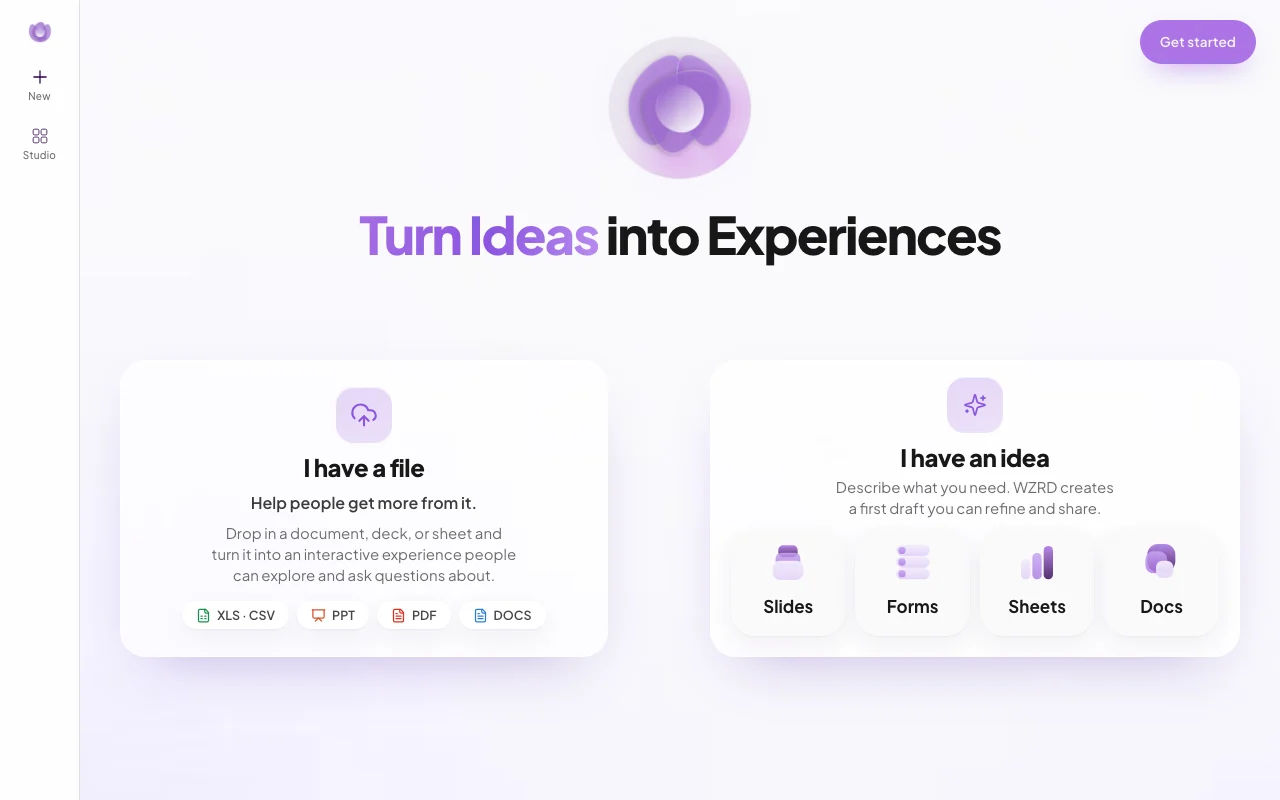
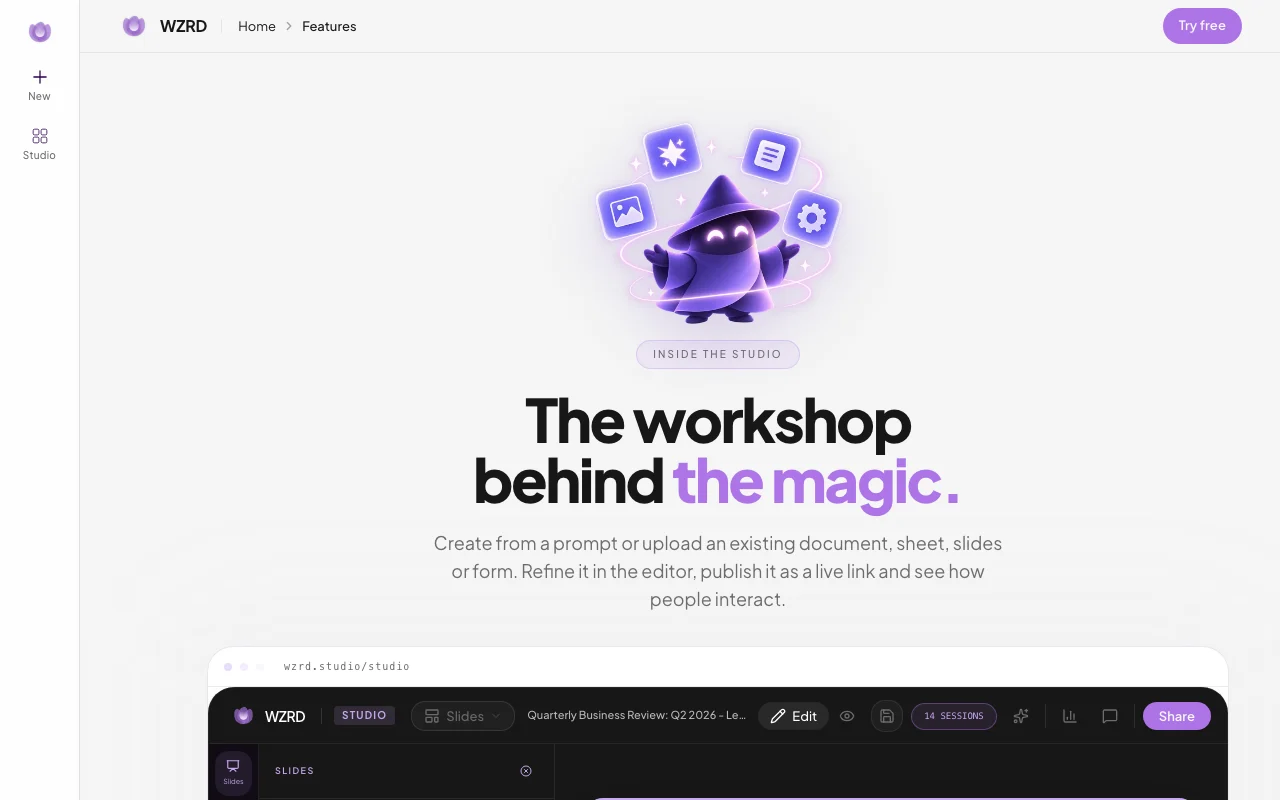
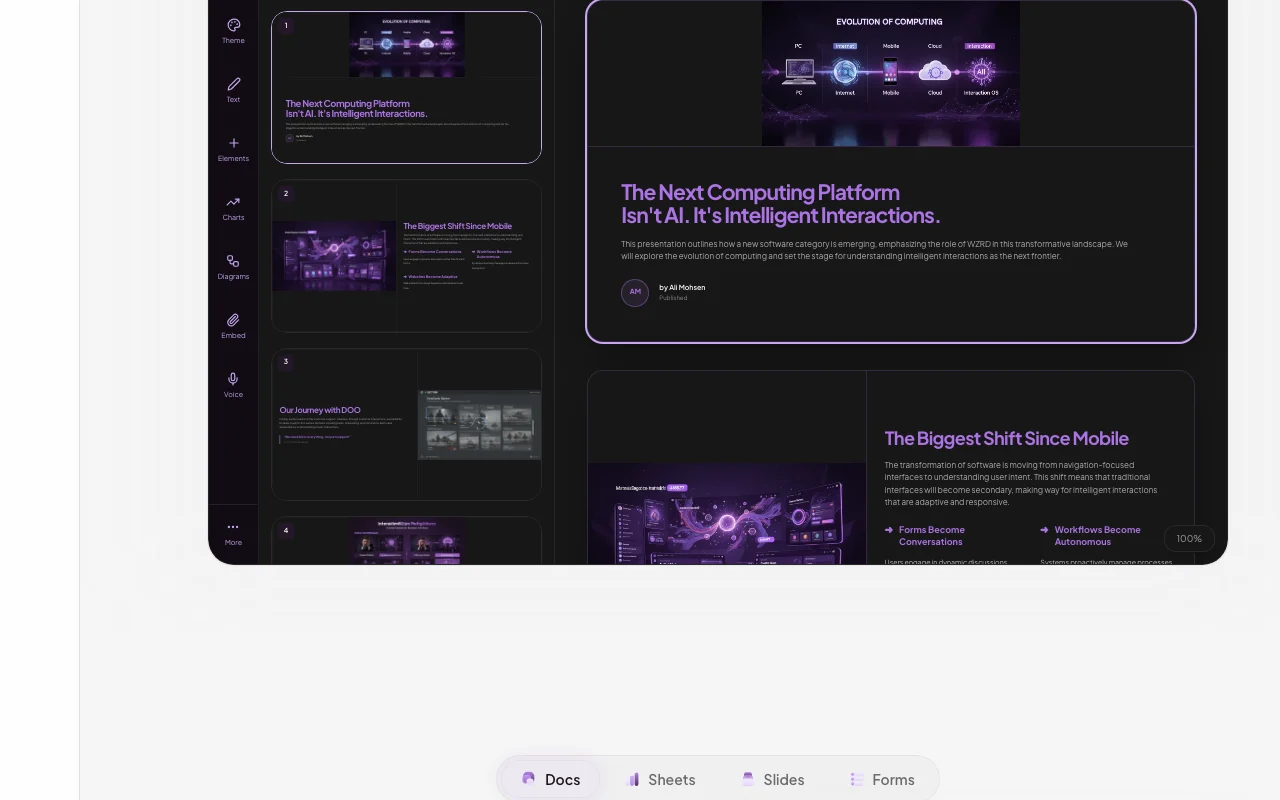
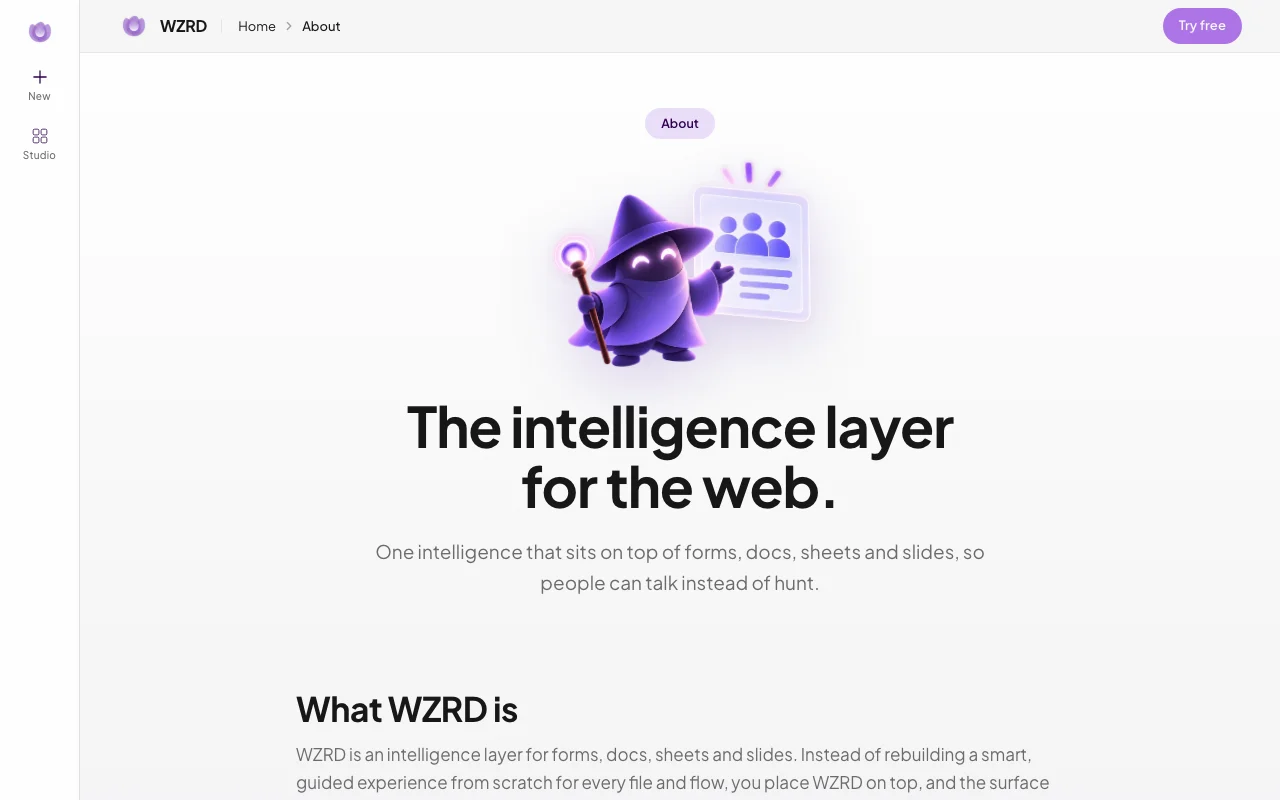
WZRD is a web app that turns a prompt or an uploaded PDF, PPT, spreadsheet or document into an interactive slide deck, document, sheet or form. The published result is layered with an AI voice agent that can walk viewers through the content, answer questions and collect responses.
The site positions it for sales, ops, HR and support teams that need guided intakes, client-ready decks and smart documents in one workspace.
Offizielle Website von WZRD: So stellt sich das Produkt selbst dar. wzrd.to, erfasst Oct 2, 2026
Was Sie liefern und was Sie erhalten
Was Sie WZRD geben und was zurückkommt, laut Dokumentation
Sie liefern
Prompts
Uploaded XLS/CSV, PPT, PDF and DOC files
Sie erhalten zurück
Slides, docs, sheets and forms
Shareable interactive experiences
Wo Sie es nutzen können
Plattformen
Web
Konto
Erforderlich
Formats
Slides, Docs, Sheets, Forms
Inputs
XLS/CSV, PPT, PDF, DOCS
Voice
Voice agents on published output
Die besten Einsatzzwecke für WZRD
Die Szenarien erarbeiten unsere Redakteure anhand der Dokumentation; das tatsächliche Ergebnis hängt von Ihrer Eingabe und Ihrem Tarif ab.
Generating a first-draft presentation from a prompt
Wer
Presenters
Sie liefern
A prompt
Erwartetes Ergebnis
You get a first-draft presentation from your prompt that you can refine and share.
Benötigter Tarif
Unknown
Einschränkung
The draft needs editing, and which plan is needed is not stated in the pages we could read. Quelle (öffnet in neuem Tab)
Turning an existing PDF or deck into an interactive, question-answering experience
Wer
Teams with existing files
Sie liefern
A PDF or deck
Erwartetes Ergebnis
You get an interactive experience from your file that visitors can ask questions about.
Benötigter Tarif
Unknown
Einschränkung
The details of this process were not visible in the pages we could read without signing in. Quelle (öffnet in neuem Tab)
Building guided intake forms for sales or HR
Wer
Sales and HR teams
Sie liefern
A form idea
Erwartetes Ergebnis
You get a guided intake form for sales or HR that collects responses from visitors.
Benötigter Tarif
Unknown
Einschränkung
The details of this feature were not visible in the pages we could read without signing in. Quelle (öffnet in neuem Tab)
Funktionen von WZRD und ihre Grenzen
Funktionsüberblick auf der offiziellen Website. wzrd.to, erfasst Oct 2, 2026
Slides, Docs, Sheets and Forms generators
Generates slides, docs, sheets and forms from a prompt. Sales, ops and HR teams can get a first draft of a deck, document, sheet or form from a short description.
Zugriff: Not statedLimit: Output quality has not been verified, so the draft needs review and editing.Quelle (öffnet in neuem Tab)
Upload of XLS/CSV, PPT, PDF and DOCS files as a starting point
Takes uploads as the starting point. Teams with existing files can turn a document, deck or sheet into something people can ask questions about.
Zugriff: Not statedLimit: Upload limits were not visible in the pages we could read.Quelle (öffnet in neuem Tab)
Voice agents that speak, listen and answer visitors
Adds voice agents that speak and answer visitors. Visitors get spoken answers to their questions, which can help when nobody is available to explain the content.
Zugriff: Not statedLimit: Which languages are supported was not visible in the pages we could read.Quelle (öffnet in neuem Tab)
Publish and share generated experiences
Publishes and shares what you create. Teams can send what they built to clients or colleagues without exporting it into another tool.
Zugriff: Not statedLimit: Sharing controls were not visible in the pages we could read.Quelle (öffnet in neuem Tab)
WZRD Vor- und Nachteile
Wo WZRD stark ist
Single workspace covering slides, docs, sheets and forms Slides, docs, sheets and forms are in one workspace, so you do not have to switch tools for each kind of file.dokumentiertQuelle (öffnet in neuem Tab)
Accepts existing XLS/CSV, PPT, PDF and DOCS files as input Existing XLS, CSV, PPT, PDF and DOCS files can be used as a starting point, so you do not need to begin from a blank page.dokumentiertQuelle (öffnet in neuem Tab)
Published experiences include a voice agent that answers visitor questions Published experiences include a voice agent that answers visitor questions, so viewers can ask about the content instead of reading all of it.dokumentiertQuelle (öffnet in neuem Tab)
Einschränkungen, die Sie vor dem Bezahlen prüfen sollten
No public pricing page found No public pricing page was found, so you cannot learn what the product costs before you sign up.dokumentiertQuelle (öffnet in neuem Tab)
Site is a JavaScript app; feature details are not shown to non-logged-in visitors The site is a JavaScript app and feature details are not shown to visitors who are not logged in, so many claims could not be checked.dokumentiertQuelle (öffnet in neuem Tab)
Requires an account to create content You need an account to create content, so you cannot try the product without signing up first.dokumentiertQuelle (öffnet in neuem Tab)
So nutzen Sie WZRD für turning a file into an interactive experience
WZRD einrichten
Open wzrd.to.
Sign in to create an account.
Choose I have a file or I have an idea.
Beispiel: turning a file into an interactive experience
Upload a PDF or deck.
Let WZRD generate the experience.
Publish and share the link.
Ergebnis prüfen und exportieren
Ask the voice agent a question about the file.
Check answers match the source.
Von unserer Redaktion vorgeschlagener Beispiel-Prompt (keine aufgezeichnete Ausgabe des Produkts)
Turn this product deck into a Q&A experience for prospects.
Datenschutz, Datennutzung und kommerzielle Rechte
Zusammengefasst aus den aktuellen Richtlinien des Anbieters; dies ist keine Rechtsberatung, und das Badge eines Anbieters ersetzt kein unabhängiges Audit.
Wie wir diese Seite dokumentiert haben und pflegen
Jede Angabe zu WZRD oben stammt aus den 3 hier aufgeführten offiziellen Seiten, zuletzt verglichen am Oct 2, 2026; wir haben WZRD nicht selbst getestet, daher gibt es keine redaktionelle Bewertung. Wie wir Seiten prüfen und erneut prüfen.
Artikel aktualisiert Oct 10, 2026; Preise geprüft Oct 2, 2026. Ausgehende Links zu Anbietern sind einfache Links; wir erhalten keine Provisionen. So testen wir · Fehler melden


 (in voller Größe in neuem Tab öffnen)
 (in voller Größe in neuem Tab öffnen)
 (in voller Größe in neuem Tab öffnen)
 (in voller Größe in neuem Tab öffnen)
 (in voller Größe in neuem Tab öffnen)
 (in voller Größe in neuem Tab öffnen)