

VideoDocumented overviewLast checked Sep 29, 2026

Synthesia: Pricing, Features & Best Use Cases

AI video platform for business that creates presenter videos with AI avatars and voiceovers in 160+ languages.
Who should use Synthesia

Try the free Basic plan to see avatar and voice quality, then choose Starter at $29 per month if you need downloads, dubbing and no Synthesia logo. Based on the vendor's documentation, not on a hands-on test.

Best for: L&D teams

Also a good fit for

  • Marketing teams
  • Companies localizing video

Consider another tool if video downloads require a paid plan

Or if

  • Studio Express-1 avatars cost an extra $1,000/year and are annual-only
  • Official page states it is desktop-only

Synthesia in the news

Headlines from US outlets, selected automatically — not endorsements. Updated Oct 2, 2026

Synthesia pricing and usage limits

Prices checked Sep 29, 2026 on the official US pricing page. Official pricing ↗ Prices and limits change often.

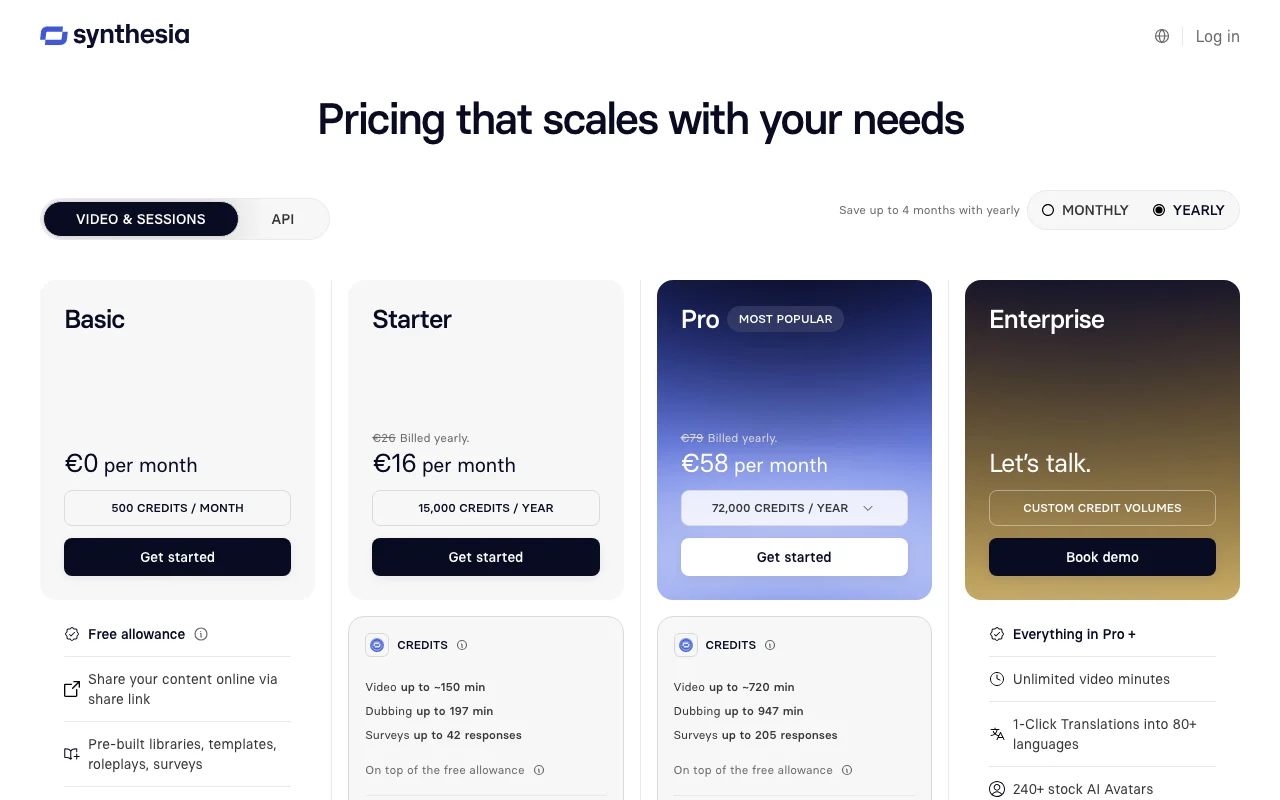
Synthesia pricing page with plans and prices — screenshot of the video AI tool, Oct 1, 2026
The official Synthesia pricing page as we saw it. synthesia.io, captured Oct 1, 2026

Free access and trial conditions

Basic plan is $0 with no credit card required.

Free plan serves as trial.

Paid plans: what changes as you upgrade

Basic web

Free source (opens in a new tab)

Unknown

For: Trying the tool

Limits

  • 1,200 credits per month
  • 10 minutes of video per month
1 more
  • 1 editor

Includes

  • 9 AI avatars
  • 160+ languages and voices

Starter web

$29 source (opens in a new tab)

Monthly

$264 per year if billed annually

For: Individuals and small teams

Limits

  • 1,200 credits per month
  • 10 minutes of video per month
1 more
  • 1 editor and 3 guests

Includes

  • Video downloads
  • AI dubbing
2 more
  • Remove Synthesia logo
  • 125+ avatars

Creator web

$89 source (opens in a new tab)

Monthly

$804 per year if billed annually

For: Growing teams

Limits

  • 3,600 credits per month
  • 30 minutes of video per month
1 more
  • 1 editor and 5 guests

Includes

  • API access
  • 5 personal avatars
2 more
  • Branded video pages
  • 180+ avatars

API included

Enterprise web

Custom pricing source (opens in a new tab)

Unknown

For: Large organizations

Limits

  • Unlimited video minutes

Includes

  • SAML/SSO
  • SCORM export
2 more
  • 240+ avatars
  • Dedicated CSM

Usage caps, credits and extra costs

Studio Express-1 avatar add-on $1,000 per year (annual plans only); each b-roll action asset costs 96 credits.

Not stated.

What is Synthesia, and how does it work?

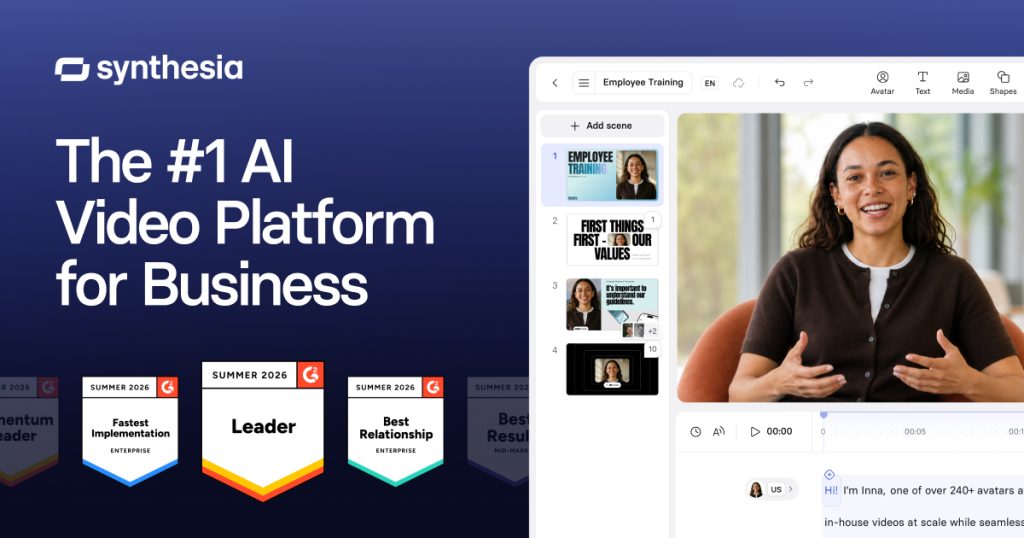
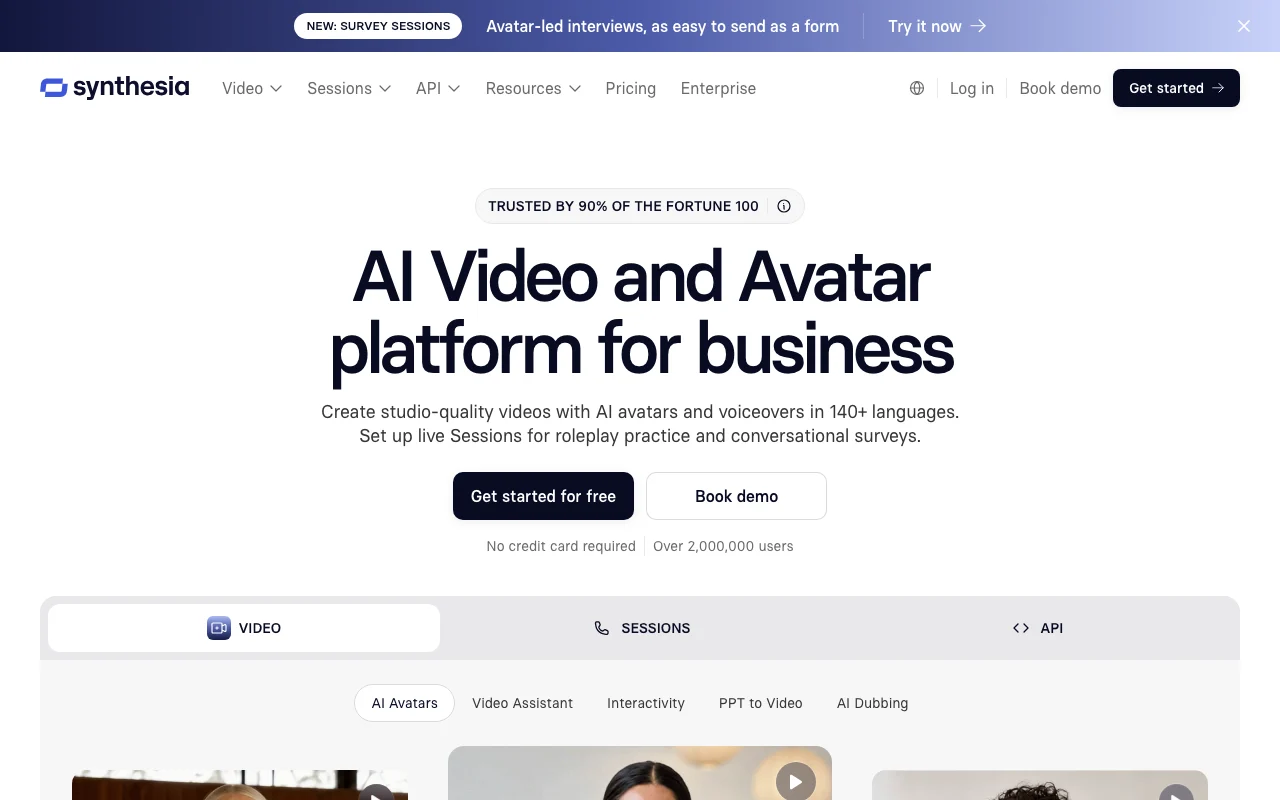
Synthesia creates videos from text scripts using a library of AI avatars and voices, aimed at training, marketing and internal communication. It offers a free Basic plan with monthly credits, paid Starter and Creator plans that add downloads, dubbing and branding removal, and custom Enterprise plans.

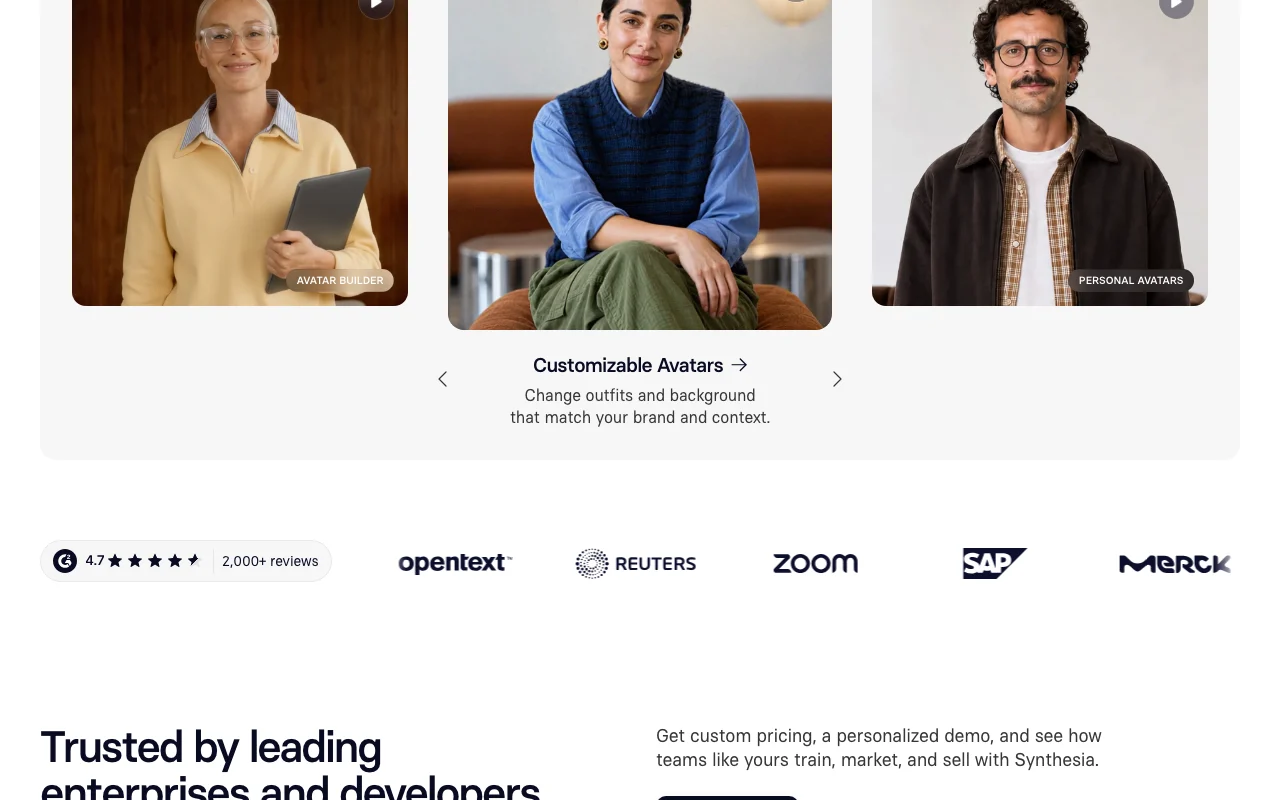
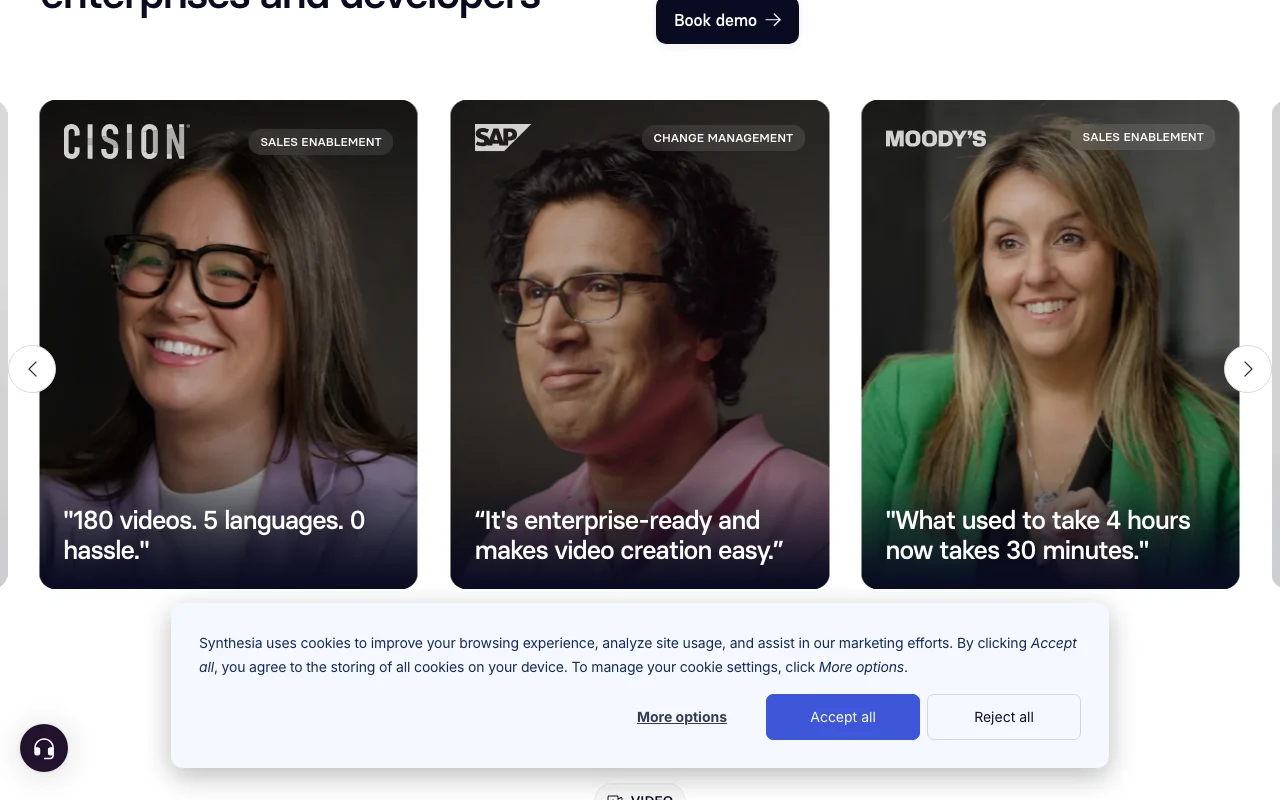
Synthesia homepage — screenshot of the video AI tool, Oct 1, 2026
Synthesia's official site: how the product presents itself. synthesia.io, captured Oct 1, 2026

What you provide and what you get back

How Synthesia works: what you provide, where it runs and what you get backYOU PROVIDEYour inputText scriptsUploaded voiceoversPowerPoint filesVideo files for dubbingVIDEOSynthesiaWeb, APIfrom $29 (Starter)free tier availableaccount requiredchecked Sep 29, 2026YOU GET BACKThe resultAI presenter videosDubbed and translated videosFull HD MP4 downloadsSCORM packagesinput → Synthesia → output · from the vendor's own pages, no hands-on test unless stated
What you give Synthesia and what comes back, from its documentation

You provide

  • Text scripts
  • Uploaded voiceovers
  • PowerPoint files
  • Video files for dubbing

You get back

  • AI presenter videos
  • Dubbed and translated videos
  • Full HD MP4 downloads
  • SCORM packages

Where you can use it

Platforms
Web, API
Account
Required
Models / versions
Syren (own video model), Studio Express-1 avatars; avatar scenes powered by Veo 3
Languages
160+ languages and voices
Export
MP4 Full HD 1920x1080; SCORM
Avatars
9 / 125+ / 180+ / 240+ by plan
Dubbing
10 / 48 / 140 min per month; 70+ output languages
Voice cloning
Listed in plan table; plan availability not verified

Where Synthesia is most useful

Scenarios are worked out by our editors from the documentation; the actual result depends on your input and plan.

Employee training videos

Who
L&D and HR teams
You provide
Training script or PowerPoint
Expected result
Avatar-led training videos
Plan needed
Starter or higher for downloads
Limitation
Basic cannot download source (opens in a new tab)

Product explainers

Who
Marketing and sales teams
You provide
Product script
Expected result
Presenter-led product explainers
Plan needed
Starter or Creator
Limitation
Credits cap monthly output source (opens in a new tab)

Localized video content

Who
Global communications teams
You provide
Existing video
Expected result
Dubbed and translated versions
Plan needed
Starter and up
Limitation
Dubbing minutes capped per plan source (opens in a new tab)

What Synthesia does, and where it stops

Synthesia homepage — screenshot of the video AI tool, Oct 1, 2026
Feature overview on the official site. synthesia.io, captured Oct 1, 2026

240+ AI avatars and 1000+ voices

Provides AI avatars (9 on Basic up to 240+ on Enterprise) and 160+ languages and voices Presents scripts without filming

Access: All plansLimit: Avatar count depends on plan source (opens in a new tab)

AI screen recorder and motion graphics

Includes an AI screen recorder and motion graphics Adds screen demos to videos

Access: Plans per pricing tableLimit: Plan availability not fully verified source (opens in a new tab)

AI dubbing and video translator

Dubs and translates video Localizes existing content

Access: Starter and up (10 min on Basic)Limit: Dubbing minutes per month capped source (opens in a new tab)

Live collaboration and brand kit

Offers live collaboration and brand kits Keeps team videos on-brand

Access: Brand kits and live collaboration on EnterpriseLimit: Not on lower plans source (opens in a new tab)

Synthesia: strengths and limits

Reasons to choose Synthesia

Check before paying for Synthesia

How to use Synthesia for creating a training video

Set up Synthesia

  1. Open synthesia.io and click Get started
  2. Create a free Basic account (desktop)
  3. Choose a template or start from a blank video

Example: creating a training video

  1. Paste or write your script
  2. Select an AI avatar and a voice and language
  3. Preview the video
  4. Upgrade and download as MP4 if needed

Review and export the result

  1. Check pronunciation of names and terms
  2. Confirm credits and minutes used against your plan
Example prompt suggested by our editors (not a recorded output of the product)
Welcome to the team. In this three-minute video you will learn how to set up your laptop and request access to our tools.

Synthesia integrations and API

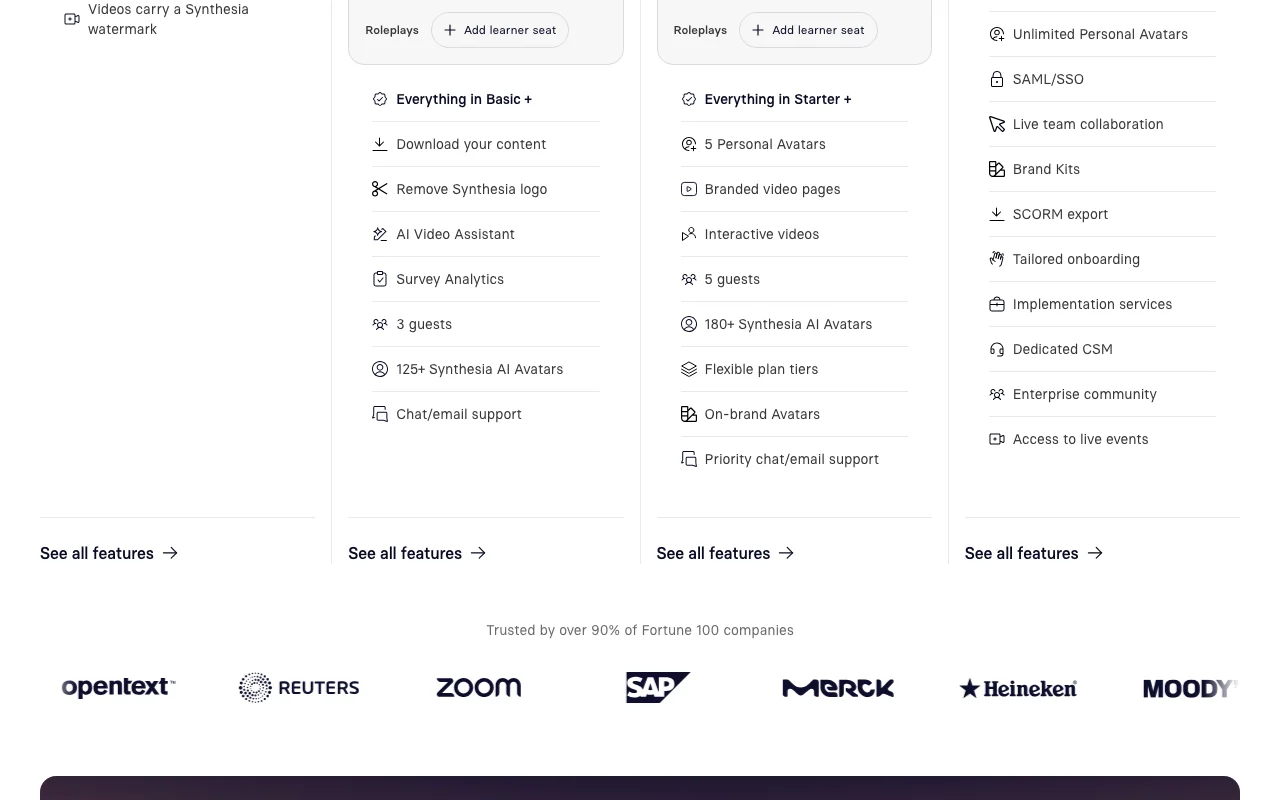
Synthesia pricing page with plans and prices — screenshot of the video AI tool, Oct 1, 2026
Plan comparison on the official pricing page. synthesia.io, captured Oct 1, 2026

Native integrations and export formats

Export: MP4 (Full HD 1920x1080), SCORM

API access and separate billing

Synthesia has no public API in its official documentation. Docs URL returned 404 when fetched. API documentation ↗

Synthesia alternatives by need

"Better suited" is based on documented features and pricing, not on a head-to-head test.

Runway: better suited to

Descript: better suited to

ElevenLabs: better suited to

Alternatives
AlternativeWhen to choose itPricingLimitation
Runway——Compare
Descript——Compare
ElevenLabs——

Explore Synthesia further

Tools and guides near Synthesia

Synthesia user reviews

No user reviews yet.

Used Synthesia? Be the first to share your experience.

Write a review

Reviews are checked by a moderator before they appear. Your email is never published. Plain text only.

Your rating (required)

Show what you made or what went wrong. Images are published only if the review is approved; location data is removed.

    Synthesia FAQ

    Is Synthesia free?

    Yes, the Basic plan is $0 with 10 minutes of video per month, 9 stock avatars and 160+ languages. source (opens in a new tab)

    How much does Starter cost?

    $29 per month billed monthly, or $264 per year billed annually. source (opens in a new tab)

    Can I download videos on the free plan?

    No, downloads start on Starter. source (opens in a new tab)

    Which plan includes API access?

    Creator and above include API access. source (opens in a new tab)

    What are credits?

    Credits are one shared pool for all AI usage; 1,200 credits cover up to 10 minutes of video. source (opens in a new tab)

    Sources and review methodology

    Official sources and verification dates

    Not verified: Privacy policy (404); Docs (404); Training use and retention; Banner says plans start from $18 per month; not reconciled with $29 monthly; Changelog.

    How we documented and maintain this page

    Every fact about Synthesia above comes from the 4 official pages listed here, last compared on Sep 29, 2026; we have not run Synthesia ourselves, so it has no editorial score. How we check and re-check pages.

    Article updated Oct 2, 2026; prices checked Sep 29, 2026. Outbound links to vendors are plain links; we do not earn commissions. How we review · Report an error