VideoDocumented overviewLast checked Sep 29, 2026

TubeBuddy: Pricing, Features & Best Use Cases

YouTube channel toolkit for SEO, content strategy, thumbnails, A/B tests and bulk video management.

Is TubeBuddy right for you?

Start with Pro (listed from $3.99) for basic keyword, title and thumbnail tools on one channel, and choose Legend ($25.20) only if you need bulk editing and full SEO access. Based on the vendor's documentation, not on a hands-on test.

Best for: YouTube creators

Also a good fit for

  • Small channel teams
  • Creators focused on video SEO

Consider another tool if many tools are limited on the Pro plan

Or if

  • Pro and Legend licenses are for individual creators only; businesses need Enterprise
  • Focused only on YouTube

TubeBuddy in the news

Headlines from US outlets, selected automatically — not endorsements. Updated Oct 2, 2026

TubeBuddy pricing and usage limits

Prices checked Sep 29, 2026 on the official US pricing page. Official pricing ↗ Prices and limits change often.

Vendor pricing page re-checked automatically 11 days ago: no changes detected.

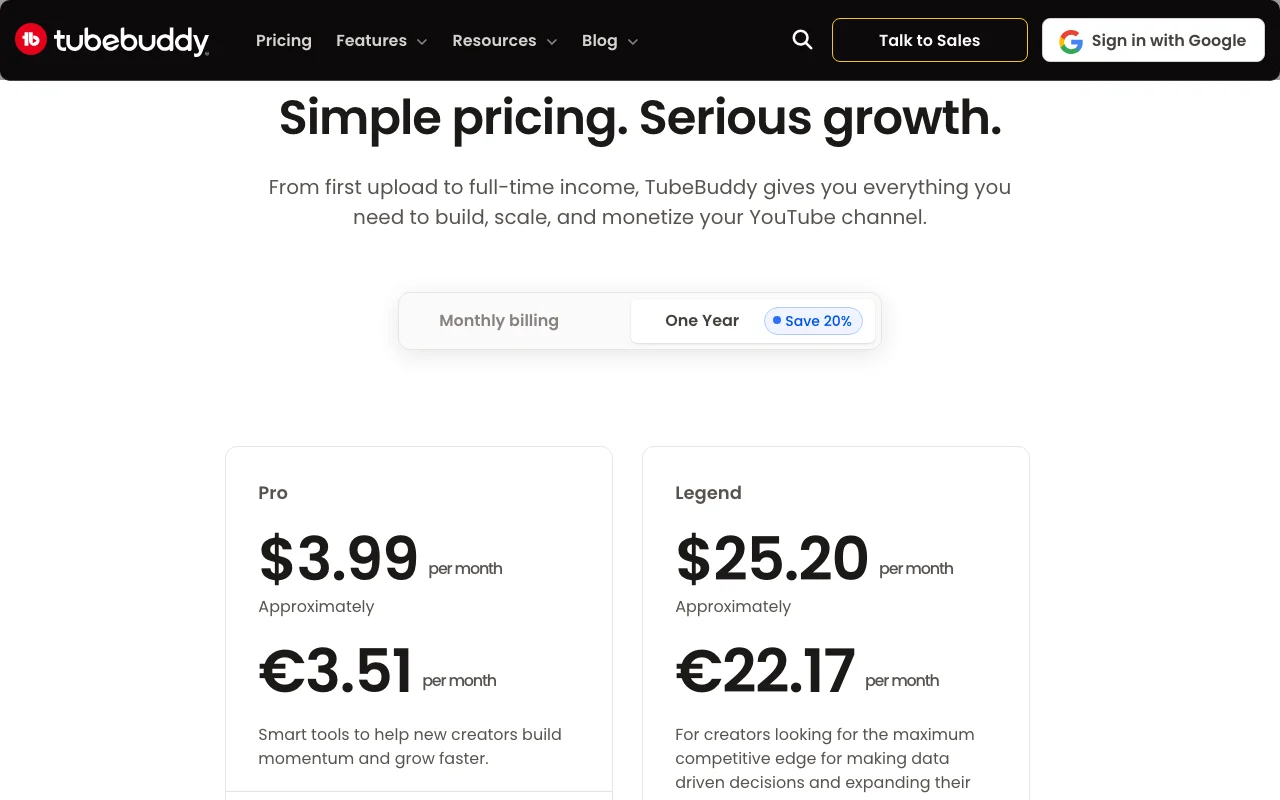
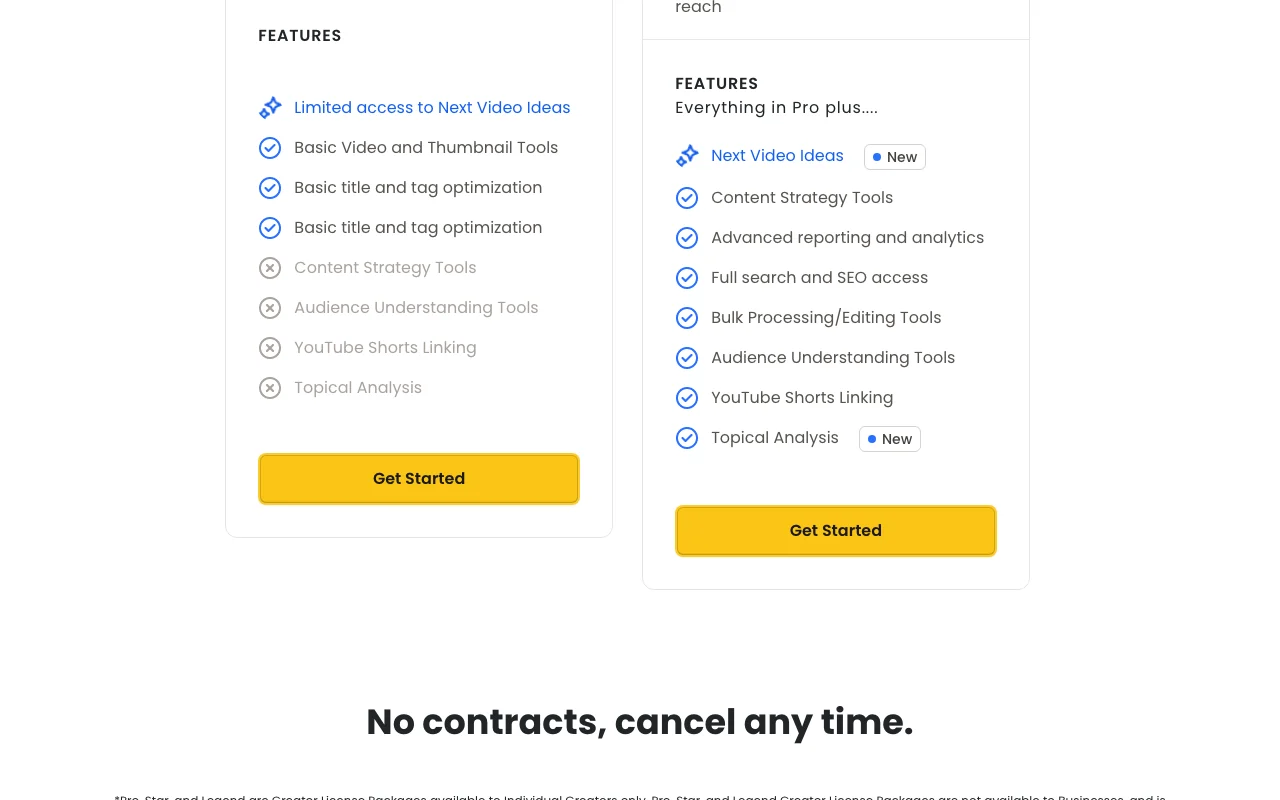
TubeBuddy pricing page with plans and prices — screenshot of the video AI tool, Oct 1, 2026
The official TubeBuddy pricing page as we saw it. tubebuddy.com, captured Oct 1, 2026

Free access and trial conditions

Homepage says no credit card required and offers Get Started Free; free plan scope not detailed.

Not stated.

Paid plans: what changes as you upgrade

Pro web

$3.99 source (opens in a new tab)

Unknown

Page shows EUR estimates; charged in USD; annual billing saves 20%

For: New creators

Limits

  • Individual creators only
  • One YouTube channel

Includes

  • Basic video and thumbnail tools
  • Basic title and tag optimization
1 more
  • Limited Next Video Ideas

Legend web

$25.2 source (opens in a new tab)

Unknown

Annual billing saves 20%

For: Creators wanting full toolset

Limits

  • Individual creators only
  • One YouTube channel

Includes

  • Everything in Pro
  • Full search and SEO access
2 more
  • Bulk processing and editing
  • Advanced reporting

Usage caps, credits and extra costs

None stated.

EUR prices are estimates; charged in USD.

What is TubeBuddy, and how does it work?

TubeBuddy is a channel management toolkit for YouTube creators. It covers keyword and tag research, SEO scoring, video topic planning, competitor tracking and channel analytics. It also offers thumbnail and title tools, A/B testing, and bulk editing of end screens, cards and descriptions. It is offered as a browser extension and web toolkit, with a mobile app linked from the site, under Pro, Legend and Enterprise licenses.

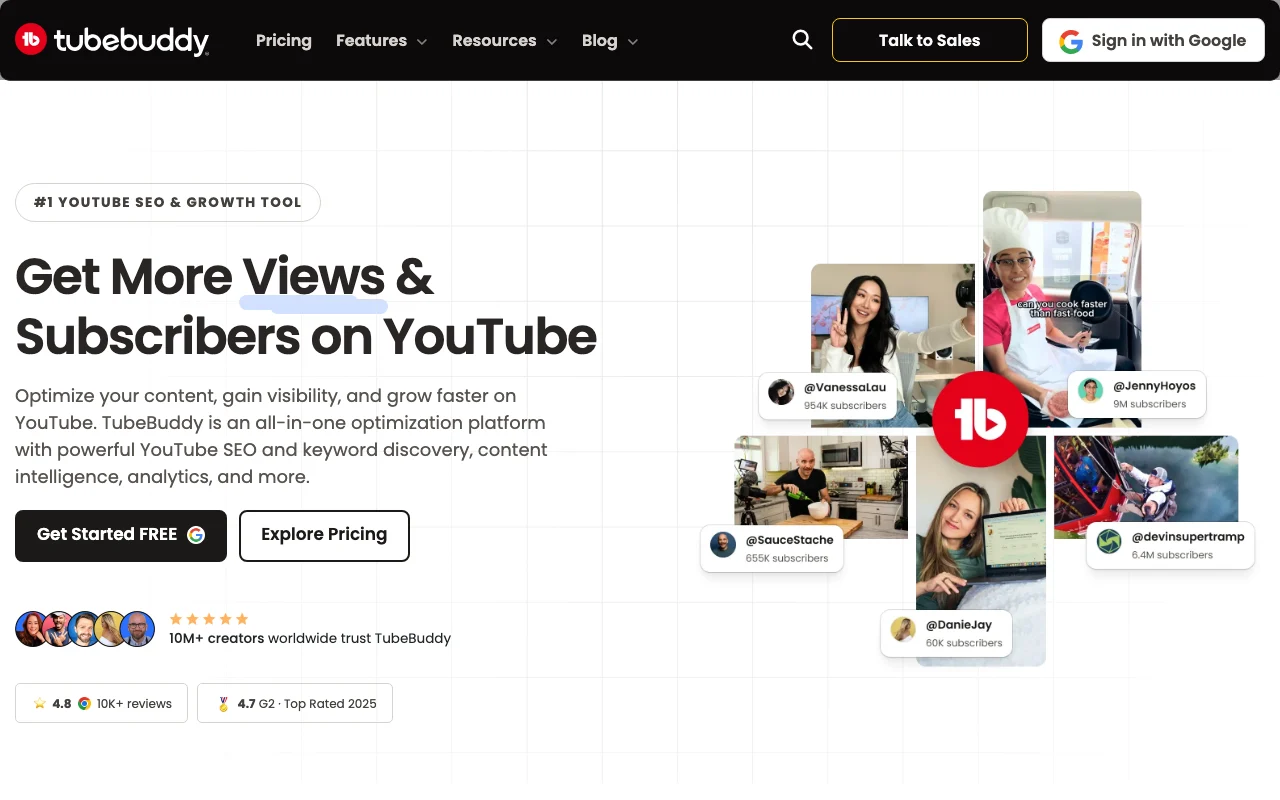
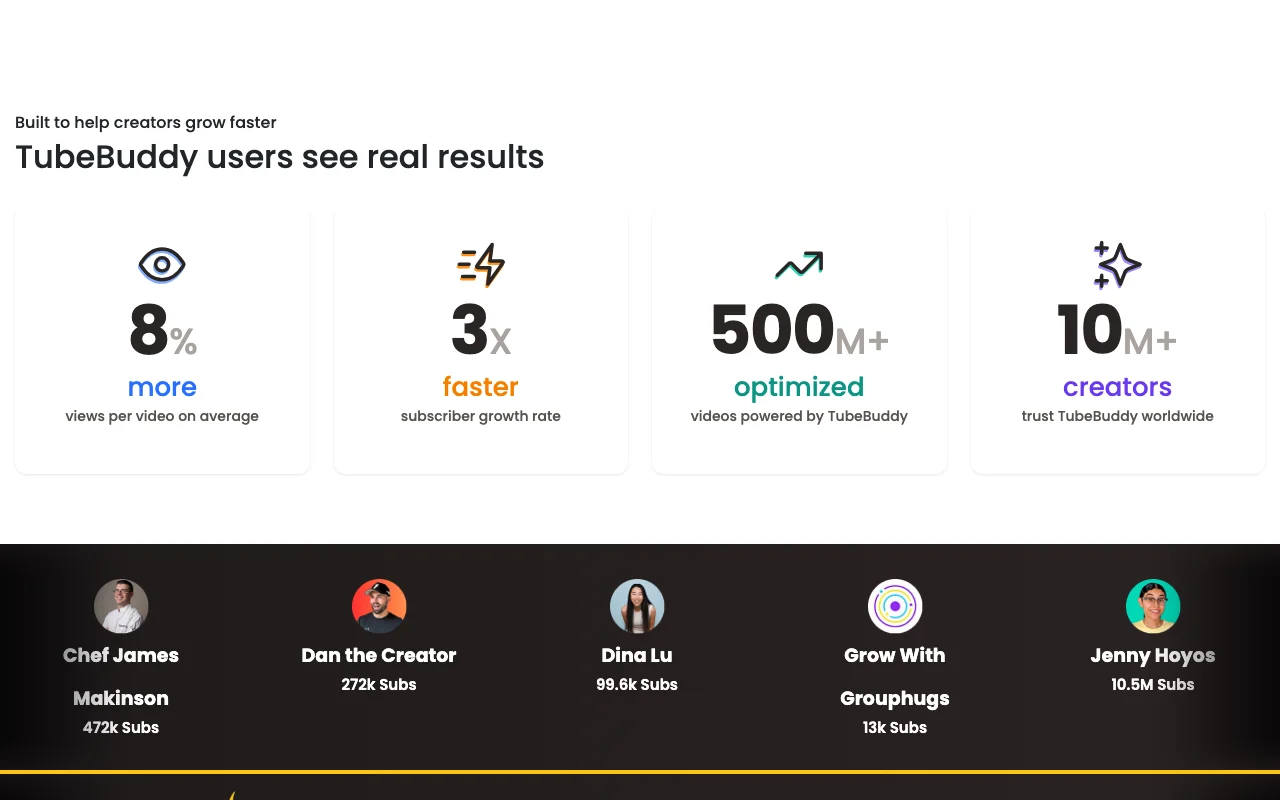
TubeBuddy homepage — screenshot of the video AI tool, Oct 1, 2026
TubeBuddy's official site: how the product presents itself. tubebuddy.com, captured Oct 1, 2026

What you provide and what you get back

How TubeBuddy works: what you provide, where it runs and what you get backYOU PROVIDEYour inputConnected YouTube channelKeywords and video draftsThumbnails and titlesVIDEOTubeBuddyWebfrom $3.99 (Pro)free tier availableaccount requiredchecked Sep 29, 2026YOU GET BACKThe resultKeyword and tag suggestionsSEO scoresA/B test resultsBulk edits to videosinput → TubeBuddy → output · from the vendor's own pages, no hands-on test unless stated
What you give TubeBuddy and what comes back, from its documentation

You provide

  • Connected YouTube channel
  • Keywords and video drafts
  • Thumbnails and titles

You get back

  • Keyword and tag suggestions
  • SEO scores
  • A/B test results
  • Bulk edits to videos

Where you can use it

Platforms
Web
Account
Required
Platform
YouTube only
Channels per license
One
Annual discount
20%
Refund window
30 days
Access
Browser extension and web toolkit

Best use cases for TubeBuddy

Scenarios are worked out by our editors from the documentation; the actual result depends on your input and plan.

Researching keywords and tags for YouTube videos

Who
YouTube creators
You provide
Video topic or keyword
Expected result
Keywords and tags ranked by search data
Plan needed
Pro
Limitation
Some SEO tools limited on Pro source (opens in a new tab)

Planning video topics from content strategy data

Who
Channel teams and strategists
You provide
Channel data
Expected result
Video topic ideas and planning
Plan needed
Legend
Limitation
Next Video Ideas limited on Pro source (opens in a new tab)

A/B testing thumbnails and titles

Who
Creators optimizing click-through
You provide
Thumbnail and title variants
Expected result
Test results with a winner
Plan needed
Legend
Limitation
A/B Testing is a higher-tier feature in the plan table source (opens in a new tab)

What TubeBuddy does, and where it stops

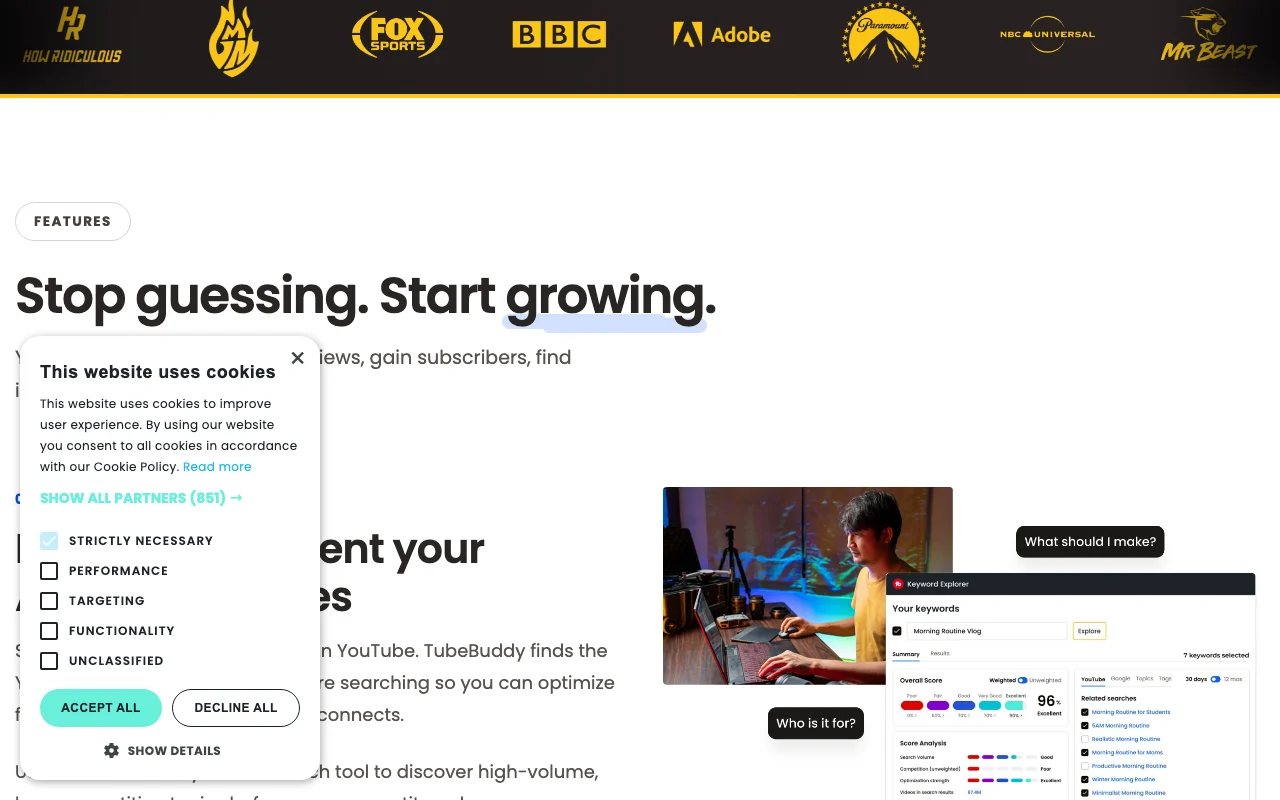
TubeBuddy homepage — screenshot of the video AI tool, Oct 1, 2026
Feature overview on the official site. tubebuddy.com, captured Oct 1, 2026

Keyword Explorer and SEO Studio

Finds keywords with Keyword Explorer and scores videos in SEO Studio Improves ranking chances

Access: Pro and Legend (full access on Legend)Limit: Some tools limited on Pro source (opens in a new tab)

Thumbnail generator and analyzer

Generates and analyzes thumbnails Improves click appeal

Access: Pro and LegendLimit: Analyzer limited on lower tiers source (opens in a new tab)

A/B Testing

Runs A/B tests of thumbnails and titles Measures click-through rate

Access: Listed per plan tableLimit: Plan access not fully readable source (opens in a new tab)

Bulk end screen, cards and find-and-replace editors

Edits end screens, cards and descriptions in bulk Saves time across many videos

Access: Legend and Enterprise (limited on Pro)Limit: Bulk end screen and cards editors are limited on Pro source (opens in a new tab)

TubeBuddy pros and cons

Reasons to choose TubeBuddy

Check before paying for TubeBuddy

How to use TubeBuddy for optimizing a YouTube video for search

Set up TubeBuddy

  1. Sign up at tubebuddy.com
  2. Install the Chrome extension
  3. Connect your YouTube channel

Example: optimizing a YouTube video for search

  1. Open Keyword Explorer and search your topic
  2. Pick keywords with good volume and low competition
  3. Apply titles and tags in SEO Studio
  4. Review the real-time SEO score before publishing

Review and export the result

  1. Confirm the score and tags saved on the video
  2. Check your plan includes the tools you used

TubeBuddy integrations and API

TubeBuddy pricing page with plans and prices — screenshot of the video AI tool, Oct 1, 2026
Plan comparison on the official pricing page. tubebuddy.com, captured Oct 1, 2026

Native integrations and export formats

Export: Comment export

API access and separate billing

TubeBuddy has no public API in its official documentation. Docs returned 404; no API information found.

Privacy, data use and commercial rights

Summarized from the vendor's current policies; this is not legal advice and a vendor's badge is not an independent audit.

Commercial use and plan restrictions

Pro and Legend are not available to businesses.

Creator licenses for individuals only; businesses need Enterprise.

Policies: tubebuddy.com/privacy

TubeBuddy alternatives by need

"Better suited" is based on documented features and pricing, not on a head-to-head test.

vidIQ: better suited to

Descript: better suited to

Canva: better suited to

Alternatives
AlternativeWhen to choose itPricingLimitation
vidIQ——Compare
Descript——Compare
Canva——

Explore TubeBuddy further

Tools and guides near TubeBuddy

TubeBuddy user reviews

No user reviews yet.

Used TubeBuddy? Be the first to share your experience.

Write a review

Reviews are checked by a moderator before they appear. Your email is never published. Plain text only.

Your rating (required)

Show what you made or what went wrong. Images are published only if the review is approved; location data is removed.

    TubeBuddy FAQ

    How much does TubeBuddy cost?

    Pro is listed at $3.99 and Legend at $25.20, charged in USD; the billing period is not clearly stated. source (opens in a new tab)

    Can I cancel any time?

    Yes, paid features stay active until the end of the current payment period, then the channel moves to the free plan. source (opens in a new tab)

    How many channels does a license cover?

    One YouTube channel; use Enterprise for multiple channels. source (opens in a new tab)

    Is there a refund?

    Yes, a 30-day refund policy; contact TubeBuddy Support. source (opens in a new tab)

    Can businesses use Pro or Legend?

    No, those are for individual creators; businesses need Enterprise. source (opens in a new tab)

    Sources and review methodology

    Official sources and verification dates

    Not verified: Billing period of Pro and Legend prices; Free plan scope; Training use and retention; Docs/API (404); Changelog.

    How we documented and maintain this page

    Every fact about TubeBuddy above comes from the 3 official pages listed here, last compared on Sep 29, 2026; we have not run TubeBuddy ourselves, so it has no editorial score. How we check and re-check pages.

    Article updated Oct 2, 2026; prices checked Sep 29, 2026. Outbound links to vendors are plain links; we do not earn commissions. How we review · Report an error