VideoDocumented overviewLast checked Oct 1, 2026

VideoMule: Pricing, Features & Best Use Cases

Turns screen recordings into narrated tutorial videos with AI-written scripts, voiceover, avatars and translation.

Who should use VideoMule

VideoMule suits solo creators and small teams who record a screen and want an AI-written script, voiceover, avatars and translation to produce narrated tutorials and product demos. Based on the vendor's documentation, not on a hands-on test.

Best for: Solo creators making tutorials

Also a good fit for

  • Small teams producing training video

Consider another tool if card required to start the trial

Or if

  • Trial limited to 2 videos, watermarked export
  • Creator plan caps videos at 15 minutes and 30 minutes of upload per month

VideoMule pricing and usage limits

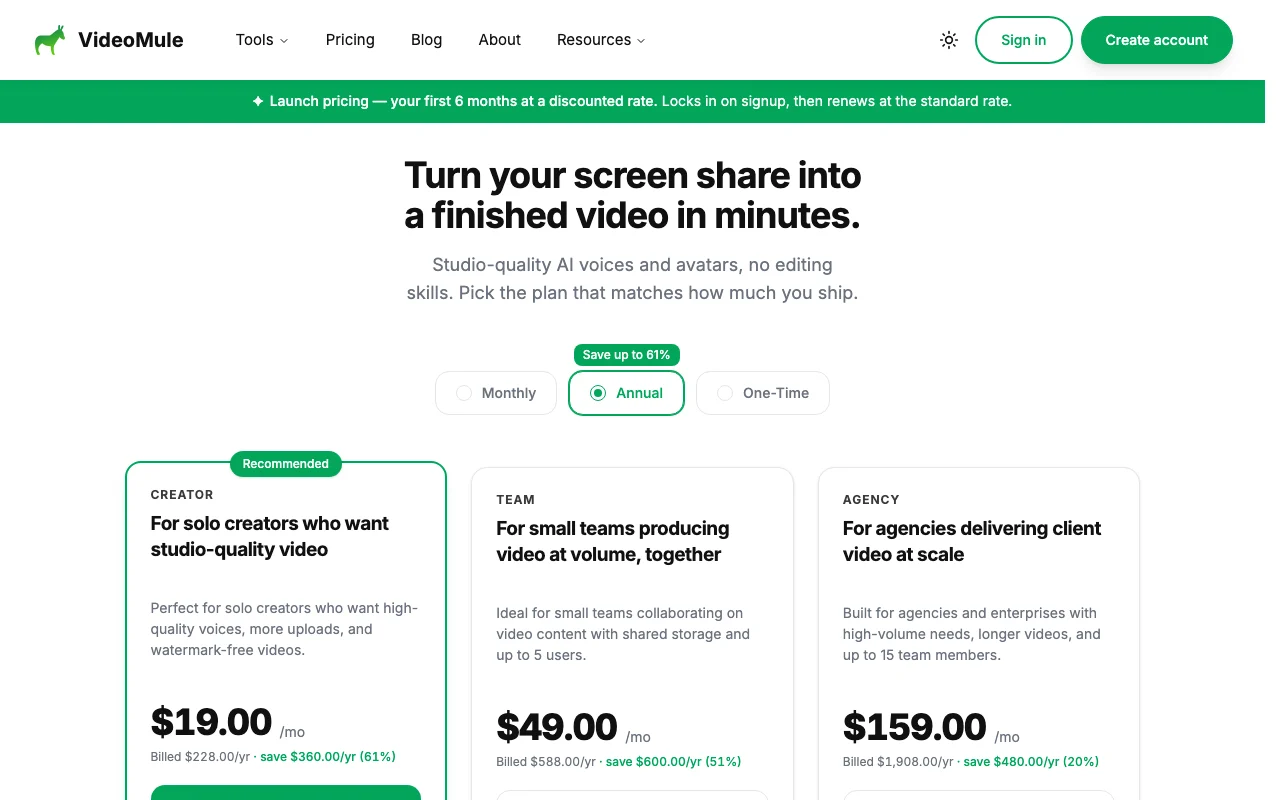
Prices checked Oct 1, 2026 on the official US pricing page. Official pricing ↗ Prices and limits change often.

VideoMule pricing page with plans and prices — screenshot of the video AI tool, Oct 2, 2026
The official VideoMule pricing page as we saw it. videomule.ai, captured Oct 2, 2026

Free access and trial conditions

No free plan; 7-day free trial.

Free 7-day trial, card required; trial includes 2 videos (3 min each), 10 min standard AI voice-over, 1 translation, 1 watermarked export.

Paid plans: what changes as you upgrade

Creator web

$19/mo source (opens in a new tab)

Month, annual commitment

Launch price: $19/mo billed $228/yr (save $360); renews at the standard rate after 6 months, which was not shown.

For: Solo creators

Limits

  • 30 minutes of video upload per month
  • 15 minutes max per video
1 more
  • 1 user, 10 GB storage

Includes

  • 40 minutes AI voice
  • 3 avatar credits
2 more
  • 30 cloud renders, unlimited local renders
  • 15 translations

Team web

$49/mo source (opens in a new tab)

Month, annual commitment

Launch price: $49/mo billed $588/yr (save $600); renews at the standard rate after 6 months, which was not shown.

For: Small teams

Limits

  • 60 minutes of video upload per month
  • 18 minutes max per video
1 more
  • Up to 5 members, 20 GB storage

Includes

  • 80 minutes AI voice
  • 8 avatar credits
2 more
  • 60 cloud renders and 30 translations
  • 3 custom avatars

Agency web

$159/mo source (opens in a new tab)

Month, annual commitment

Launch price: $159/mo billed $1908/yr (save $480); renews at the standard rate after 6 months, which was not shown.

For: Agencies serving clients

Limits

  • 120 minutes of video upload per month
  • 20 minutes max per video
1 more
  • Up to 15 members, 50 GB storage

Includes

  • 200 minutes AI voice
  • 20 avatar credits
2 more
  • 120 cloud renders and 60 translations
  • 10 custom avatars

Usage caps, credits and extra costs

Avatar credits are 1 to 4 per minute by avatar type and quality; a One-Time purchase tab also exists.

Not stated.

What is VideoMule, and how does it work?

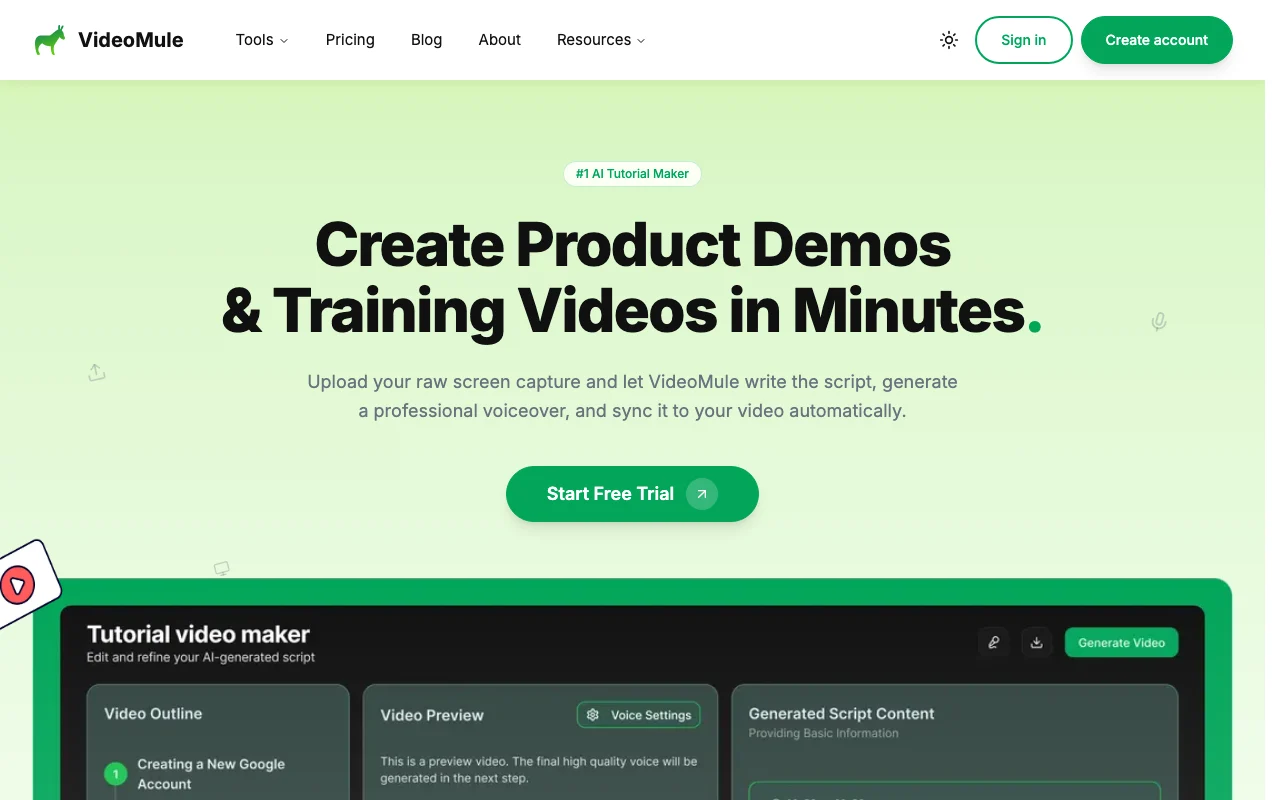
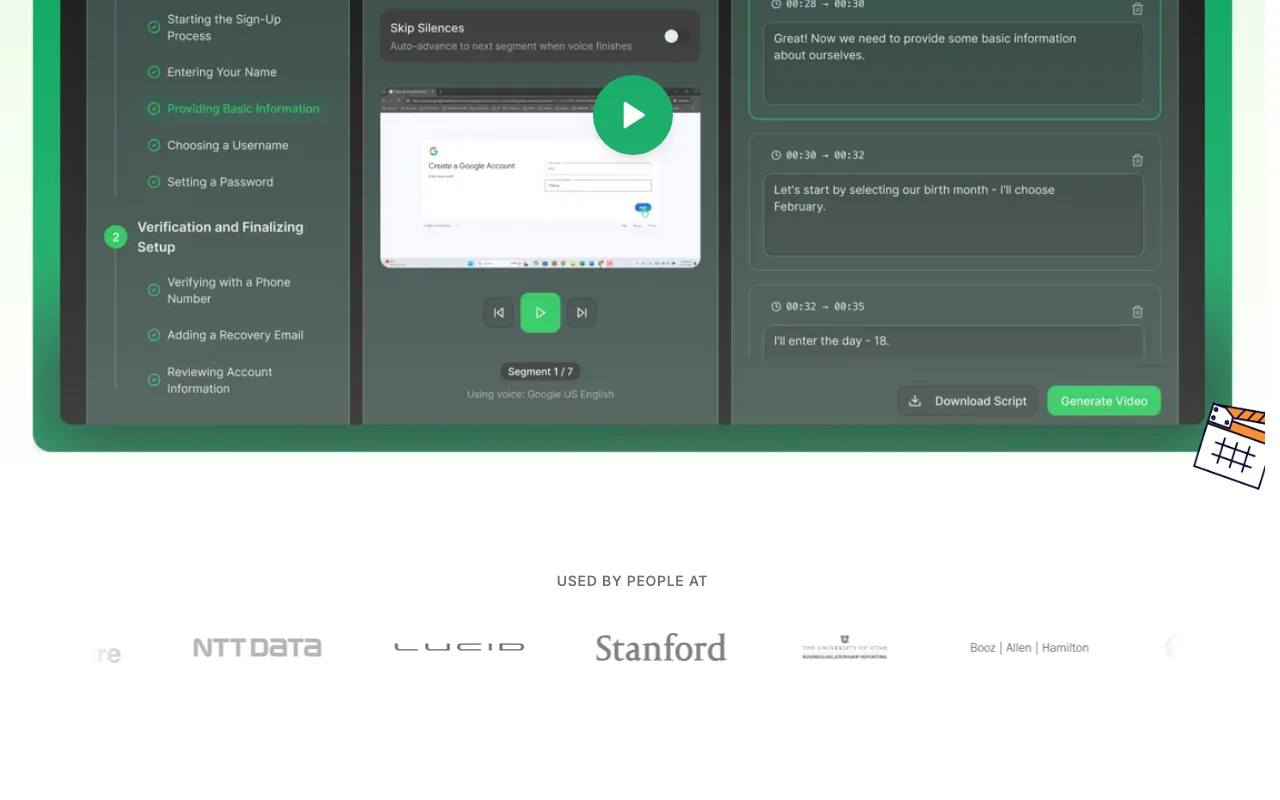
VideoMule takes a screen recording or upload, writes a script, adds an AI voiceover and syncs it to the video to produce tutorials and product demos. It includes zoom effects, callouts, on-screen text, AI avatars and translation into other languages, with browser-based screen recording.

VideoMule homepage — screenshot of the video AI tool, Oct 2, 2026
VideoMule's official site: how the product presents itself. videomule.ai, captured Oct 2, 2026

What you provide and what you get back

How VideoMule works: what you provide, where it runs and what you get backYOU PROVIDEYour inputScreen recordings made in browser…Chosen voice, avatar and languageOptional ElevenLabs voiceVIDEOVideoMuleWebfrom $19/mo (Creator)no free tieraccount requiredchecked Oct 1, 2026YOU GET BACKThe resultNarrated tutorial videoAI-written scriptTranslated versionsinput → VideoMule → output · from the vendor's own pages, no hands-on test unless stated
What you give VideoMule and what comes back, from its documentation

You provide

  • Screen recordings made in browser or uploaded video
  • Chosen voice, avatar and language
  • Optional ElevenLabs voice

You get back

  • Narrated tutorial video
  • AI-written script
  • Translated versions

Where you can use it

Platforms
Web
Account
Required
Max video length
15 / 18 / 20 minutes
Video upload per month
30 / 60 / 120 minutes
AI voice minutes
40 / 80 / 200
Translations per month
15 / 30 / 60
Watermark
Trial export only

Best use cases for VideoMule

Scenarios are worked out by our editors from the documentation; the actual result depends on your input and plan.

Product demos

Who
Software marketers
You provide
A raw screen capture of a product flow
Expected result
A narrated product demo with zooms and callouts
Plan needed
Creator
Limitation
15-minute maximum per video source (opens in a new tab)

Software tutorials

Who
Support and training teams
You provide
Screen recordings of procedures
Expected result
Training videos with AI voice and an avatar presenter
Plan needed
Team
Limitation
Upload minutes capped monthly source (opens in a new tab)

Training videos

Who
Agencies producing client tutorials
You provide
Client screen captures
Expected result
Branded tutorials translated into other languages
Plan needed
Agency
Limitation
Avatar credits limited per plan source (opens in a new tab)

What VideoMule does, and where it stops

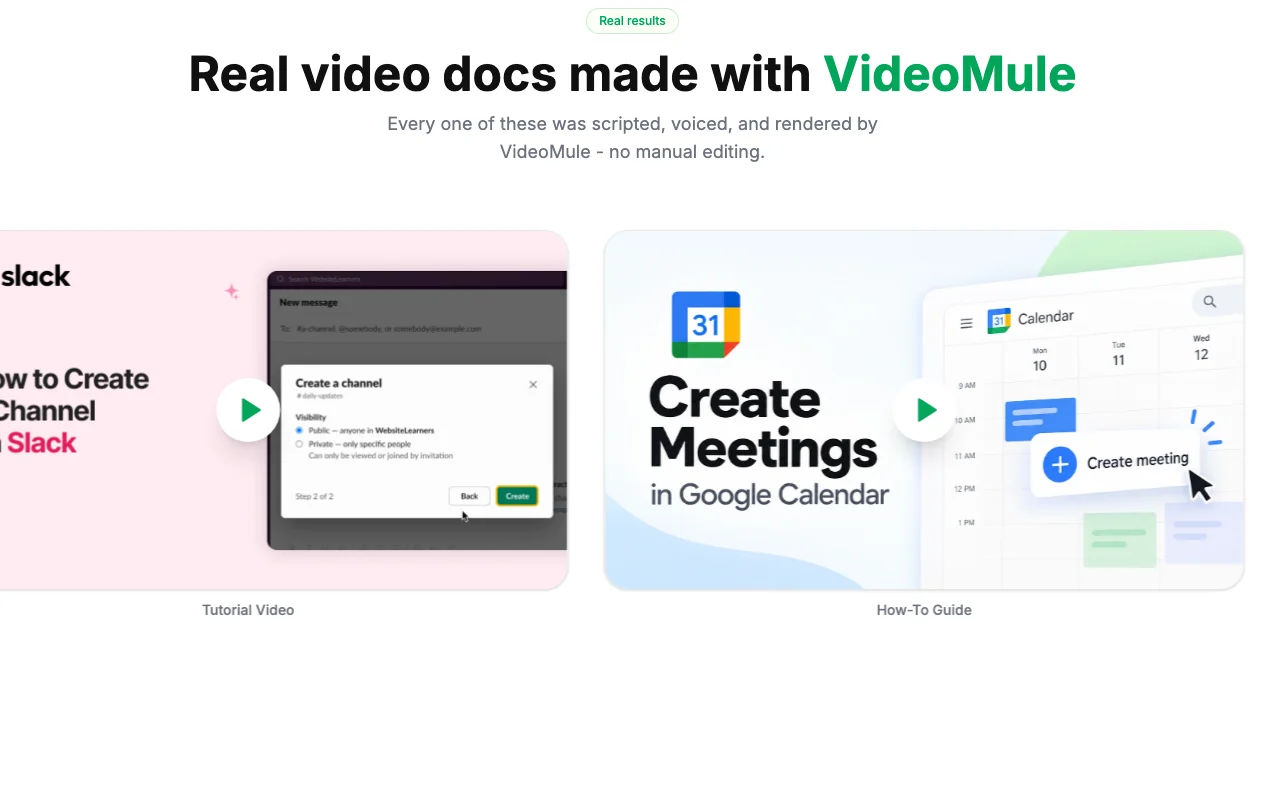
VideoMule homepage — screenshot of the video AI tool, Oct 2, 2026
Feature overview on the official site. videomule.ai, captured Oct 2, 2026

AI script generation

Writes a narration script from the uploaded screen recording. Skips manual scripting.

Access: All plansLimit: Script needs a quick accuracy check. source (opens in a new tab)

AI voiceover

Generates an AI voiceover and syncs it to the video. Produces narration without recording audio.

Access: All plans (minutes by plan)Limit: Voice minutes are capped monthly. source (opens in a new tab)

AI avatars

Places AI avatars to present steps, with custom avatars trained from a photo or digital twin. Adds a presenter without filming.

Access: All paid plansLimit: Avatar credits and custom avatar counts are limited. source (opens in a new tab)

Zoom and focus animations

Adds automatic zoom and focus animations, callouts and on-screen text. Highlights key actions for viewers.

Access: All plansLimit: Effects follow detected actions, so review the result. source (opens in a new tab)

VideoMule pros and cons

Reasons to choose VideoMule

Check before paying for VideoMule

How to use VideoMule for turning a screen recording into a narrated tutorial

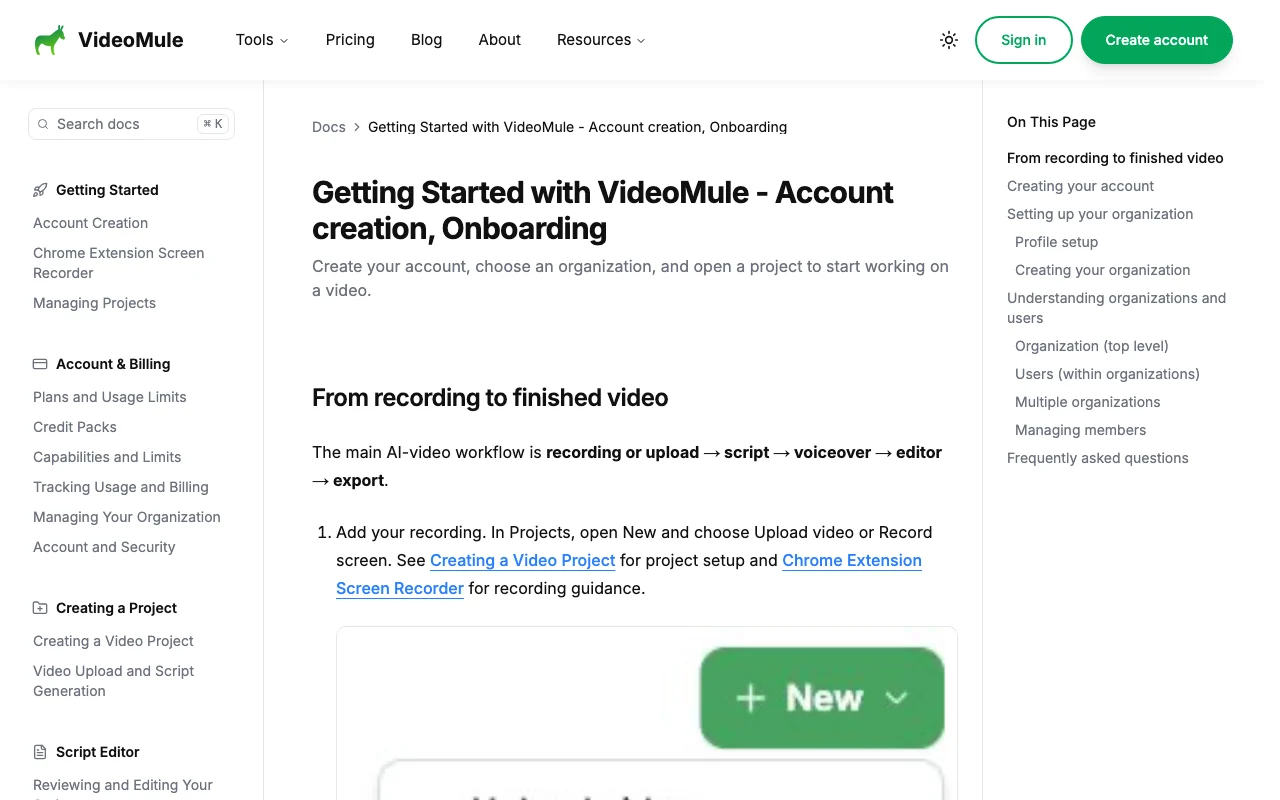
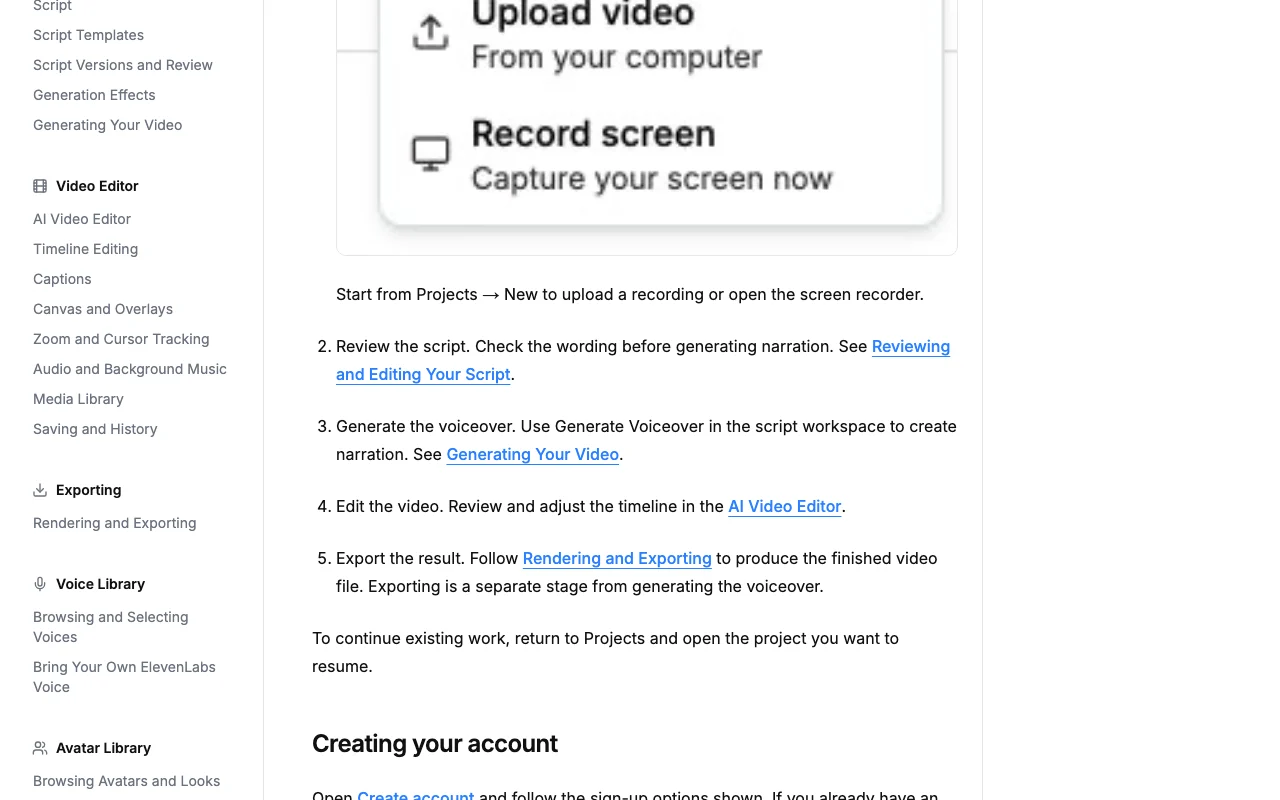
VideoMule documentation — screenshot of the video AI tool, Oct 2, 2026
VideoMule documentation: where the steps below come from. videomule.ai, captured Oct 2, 2026

Set up VideoMule

  1. Start the 7-day free trial at videomule.ai (card required)
  2. Create a project in your organization
  3. Record your screen in the browser or upload an existing capture

Example: turning a screen recording into a narrated tutorial

  1. Let VideoMule generate the script
  2. Choose a voice from the Voice Library and generate the voiceover
  3. Open the editor to adjust zooms, callouts and an optional avatar
  4. Render and export the video

Review and export the result

  1. Listen to the voiceover against the on-screen actions
  2. Check minutes and credits used against your plan

VideoMule integrations and API

VideoMule documentation — screenshot of the video AI tool, Oct 2, 2026
VideoMule documentation (continued). videomule.ai, captured Oct 2, 2026

Native integrations and export formats

Export: Rendered video file

API access and separate billing

VideoMule has no public API in its official documentation. No API stated. API documentation ↗

Privacy, data use and commercial rights

Summarized from the vendor's current policies; this is not legal advice and a vendor's badge is not an independent audit.

How your inputs and outputs are handled

Uploaded screen recordings, scripts, voices and avatar photos are processed.

Not stated.

Not stated.

Commercial use and plan restrictions

Not stated; paid plans are watermark-free.

Trial export is watermarked.

Controls for business users

  • Organization workspaces with members

VideoMule alternatives by need

"Better suited" is based on documented features and pricing, not on a head-to-head test.

Descript: better suited to

Synthesia: better suited to

Runway: better suited to

Alternatives
AlternativeWhen to choose itPricingLimitation
Descript——Compare
Synthesia——Compare
Runway——Compare

Explore VideoMule further

Tools and guides near VideoMule

VideoMule user reviews

No user reviews yet.

Used VideoMule? Be the first to share your experience.

Write a review

Reviews are checked by a moderator before they appear. Your email is never published. Plain text only.

Your rating (required)

Show what you made or what went wrong. Images are published only if the review is approved; location data is removed.

    VideoMule FAQ

    What does the VideoMule free trial include?

    7 days with 2 videos of 3 minutes, 10 minutes of standard AI voice-over, 1 translation and 1 watermarked export. source (opens in a new tab)

    Do I need a card for the VideoMule trial?

    Yes, a card is required, and the plan starts automatically unless you cancel before the trial ends. source (opens in a new tab)

    How long can a VideoMule video be?

    15 minutes on Creator, 18 on Team and 20 on Agency. source (opens in a new tab)

    How many avatar credits are included?

    3 on Creator, 8 on Team and 20 on Agency, using 1 to 4 credits per minute by avatar type and quality. source (opens in a new tab)

    What are the VideoMule launch prices?

    Creator $19, Team $49 and Agency $159 per month billed yearly; they apply for the first 6 months then renew at the standard rate. source (opens in a new tab)

    Sources and review methodology

    Official sources and verification dates

    Not verified: Standard renewal prices; Privacy terms; Training use; Export formats.

    How we documented and maintain this page

    Every fact about VideoMule above comes from the 3 official pages listed here, last compared on Oct 1, 2026; we have not run VideoMule ourselves, so it has no editorial score. How we check and re-check pages.

    Article updated Oct 2, 2026; prices checked Oct 1, 2026. Outbound links to vendors are plain links; we do not earn commissions. How we review · Report an error